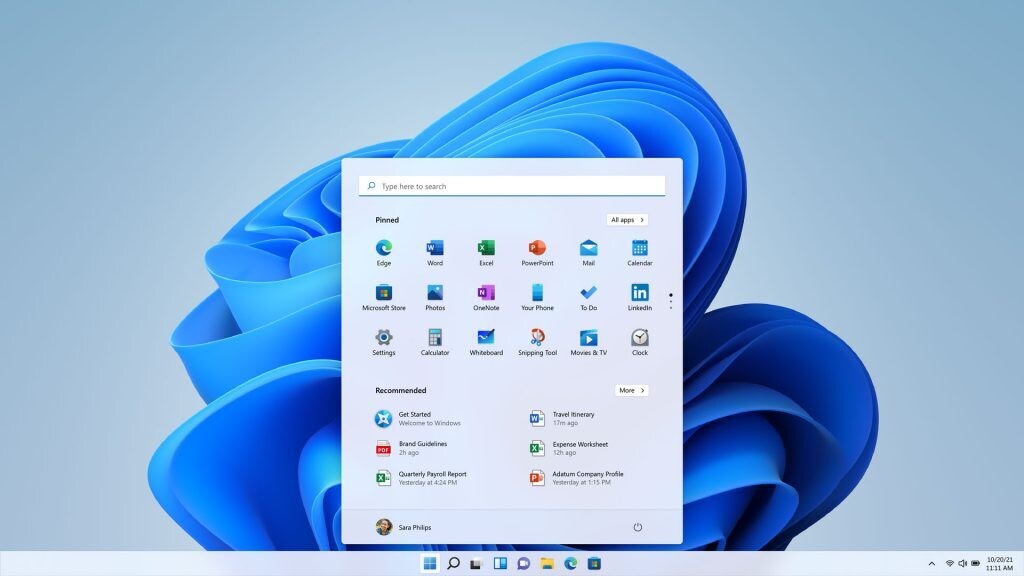
Microsoft has officially closed a significant loophole in Windows 11 that allowed users to bypass the requirement of creating a Microsoft account during the setup process. This change, aimed at enhancing security and user experience, is part of the company’s ongoing efforts to streamline the installation of its operating system and promote its online services.
Key Takeaways
- Microsoft is removing the “bypassnro” command that allowed local account setup.
- Users are now required to create a Microsoft account during installation.
- A temporary workaround exists, but it may soon be eliminated.
- The change reflects Microsoft’s push towards integrating its services with Windows 11.
The Closure of the Bypassnro Command
Since the release of Windows 11 version 22H2 in February 2023, Microsoft has mandated that users create a Microsoft account to complete the installation of the operating system. This requirement has been met with resistance from users who prefer the option of a local account, which does not necessitate an internet connection.
Previously, users could utilize the command “bypassnro” during the installation process to skip the internet connection step and set up a local account. However, Microsoft has announced that this command will be removed in future updates, as stated in a recent Windows Insider Preview blog post. The company emphasized that this change is intended to enhance security and ensure that all users complete the setup with an internet connection and a Microsoft account.
Current Workarounds
While the removal of the “bypassnro” command is imminent, users still have a few options to avoid creating a Microsoft account during setup:
- This command temporarily reactivates the bypass, allowing users to complete the installation without a Microsoft account.
- Using Rufus: This tool can create a customized Windows 11 installer that bypasses the Microsoft account requirement altogether. Rufus can also reject data collection prompts and remove the need for TPM 2.0 and Secure Boot during installation.
- Unattended Installations: For IT departments or advanced users, creating an unattended installation file (unattended.xml) can streamline the setup process without requiring a Microsoft account.
Implications of the Change
The tightening of account requirements reflects Microsoft’s broader strategy to integrate its services more closely with Windows 11. By encouraging users to create Microsoft accounts, the company aims to promote its cloud services, such as OneDrive and Microsoft 365, and enhance user engagement with its ecosystem.
This shift has raised concerns among users who value privacy and prefer local accounts for their simplicity and independence from online services. While Microsoft maintains that these changes are for security and user experience, many users feel that they are being pushed towards a more connected and less private computing experience.
Conclusion
As Microsoft continues to evolve Windows 11, the removal of the local account setup loophole marks a significant shift in how users interact with the operating system. While workarounds still exist for now, the future of local account setups in Windows 11 appears uncertain. Users will need to adapt to these changes as Microsoft reinforces its push towards a more integrated and online-centric user experience.