


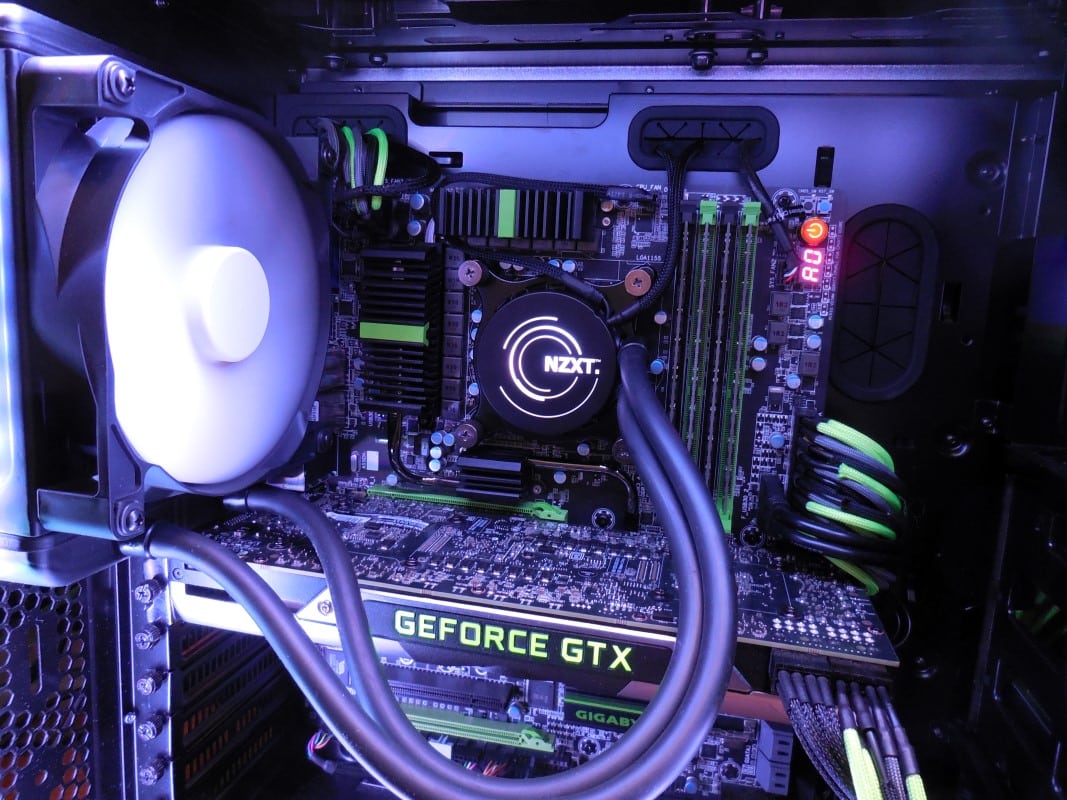
NZXT Kraken X41Overview
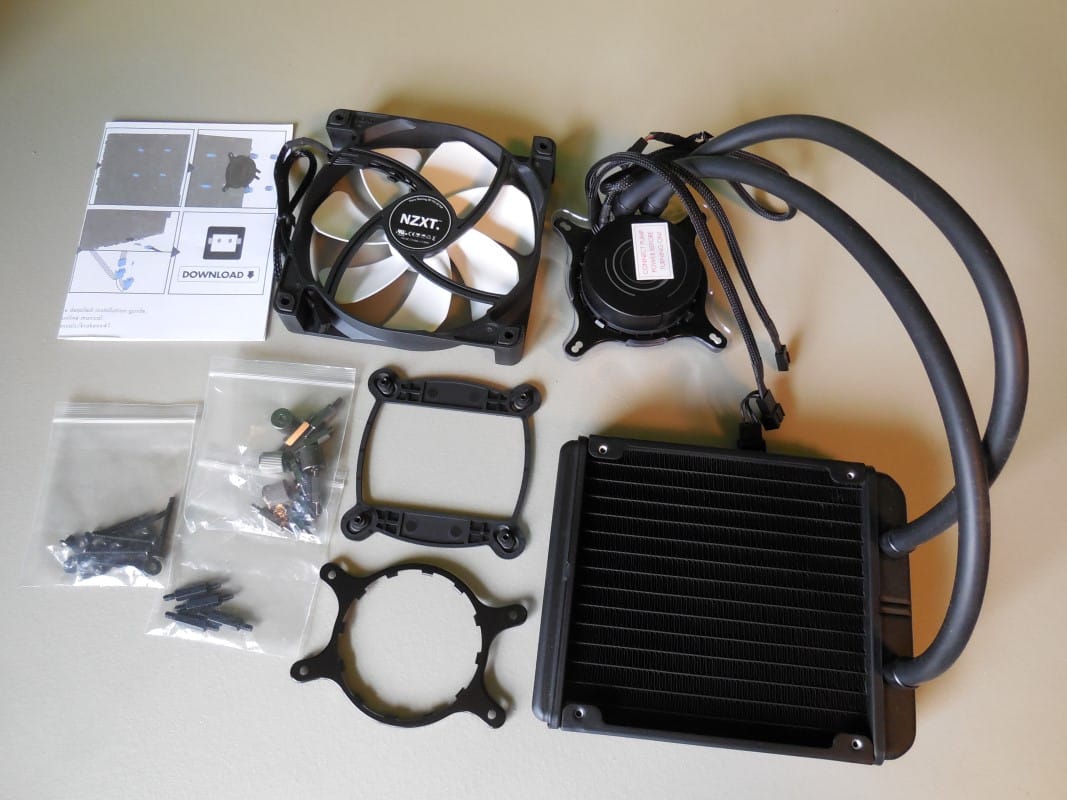
With all the packaging removed we have a standard assortment of items for an AIO. This includes the X41 itself as well as an NZXT brand 140mm fan, installation accessories for both AMD and Intel and a two page manual.
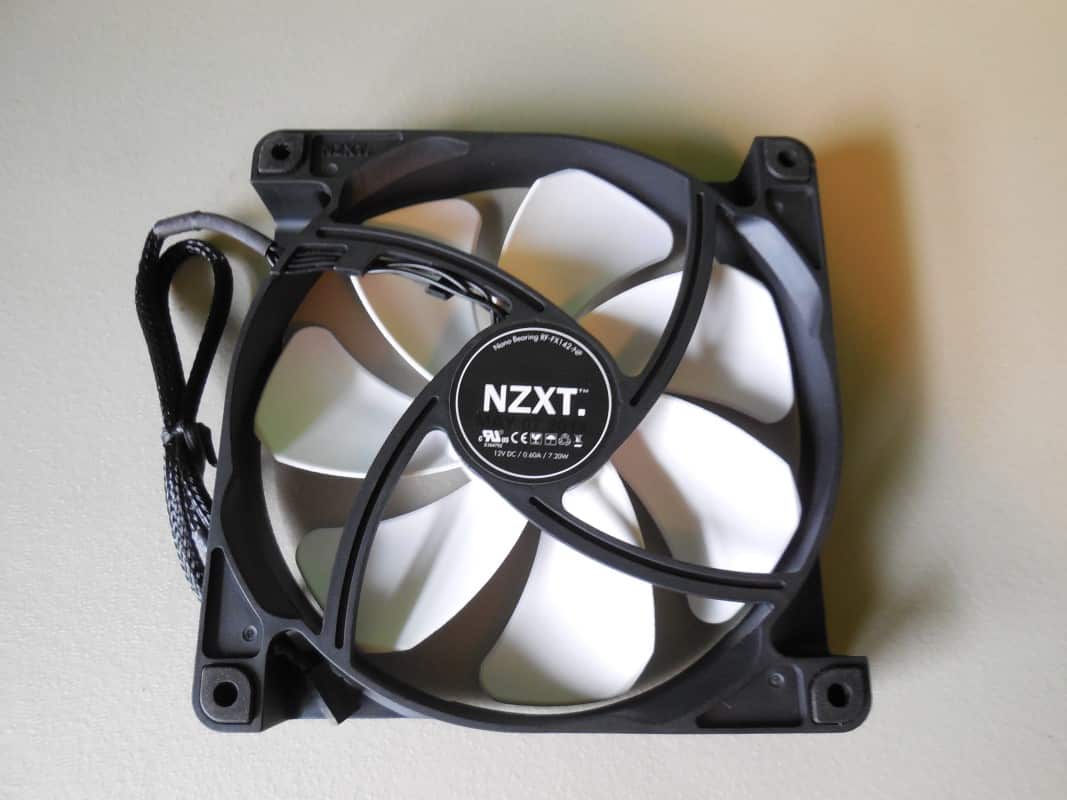
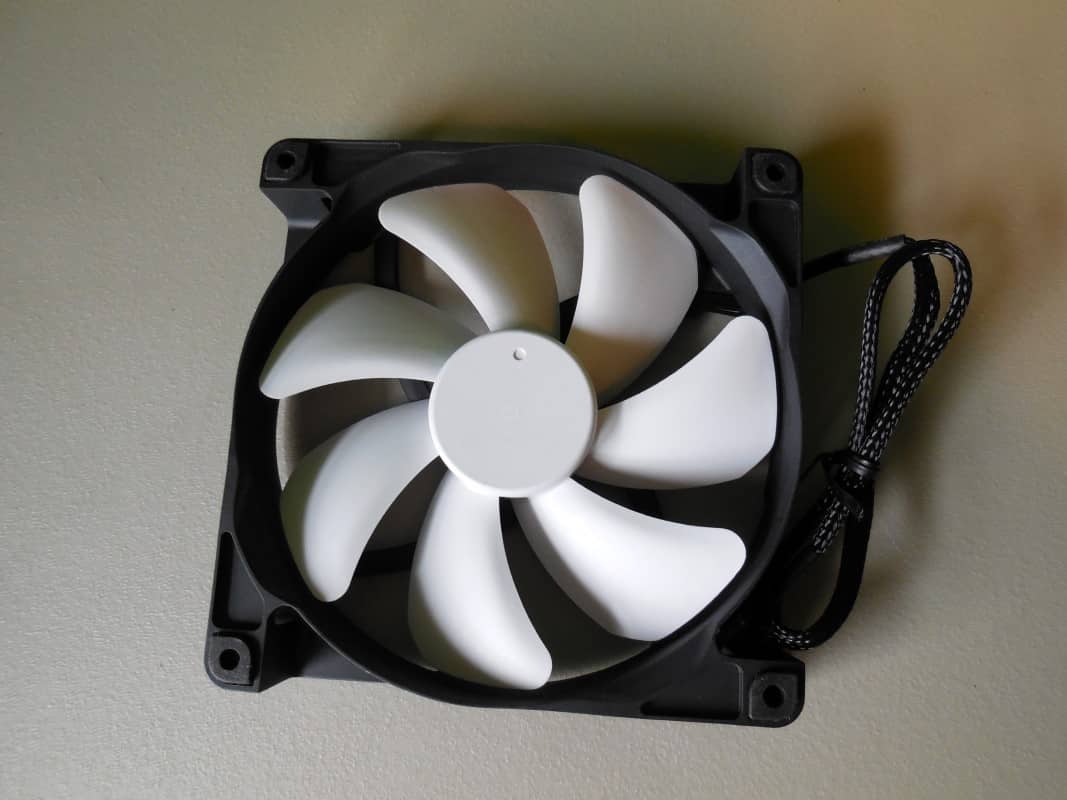
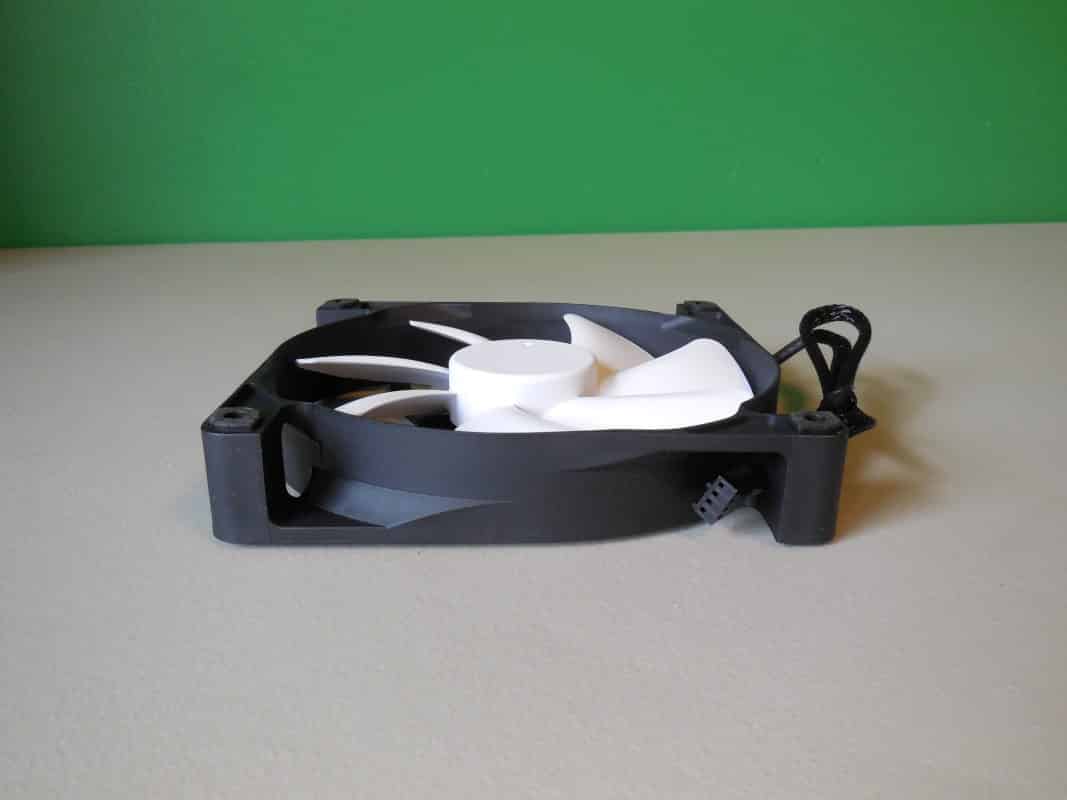
The included fan is an RF-FX142-NP with a claimed airflow of 42-106 CFM and static pressure ranging from .36-1.97mm. This should be enough to get the job done, but is in the middle range of static pressure for radiator fans. The noise range is 20-37 dBA from low to high speed, so even at the bottom end I wouldn’t expect this fan to be silent. Over all the fan has a really nice solid feel to it. It comes complete with anti vibration rubber dampers in all corners, is PWM controlled and of course is finished with a black housing and white blades typical of NZXT.
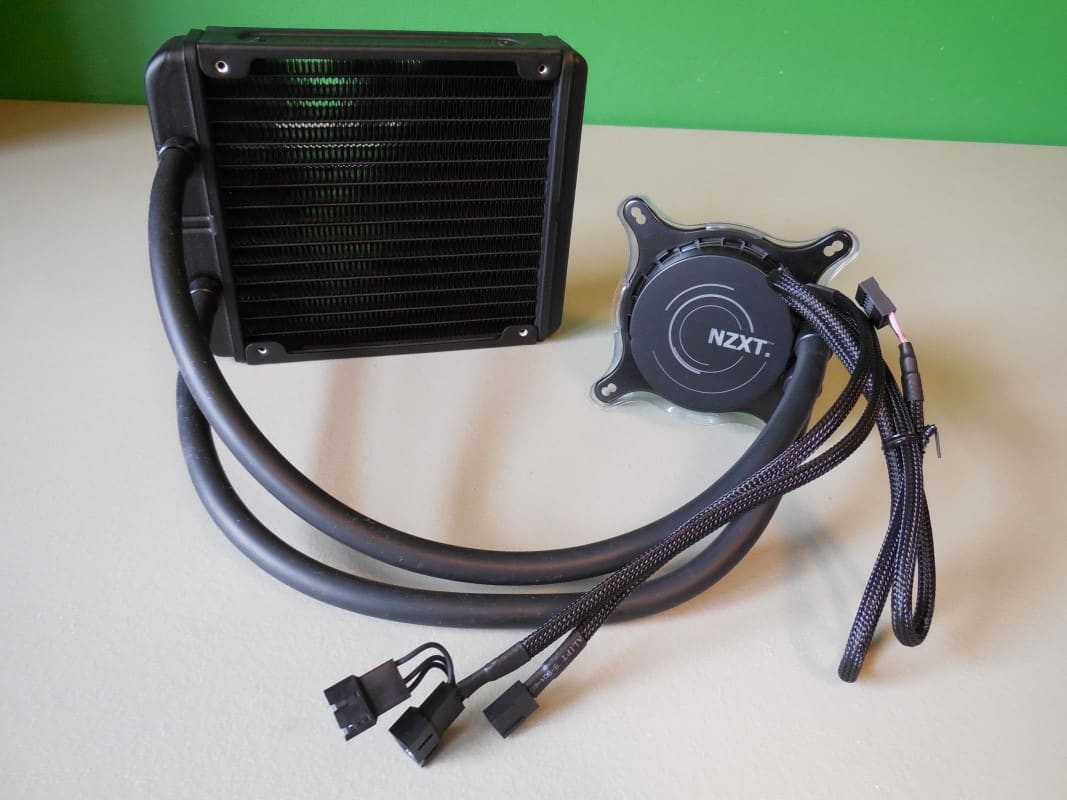
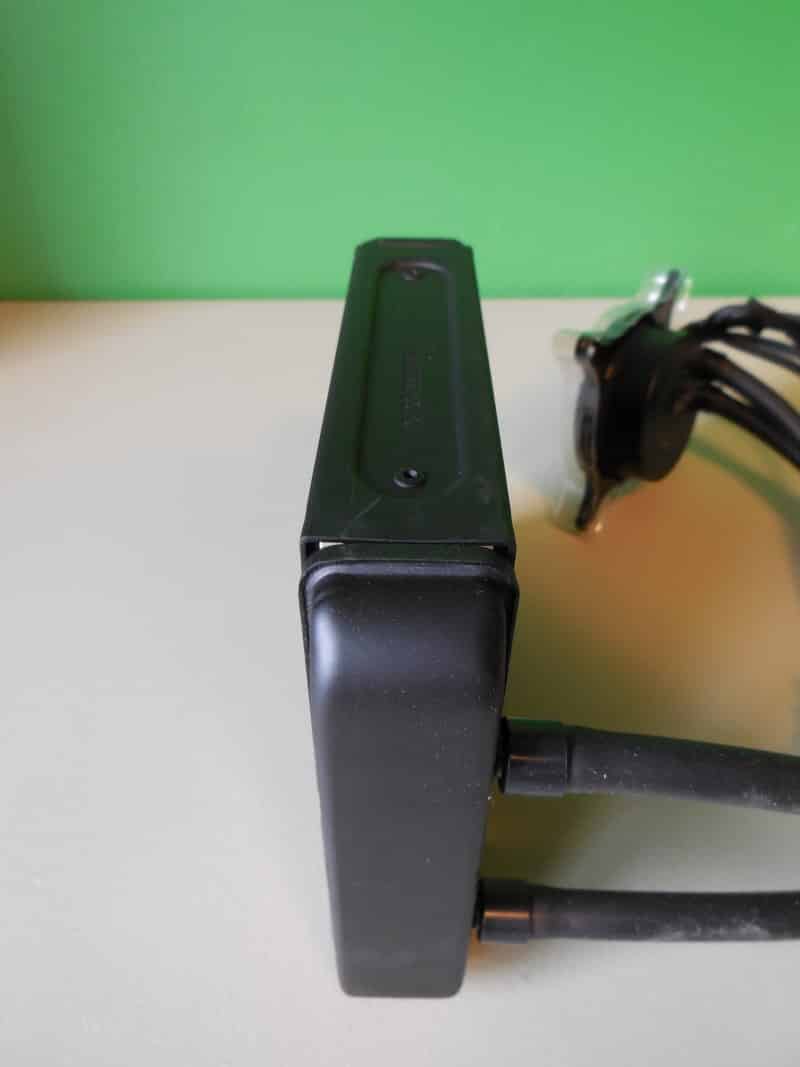
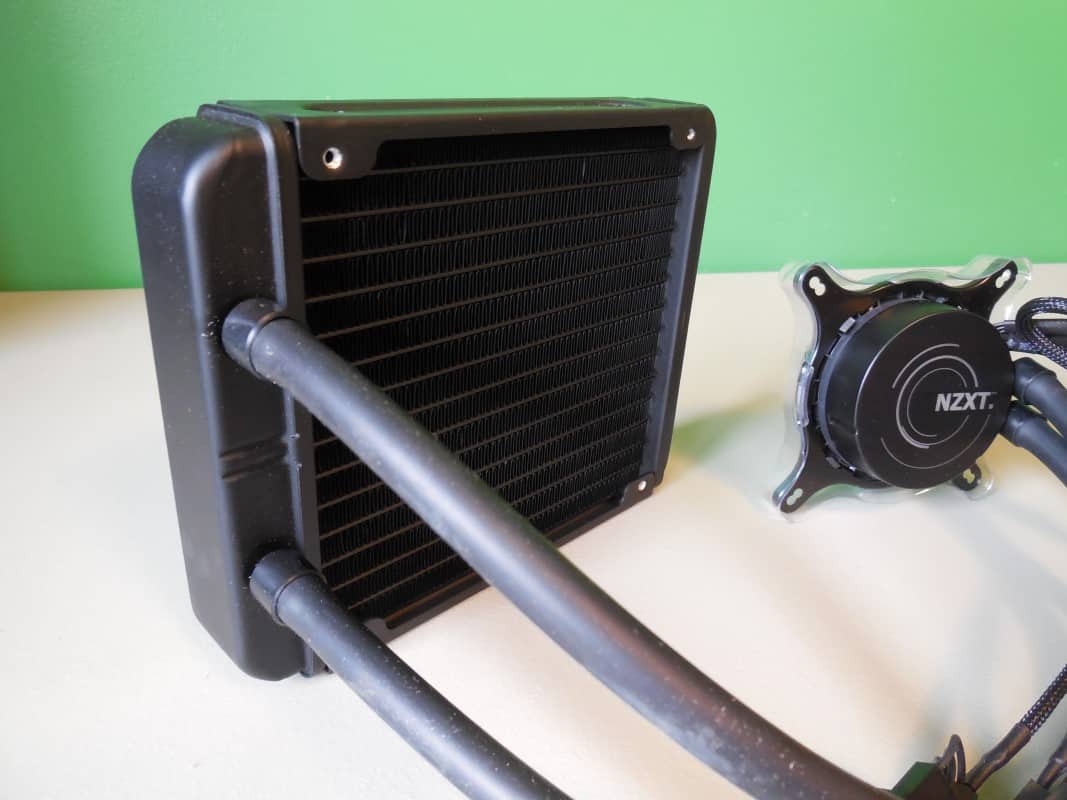
After the fan the only other performance part is the X41 itself. We find a 140mm radiator boasting a 36mm thickness matted to a small puck shaped pump by a generous amount of flexible rubber hosing. Attached to the pump are three leads with different connectors on each.
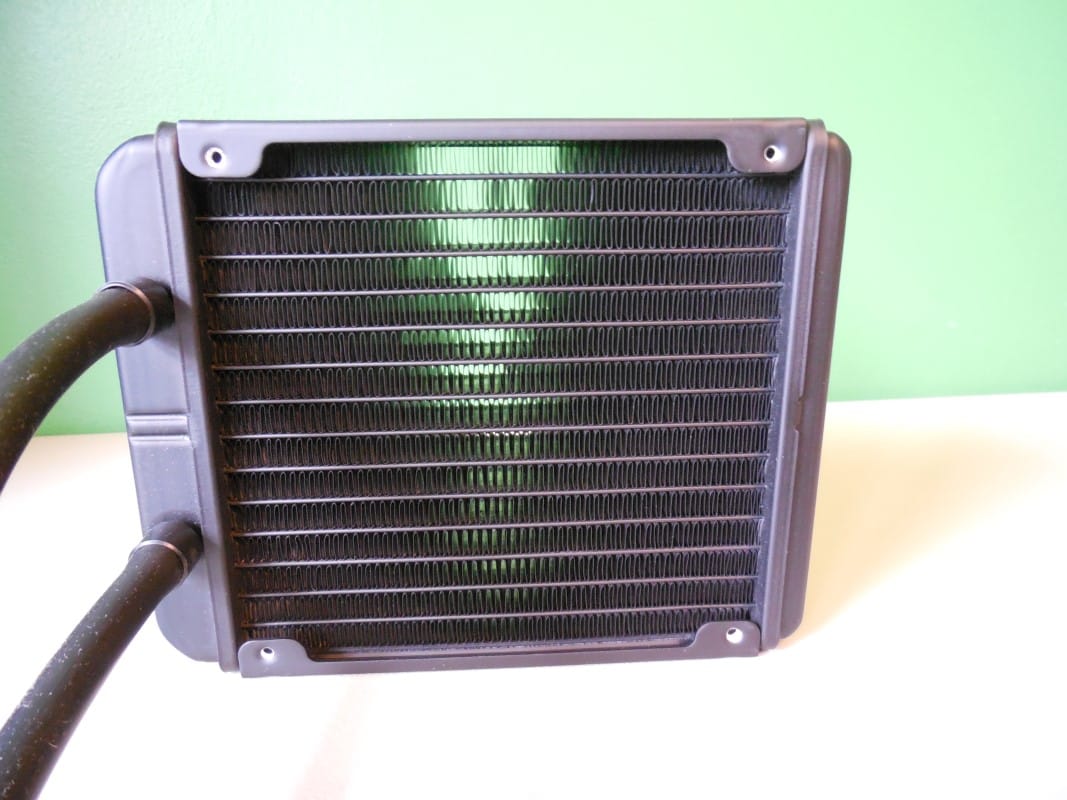
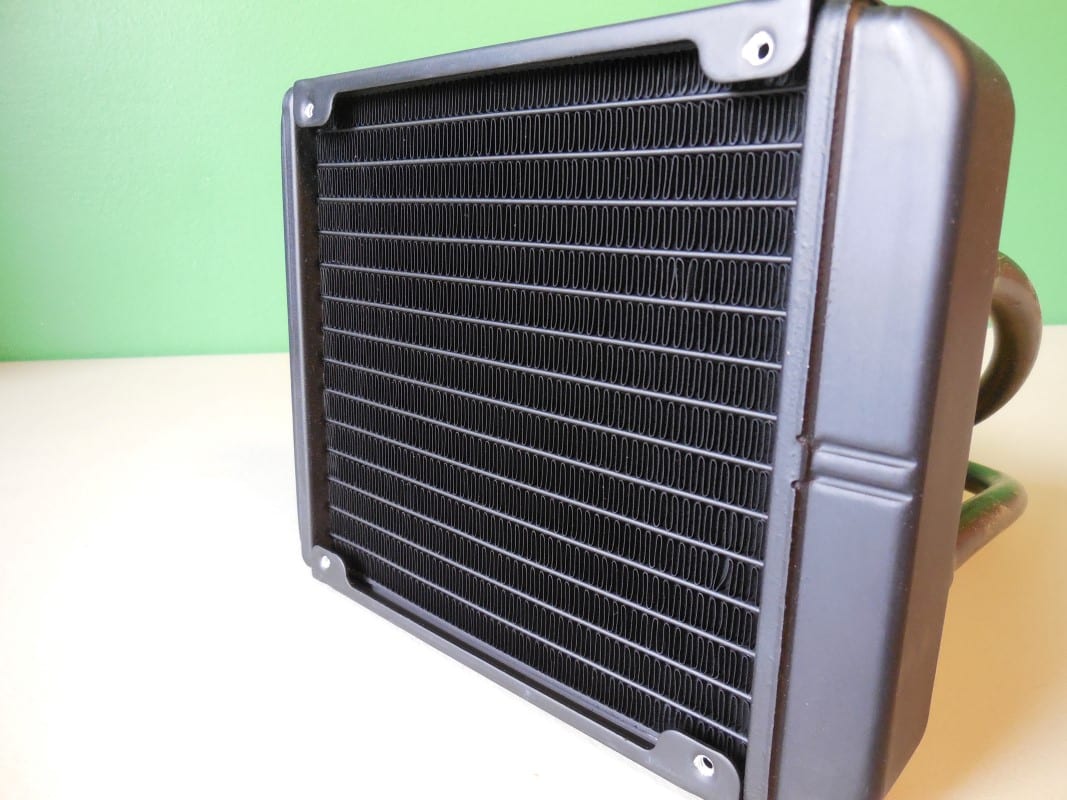
As mentioned the radiator is 140mm and has a generous surround built up around the fins themselves. Both sides are tapped for screws and up to two fans can be installed. Of course the X41 kit only comes with the single 140mm fan. As it is a slightly thicker radiator than most used in AIO kits, this unit benefits from needing slightly less fins per inch and should operate most optimally at slower fan speeds. Over all it is a well built radiator with a solid matte black finish.
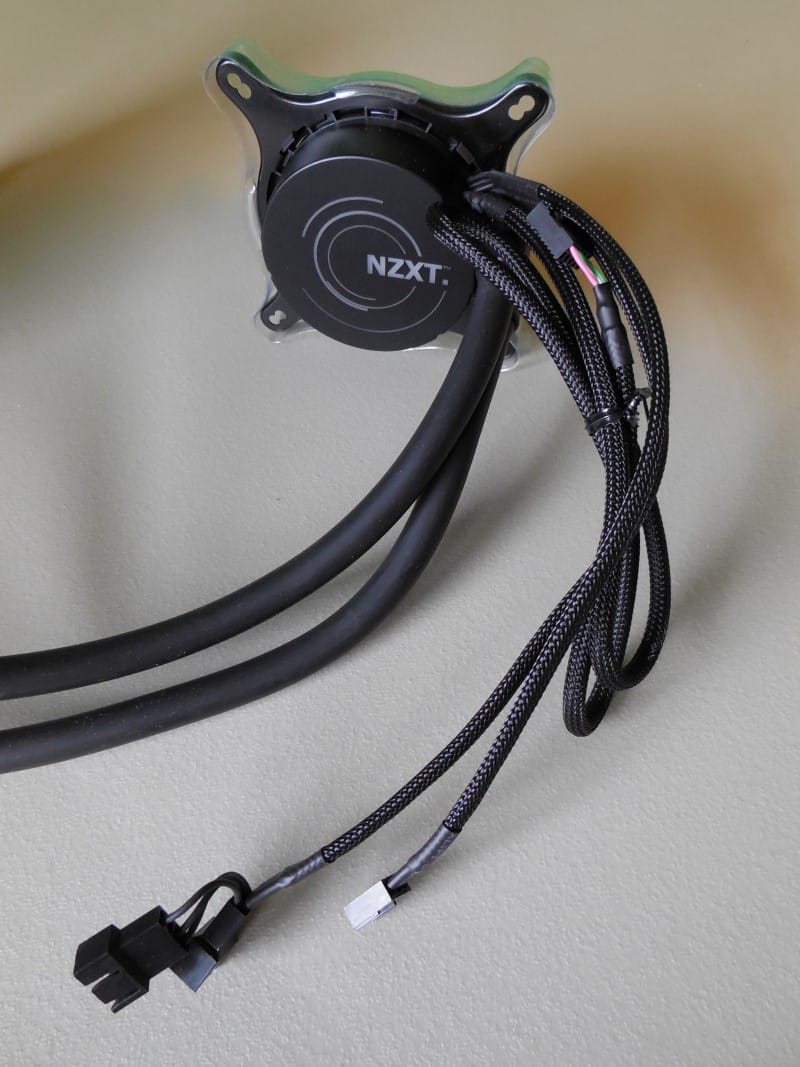
At the other end of the 400mm of tubing we find the pump unit itself. As mentioned it is a low profile puck shape. Installed in the top of the pump is a color adjustable LED that illuminates from below a unique design and the NZXT logo when powered. The three leads provide power to the unit, connect it to a USB header on your motherboard, and also provide power for up to two fans. NZXT ships the X41 with the Intel bracket pre installed on the pump.
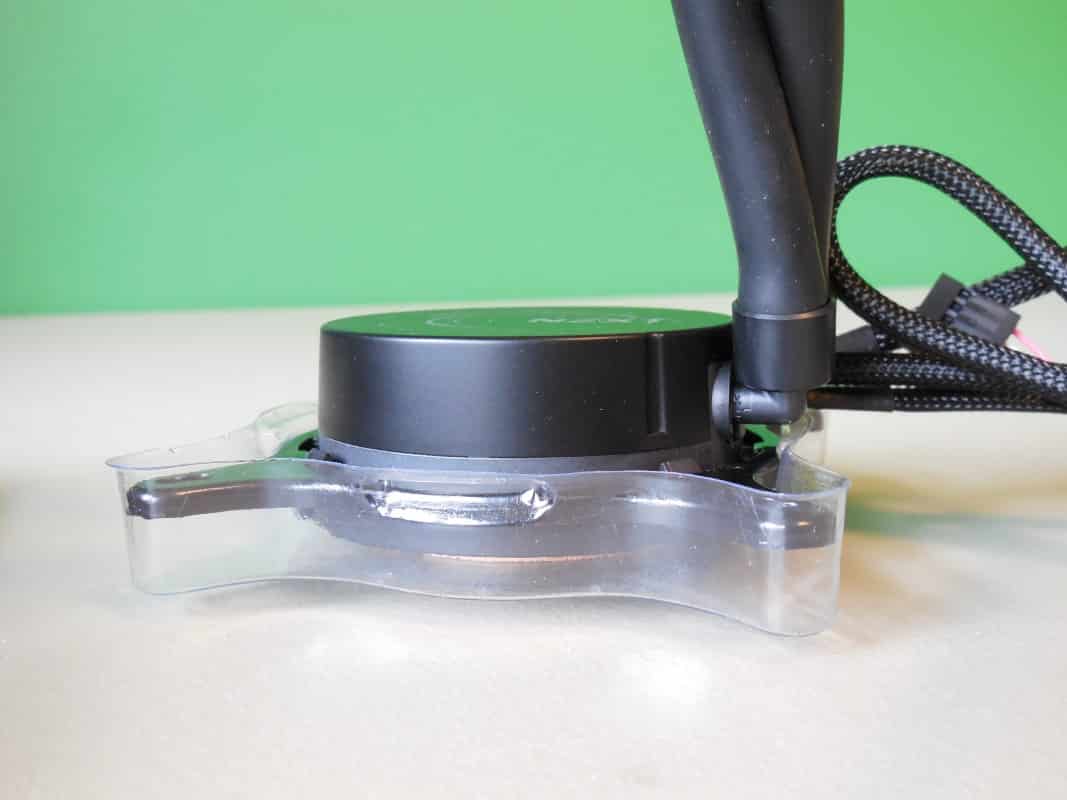
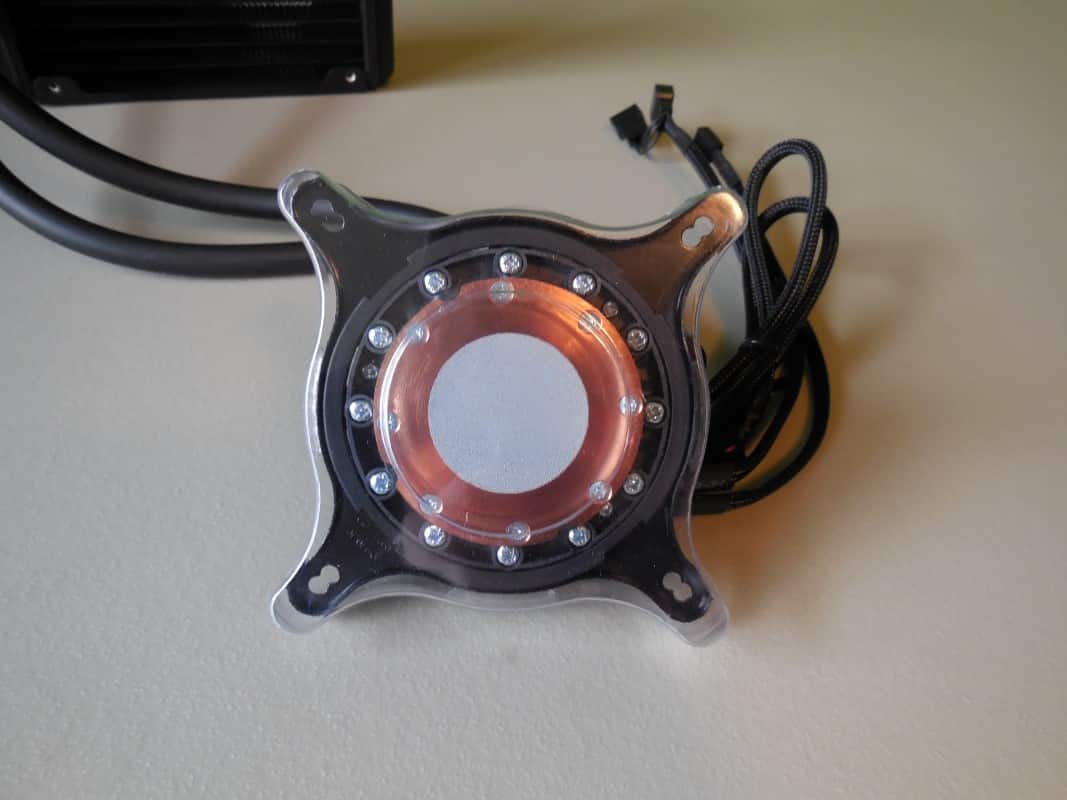
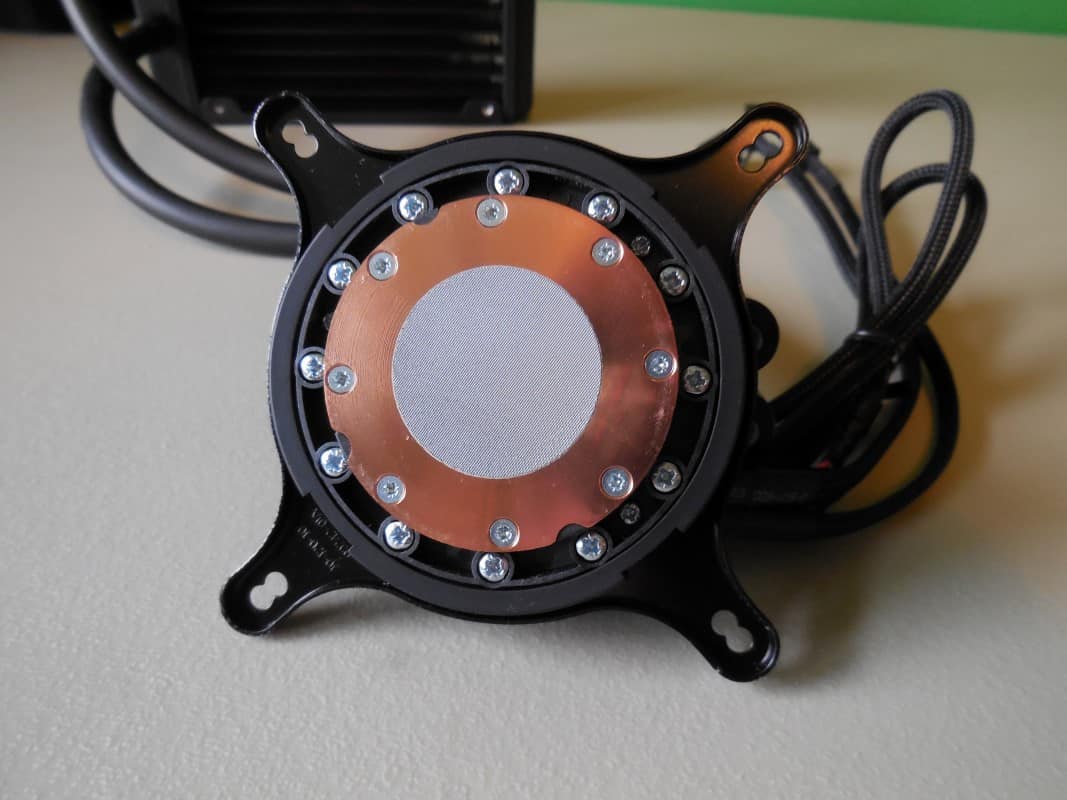
Protecting the business end of the pump is a formed plastic tray that stays in place well during installation. Removing this we find a circular bit of thermal material perfectly pre installed for your convenience. This grey material is directly on top of the copper cold plate that will pass heat from the CPU into the loop. It has a decent finish, but is not quite mirror smooth. And of course not a visible feature, but the pump itself is the worlds first in variable speed performance. The idea is that the pump will slow when the CPU runs cooler, further reducing noise. Having tested many AIO units we know first hand that if implemented correctly this could be ground-breaking in audible performance.


Yeah it is a bit expensive, I”ve been waiting for a good sale since april.
Wow, nothing more than a rebranded Zalman CNPS20LQ with LED lighting on the pump.
The ambient temperature during the second test was 5 degrees cooler so the only real difference was under load which was 5 degrees cooler. Other than the the temps were the same…
You can’t have ambient temperature 5 degrees colder and say, wow this cooler ran it 5 degrees cooler! That would be the ambient temperature that made the most difference not the water cooler.
And honestly I have the x41 and it’s really not that good at all.
Oliver, thanks for your reply.
What you are comparing is the Fahrenheit ambient temperature with the Celsius results. Double check your math and you’ll find that it does indeed perform much better than our baseline rig (which considering the cooler in that it’s pretty darn good). Thanks for fact checking and trying to keep us honest, we appreciate your interest!
Great review! I’m really stuck between this and the Nepton 240M in my H440 case. Any thoughts on that? Thanks.
Thanks for the compliment John I’m glad you enjoyed my review. While I have not had the chance to review the Nepton 240M, I did review the Nepton 280L and it was quite the performer. Unfortunately for CM the Kraken X41 pulls slightly ahead when under load.
IF you had the Nepton 280L I wouldn’t say the difference is worth the cost. However since the 280L actually has ~1/3 more surface area than the 240M I’m going to venture to say that upgrading to the X41 might actually be worth while. Not only should you see better cooling results, but the Kraken has that slick CAM software to play with. Seriously it’s good stuff. Either way keep checking out TC for reviews on the latest coolers, and let me know if you have any further questions!
So..¿would you recommend this to get 5ghz on an fx 8320e with good temps or should i get the x61? also nice review.
While I have no experience with that particular chip, poking around a little I would not suggest this cooler if you are attempting 5ghz. The x61 would be a better choice if you are wanting use an NZXT AiO cooler.
Ok then i will aim for the x61 so i can get this fx his top performance plus that double rad looks pretty awesome thanks for the replay Derrick and greetings from Mexico hot lands.