How Easy is it to Set Up the Razer Hammerhead V3 HyperSpeed Gaming Earbuds?
When it comes to getting the Hammerhead V3 HyperSpeed gaming earbuds all set up it is quite easy. If you are connecting with the wireless 2.4 GHz dongle all you have to do is make sure the earbuds are charged, connect the 2.4 GHz dongle to your device and then take the earbuds out of their charging case. They will automatically connect and you’ll be good to go.
If you plan to connect via Bluetooth just keep the 2.4 GHz dongle in the charging case and take the earbuds out. They will go into pairing mode and you’ll be able to see them listed under Bluetooth devices on your phone or other device. Just click on the “RZR HHV3” to pair, it is that simple.
Razer Software and Razer Audio App
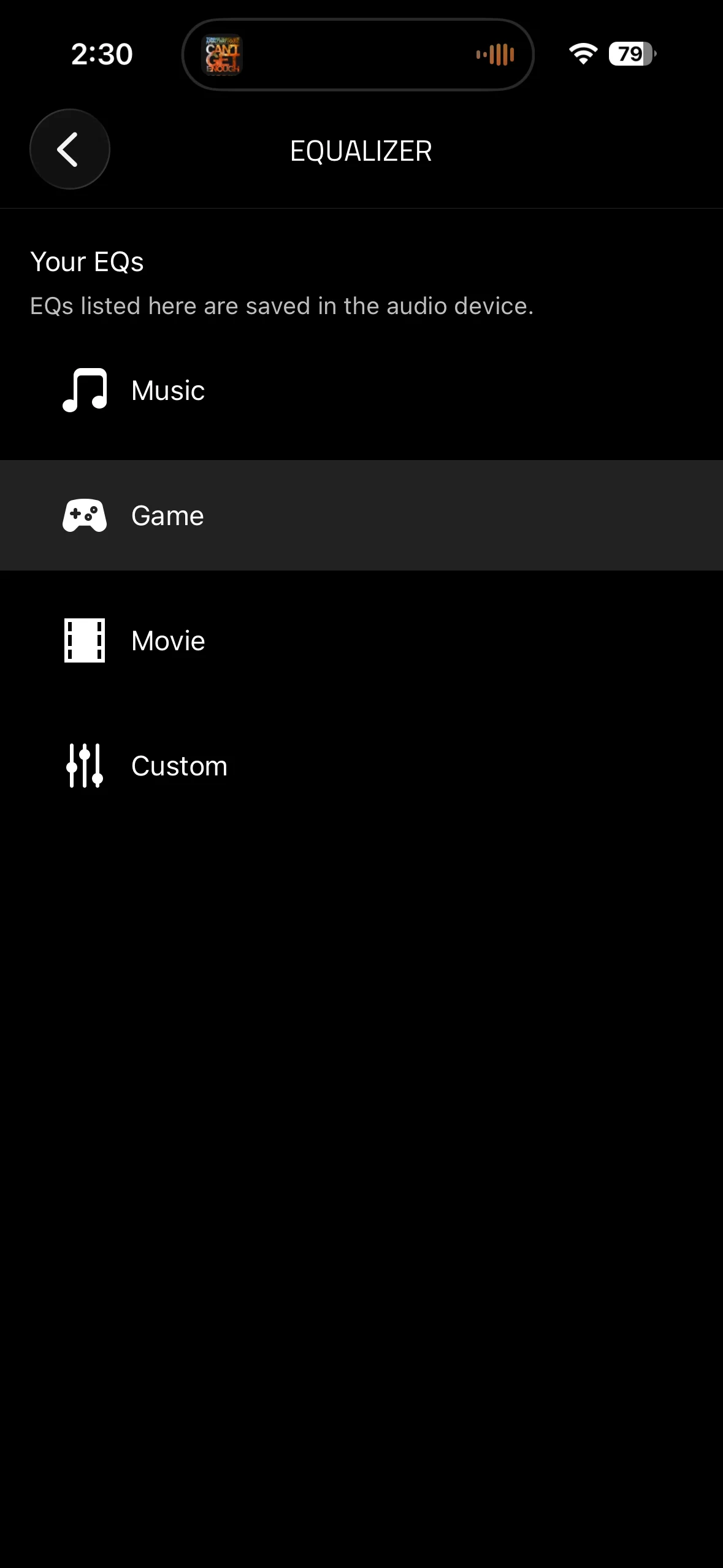
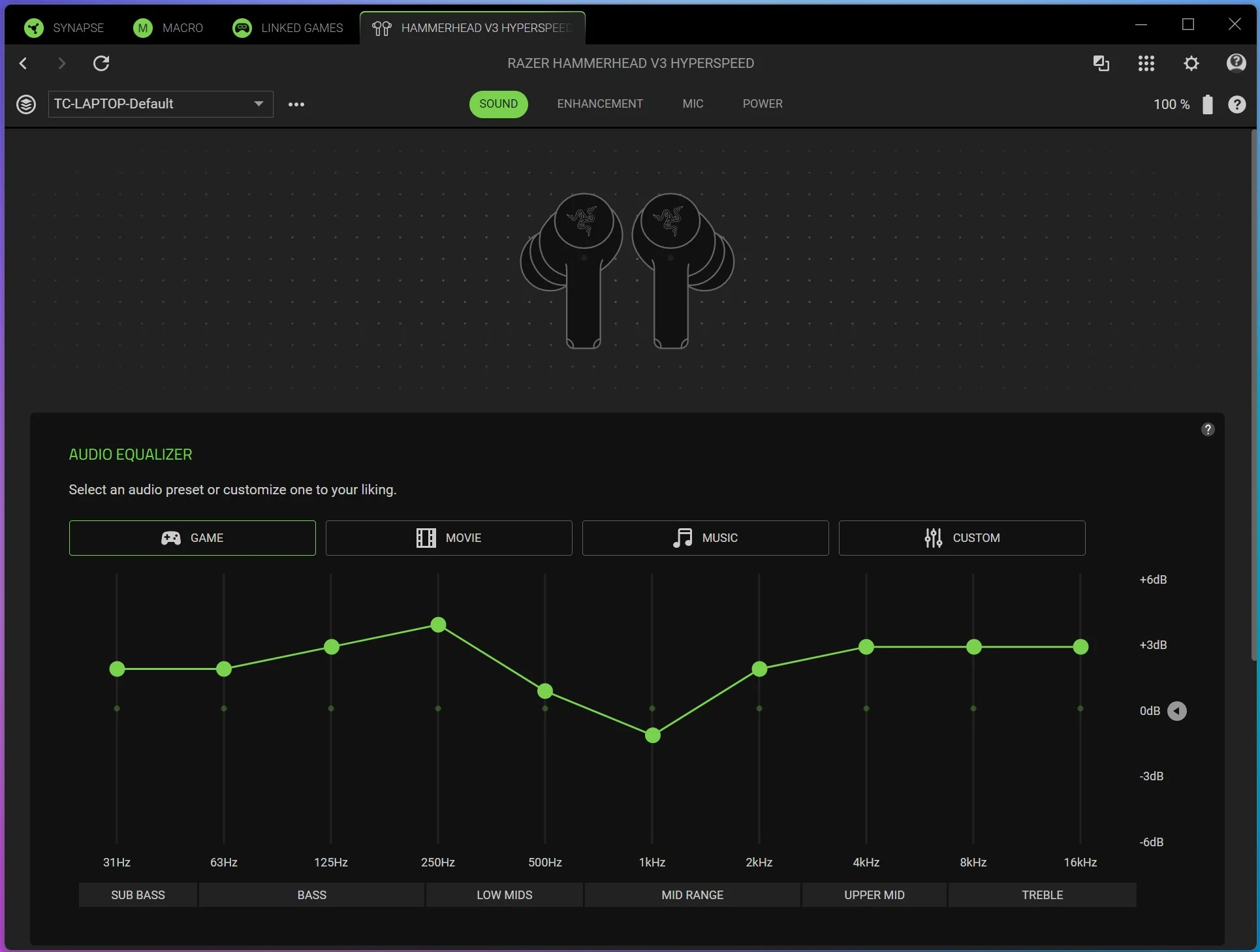
If you have the 2.4 GHz dongle plugged into your PC you can use Razer Synapse to adjust different settings. The first tab is sound, here you can set different preset EQ settings or create your own custom EQ.
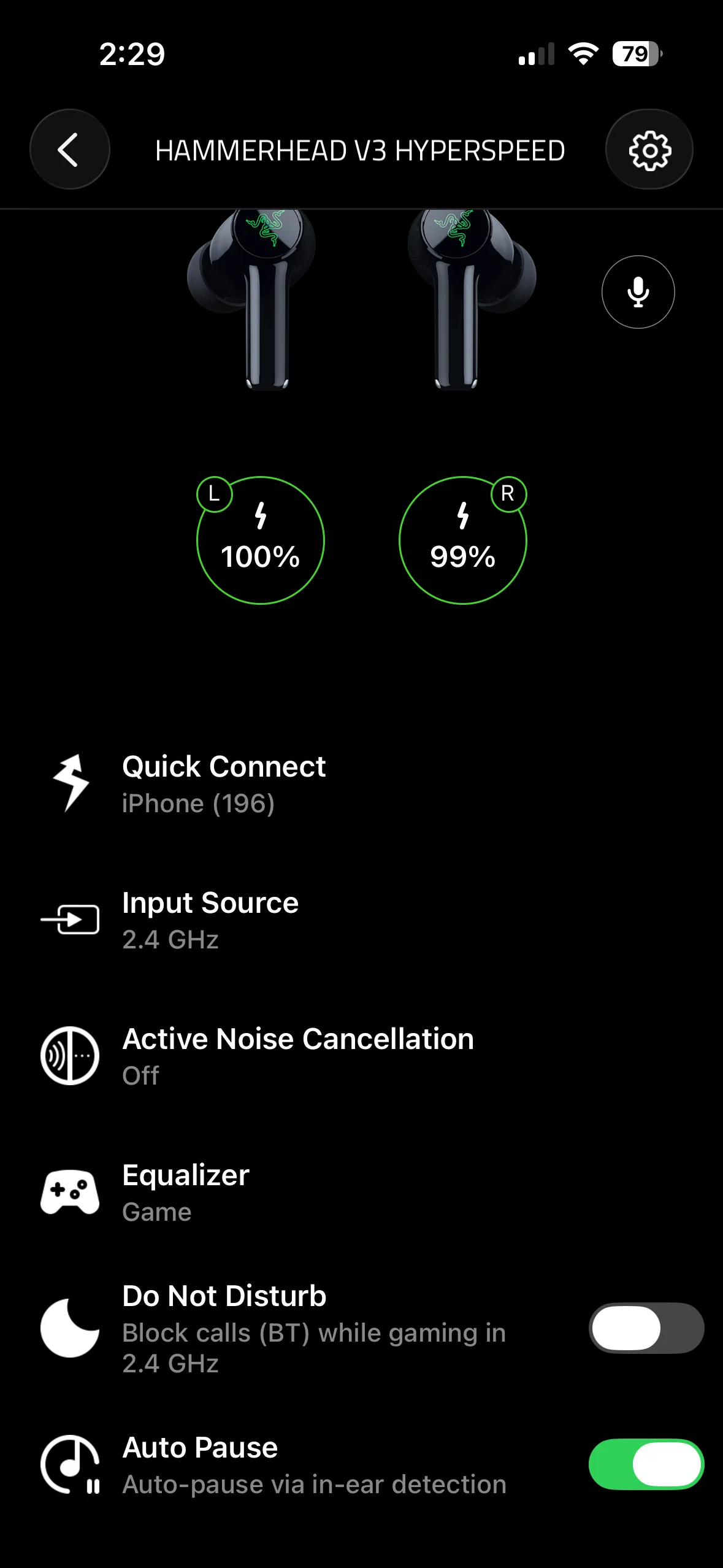
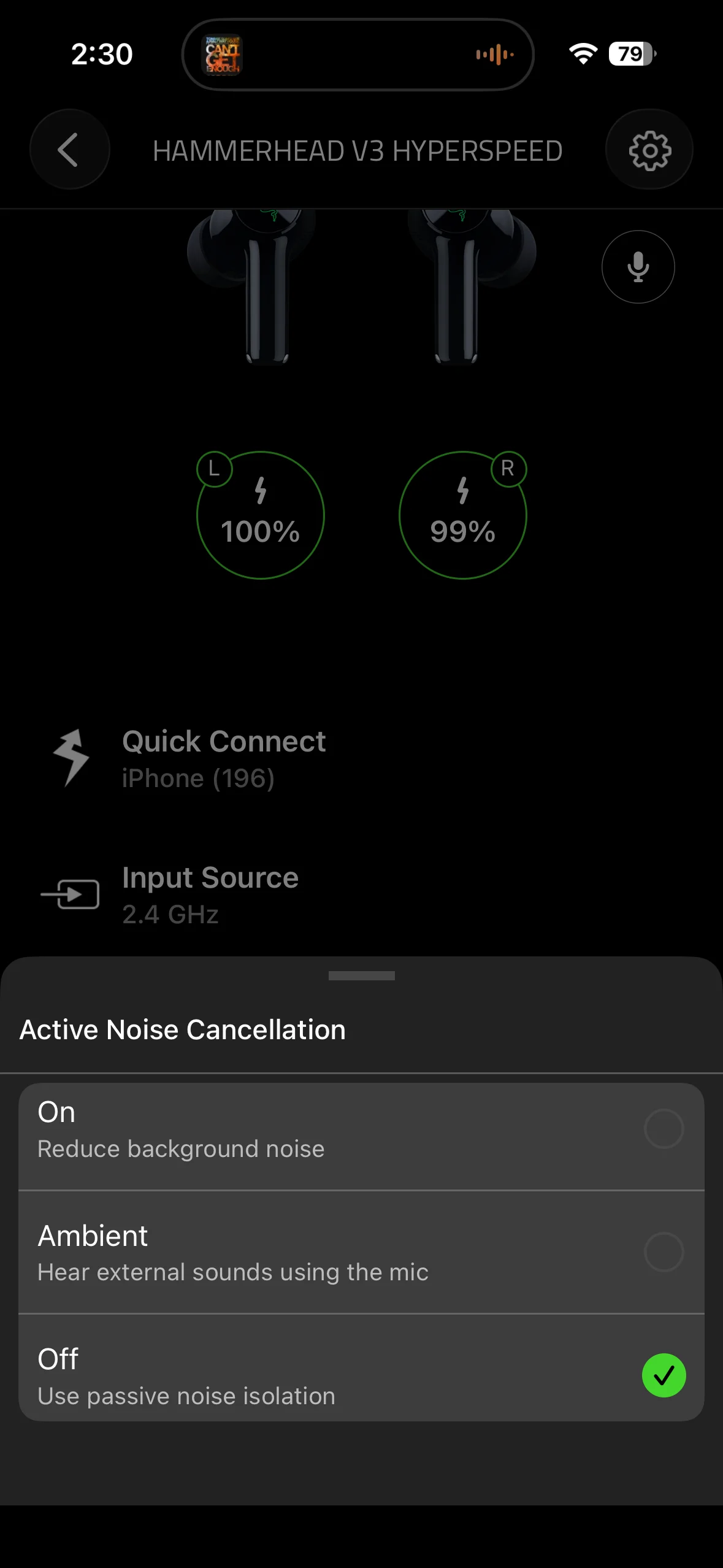
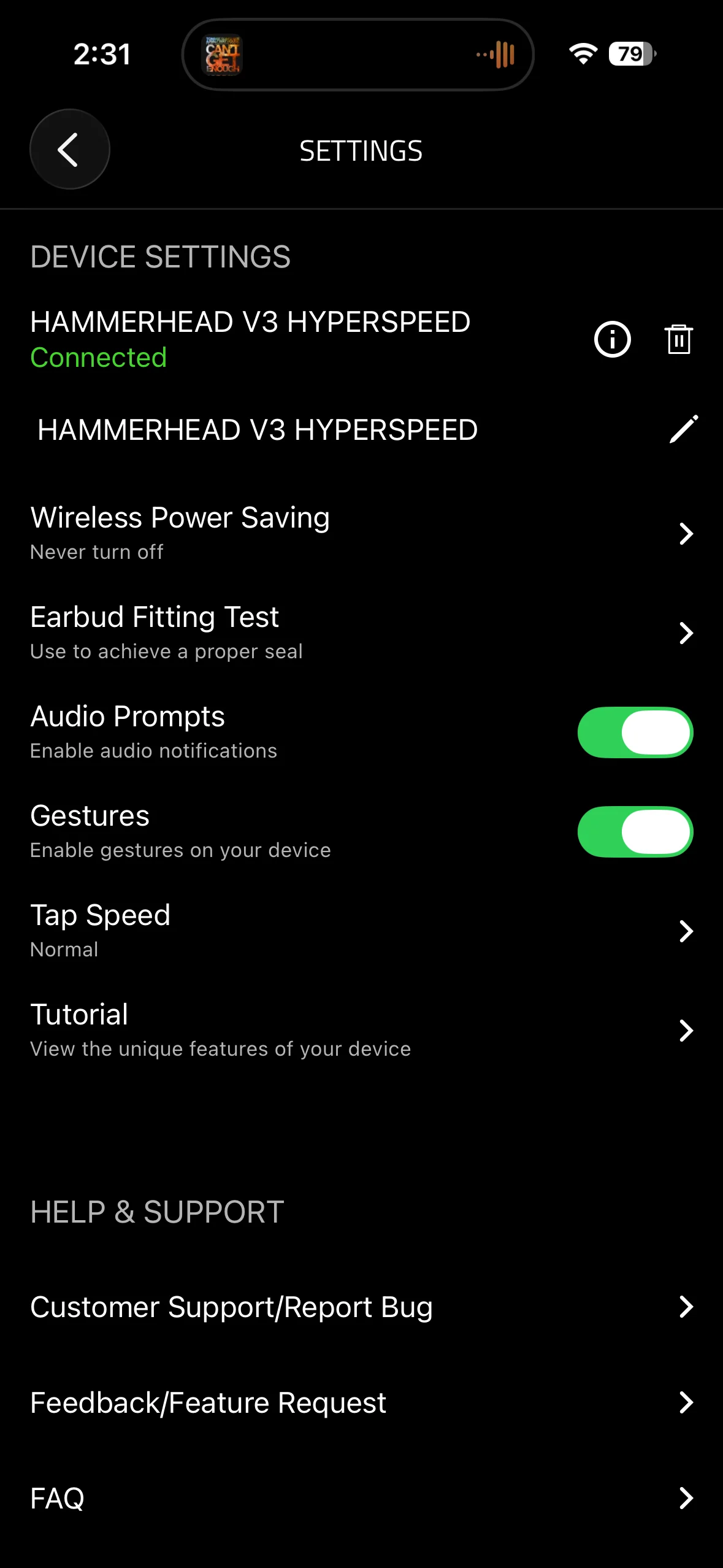
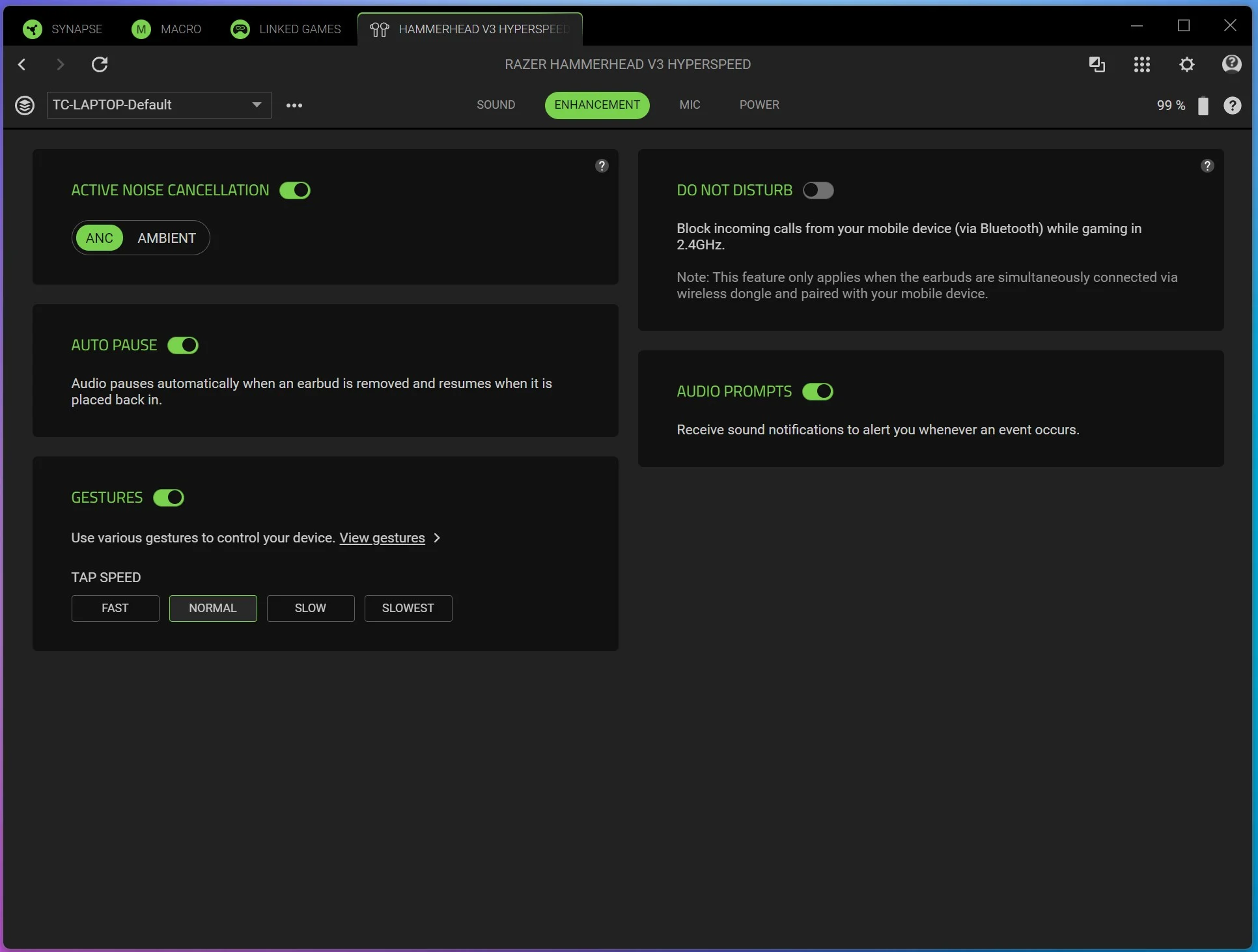
After that is Enhancement where you can set the noise cancellation mode, auto pause, gesture tap speed, do not disturb mode, and audio prompts. I like the idea of the do not disturb mode where it will block incoming calls via Bluetooth on your mobile device while you are gaming at 2.4 GHz.
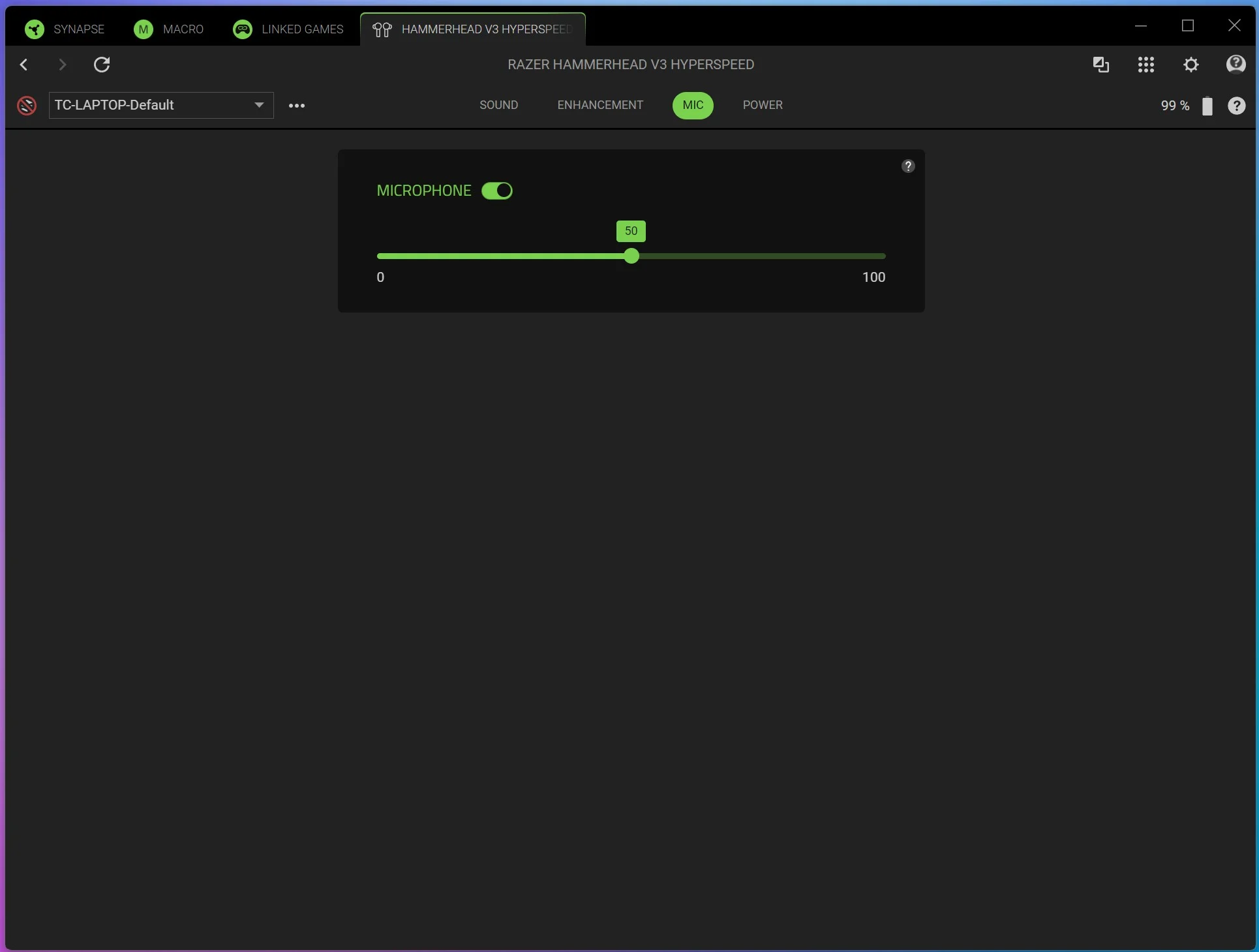
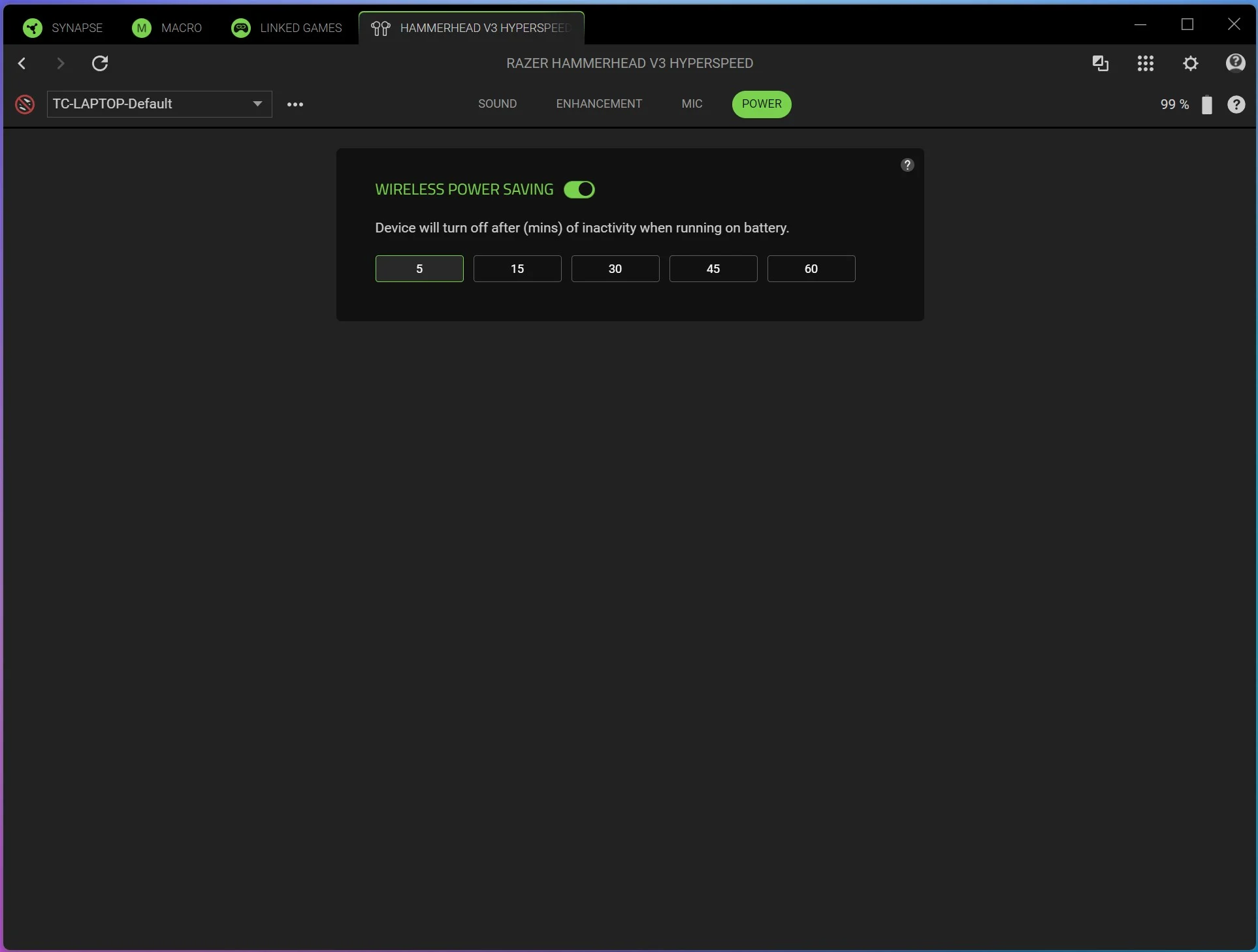
The last two tabs are Mic and Power. Mic will simply allow you to adjust the microphone gain and power allows you to set a time for when the earbuds power off after inactivity.
If you connect the earbuds via Bluetooth to your phone you can use the Razer Audio app. While it does not give you as many options as Synapse, you can still adjust many settings.