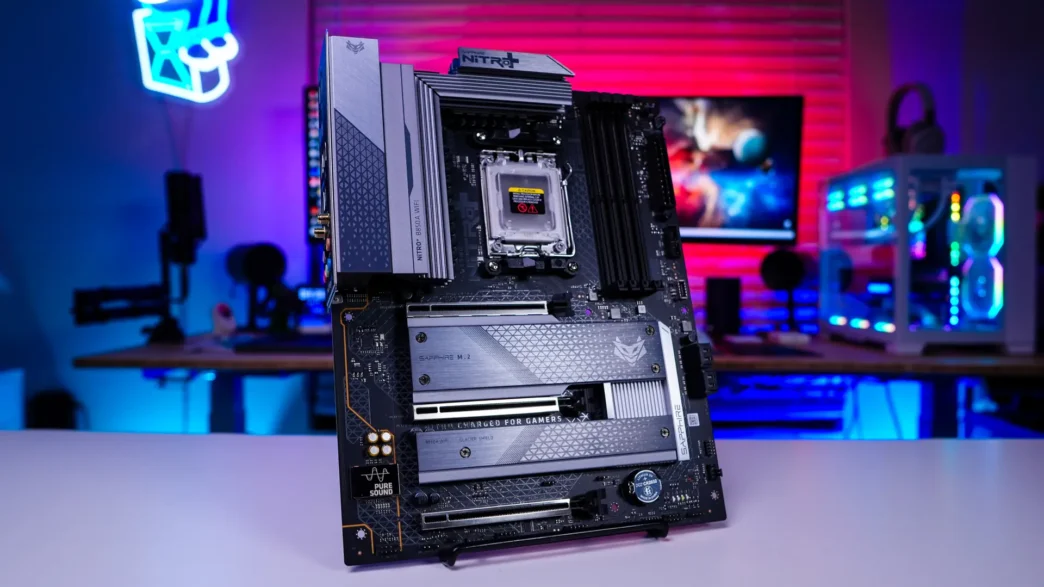
Sapphire NITRO+ B850A WIFI 7 Motherboard Overview
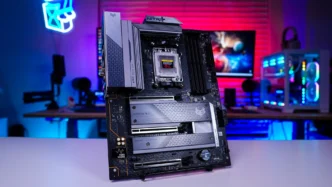
As we take a first look at the NITRO+ B850A WIFI 7 we can see that we have a black PCB with primarily grey and silver accents on our heatsinks. Many of which have the same sort of design language that we’ve seen on Sapphire’s NITRO+ graphics cards. Overall I think this is a pretty good looking motherboard.
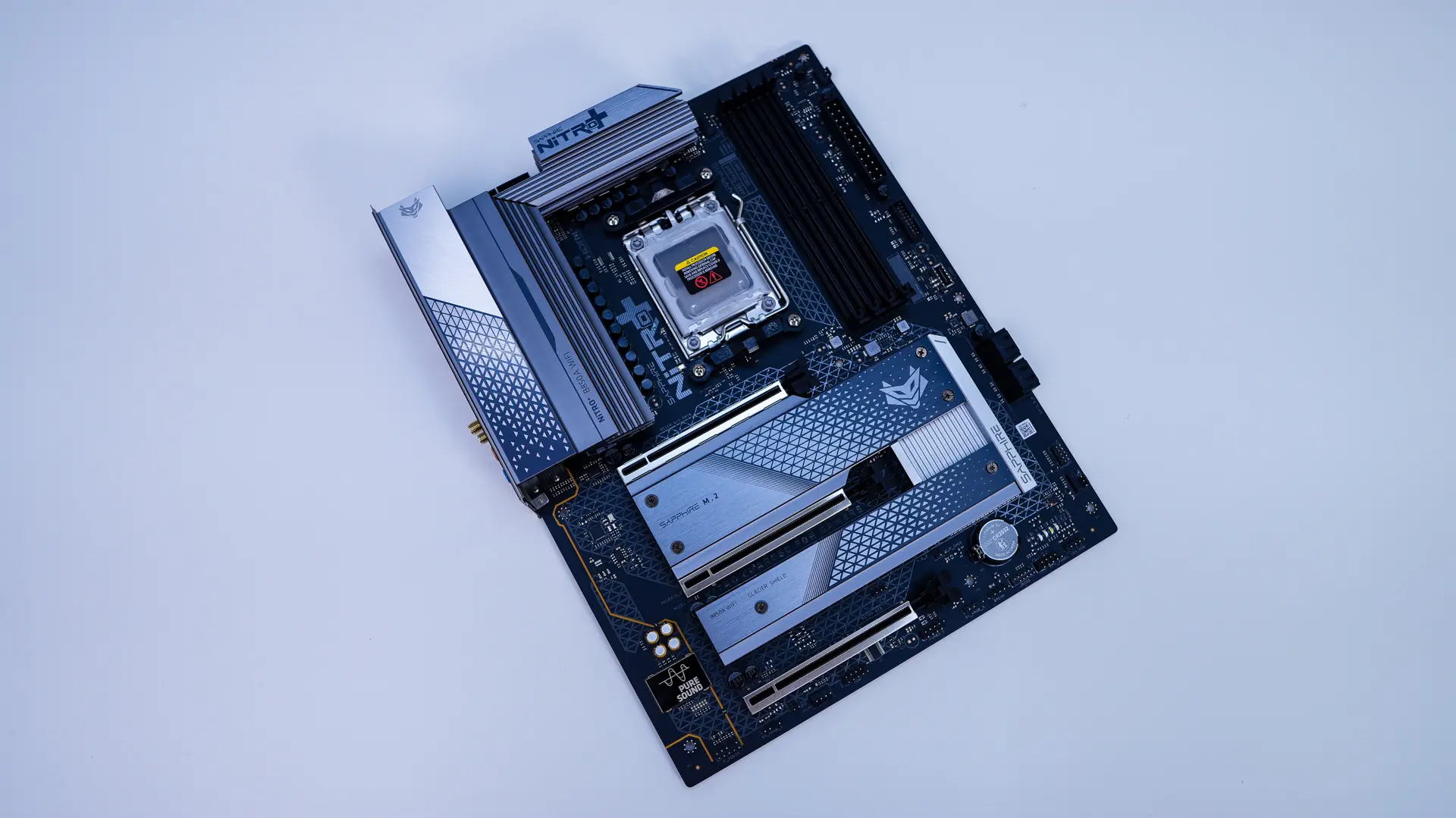
Starting at the CPU socket we have AMD’s AM5 socket. This socket will support AMD’s Ryzen 9000, 8000, and 7000 series processors.
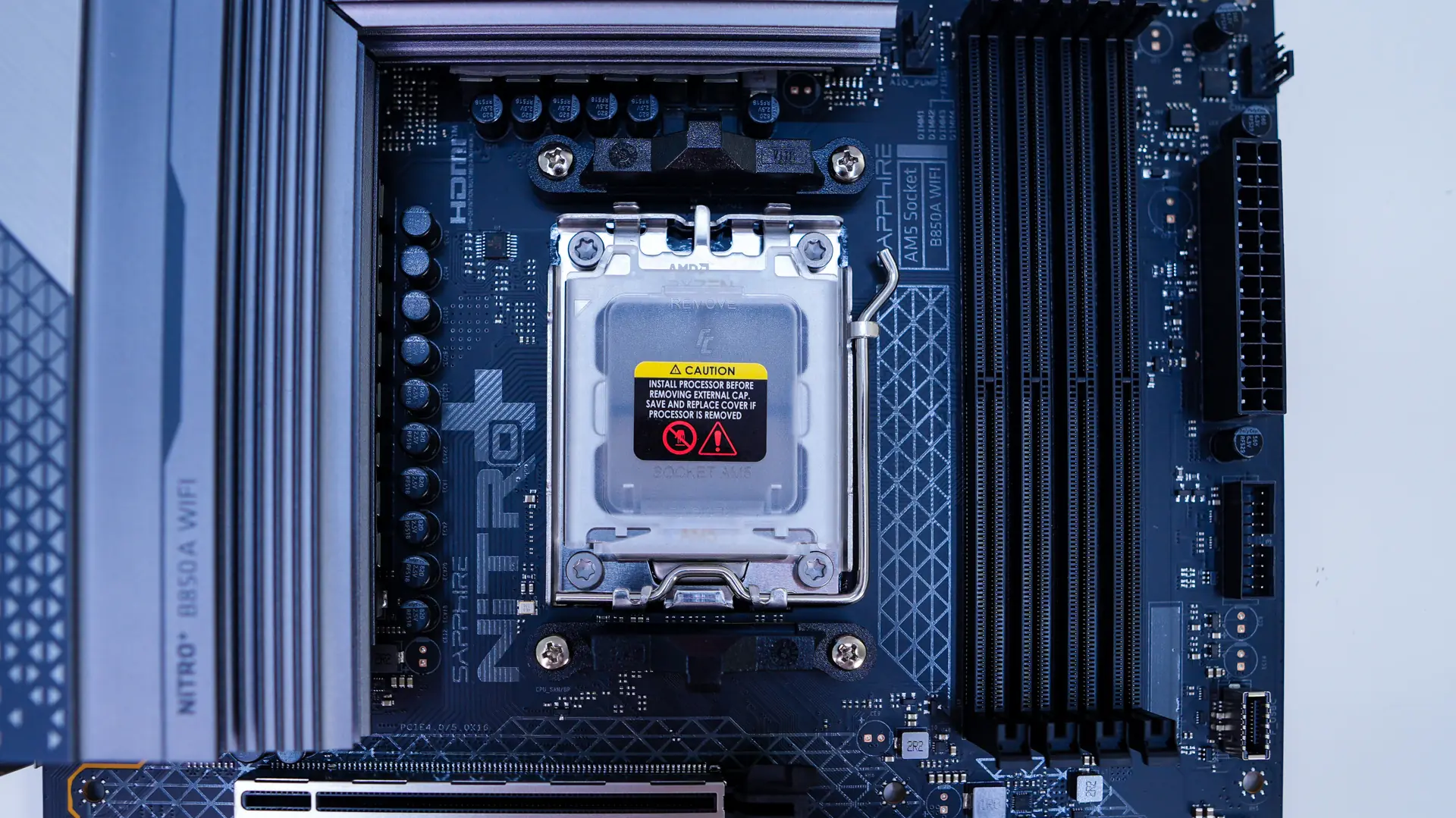
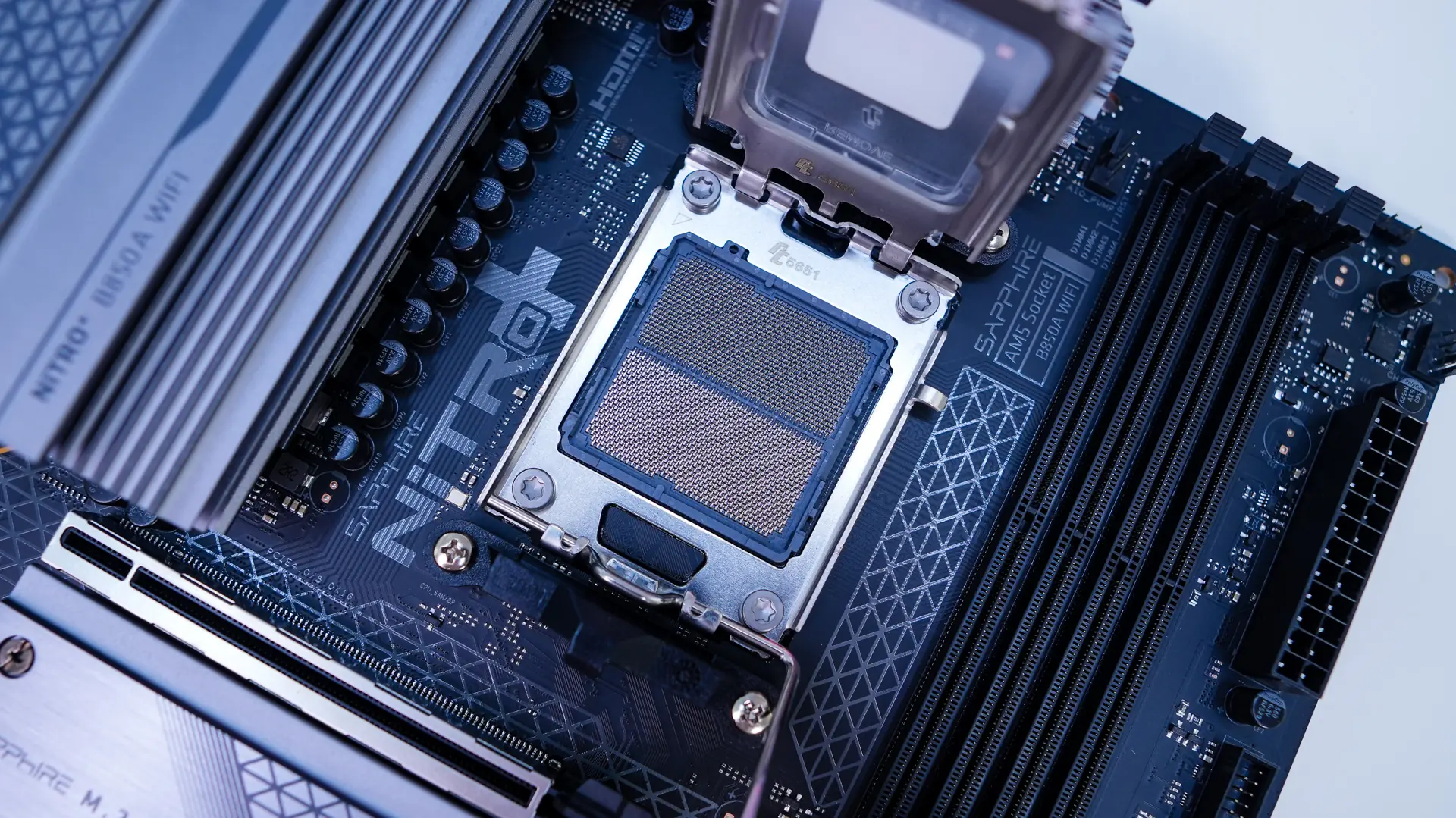
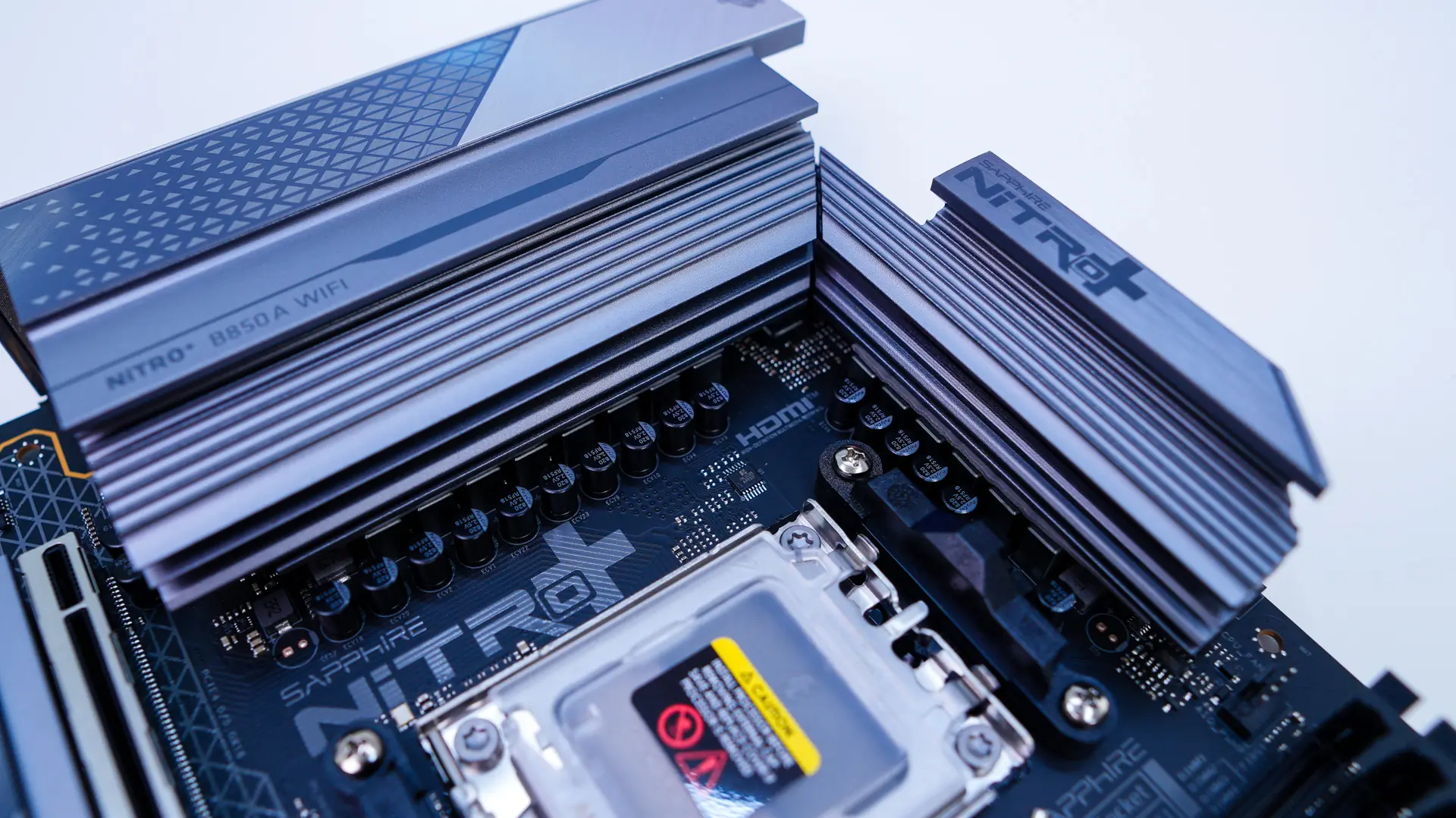
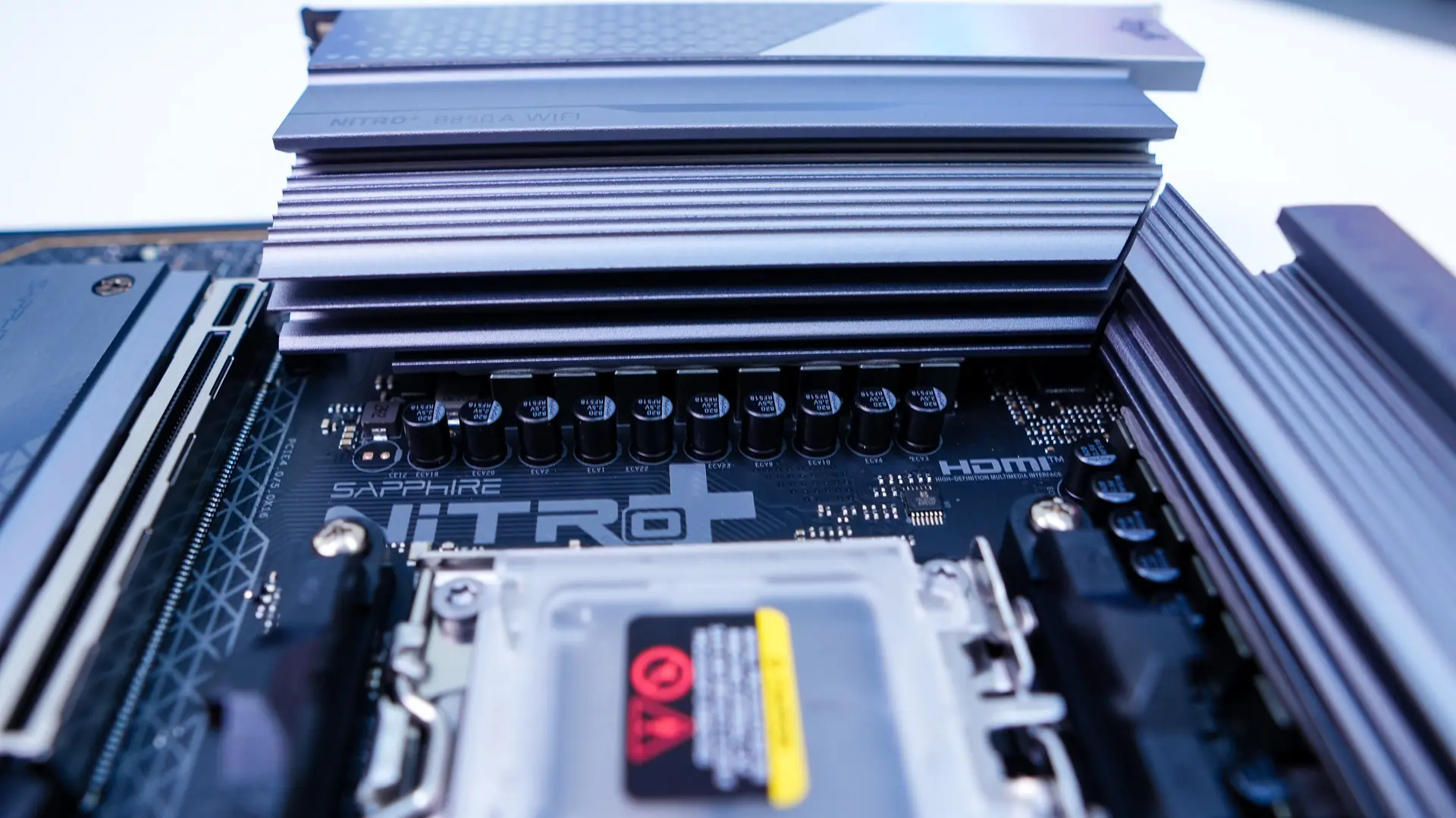
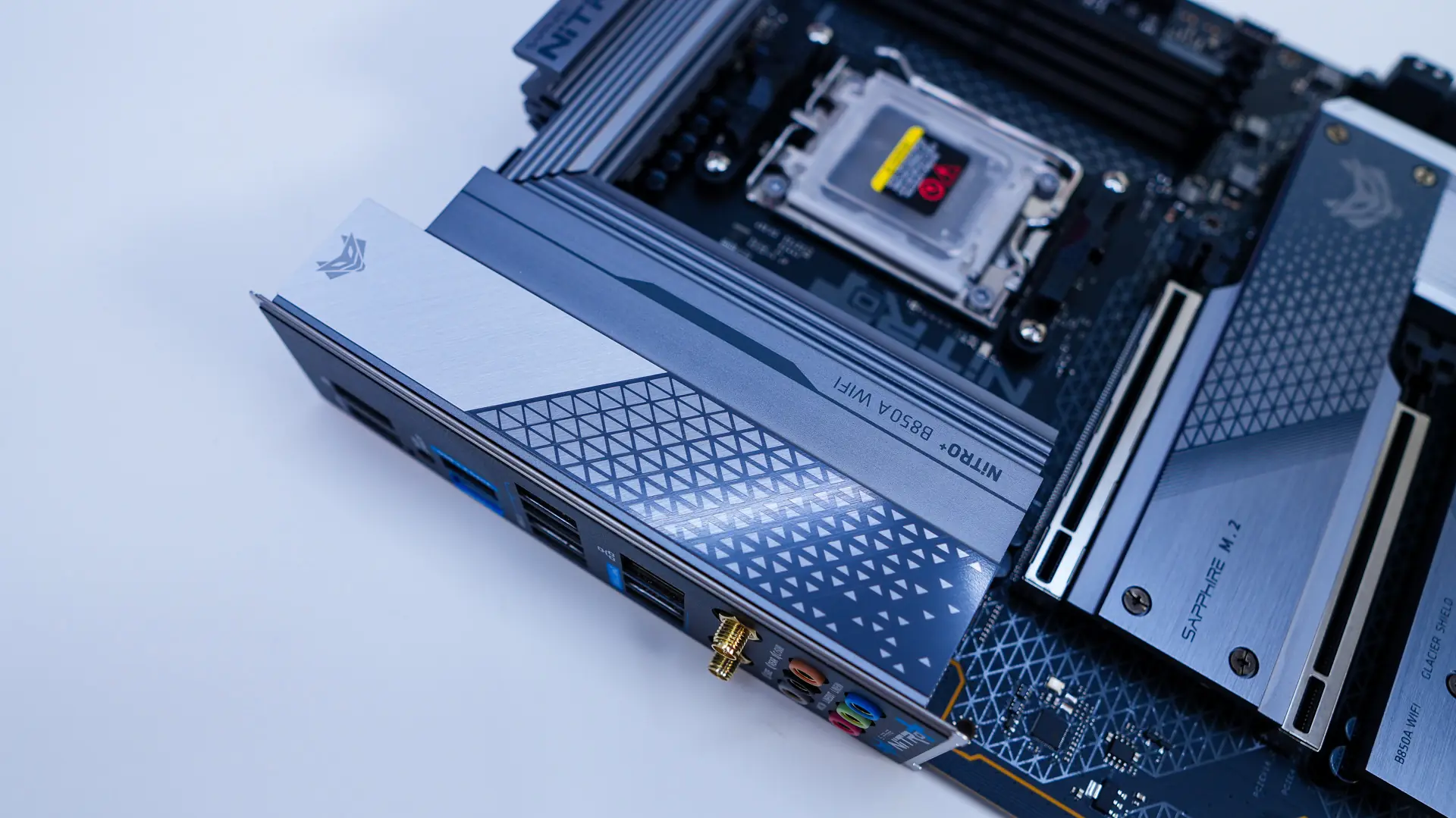
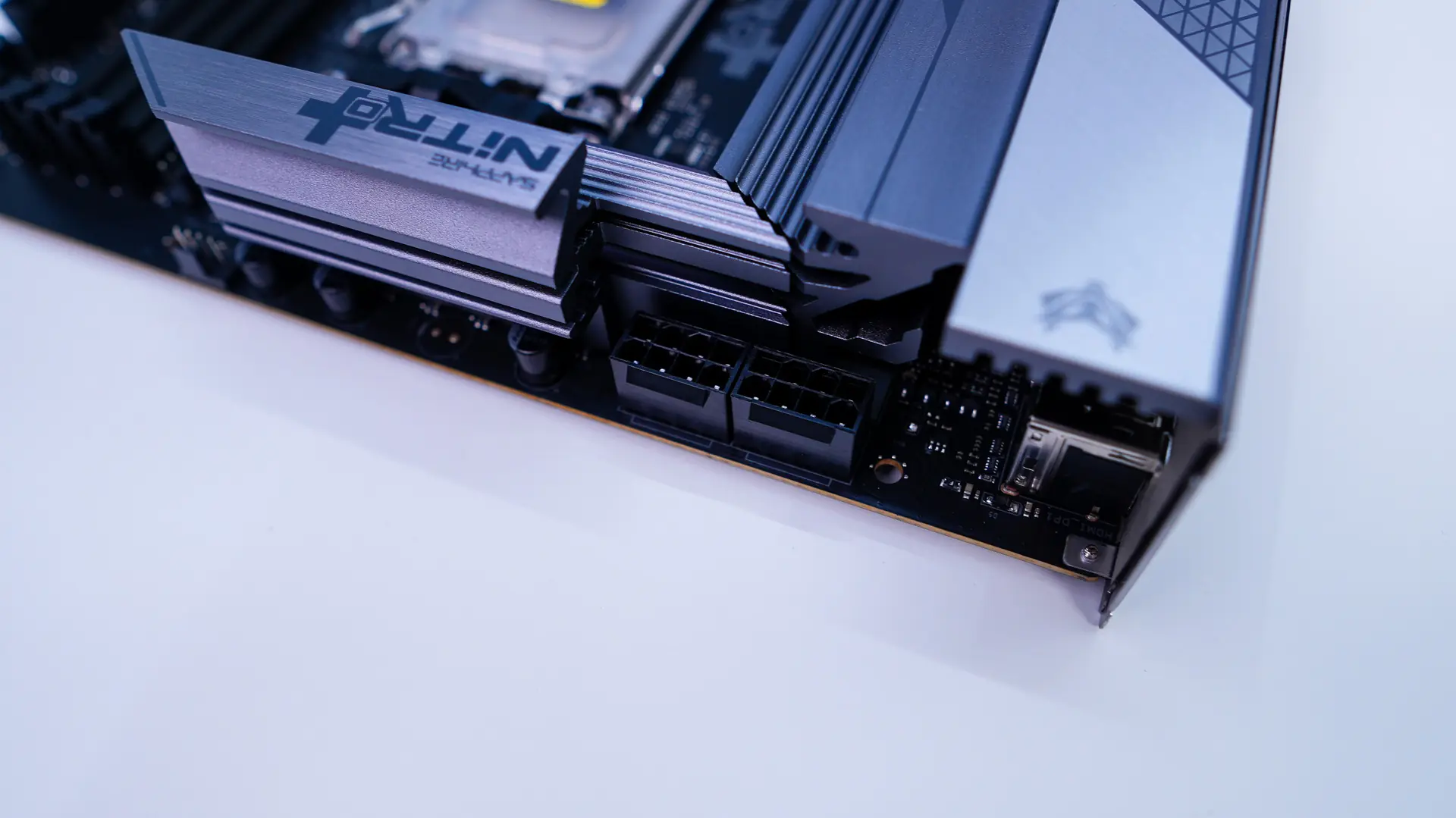
Surrounding the CPU socket we have our power delivery components and Sapphire is going with a 12+2+1 power phase design with 55A power stages for the CPU. These power delivery components are covered by two large heatsinks which will keep things nice and cool. These two heatsinks and the rear I/O cover really bring the top corner of the board together nicely. Hiding in the top corner of the board are going to be your two 8-pin EPS connectors.
Moving across the top-edge of the board you’ll find your CPU fan header and optional CPU fan header as well as a 3-pin addressable RGB header.
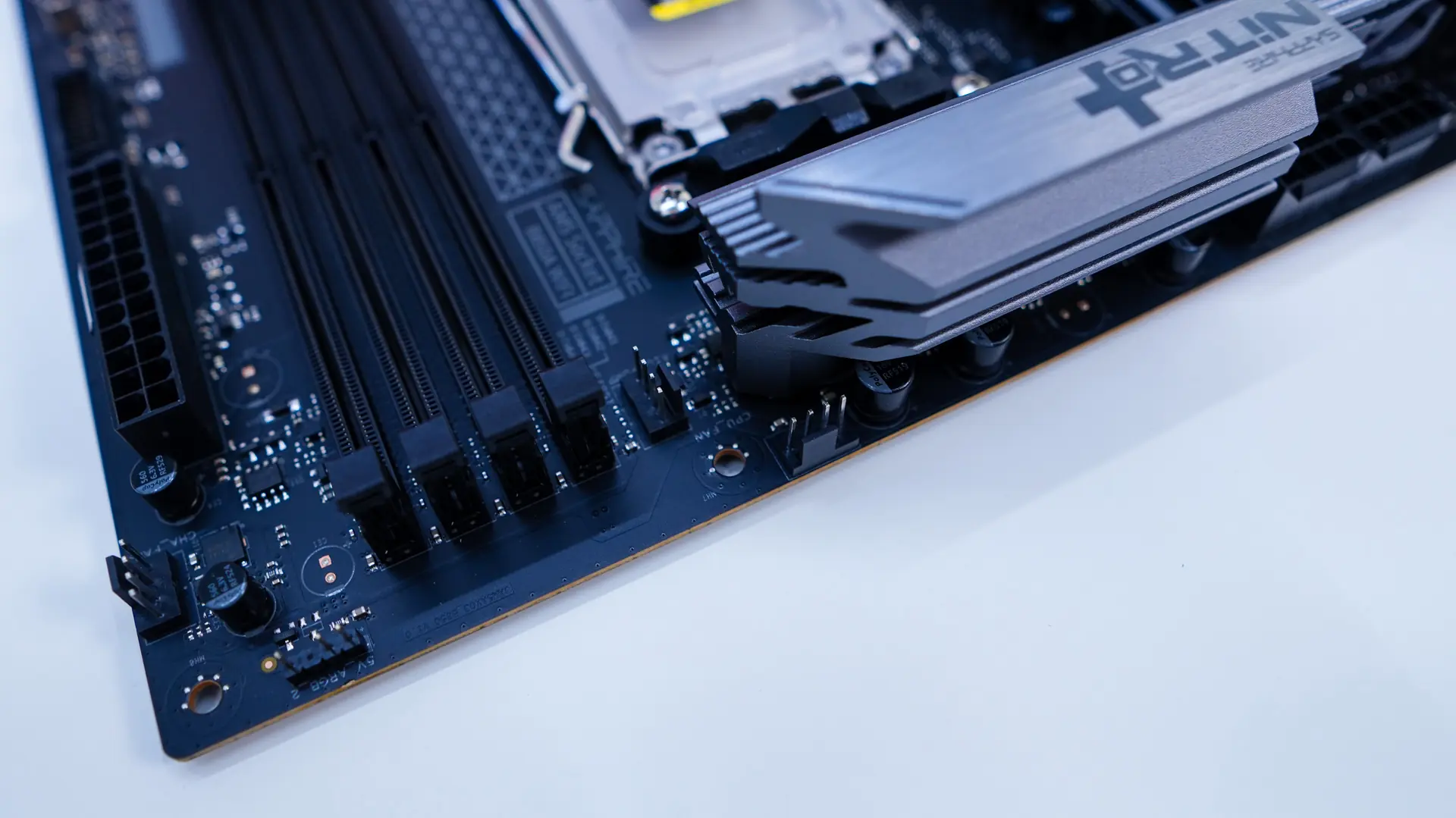
Coming over to the memory slots we have four DDR5 DIMM slots. These slots will support up to 256 GB of DDR5-8000 memory. The slots do have the bottom locks on them, which does make it easier to swap out your memory once you have your graphics card installed.
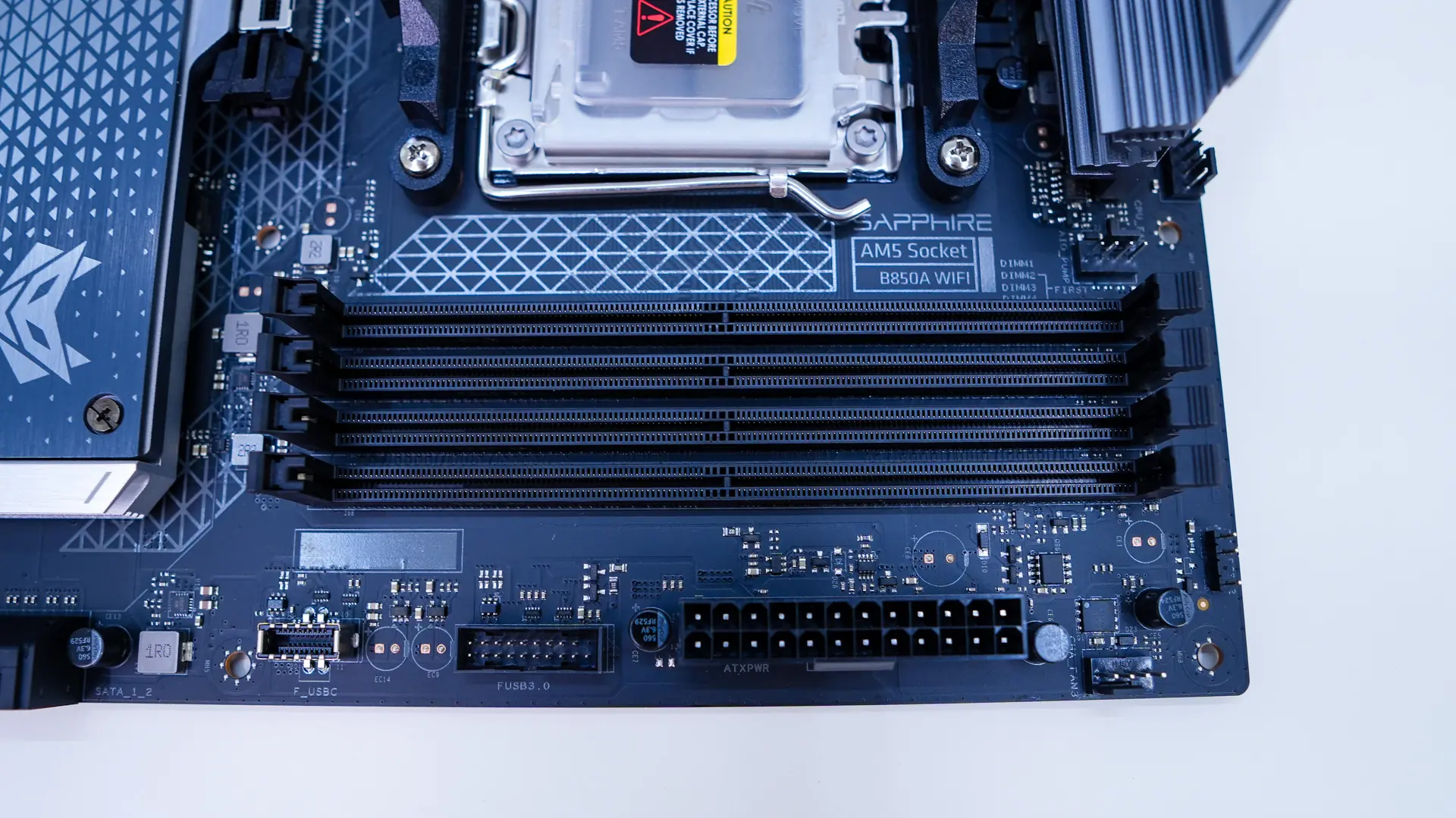
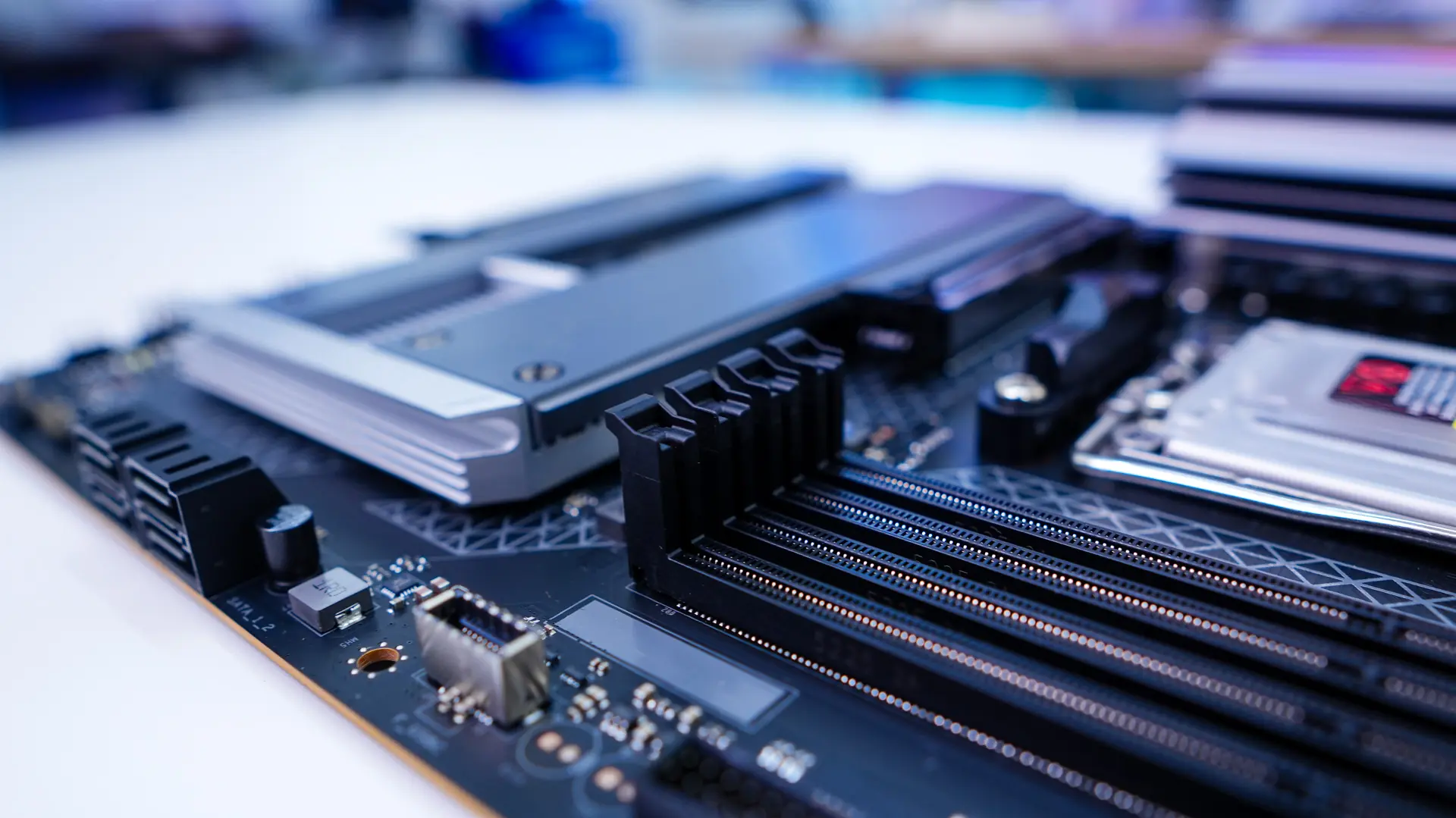
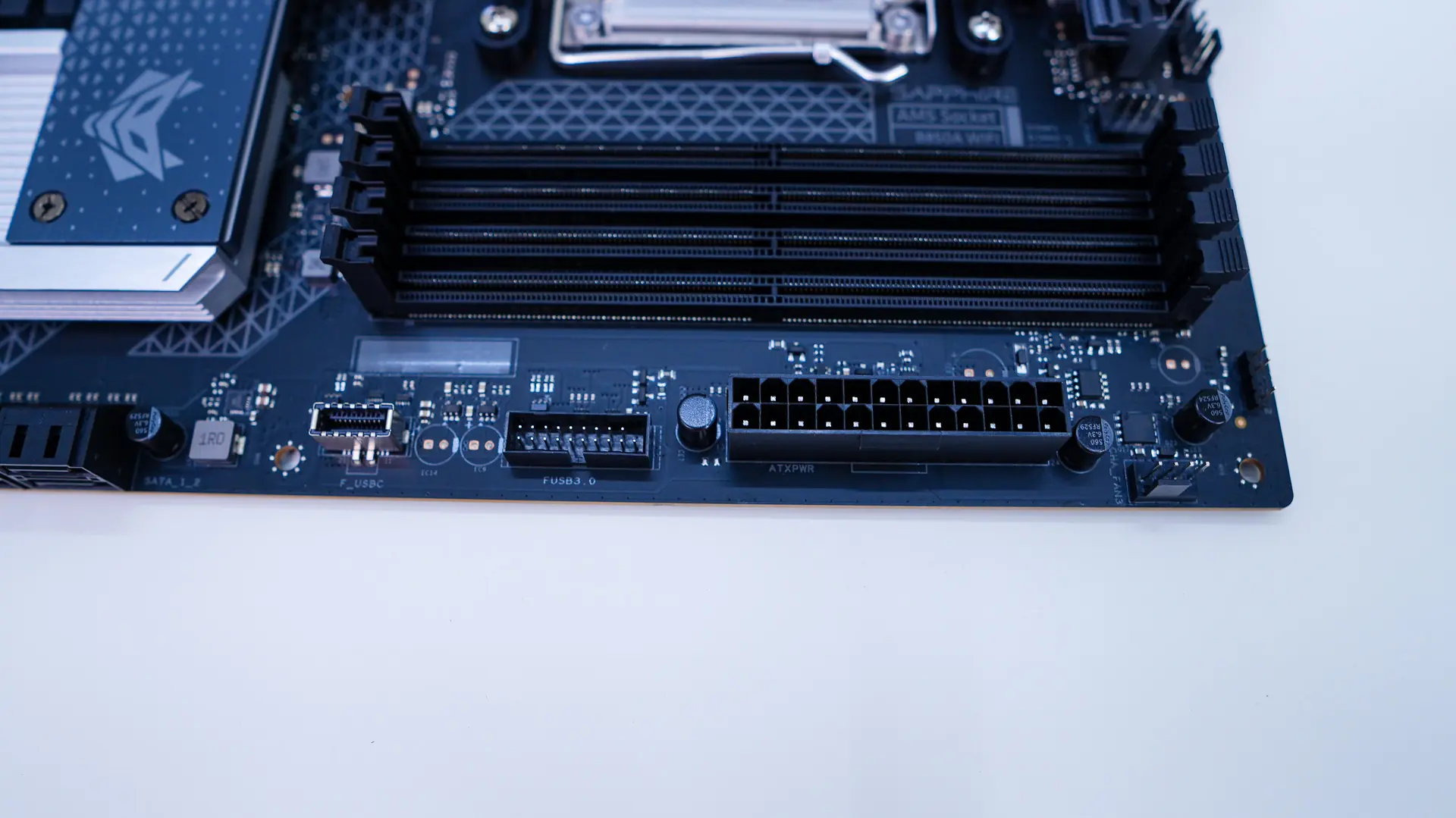
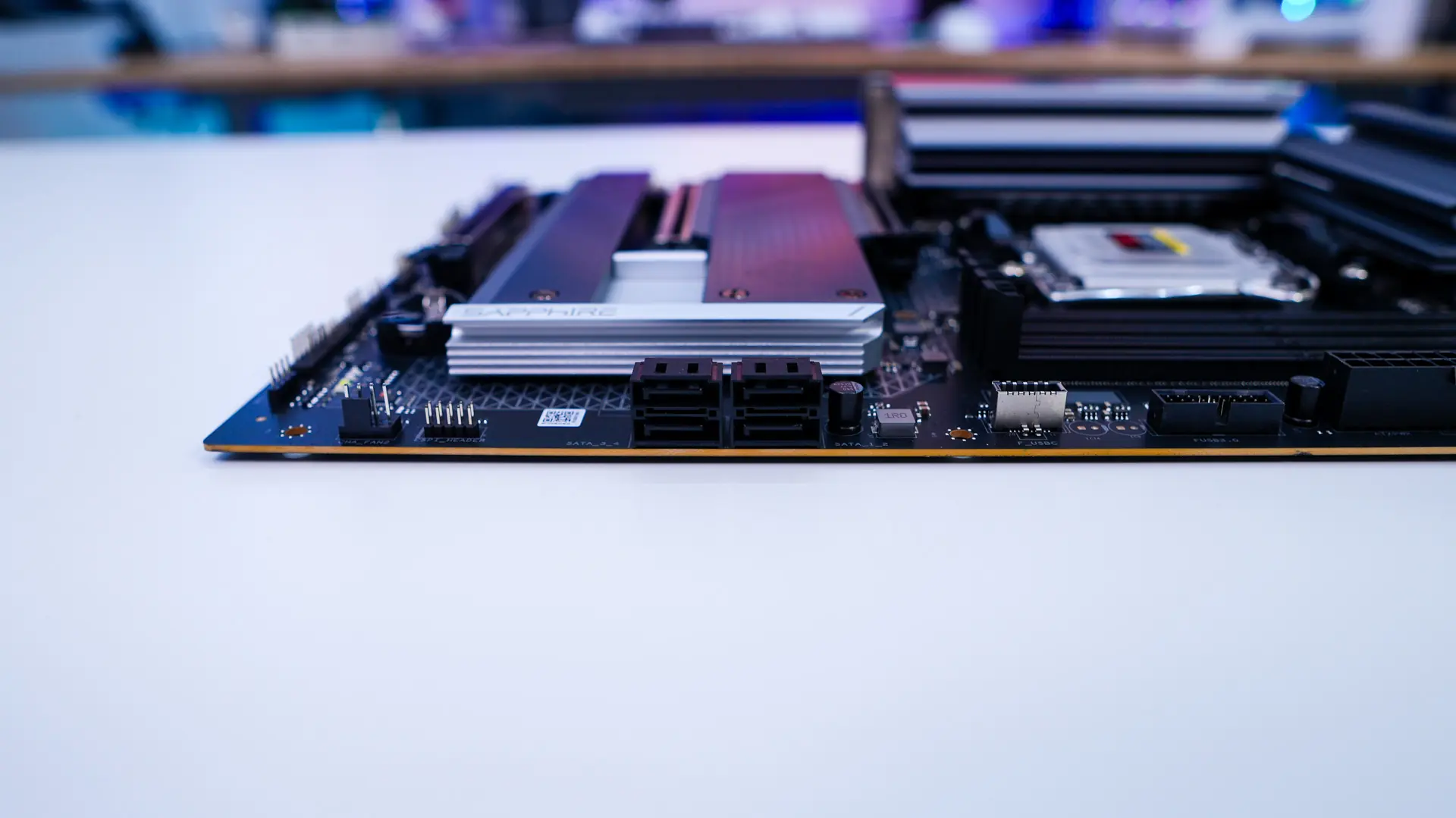
Moving over to the edge of the board you have a 4-pin fan header, your 24-pin ATX power connection, a USB 3.2 gen 1 header, a USB 3.2 gen 1 Type-C header, four SATA 6GB/s ports, and another 4-pin fan header.
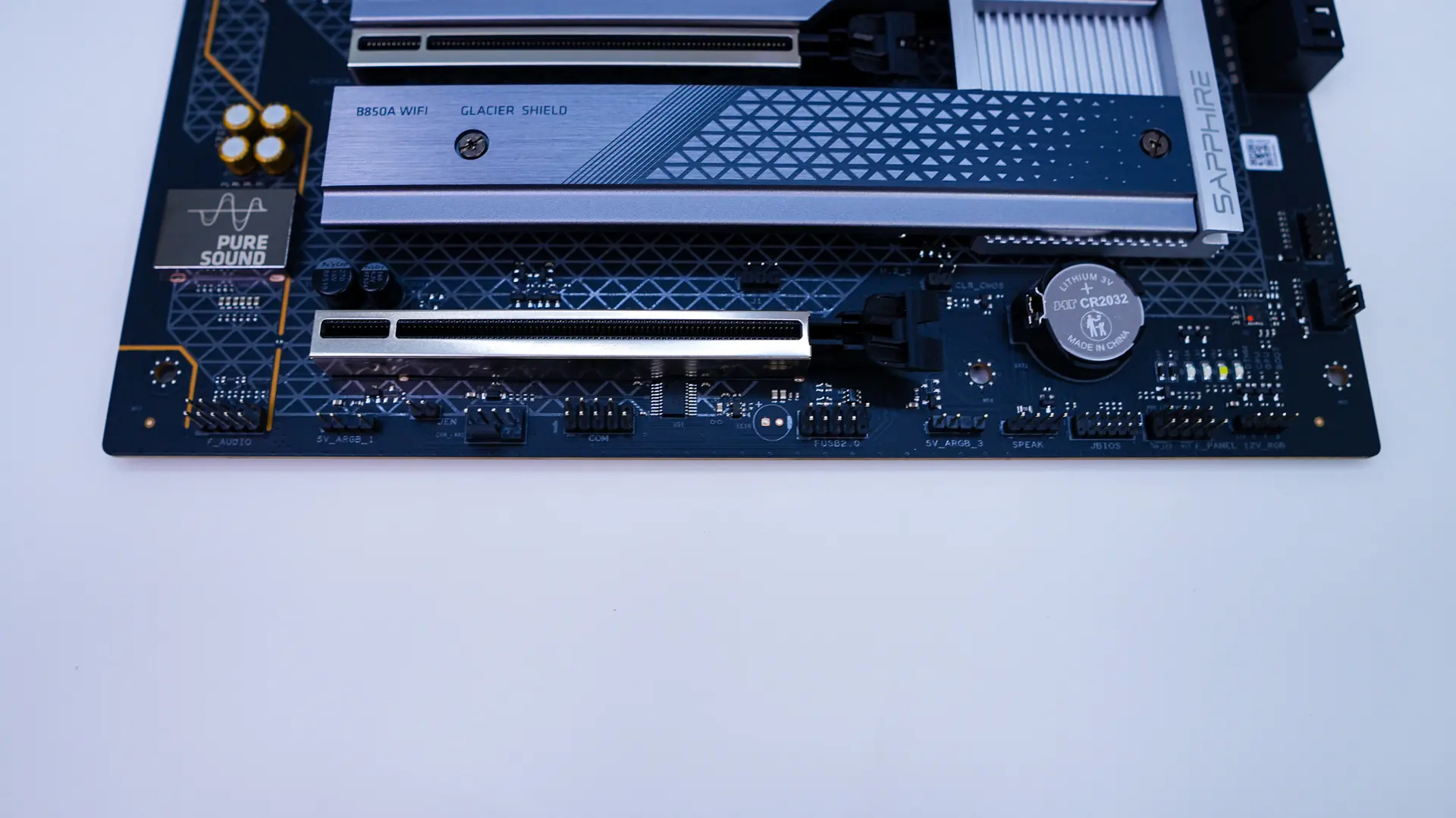
At the bottom of the board is going to be the rest of your headers and connections so from left to right you have your front panel audio header, a 3-pin addressable RGB header, 4-pin fan header, COM port header, USB 2.0 header, 3-pin addressable RGB header, front panel headers, and then a standard 4-pin RGB header.
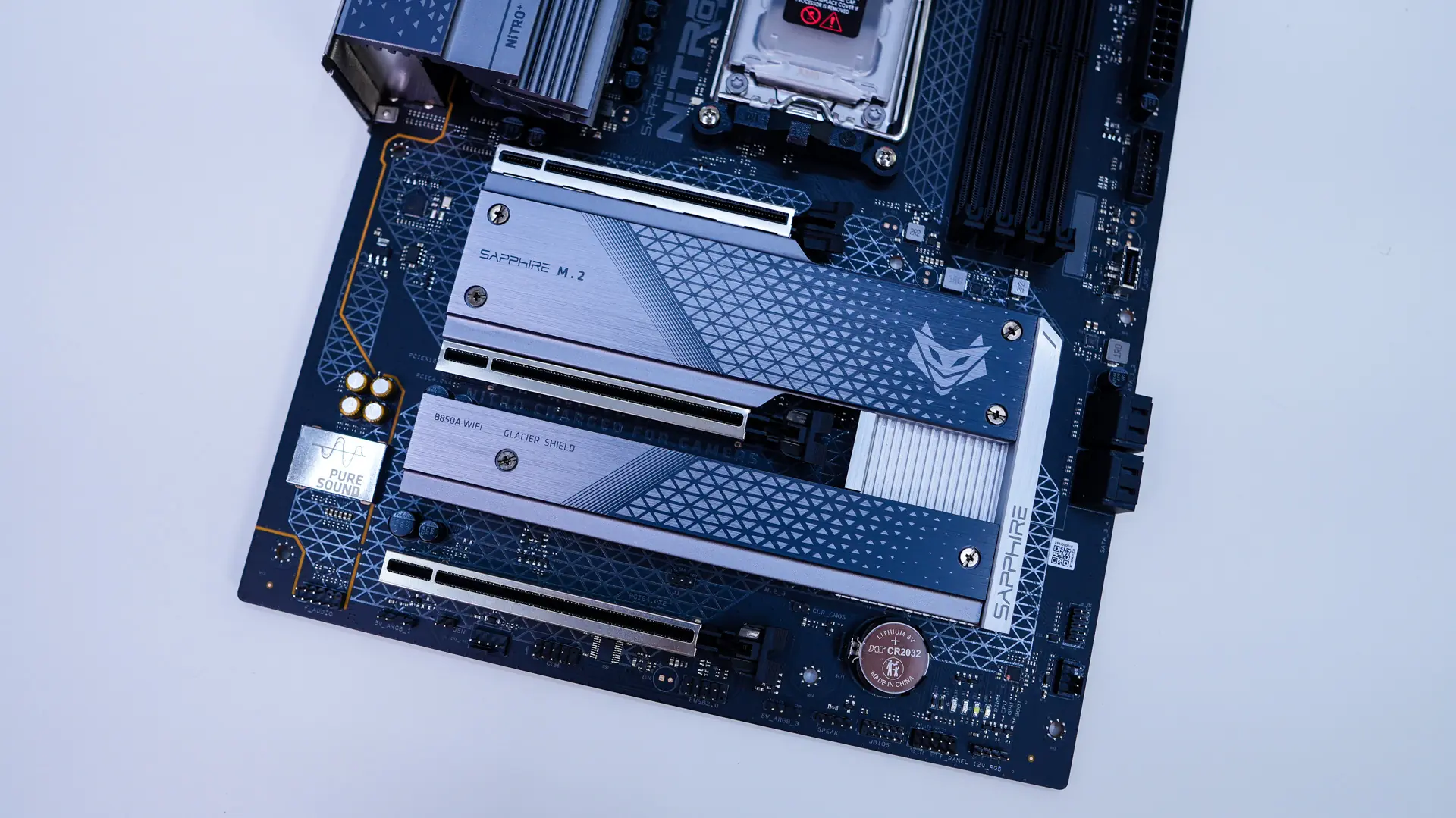
The bottom half of the board is made up of heatsinks, which actually do look quite nice here. These of course are going to cover your M.2 slots. Removing screws on each we find three M.2 slots. The top slot is going to be your PCI-Express 5.0 slot and does have a bottom-mounted heatsink as well. The other two slots are PCI-Express 4.0. All three slots have a tool-less mechanism for installing your M.2 drives.
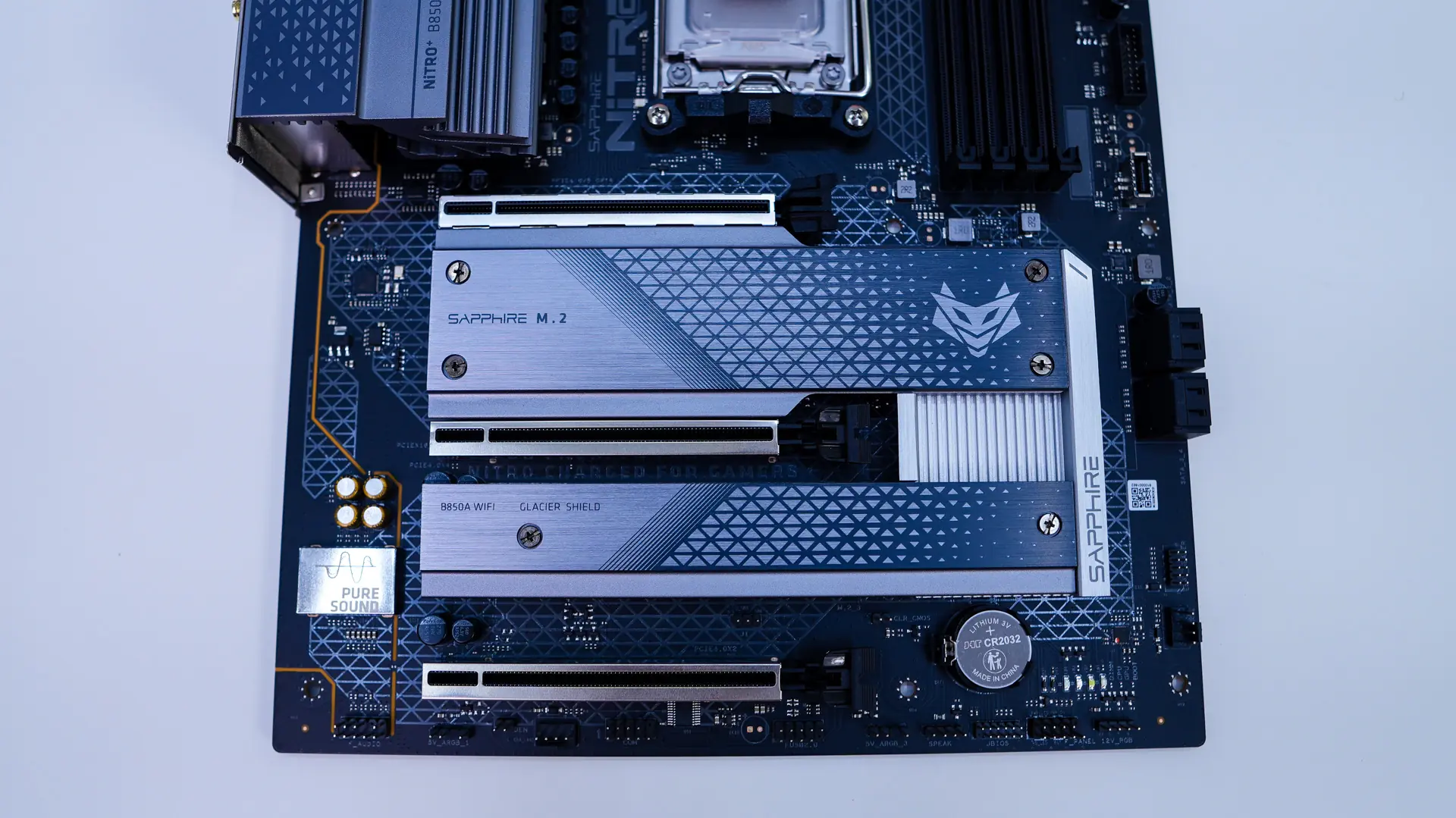
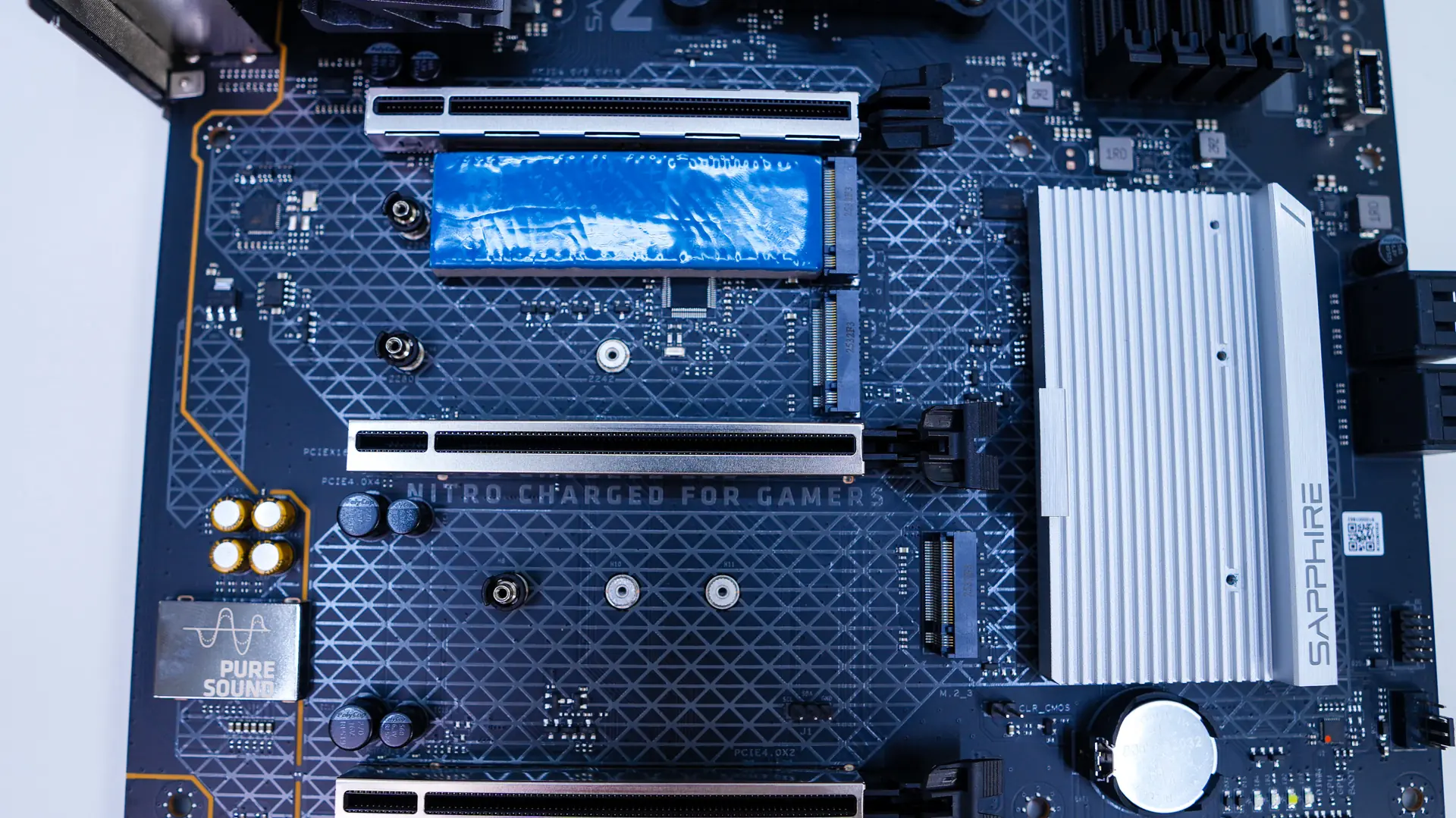
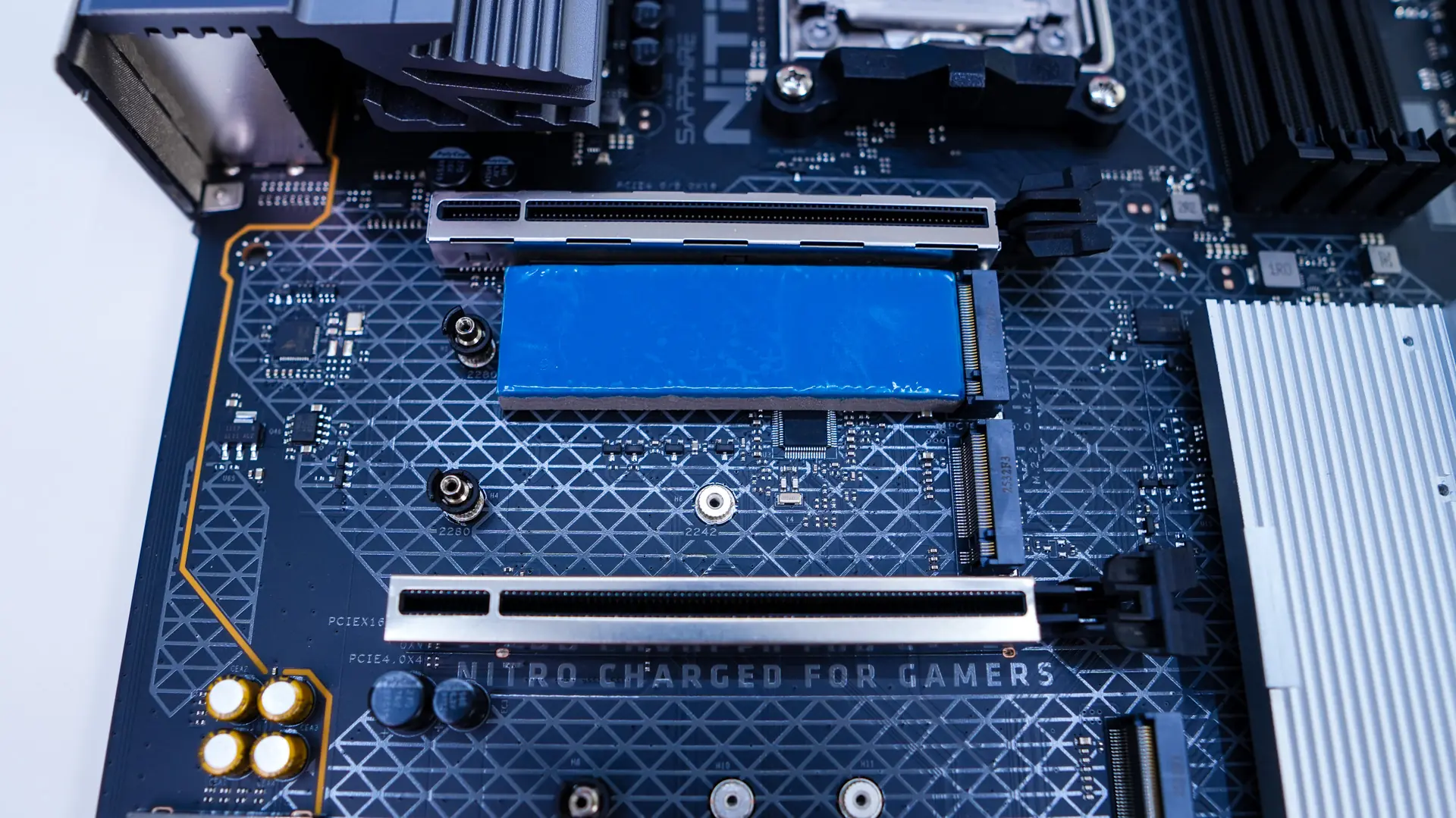
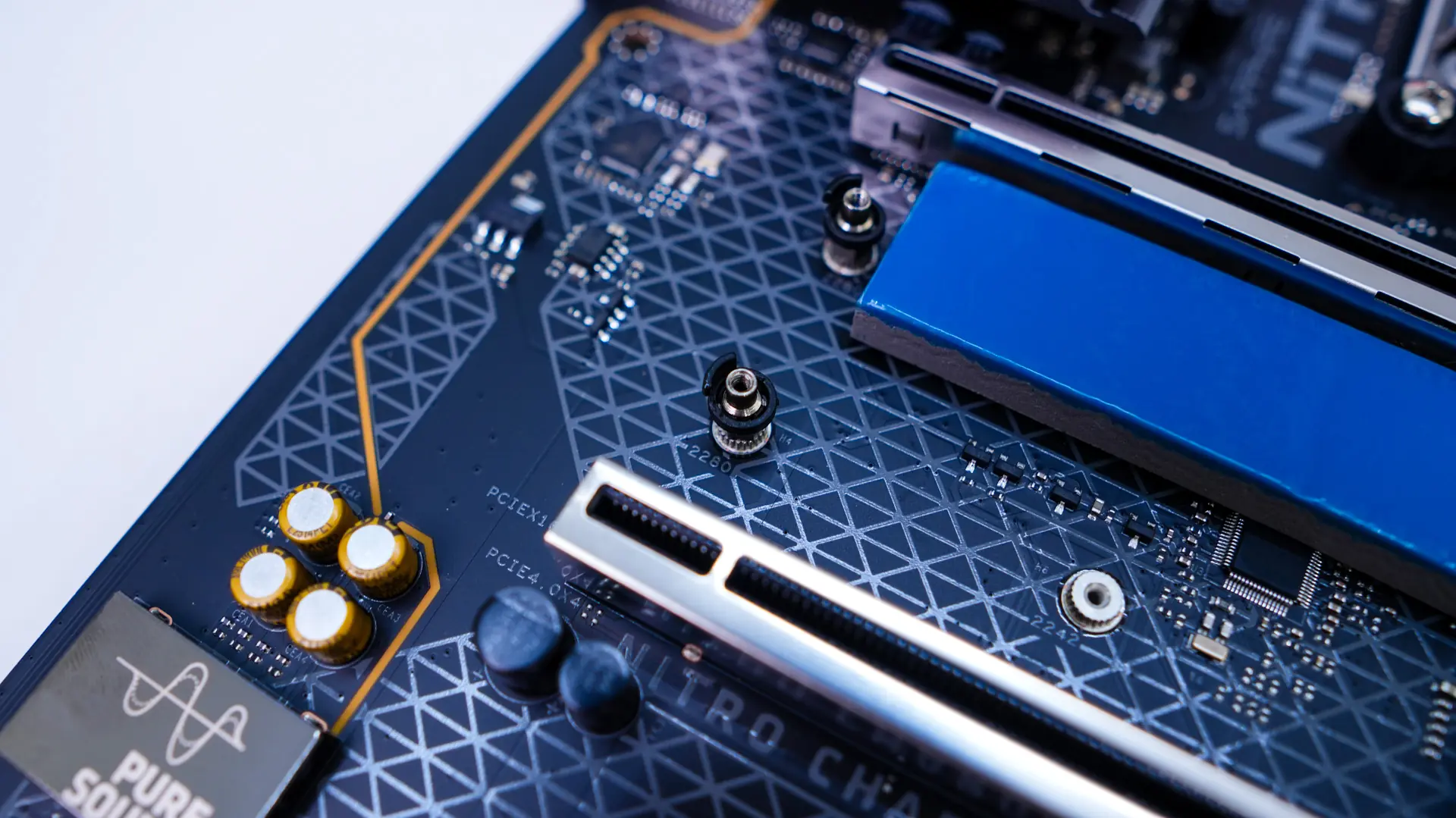
As far as expansion slots go you have a PCI-Express 5.0 x16 slot, and two PCI-Express 4.0 x16 slots (x4 and x2 electrical). All of the expansion slots are metal reinforced, which is great to see.
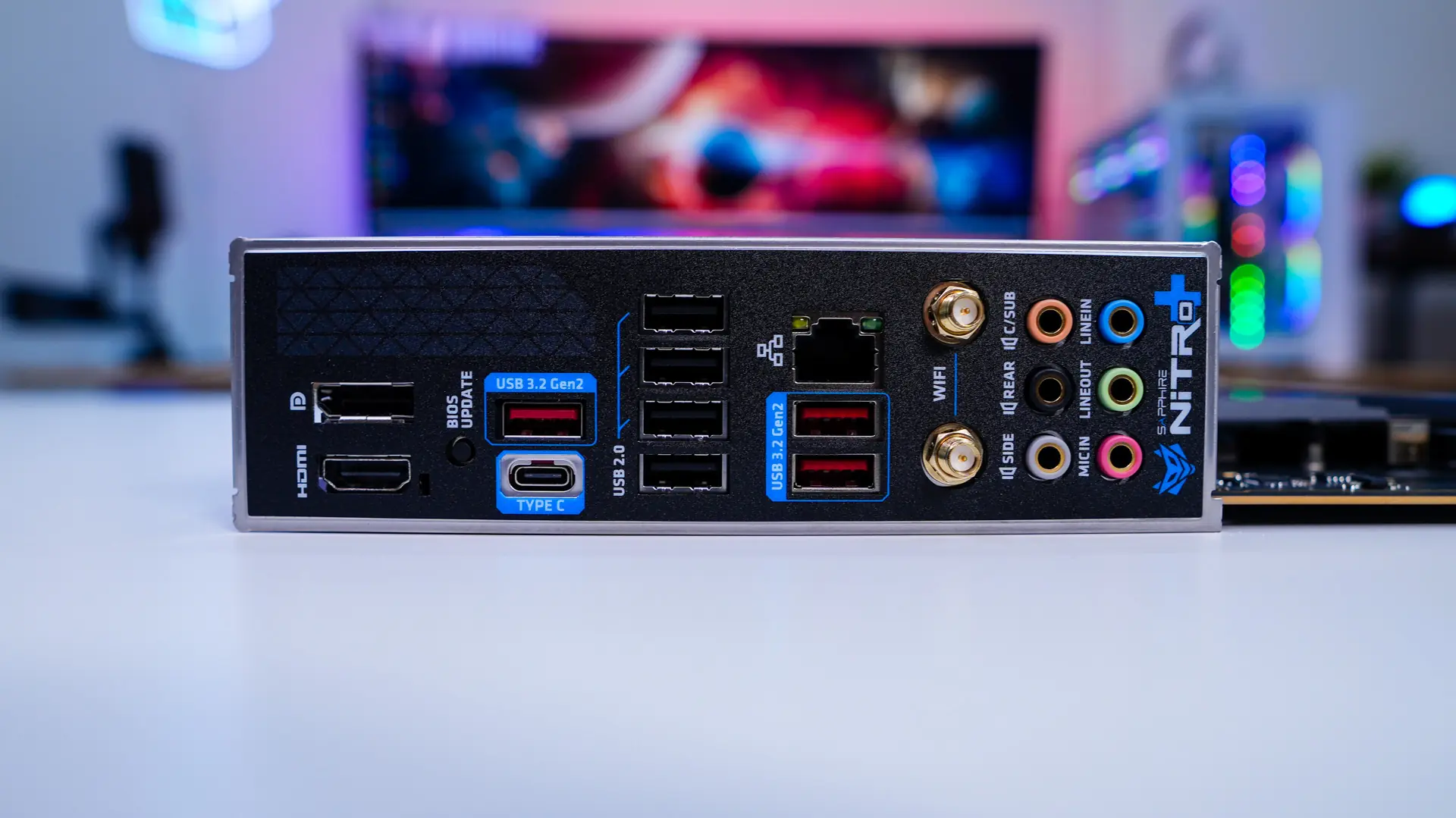
When it comes to the rear I/O we do have a built-in I/O shield with the Sapphire NITRO+ logo on it. For our ports and connections we do have DisplayPort, HDMI, four USB 3.2 Gen 2 ports (3x Type-A, 1x Type-C), four USB 2.0 ports, 2.5G LAN, WiFi Antenna connections, and your audio connections.