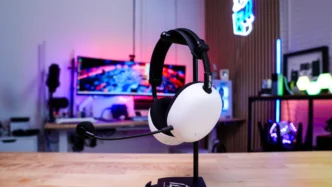
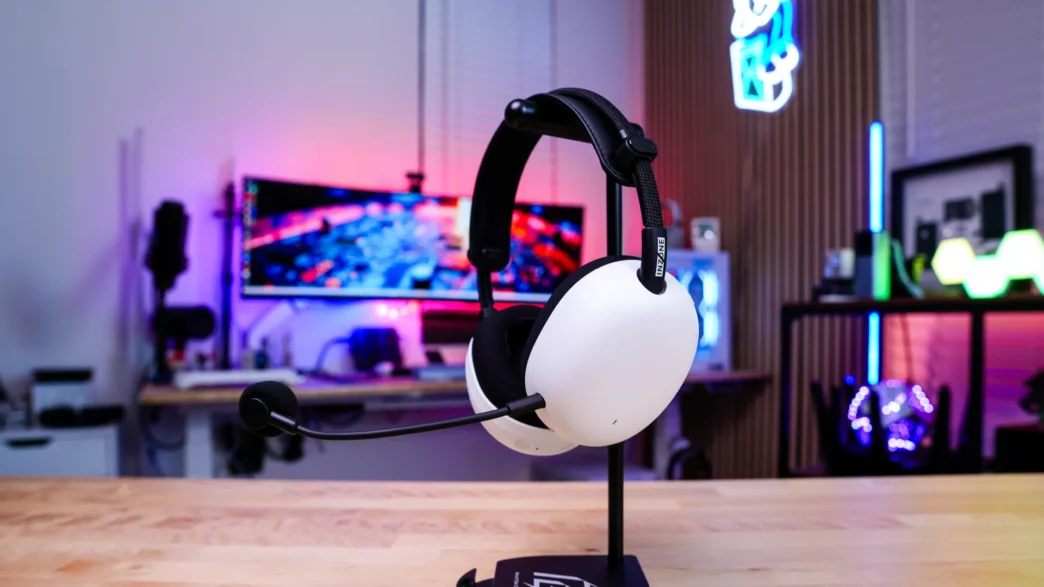
Setup and Using the Sony INZONE H9 II Gaming Headset
I will primarily be using the INZONE H9 II with my PC, so the following set up will pertain to that. On PC all you’ll need to do is plug in the included USB-C transceiver to an open USB-C port. Based on the actual design of the transceiver it will likely block ports or buttons that are close to your open USB-C port so keep that in mind.
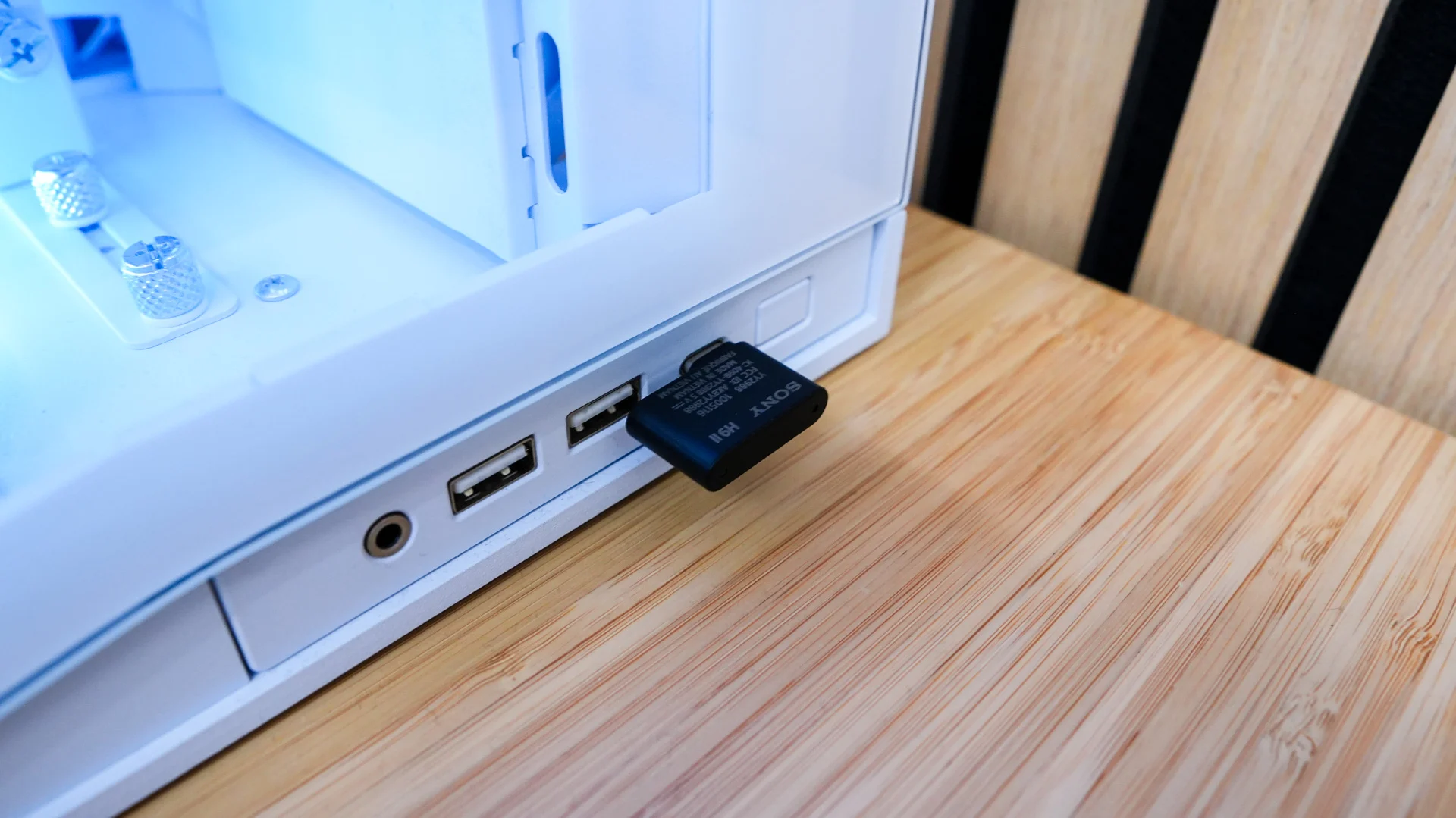
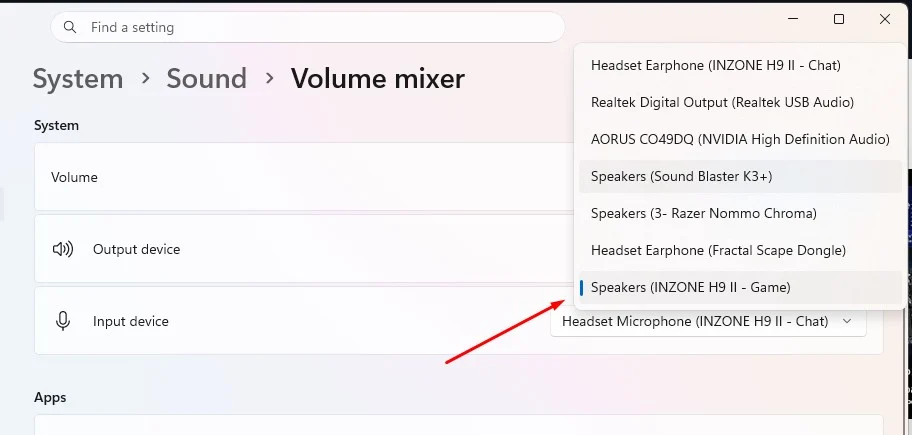
Once you have this plugged in go ahead and power on the headset. Now you’ll see two new audio devices in your Output Devices on Windows. These will be INZONE H9 II – Game and INZONE H9 II – Chat. Be sure to select INZONE H9 II – Game as your default sound device.
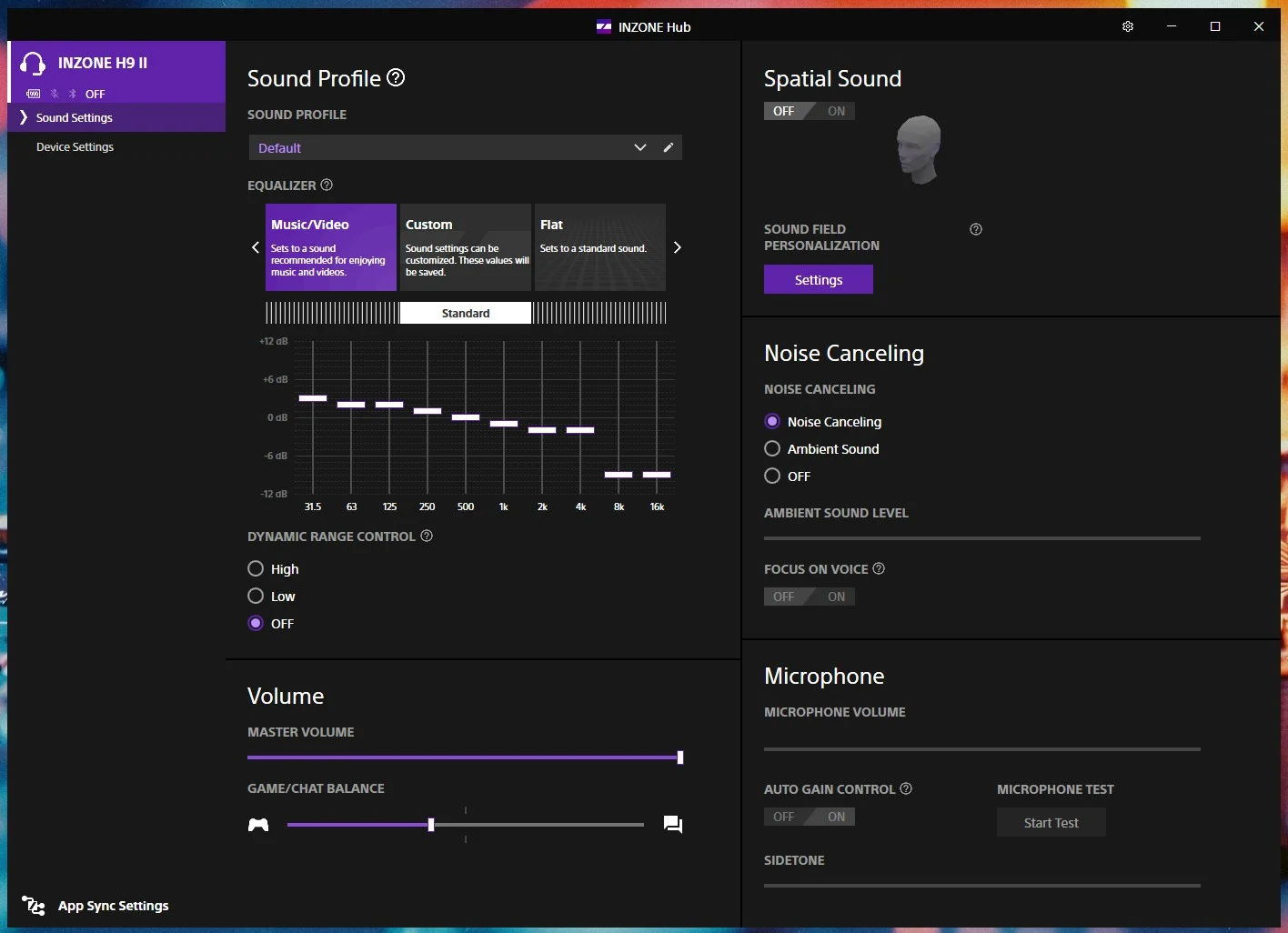
From here you can use the headset no problem, but if you want more fine-tune controls you’ll need to install Sony’s INZONE Hub application. With it installed we essentially have two different tabs for settings. The first is Sounds Settings. Here you can select a sound profile, set your EQ (there are a handful of presets to choose from and you can create your own), turn dynamic range control on or off, adjust the master volume, set the game / chat balance, turn spatial sound on and off, set the noise cancelling mode, and you have your microphone settings.
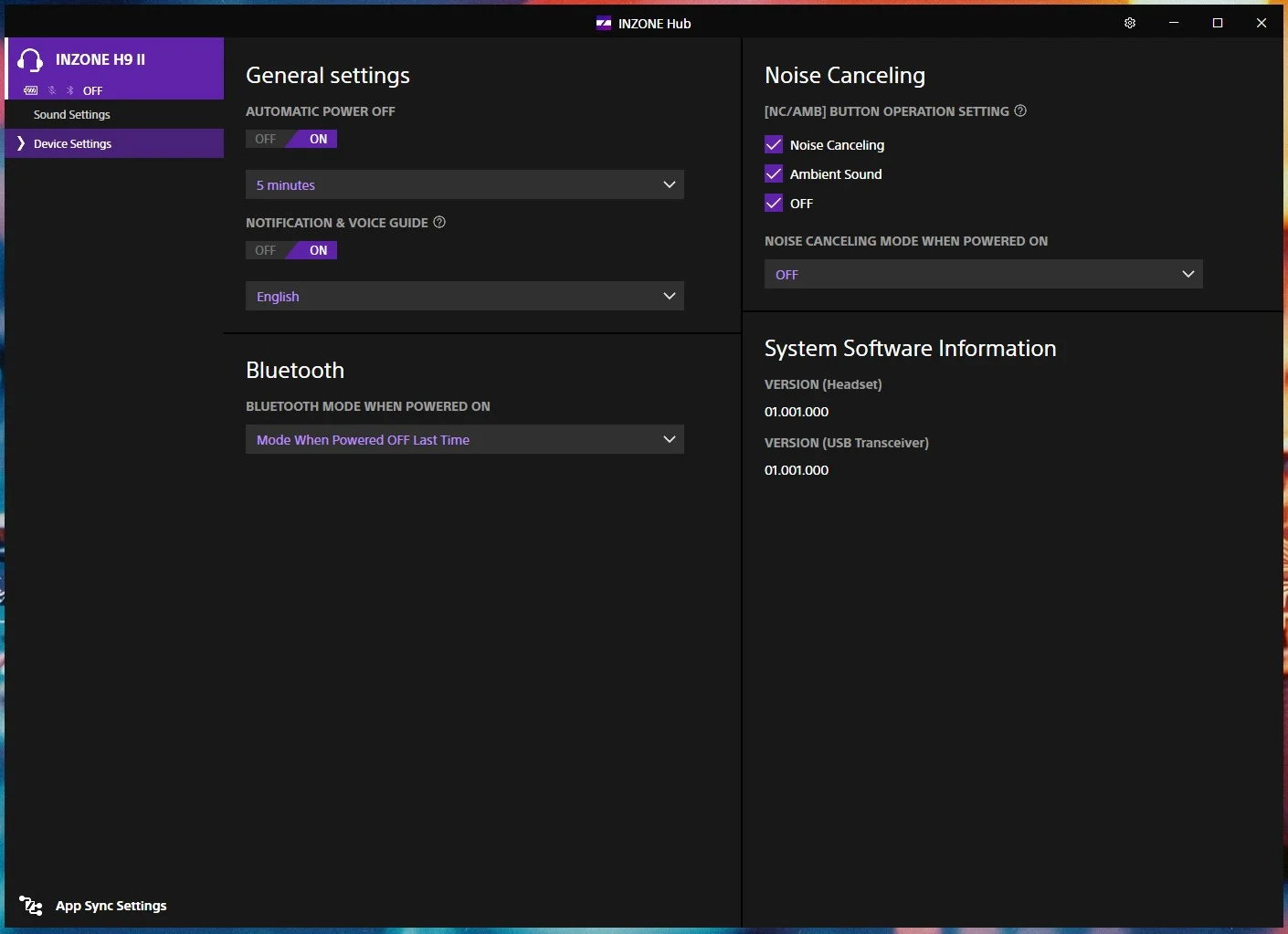
Under the Device Settings tab you can set when the headset automatically turns off, if notifications and the voice guide are on or off, what the Bluetooth mode will be when powered on, what the NC/AMB button does on the headset itself, and what version firmware you are running.
If you are wondering what the microphone on the headset sounds like we have an audio sample below. This will give you a good idea of what the headset sounds like compared to some of the other headsets we’ve tested lately.
Sony INZONE H9 II
ASUS ROG Kithara
Fractal Design Scape
ASUS ROG Delta II