


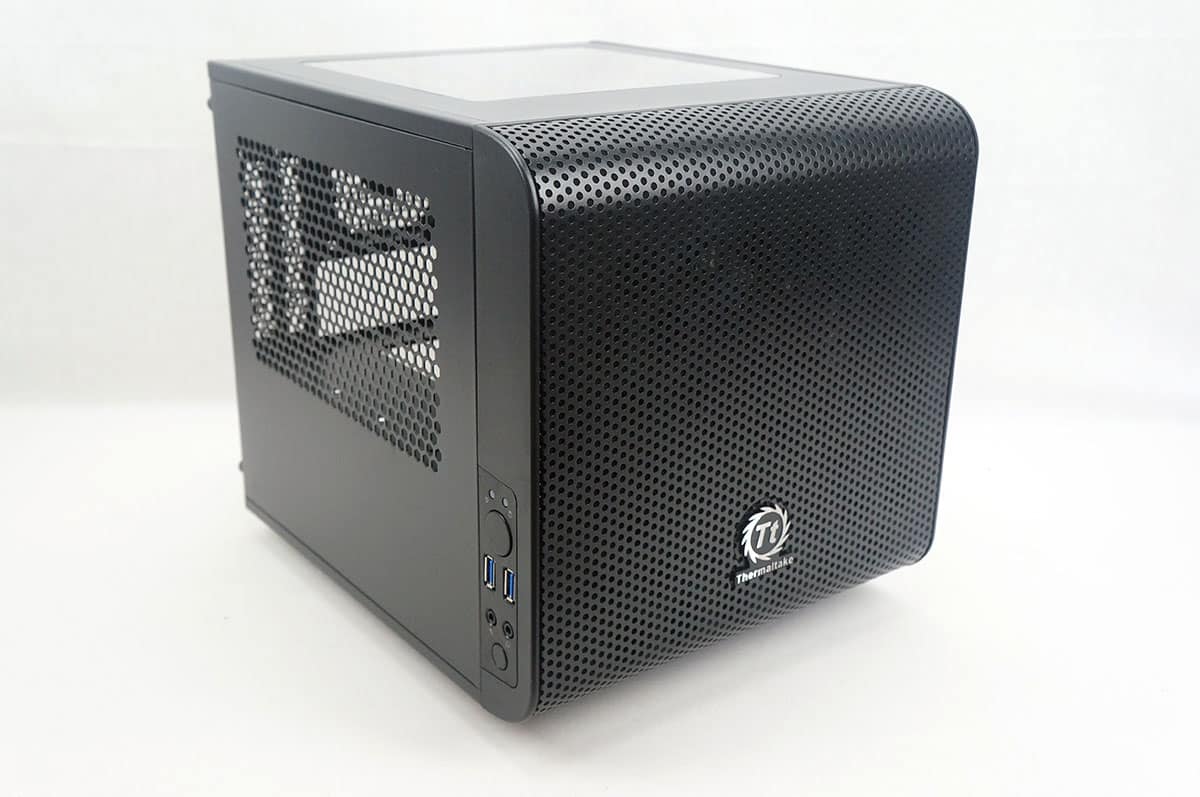
A Look Inside
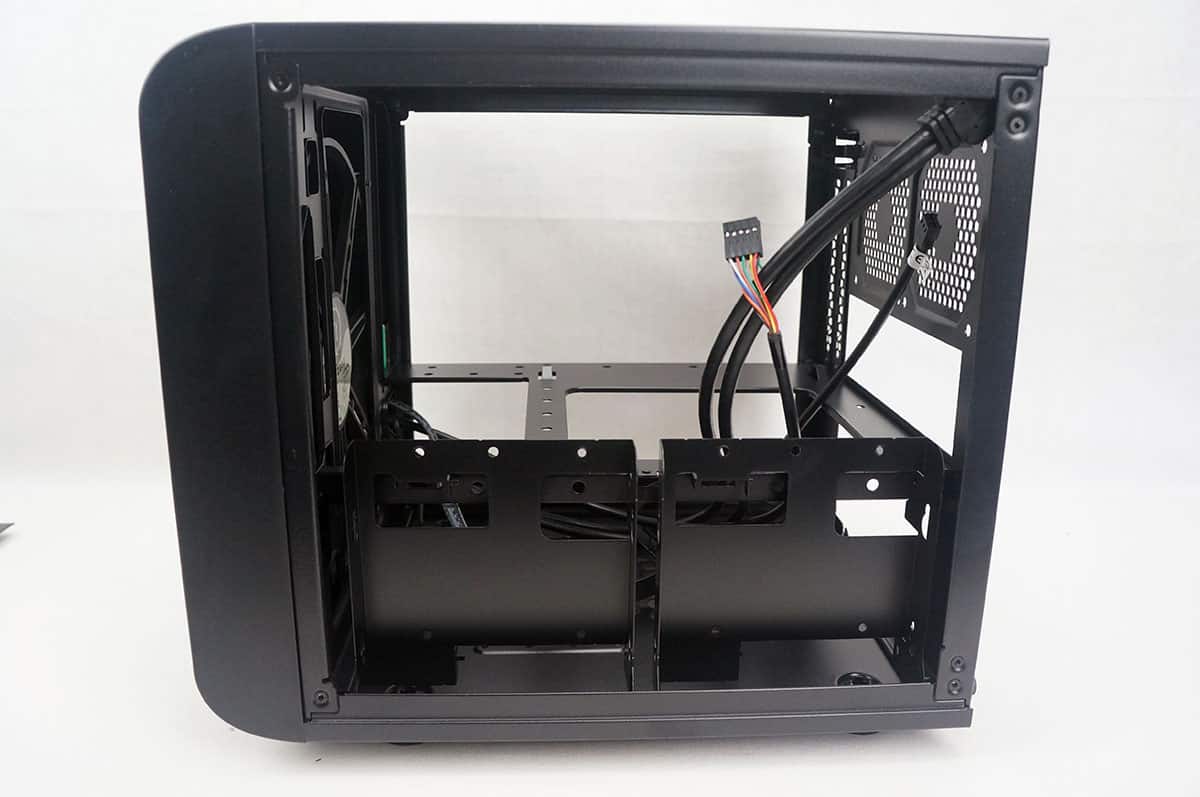
Taking off the typical side panel we can take a look inside. The case has a very simple, yet effective design.
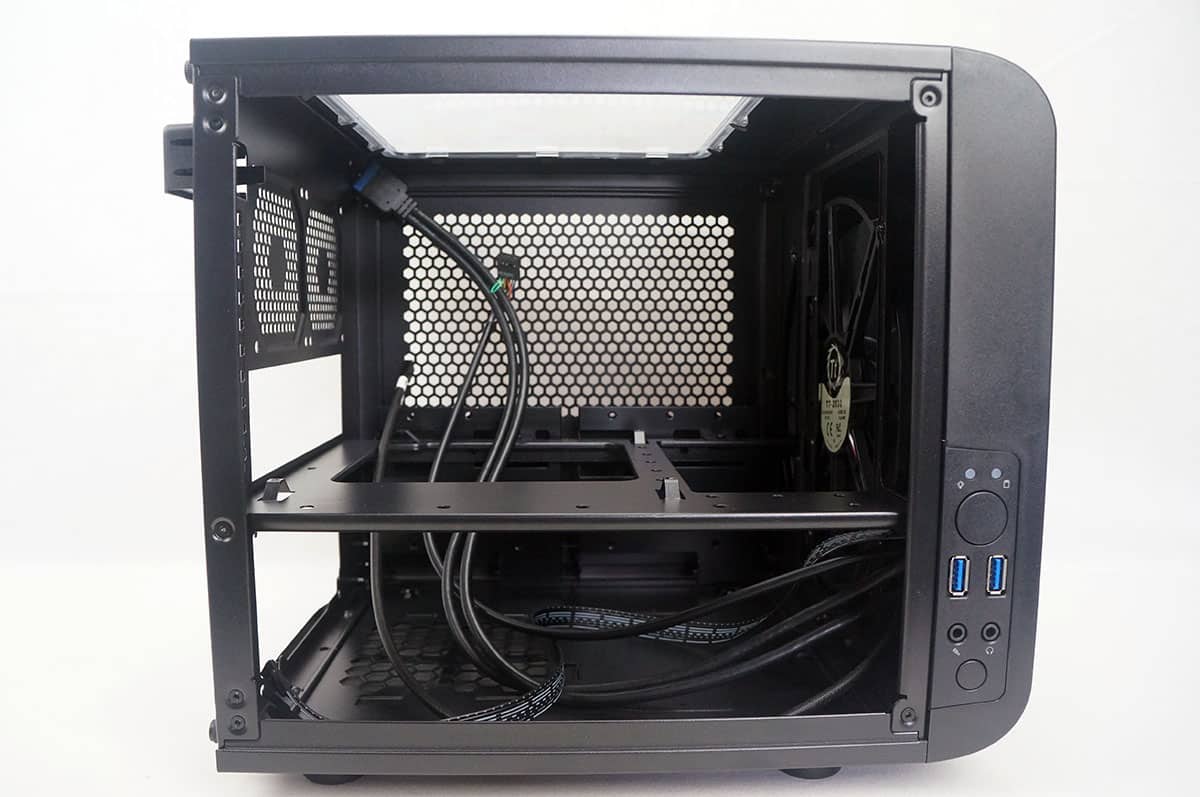
The case is divided into two sections, the top section is for your motherboard and graphics card and the bottom is for your power supply and wiring. Again this case only fits Mini-ITX motherboards.
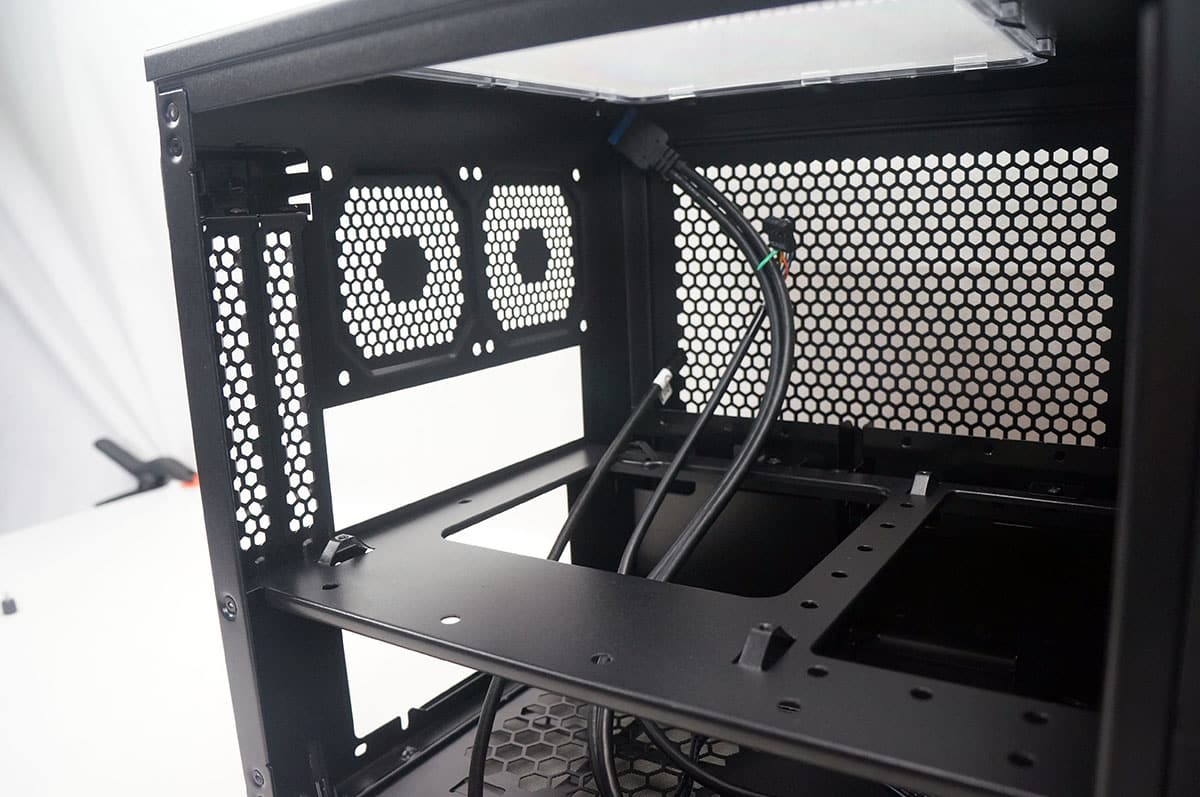
Looking at the front of the case from the inside we can see the included 200 mm fan. Even with this fan installed you are still able to install 120 mm or 240 mm radiators on the front of the case.
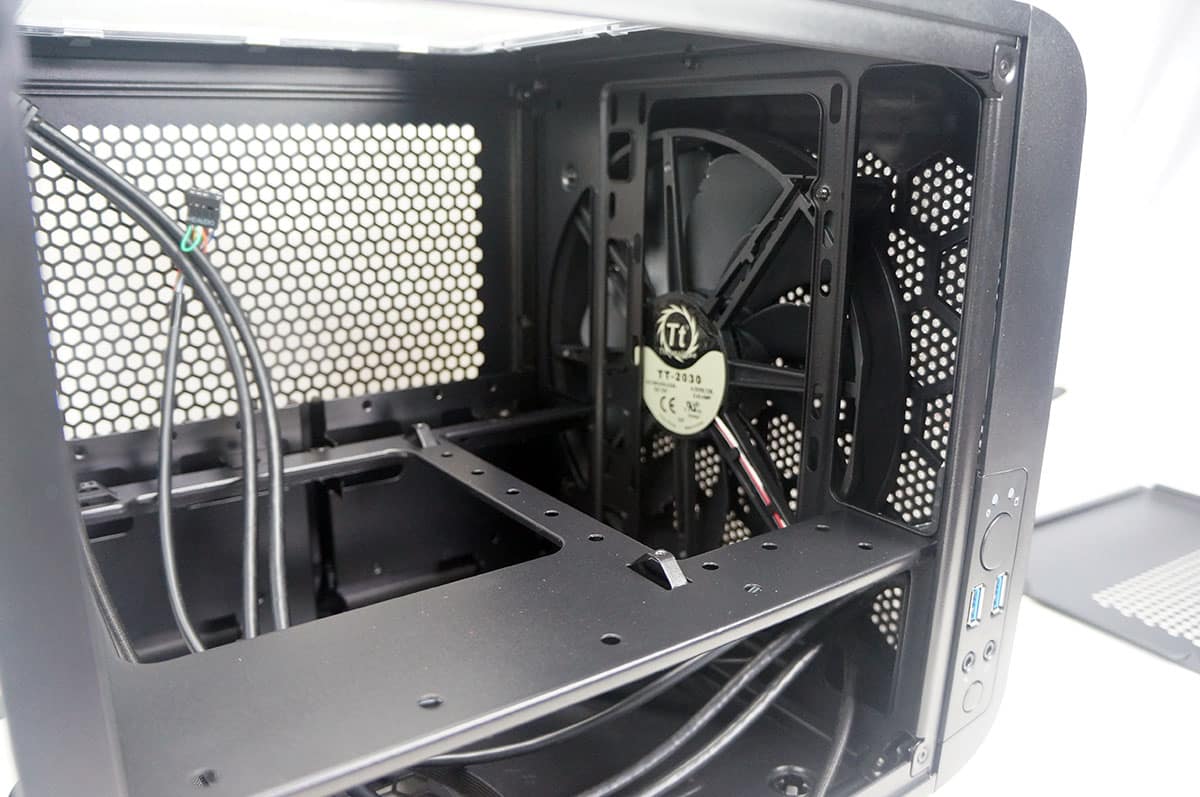
On the opposite side of the case we find two hard drive cages. Each cage supports either two 2.5-inch hard drives or a 3.5-inch and a 2.5-inch drive. These cages are also removable, which you will be able to see once we get into installation.

Hows the cooling inside this sleek looking customizable case?
I think of switching from my Fractual Design Arc 2 Mini Tower Case and AsRock Z97M Anniversary MotherBoard (mATX) and ‘HYPER EVO 212 CPU Cooler’ to this one (iTX) and ‘ASUS Z97 PLUS-I’ best/simular fan cooler (but in a smaller profile but yeah, considering I wont be overclocking it. despite how easy it is)
https://au.pcpartpicker.com/user/HYPERTiZ/saved/#view=Q4Pkcf
Are the fans quiet? due to the bigger fans?