


Thermaltake introduced their Core X Series back in January at CES. The case that really eclipsed the others out of the series was the Core X71 full tower, but let’s face it, most people do not have the need to such a large case. For most of us we want a mid tower that has ample space inside, great cooling support, and looks pretty good. Well look no further as today we have Thermaltake’s Core X31. This mid tower has room inside for long graphics cards and power supplies, two 360 mm radiators, tall CPU coolers and much more. The motto of the Core X Series is “Your Build. Our Core” and Thermaltake really stands behind this as the internal components of the case can be removed if you don’t plan on using them. Let’s jump in and see if the Core X31 is the perfect mid tower for you!
Special thanks to Thermaltake for providing us with the Core X31 Case to review.
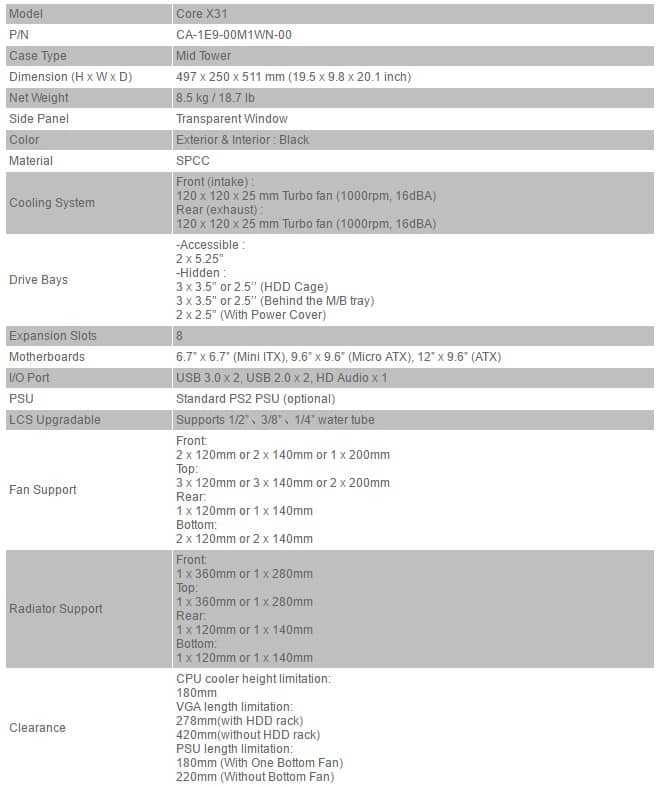
Specifications
Packaging
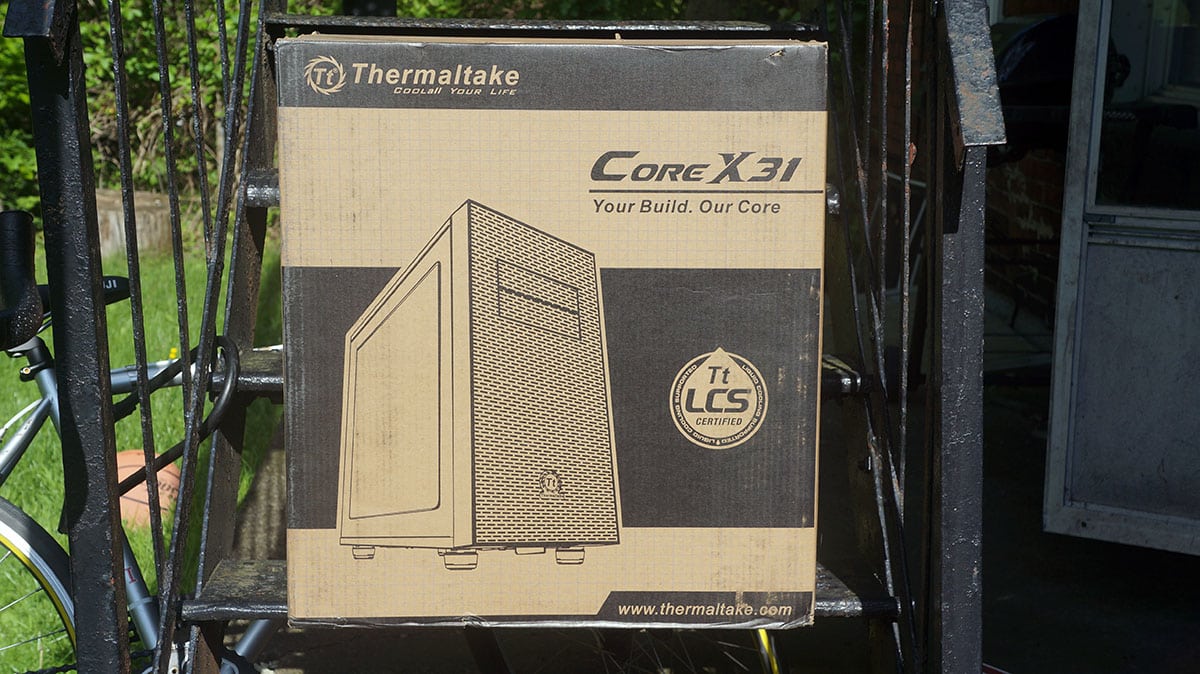
The Core X31 comes in Thermaltake’s typical case packaging, which is a large reinforced box. On the front there is a picture of the case and it lets us know that the case is Thermaltake LCS Certified, which means it is ready for water cooling.
Flipping around to the back there is an exploded view of the case showing off all of the different parts of the case.

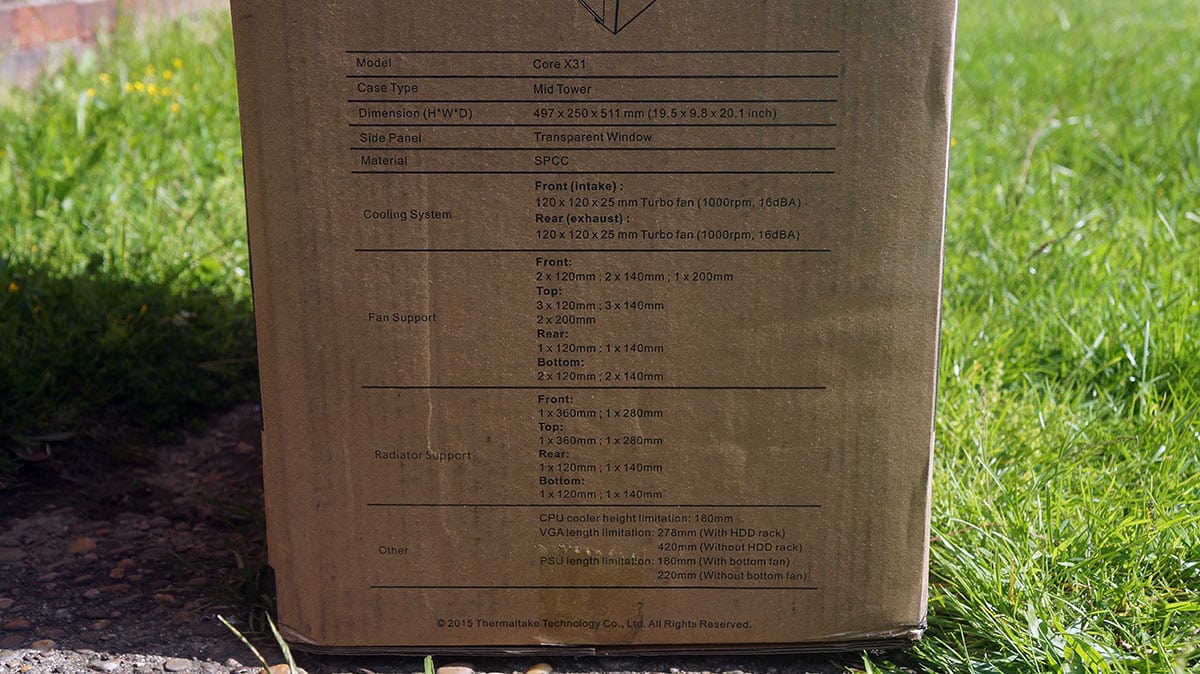
On the side of the case there is a full list of specifications.
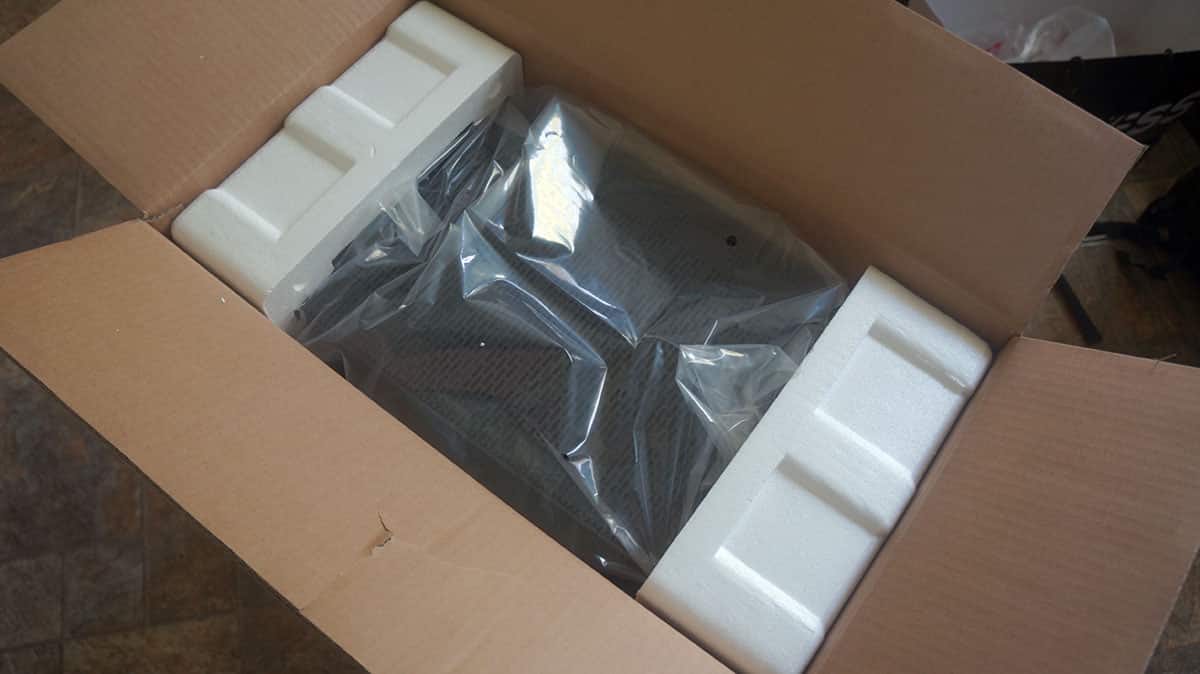
Opening the box up the case is nicely protected by two large pieces of styrofoam and it is packed inside of a thick plastic bag. The side panel window has plastic film on it so it will not get scratched.
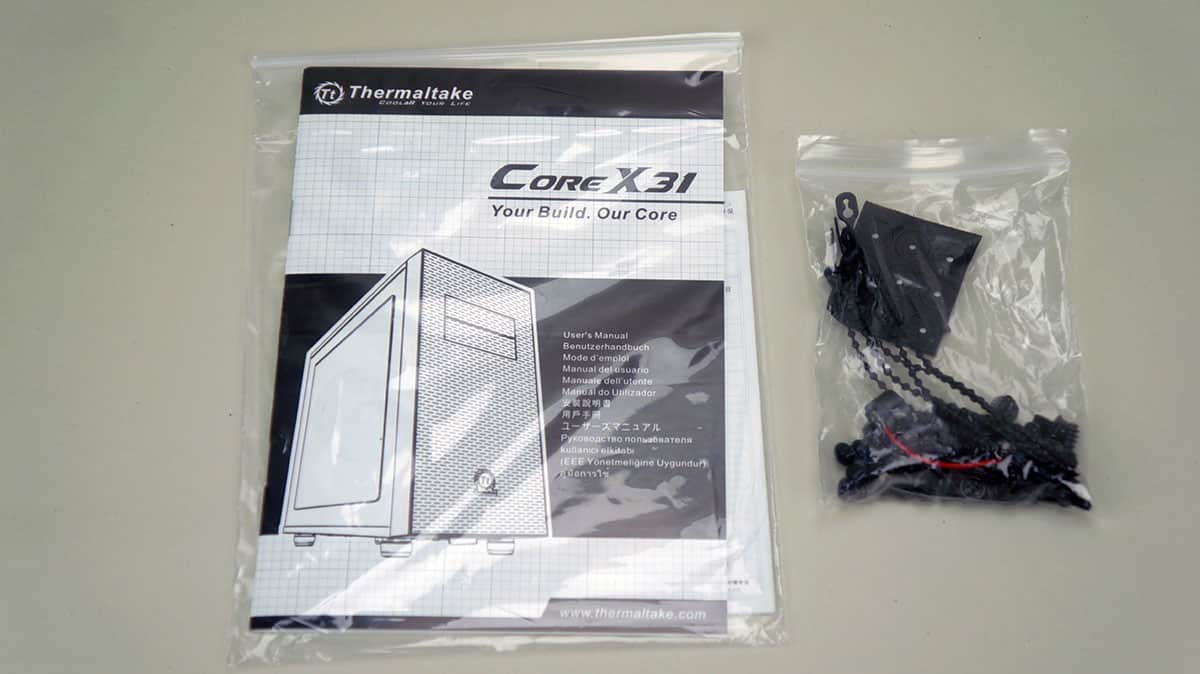
Inside of the case you will find a users guide and mounting hardware.




Odd question, how does the front intake only support 2×120 fans but a 360 radiator at the same time? Is one spot on the radiator going without a fan?
Hey, I am in no way a tech guru but through my research on this case, I seen a vid in which they said you can remove the drives on the front to add a 3rd fan (if my memory serves me correctly )
2x120mm fan with ODD cage installed. 3x120mm without the ODD cage (this answers your question). you can remove the psu shroud, the hdd cage and the odd cage.