Top 10 AI Tattoo Generators – A Comprehensive Guide
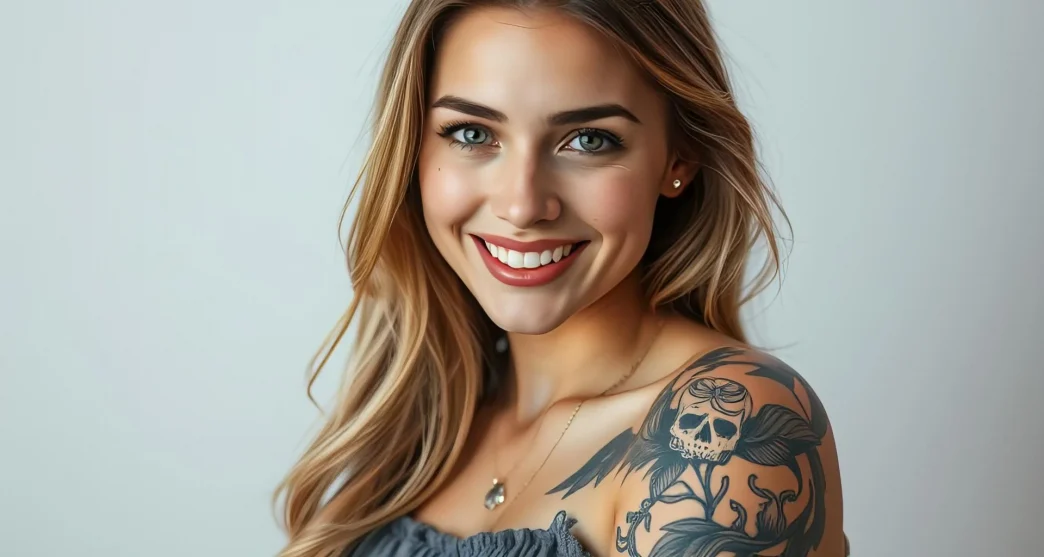
AI tattoo generators tend to rely upon artificial intelligence to assist tattoo enthusiasts and artists in producing customizable and unique designs. Since the tattoo industry has adopted digital tools, the relevance of the AI tattoo generator has increased significantly.
This guide is all set to compare some of the commendable AI tattoo generators, both paid and free, to enable you to find the appropriate tools to access stunning tattoos.
10 Best Paid & Free AI Tattoo Generators
Finding the best free AI tattoo generator remains a daunting task but this part introduces the 10 reliable tools to to access the AI generated tattoo.
1. HitPaw FotorPea
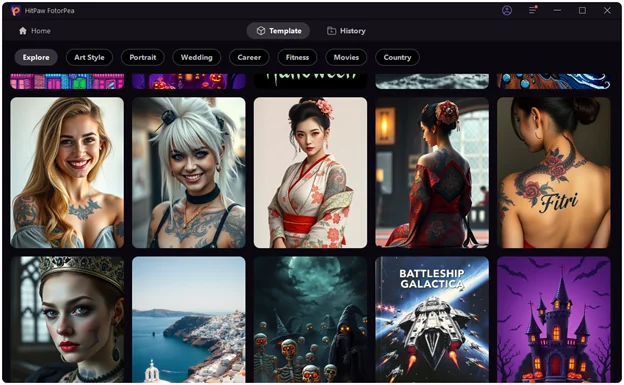
Everyone wants to look for an AI tattoo generator that offers amazing image quality and various styles of tattoo, and that’s what HitPaw FotorPea is fairly good at. This reliable AI image generator only asks you to enter the text description before creating the amazing visuals of the tattoo.
HitPaw FotorPea also supports the batch creation, and if you’ve got the premium of the HitPaw FotorPea, you won’t see the watermark in the generated images.
In addition to being a great AI image generator, HitPaw FotorPea excels as a photo enhancer, object and background remover, ID photo maker, and AI portrait generator.
2. Artguru
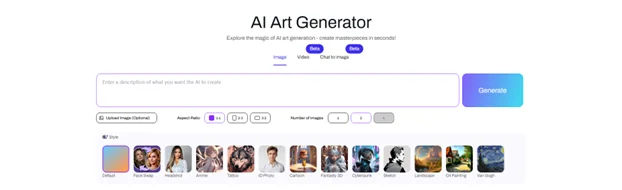
Another AI tattoo generator from the text you can go for is Artsguru. This image generator depends upon written ideas before producing images of tattoos with impressive image quality. After creating the tattoos, Artsguru also lets you customize the various details of tattoos appropriately.
3. Perchance
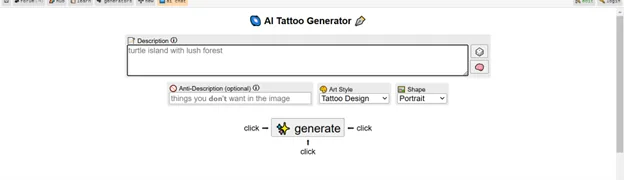
Perchance is also an attractive free AI tattoo generator that offers several customization options.
This implies that while creating different types of tattoos, you can choose the appropriate style and style, elevating the overall quality of tattoos. Apart from offering a manageable user interface, Perchance offers its services for free.
4. GetimgAI
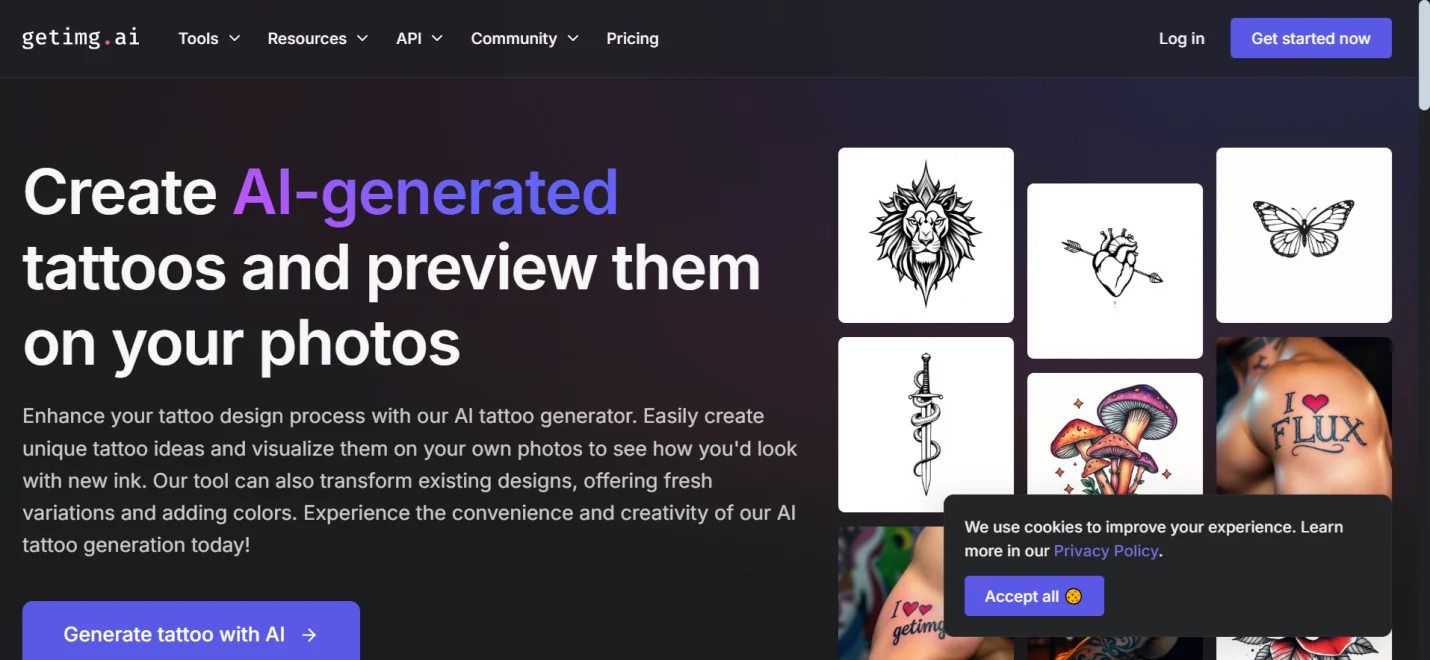
GetImgAI brings uniqueness to creating custom tattoo designs. It enables you to choose the appropriate styles after entering the text description. If you aren’t satisfied with the initial results of the tattoo images, this AI tattoo generator also offers the exciting customization options.
5. Picsart
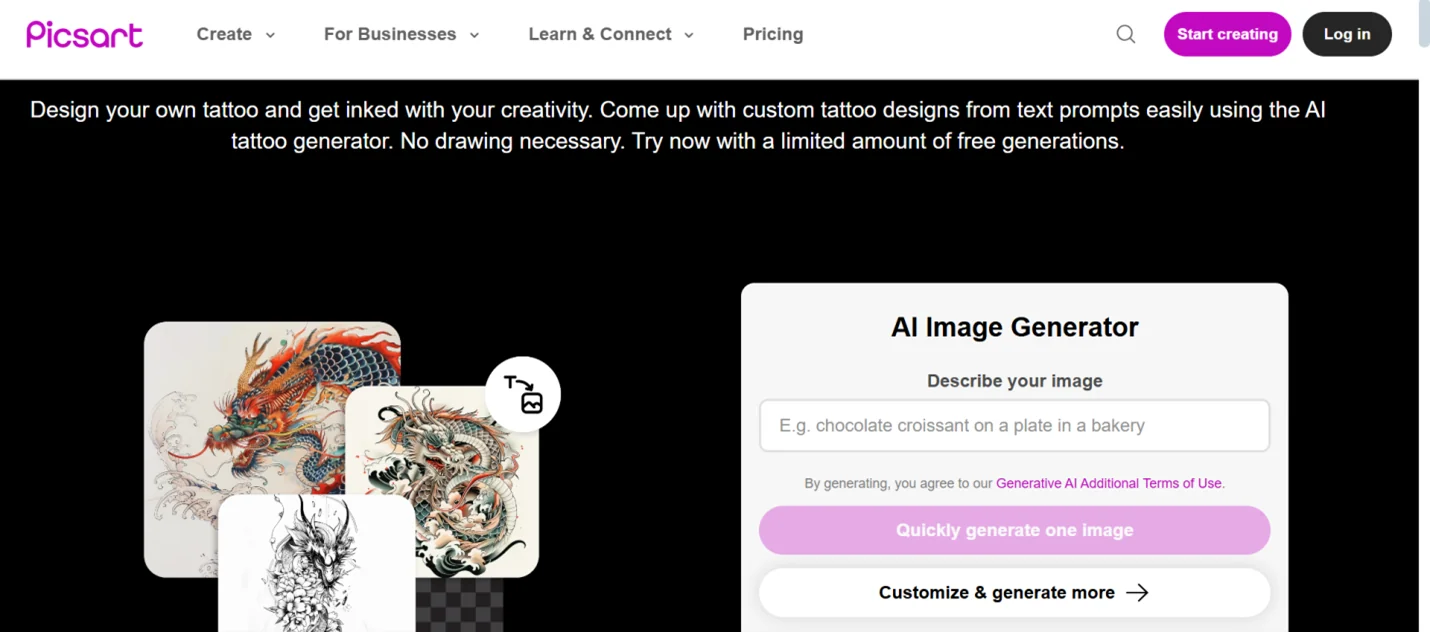
PicsArt offers the extensive design capabilities that makes this tool an efficient gig for people willing to create the creative tattos. With a free version and an affordable premium package, PicsArt could be the dream tool to produce versatile tattoos.
6. TattoosAI
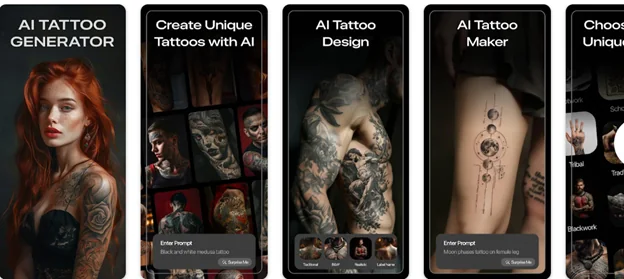
Created mainly for tattoo generation for mobile devices, TattoosAI prompts user-friendly tattoo design abilities. With this AI tattoo generator free, you can explore multiple tattoo designs in real-time, offering an effortless user experience for mobile users.
7. PhotAI
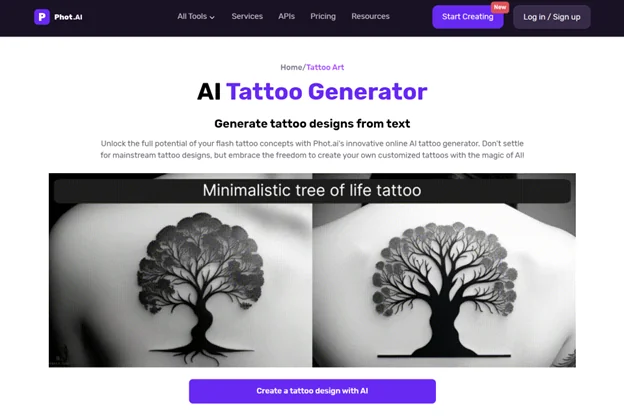
PhotoAI comes up with customizable and detailed tattoo designs with a simple user interface. The efficient AI tattoo generator lets you explore tons of styles while producing personalized tattoos, making them look appealing to the users. If you want to produce complex designs, PhotoAI also won’t disappoint you one bit.
8. Piclumen
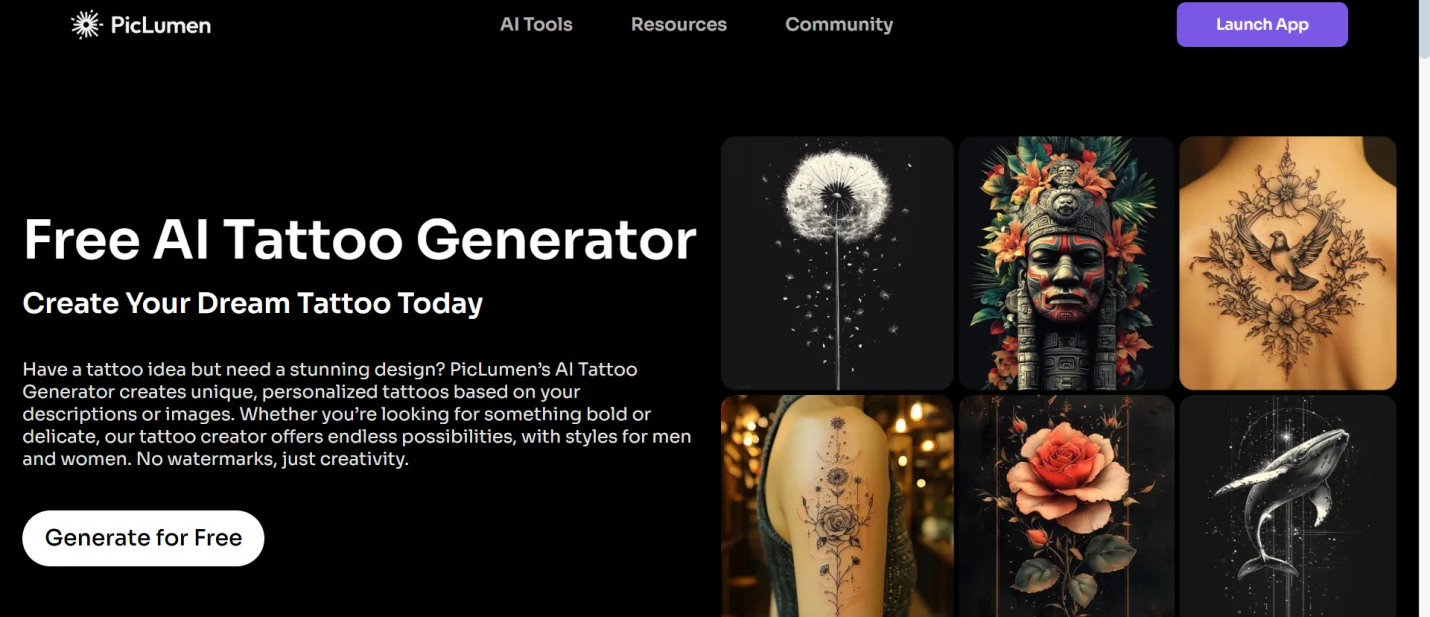
If you’re looking to opt for new tattoo designs, Piclumen could be a go-to free AI tattoo generator. Piclumen comes in handy when it comes to producing visually engaging and appealing tattoo designs with a unique aesthetic and style.
9. Ink AI
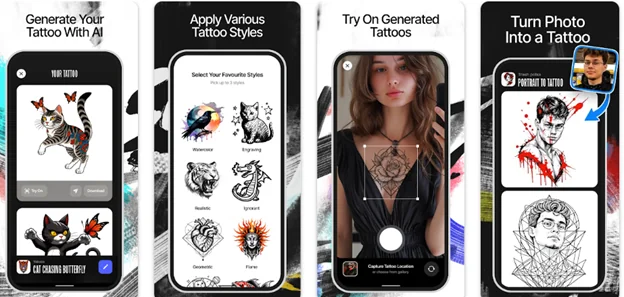
Ink AI is a mobile app that comes up with high-quality tattoo designs, bringing accessibility and flexibility. Thus, if you want to create tattoos for personal purposes on your mobile device, going for the Ink AI is surely worth a try.
10. RemakerAI
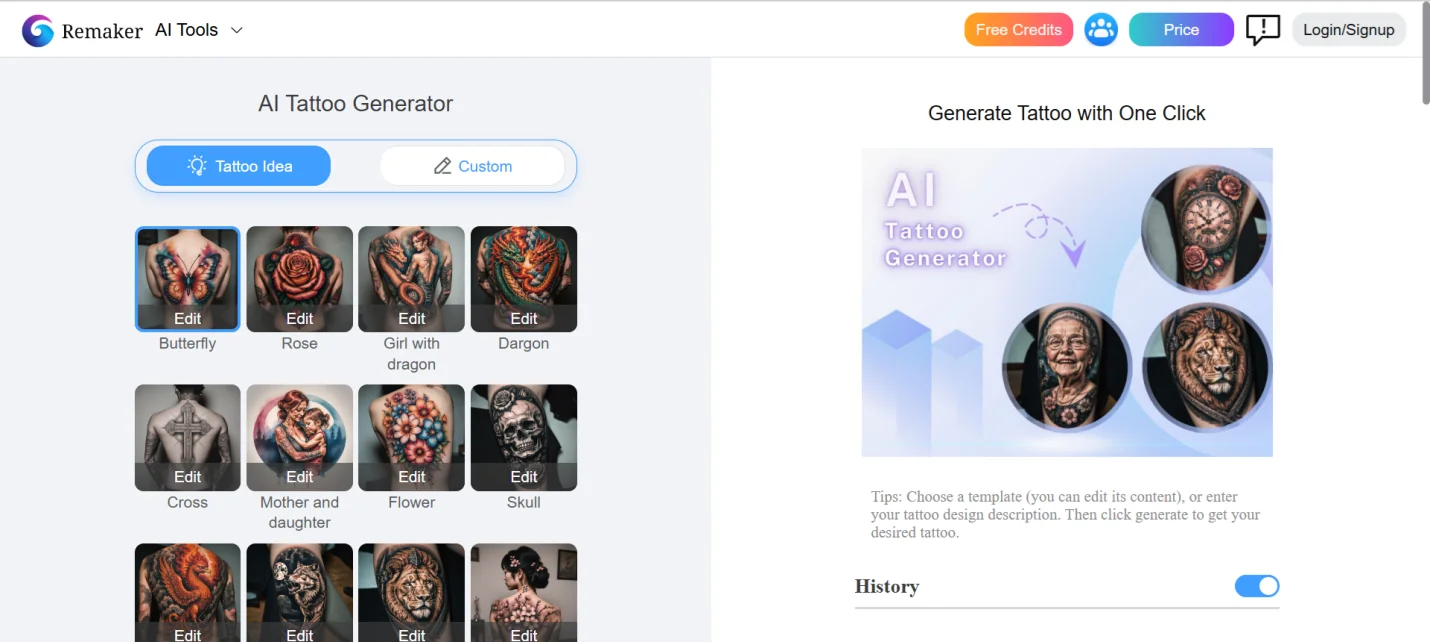
Remaker AI helps you access the seamless and effortless tattoo design experience, which contains multiple customization options and choices. The output tattoos you tend to create from the RemakerAI are highly mesmerizing, and this tool doesn’t shy away from making professional-grade tattoos for you.
How to Create AI-Generated Tattoos: A Step-by-Step Guide
If you’re looking for an AI tattoo generator to create stunning tattoos, you can look at HitPaw FotorPea. It offers highly professional features when it comes to creating tattoos, offering quick image creation speed.
Follow the guide below to create the tattoos through HitPaw FotorPea.
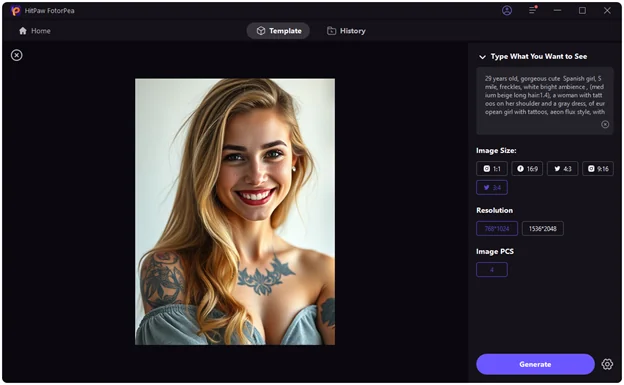
Step 1: Go to the official website of the HitPaw FotorPea, tap on the Download button and then install the software afterwards. After launching the HitPaw FotorPea on your computer, select the AI Generator button.
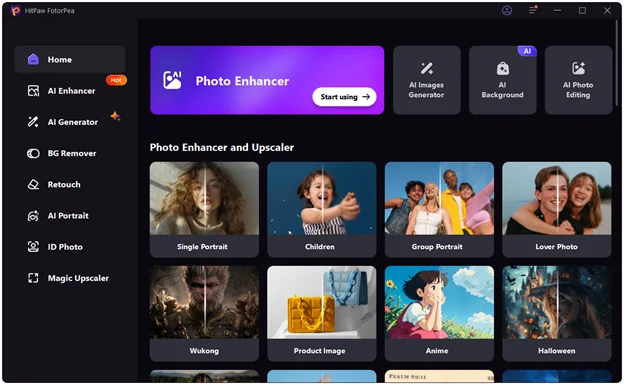
Step 2: Navigate to thetype what you want to see and enter the text description of what you wish to create.
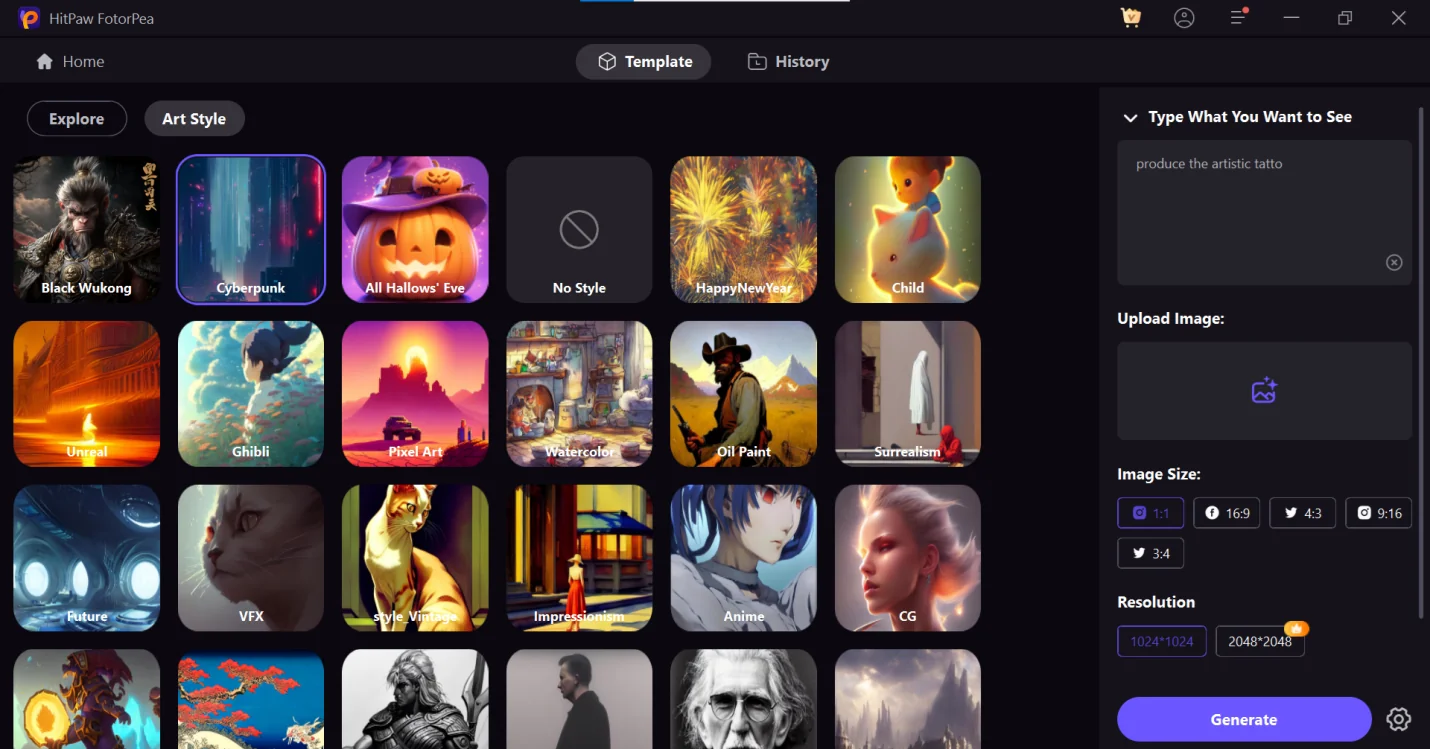
Step 3: Upon hitting the Generate button, you can produce the AI-generated tattoo, and if you wish to download the generated tattoos, you can select the Download button.
Conclusion
The tools listed in this guide will be useful in creating the AI-generated tattoo. Apart from allowing you to create artistic tattoos for free, the options given in this post will ensure that you can make the preferred tattoos with outstanding image quality.
HitPaw FotorPea appears to be the best AI tattoo generator that lets you create all types of tattoos by only entering the written text. HitPaw FotorPea offers an affordable premium package, and exploring the free version is also possible.
FAQs for AI Tattoo Generator
1. Is there an AI that can create tattoos?
Yes, you can find multiple AI tools like HitPaw FotorPea that helps you to create custom tattoos based on the input. These AI tattoo generators depend upon the algorithm to assess the styles, text prompts and preferences, helping you to create extraordinary tattoo designs effortlessly.
2. Is there a free AI tattoo generator?
Various AI tattoo generators come up with free options, but Perchance is a completely free AI tattoo generator. This tool allows users to experiment with different styles and designs to achieve reliable image quality. Other tools like Artsguru and PicsArt offer premium versions, helping you explore both premium and free versions.
3. What is the best AI tattoo generator?
The best AI tattoo generator depends on your requirements. If you want to create a customizable and high-quality image, HitPaw FotorPea is the best option, as it comes with professional editing features and multiple styles.