TRYX PANORAMA 360 Overview
With the AIO out of the box, you can see that it looks very similar to the other PANORAMA models, with a curved LCD display that extends well beyond the height of most AIOs. Our review sample features the white colorway, and a few splashes of gray can be found on the blades of the fans, but otherwise this is an all-white design. That said, TRYX does offer this cooler in a black colorway as well, and in 240mm, 280mm, and 360mm versions.
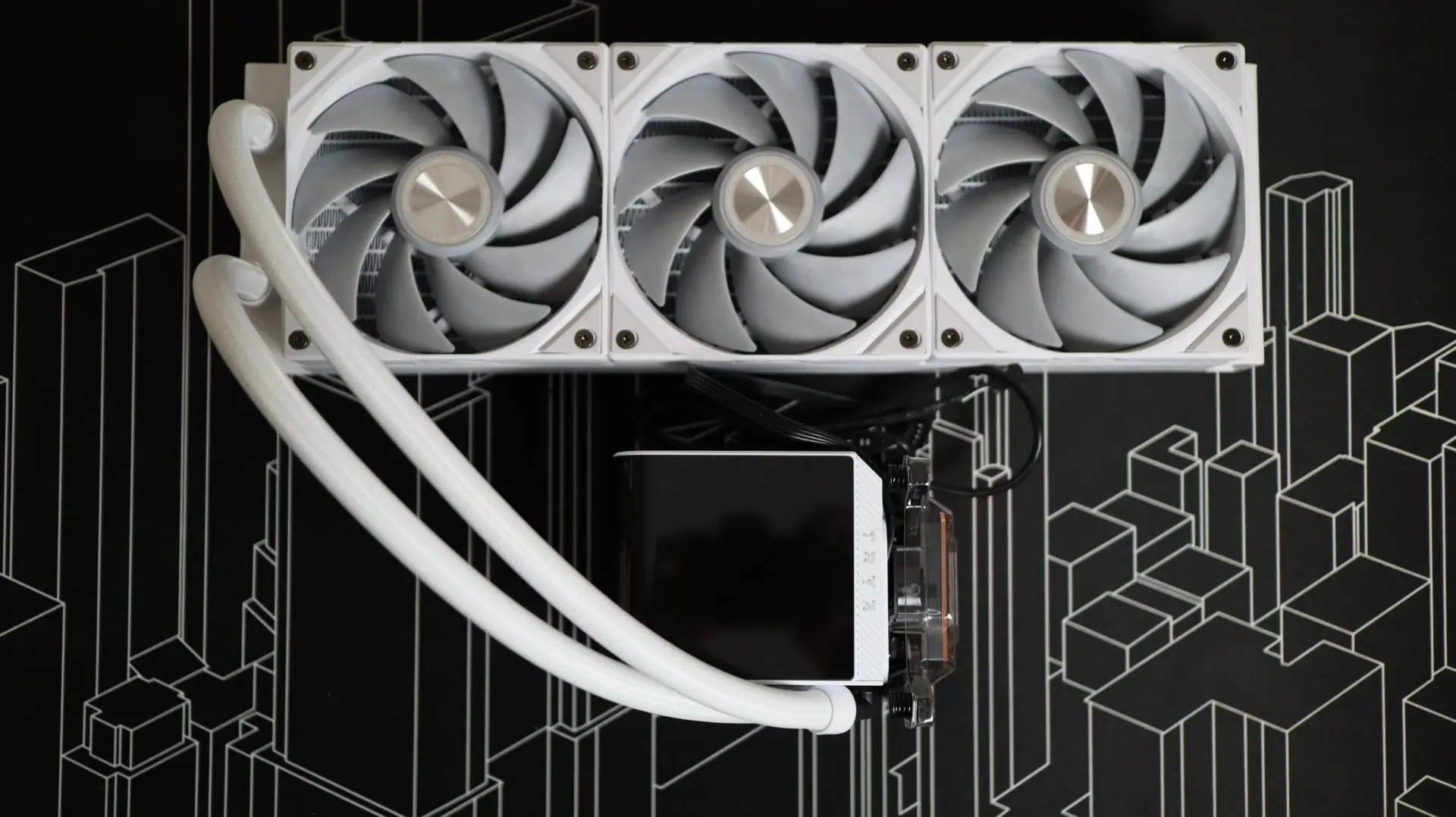
The first component up in our overview is the 360mm aluminum radiator. This radiator is very straight forward in it’s design, with a white paint job and a bit of TRYX branding along the sides. The 30mm thickness is a bit more than the standard 27mm we see on most AIOS, and should allow for a bit more cooling performance, should the pre-installed fans be up for the task.
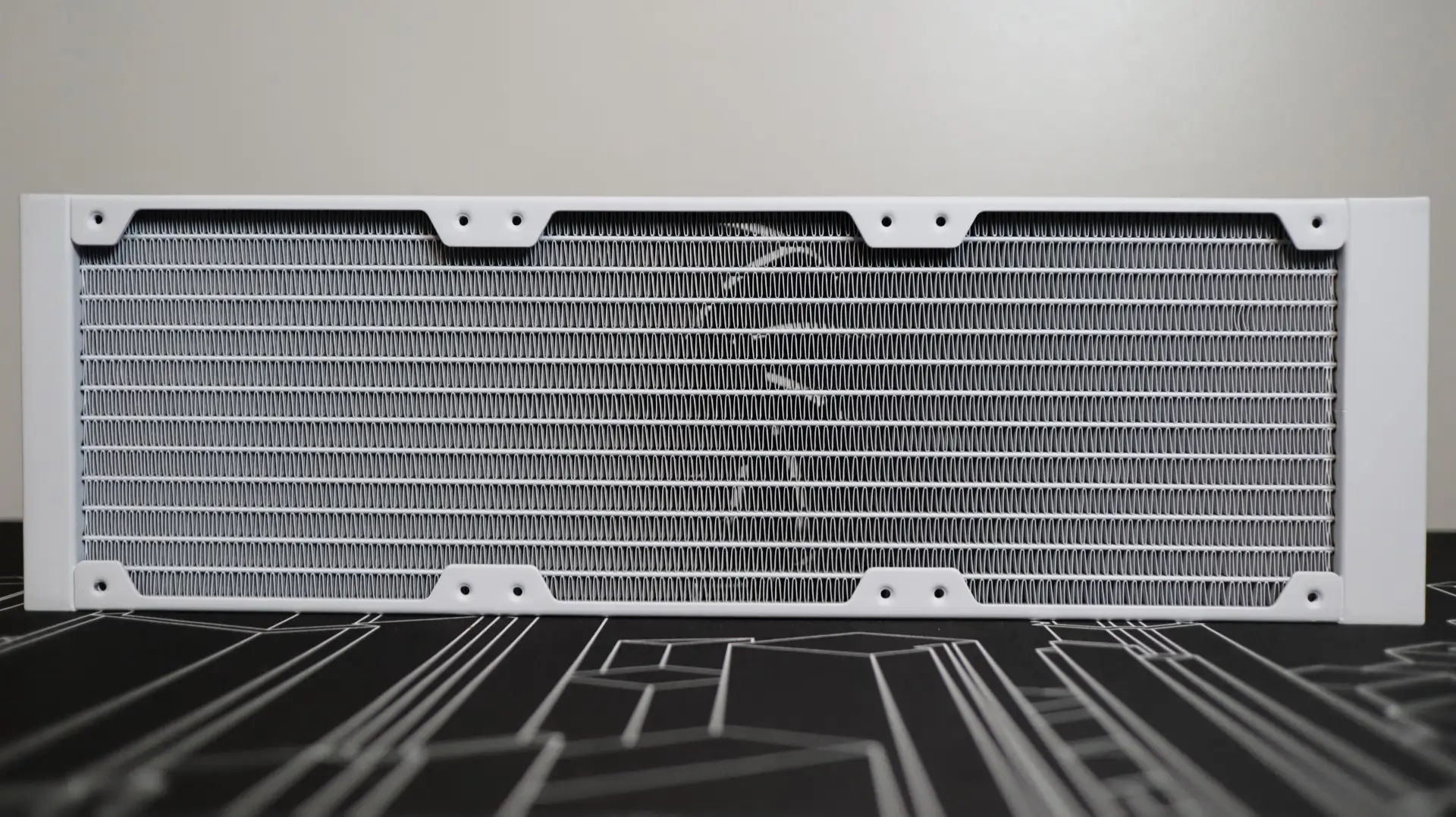
With 20-21 fins-per-inch, the tight fin density is able to provide a bit of additional surface area thanks to the 30mm thickness. The included 120mm ROTA SL PRO PWM fans included with this kit have a static pressure rating of up to 3.66mm-H2O, which is twice the amount compared to the fans on the PANORAMA SE. This rating is much more in line with fans that we have seen on other AIOS, and should be plenty to get air moving through the radiator fins at an acceptable performance level.
The 400mm braided cooling lines exit from one end of the radiator’s end cap, and these lines are connected to the radiator via crimped connectors. I found the cooling lines to be quite flexible during installation, and their length was just fine during installation.
Moving over to the pump housing is where we see the showcase feature of the PANORAMA 360 – the 6.5″, 2K resolution AMOLED screen. This display boasts some pretty impressive specifications, including not only the size and resolution, but also a brightness of up to 500 nits, a 60Hz refresh rate for smooth motion graphics, and a high pixel density of 372 pixels-per-inch. Additionally, the contrast ratio of 1,000,000:1 results in a very good range of brightness and color depth between light and dark areas being shown on the screen.
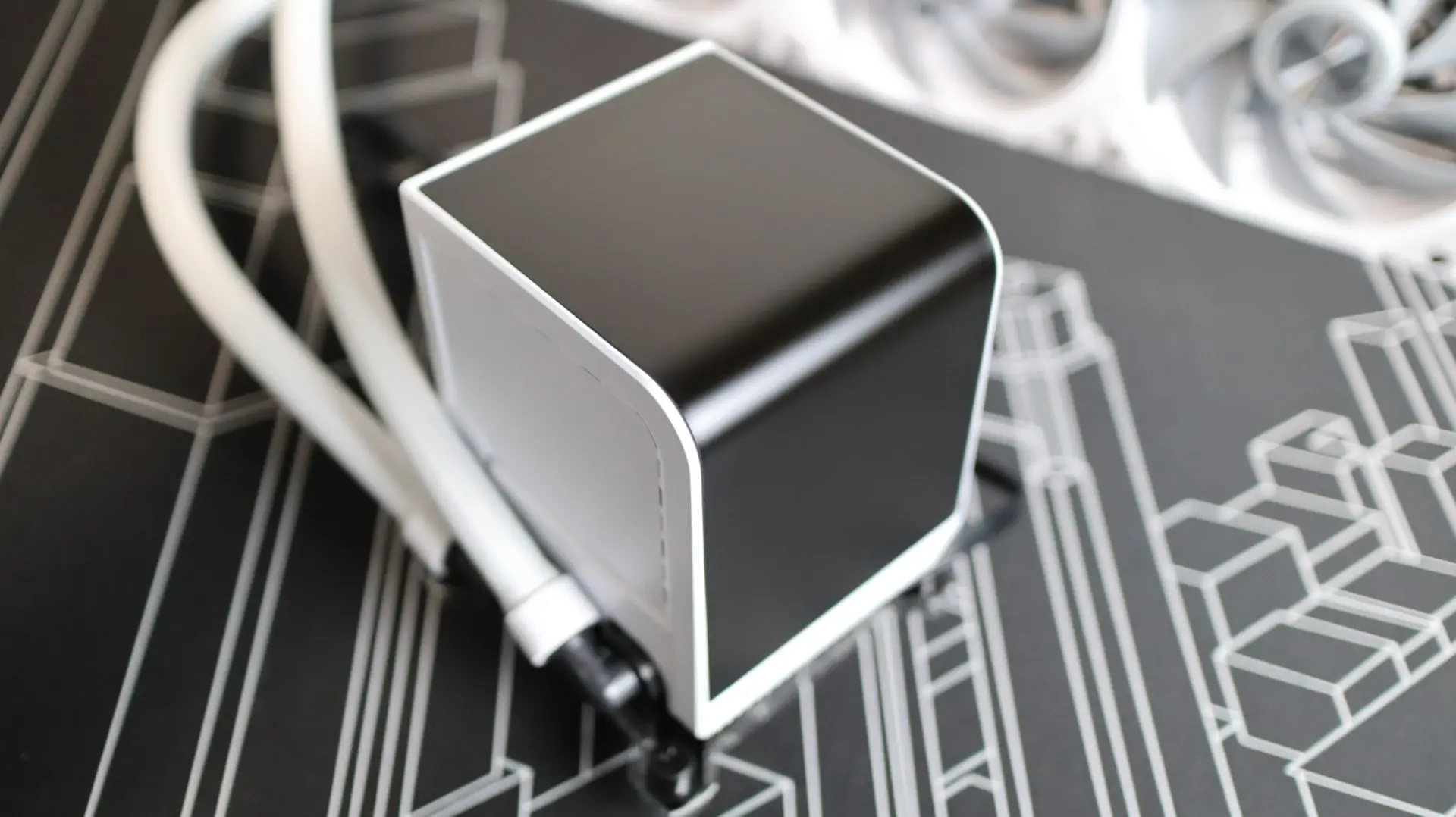
Unlike the PANORAMA SE, the screen orientation can not be physically adjusted, though the screen is removable. Due to some underlying tech that we will cover in a moment, the PANORAMA 360 only allows for a top/front and right side screen layout. While that is a bit of a downside, I think most installs would prefer this orientation anyways, as it provides the best view of the cooler’s wraparound screen.
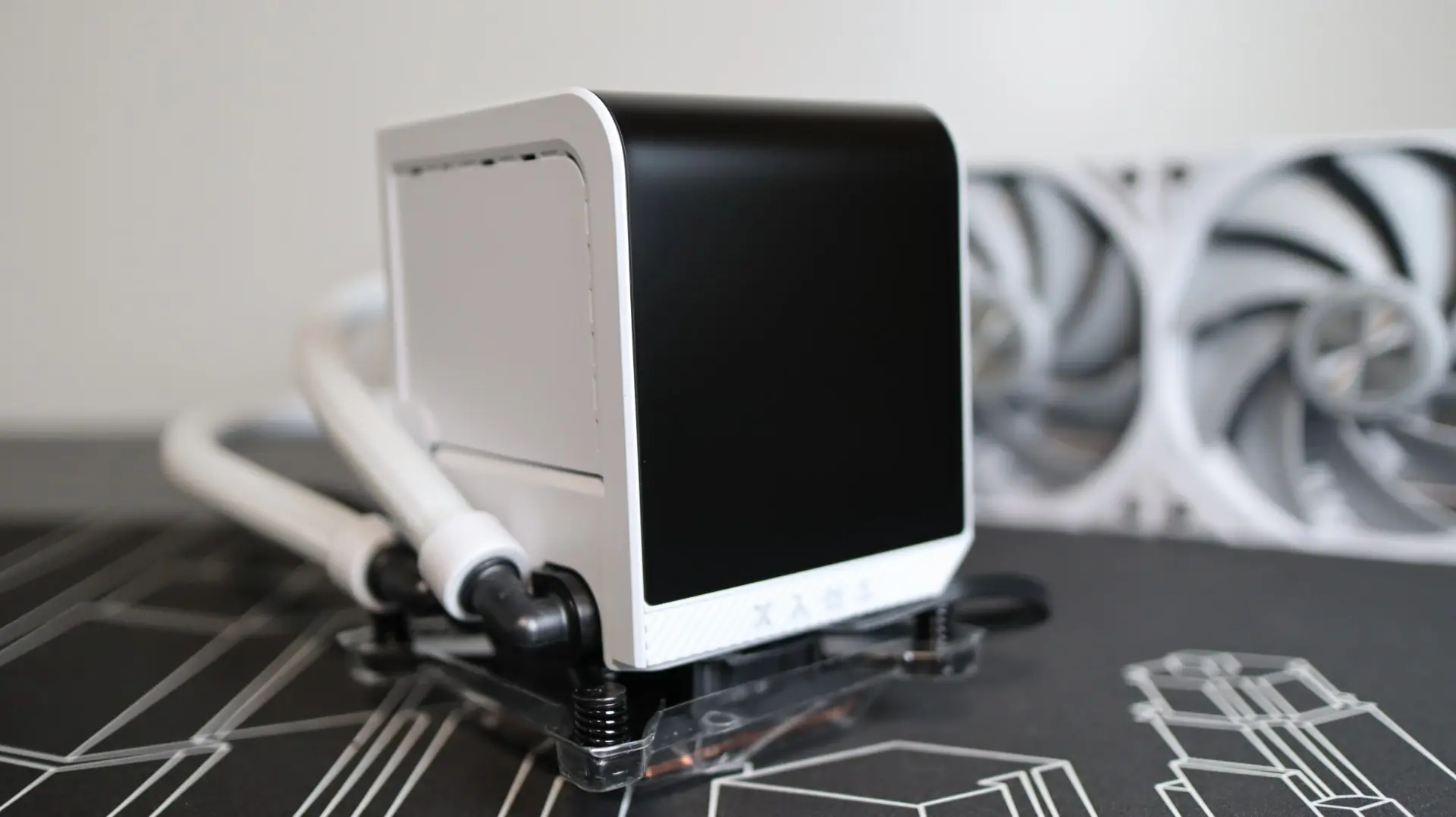
Inside, the PANORAMA 360 sports a 4-core CPU, 2GB of RAM, and 8GB of ROM, which translates into nearly zero host system resource usage. Internally, TRYX is using ASETEK’s 8th Generation V2 water pump solution for long-lasting efficiency and stable performance for a wide variety of installation scenarios.
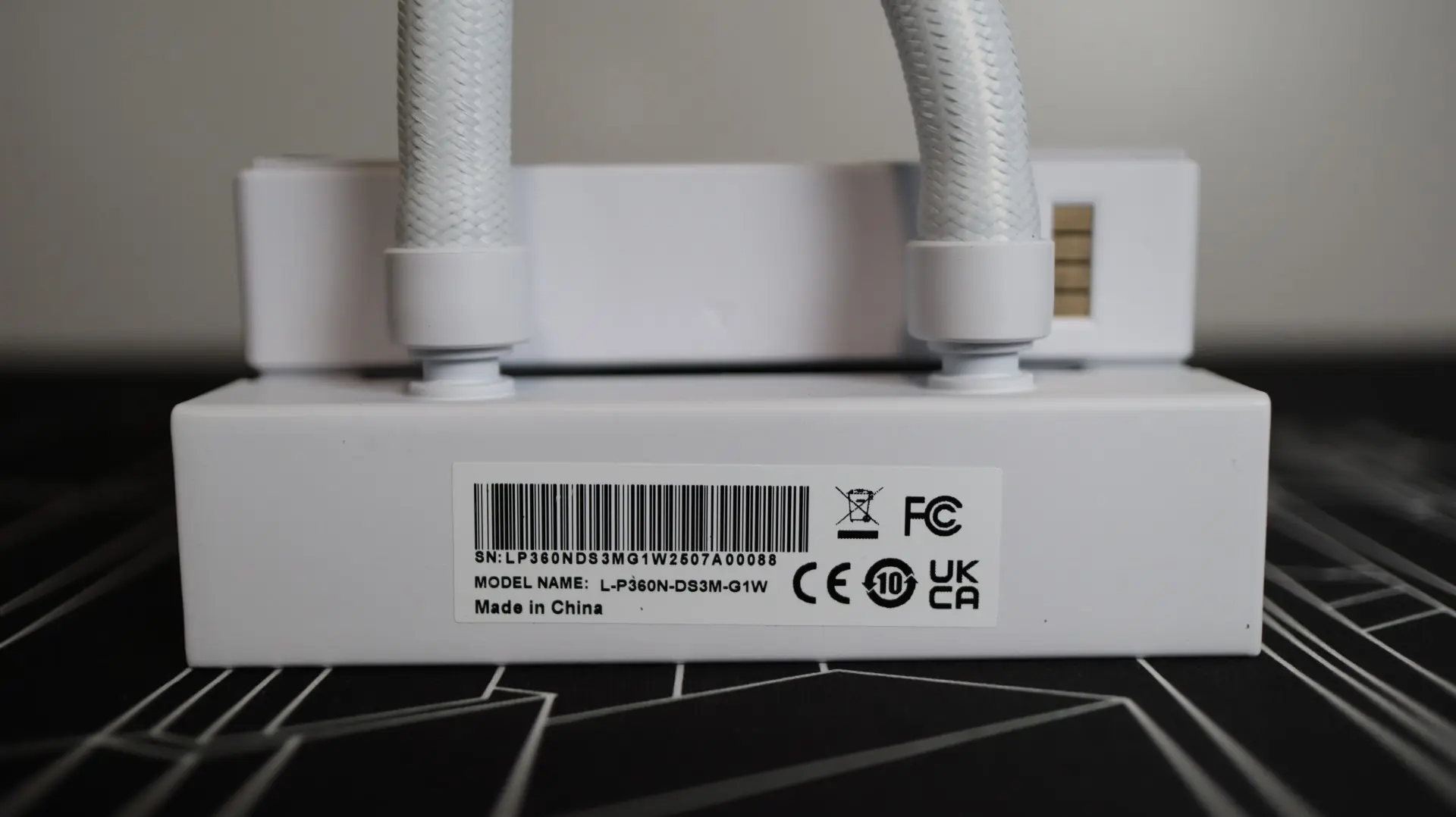
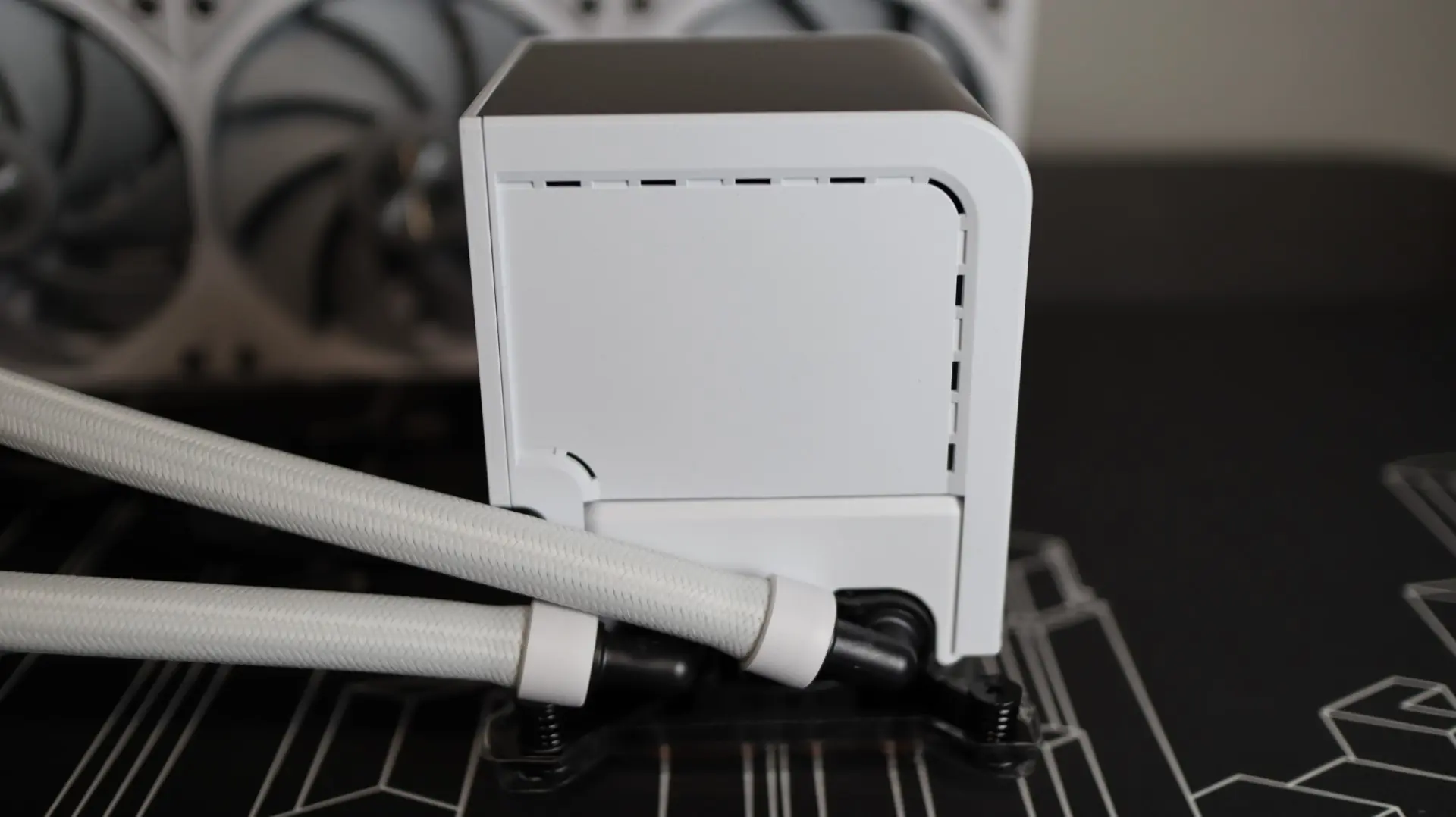
Moving around to the sides we find the two cooling lines exiting from the bottom side of the pump housing. Each line is paired up with a swiveling fitting to make installation and fitment much easier than with fixed connections.
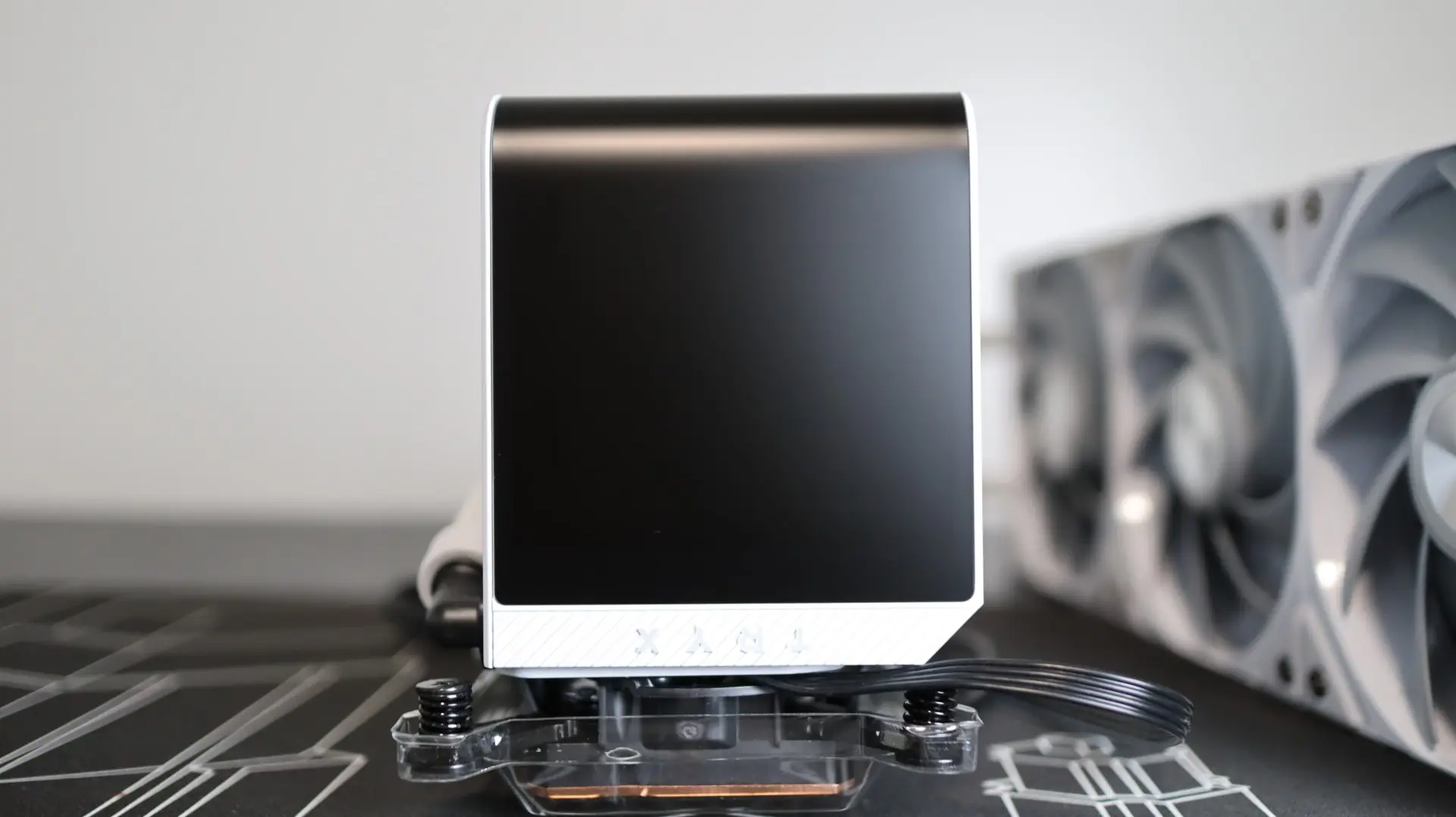
The right side is obviously consumed by one half of the 6.5″ display, though there is a little room around the screen for some TRYX branding.
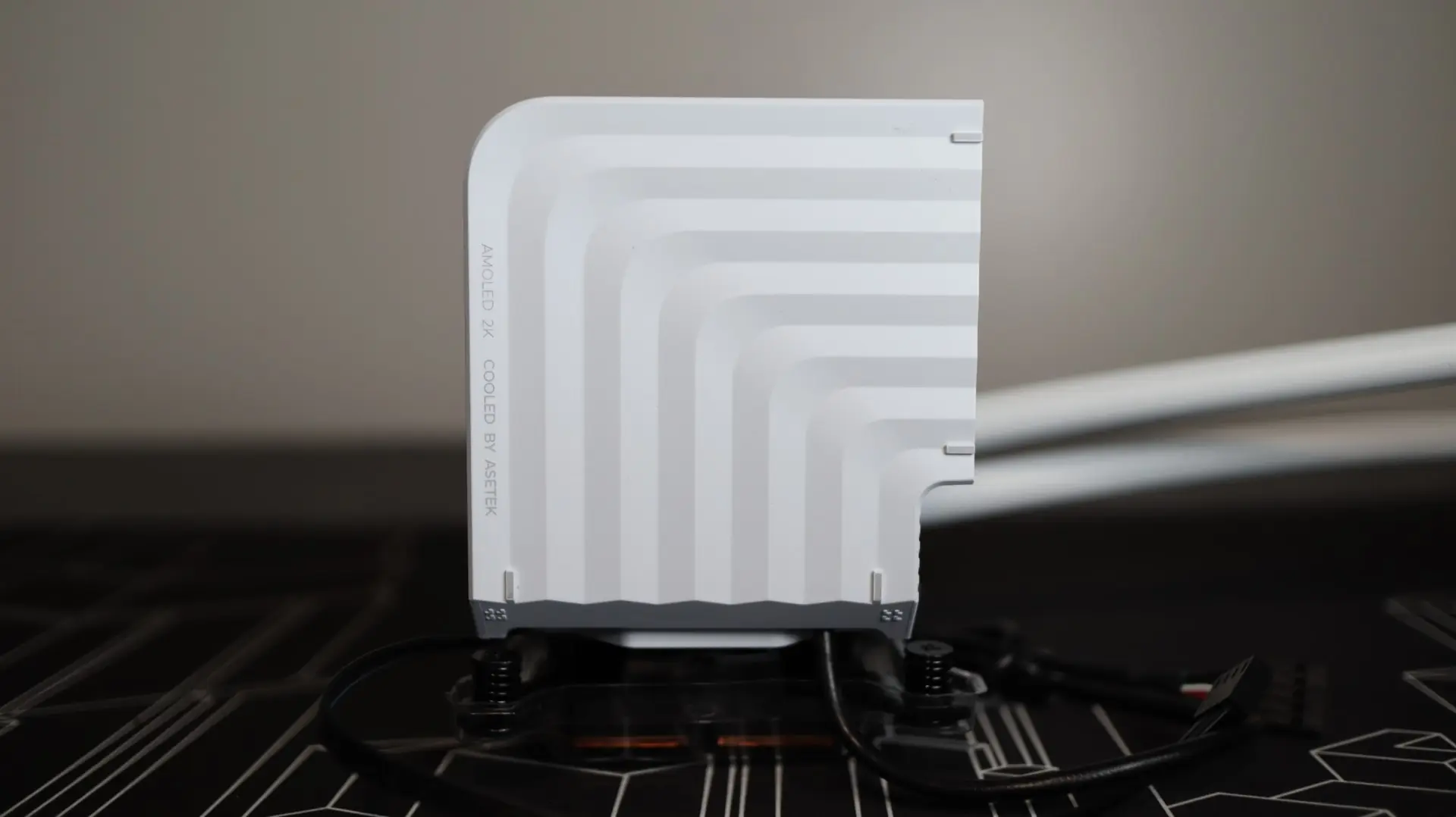
The top side of the pump housing is quite plain aside from some molded lines for looks.
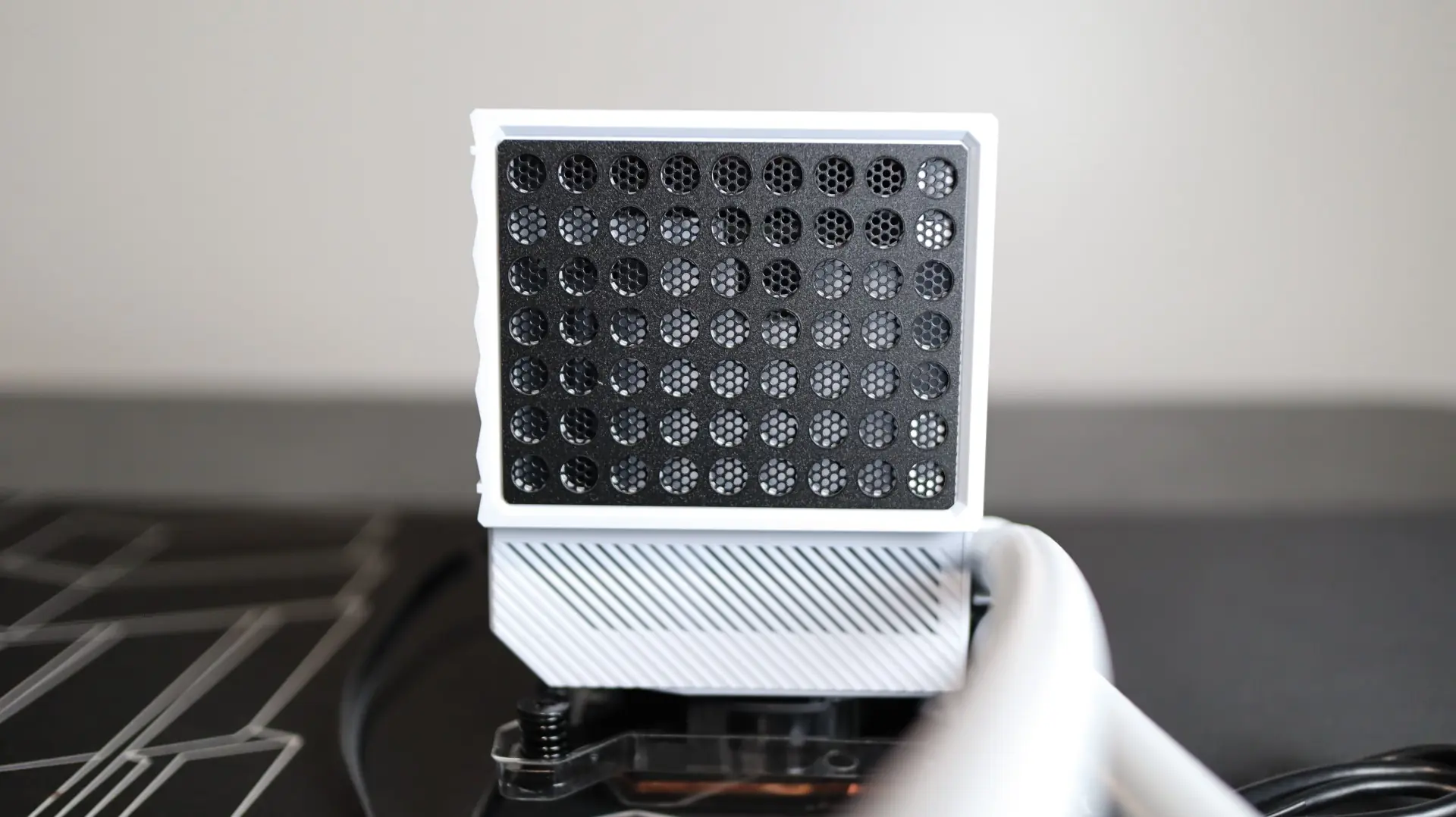
The right side of the pump housing features a ventilated mesh and grill area that allows the internal VRM fan to take air in from the outside of the cooler.
Just a single 4-pin PWM cable exits from the pump housing, and is used to provide power to the internal pump.
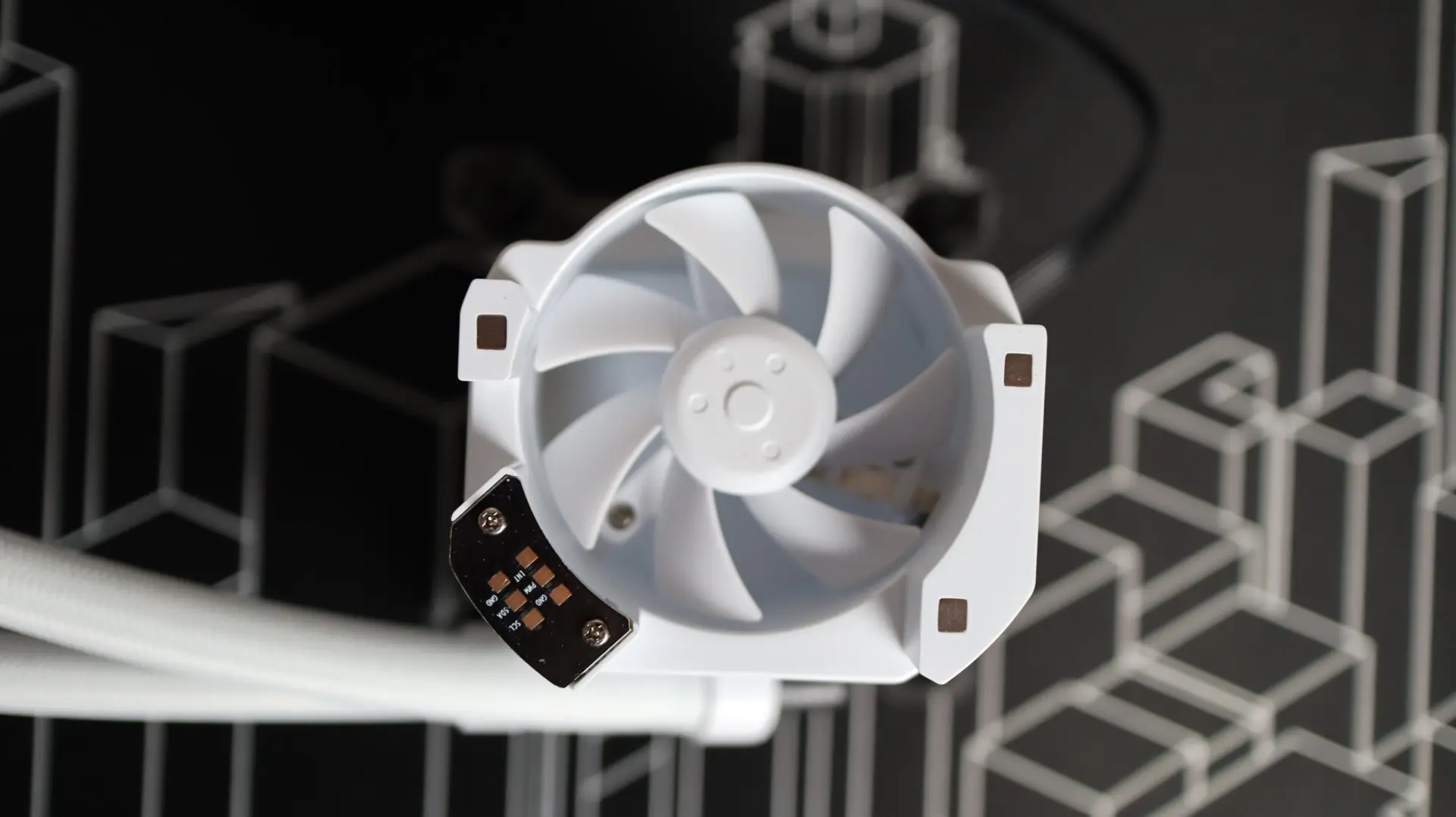
As mentioned earlier, the LCD display is completely removable from the pump housing, which gives way to a view of the underlying VRM cooling fan. This 60mm fan is able to direct airflow to the surrounding VRMs thanks to the design of the pump housing below it, offering cooling to those crucial surrounding components.
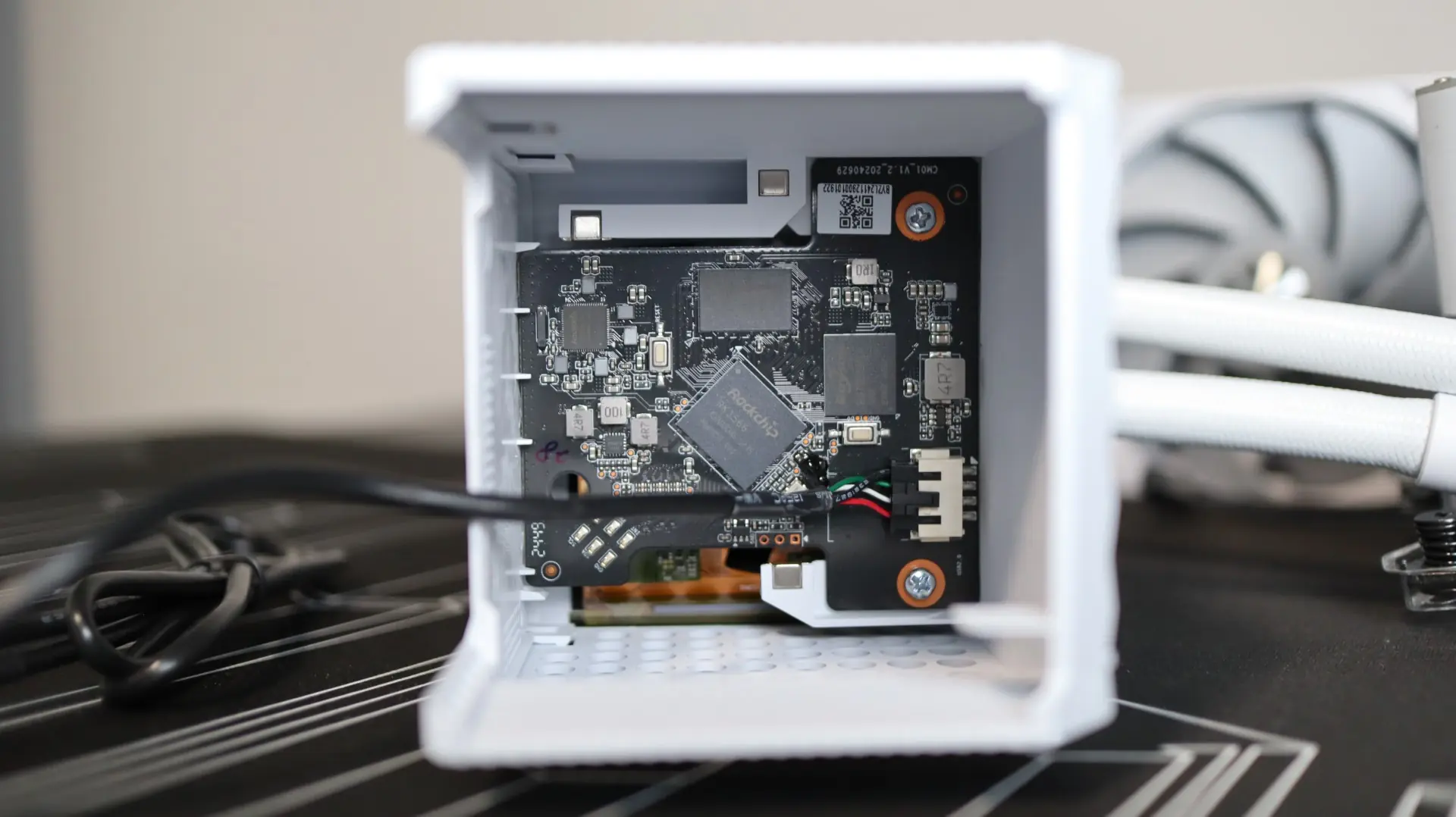
With the screen removed from the base, we can see the interior components that bring life to the display, as well as the connections that provide communication between the base and screen. This is also where the lengthy USB 2.0 header cable connects to the cooler to provide control over the screen.
Taking a look at the base of the cooler, we find a large copper base with pre-applied thermal material. Now, I’m not entirely sure if this material is the same as the included a-01 High Performance thermal paste, but for the purposes of this review, we will be testing with the pre-applied material.
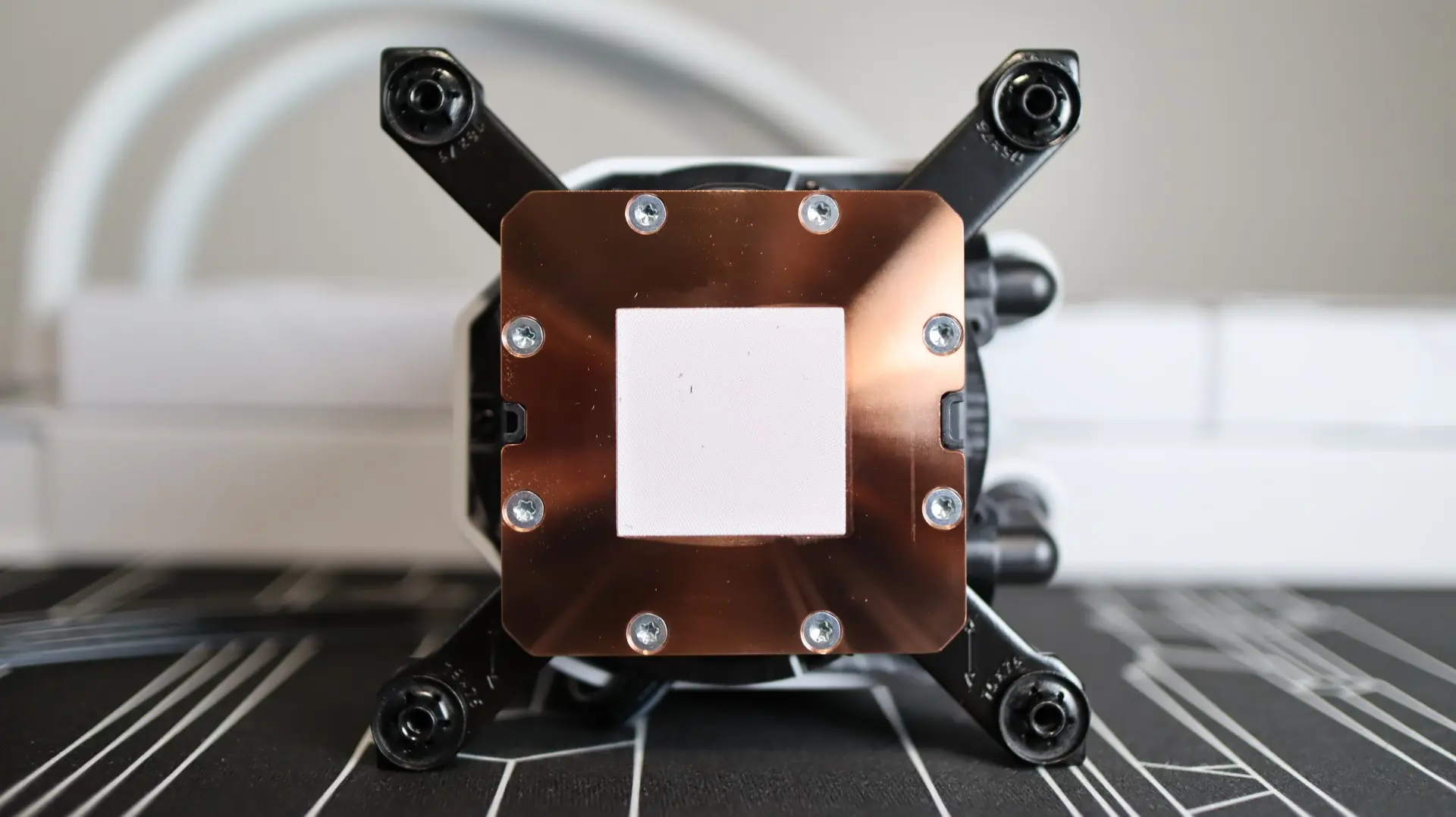
Universal mounting hardware for both AMD and Intel installations is already installed from the factory, which leaves us with one less step when it comes time to hook everything up. A simple adjustment of the captive screws allows for easy swapping between AMD and Intel setups.
As far as the included fans go, TRYX has provided three of their 120mm ROTA SL PRO fans that provide up to 3.66mm-H2O of static pressure at full speed, with 81.32 CFM of airflow at their full speed of 2,250 RPM. These fan specifications are much more in line with being able to efficiently move air through the radiator’s 20-21 FPI density, though we have seen in other recent reviews that these specification numbers don’t always equate to higher or lower performance alone.
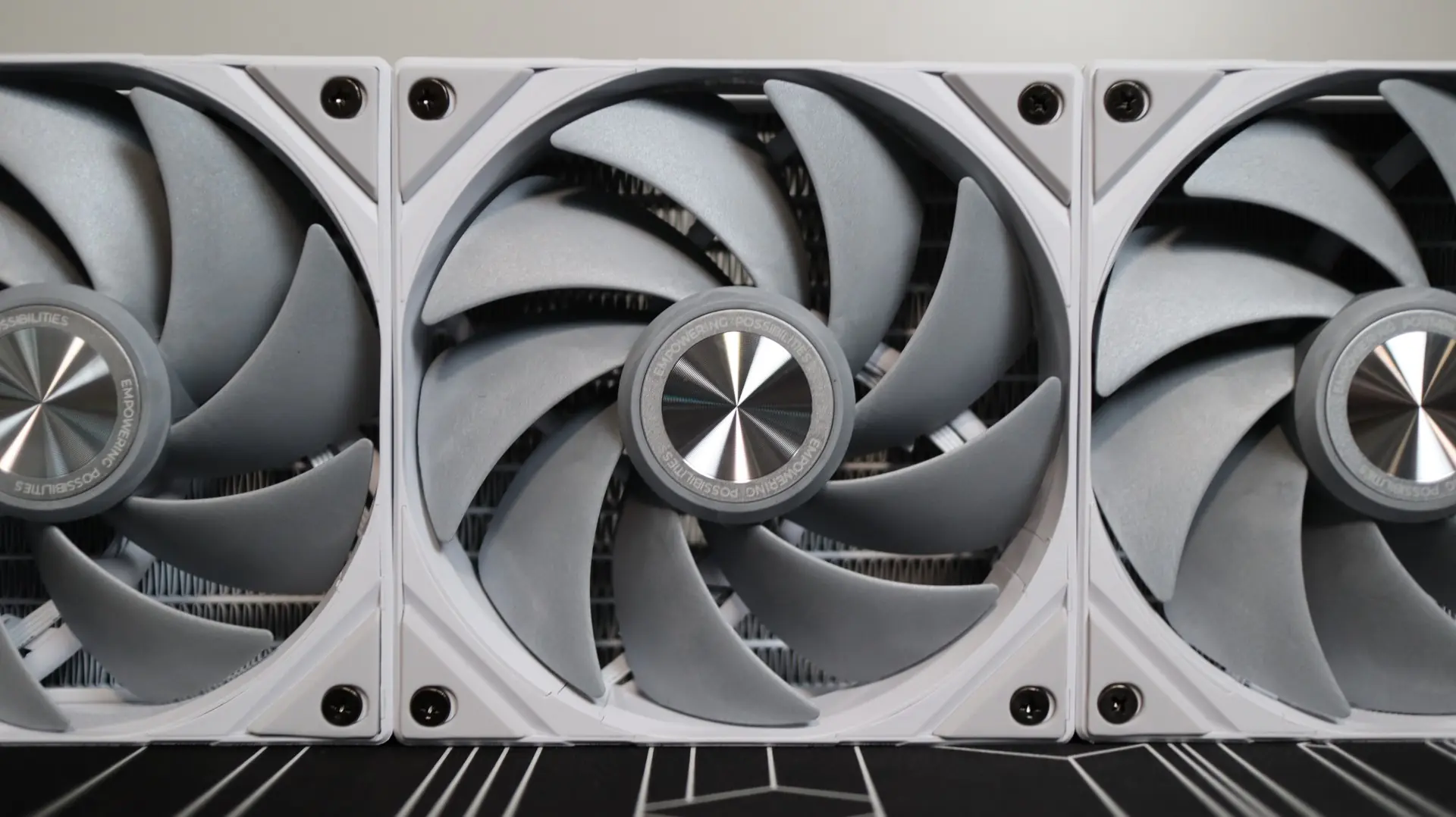
The rubber feet at each corner help isolate any vibrations that may come from the nine fan blades, which is always a welcome feature. TRYX calls out the use of LCP (Liquid Crystal Polymer) in the fan blades, which is a material known for its high strength and heat resistance. Internally, the use of a three-phase, six-pole motor and a fluid dynamic bearing should offer good performance and reliability across the lifespan of the fans.
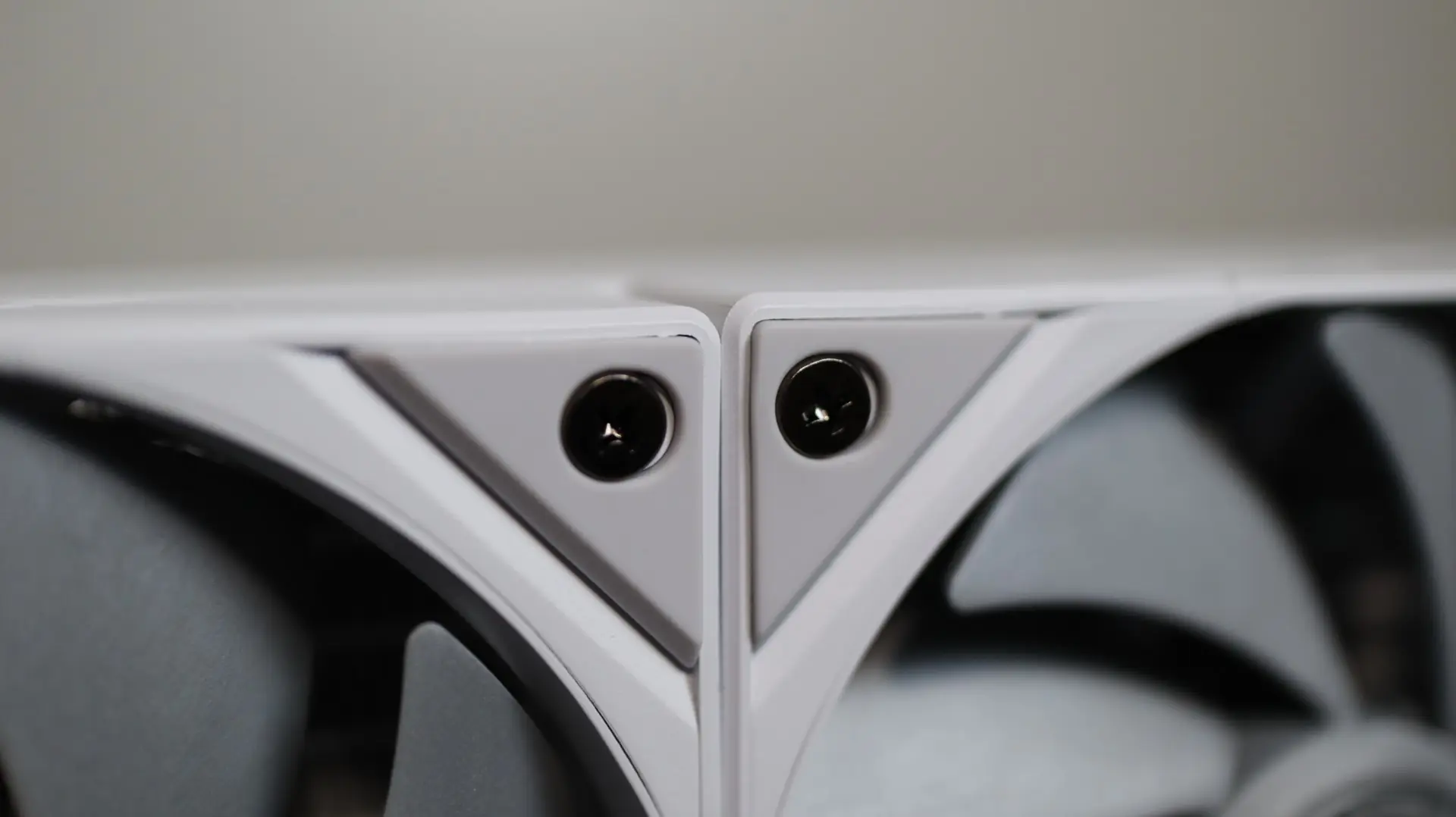
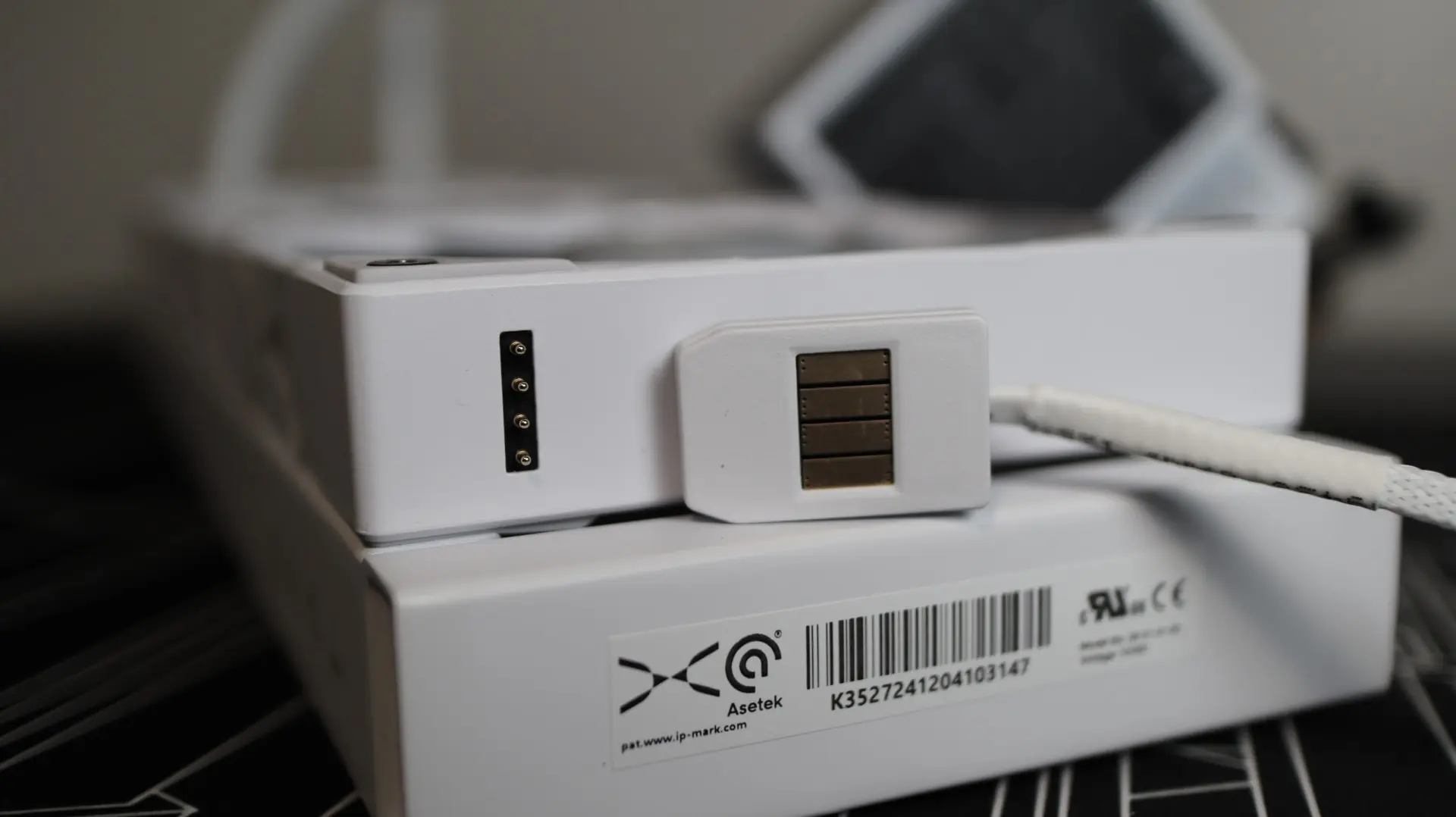
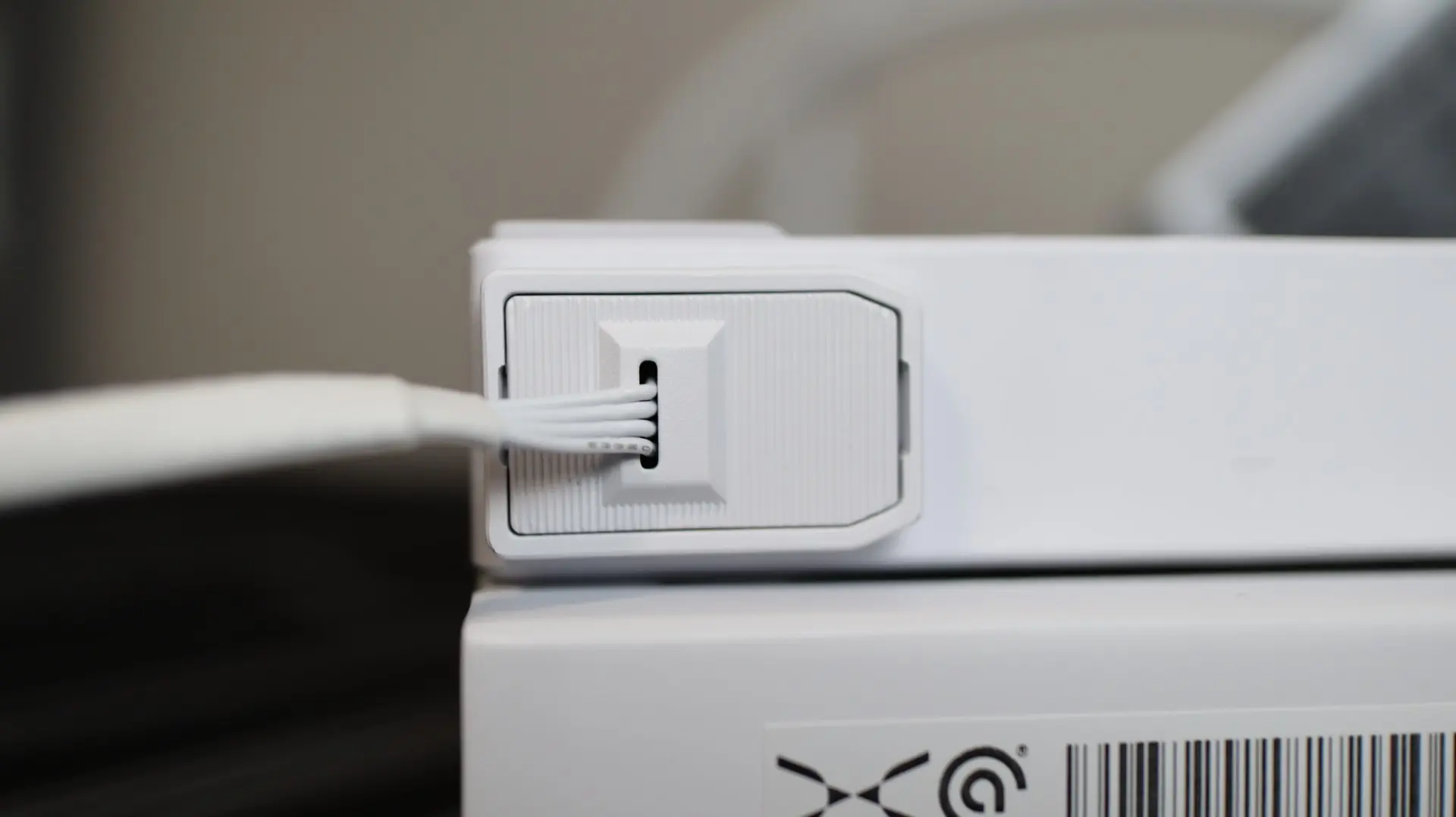
TRYX has already mounted these fans to the radiator from the factory, which is another welcome feature, and the fact that they also chain to each other without any external cabling will really help reduce cable clutter and installation headaches that can come from trying to wrangle the power and lighting cabling from each cable. These fans utilize a pogo-style connector system that removes the typical cable clutter found on most fans, and attaching the fans to your motherboard’s PWM header is super simple, thanks to the magnetic connector.
Unfortunately, I’m not a big fan of how TRYX implemented this connector cable, as there is no physical keying or guidance on the connector, which could result in backwards or misaligned connections. A simple keyed design would solve this issue, and hopefully future designs will take this into consideration.