
Using UGREEN MagFlow Pro 3-in-1 Magnetic Wireless Charger
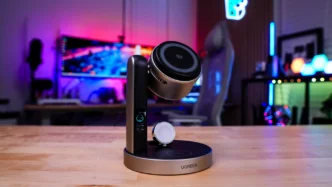
Getting the MagFlow Pro 3-in-1 magnetic wireless charger set up is extremely easy. Plug the wall adapter into an open outlet, plug in the included USB cable and then connect it to the MagFlow Pro.
Now all you’ll have to do is place your phone, Apple Watch, and wireless charging earbuds. I was able to easily charge my iPhone 18 Pro Max, Apple Watch, and AirPods at the same time.
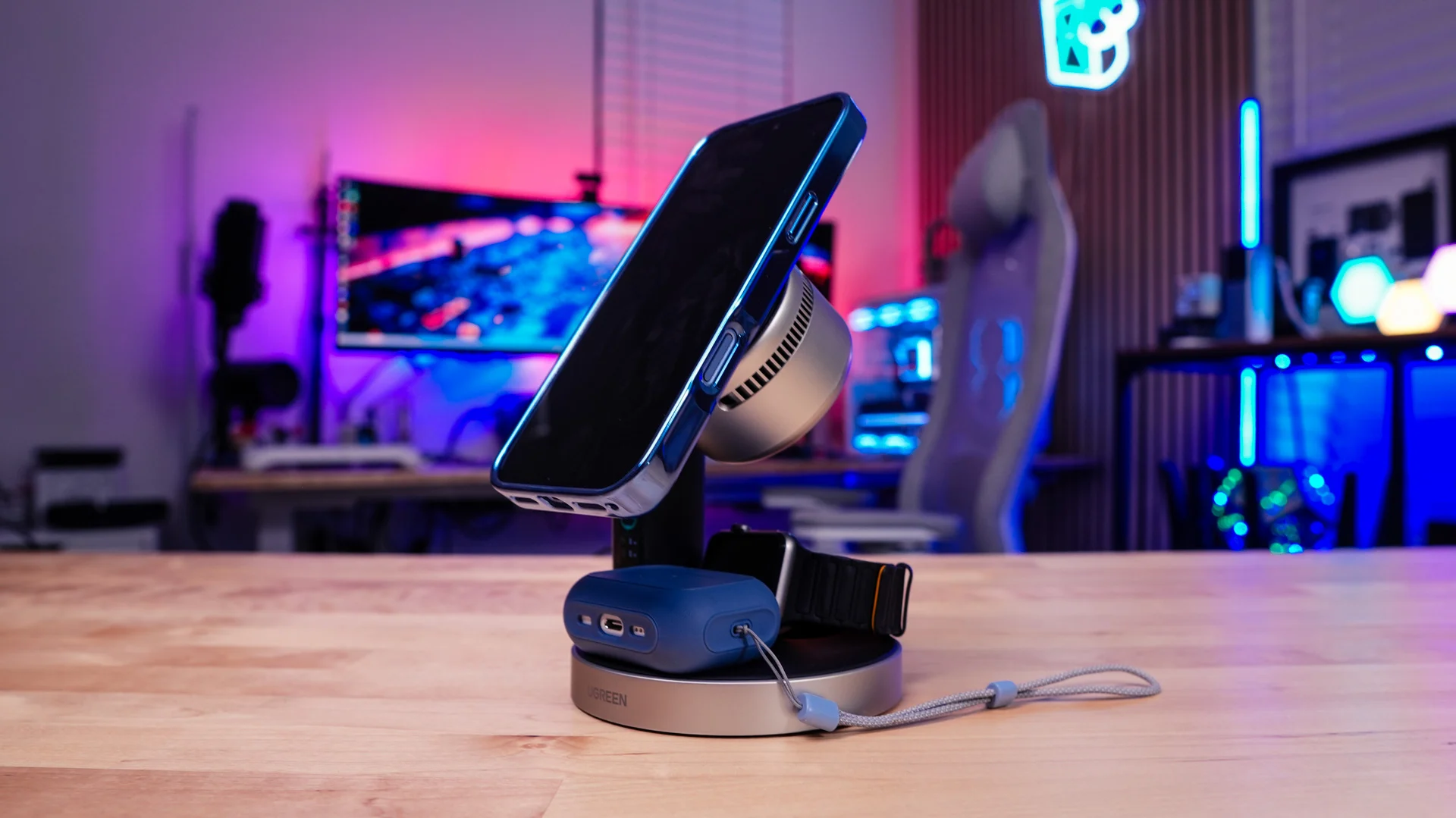
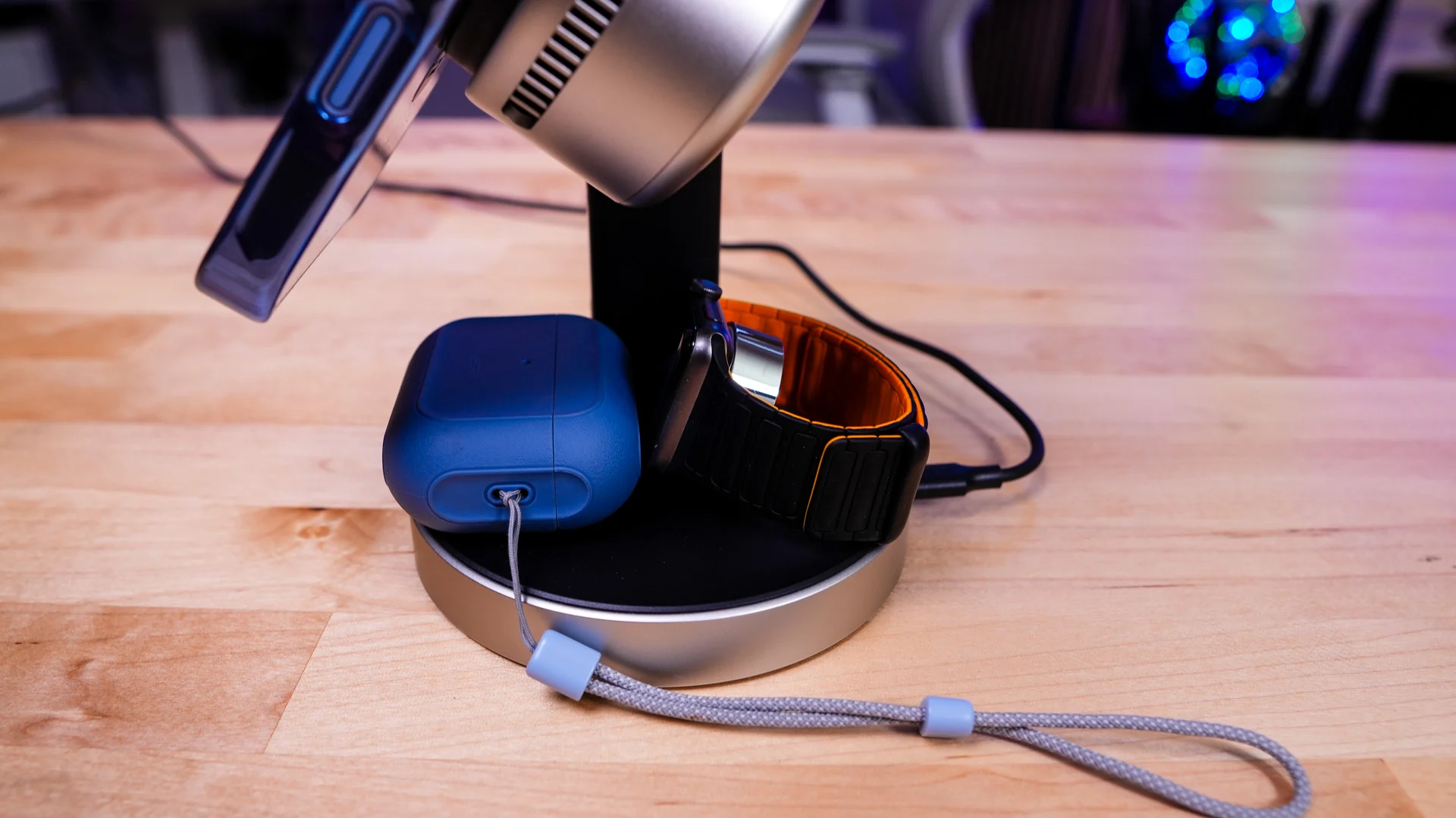
Now I do have to say that the base is a bit small for both an Apple watch and AirPods in a case like I have, but I get that UGREEN wanted to keep the overall footprint of the charger small.
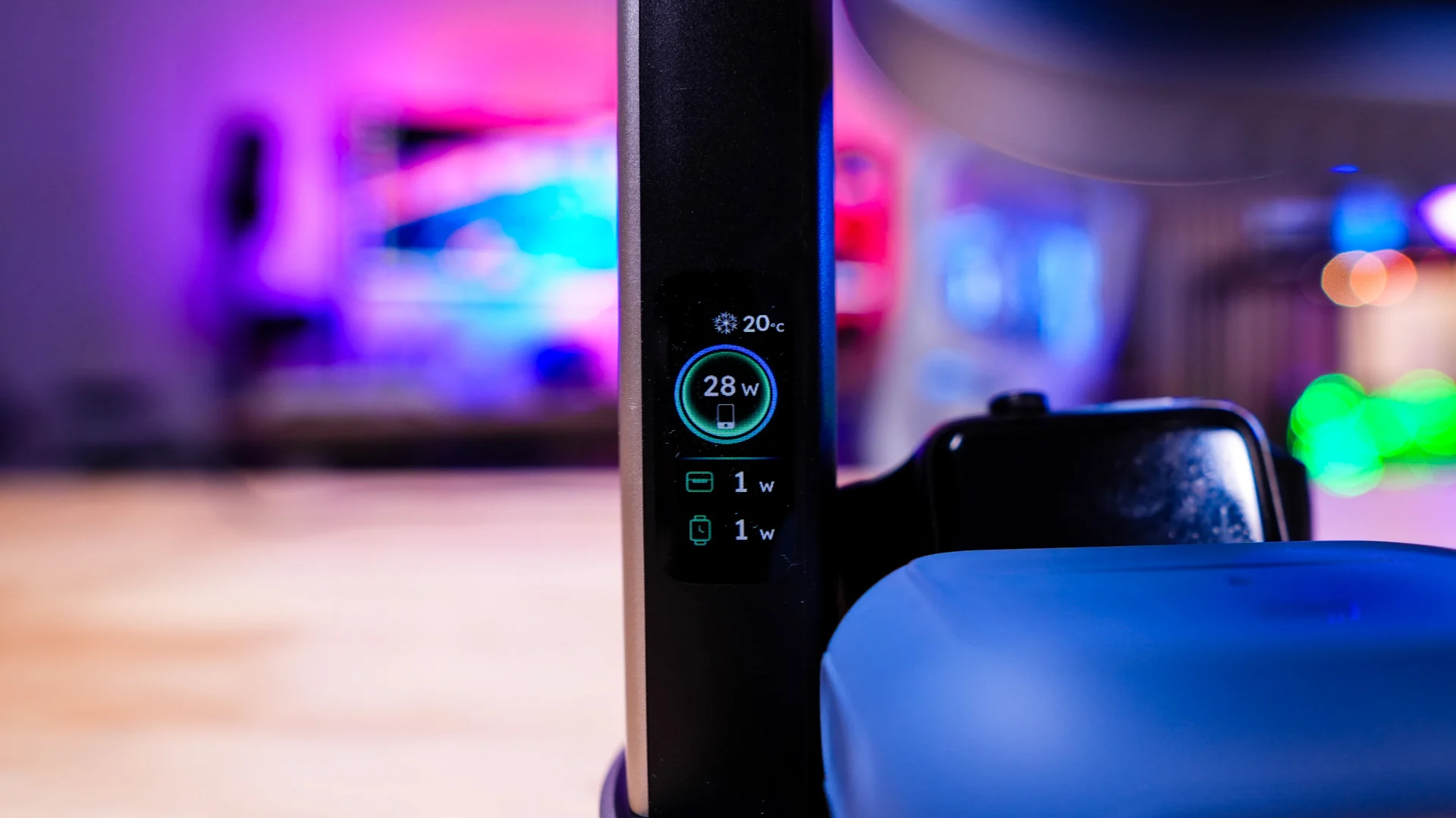
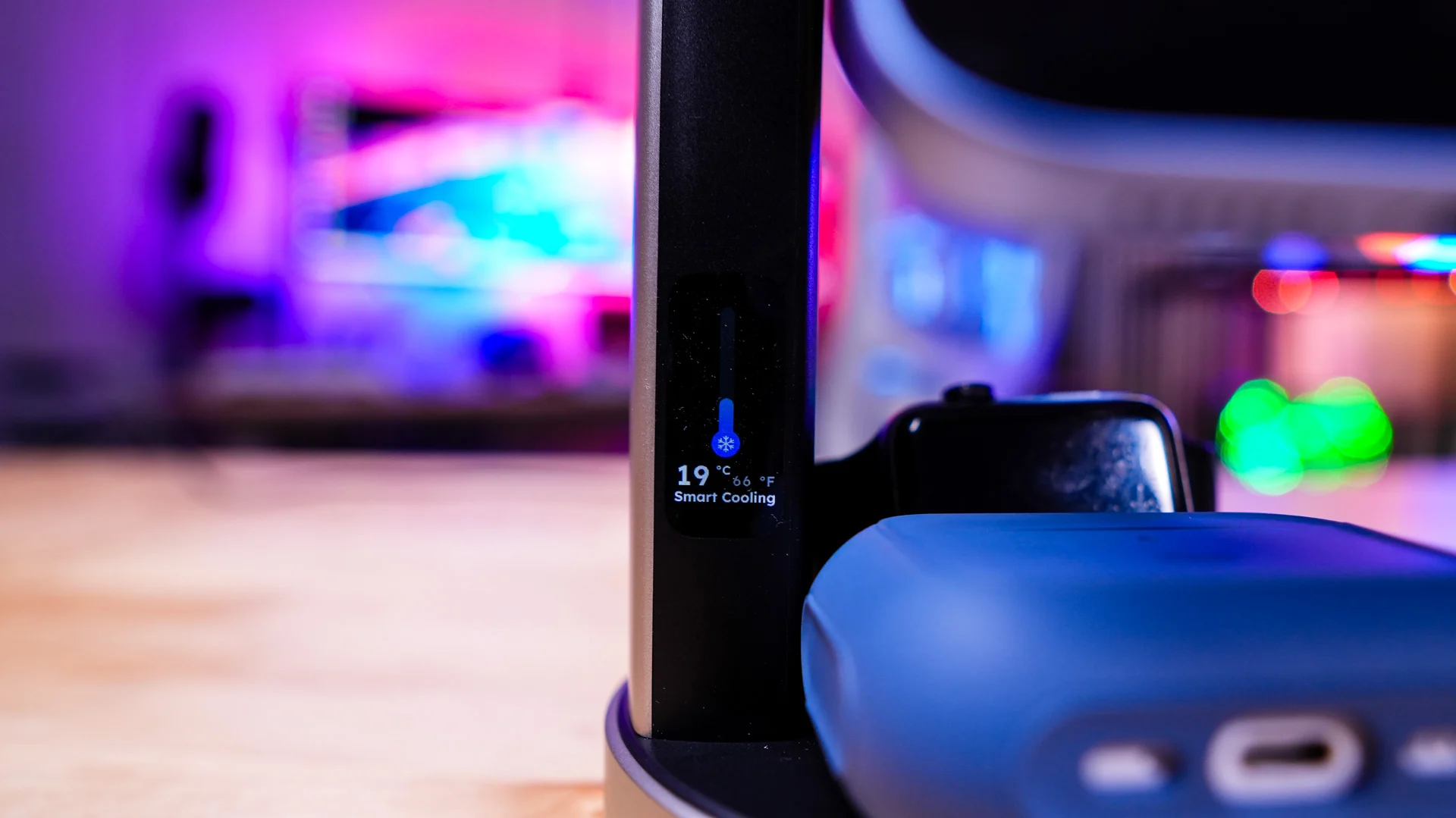
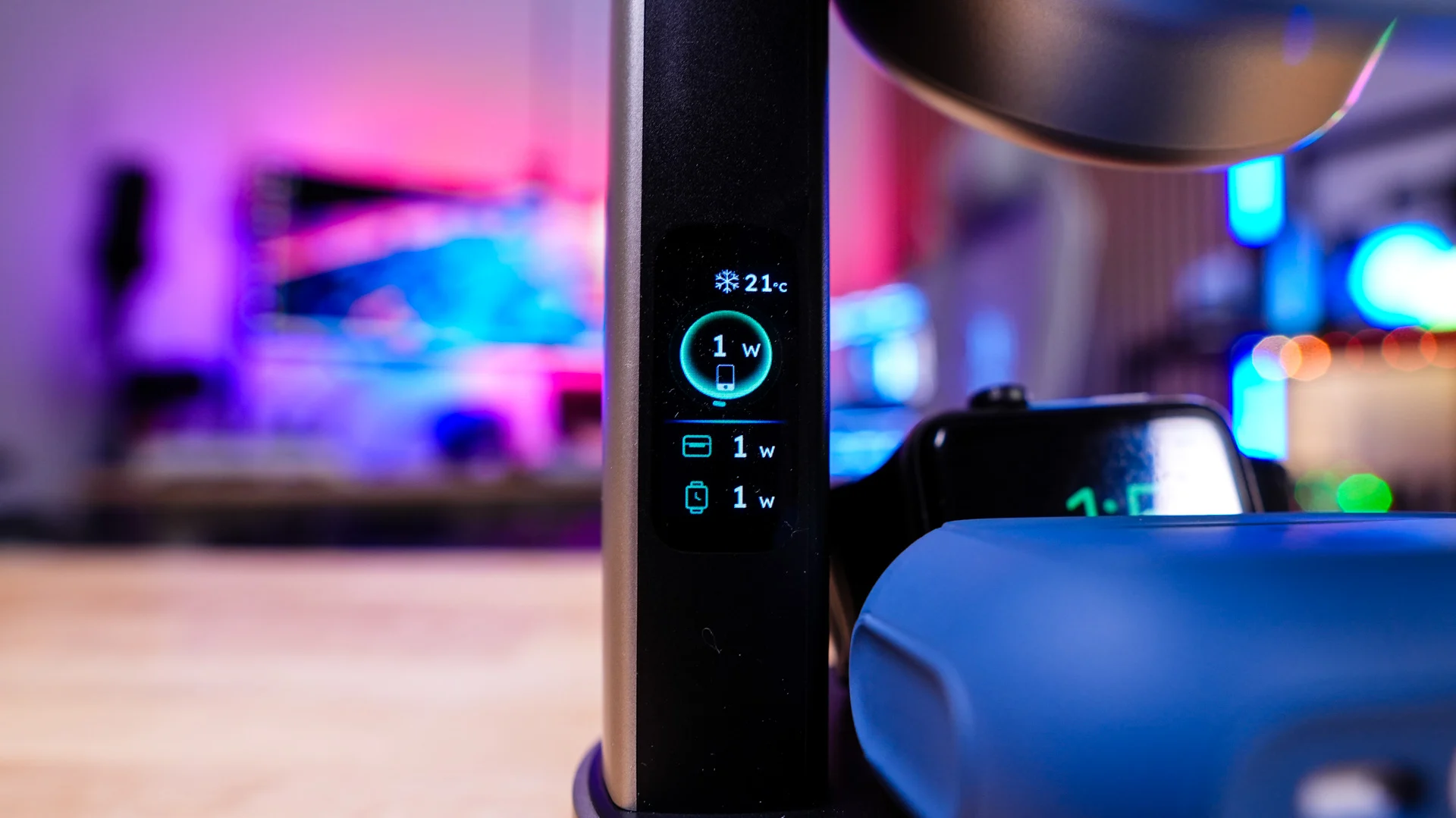
Once you start charging a device the status of that device will show on the smart display. Each charger has its own section showing how fast each device is charging and there is an indicator that tells you the overall temperature of the phone that you are charging. You can press the button on the unit to change the display to show the cooling status.
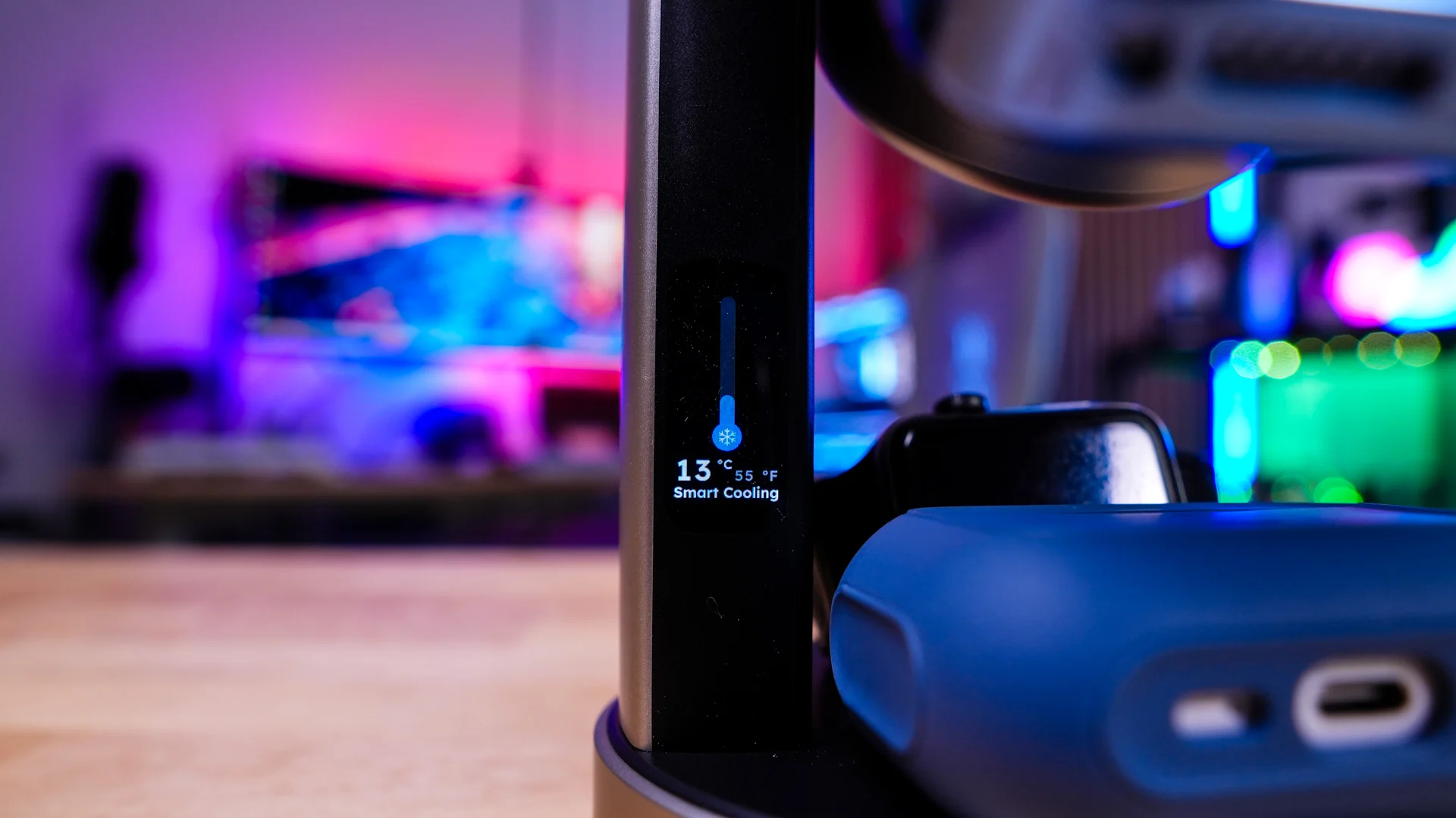
I was able to test fast charging with my iPhone 18 Pro Max and the charger actually got up to 28W which was quite impressive for wireless charging. During this process the fan did turn on and it was noticeable, but nothing all that loud. It is nice that you do have the ability to turn the cooling system off if you want.