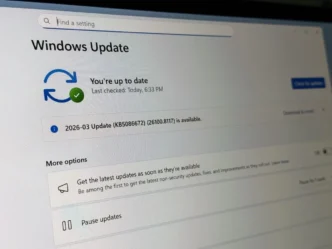
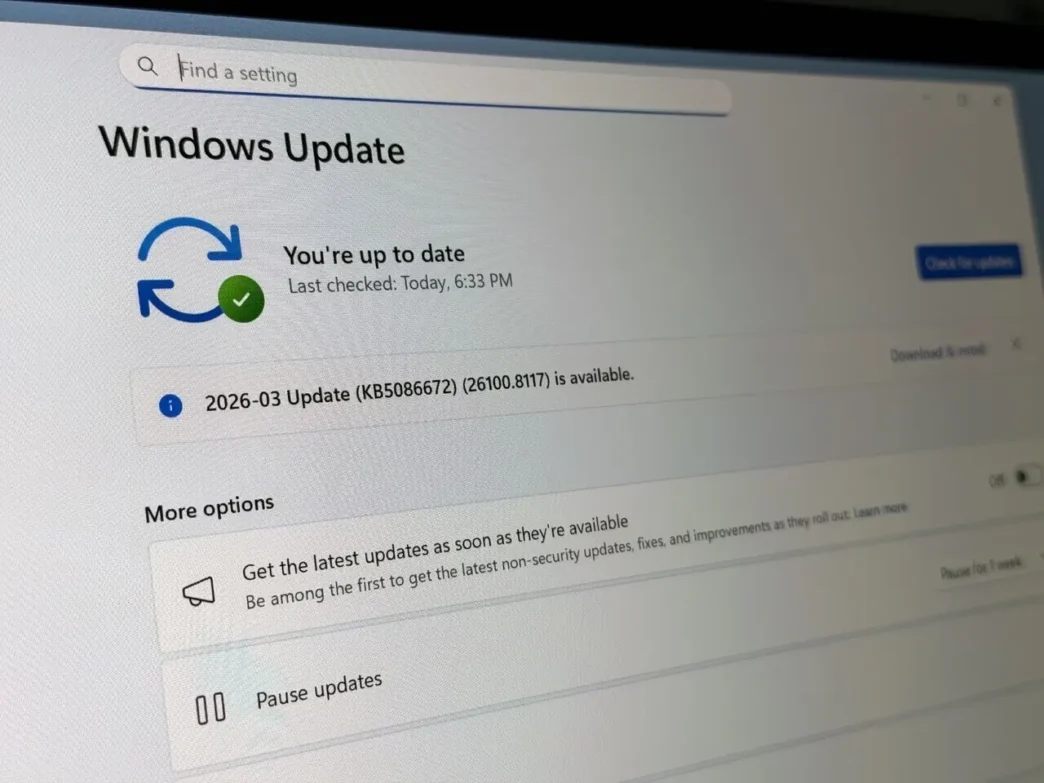
Microsoft is rolling out significant changes to the Windows 11 update experience, granting users unprecedented control. Previously, users were often forced to install updates during setup or at inconvenient times. The latest Insider previews introduce options to skip updates during the initial setup and pause them indefinitely, addressing long-standing user frustrations.
Key Takeaways
- Skip Updates During Setup: Users can now opt to skip updates when setting up a new PC, reaching the desktop faster.
- Indefinite Pause: The ability to pause updates has been extended, allowing users to defer installations for up to 35 days at a time, with the option to re-pause repeatedly.
- Flexible Restart Options: The power menu now clearly separates standard shutdown/restart options from those that install pending updates.
- Improved Transparency: Driver updates will come with more detailed categorizations.
- Consolidated Updates: Driver, .NET, and firmware updates will be bundled with monthly quality updates to reduce the frequency of reboots.
Enhanced User Control Over Updates
Microsoft is finally giving Windows 11 users more agency over their update schedule. During the Out-of-Box Experience (OOBE) for new PCs, users can now choose to install the operating system first and apply updates later. This eliminates the frustration of prolonged setup times and allows for immediate use of a new device.
Indefinite Update Pausing
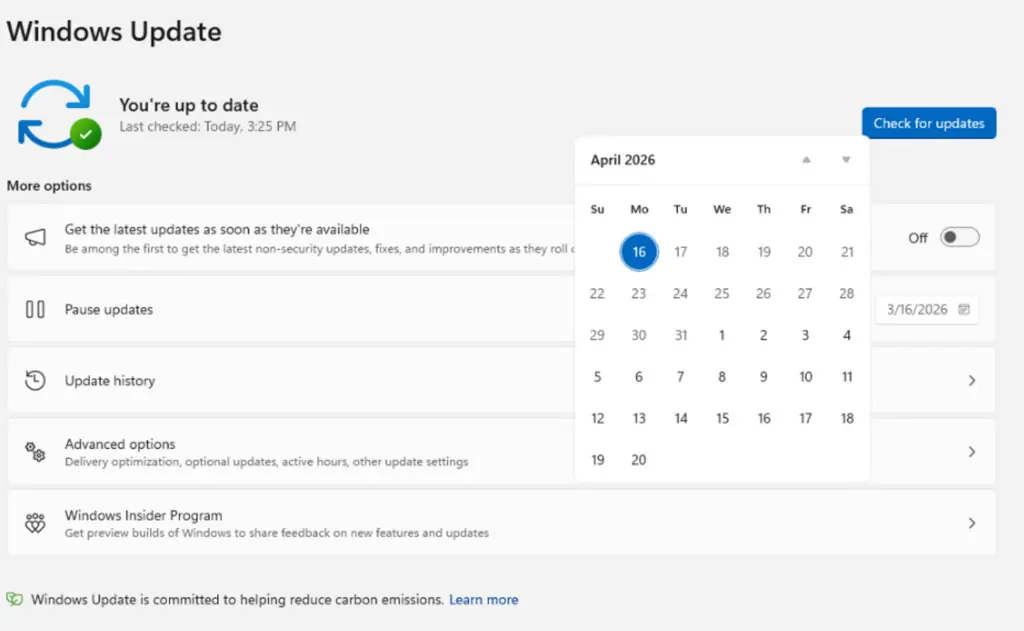
The update pause feature has been significantly enhanced. Users can now pause updates for up to 35 days via a calendar interface. Crucially, this pause can be reset and extended indefinitely, giving users complete control over when they integrate new patches and features. This allows users to wait for potential issues with new updates to be resolved before applying them.
Streamlined Restart and Shutdown
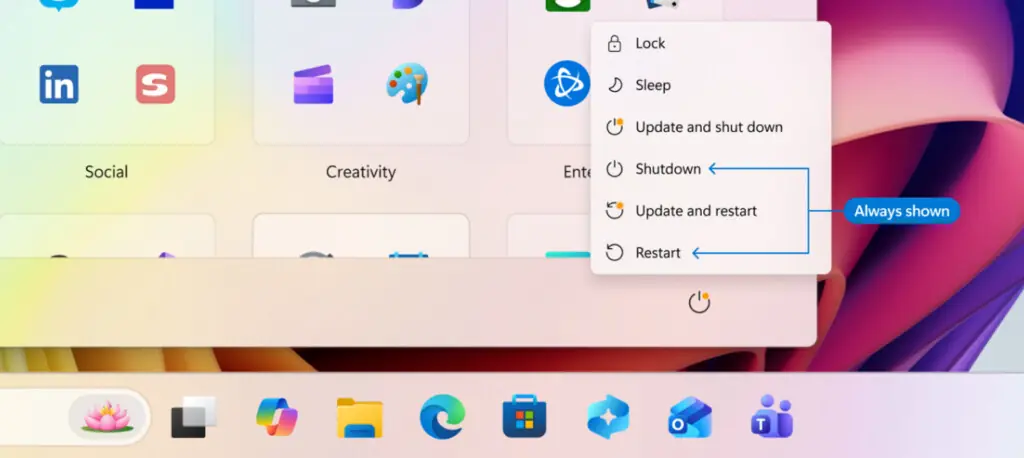
A common point of contention has been forced restarts. Microsoft is now separating the “Update and restart” or “Update and shut down” options from the standard “Shutdown” and “Restart” options in the power menu. This ensures users can power down or reboot their machines without being compelled to install pending updates immediately, offering greater flexibility for urgent tasks.
Increased Transparency and Consolidated Updates
Microsoft is also promising greater transparency, particularly with driver updates. These will now be categorized (e.g., audio, display) to help users understand what is being updated. Furthermore, driver, .NET, and firmware updates will be bundled with the regular monthly quality updates. This consolidation aims to reduce the number of system reboots required throughout the month, streamlining the update process for most users.