One thing that I always suggest to people once they have their system built and their setup complete is some type of light. That either ends up being a desk light or a light bar. I am a bigger fan of light bars as they easily sit on top of your monitor and give you that nice down-glow. ASUS has recently introduced their ROG Aura Monitor Light Bar (ALB01). This asymmetrical lighting bar features your normal normal desk lighting, but also rear-facing RGB lighting to give your setup that nice back glow. It also has a patented clamp and magnetic buckle so this light bar will work with both flat and curved monitors. Let’s take a look and see how this light bar is different from others that are out there!
Special thanks to ASUS for providing us with the ROG Aura Monitor Light Bar to review.
Features of the ASUS ROG Aura Monitor Light Bar
– Three lighting modes: Screen Light mode provides additional illumination for the desk area; Aura RGB Lighting mode can be synchronized with other ROG Aura-compatible products and accessories; and a combined mode that offers comprehensive, all-round lighting
– Unique asymmetrical lighting design: Provides a concentrated light source for brighter on-desk illumination while minimizing onscreen reflections for comfortable viewing
– Patented clamp and magnetic buckle: Works with both flat and curved monitors of varying thicknesses, and allows for easy light bar adjustment
– Flexibility and convenience: Easy to install and supports DisplayWidget Center software for intuitive access to light bar settings
Packaging of the of the ASUS ROG Aura Monitor Light Bar
The ROG Aura Monitor Light Bar comes in the typical ASUS ROG packaging. The front has a picture of the light bar and the back goes over some of the main features.


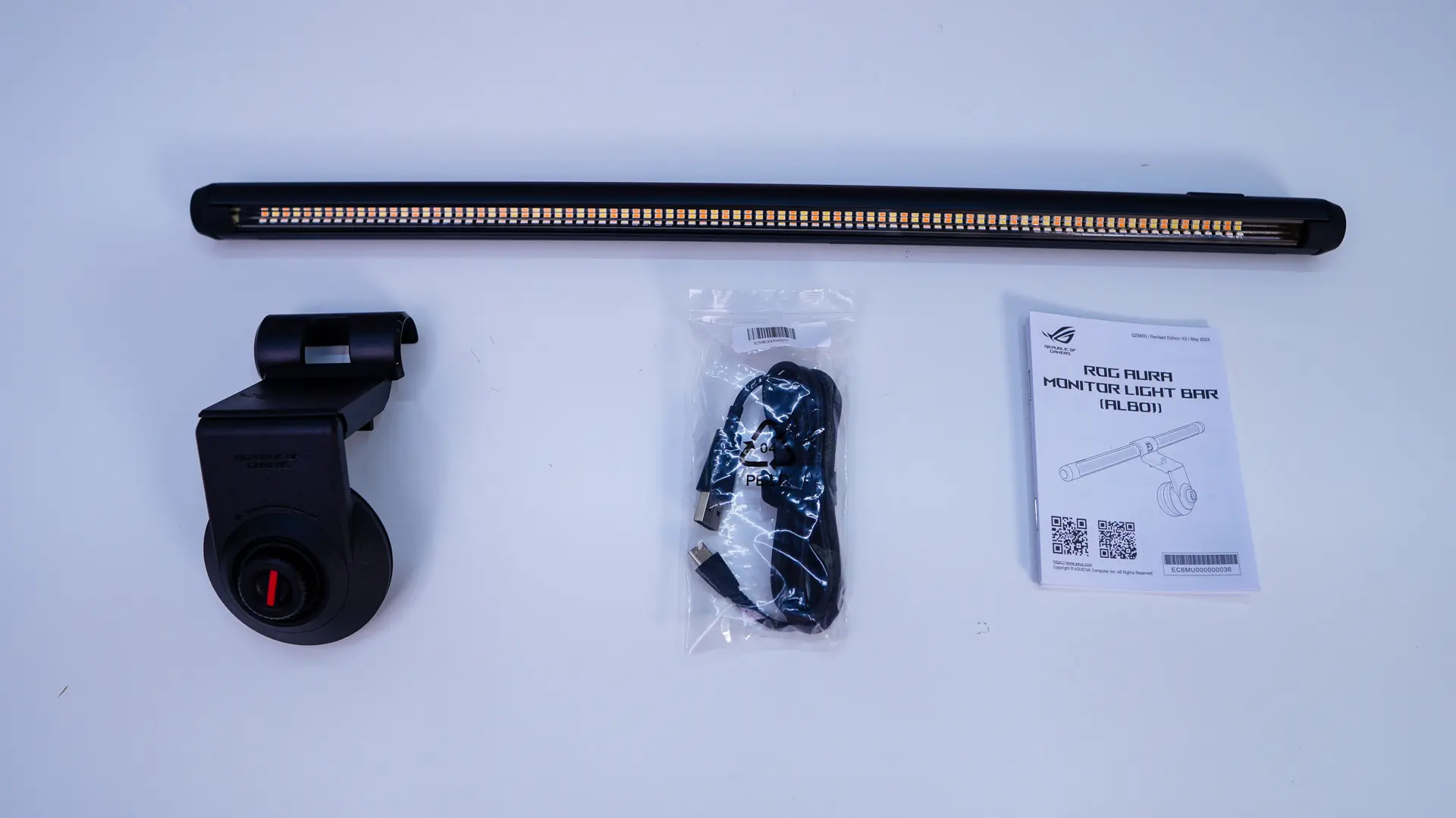
Opening the box up and getting everything out we find the actual light bar itself, clamp, USB-C to USB-A cable, and a user’s guide.