


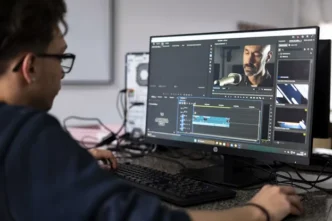
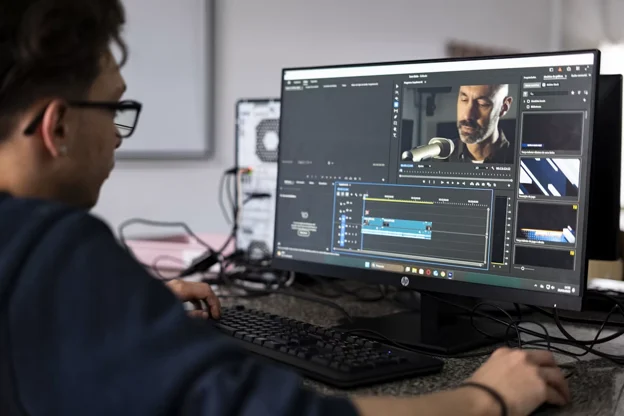
Creating video content, from quick social media clips to full-length features, has become a huge part of how we communicate today. But this process can quickly bring even a powerful computer to its knees.
Laggy playback, slow rendering, and unexpected crashes can frustrate anyone, no matter how patient they are. To keep your workflow smooth and efficient, you need to understand how your PC handles the demands of video editing and how to get the best performance out of it.
The Demands of Modern Video Editing
Video editing is one of the most demanding tasks you can ask a personal computer to do. Unlike writing a document or browsing the web, editing software constantly has to decode, process, and display huge files in real time.
This challenge only grows with higher resolutions like 4K and 8K, which pack in far more data than older HD formats. Add multiple video layers, color grading, visual effects, and audio tracks, and your system’s processor, graphics card, and memory will be pushed to their limits.
A system that isn’t set up right will struggle, leading to choppy timelines and painfully long export times.
Optimizing Your CPU and GPU
The Central Processing Unit (CPU) and Graphics Processing Unit (GPU) are the two main workhorses in a video editing setup. The CPU handles a wide range of tasks, like running the editing software itself, processing audio, and encoding the final video file. For editing, a CPU with more cores and faster clock speeds is ideal, as it can manage more tasks at once.
The GPU, on the other hand, specializes in visual tasks. It speeds up real-time playback, renders effects like blurs and transitions, and can significantly cut down video export times using technologies like NVIDIA’s NVENC or AMD’s AMF.
You don’t always need the most expensive model, but knowing how powerful a GPU for your specific work is crucial. A balanced system where the CPU and GPU work well together will give you the best results.
RAM and Storage for Smooth Workflows
Random Access Memory (RAM) and storage are vital for a smooth editing experience. RAM acts like your computer’s short-term memory, holding the video files, effects, and assets you’re currently working on. Not enough RAM forces your system to pull data from your slower storage drive, causing stutters and delays. While 16GB is a workable minimum, 32GB or even 64GB is recommended for serious 4K editing.
Your storage drive’s speed directly affects how fast you can load your project and media. Using a fast Solid State Drive (SSD), especially an NVMe model, for your operating system, applications, and active project files will dramatically improve performance compared to a traditional Hard Disk Drive (HDD). Many editors use a multi-drive setup: an NVMe SSD for the OS and software, a second SSD for project files and cache, and a larger HDD for long-term storage.
Browser-Based Editing: A New Frontier
While a powerful local machine is the usual way to go, a new type of tool is changing things. Browser-based editors like EchoWave can make this easier. This means you can create professional videos on almost any computer, no matter its local hardware.
This approach makes video creation more accessible, opening it up to those without a high-end workstation. It’s perfect for quick edits, social media content, or collaborative projects where easy access is key.
Future-Proofing Your Creator Rig
Technology moves fast, and what’s powerful today might feel slow in a few years. When you’re building or upgrading a PC, it’s smart to plan for the future. Choosing a motherboard with the latest chipset and plenty of ports gives you options to upgrade to faster CPUs and storage later on.
Similarly, investing in a high-quality power supply with more wattage than you currently need ensures you have room for a more powerful GPU down the line. As video formats and software change, the discussion over the value of building a PC for video editing continues, but a well-planned system can stay relevant for years.
Ultimately, boosting your PC’s potential for video creation is about removing technical hurdles so you can focus on being creative. Whether you do that by upgrading your hardware or by using flexible cloud-based tools, a smoother workflow is always a worthwhile investment.