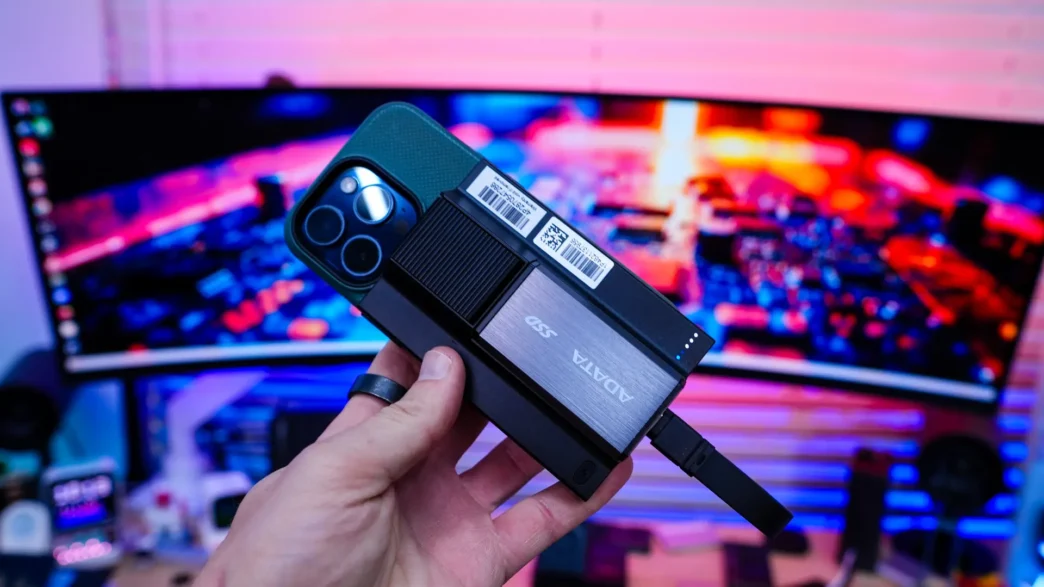
Testing the ADATA SR800 Magnetic Power Bank SSD
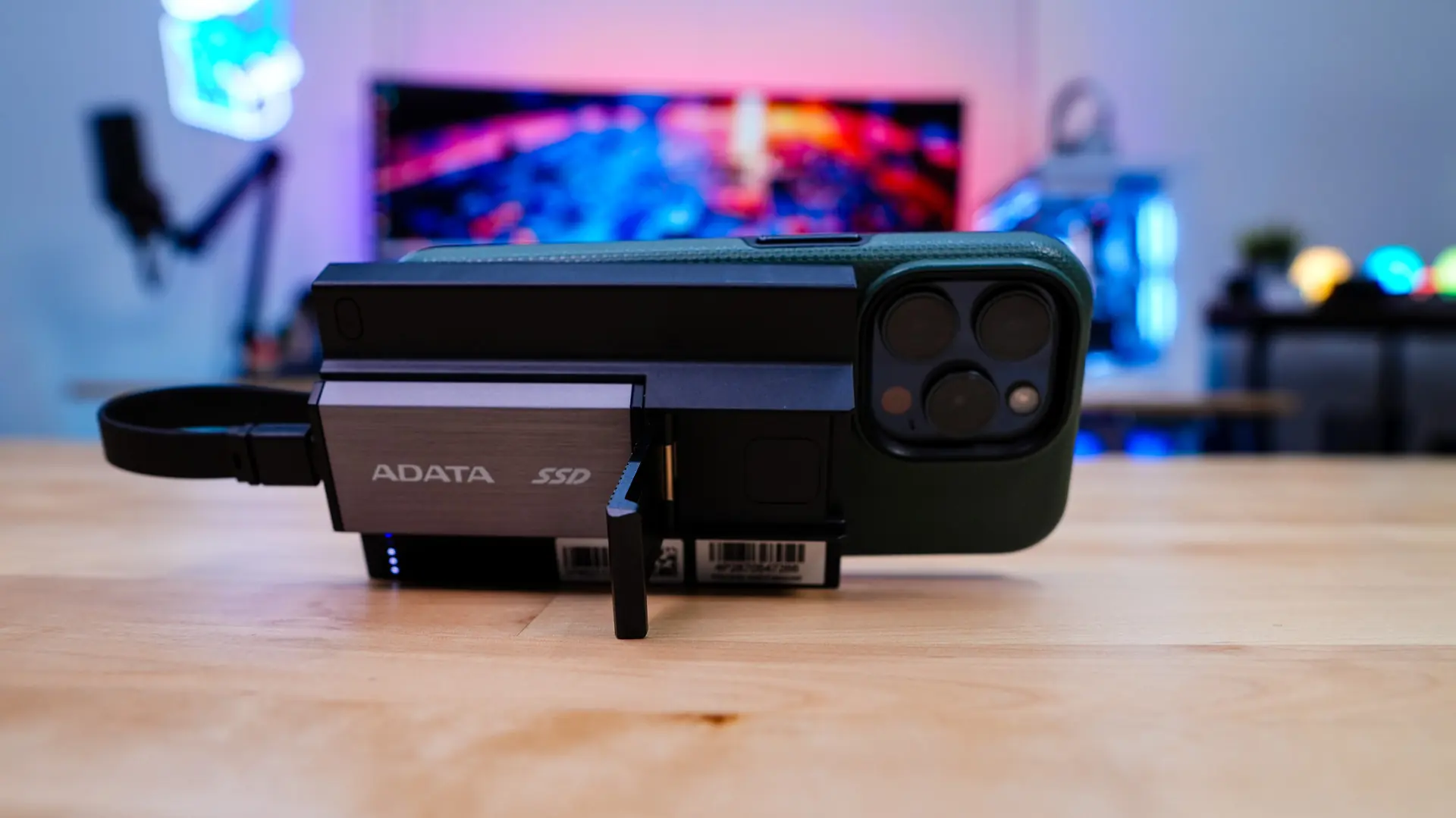
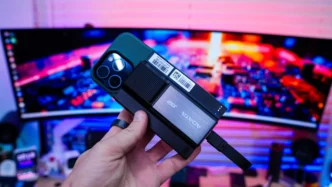
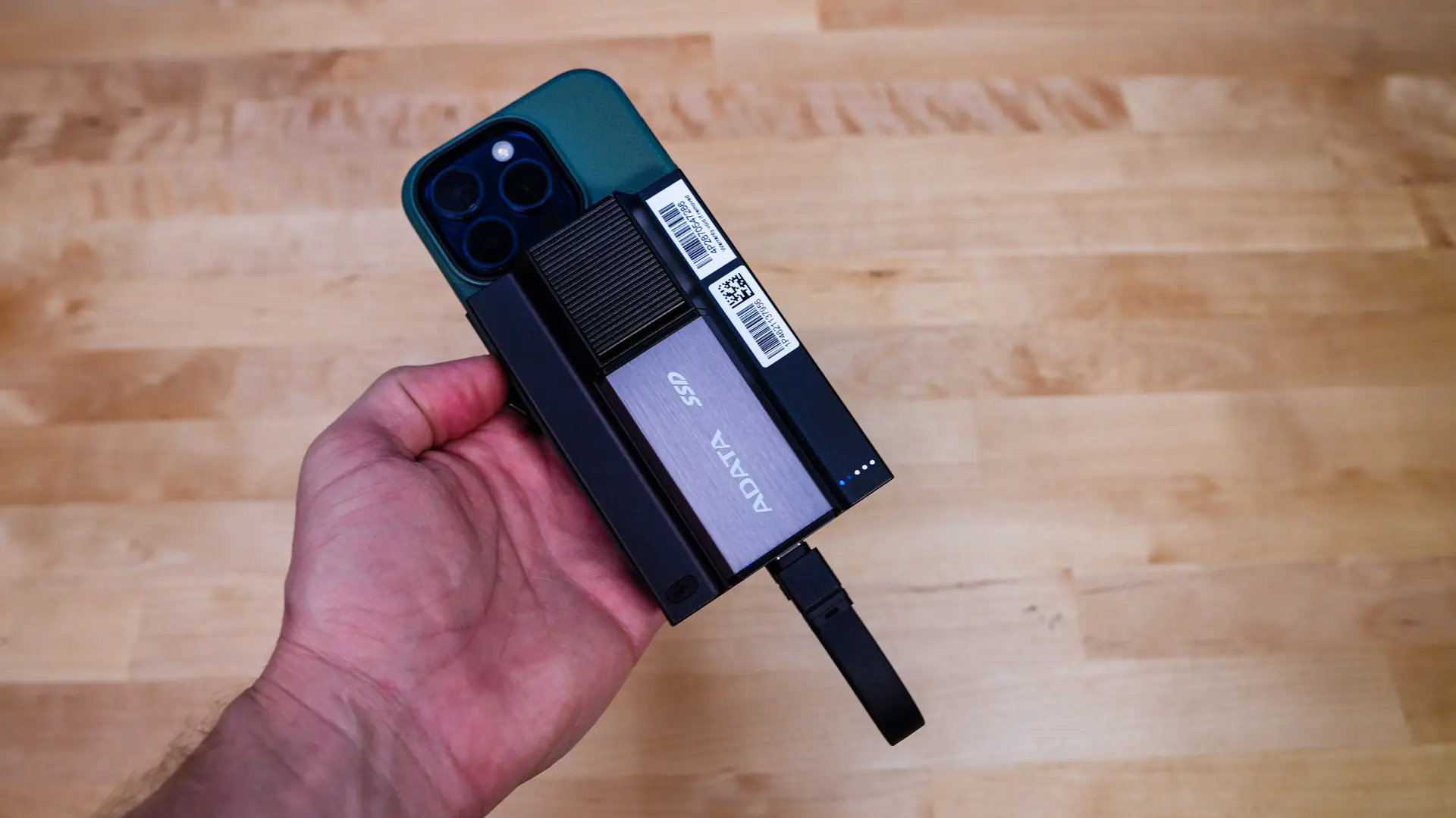
Using the SR800 is quite easy. Since it is magnetic it simple attaches right to the back of my iPhone 15 Pro. It does extend down past the end of my phone, I don’t think you’ll have that issue with Pro Max versions of the iPhone. As soon as you attach it to the back of your phone it will start charging and this is indicated by the blue LED on the back.
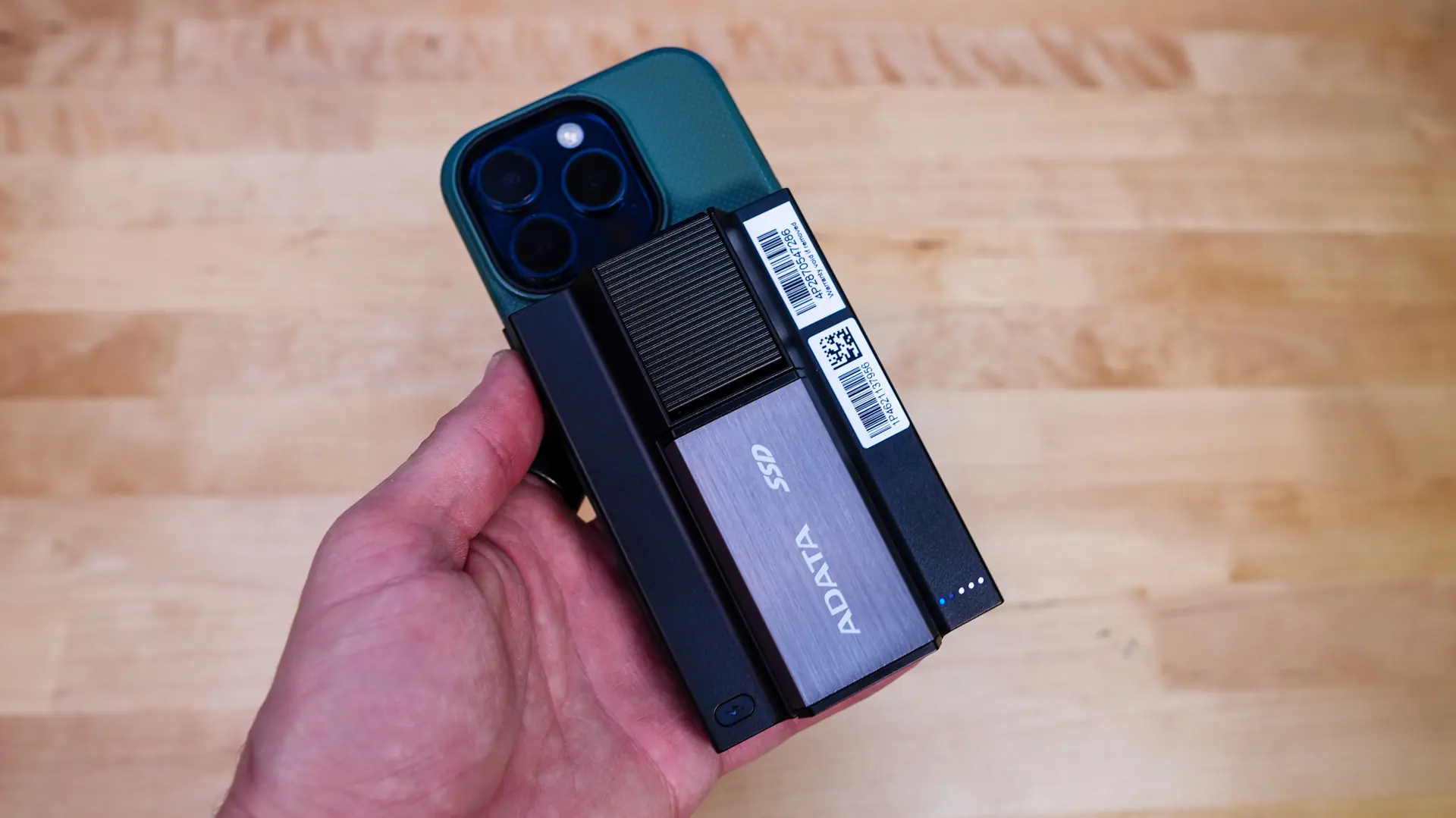
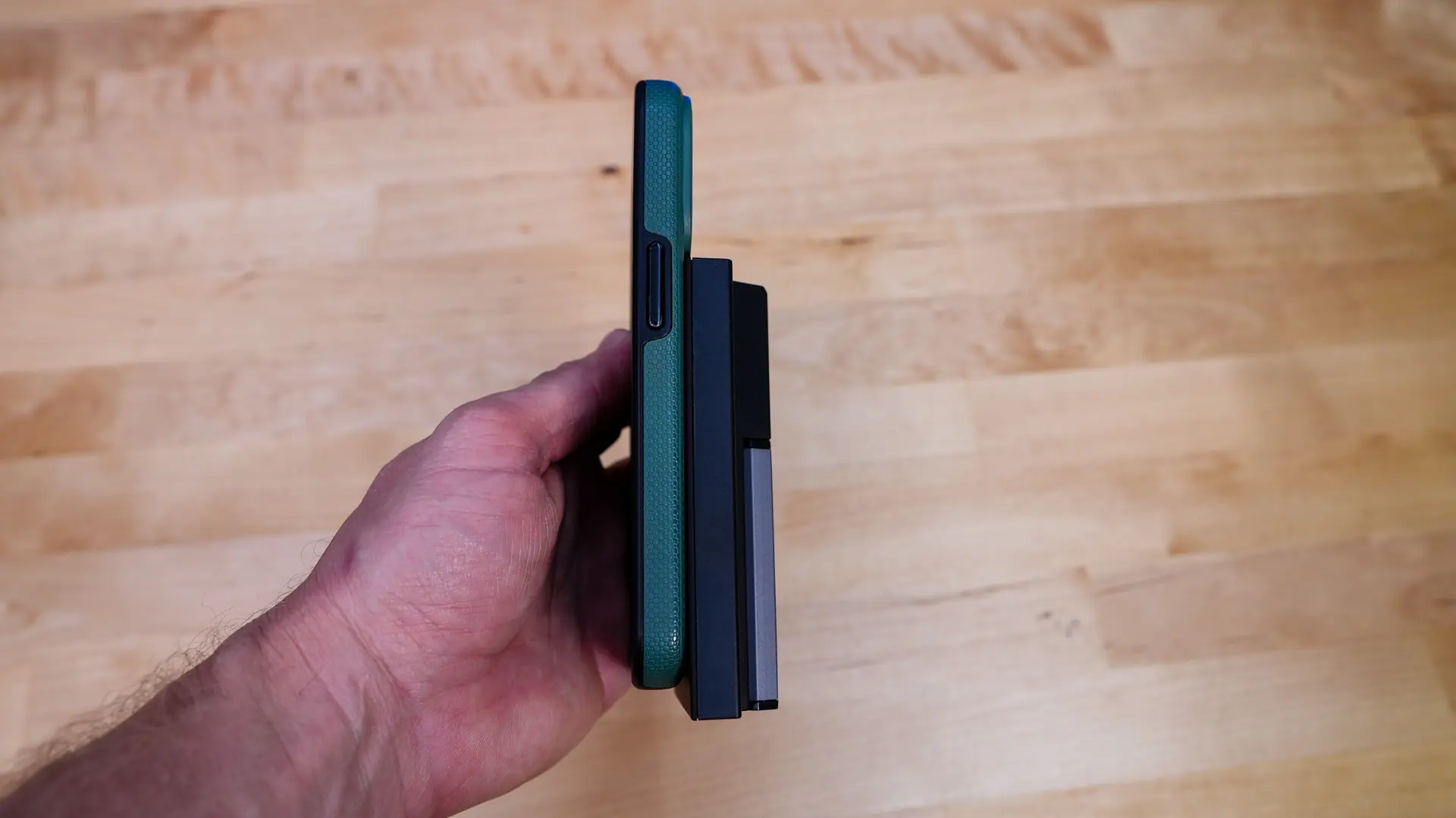
If you want to use the portable SSD with your iPhone all you have to do is use the supplied USB-C cable. I tested shooting Apple ProRes footage straight to the SSD and it worked flawlessly and on top of that you can just use the SSD to transfer photos / videos to and from your iPhone.
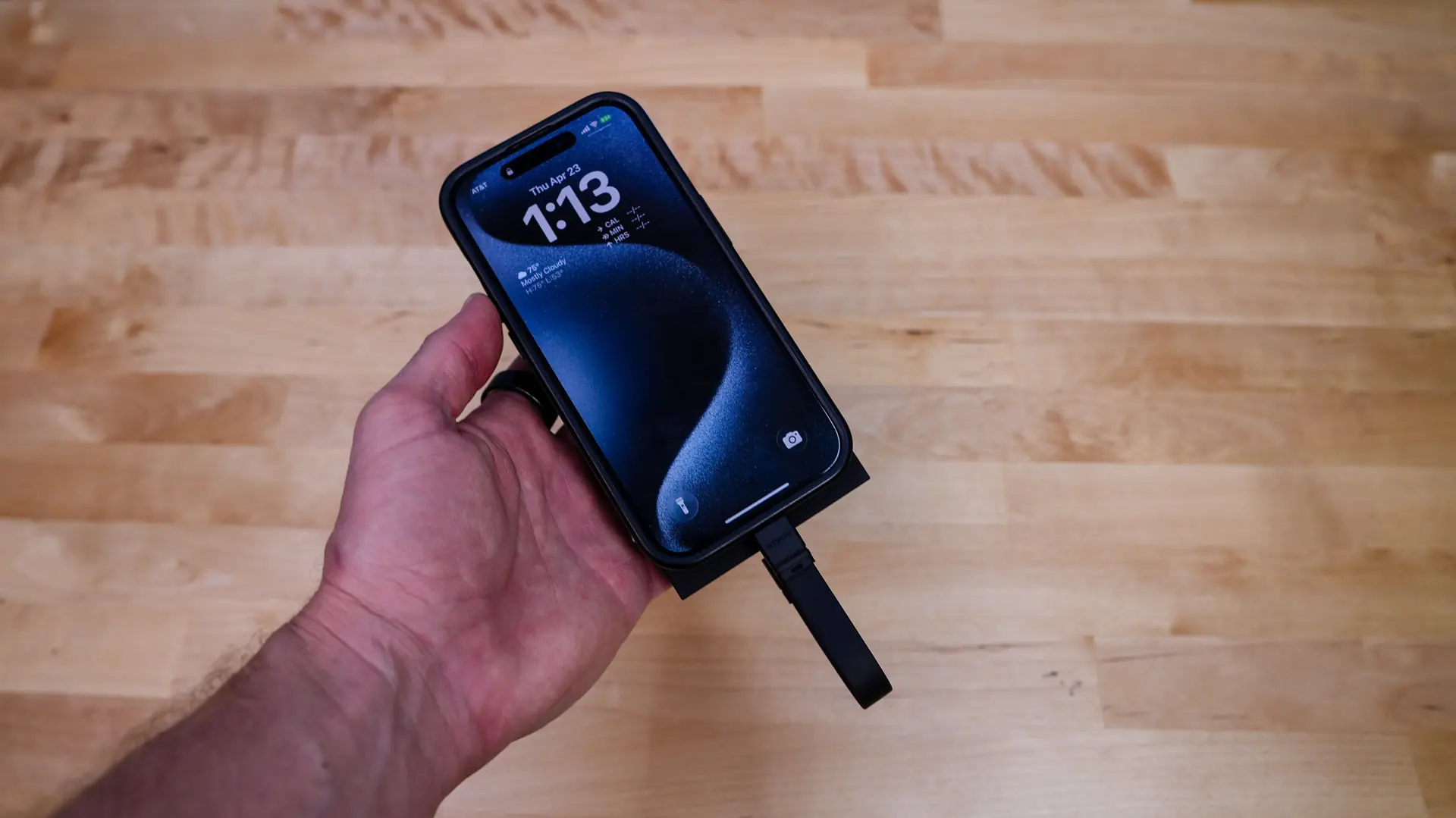
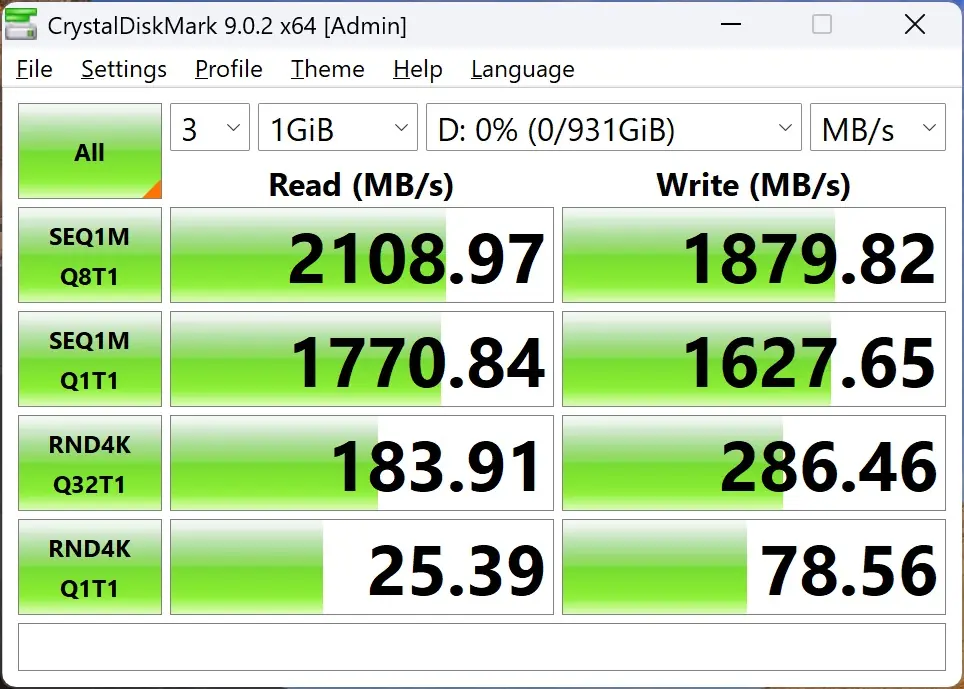
The iPhone does not even take full advantage of the supplied SSD here. We tested it on our PC and as you can see it performs right up to specifications. This means if you do pull anything off your iPhone and want to transfer it to your PC you’ll true USB 3.2 gen 2×2 speeds!
If you are wondering how the stand works, I used it mostly in landscape mode and its perfect, especially if you are using your phone to watch movies! This will come in clutch during those long flights where you don’t want to be holding your phone up!