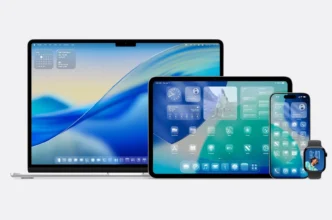
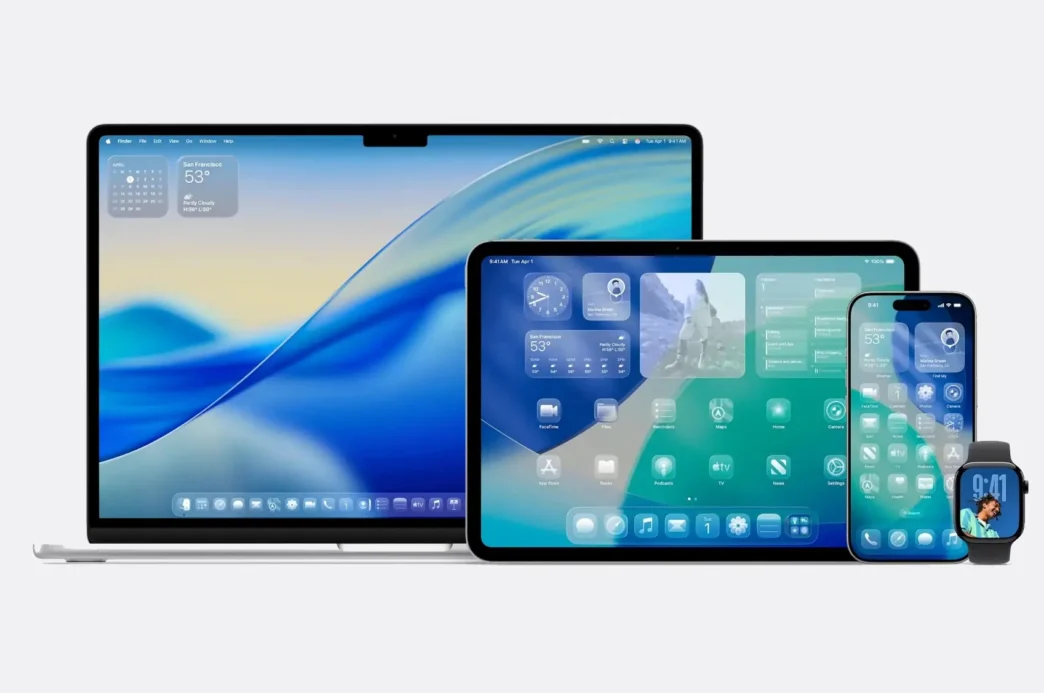
Apple unveiled its groundbreaking “Liquid Glass” user interface at WWDC 2025, marking the most significant visual overhaul to its operating systems in over a decade. This new design language, inspired by visionOS, brings a unified, translucent, and dynamic aesthetic across iOS 26, iPadOS 26, macOS 26, watchOS 26, and tvOS 26, redefining how users interact with their Apple devices.
A Transparent New Era: Liquid Glass Unveiled
Apple’s “Liquid Glass” interface introduces a design philosophy centered on transparency, translucency, and glass-like visual effects. This universal design system, described by Apple’s VP of Human Interface Alan Dye as their “broadest design update, ever,” integrates shimmering, morphing surfaces that react dynamically to user interaction and environmental lighting. Elements like buttons, controls, and even app icons now feature multiple layers of crystal-clear, glittering glass, reflecting light realistically.
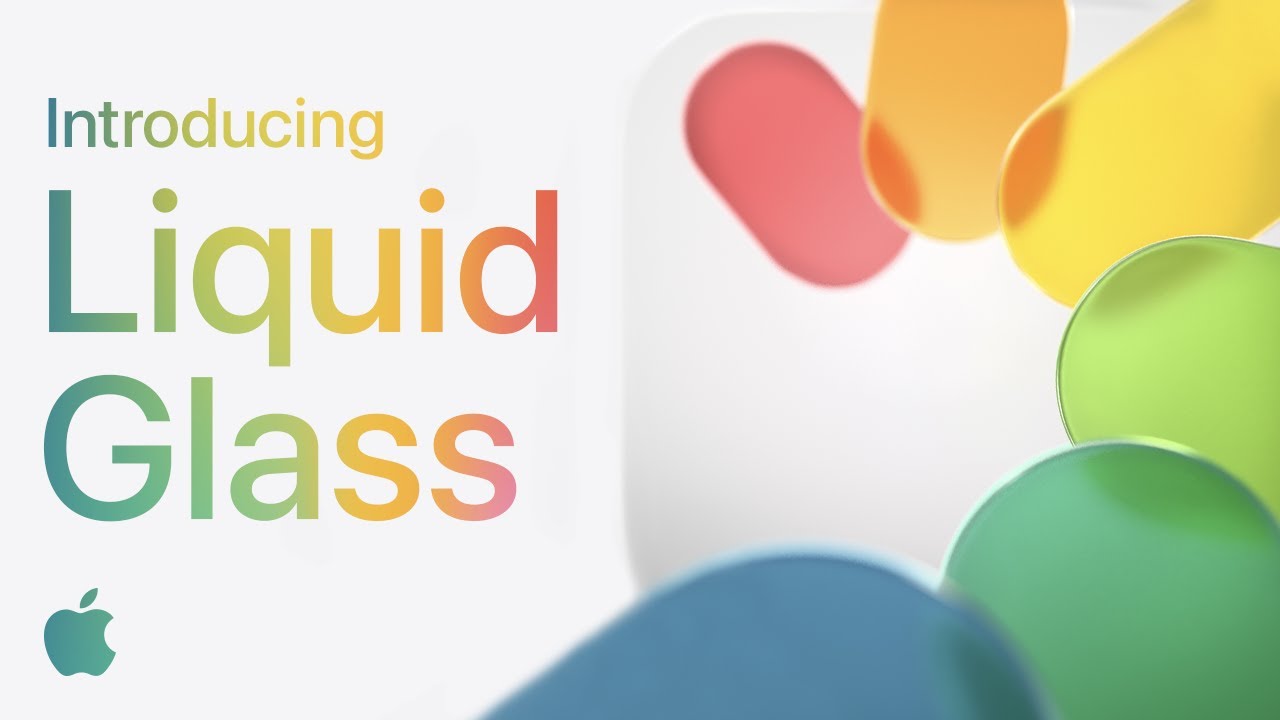
Key visual enhancements include:
- Dynamic Morphing: Interface elements fluidly blend and transform, creating a “liquid” effect during scrolling or view transitions.
- Spatial Depth: Machine learning is employed to add depth to backgrounds and lock screen photos, enhancing immersion.
- “All Clear” Appearance: A new minimalist mode for app icons, rendering them as clear glass without color.
Unifying the Ecosystem
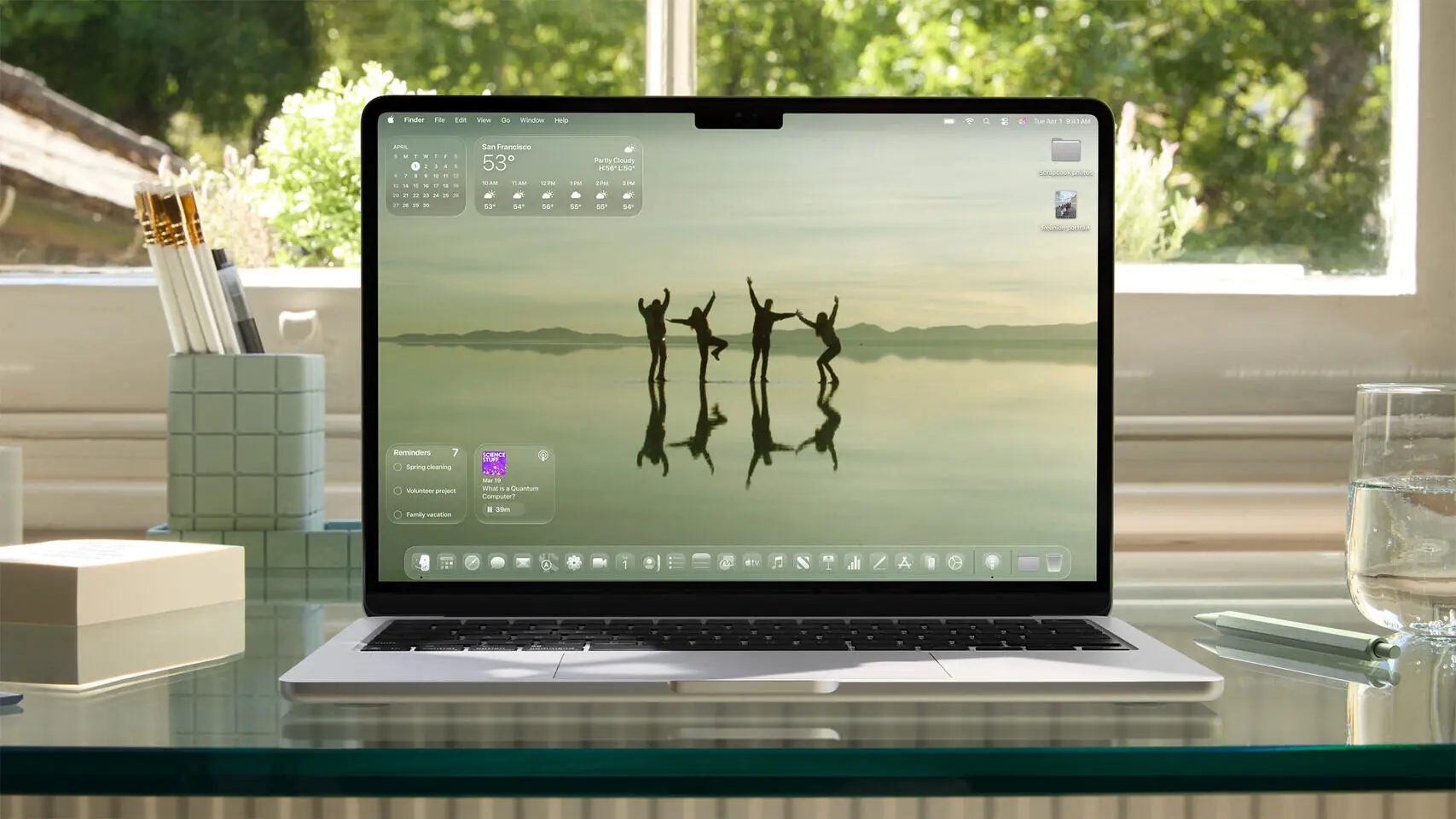
The Liquid Glass design extends across all of Apple’s major operating systems, ensuring a seamless visual experience whether users are on an iPhone, iPad, Mac, Apple Watch, or Apple TV. This unification aims to make switching between devices more intuitive and visually consistent. For instance, macOS 26 (now named macOS Tahoe 26) features a completely transparent menu bar, making the display feel larger, while the dock and sidebars also adopt the glass aesthetic.
Beyond Aesthetics: Functional Enhancements
While the visual redesign is a major highlight, iOS 26 also introduces several functional improvements:
- Smarter Apple Intelligence: Deeper integration of AI features, including real-time Live Translation across apps and enhanced visual intelligence for on-screen information interpretation.
- Improved Communication: The Messages app gains features like polls, custom group chat backgrounds (generatable with Apple Intelligence), and typing indicators. The Phone app introduces “Hold Assist” to manage hold music and a new call screening technology.
- Core App Updates: Many native Apple applications, including Camera, Photos, Safari, Music, and FaceTime, have been updated to align with the Liquid Glass design. The Camera app now offers a more unified shooting experience, and the Music app includes lyrics translations, pronunciations, and an automix feature.
- New Games App: A dedicated application centralizes Apple Arcade titles and in-game achievements.
Key Takeaways
- “Liquid Glass” is Apple’s first major UI overhaul in over a decade, moving away from the flat design introduced with iOS 7.
- The new design emphasizes transparency, translucency, and dynamic glass-like effects across all Apple platforms.
- It unifies the visual experience across iOS 26, iPadOS 26, macOS 26, watchOS 26, and tvOS 26.
- Beyond visuals, iOS 26 brings significant updates to Apple Intelligence, communication apps, and core Apple services.
- The redesign is also seen as a precursor to future hardware innovations, potentially hinting at an “all-glass” iPhone in 2027.
Developers have immediate access to the iOS 26 beta, with public betas expected in the coming weeks. The final release of iOS 26 and the Liquid Glass interface is anticipated in the autumn, coinciding with the launch of the iPhone 17 series.