ASRock X870E Taichi Motherboard Overview
When you first pull the X870E Taichi out of the box you’ll notice it is a bit larger than your standard motherboard. That is because this is an extended ATX (E-ATX) motherboard which has the dimensions of 12-inches x 10.5-inches. You are going to want to make sure your case supports E-ATX motherboards.
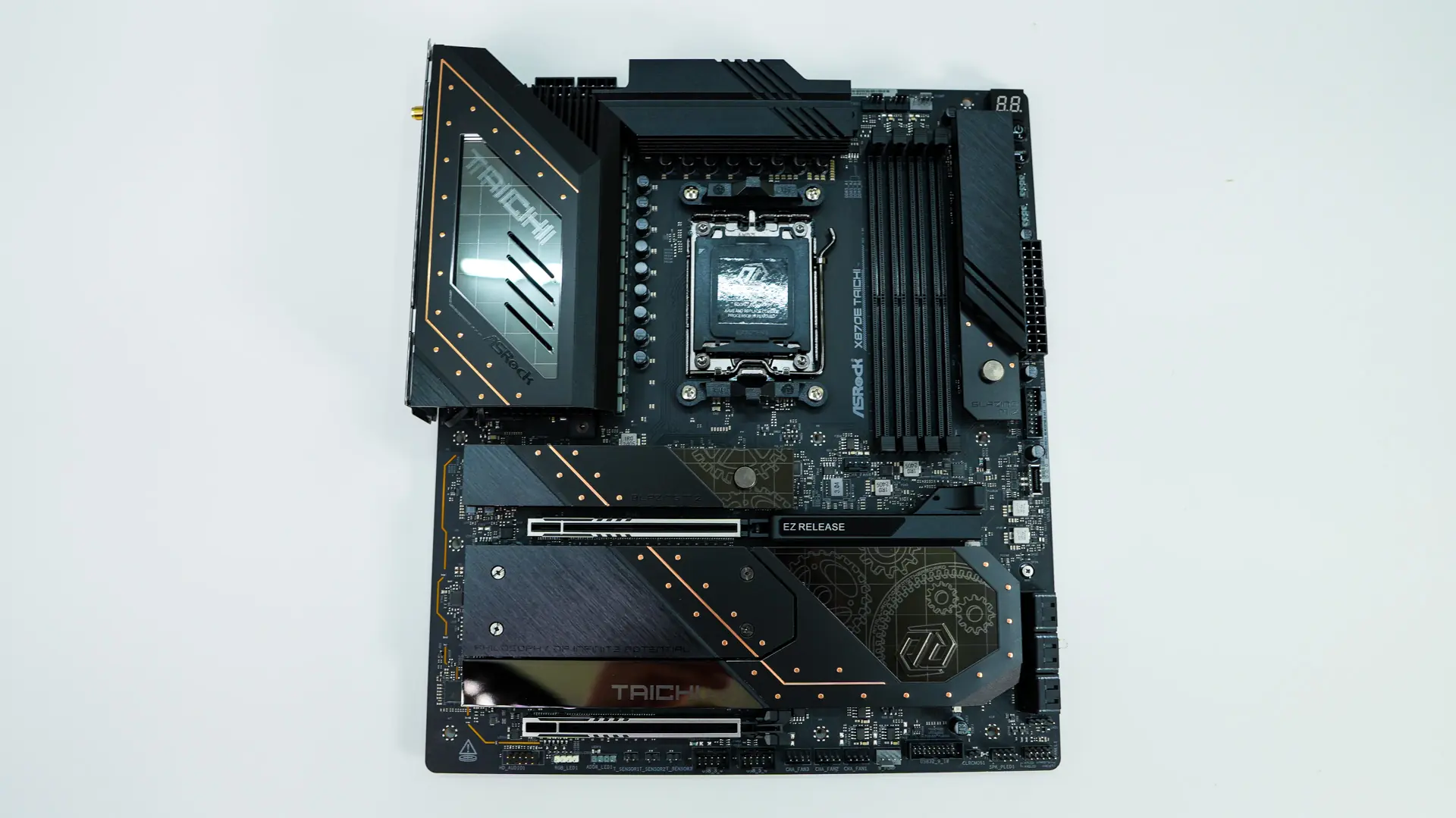
As far as the design of the board goes we have an all black PCB with gold accents on some of the heatsinks. We still have the clockwork theme that the Taichi series is known for, although it is toned back a bit.
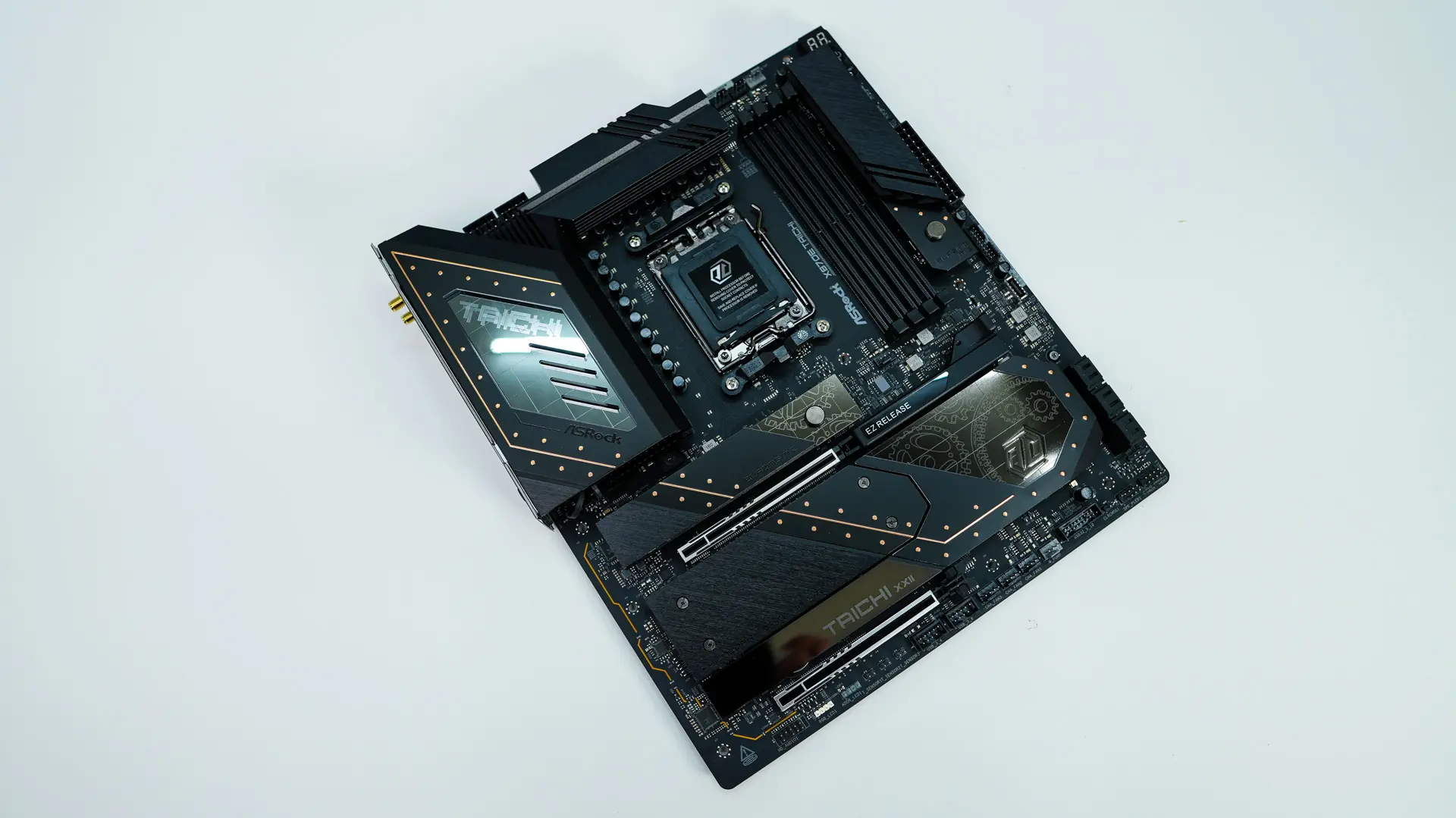
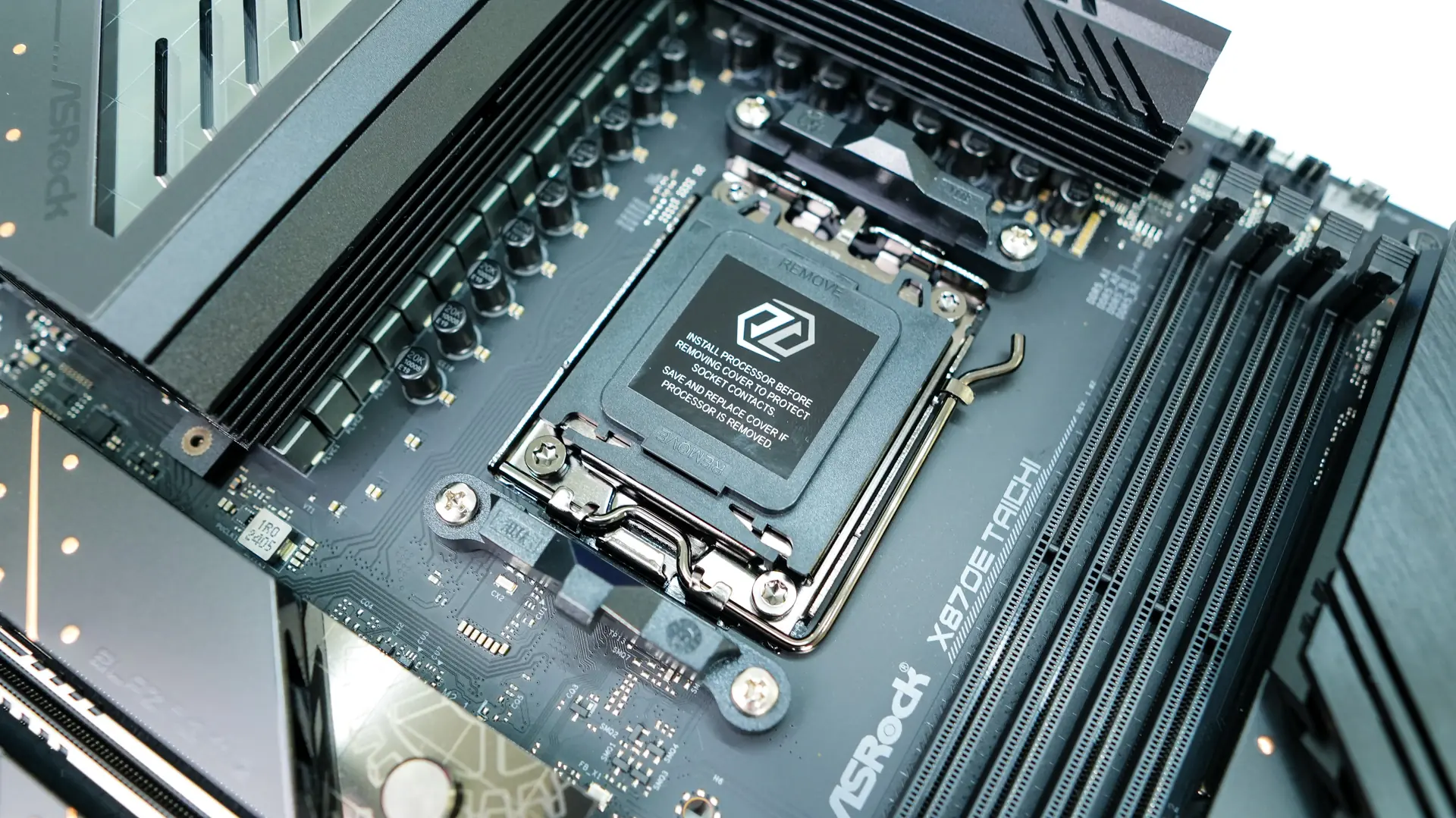
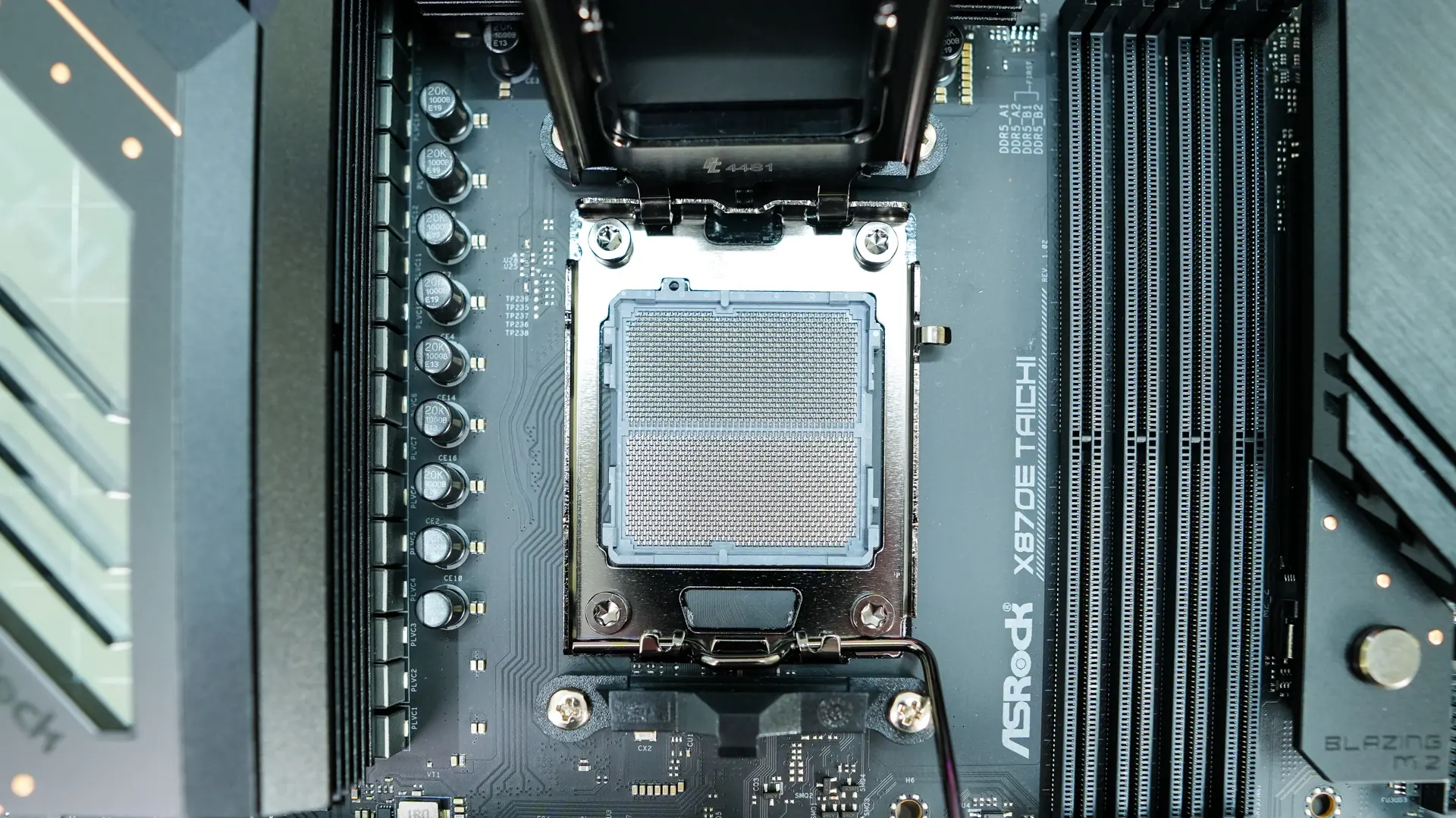
Starting at the CPU socket we have AMD’s AM5 socket. This socket will support AMD’s Ryzen 9000, 8000, and 7000 series processors. Surrounding the CPU socket we have our power delivery components. ASRock is going with a 24+2+1 power phase design, with the 24 power stages for the CPU being 110A. This is one of the most powerful VRM design’s you’ll find on an X870E motherboard. The power delivery components are covered by two large heatsinks.
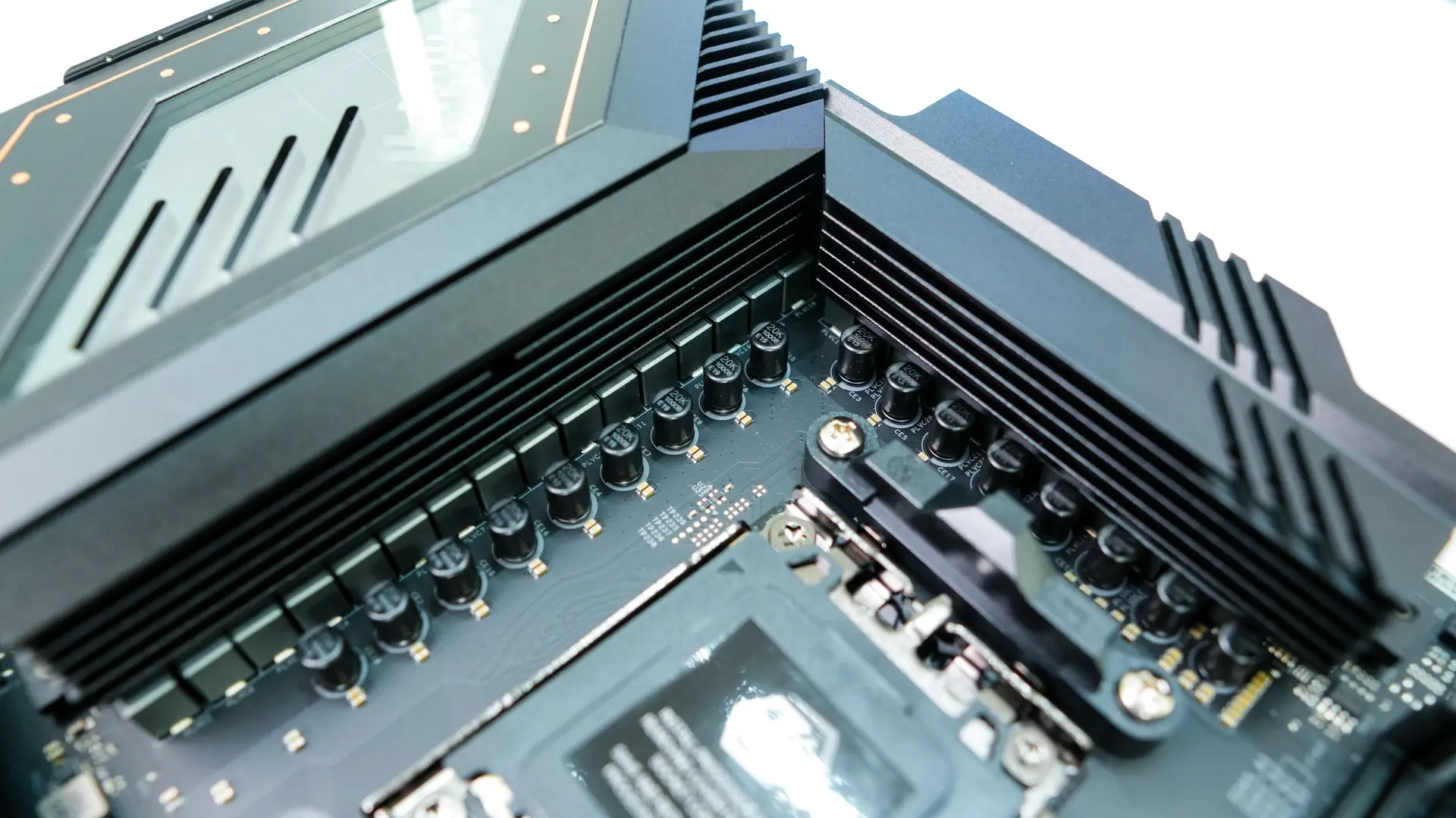
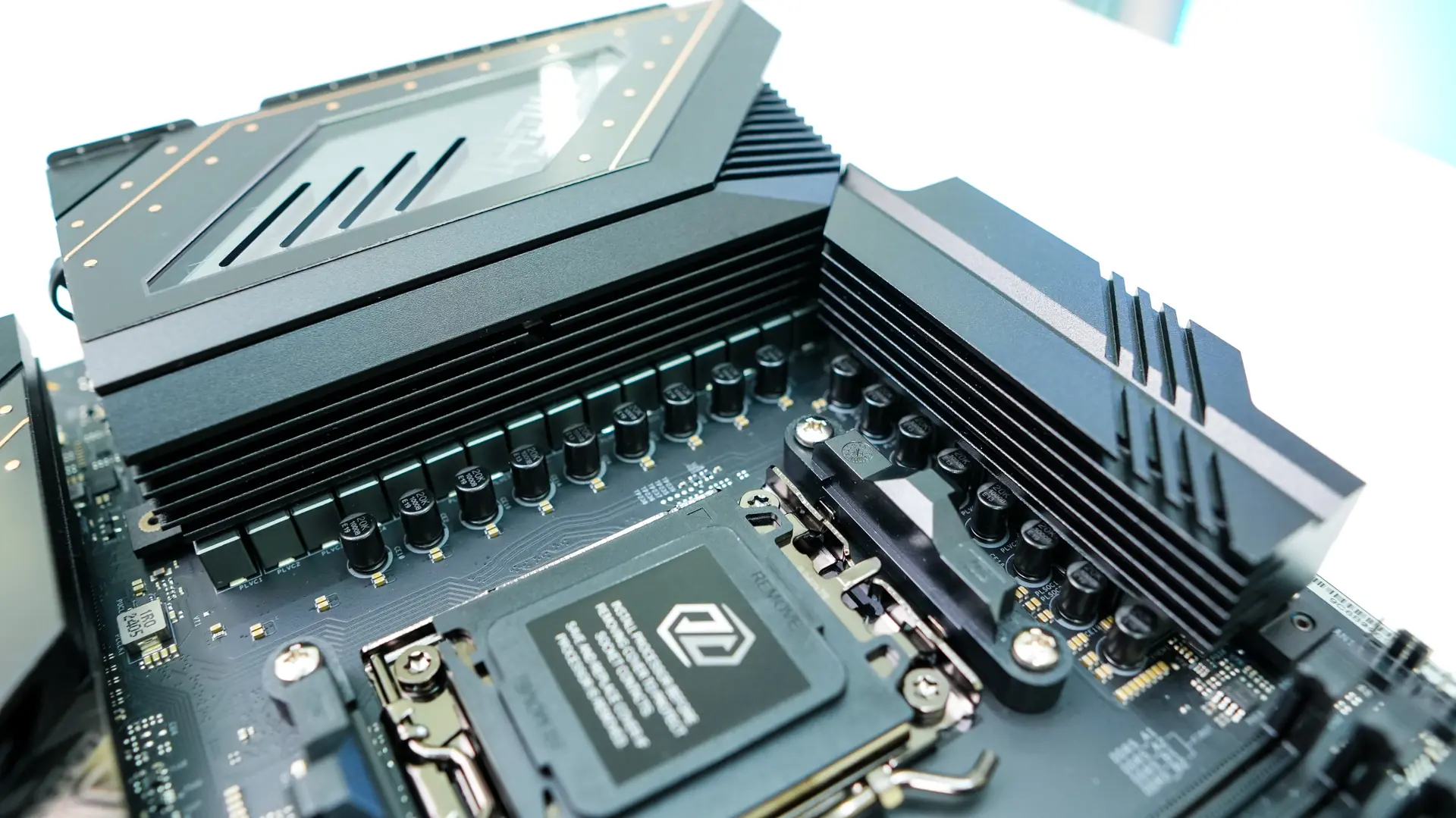
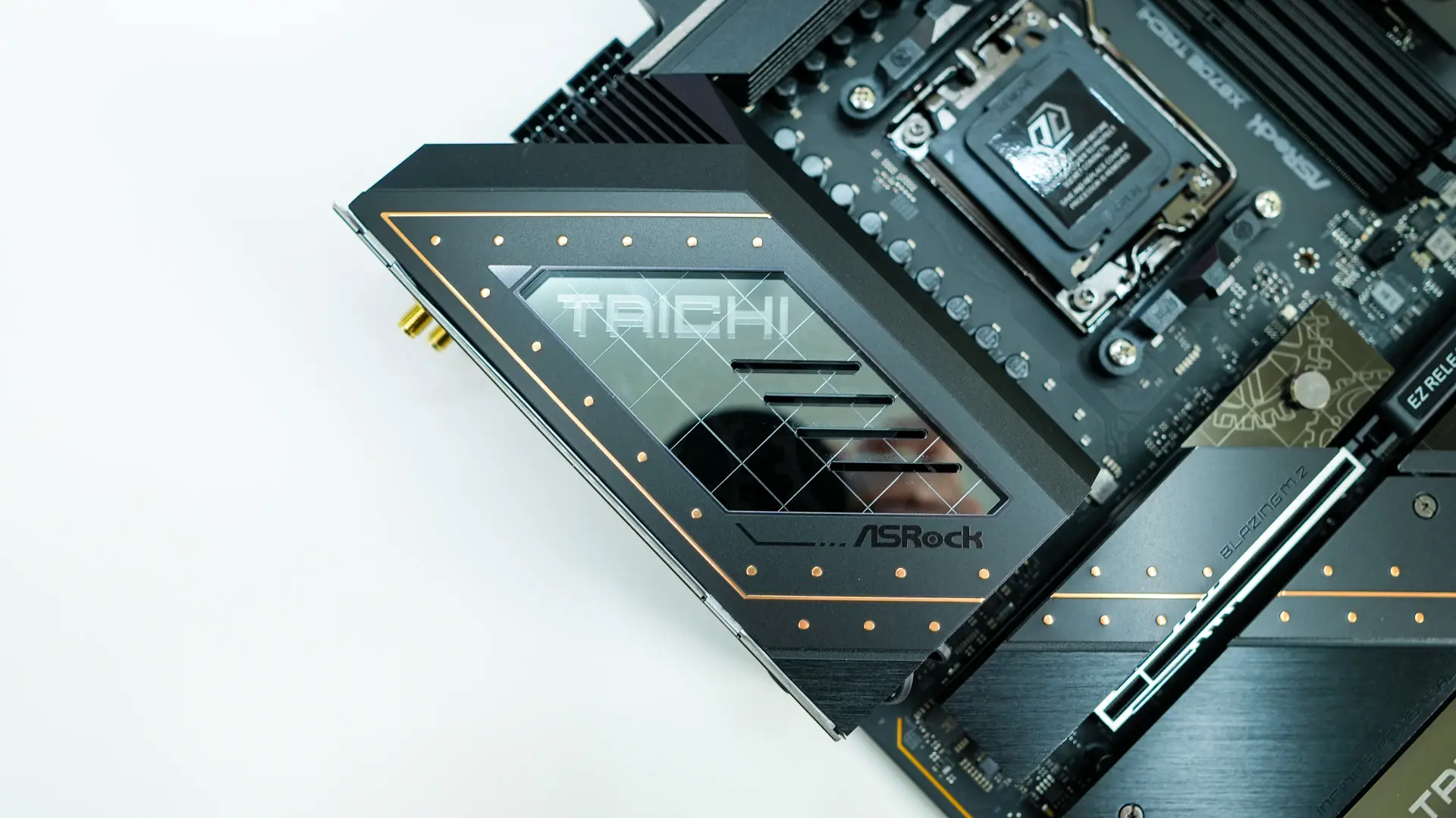
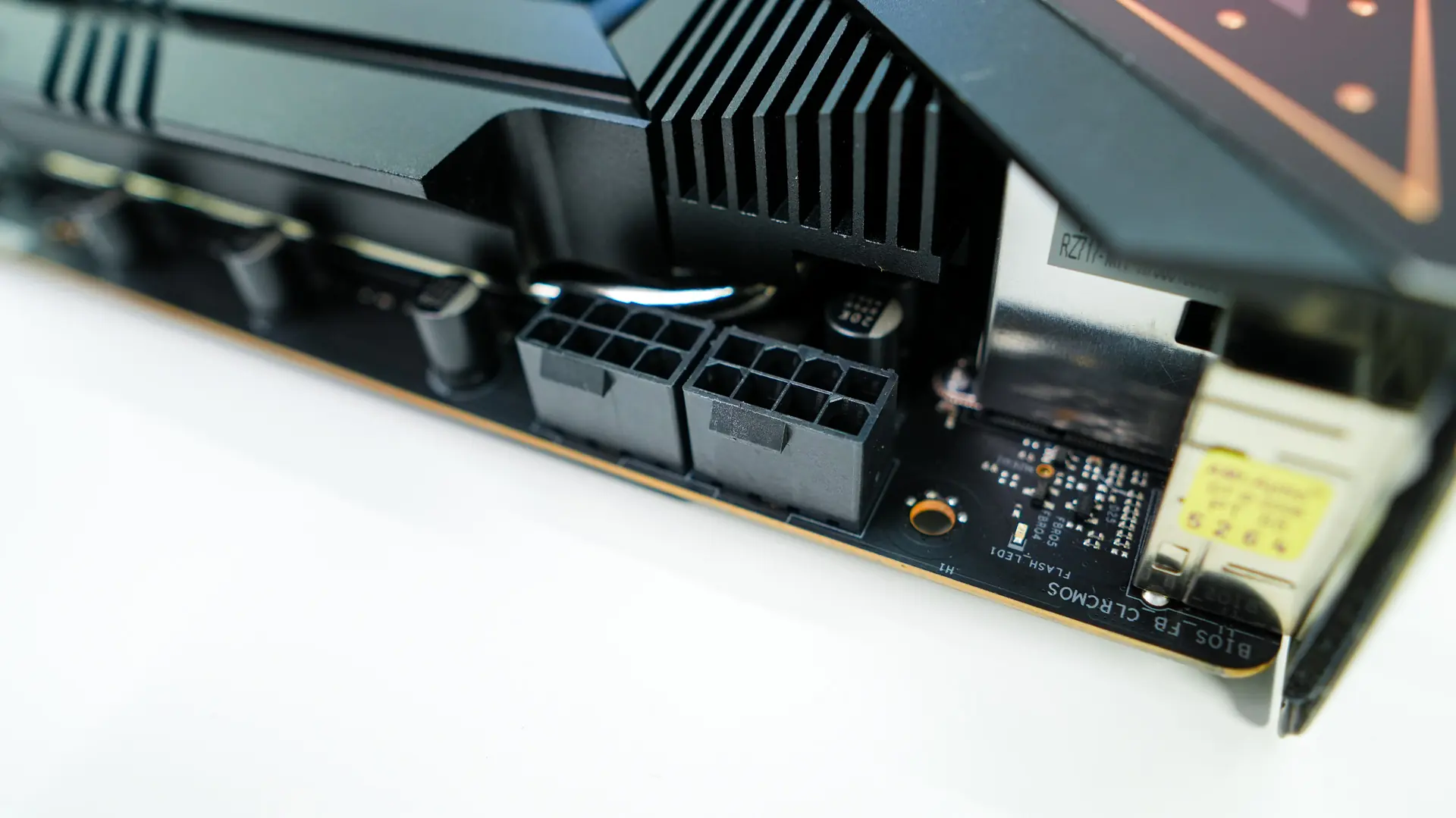
The top corner of the board comes together with a very large rear I/O cover which has the Taichi logo on it and will light up with RGB lighting. There is actually a cooling fan embedded in the heatsink that sits below this cover. That is why you see little slits cut into the cover. Hiding in the very top corner of the board are two 8-pin EPS connectors.
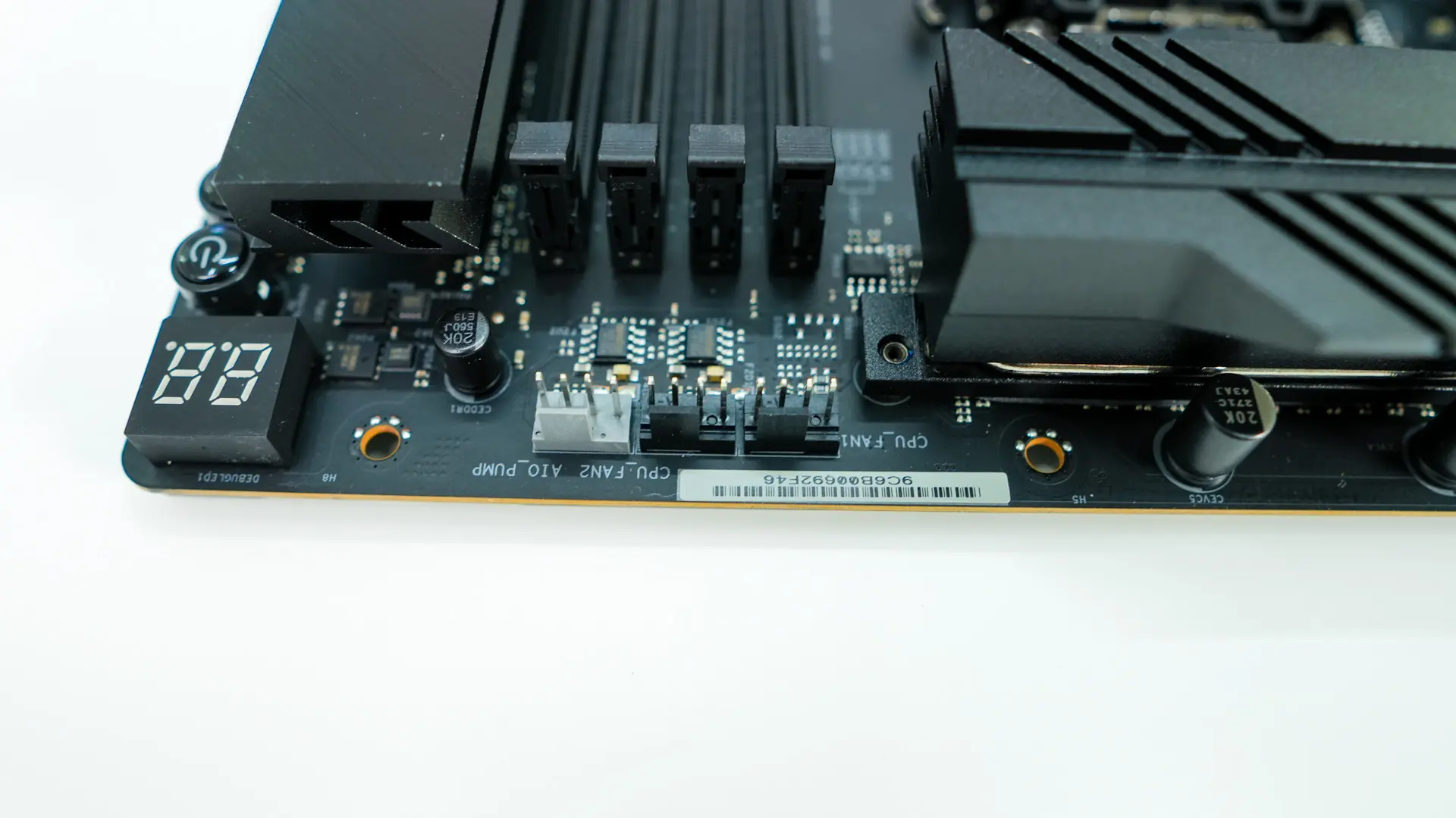
Moving across the board we find three 4-pin headers. The two black headers are for your CPU fans, while the grey header is for your AiO pump. Below these headers are your memory slots. You have four DDR5 DIMM slots that support 256GB of DDR5-8200 memory. Interestingly enough there is a 4-pin fan header below the memory slots.
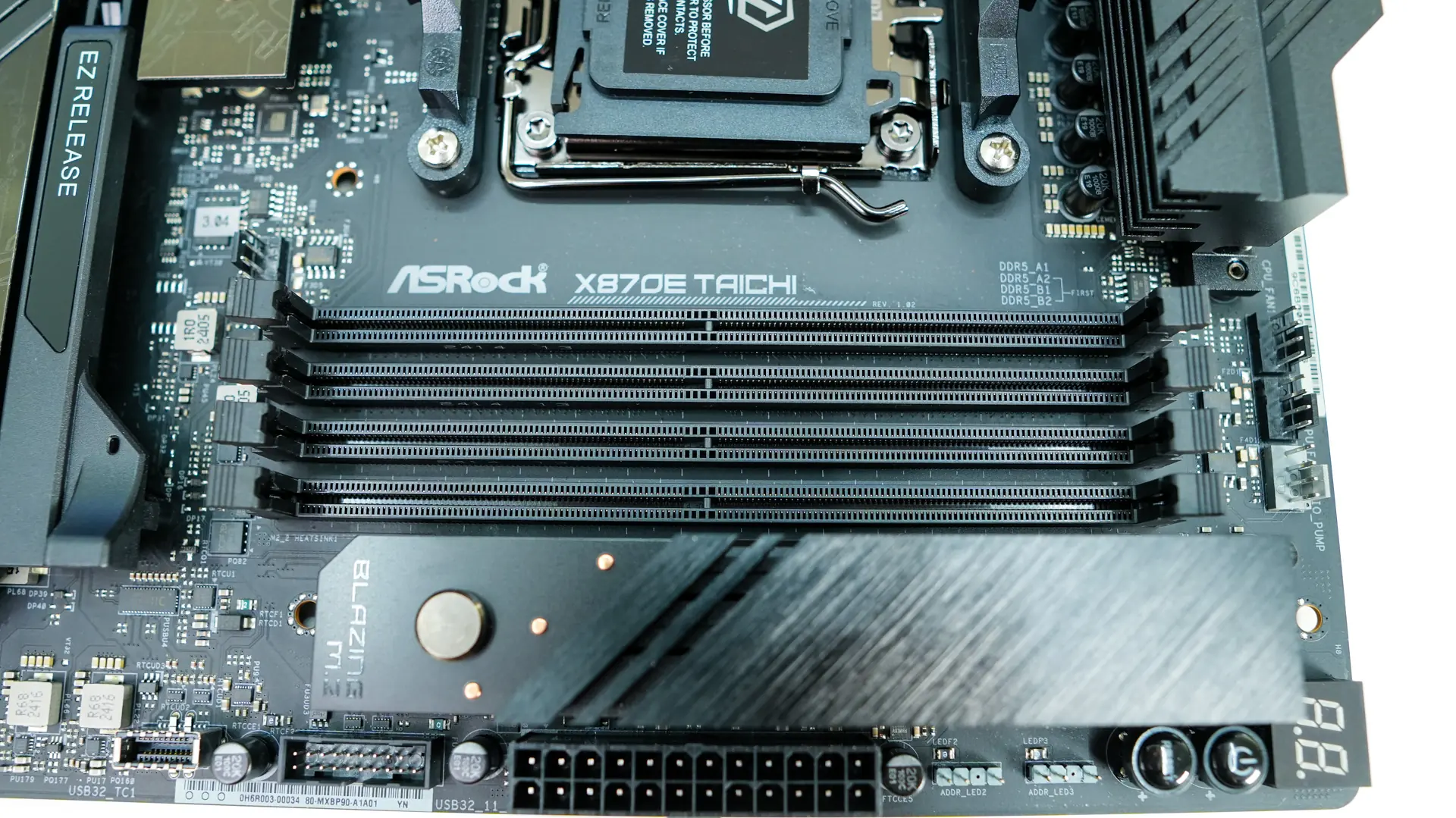
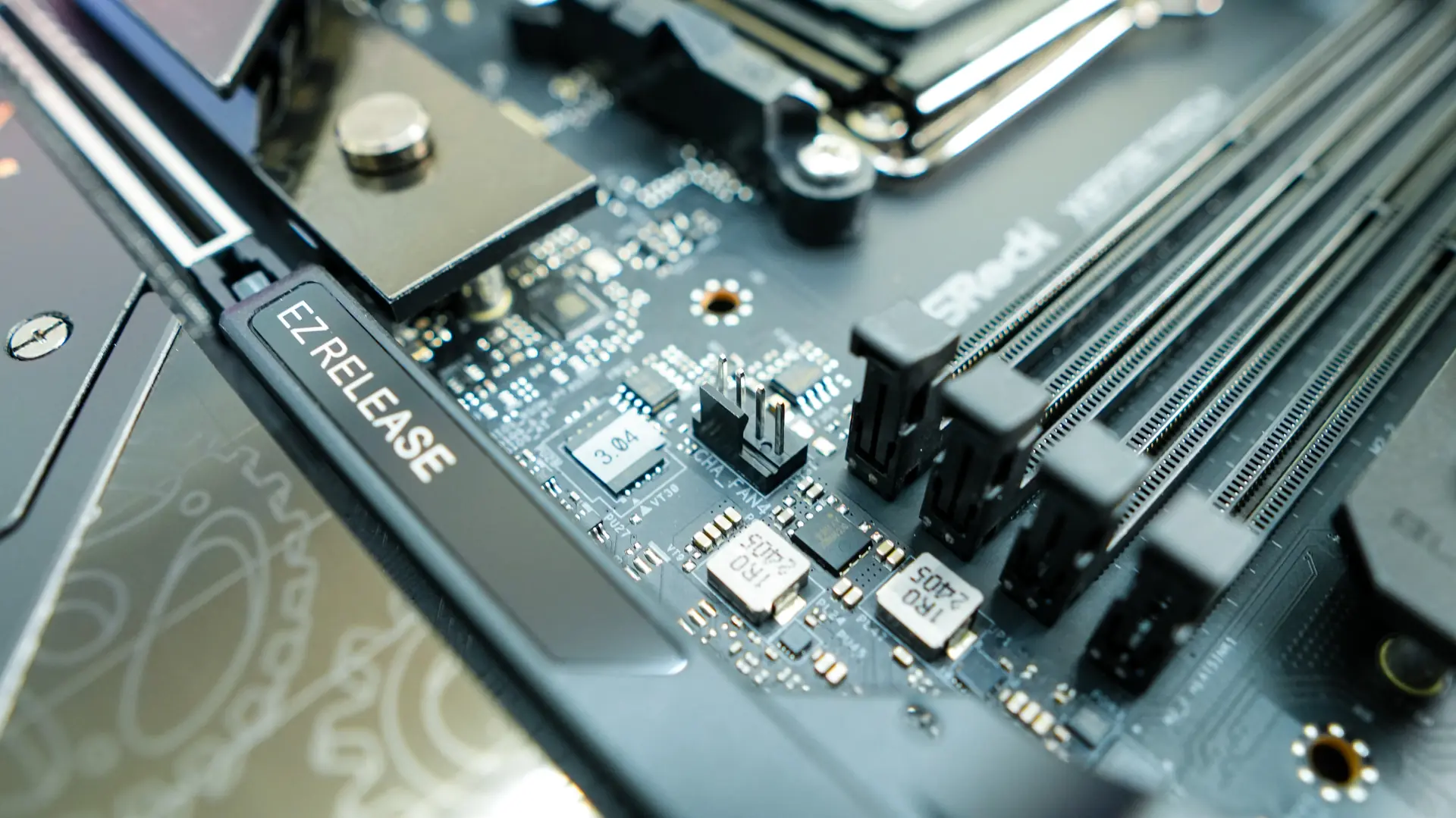
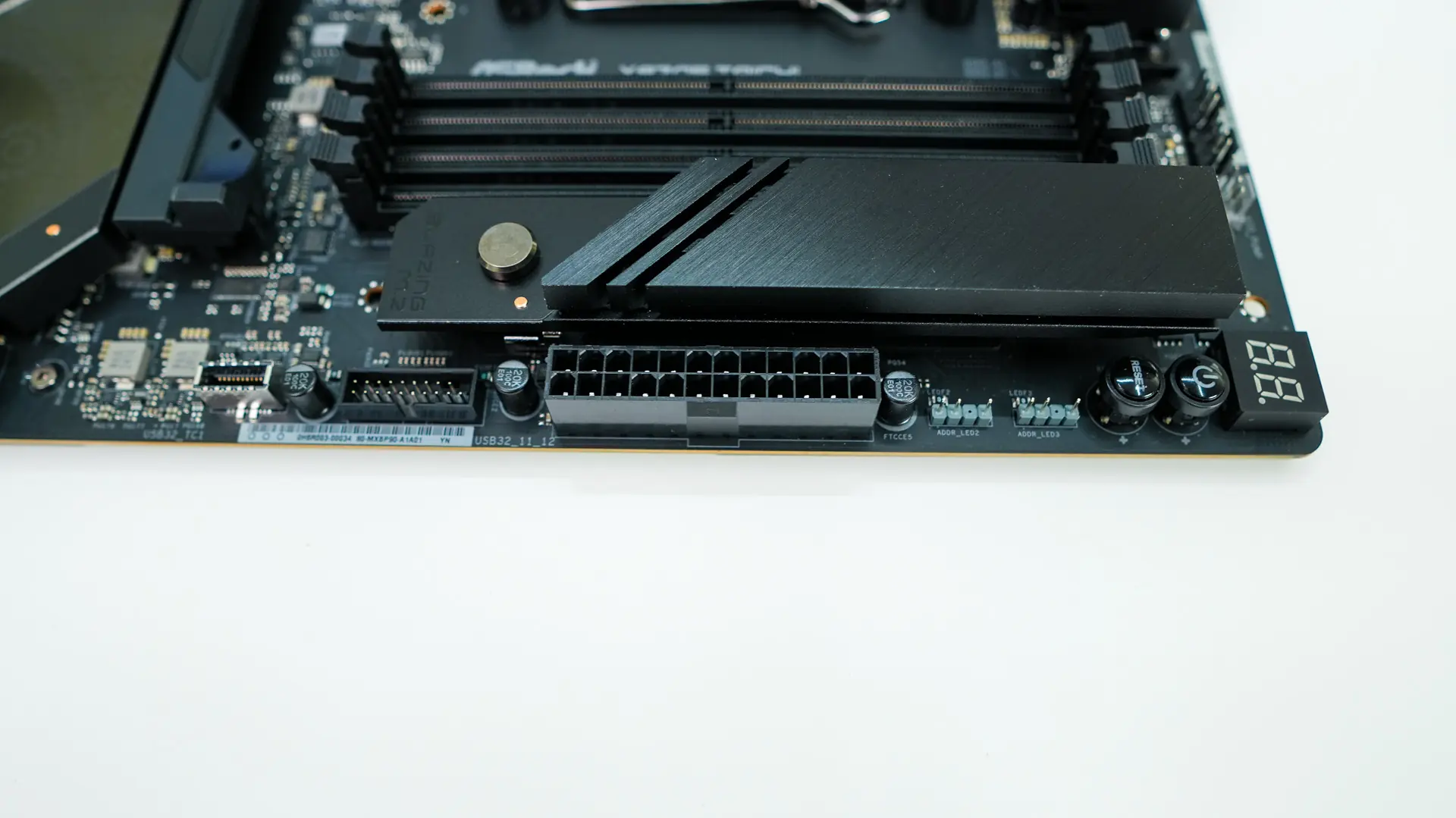
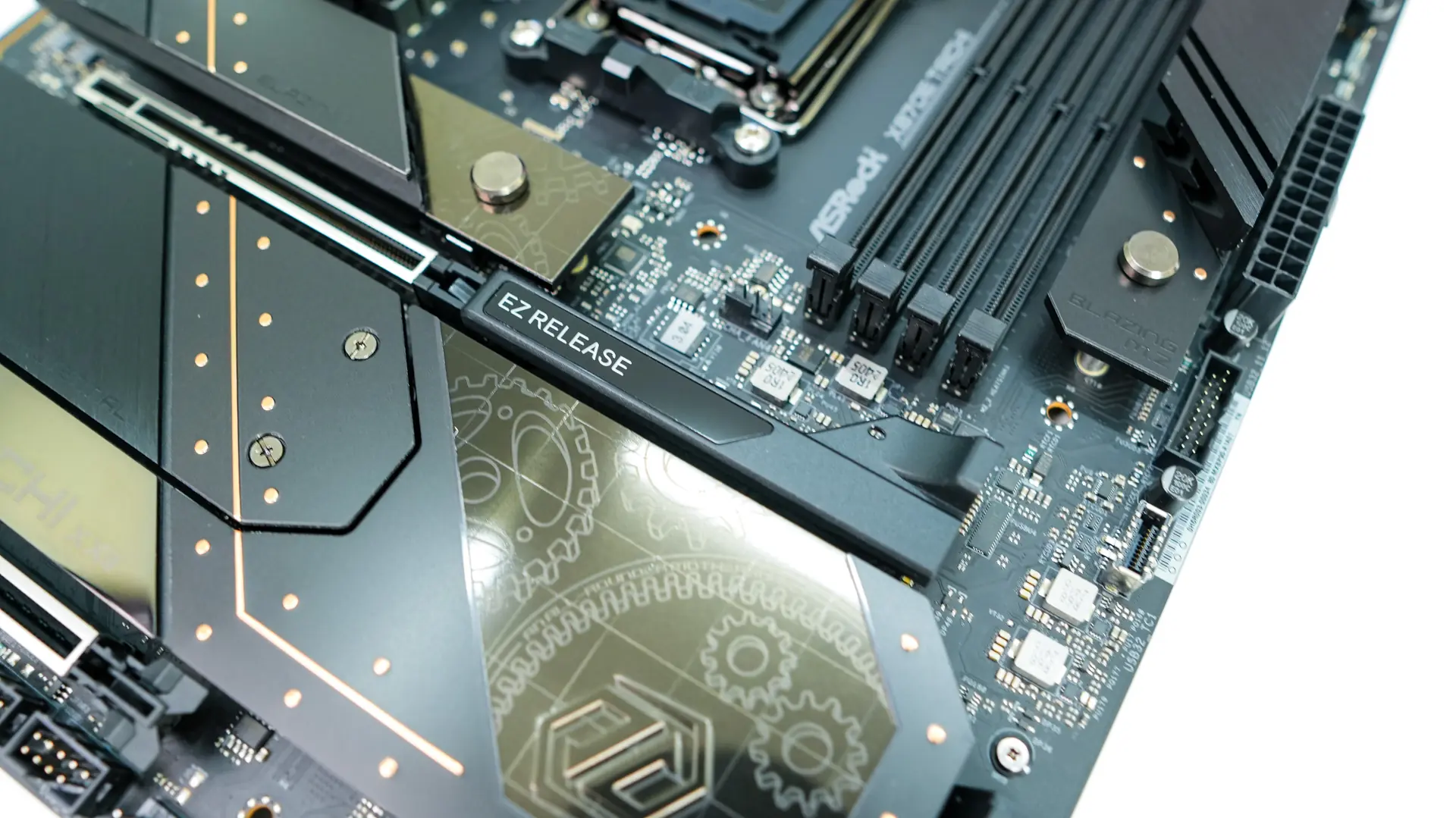
Right next to the memory slots we actually have a PCIe 4.0 M.2 slot. Since this is an E-ATX motherboard ASRock did have more room to add this slot and it is a nice addition. Also its placement makes it easier to access and it is in a better spot for cooling. The slot makes use of a tool-less heatsink design where you press the little circle up towards the slot and the heatsink releases. It is a quite seamless process.
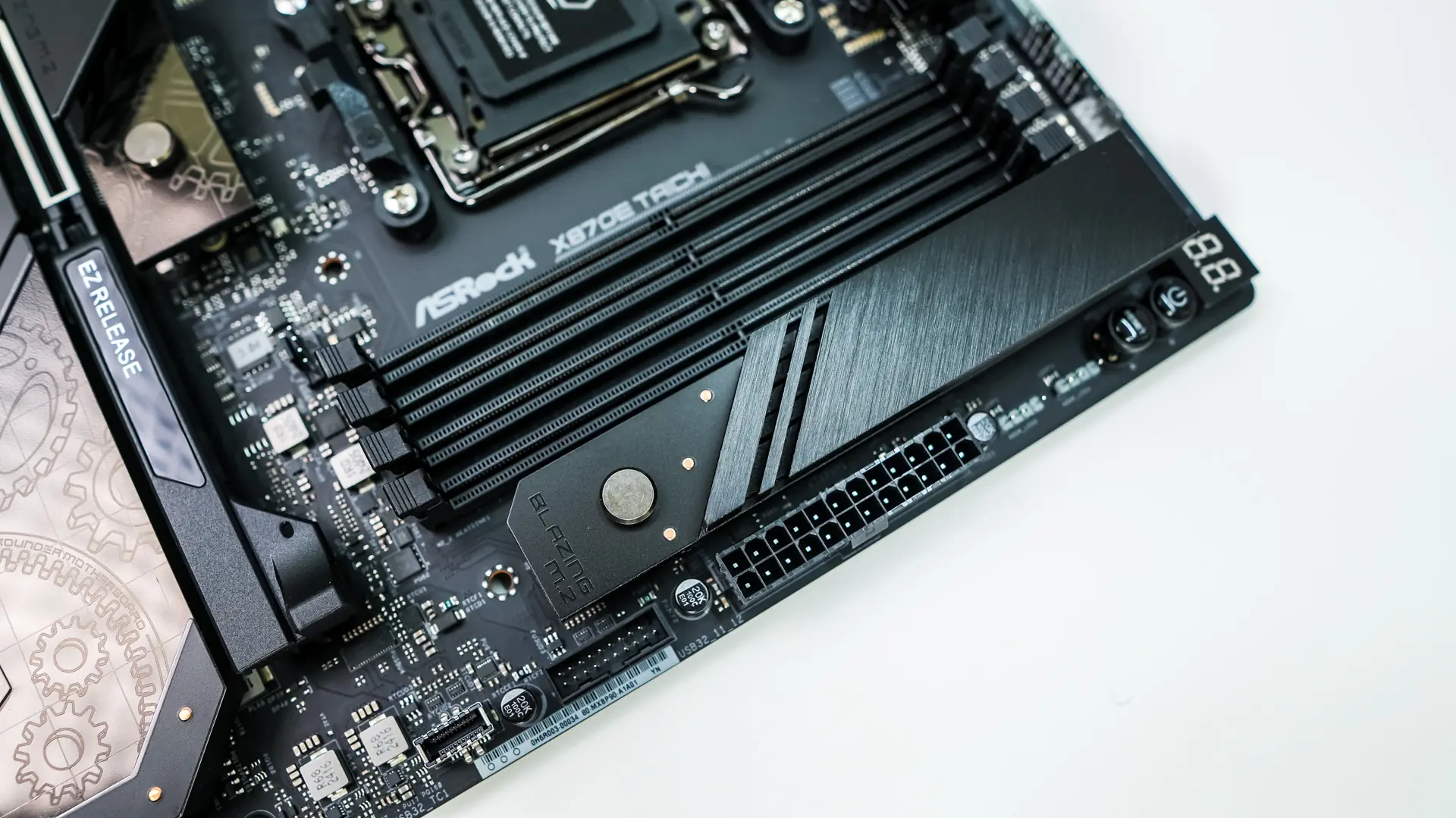
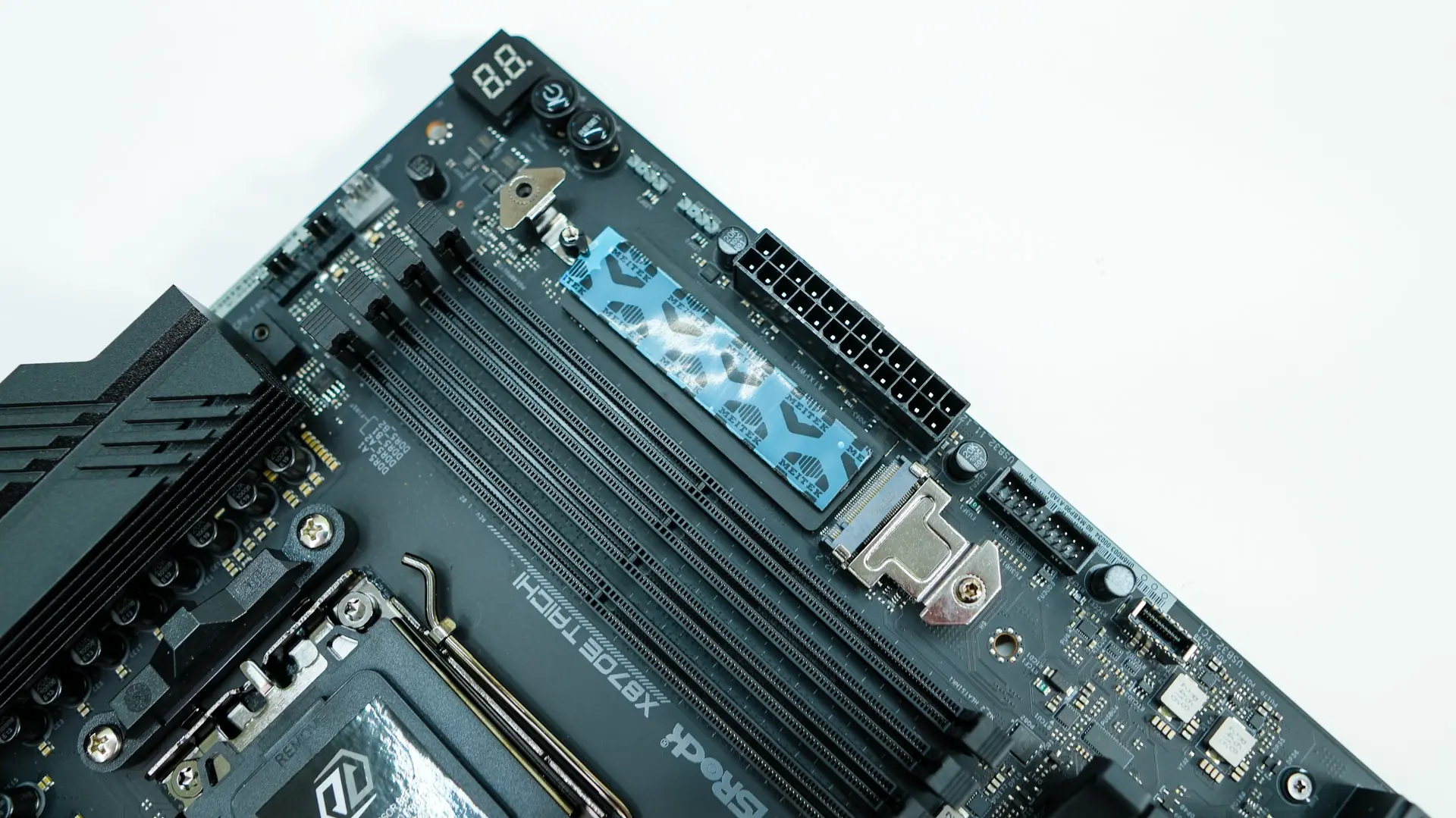
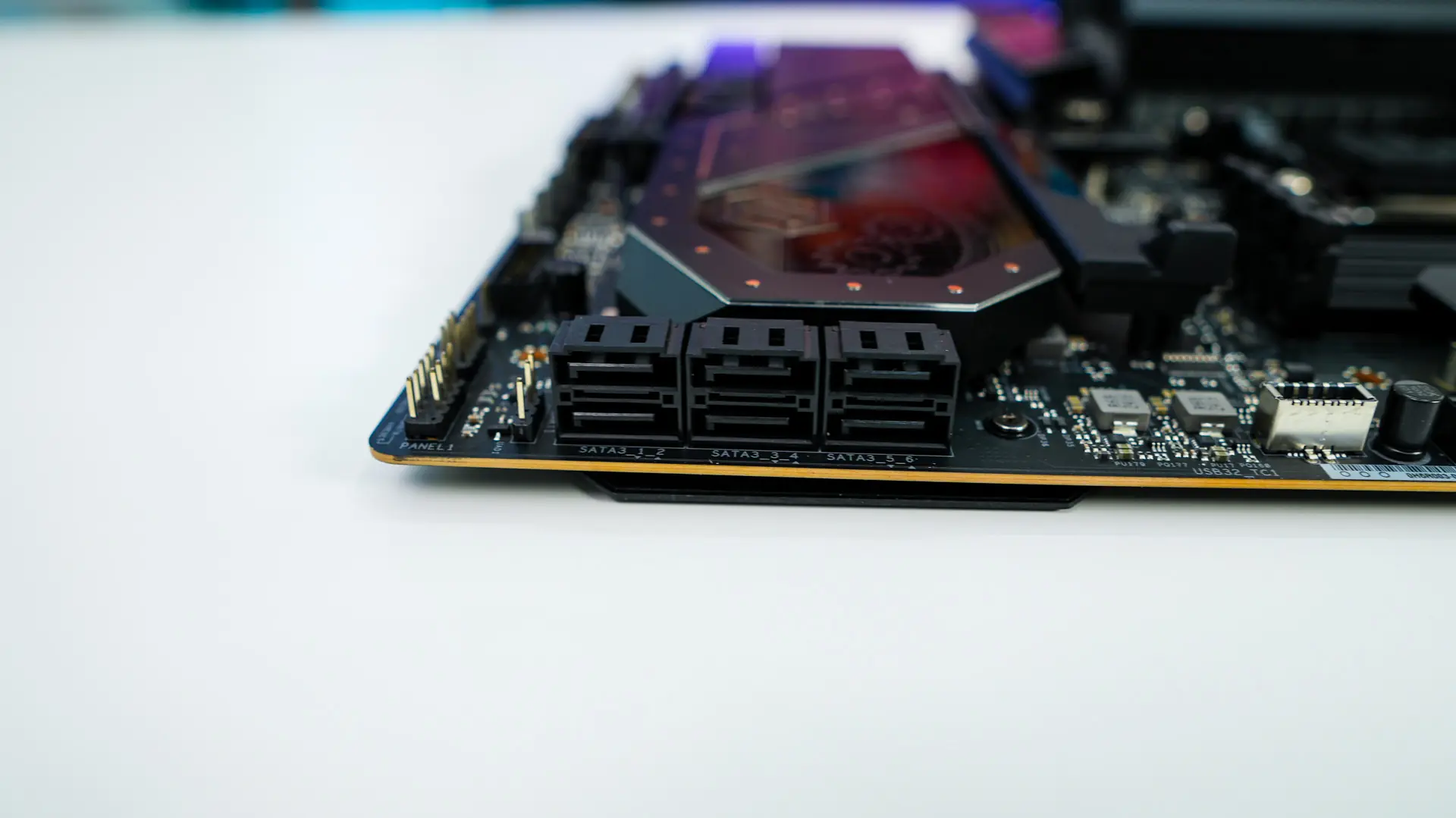
Coming to the edge of the board you’ll find a post code display, power button, reset button, two 3-pin addressable RGB headers, 24-pin ATX power connection a USB 3.2 gen 1 header, and a USB 3.2 gen 2×2 header. Moving down further we find six SATA 6GB/s ports all of which are at a 90-degree angle so they do not get in the way of your expansion cards.
At the bottom of the board you’ll find the rest of your headers and connections. From left to right we have a HD audio header, 4-pin standard RGB header, 3-pin addressable RGB header, three sensor headers (for the included Thermistor cables), two USB 2.0 headers, three 4-pin fan headers, a 4-pin pump header, a USB 3.2 gen 1 header, clear CMOS header, and the front panel headers.
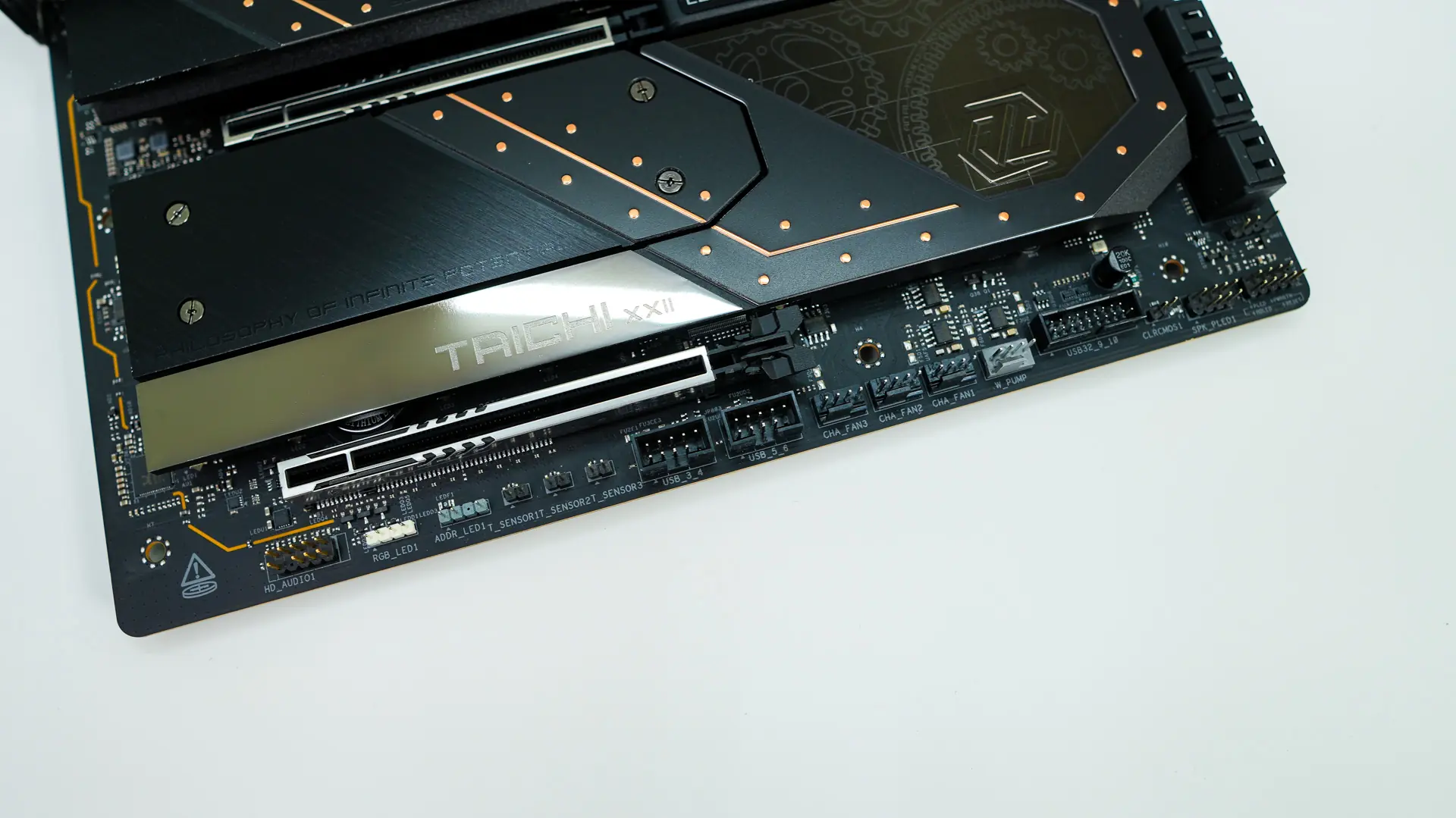
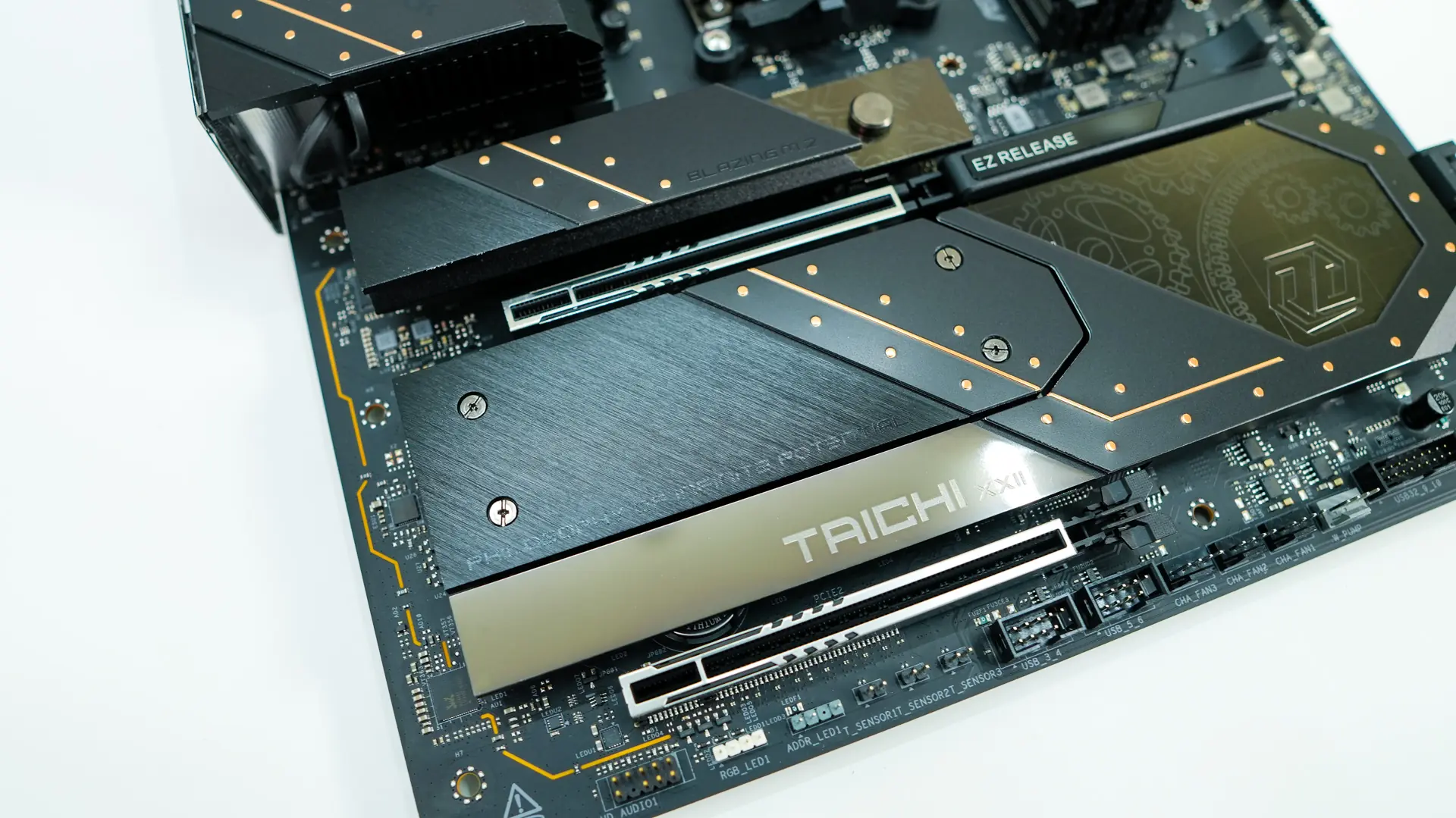
The bottom half of the board is primarily made up of heatsinks with two of them being removable. The top one is the same tool-less heatsink that we saw on the edge of the board. It covers up the single PCIe 5.0 M.2 slot on the board. The bottom heatsink can be partially removed by loosening up 4 screws. With this section removed we find two more PCIe 4.0 M.2 slots. It is worth noting that all of the M.2 slots have a tool-less locking mechanism, which works quite well.
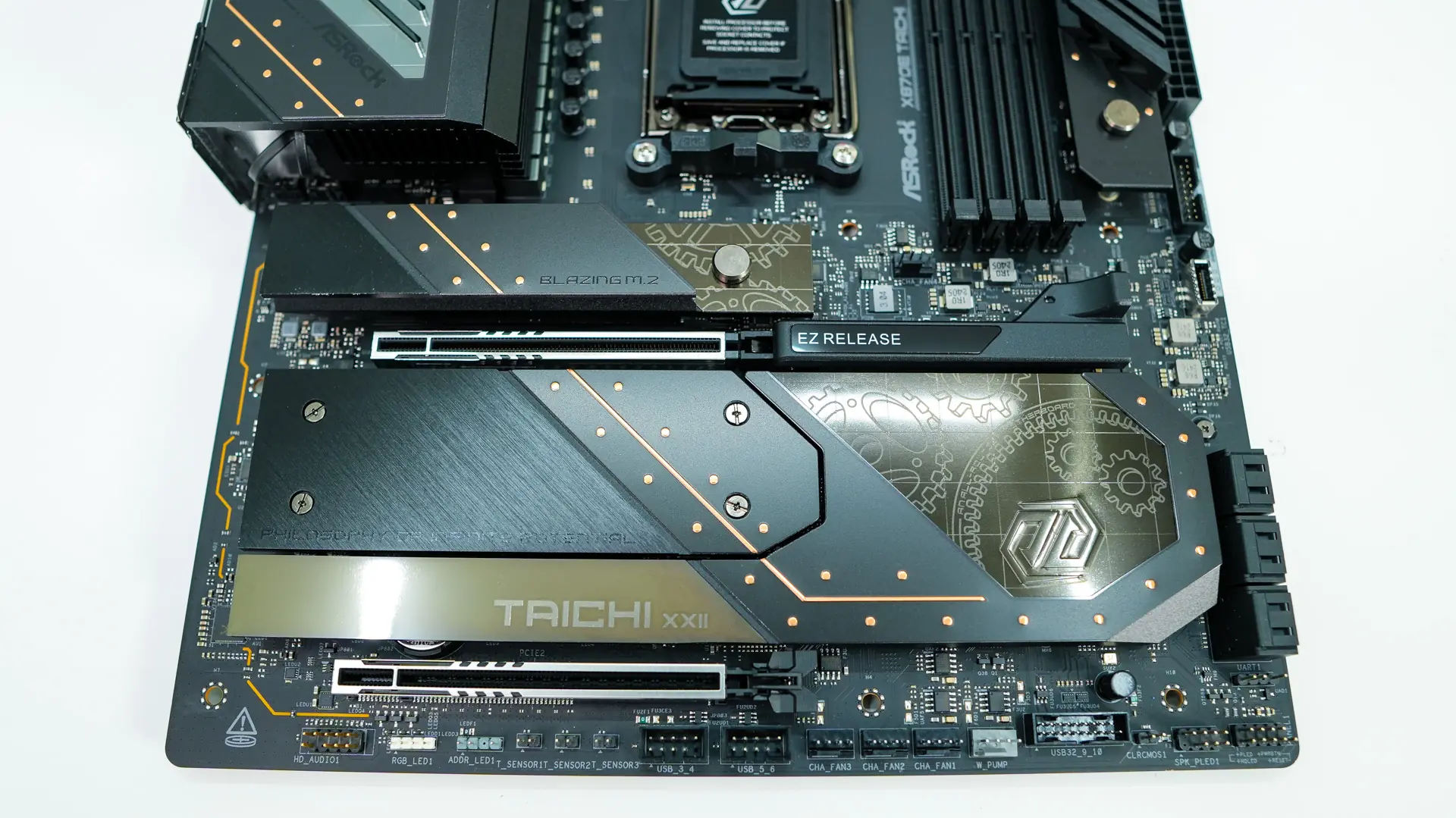
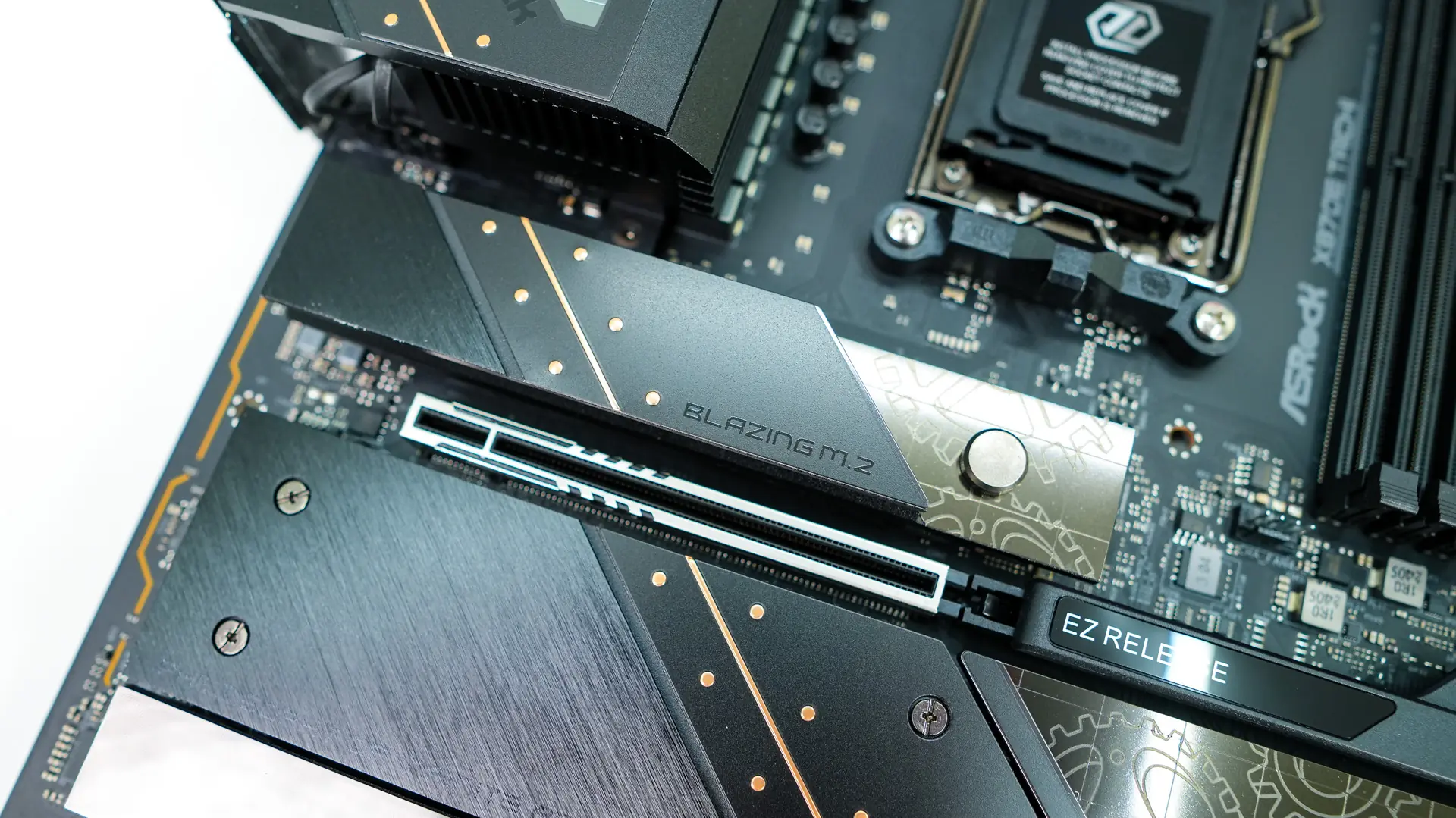
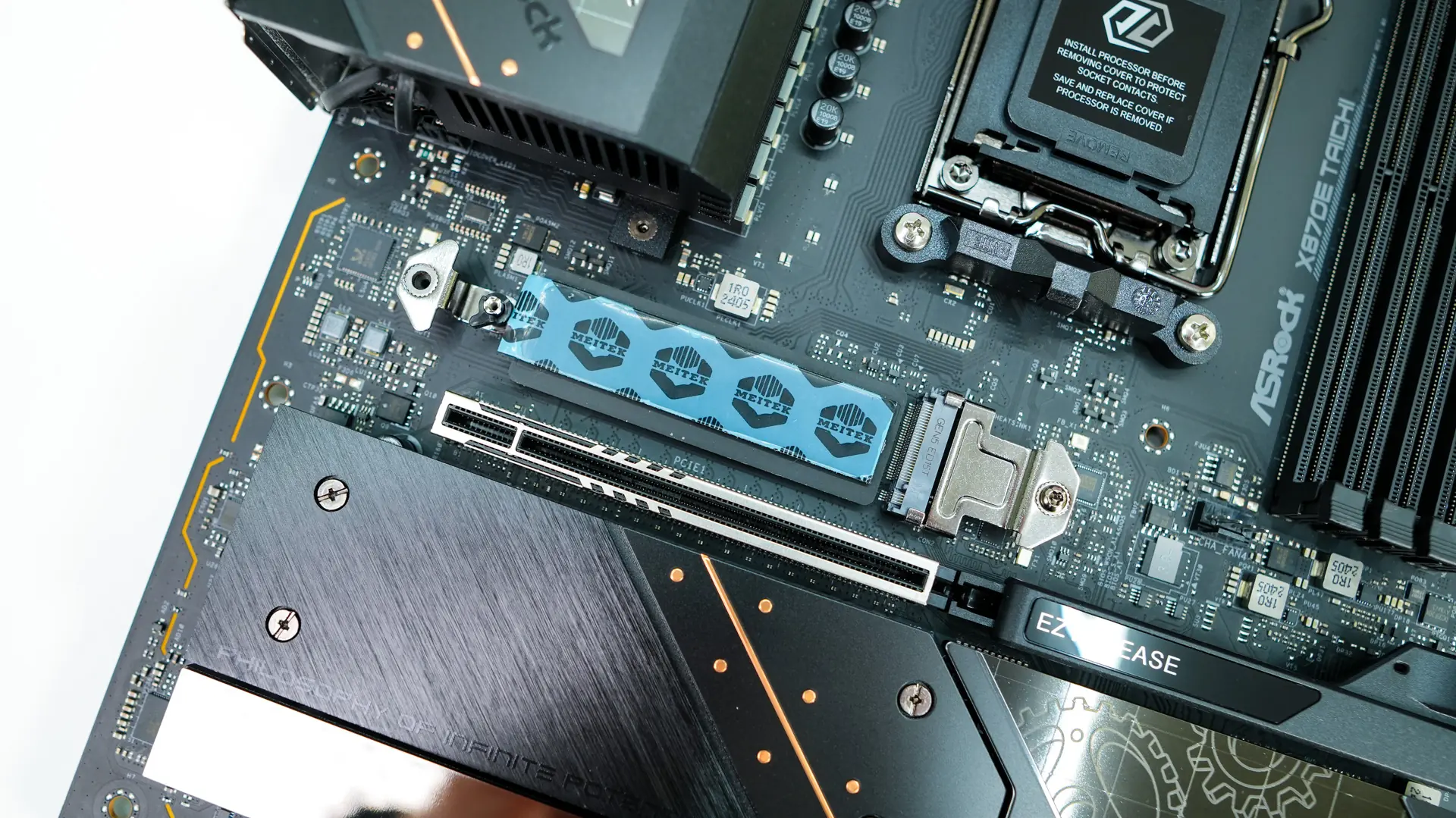
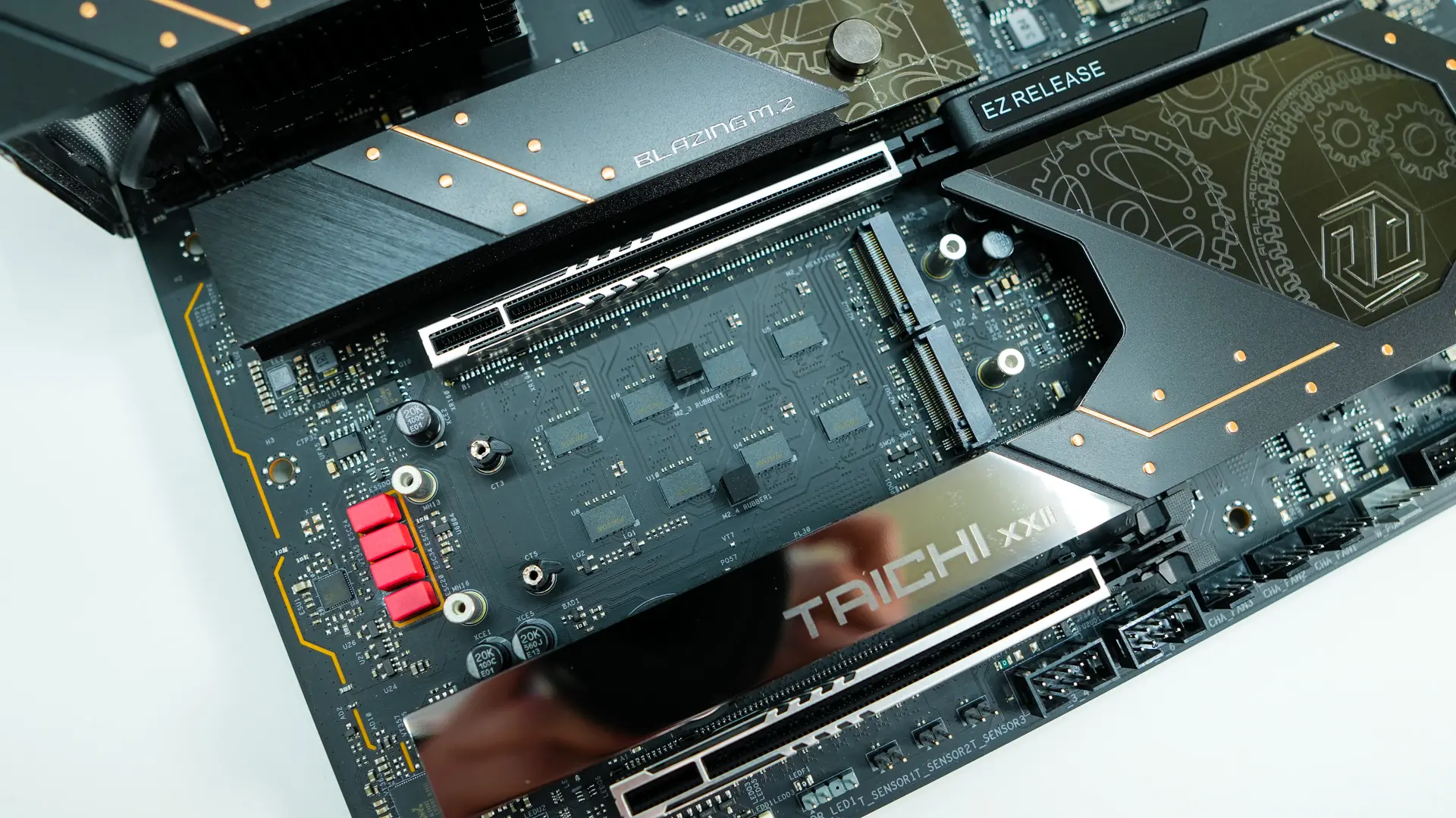
When it comes to expansion slots there are two PCIe 5.0 x16 slots, both of which are metal reinforced. The top slot features an “EZ Release” button that when pressed down will release your graphics card.
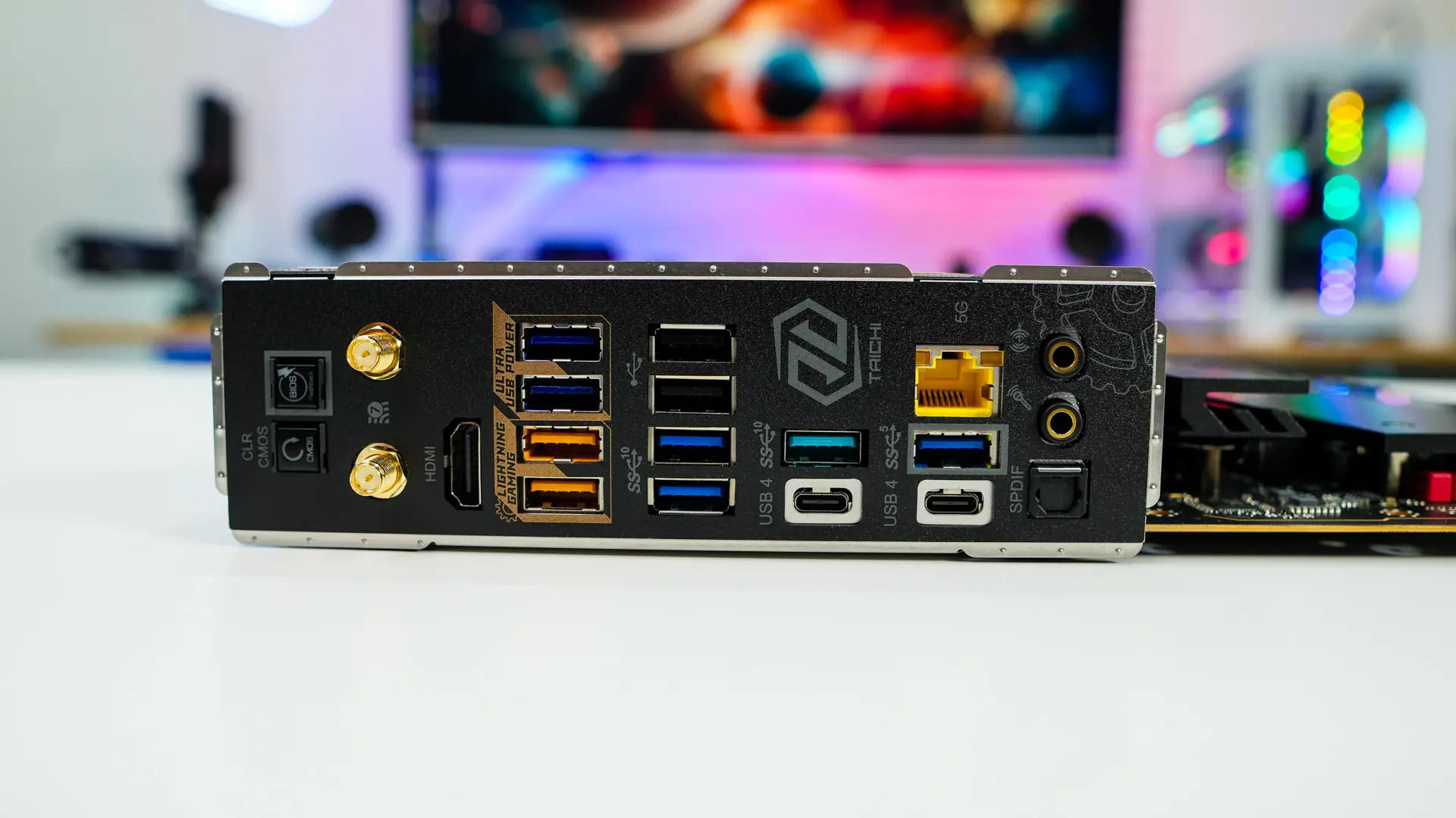
The rear I/O of course has an integrated I/O shield, which is black and has the Taichi logo on it. When it comes to our buttons and connections we have a BIOS flashback button, clear CMOS button, WiFi antenna connections, HDMI, three USB 3.2 gen 1 Type-A ports, five USB 3.2 gen 2 Type-A ports, two USB 2.0 ports, two USB 4 Type-C ports, 5G LAN and your audio connections.
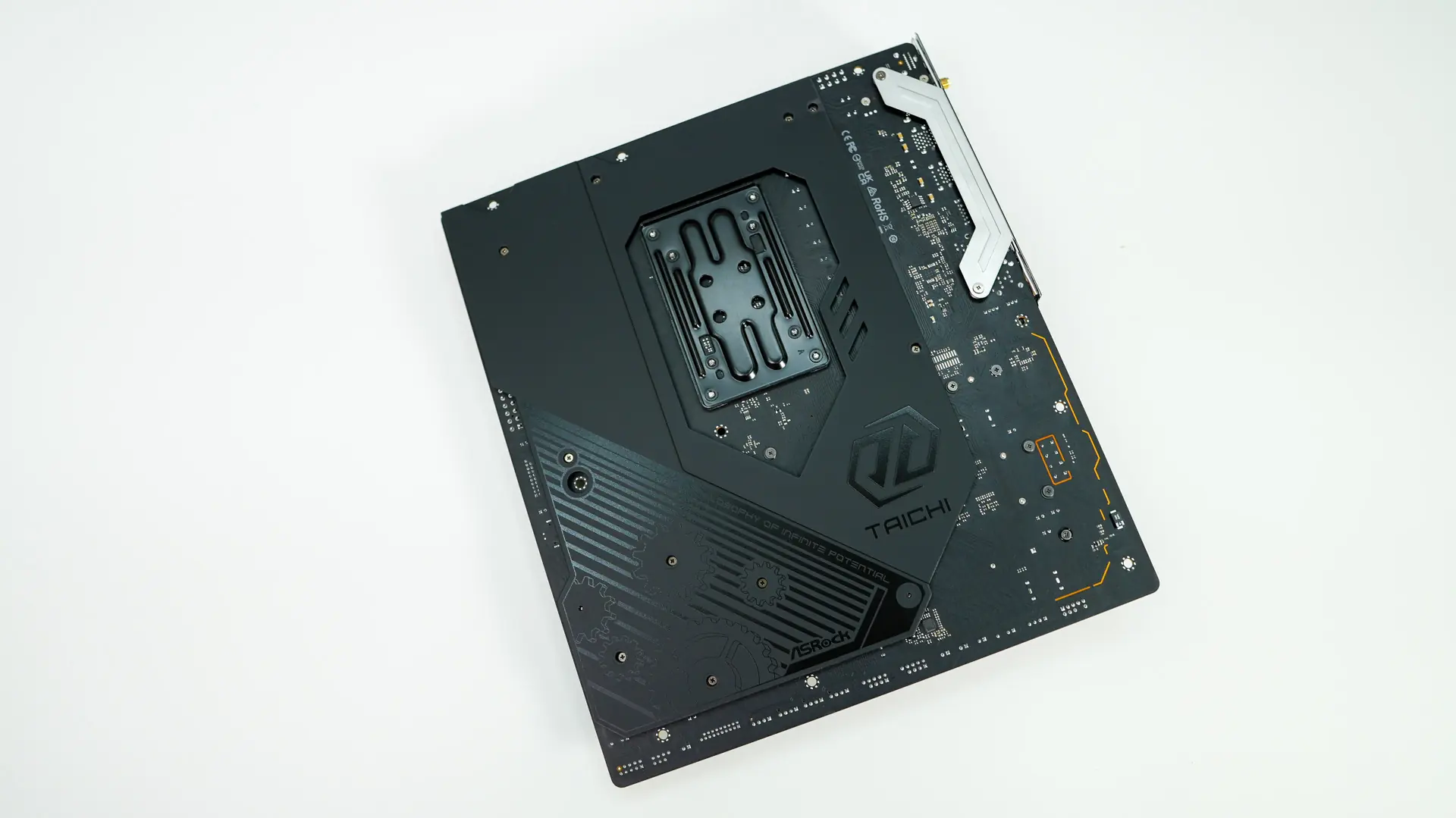
Flipping the board over we can see that it is partially wrapped in metal, which helps with the rigidity of the board as well as cooling.