RGB Lighting on the ASRock X870E Taichi Motherboard
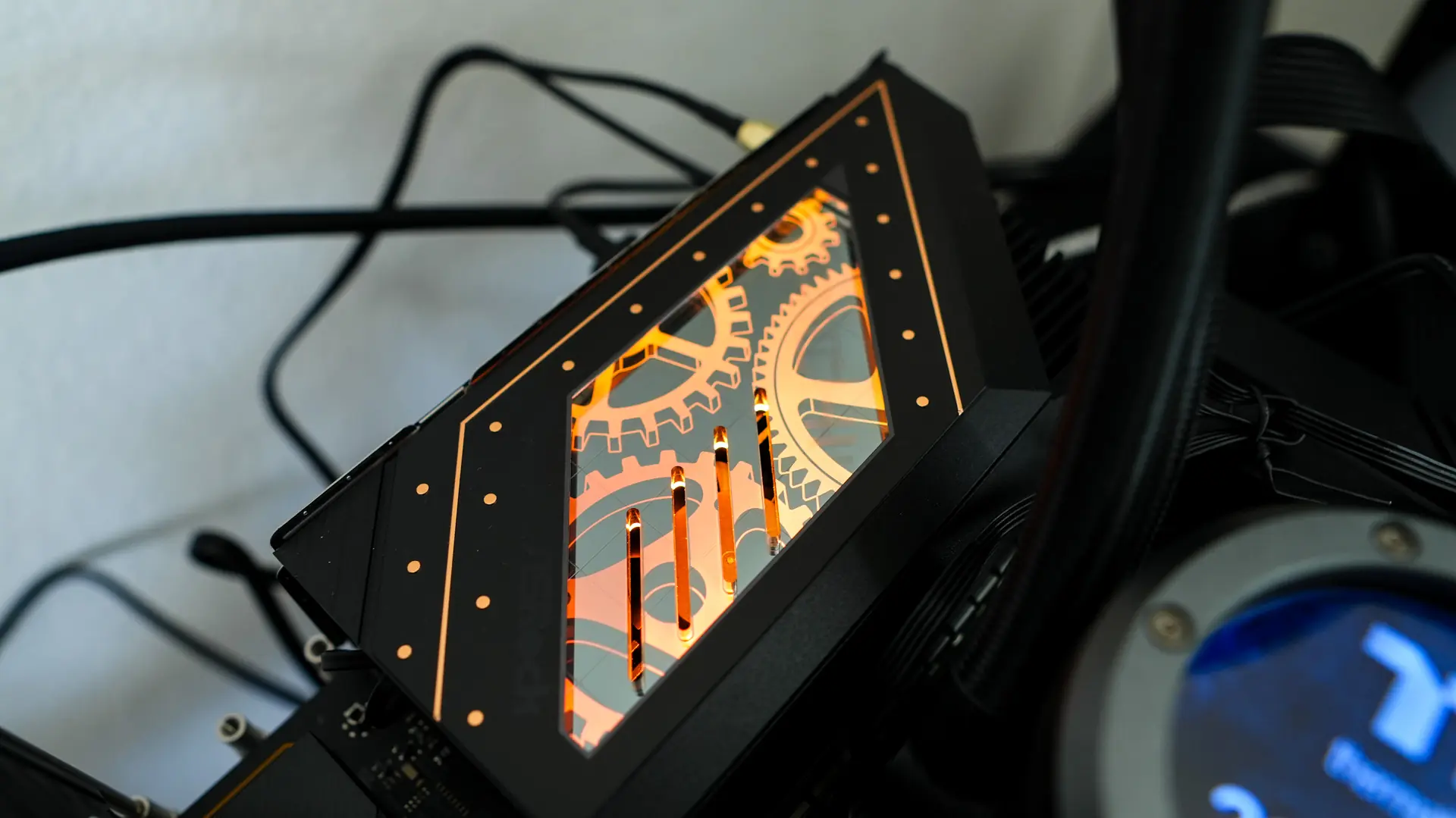
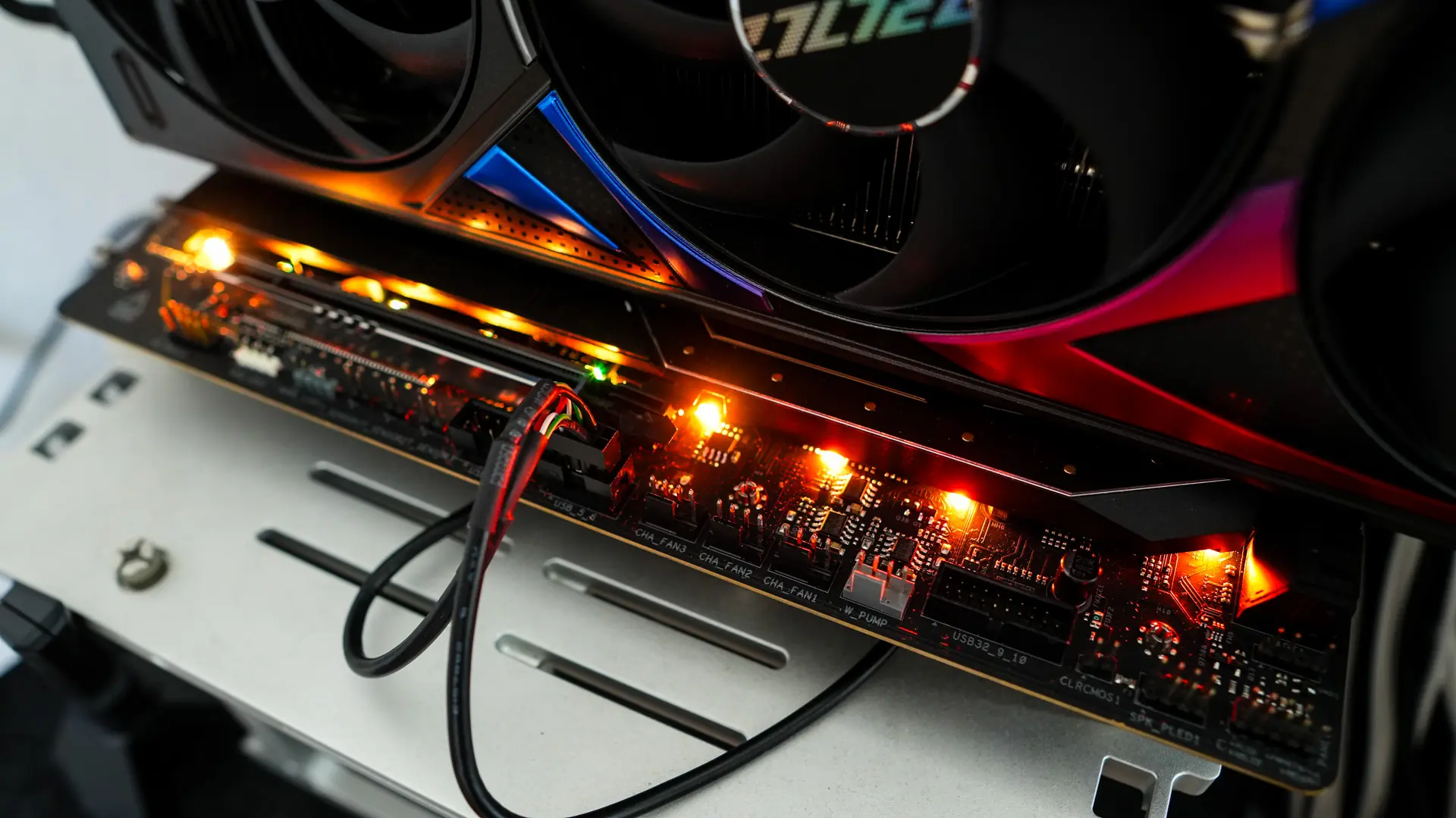
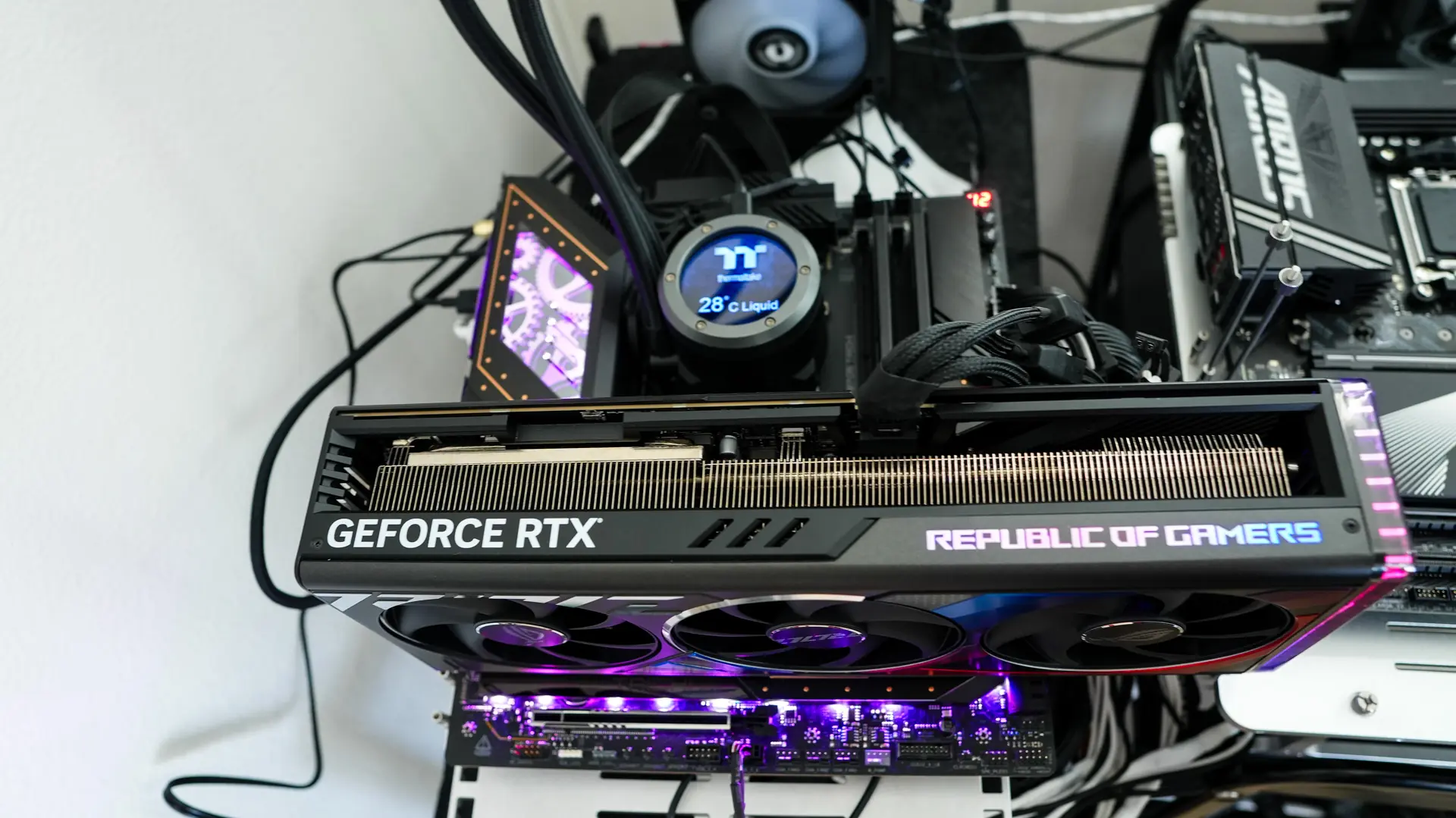
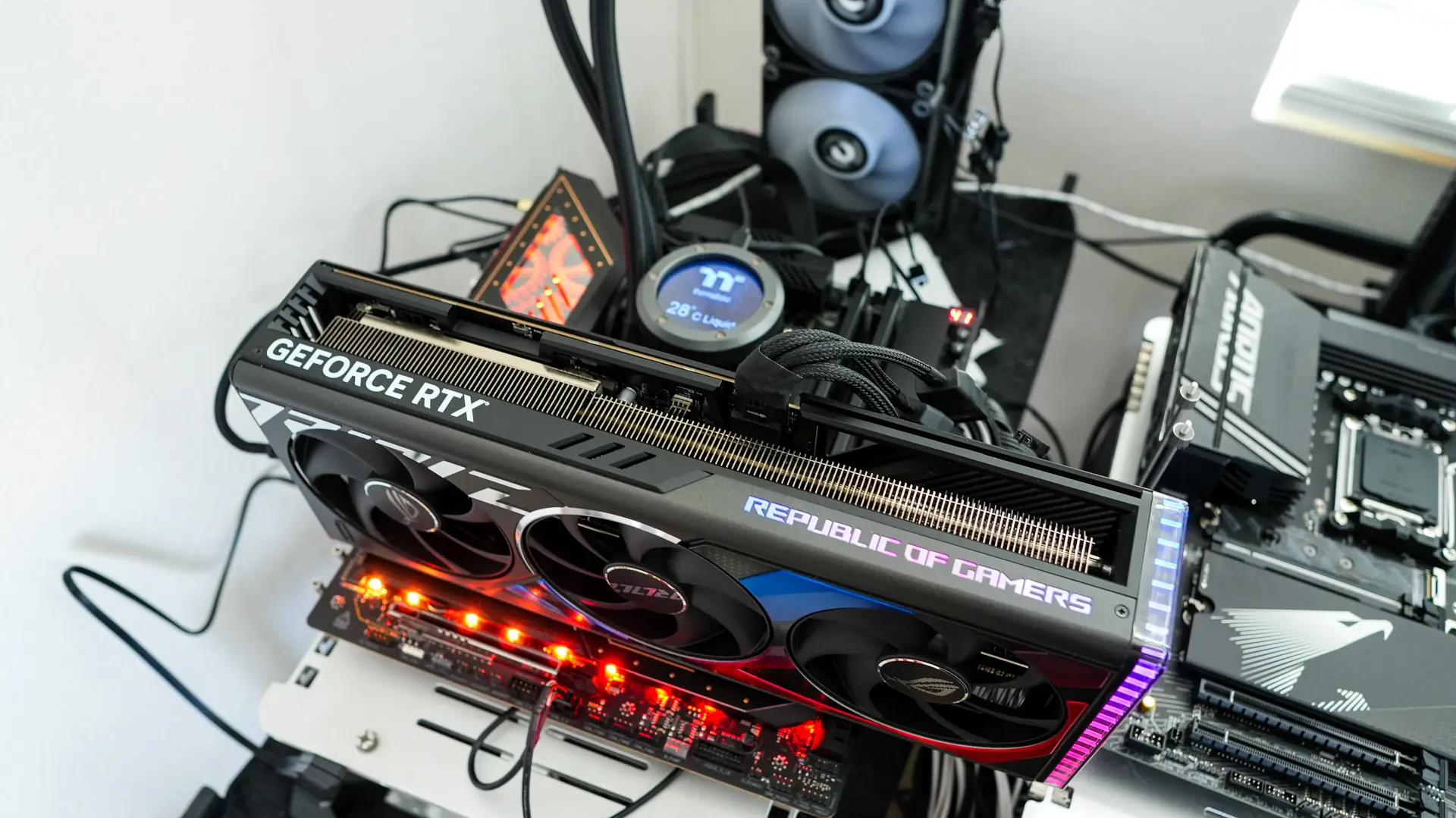
When it comes to RGB lighting on the X870E Taichi you’ll get lighting on the rear I/O cover as well as below the bottom heatsink on the board. The bottom lighting should be visible with most graphics cards installed as we had the ASUS ROG Strix RTX 4080 Super OC installed and it was still visible. You can easily control this lighting in the BIOS or with ASRock’s Polychrome sync software.
ASRock X870E Taichi Companion Software
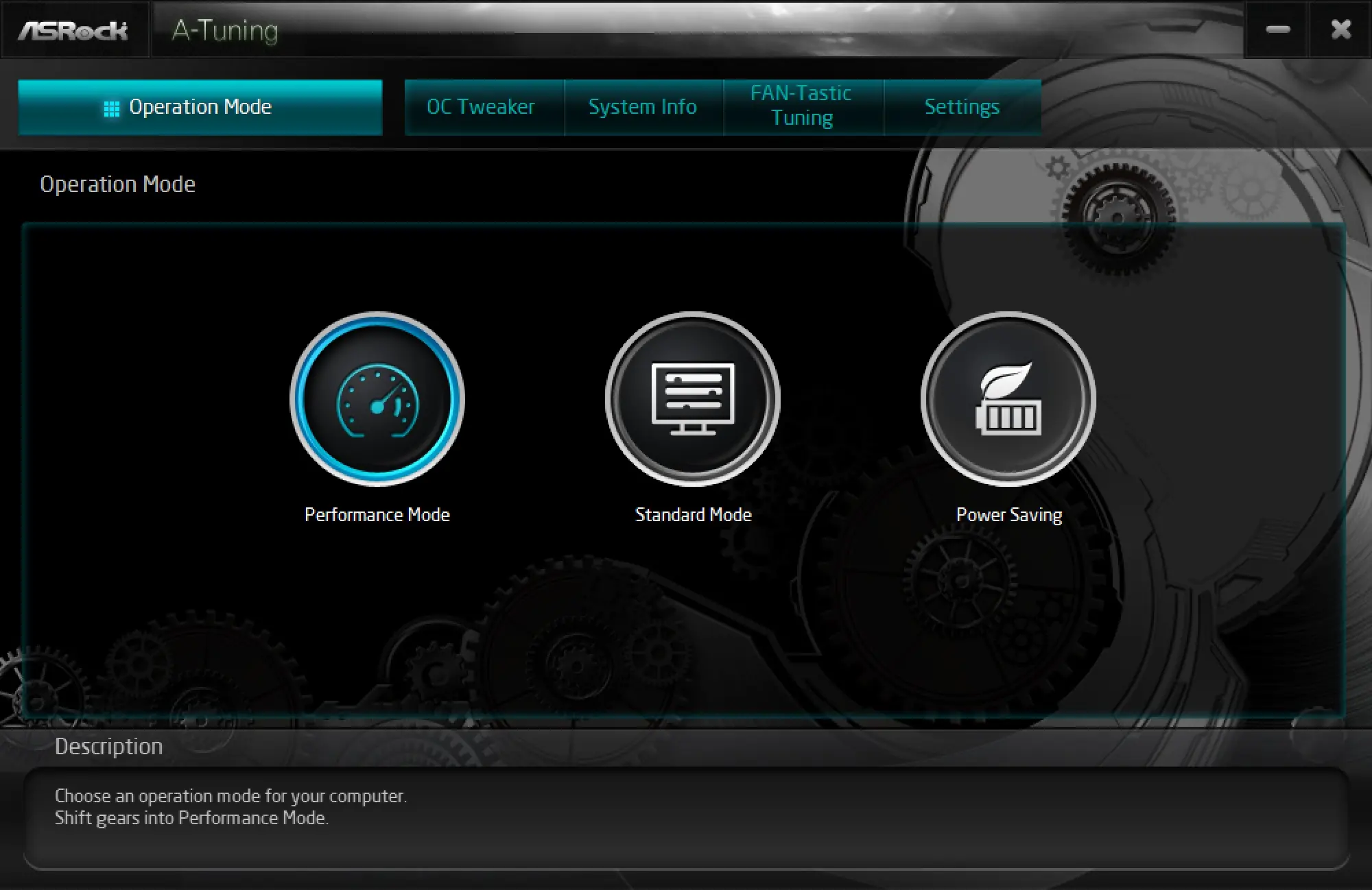
ASRock is still using their A-Tuning as their motherboard companion software. On the main page we can select an operating mode.
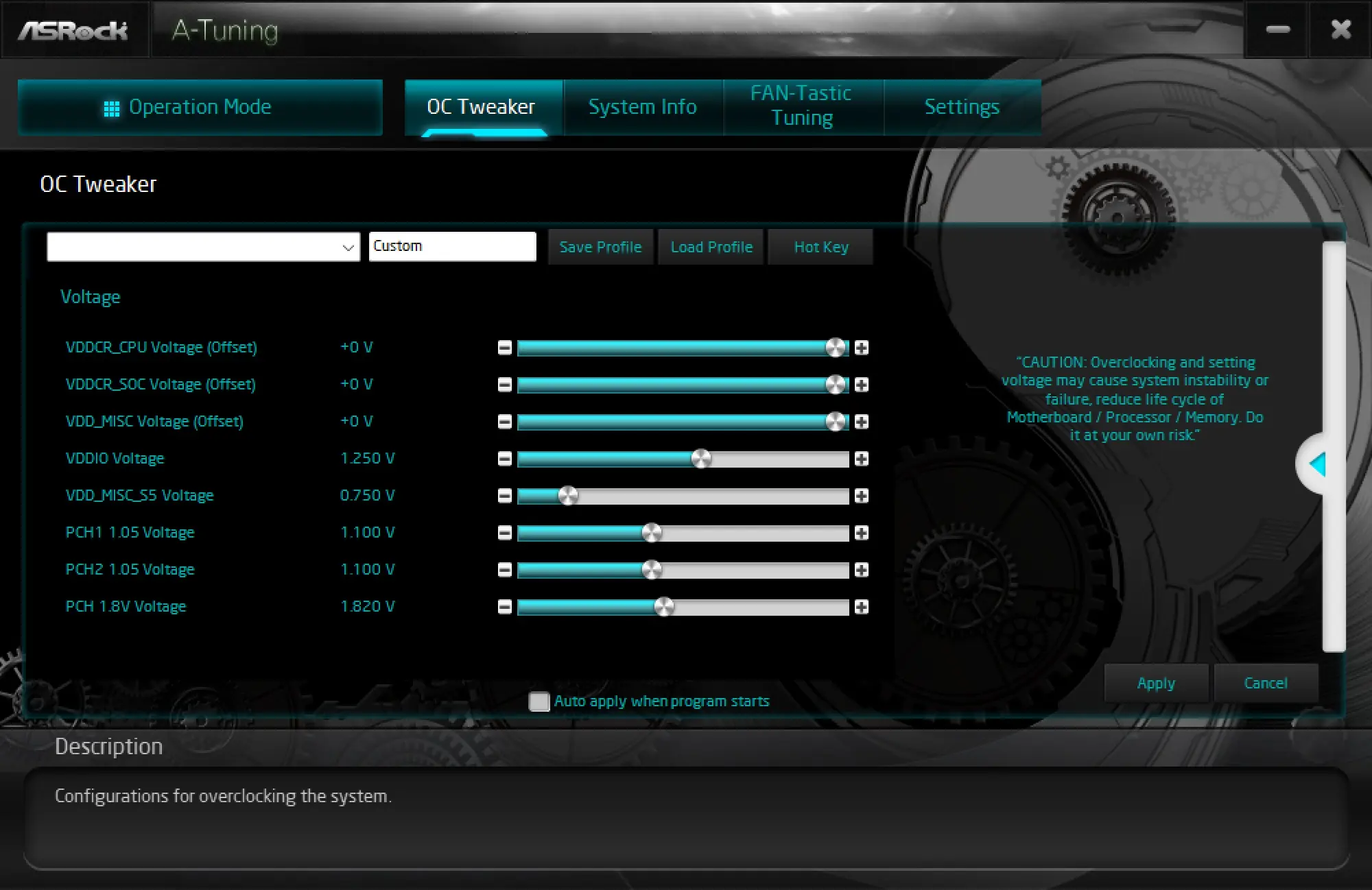
The next page is OC Tweaker where we can tune our system.
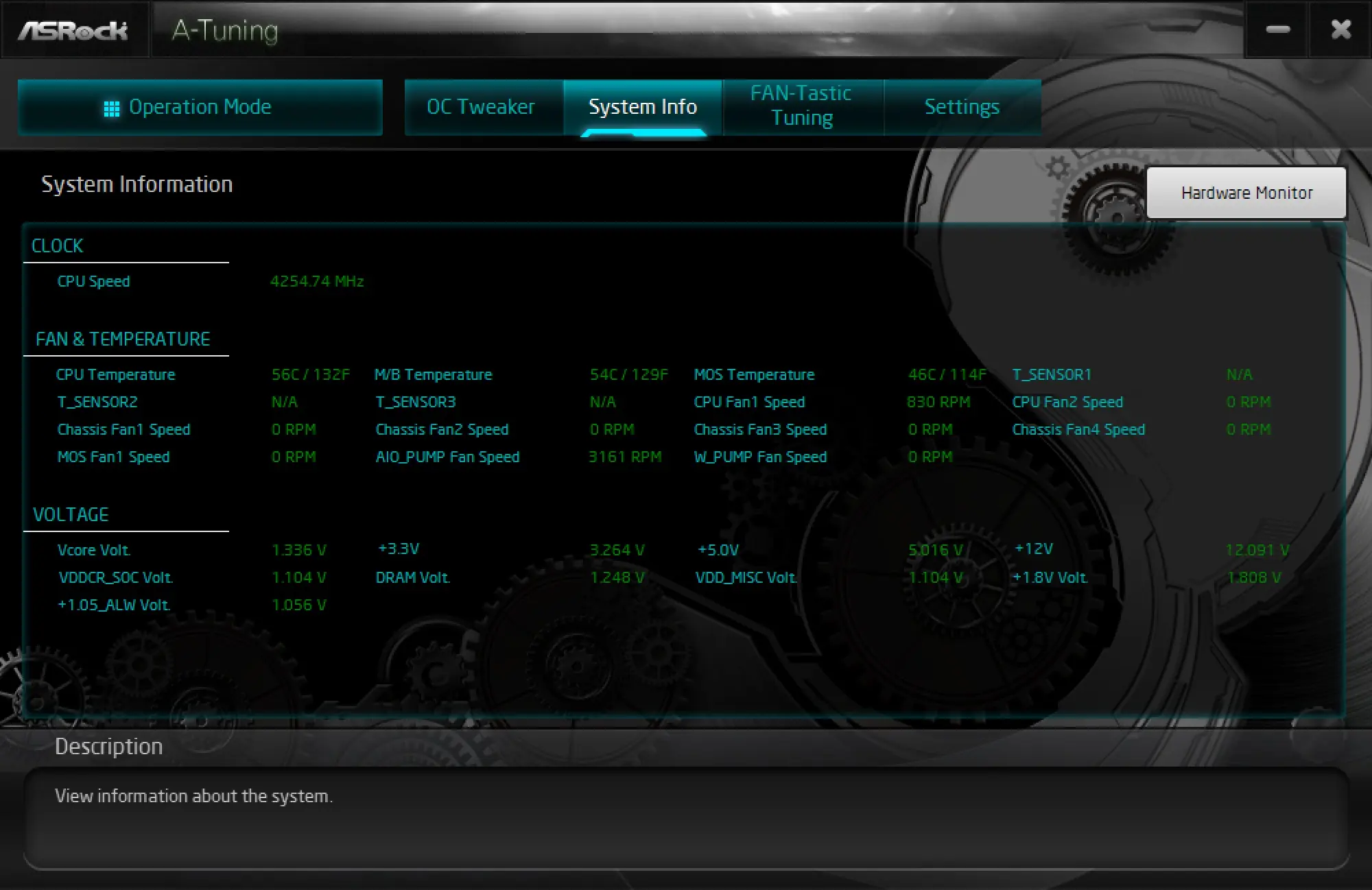
After that we have System Info which gives us a live readout of speeds, temperatures, and voltages.
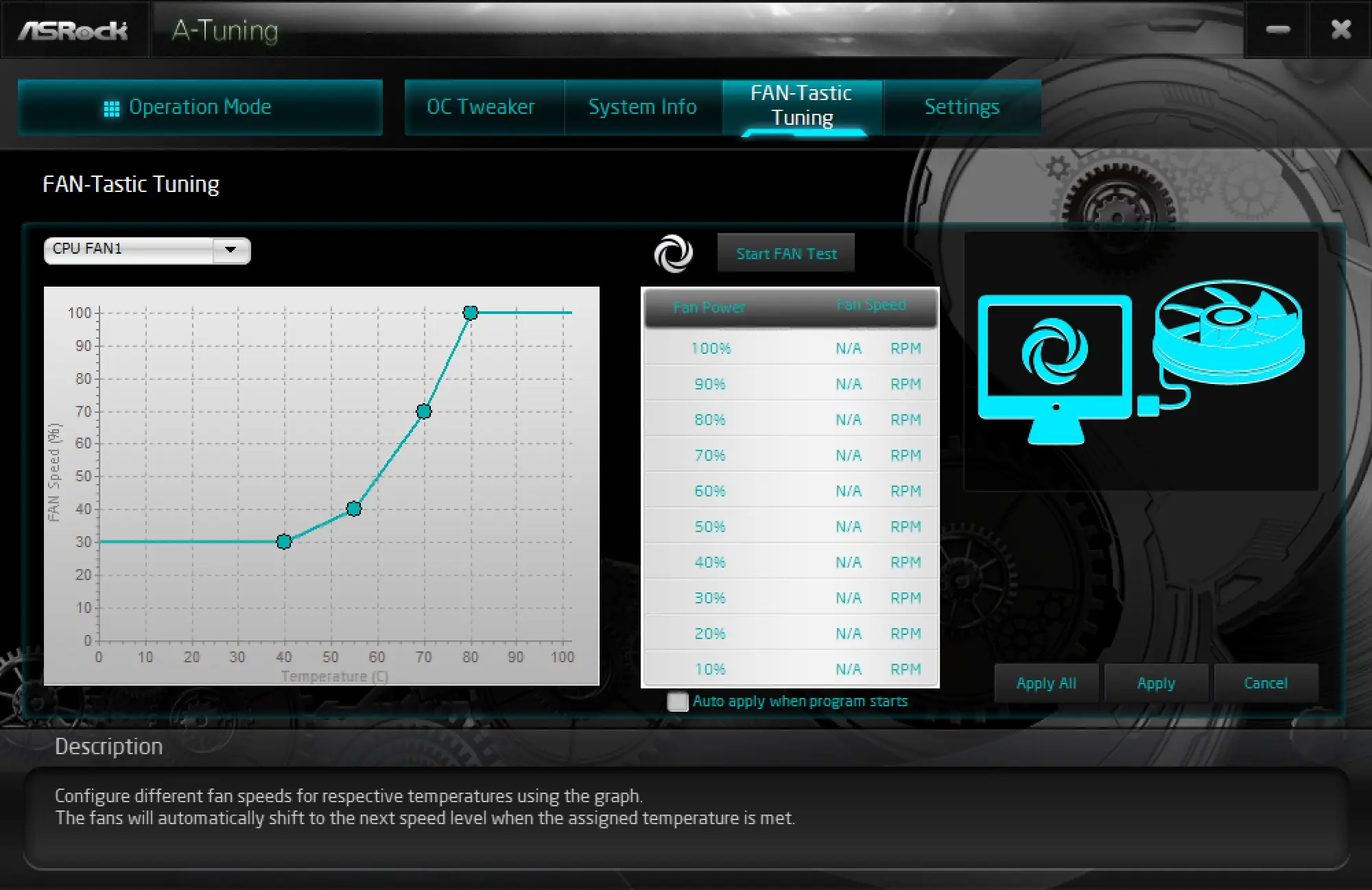
Finally there is FAN-Tastic Tuning which allows us to tune our fans and pumps.