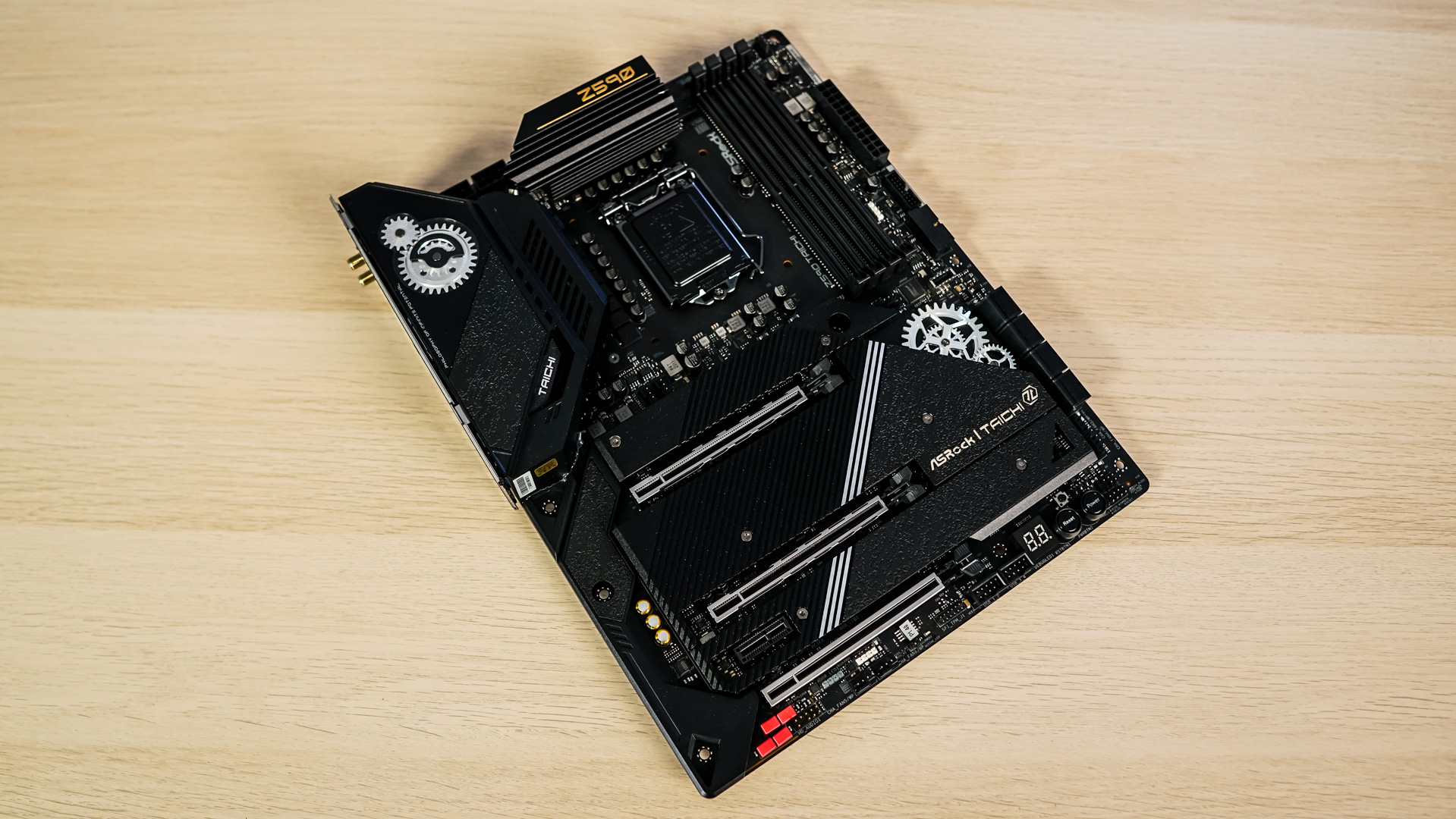
Testing – SATA, USB, & Power
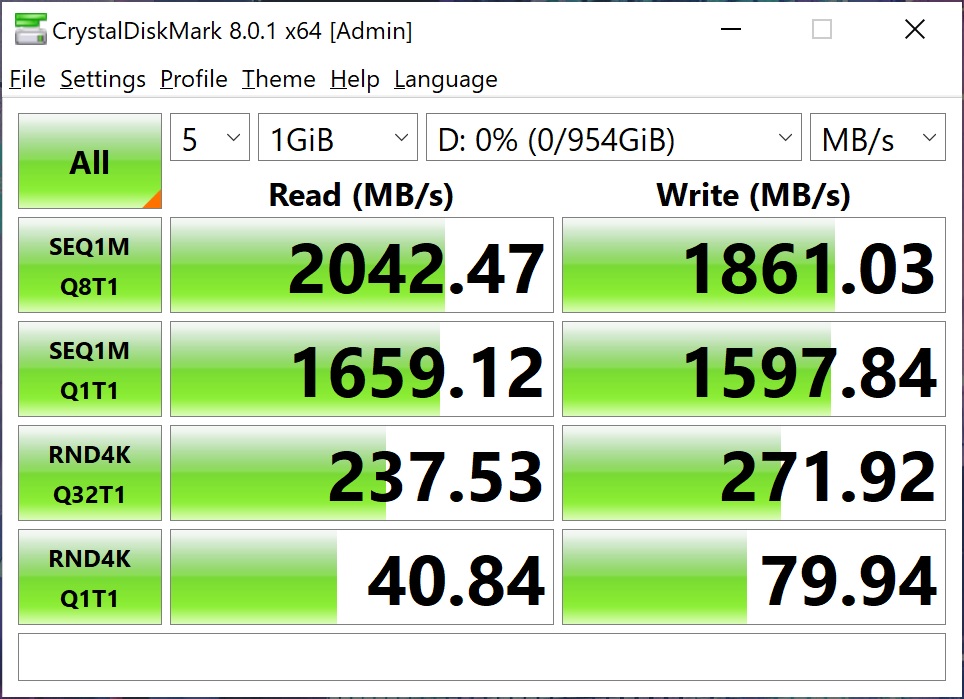
To test SATA, M.2, and USB speeds we make use of CrystalDiskMark hard drive benchmarking tool. First up is our SATA drive which is the Samsung 870 EVO.

For M.2 testing we will using the PCI-Express 4.0 (top) slot. We use the Samsung 980 Pro drive.

For USB testing we have the ADATA SE900G, which is a USB 3.2 gen 2×2 drive. We used the front header on the board attached to an adapter.
Power consumption for a system is of course very important. To measure power consumption I used a killawatt meter. The idle test is taken on the Windows 10 desktop and the load test is taken while running AIDA64’s system stability test with GPU’s enabled. Remember these values are for the entire system.