ASUS Prime GeForce RTX 5060 Ti OC Edition 16GB Overview
So for those who are not familiar with the Prime series from ASUS they are bringing it over from their motherboards. Prime is sort of their entry-level and it is great to see this segmentation on the graphics card side. So in terms of the product stack Prime will sit under TUF Gaming. In terms of design Prime RTX 50 series cards will be all back with white accents, which will match the current Prime series motherboard. In terms of size the official dimensions of the card are 304 x 126 x 50 mm.
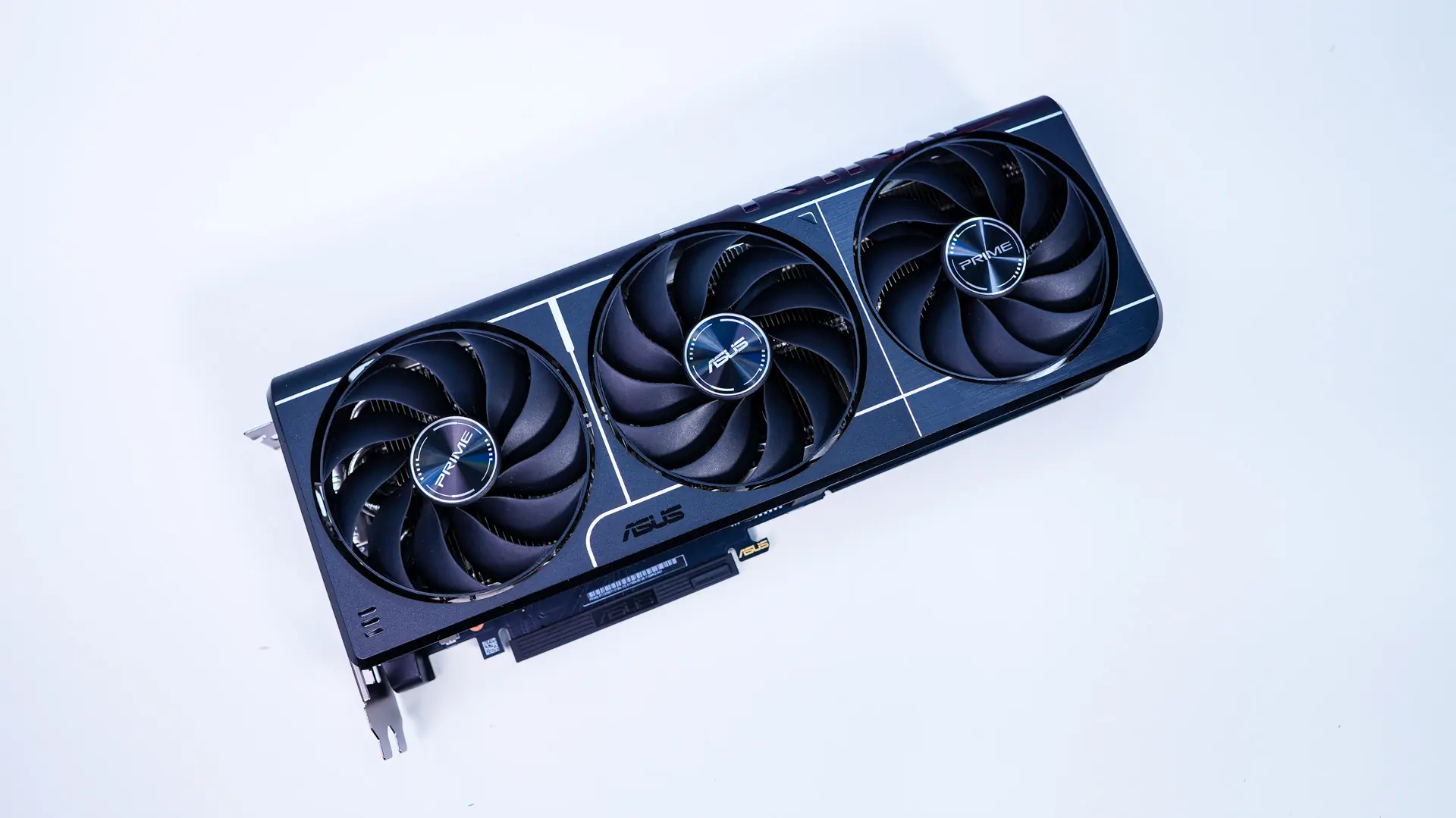
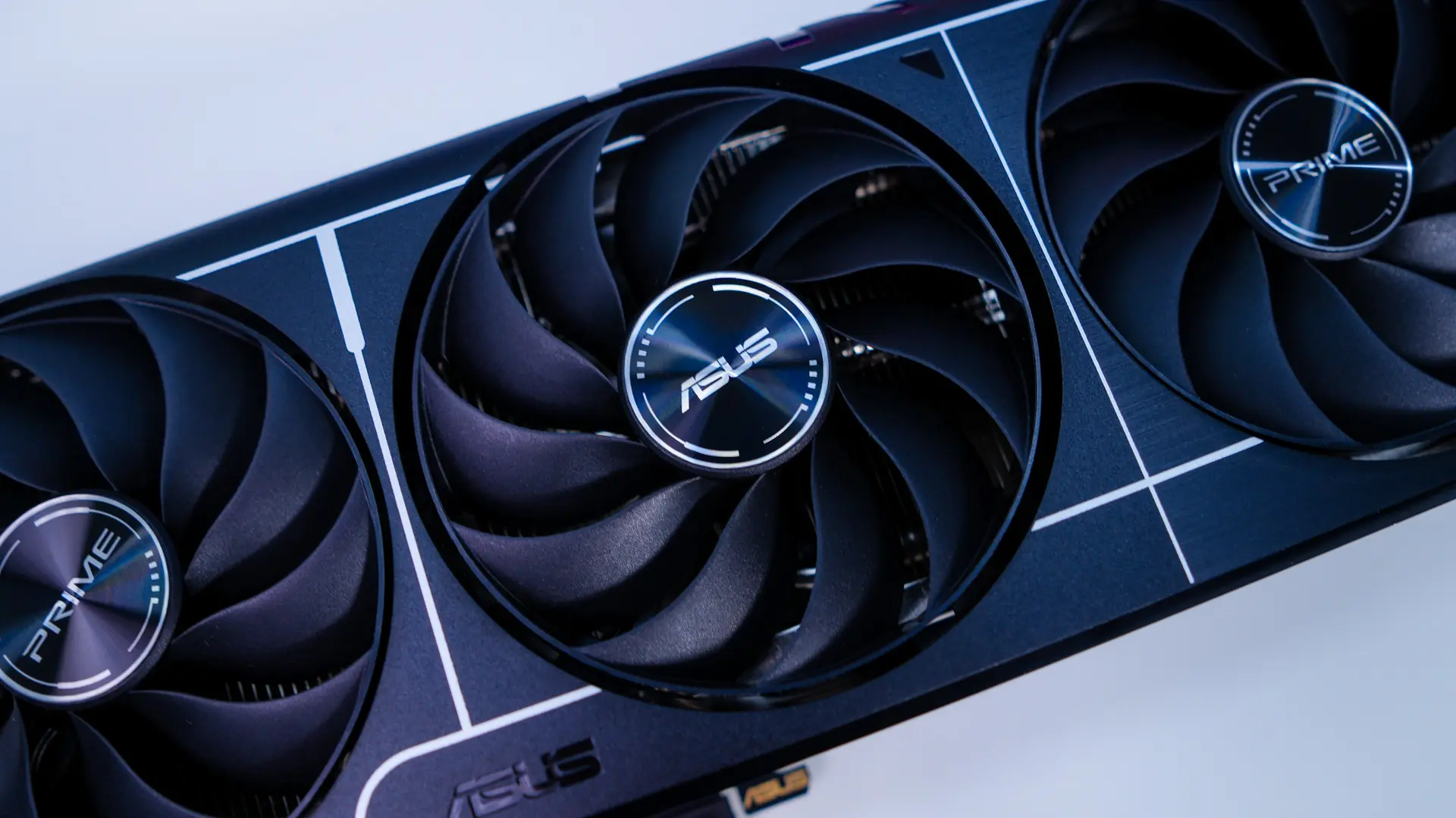
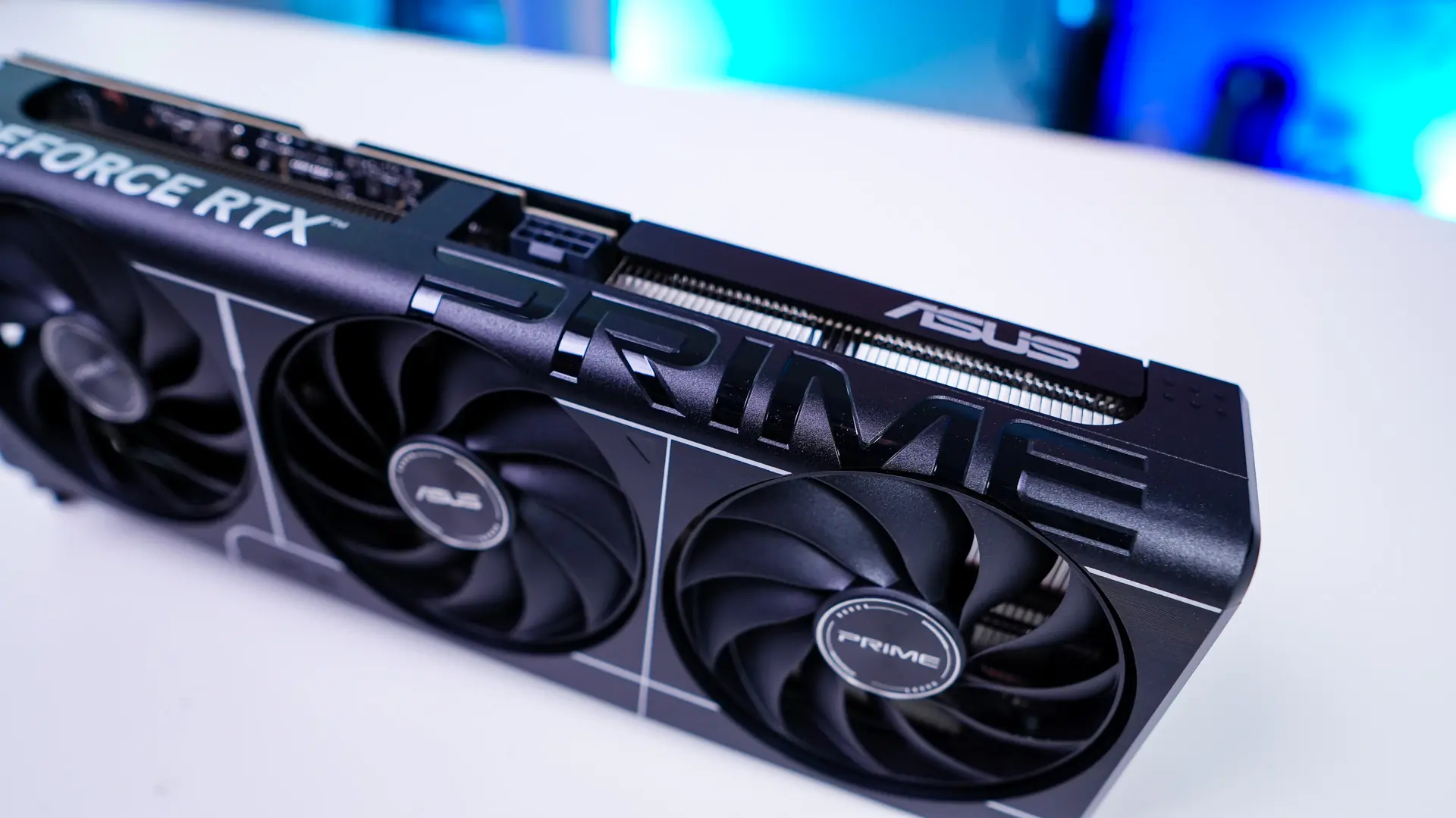
When it comes to the cooling solution you are still going to get triple fans with ASUS’s Axial-tech fans. These fans are designed with the blades connecting to and outer frame which will spin with the fan. The two outer fans have the Prime logo on them, while the center fan has the ASUS logo.

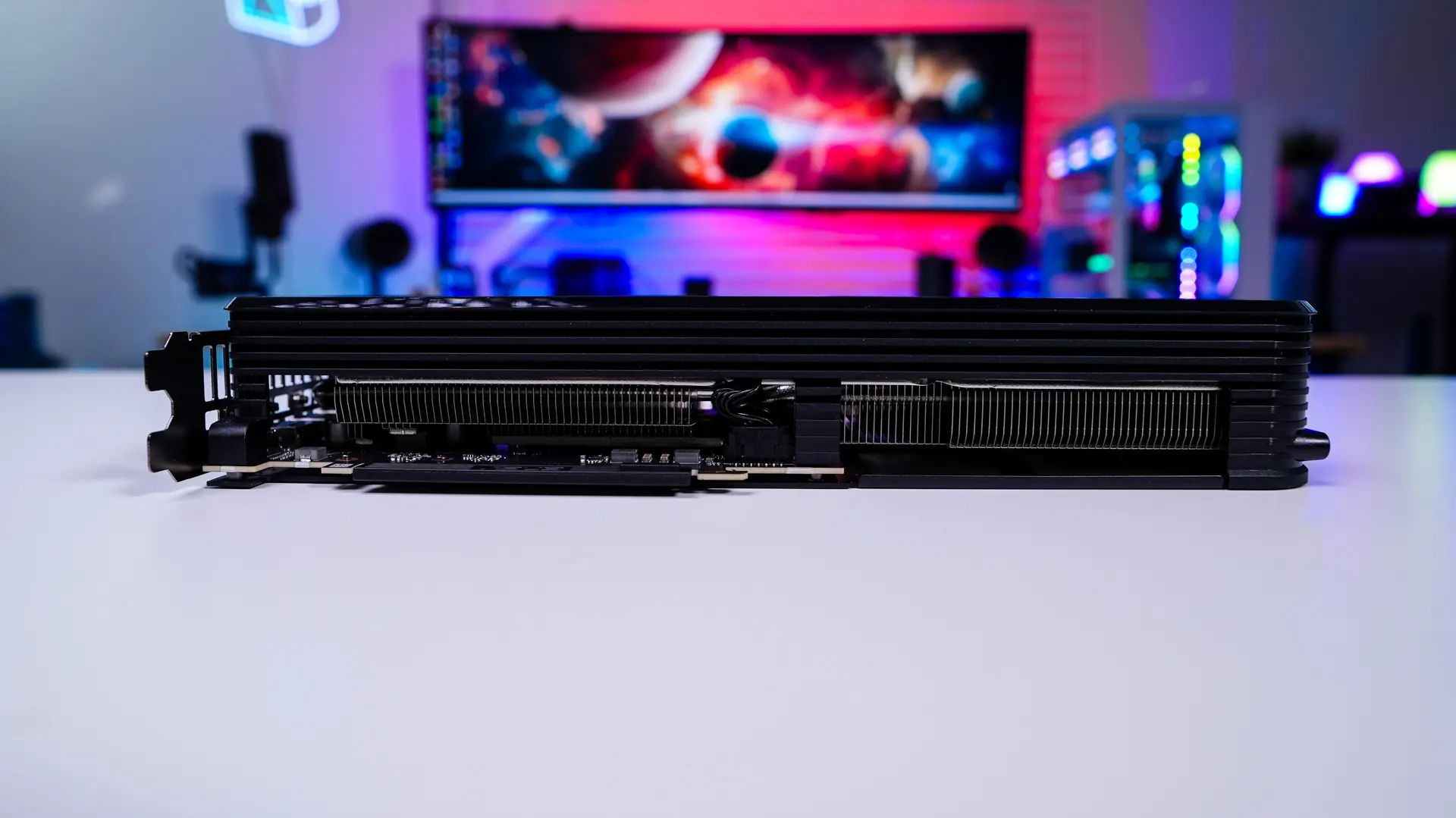
Looking at the card from the side we can see that the rest of the cooling solution is made up of two heatsinks which are connected by multiple heatpipes. Under the hood ASUS is making use of their MaxContact technology. MaxContact is a special ASUS manufacturing process that effectively expands the surface area of the heat spreader that sits atop the GPU by 5%, compared to traditional designs. This improves temperatures by up to 2°C, in concert with an extensive heatsink array and powerful Axial-tech fans.
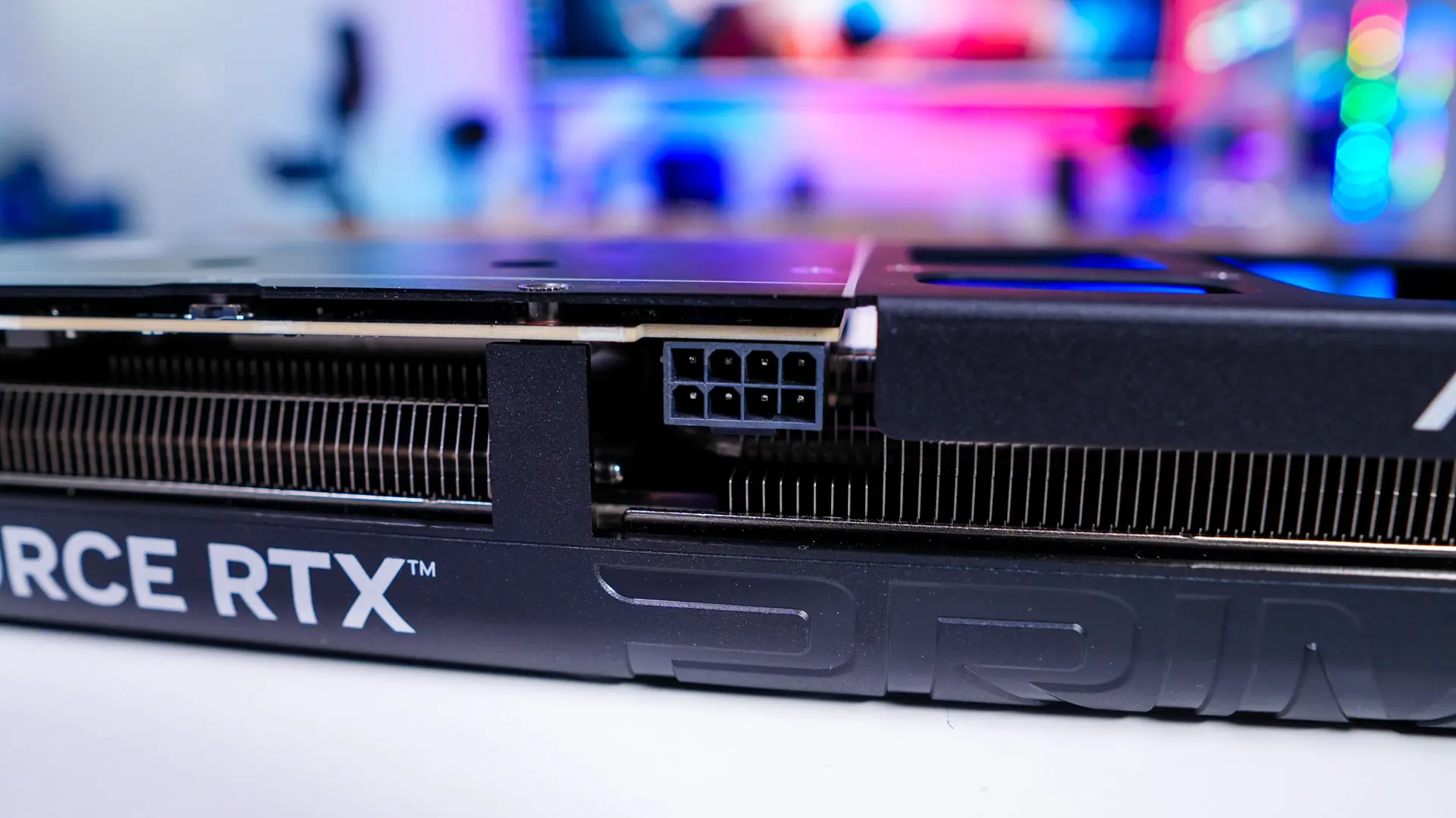
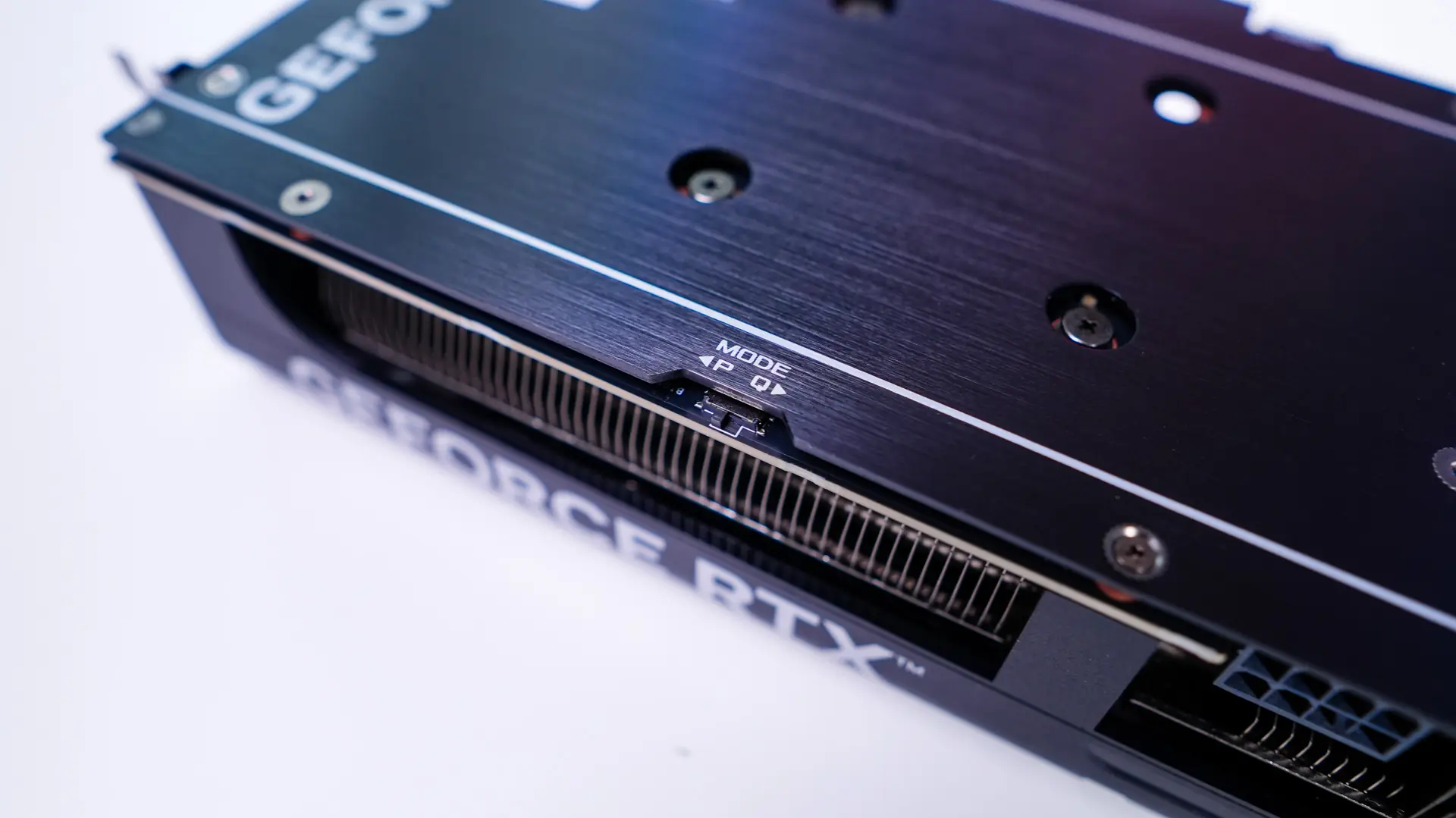
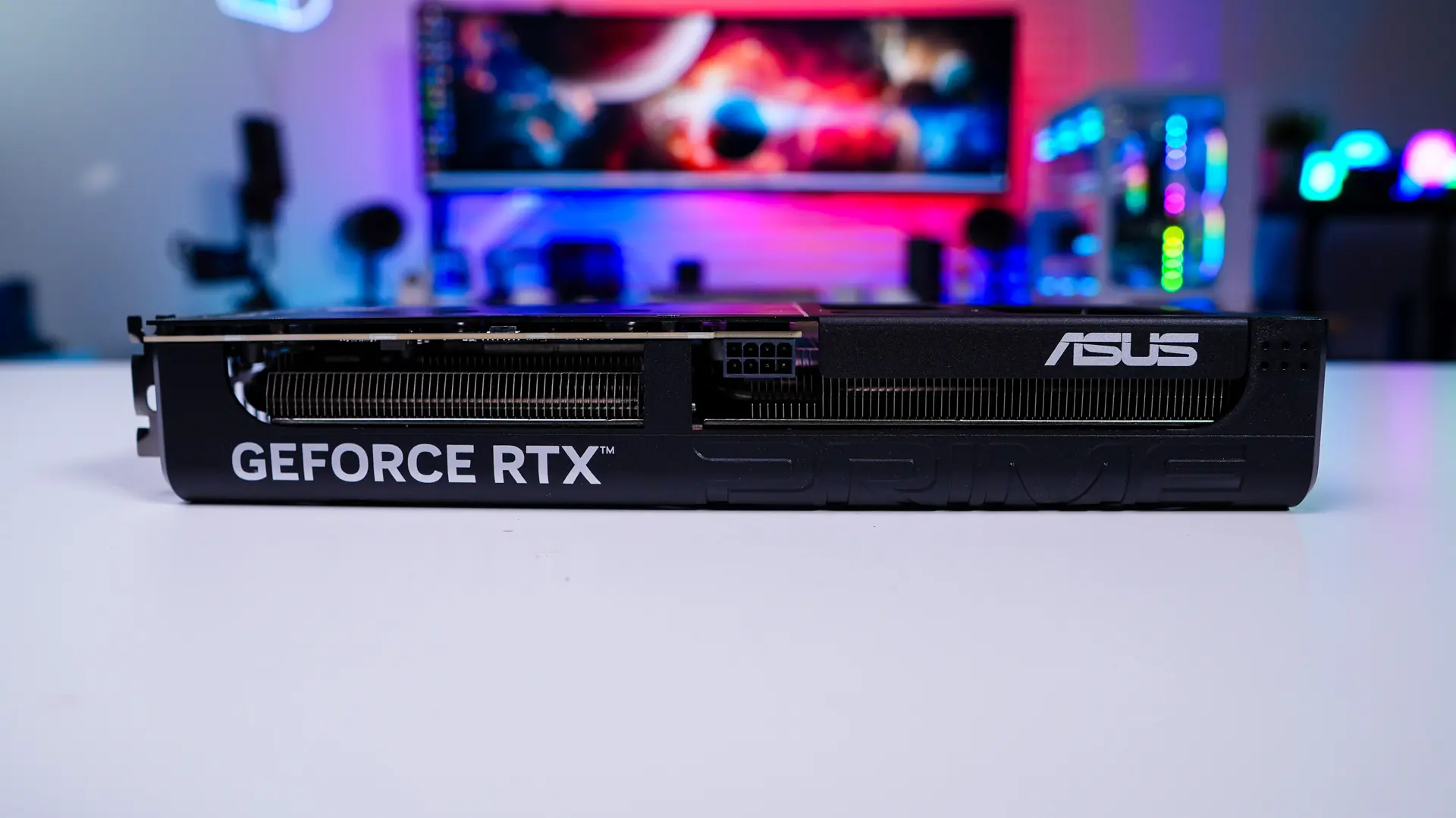
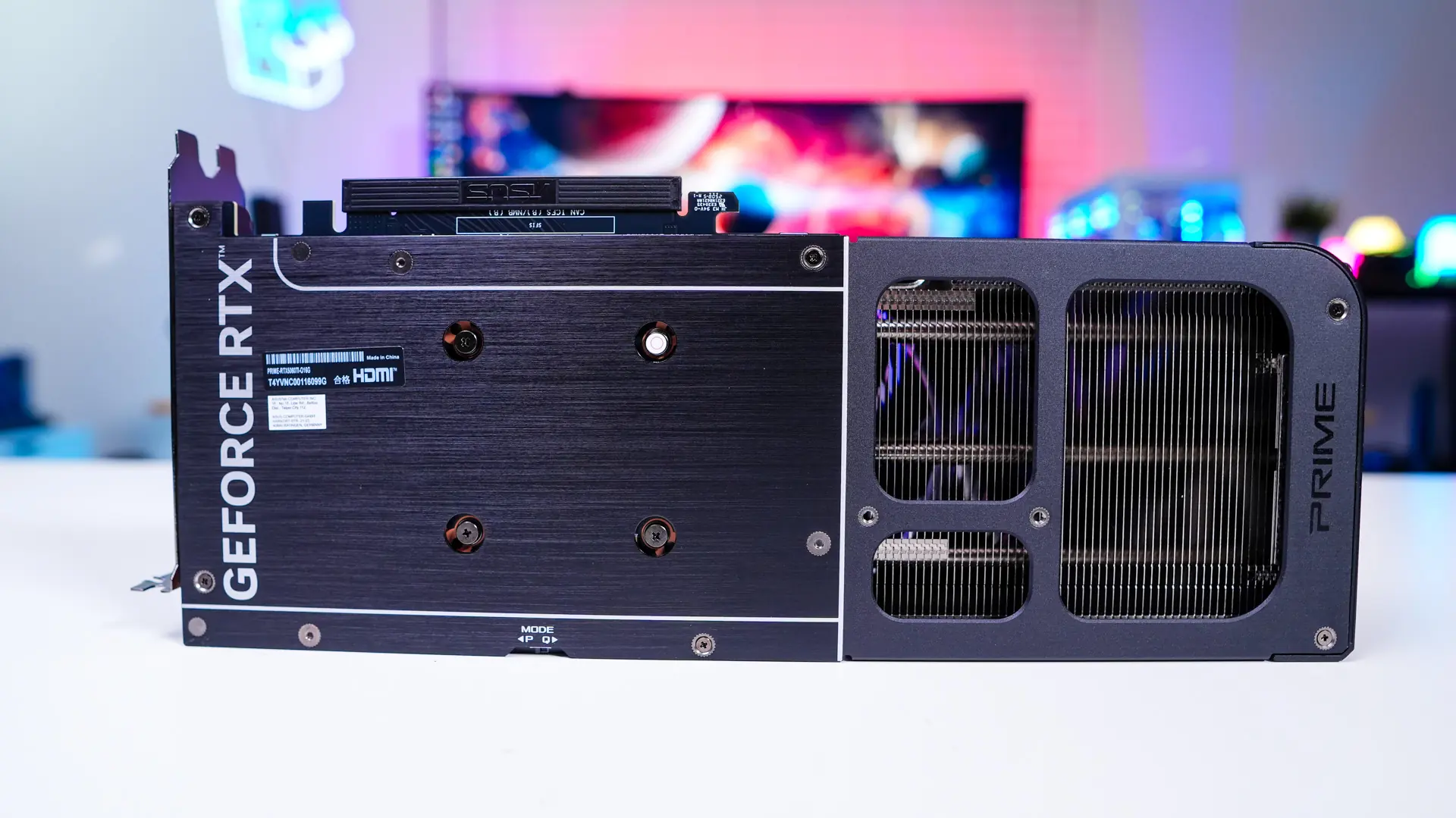
On the side of the card that will show if you have a glass side panel you’ll notice one very different thing, we have a standard 8-pin PCI-Express power connection instead of a 12VHPWR. This is the first RTX 50 series card that we’ve seen without a 12VHPWR. This makes complete sense though as the TDP of the card is 180W and this PCI-Express connector can give 150W plus the slot gives 75W. Moving down from the power connection we find a mode switch. By default it is set on performance mode, but you can switch it to quiet mode if you want to relax the fan curve.
Also on this side of the card you’ll find a GeForce RTX logo and ASUS logo, which are white. If you are looking for some RGB you won’t find any on this card. There is however a large Prime logo that wraps around the edge of the card.
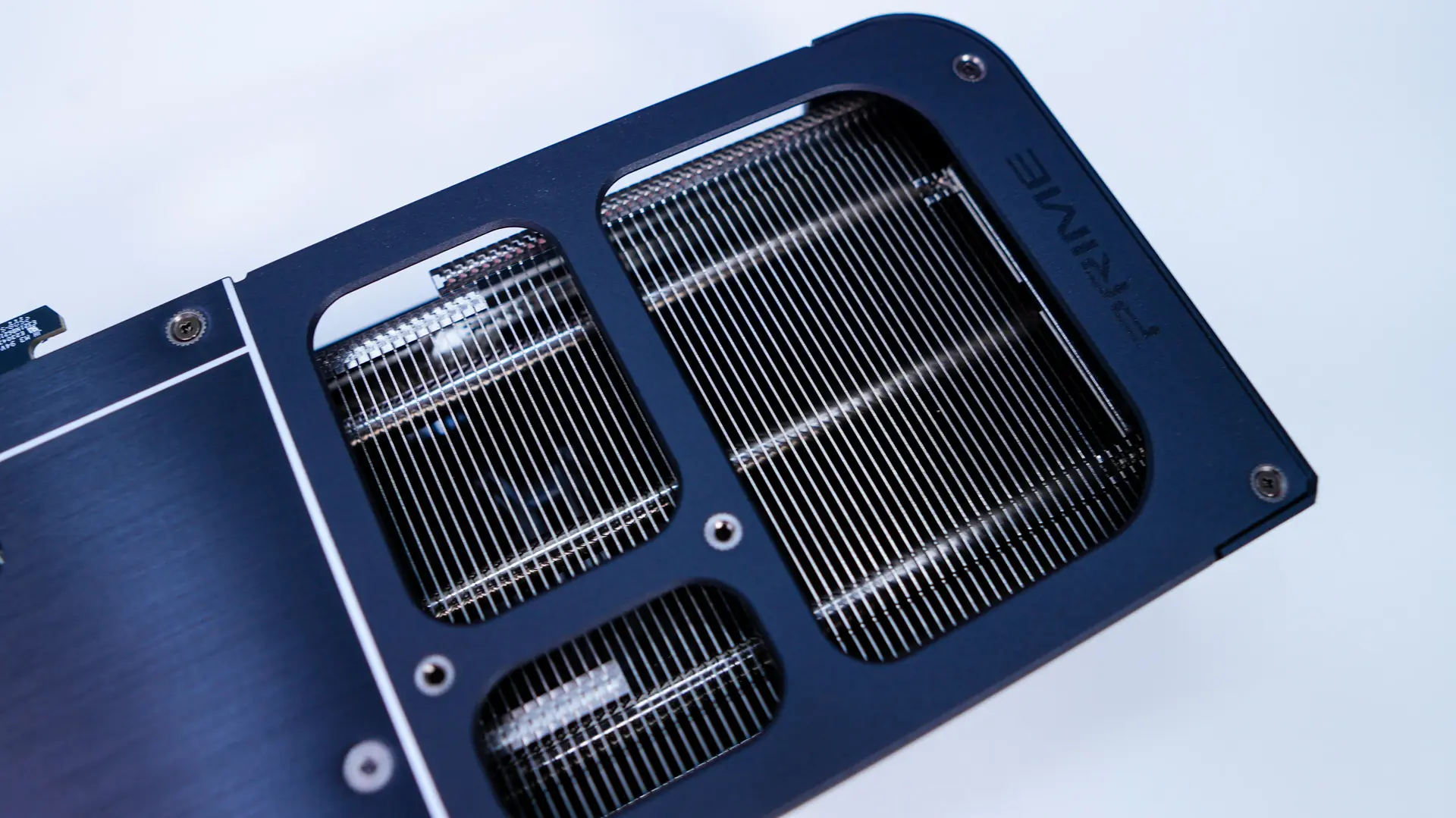
Flipping over to the back we have a full-coverage metal backplate. The backplate itself is sort of split into two, with the part that covers the PCB having a brushed finish and then at the end we just have a frame. The end of course has openings for pass-through cooling.
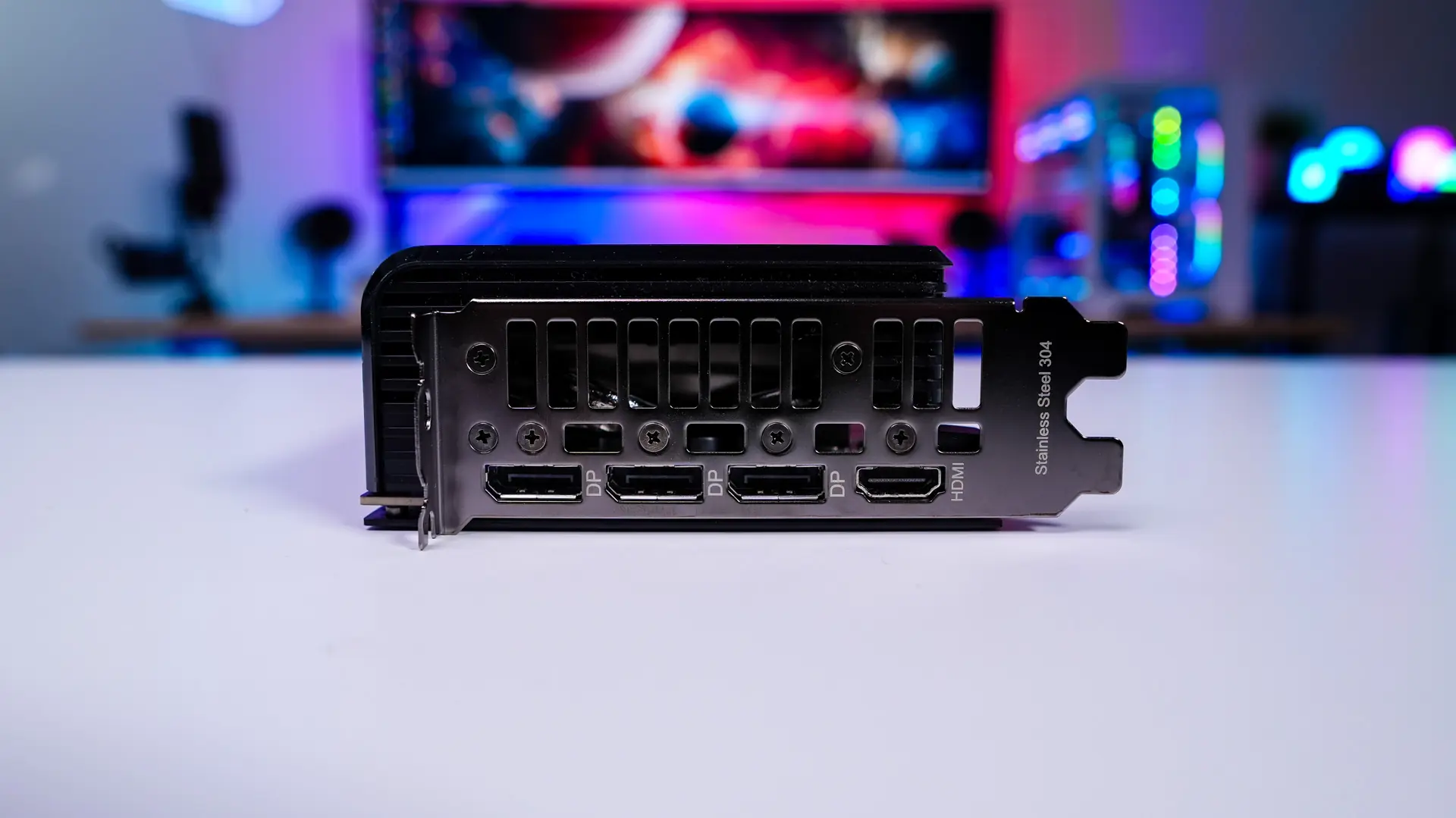
As far as connections go you have three DisplayPort 2.1b and a single HDMI 2.1b. The card is slotted for 2-slot, but it is technically a 2.5-slot card with the size of the shroud so keep that in mind. This card does comply with NVIDIA’s SFF-ready requirements.