Lighting on the ASUS ROG Astral RTX 5080
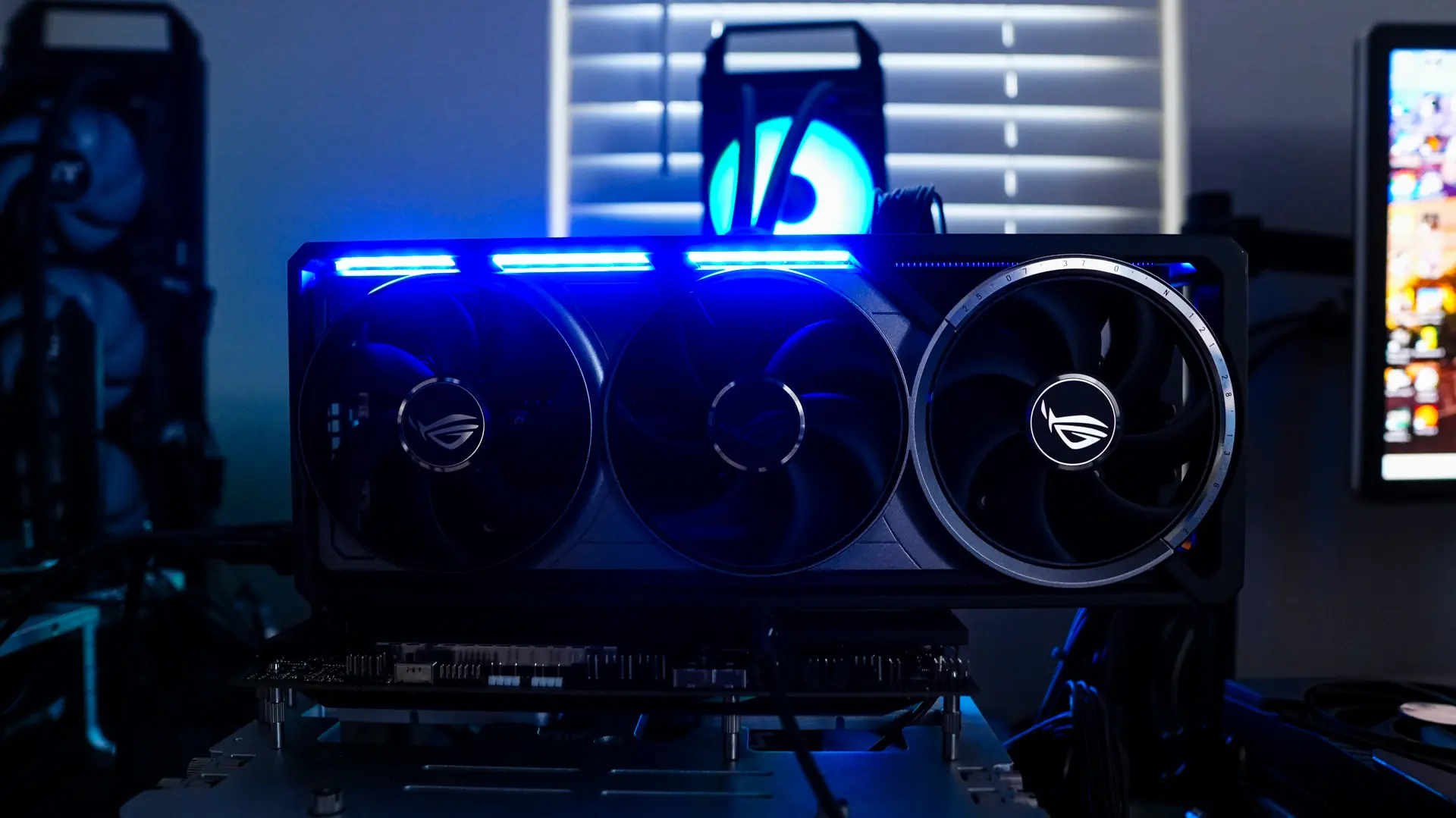
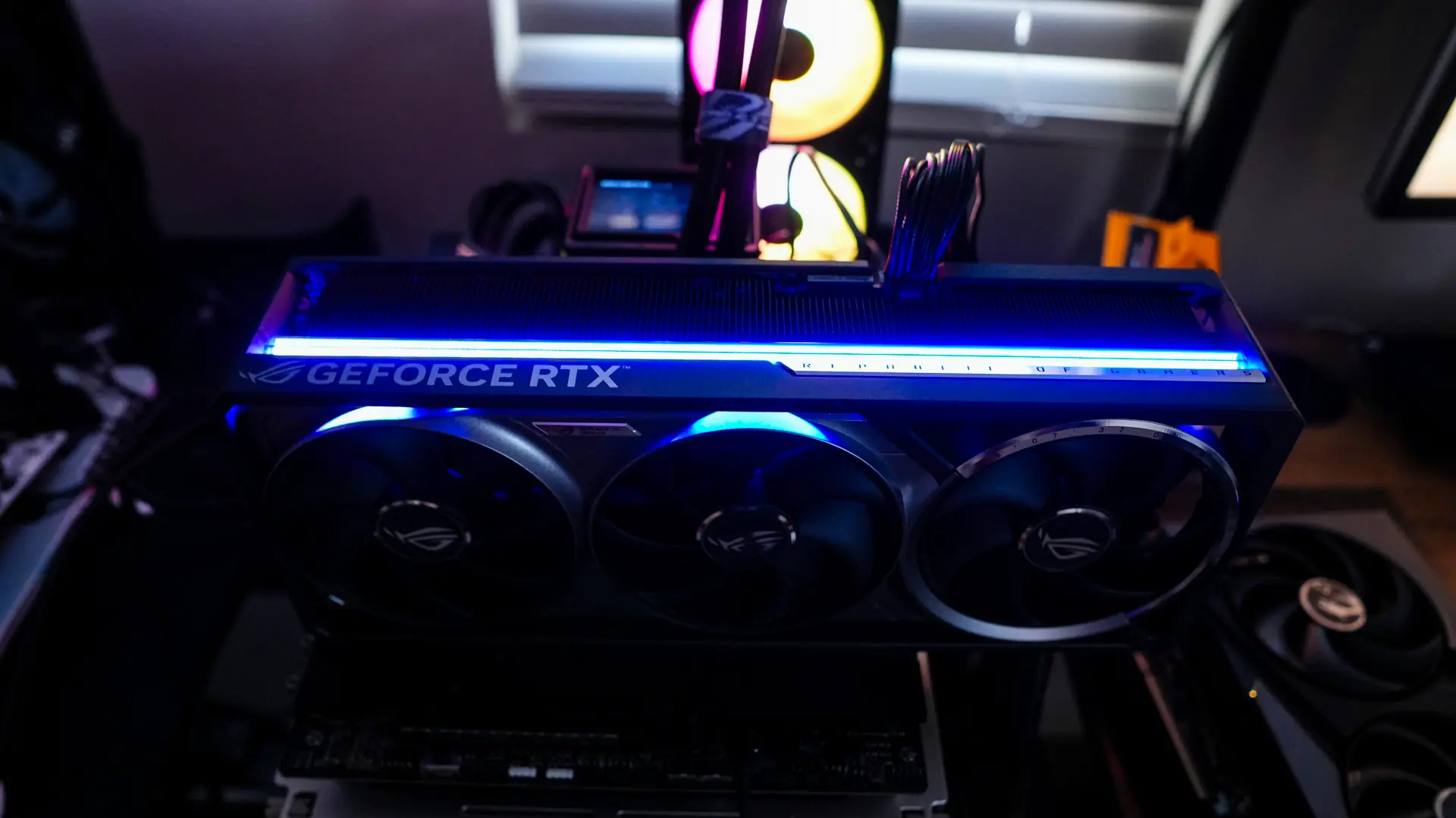
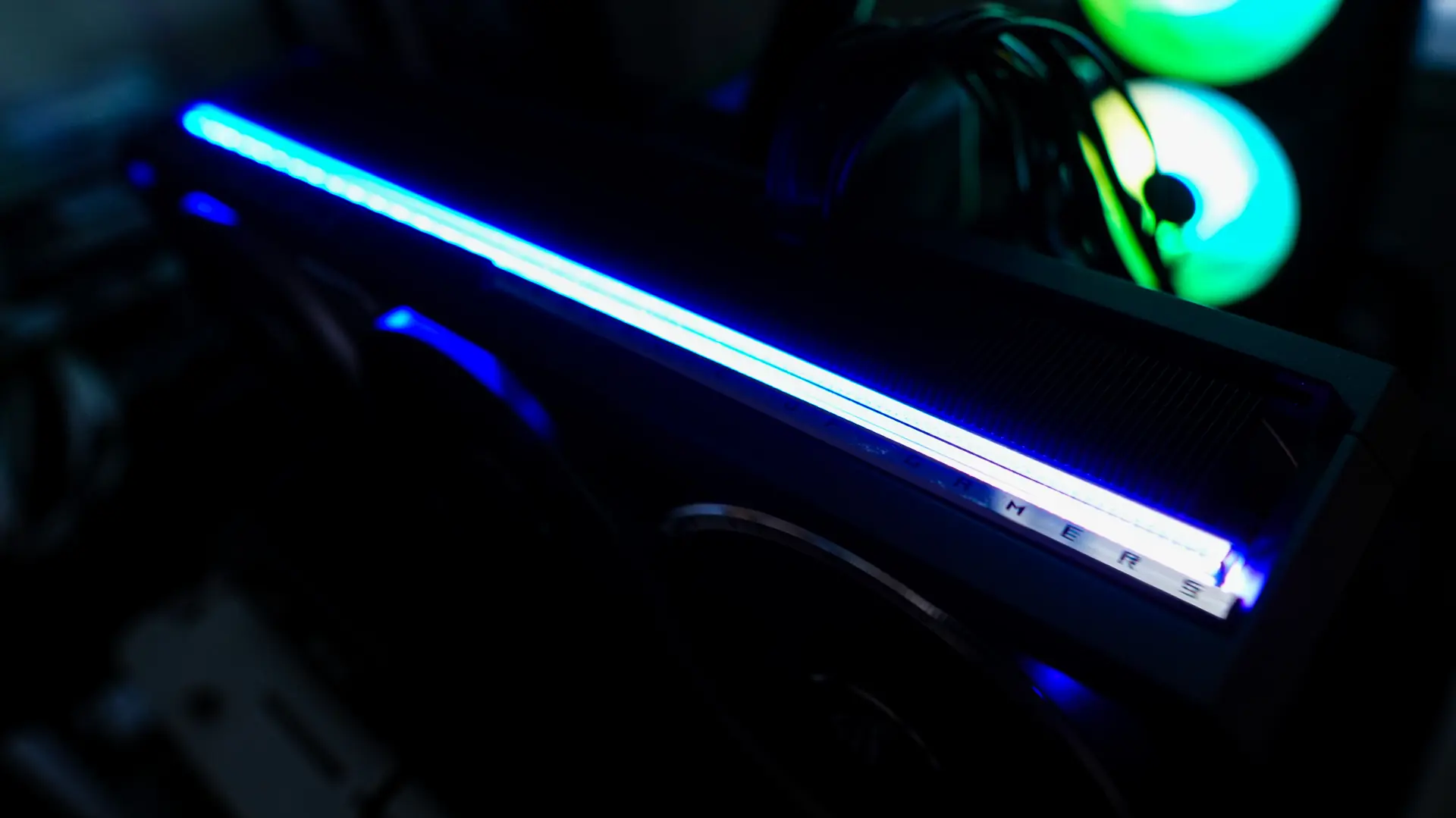
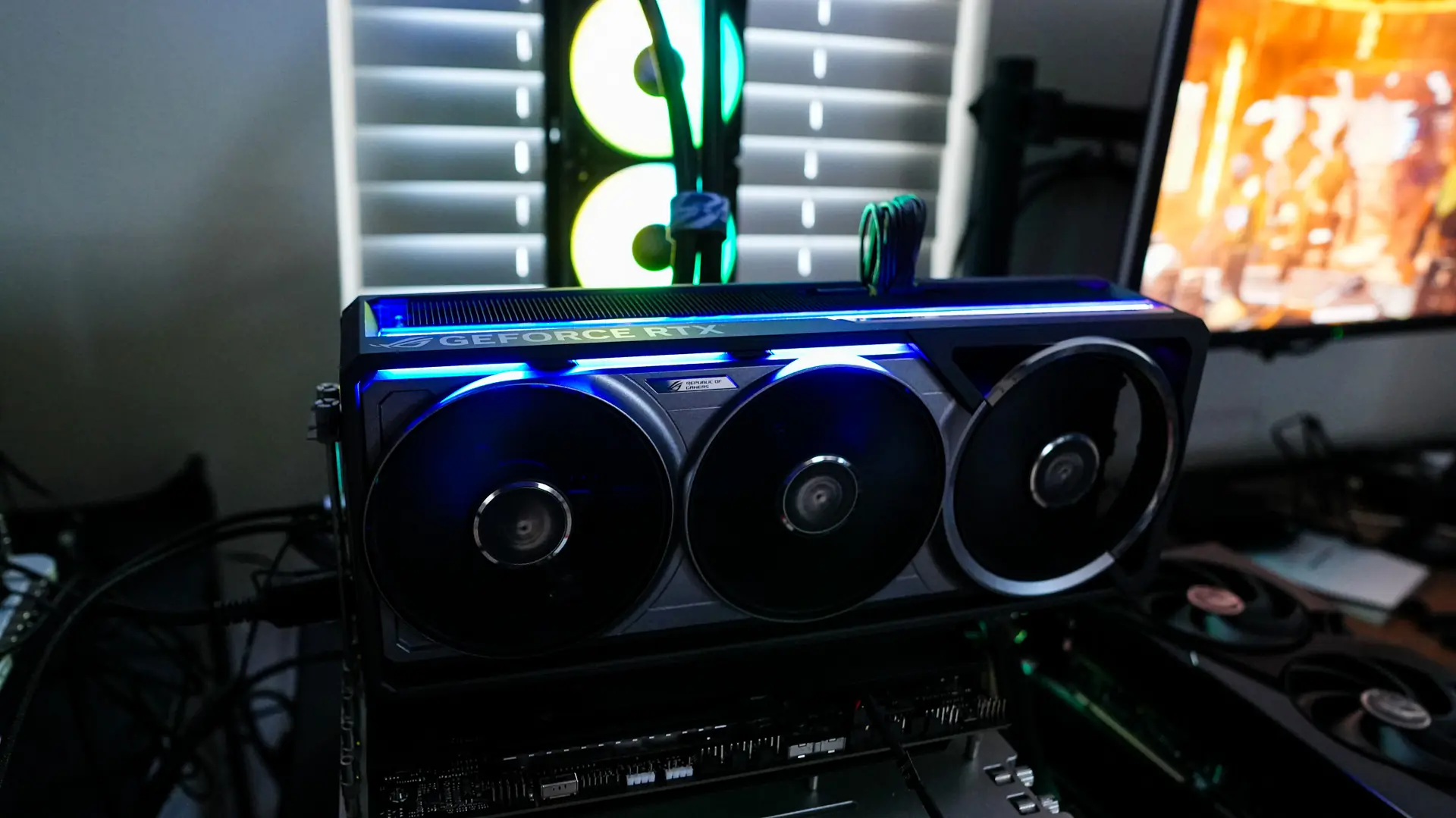
When it comes to lighting on the ROG Astral RTX 5080 there is simply a light bar that goes across the top-edge of the card. As I mentioned in the beginning of this review ASUS is going for a more sleek look and you’ll find more RGB lighting on the Strix models.
GPU Tweak III Software
ASUS does offer their GPU Tweak III software, which you can download here. Opening up the software there is actually quite a lot here.
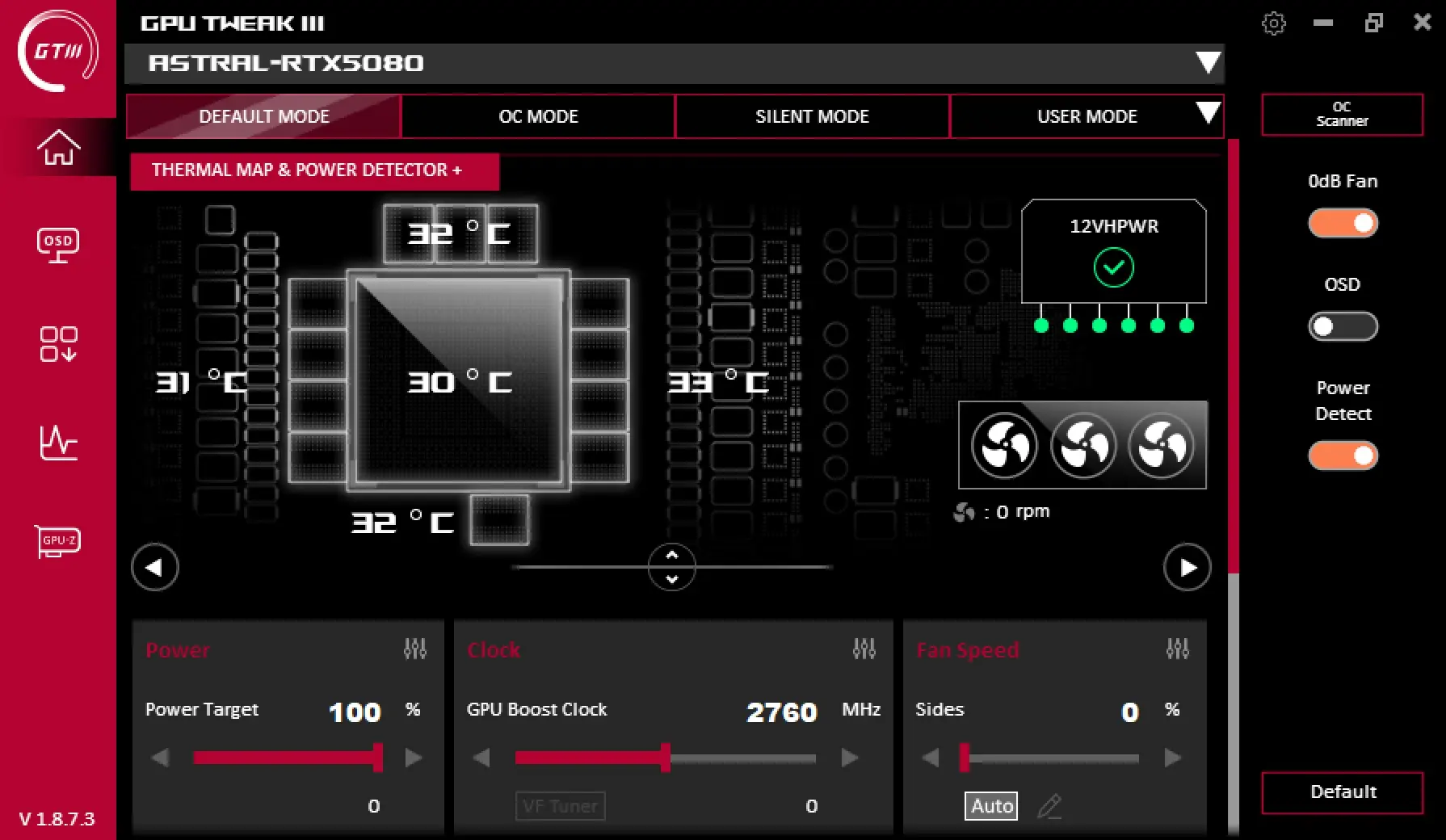
First there are defined modes for the card to operate in which you can select and you can set your own user mode. Then there is a live view of the card showing you not only the temperature of the GPU itself, but the surrounding memory, and power delivery components. This gives you a total of 5 different temperatures, which is great information to have. You can also adjust your clock speeds, fan speeds, and more.
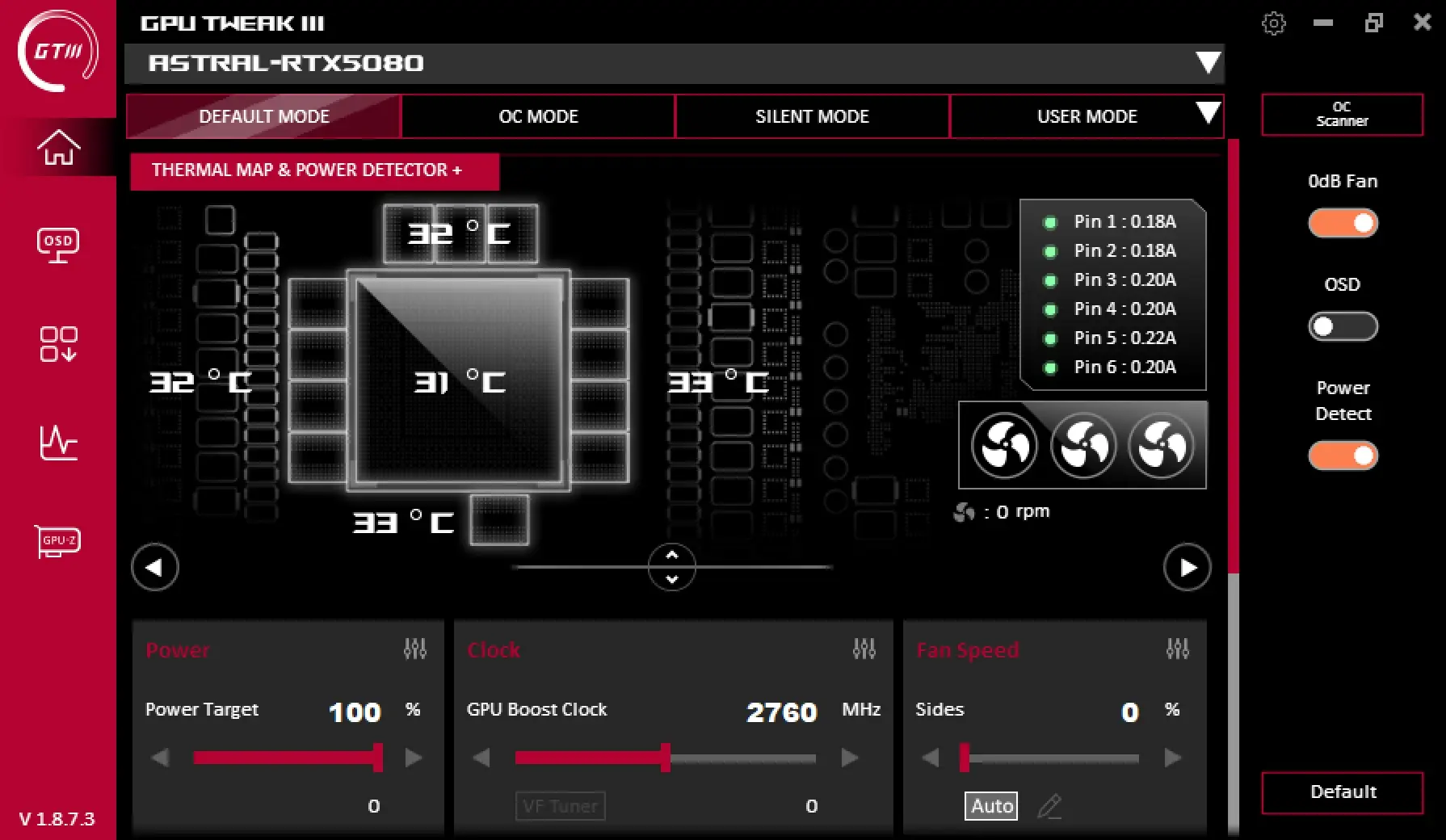
Now one of the really cool things is there is a live view of the 12VHPWR power connector. First it shows if the connector is connected properly, then if you hover over it it shows how much power each pin is pulling. From what I know this is the only RTX 50 series card that gives you this type of information. It is definitely great to have considering the reports of RTX 50 series 12VHPWR power connectors melting. This plus the extra thermal pad of the 12VHPWR really give you peace of mind.
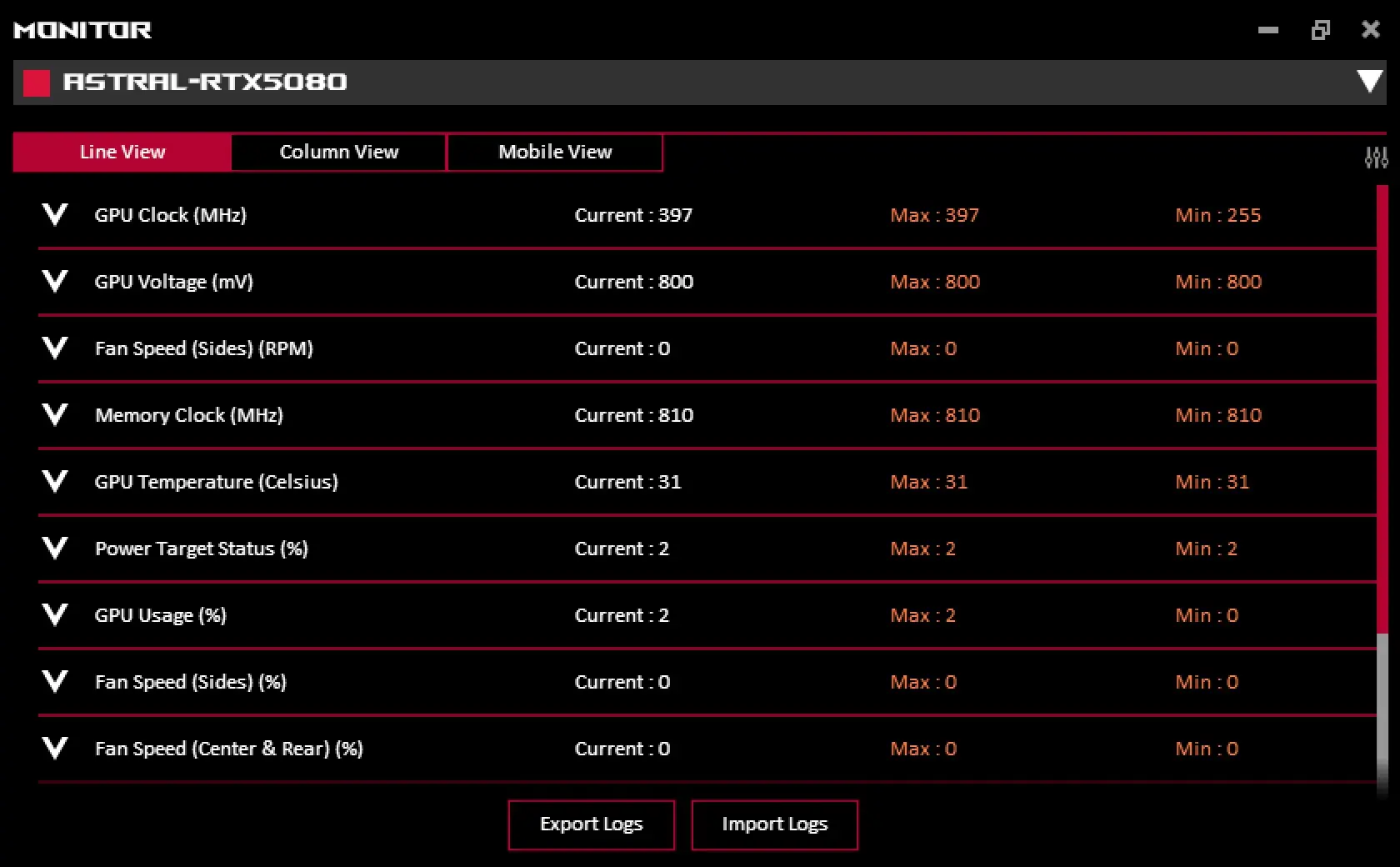
GPU Tweak also will give you a live view of all of your monitoring stats and you can easily log everything.