While many of your are very familiar with Gigabyte’s AORUS, Gaming X, and AERO motherboards, you may not be familiar with their Eagle line. Eagle sits as their more entry-level line when it comes to their motherboards so these are going to be less flashy, but still offer all of the features you would expect from the respective chipset. Today we are checking out the Gigabyte Z890 Eagle WiFi7 which features a 14+1+2 power phase design, four M.2 slots, WIFI 7, USB4 connectivity, and ease of use features like EZ-Latch Plus, EZ-Latch Click, and WIFI EZ-Plug. Let’s jump in and see what this motherboard is all about!
Special thanks to Gigabyte for providing us with the Z890 Eagle WiFi7 Motherboard to review.
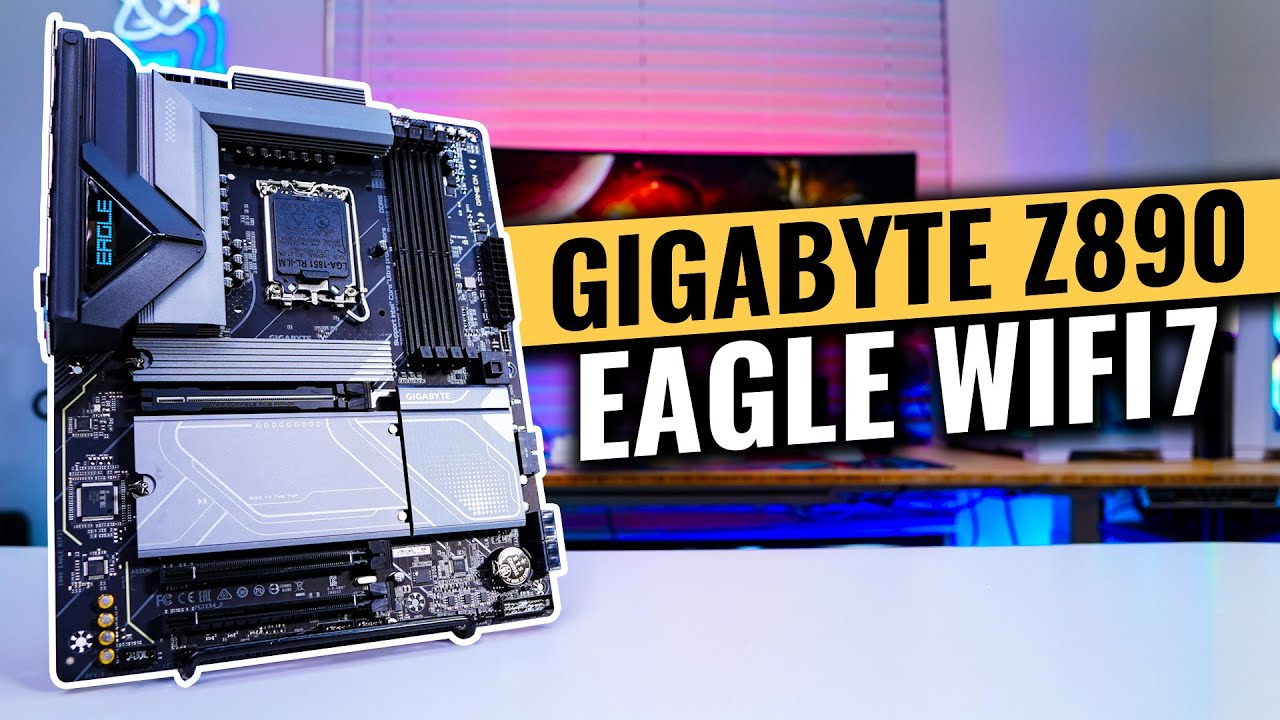
Features of the Gigabyte Z890 Eagle WiFi7 Motherboard
– Supports Intel® Core™ Ultra processors (Series 2)
– Digital twin 14+1+2 phases VRM solution
– D5 Bionic Corsa for Infinite Memory Performance
– AI Perfdrive : Provides optimal and customized BIOS preset profile for users
– Premium Compatibility : 4*DDR5 with XMP Memory Module Support
– WIFI EZ-Plug : Quick and easy design for Wi-Fi antenna installation
– EZ-Latch Plus : PCIe and M.2 slots with Quick Release & Screwless Design
– EZ-Latch Click : M.2 heatsinks with screwless design
– Friendly UI : Multi-Theme, AIO Fan Control, and Q-Flash Auto Scan in BIOS and SW
– New Power Monitor in HWinfo for real-time monitoring on CPU power phases
– Ultra-Fast Storage : 4*M.2 slots, including 1* PCIe 5.0 x4
– Efficient Thermal : VRM Thermal Armor Advanced & M.2 Thermal Guard
– Fast Networking : 2.5GbE LAN & Wi-Fi 7
– Extended Connectivity : USB4 Type-C with DP-Alt, DisplayPort
– PCIe UD Slot X : PCIe 5.0 x16 slot with 10X strength for graphics card
Packaging of the Gigabyte Z890 Eagle WiFi7 Motherboard
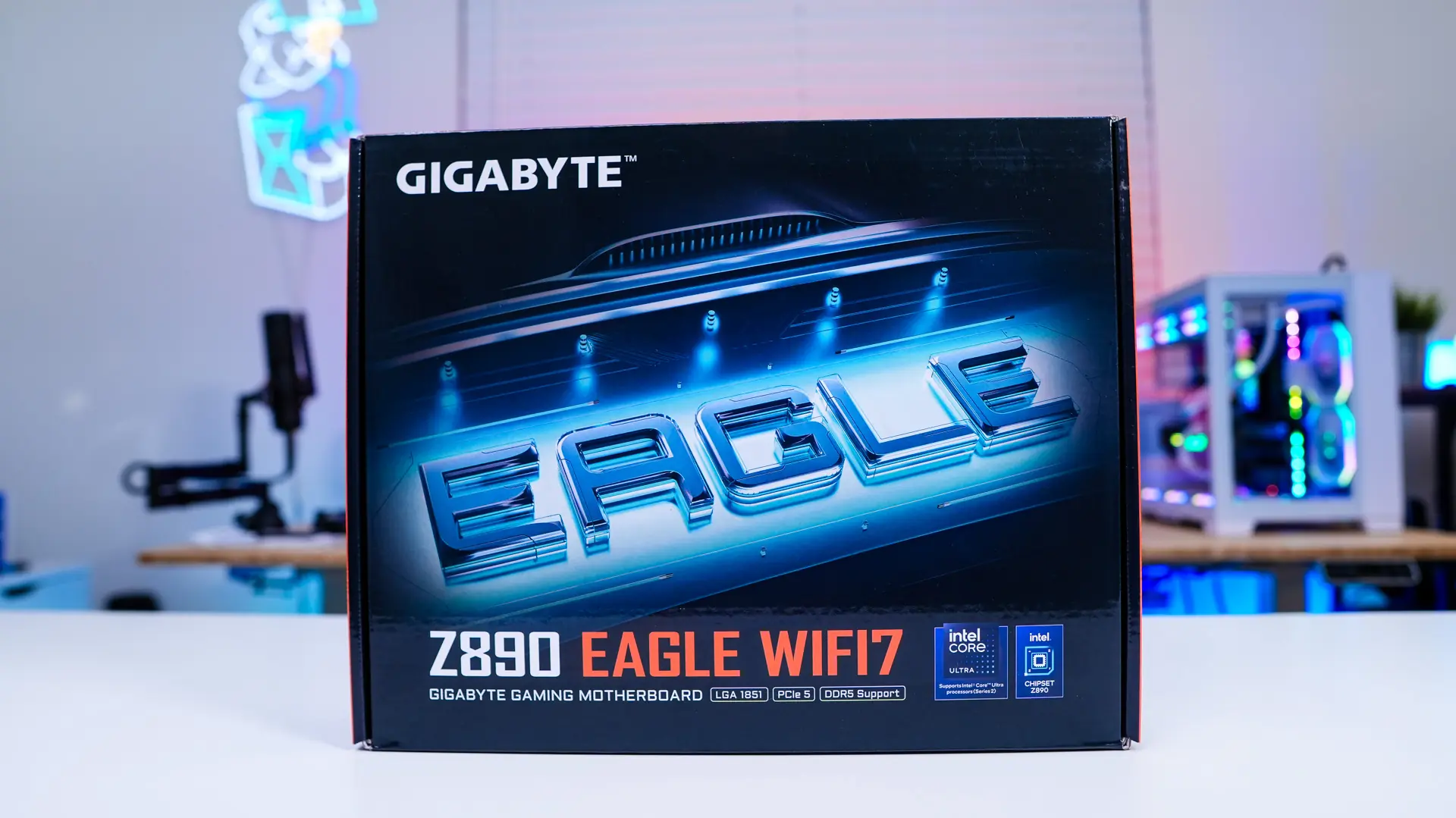
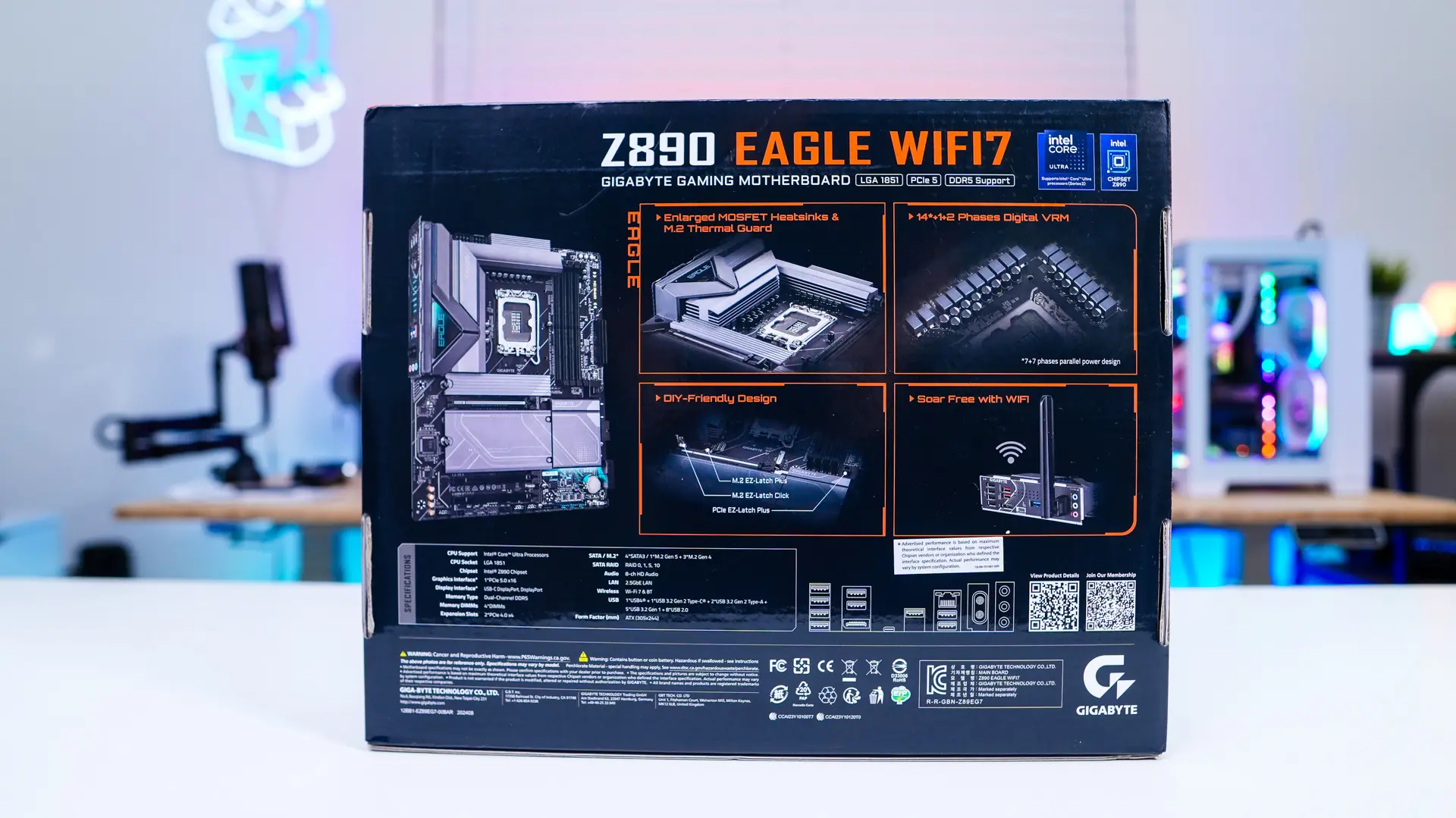
The Z890 Eagle WiFi7 comes in a typical motherboard box that simply says “EAGLE” on the front. Flipping over to the back some of the main features of the board are detailed and we have a run-down of specifications and rear I/O ports.
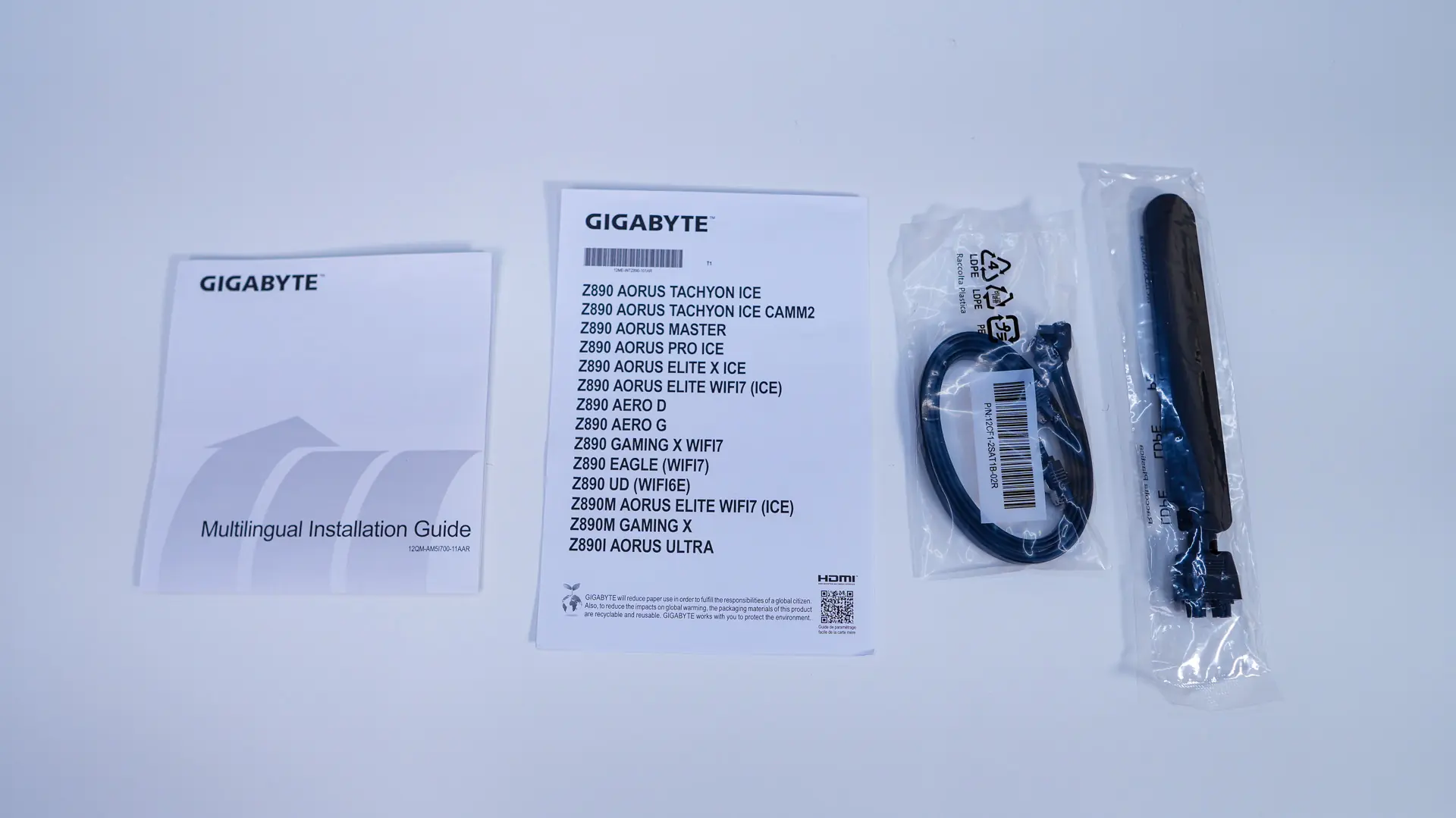
Getting everything out of the box we have a user’s guide, two SATA cables, and the WiFi antenna. Definitely not a lot in terms of accessories.