Lighting on the Gigabyte Z890 Eagle WiFi7 Motherboard
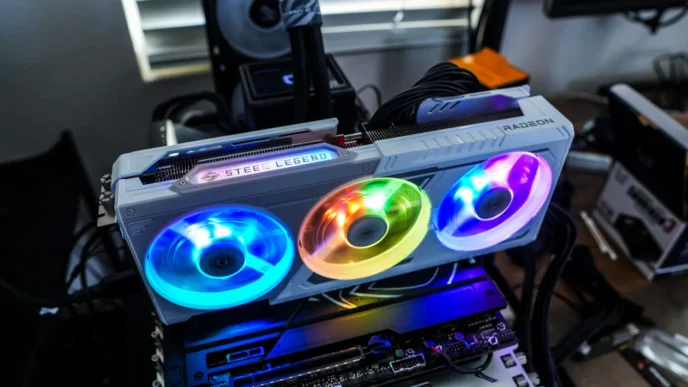
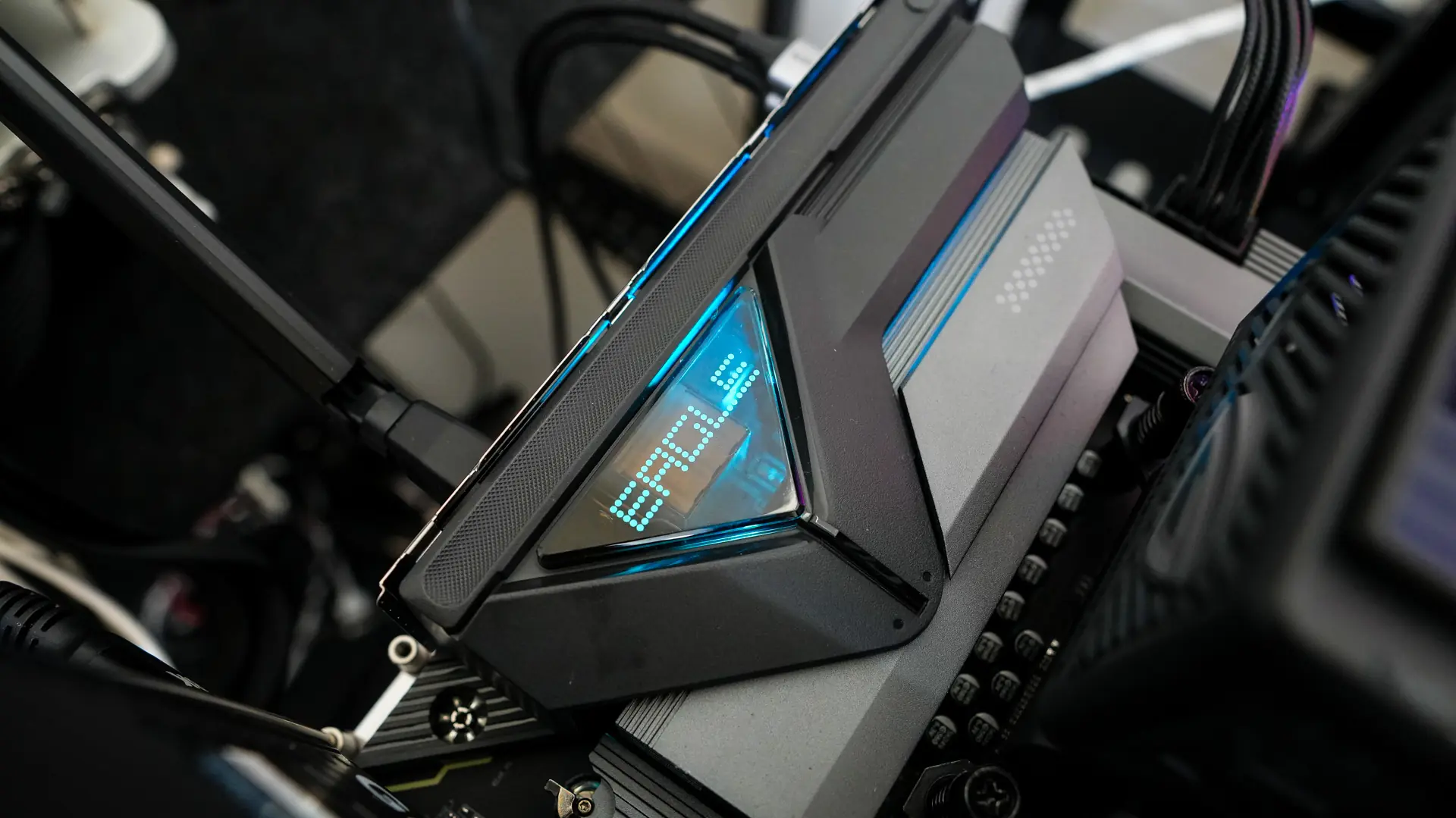
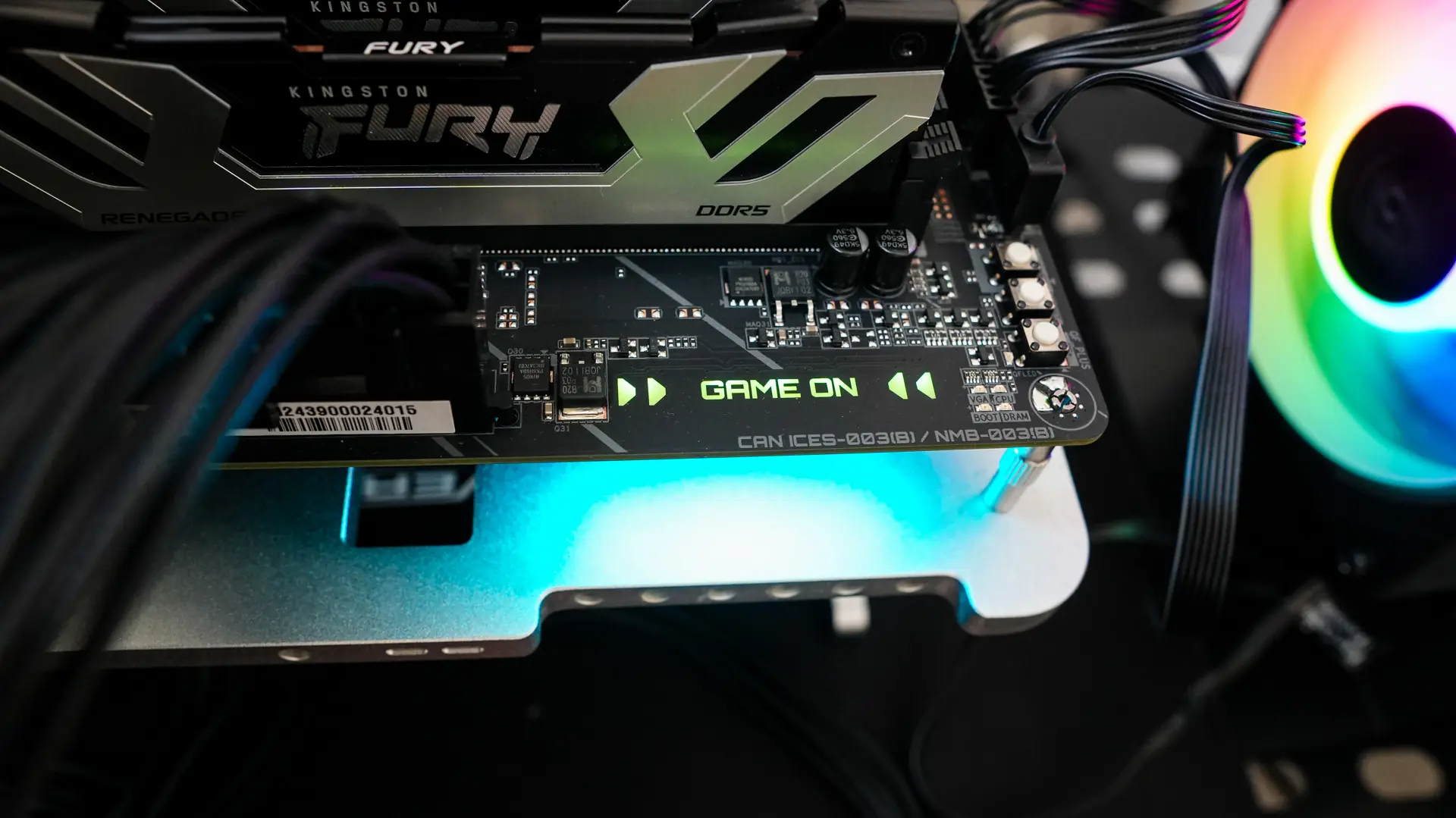
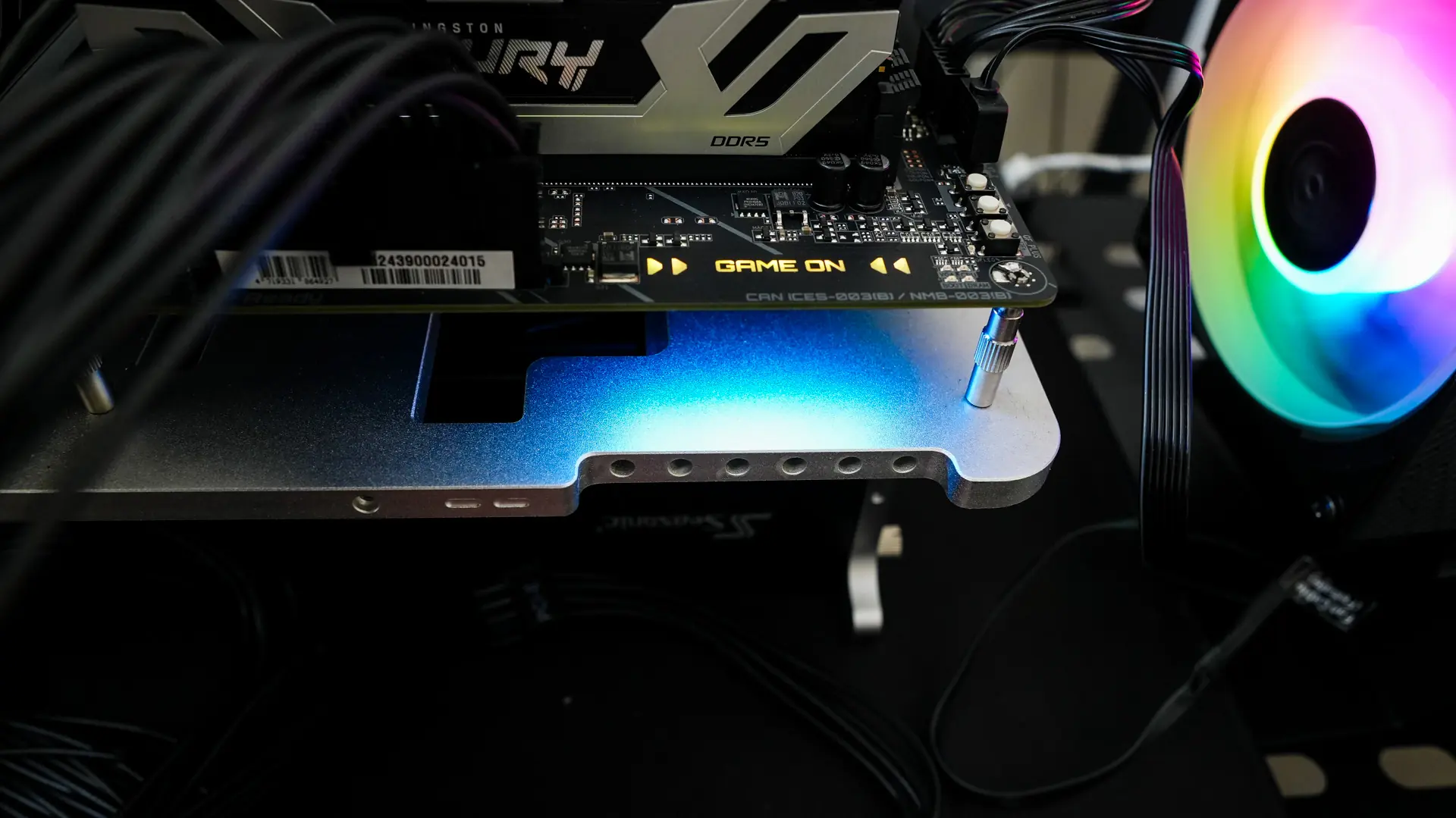
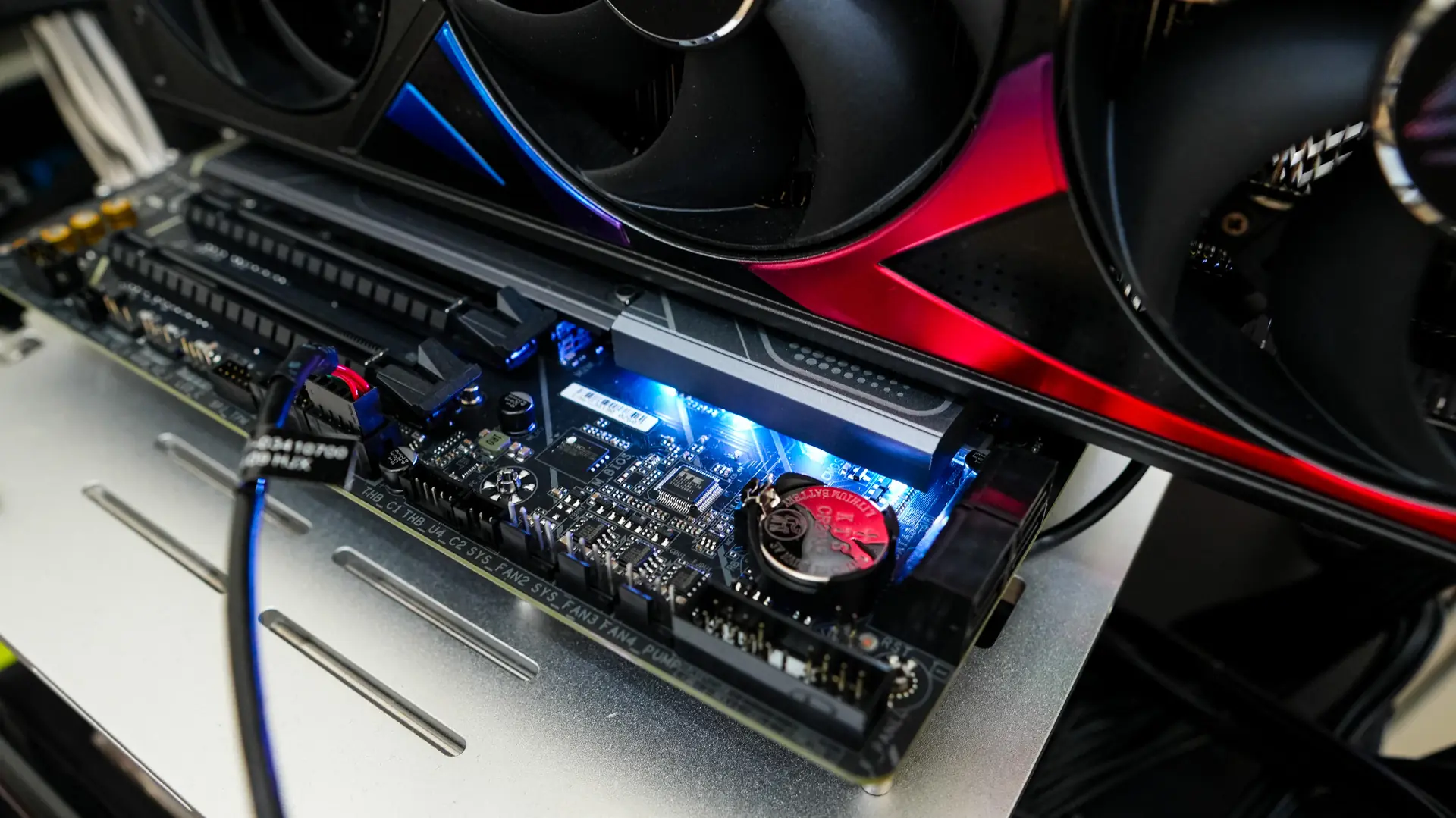
When it comes to RGB lighting there is actually a considerable amount on this board. You have RGB lighting by the Eagle logo on the rear I/O cover, on the edge of the board where it says “Game On” and this will provide some under glow, and then finally around the chipset heatsink.
Gigabyte Z890 Eagle WiFi7 Motherboard Companion Software
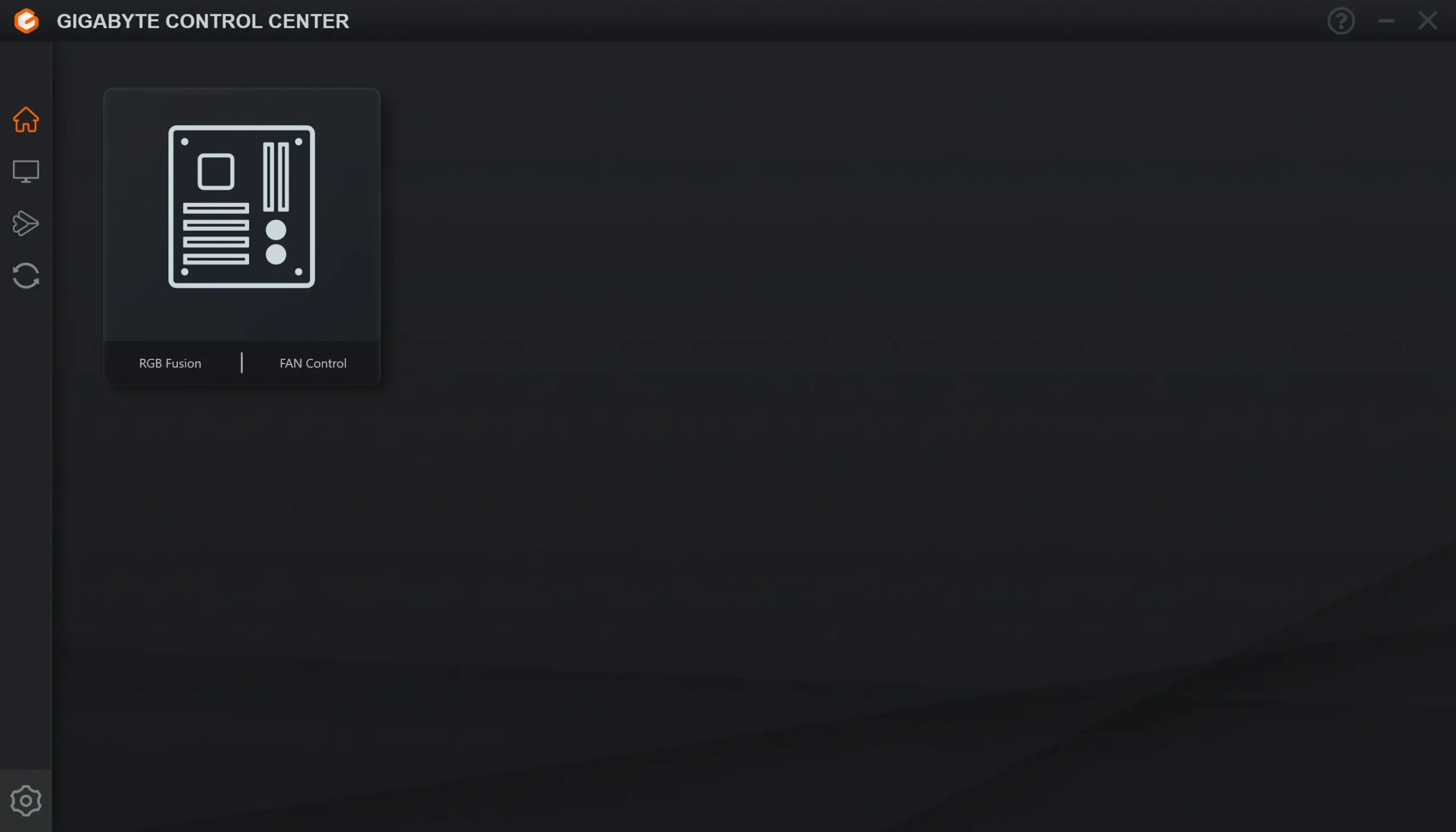
Gigabyte’s motherboard companion software is of course Gigabyte Control Center. Opening it up we can see our motherboard and we have options for RGB Fusion and Fan Control.
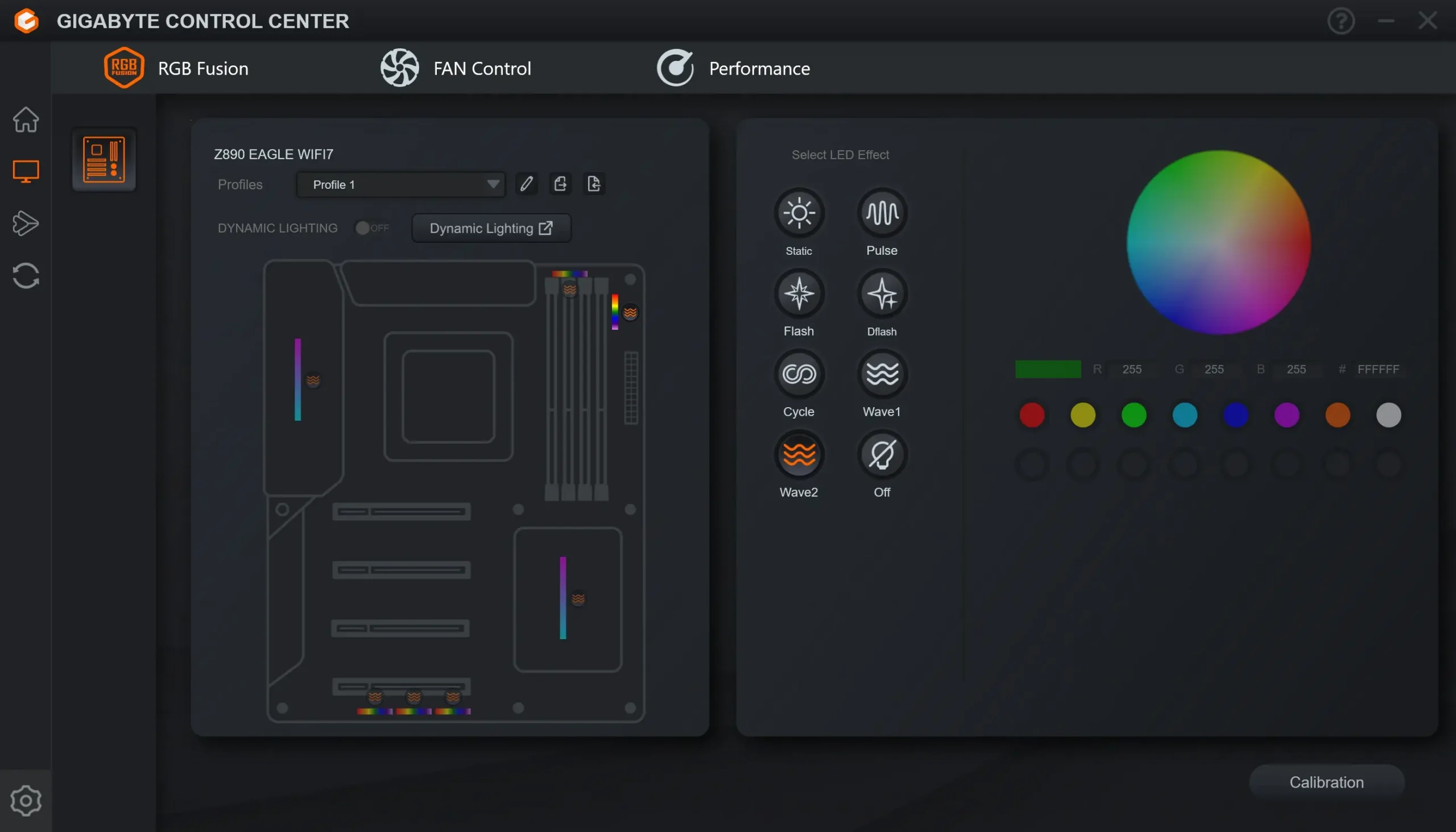
Opening up RGB Fusion we can set the lighting on the board. This not only includes the actual lighting on the board, but anything you have connected to the RGB headers.
Moving over to Fan Control we can set an operational mode for our fans or set a custom curve for each individual header on the board.

The final tab in this section is Performance. Here we can see information on our system, adjust CPU, memory, and voltage, as well as set system alerts.
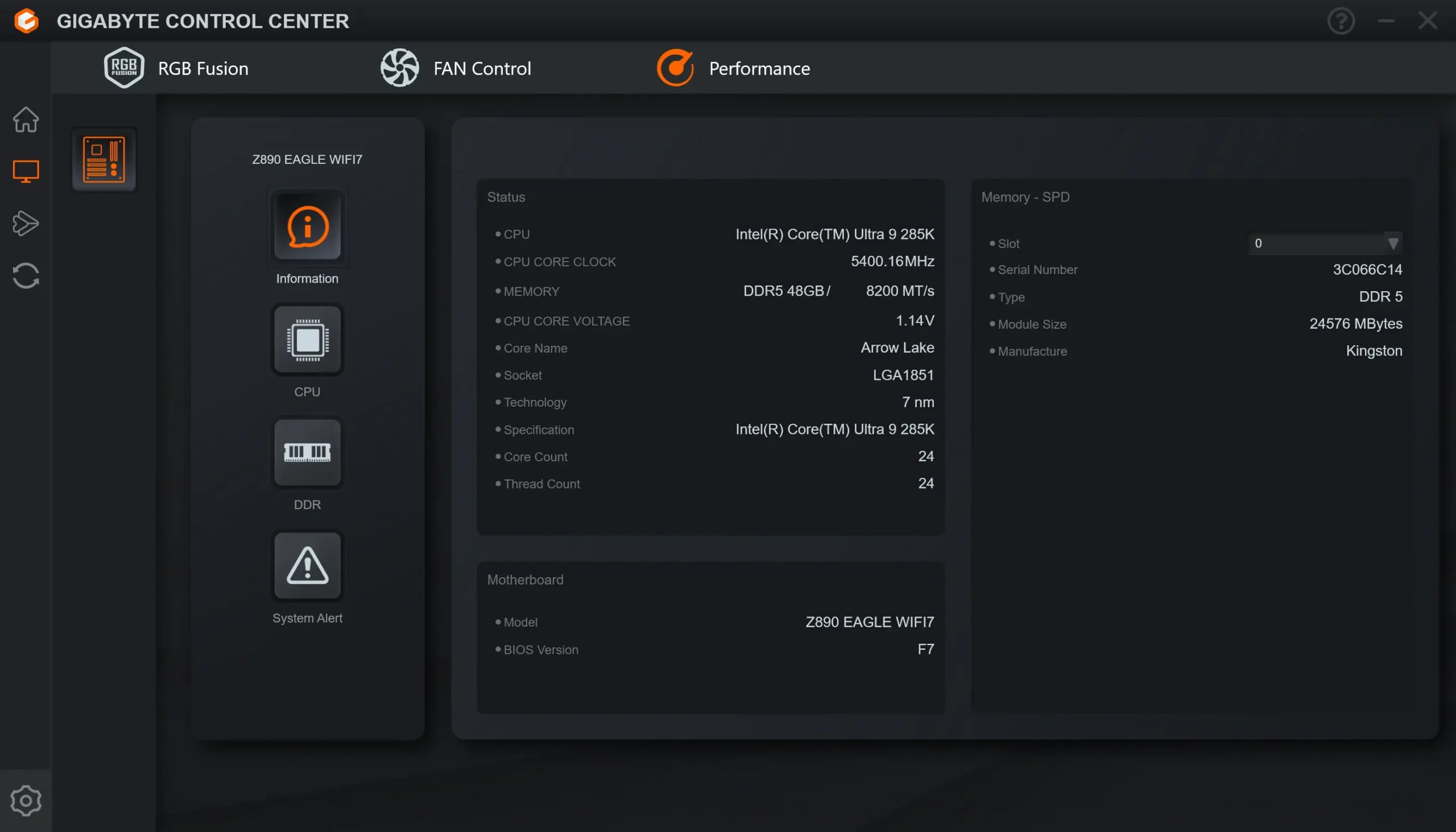
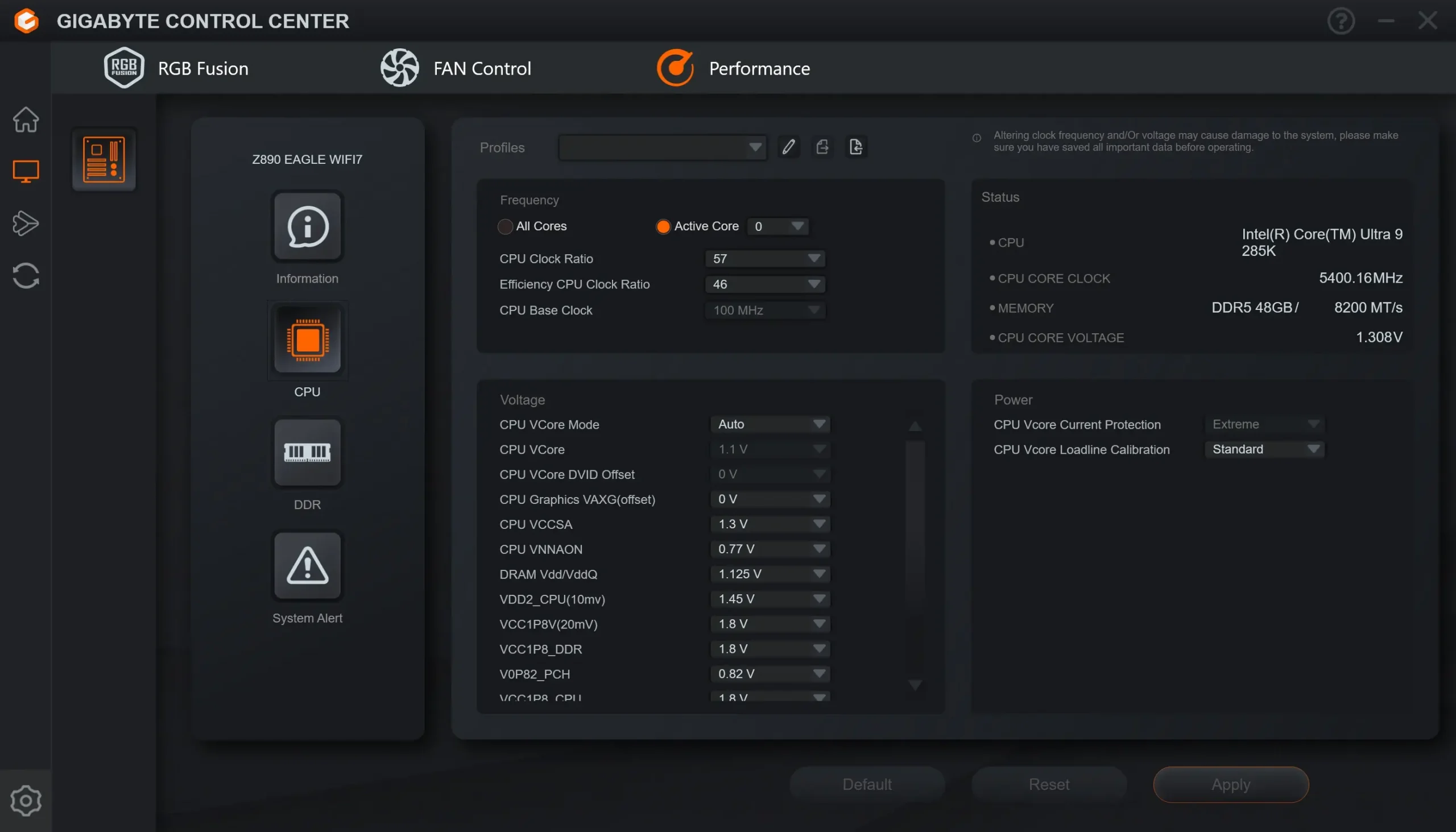
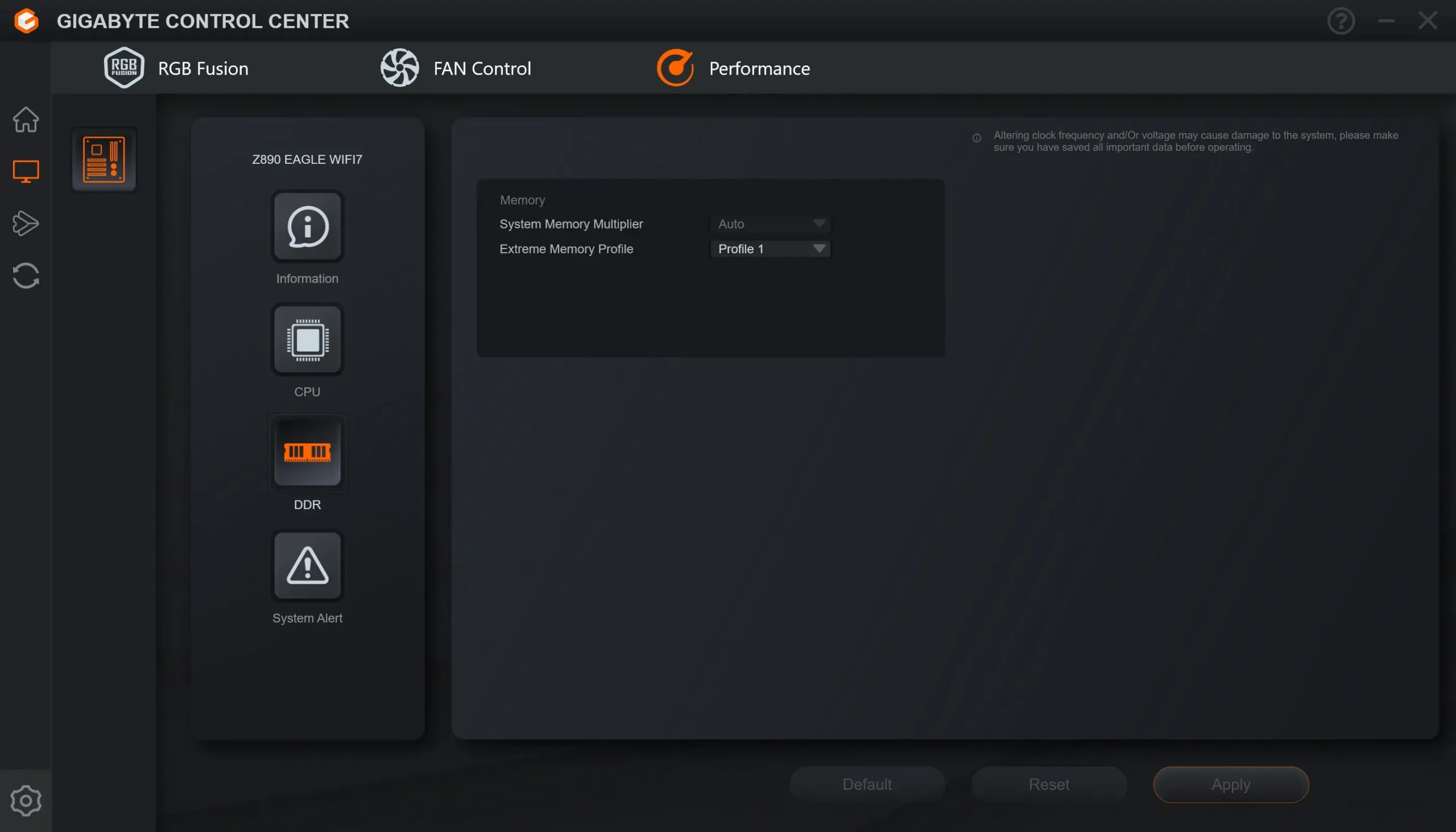
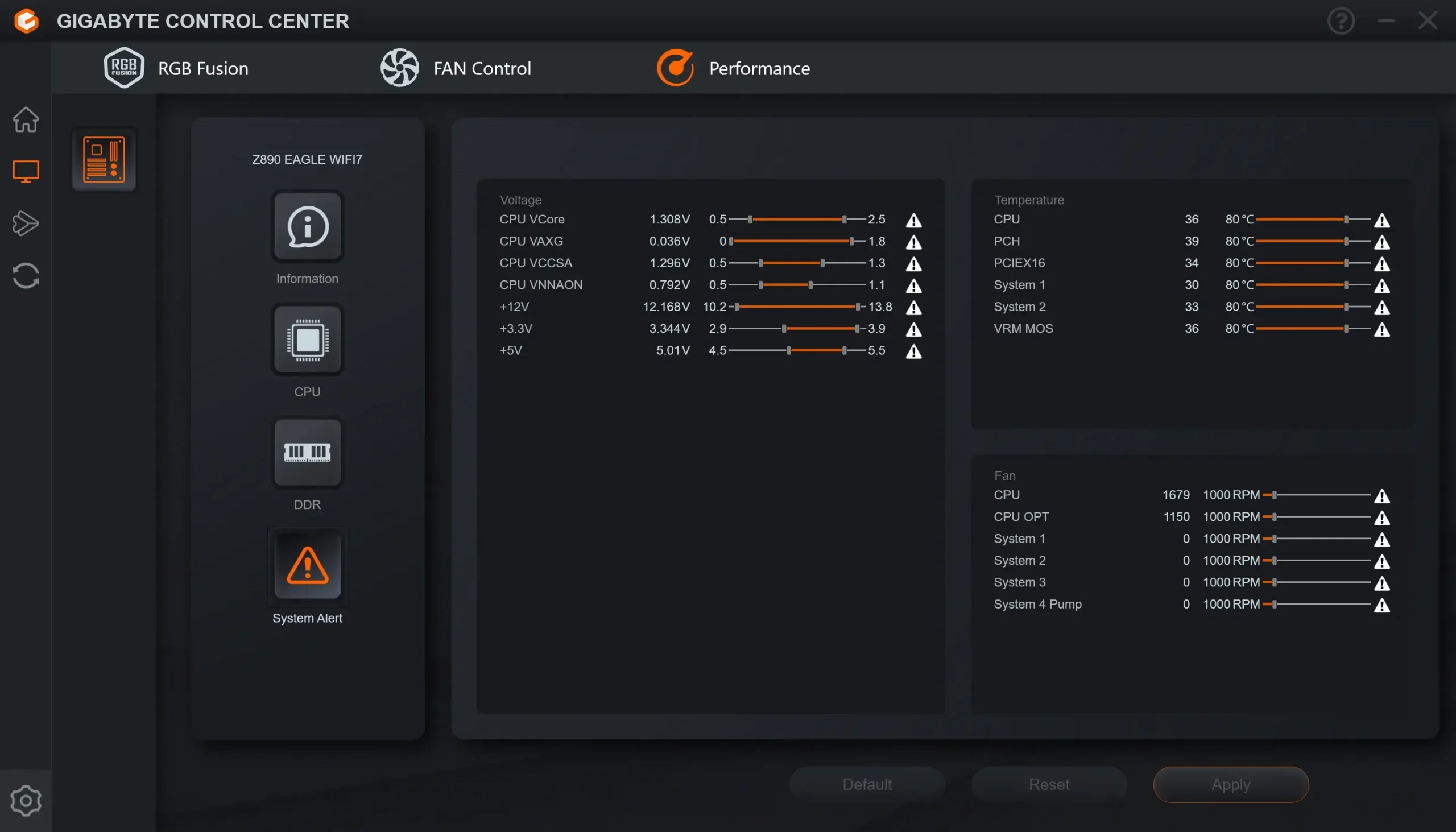
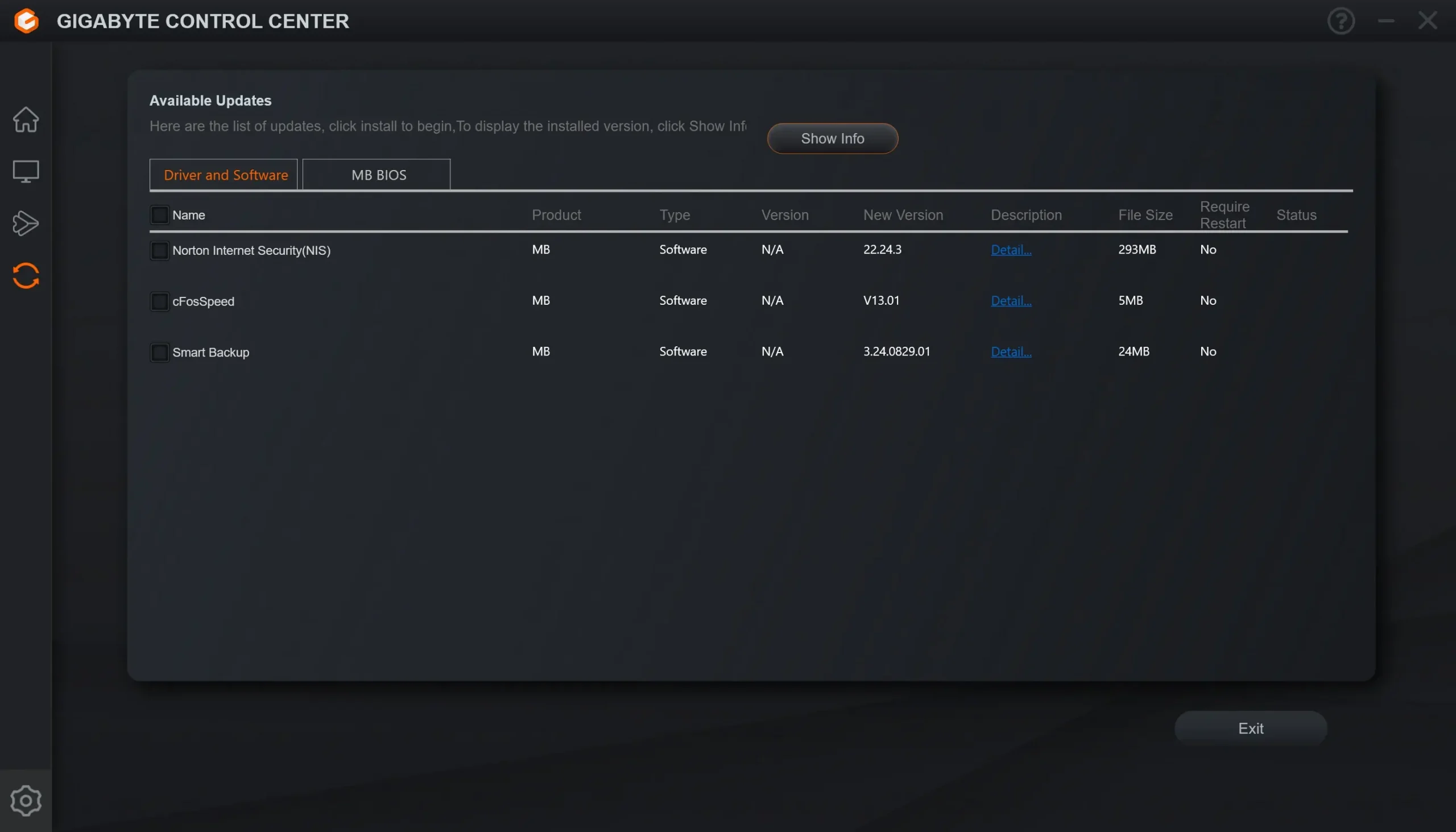
Within Gigabyte Control Center is also an update section. Here you can download and install drivers, software, and new BIOS versions.