
Usage & Final Thoughts on the ASUS ROG Azoth Extreme Gaming Keyboard
I have been using the ROG Azoth Extreme for the past few weeks now and I’ve really enjoyed it. I think with this keyboard ASUS has really done a great job making a keyboard that is excellent for both gaming and typing. When it comes to many other keyboards out there they are either really good for gaming or really good for typing. This keyboard achieves both actually, which again, most keyboards just don’t do. During gaming you have a very responsive keyboard with no key wobble and when you are typing it is quite comfortable and the sound profile is enjoyable as well.
The really interesting thing about this keyboard is that you can actually change the feel of the keyboard using the switch on the back of the keyboard. This switch moves the gasket mount on the keyboard itself. This is not just a gimmick you can tell the difference between the “soft” and “hard” settings. I feel like you’ll only use this switch once, but if different people are using the keyboard they can choose which setting they like best.
As for the sound profile, below is a sound test typing on the keyboard. This is on the “soft” setting.
This is a tri-mode keyboard so you can use it wired, wireless via Bluetooth, and wireless using the 2.4 GHz dongle. ASUS does include their ROG Polling Rate booster, which gives you an 8000 Hz polling rate. While having an 8000 Hz polling rate might be beneficial for a mouse, it is hard to make that same argument for a keyboard. In any case wireless connectivity was great as we would expect from an ASUS keyboard. Also the battery life is good here too, you’ll get 92 hours with the OLED and RGB lighting turned on and over 1600 hours with both of those turned off.
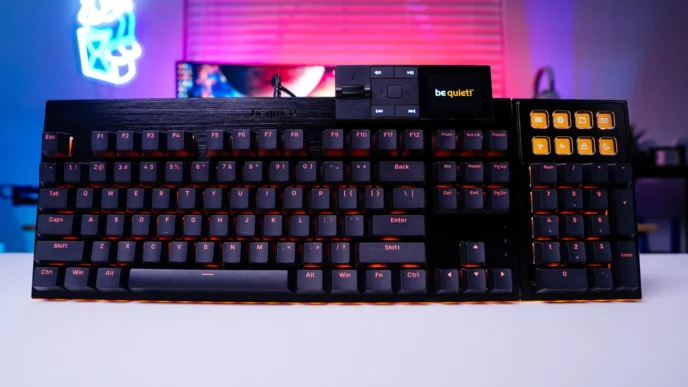
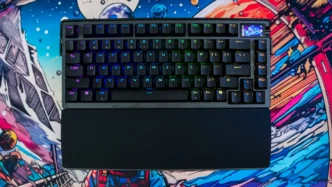
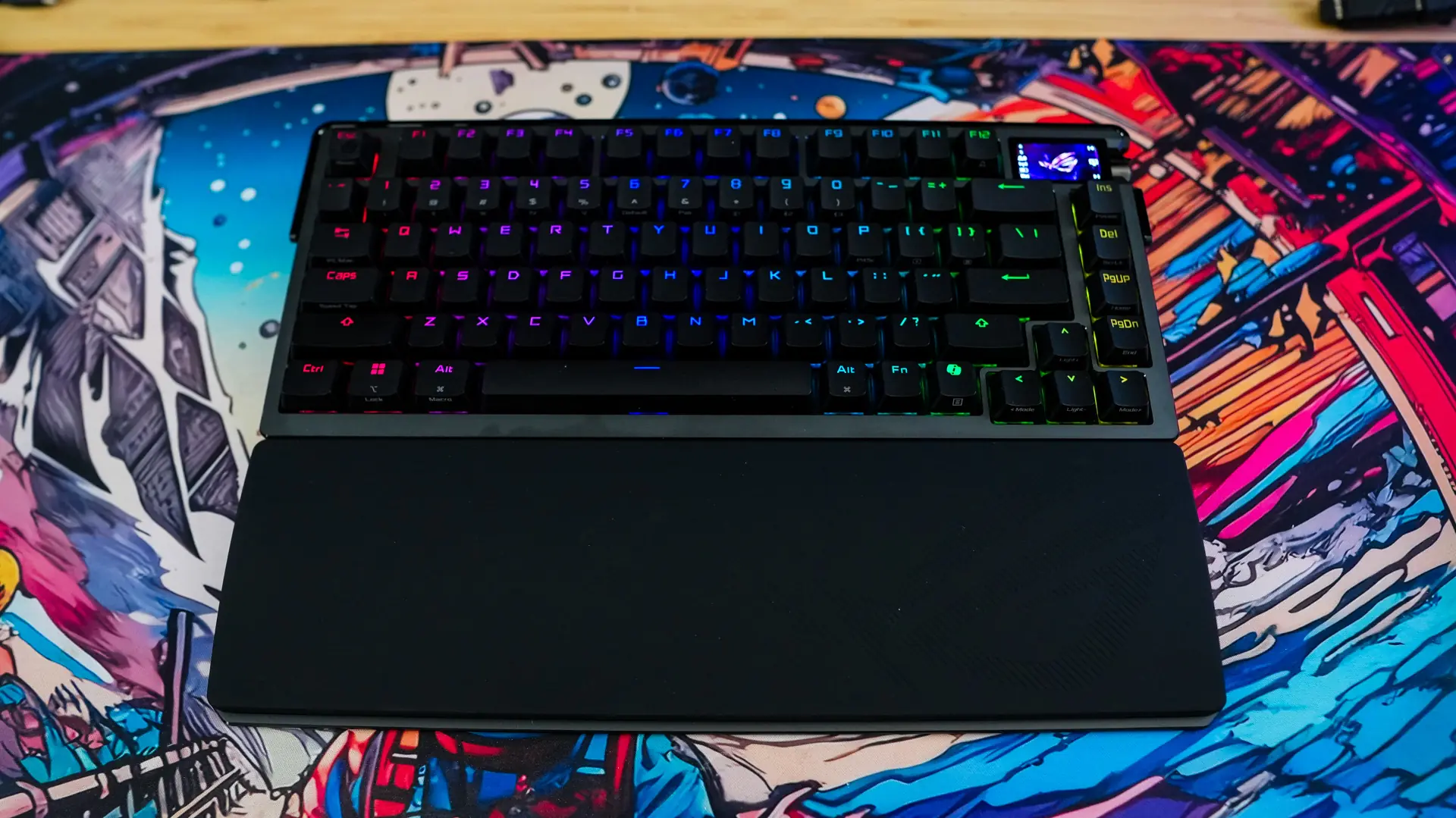
The 1.47-inch full color OLED touchscreen display is one of the best that I’ve seen on a keyboard and it is quite useful too. It can display things like your own custom animation, system stats, and even your keystrokes per second. The 3-way control knob that is right next to it is easily accessed and does what much larger knobs and controllers do.
You can’t forget about the build quality of this keyboard. It is probably the most solid-built keyboard that I’ve had the chance to review. It feels like a tank, but it does not feel stiff as ASUS has used proper sound dampening. On top of just the keyboard you also get a very nice wrist rest, which is a nice addition.
Like most ASUS products you do have to use Armoury Crate to do any customizations and we all know how bloated and slow that software is. While you do get the choice to use the more lightweight Armoury Crate Gear it still has its issues.
While I absolutely love this keyboard and it will likely sit on my desk for a very long time I think the thing that is going to hold people back from picking it up is going to be the price. Right now you can pick it up at my favorite online retailer for $499, which for most gamers is a lot. Now you can get the non-extreme version of the keyboard (the normal ROG Azoth) for $219.99, which I can assume has most of the same functionality of this keyboard. Unfortunately I never had a chance to review that keyboard so I cannot tell you the differences between the two.
I think at the end of the day if you were comfortable paying the $499 for this keyboard you are not going to be disappointed. As I said it does what most keyboards just can’t, and that is being excellent at both gaming and typing, on top of being an absolute tank. Overall ThinkComputers gives the ASUS ROG Azoth Extreme Gaming Keyboard a 9 out of 10 score and our Editor’s Choice Award!


Pros:
– Built like a tank
– Excellent for both gaming and typing
– Adjustable gasket-mount
– Touchscreen OLED display and 3-way control knob
– Very responsive
– Great sound profile
– Included wrist rest & ROG polling rate booster
– Good battery life
Cons:
– Expensive for most
– Armoury Crate