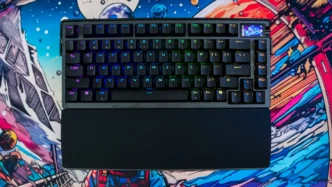

When it comes to keyboards you can spend as little as $50 and as much as $1000. The latter tends to come from custom shops or boutique brands. We really haven’t seen a mainstream brand have a super-expensive keyboard. Well enter the ASUS ROG Azoth Extreme with its $499 price tag. That is quite a lot to ask your average gamer to pay for a keyboard, but could this be the best keyboard ASUS has ever made? This 75% keyboard is made up of a aluminum alloy chassis, carbon fiber positioning plate, 3 layers of sound dampening, an adjustable gasket mount, full-color OLED touchscreen, ASUS’s hot-swappable ROG NX mechanical key switches, an included wrist rest, tri-mode connectivity up to 8000 Hz with the included ROG polling rate booster, PBT double-shot keycaps, and so much more. It seems as if ASUS has poured everything into this keyboard, but is it worth the price? Read on as we find out!
Special thanks to ASUS for providing us with the ROG Azoth Extreme Gaming Keyboard to review.
ASUS ROG Azoth Extreme Specifications
Key Switch: ROG NX Mechanical Switch (Snow / Strom)
Connectivity: USB 2.0 (TypeC to TypeA), Bluetooth 5.1, RF 2.4GHz
Lighting: RGB Per keys
AURA Sync: Yes
Anti-Ghosting: N Key Rollover
Macro Keys: All Keys Programmable
USB Report rate: 8000 Hz with ROG Polling Rate Booster
RF 2.4G Report rate: 8000 Hz with ROG Polling Rate Booster
Cable: 2M USB type A to C braided cable
OS: macOS® 10.11 or later, Windows® 11
Software: Armoury Crate
Dimensions: 332 x 139 x 40 mm
Weight: 2200g (with wrist rest)
Color: Black
ASUS ROG Azoth Extreme Packaging
The unboxing experience of the Azoth Extreme is one of the best I’ve experienced lately. On the front we have a drawing of the keyboard itself. On the back some of the main features of the keyboard are detailed.


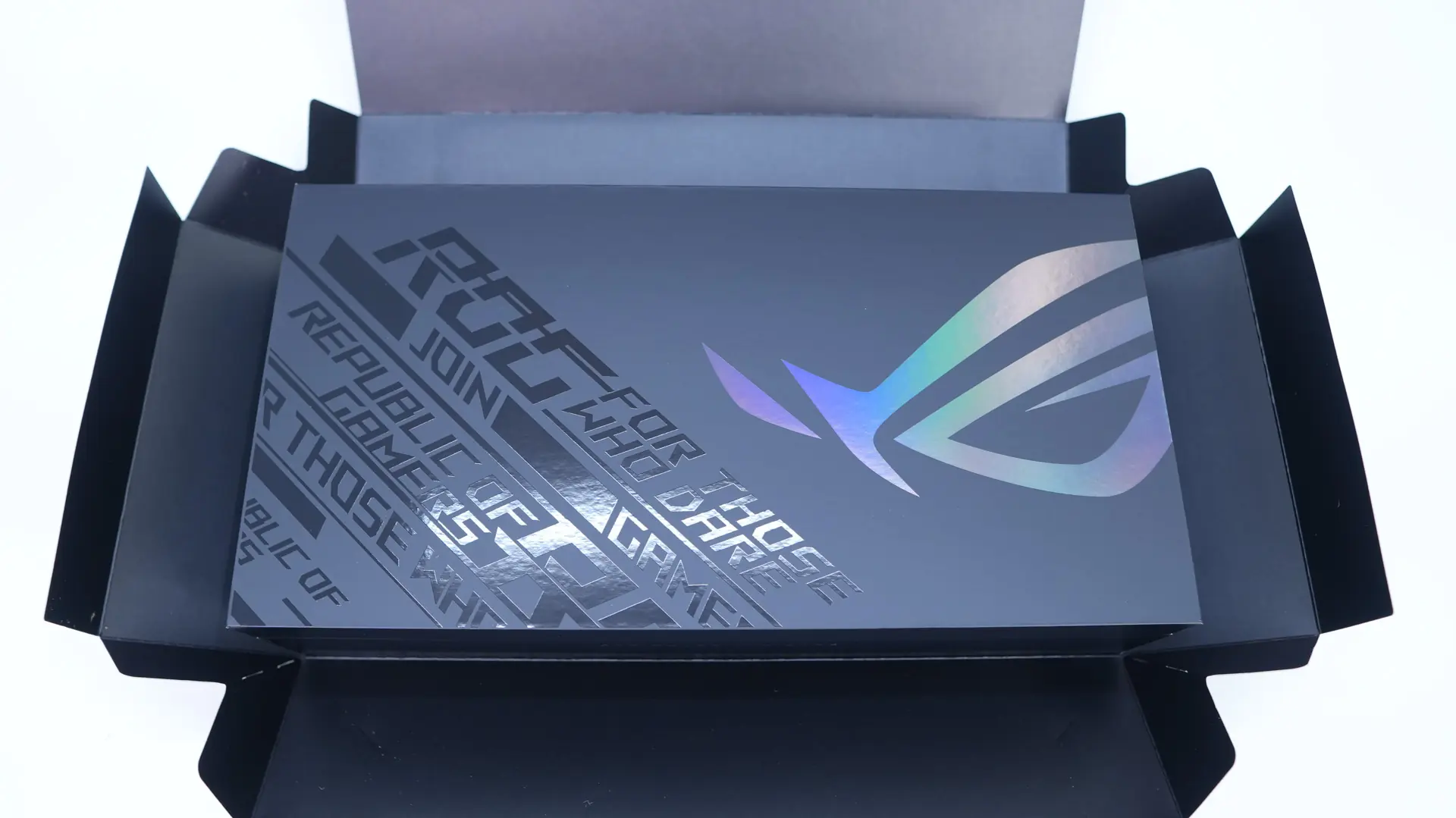
This box sort of opens up to reveal the main box which is adorned with ROG logos and text. Opening it up we first find the keyboard itself in a nice cloth covering. Under the keyboard you’ll find the rest of the accessories including the wrist rest, ROG name plate, 2 sets of magnetic feet, USB cable, ROG polling rate booster, USB extender, USB dongle, keycap and switch puller, two extra switches, a CTRL keycap, ROG cleaning cloth, ROG stickers, and a quick start guide.