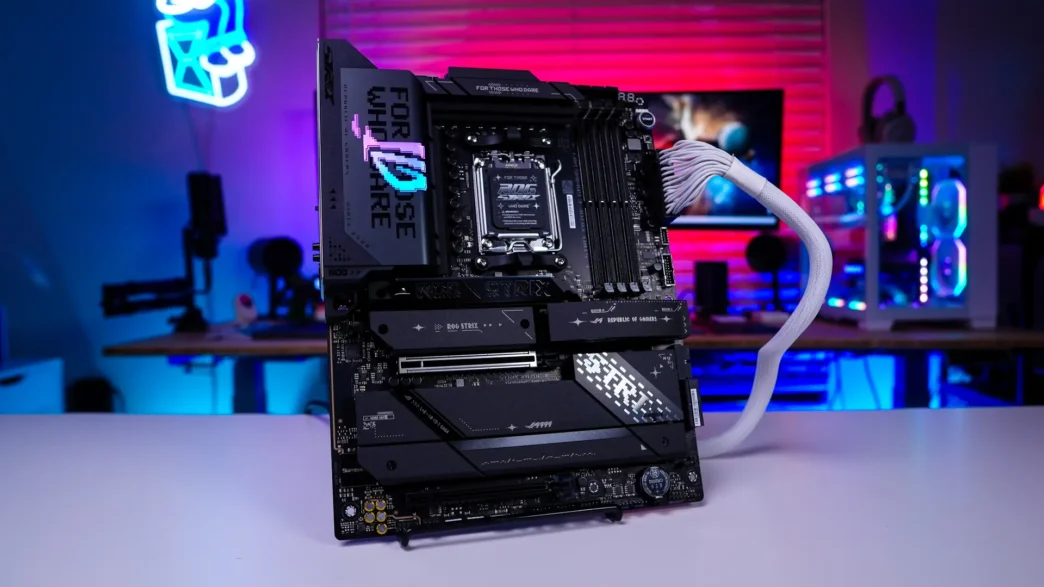
Final Thoughts on the ASUS ROG STRIX X870E-E Gaming WIFI Motherboard
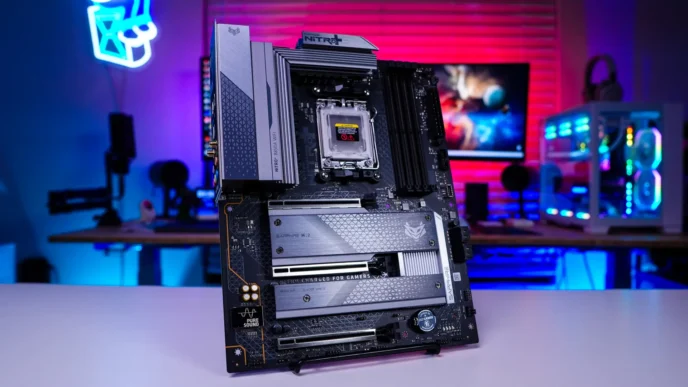
As we come to the end of this review I am actually quite impressed with this motherboard, especially when it comes to connectivity. I mean I haven’t looked at every X870E motherboard out there, but for the amount of USB ports and M.2 slots you would sort of expect this board to be in the ROG Crosshair-level, but it actually sits below that in the product stack.
Talking about those USB port you have 13 USB ports on the rear I/O and it’s not like these are slow ports either. You have 10 USB 3.2 gen 2 ports, a single USB 3.2 gen 2×2 Type-C port, and two USB4 Type-C ports. So if you are someone who wants to take advantage of fast external storage and other devices you are going to have more than enough ports. You are also going to get an internal USB 3.2 gen 2×2 header and three USB 2.0 headers. I don’t think I’ve seen a modern motherboard with three USB 2.0 headers. This is a good thing if you are using devices like AiO or RGB controllers that make use of those older USB 2.0 headers.
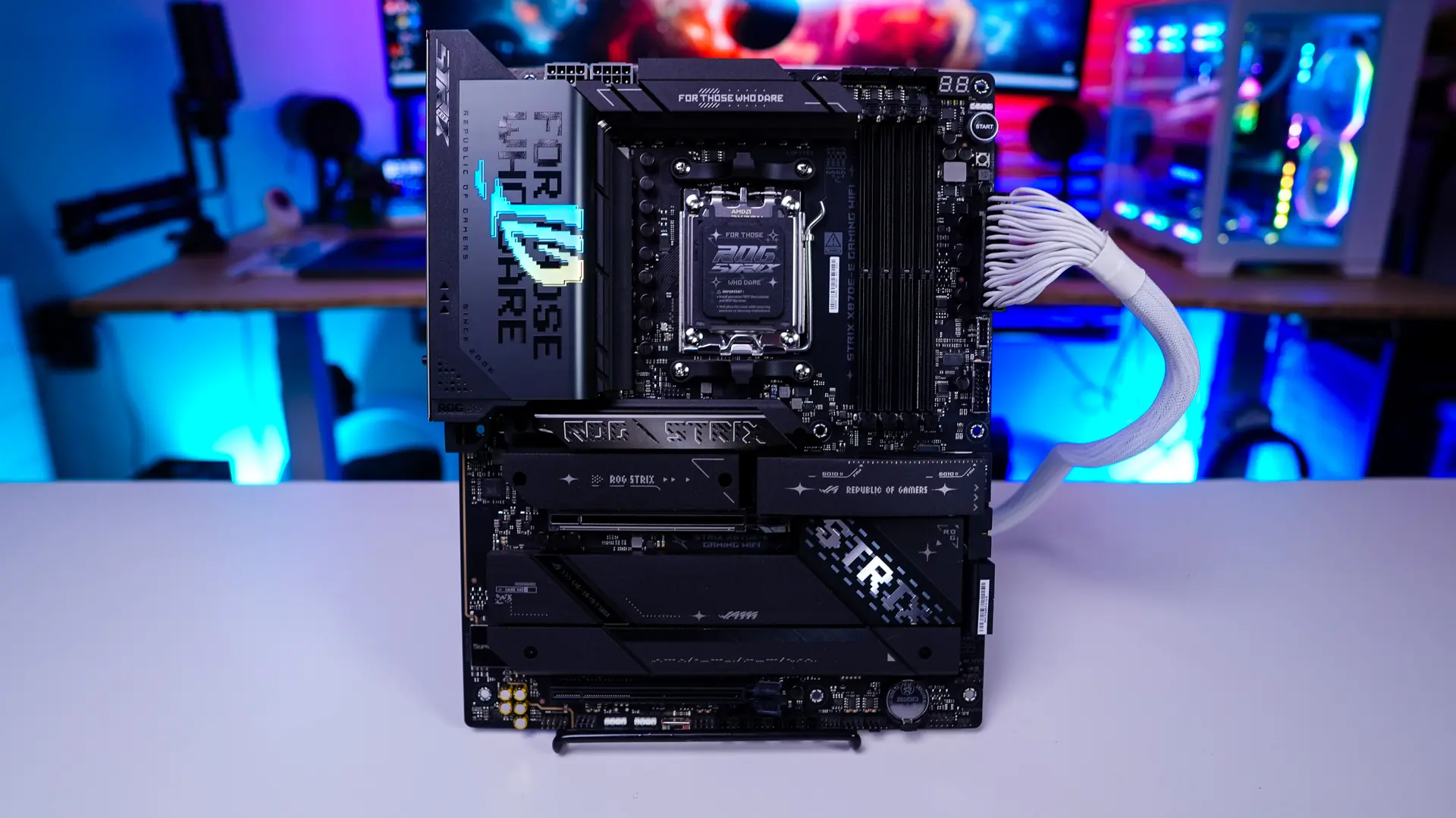
When it comes to M.2 slots you are going to get five! Three of these are PCI-Express 5.0 so you can load up on super-fast M.2 storage. Even the bottom two slots are PCI-Express 4.0 and those will still give you excellent performance over something like a normal SATA drive. While only one of the M.2 heatsinks is tool-less all of the slots are actually so once you remove the heatsinks so you easily slot your drives in.
Talking about ease of use features you have the PCIe Slot Q-Release Slim which makes removing your graphics card so easy. There are dedicated buttons on the board for power and reset (flexkey), as well as having Clear CMOS and BIOS flashback buttons on the rear I/O. Finally the WiFi antenna makes use of the new Q-Antenna connectors so you simply plug them in, no more twisting that end piece.
This board has an 18+2+2 power phase design with 110A power stages for the CPU. So if you plan to do any overclocking this board will definitely be able to handle it. On top of that the power delivery components are covered by two large heatsinks which are connected by a heatpipe so there will not be any VRM overheating issues.
If anything you could argue that there is no standard RGB header (4-pin) and like any ASUS product the Armoury Crate software (which is going to be your motherboard companion software) is bloated at this point. Keep in mind you don’t have to install this software at all.
With all of the features this board offers it is not going to be cheap by any means. Right now it is selling at our favorite online retailer for $453.99. This is however going to be one of the most feature-packed X870E motherboards out there! Overall ThinkComputers gives the ASUS ROG STRIX X870E-E Gaming WIFI Motherboard a 9 out of 10 score and our Editor’s Choice Award!


Pros:
– So many USB ports!
– 18+2+2 power design with 110A power stages
– Five M.2 slots with three of them being Gen5
– Lots of ease of use features which make installation and maintenance easy
– WiFi 7
Cons:
– Armoury Crate is bloated
– No standard RGB headers