ASUS ROG STRIX X870E-E Gaming WIFI Motherboard Overview
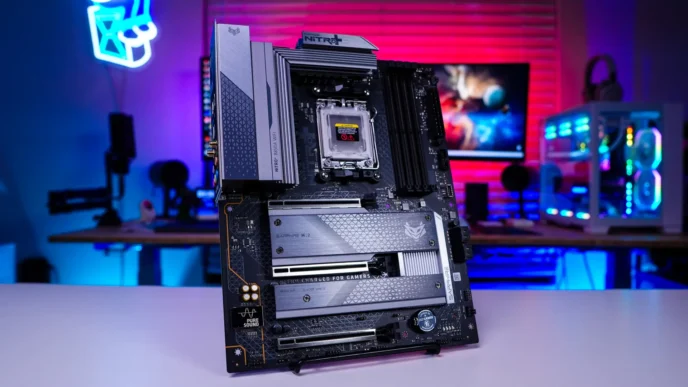
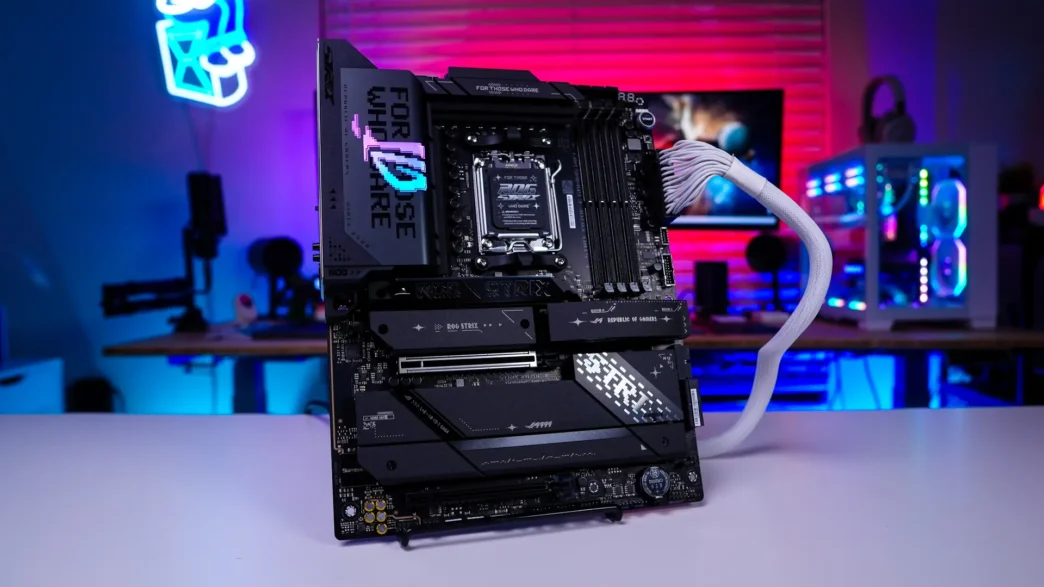
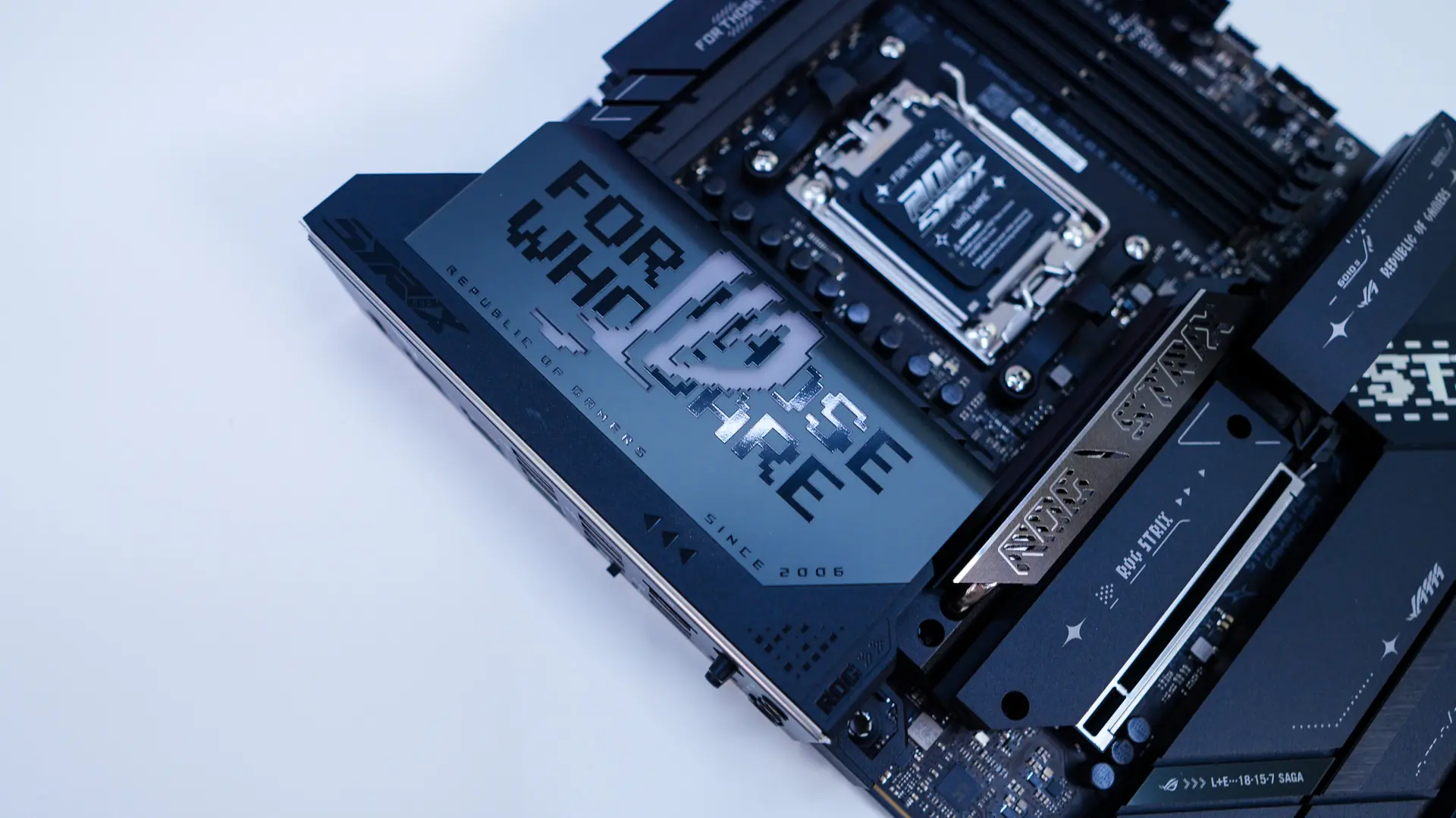
To start things off the ROG STRIX X870E-E Gaming WIFI is going to be a normal-sized ATX motherboard. The design and colorway is going to be very much black so we have a black PCB with silver and gunmetal accents on the heatsinks and various covers. This definitely looks like a high-end board!
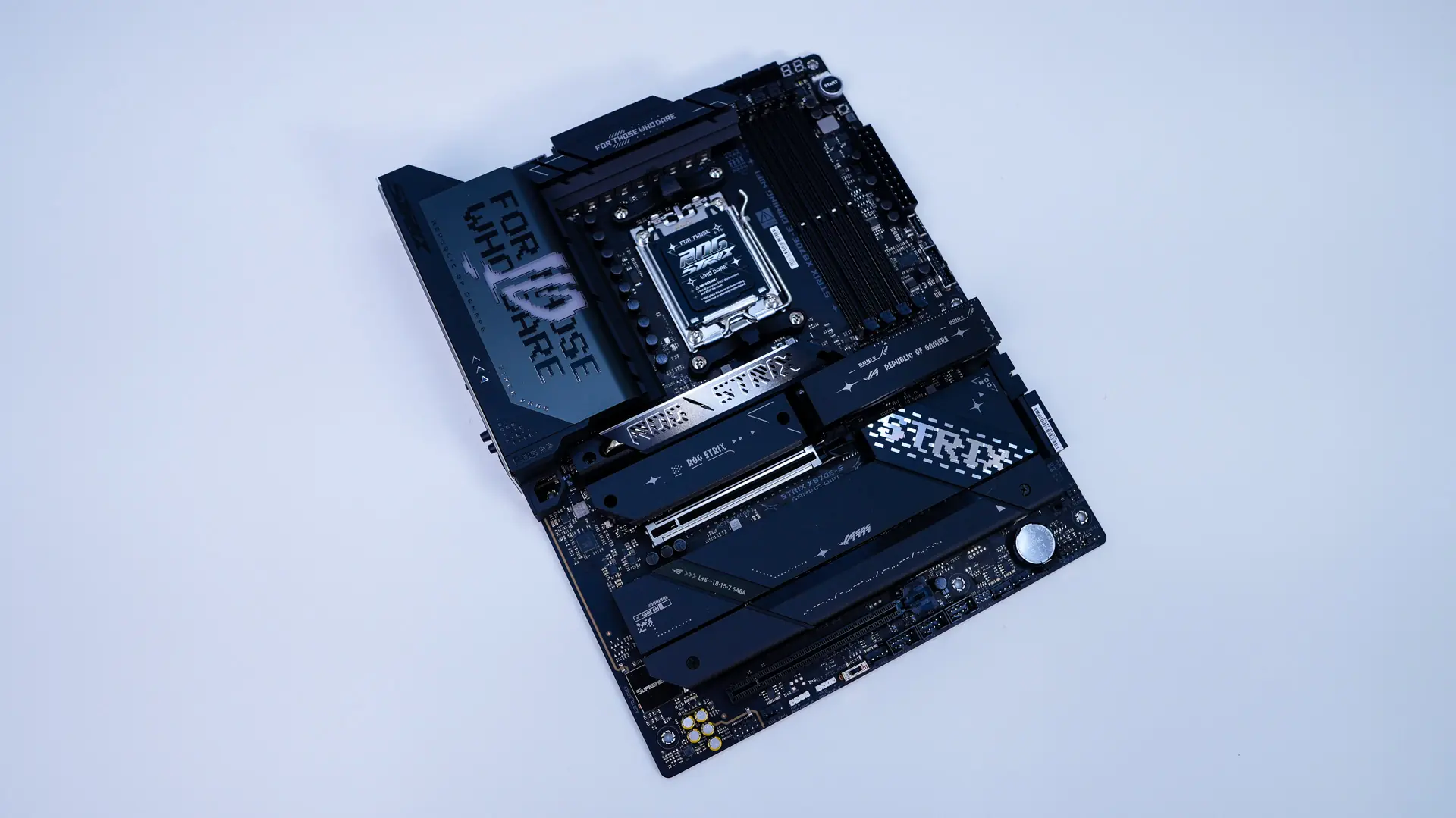
Starting at the CPU socket we have AMD’s AM5 socket. This socket will support AMD’s Ryzen 9000, 8000, and 7000 series processors.
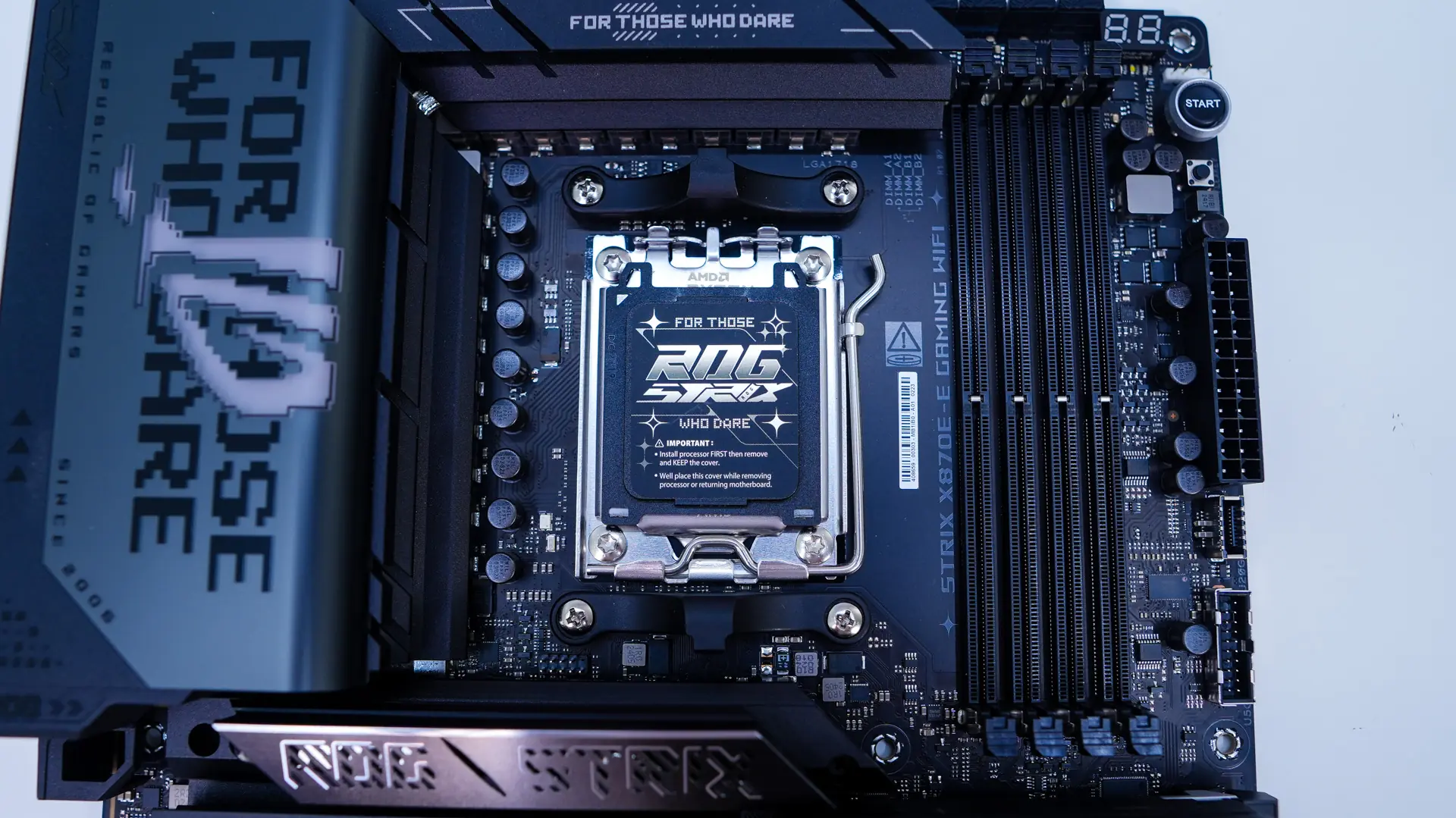
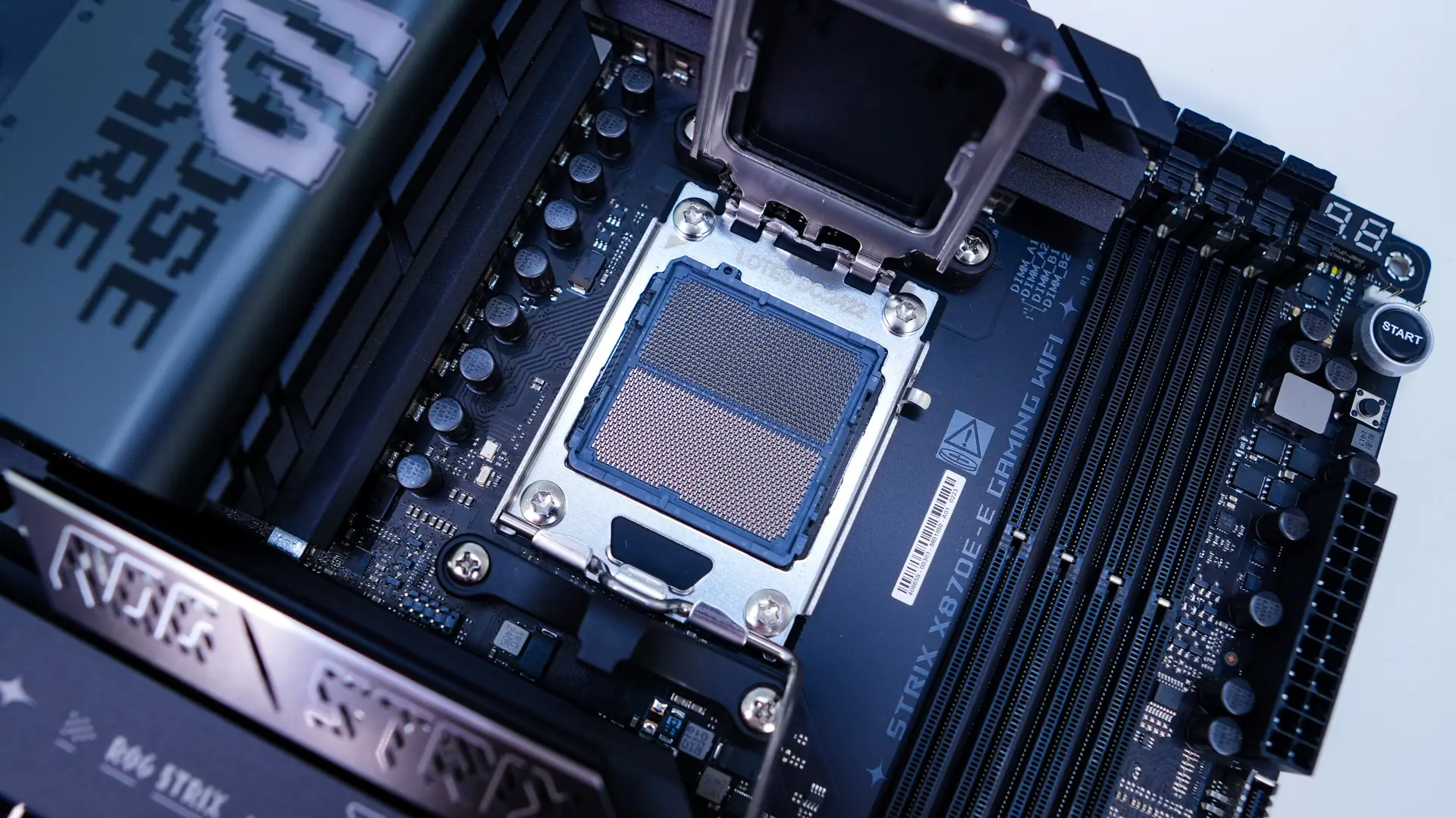
Around the CPU socket you will find your power delivery components and ASUS is making use of a 18+2+2 power phase design with the CPU power stages being 110A. The power delivery components are covered by two large heatsinks which are connected by a heatpipe.
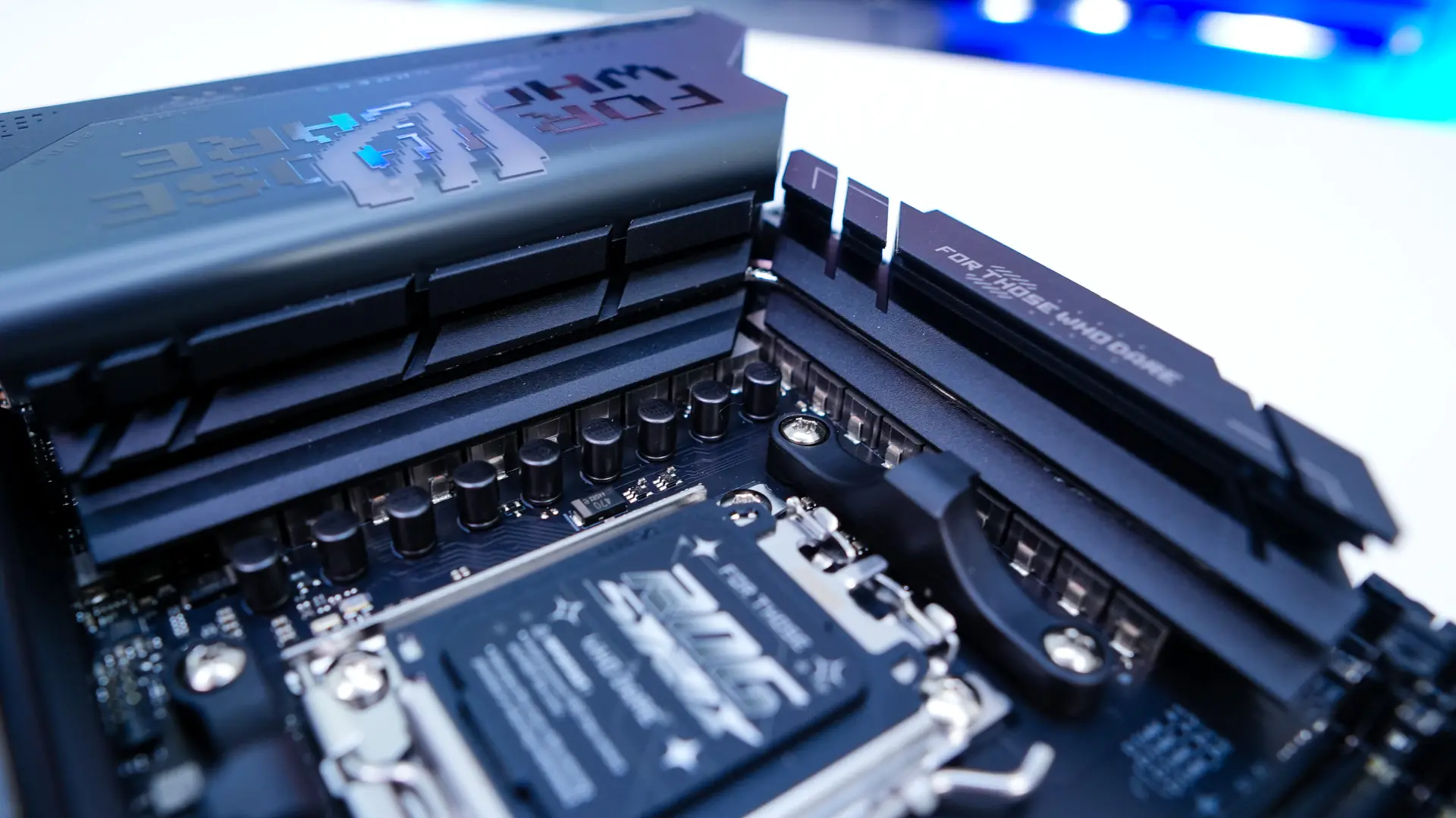
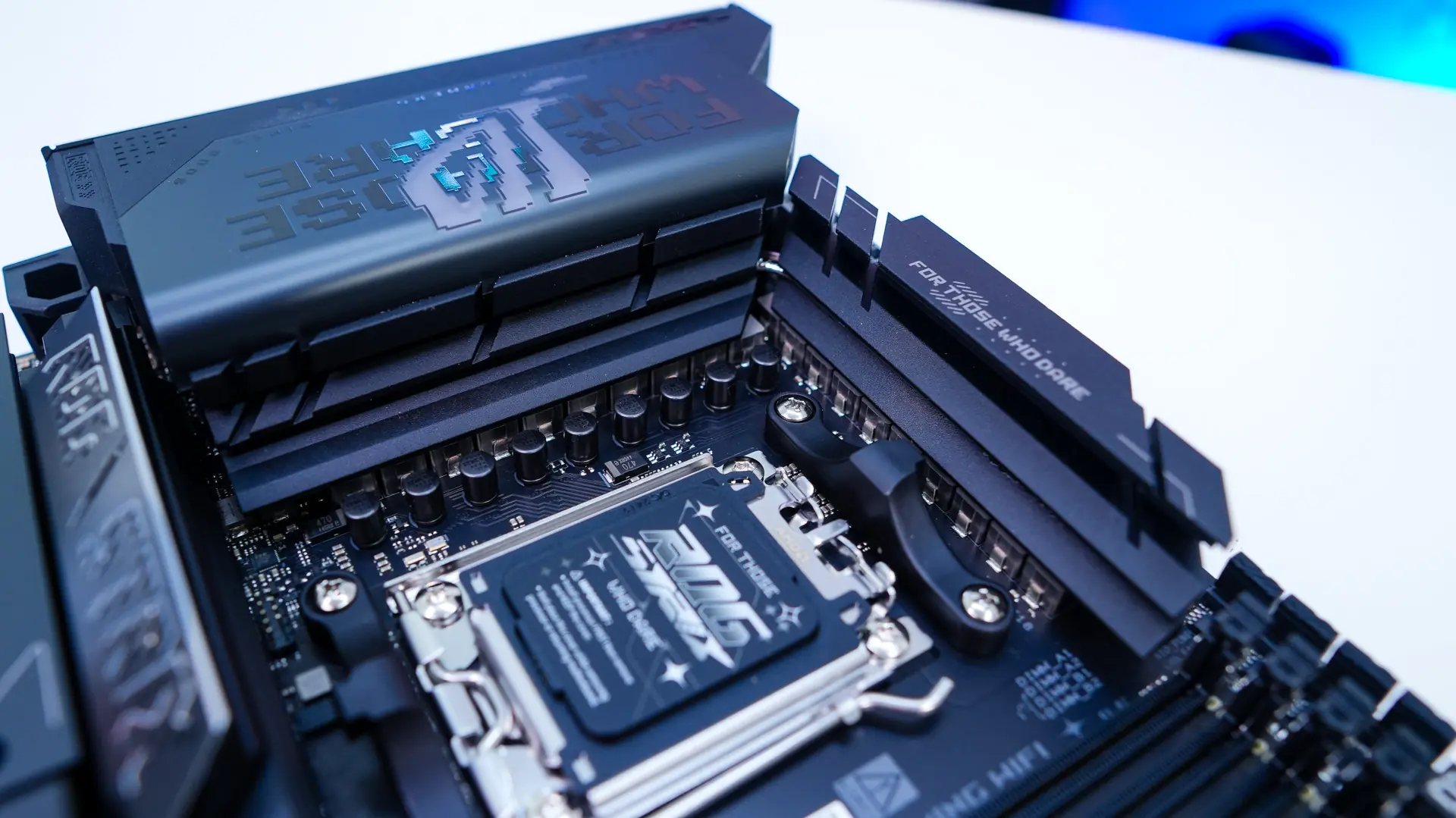
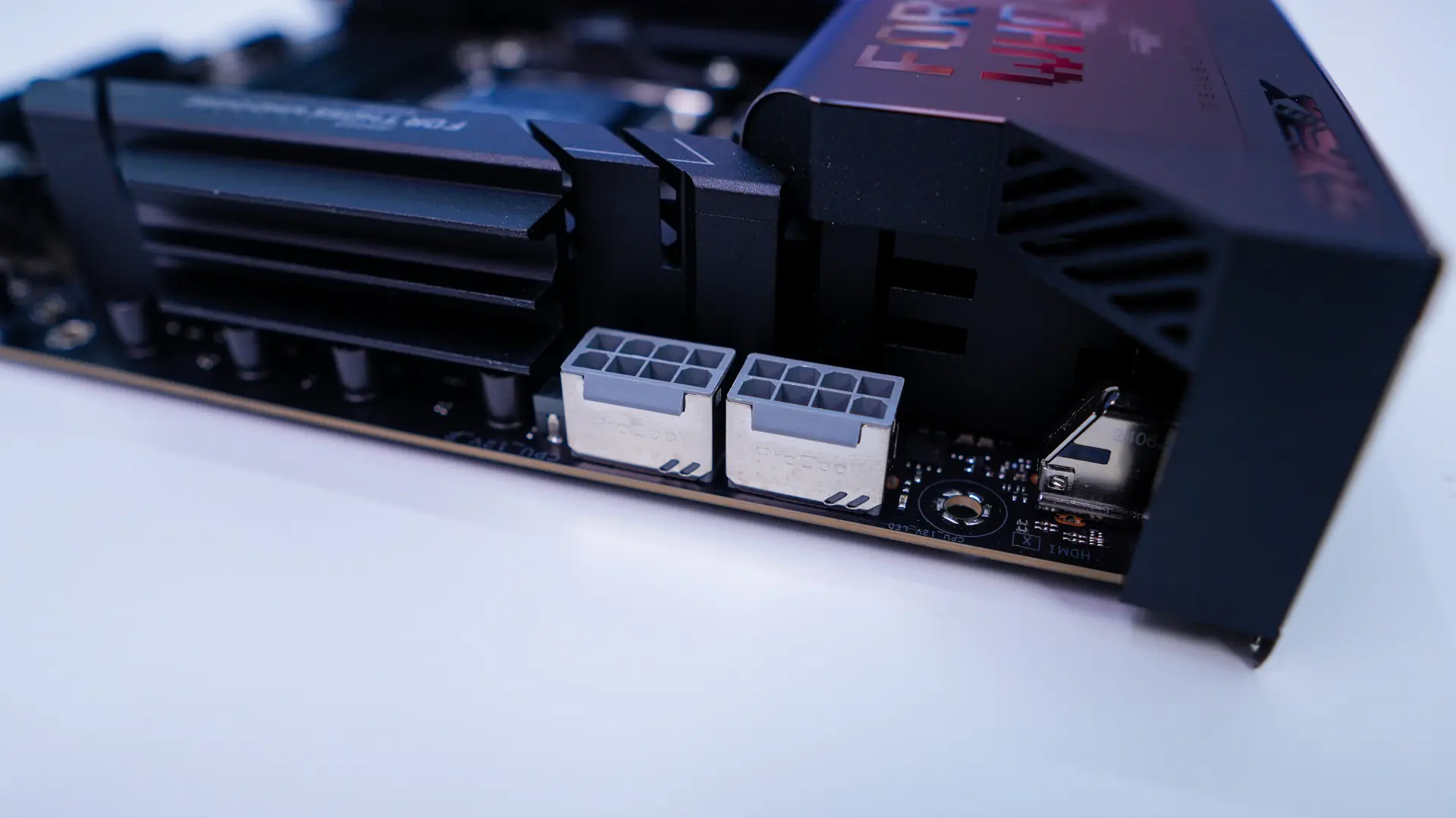
The top corner of the board comes together with a nice rear I/O cover that is mostly a gunmetal cover and says “For those who dare” with the ROG logo in the center. The ROG logo actually lights up with RGB lighting when you have your system powered on. Also hiding at the top edge of the board is going to be your dual 8-pin EPS connectors, which are metal-reinforced.
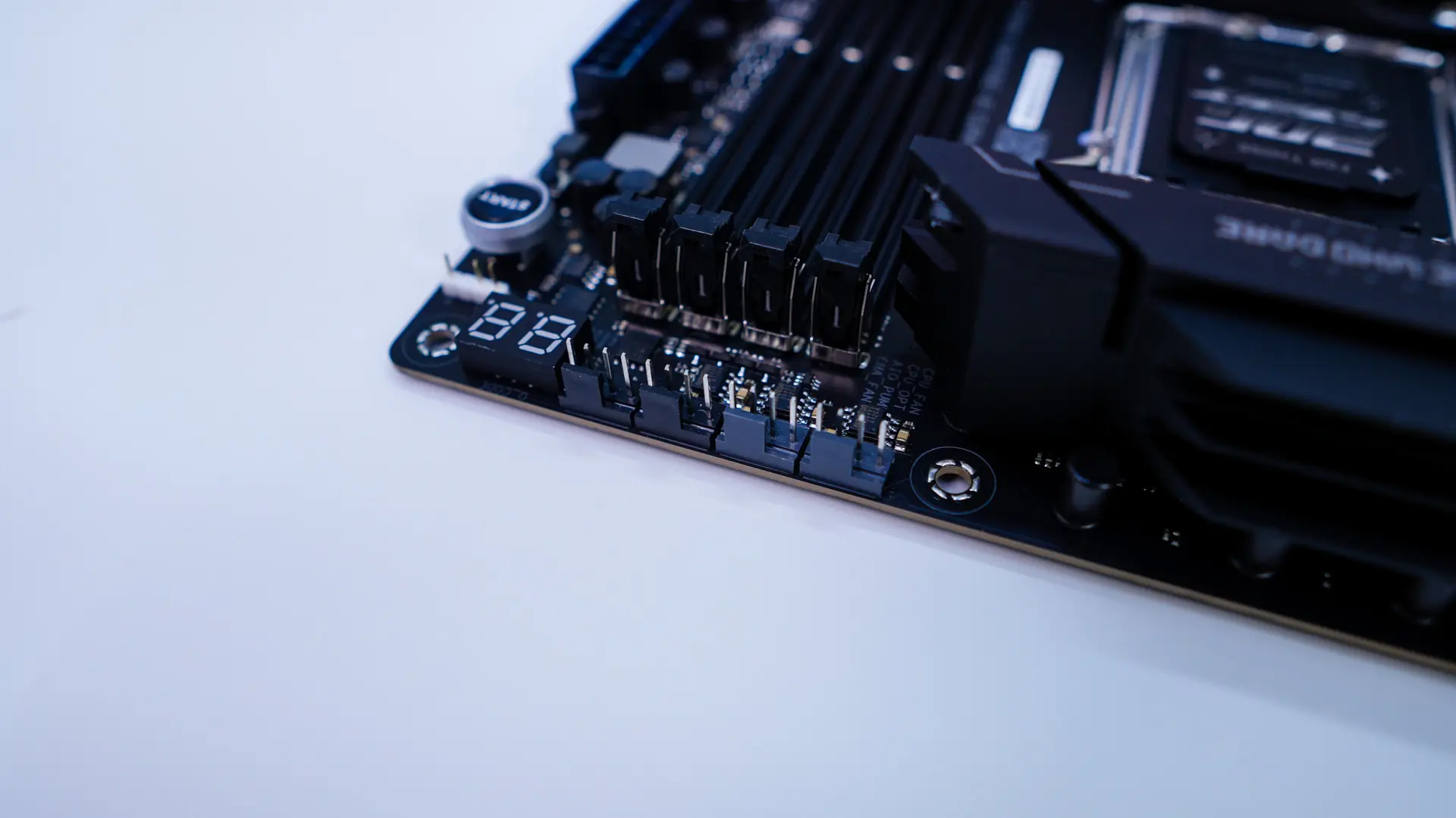
Moving across the top-edge of the board you’ll find four 4-pin headers which do have covers on them. I really like that ASUS has been adding these covers on headers like this as these headers are really easy to accidently bend when you are doing your installation. These headers include your CPU fan, optional CPU fan, AIO pump, and a normal channel fan.
Coming to the memory slots we have four DDR5 DIMM slots which will support up to 256GB of DDR5-8400 memory. Just like we saw on the ROG Maximus Z890 Hero motherboard, this board is making use of NitroPath DRAM so the memory slots have been redesigned. The new slots feature pins that are looped to terminate at the very end, eliminating the resonant excess section of the original design. Internal testing found that the NitroPath DRAM design could lead to significantly increased headroom across multiple configurations.
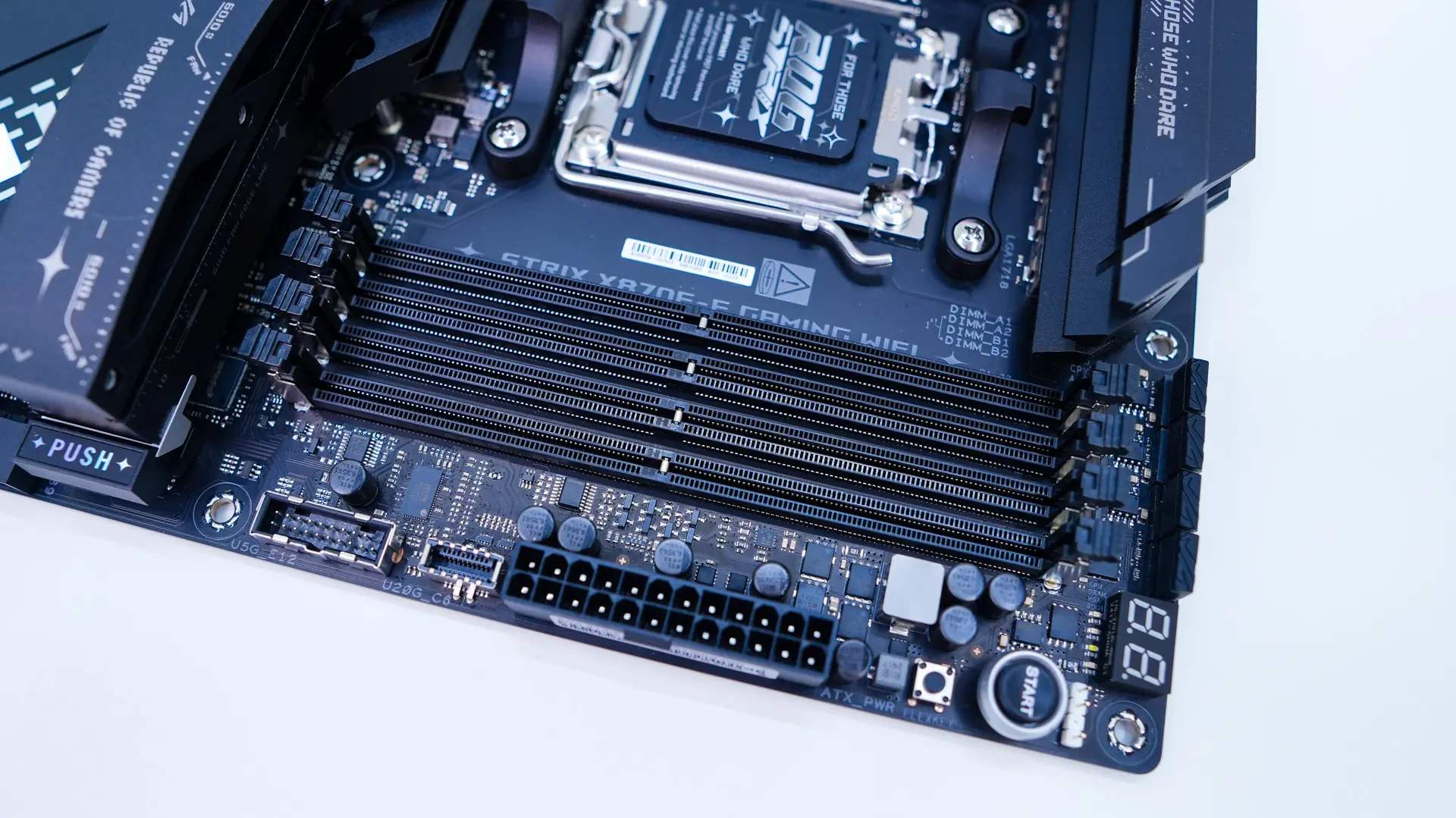
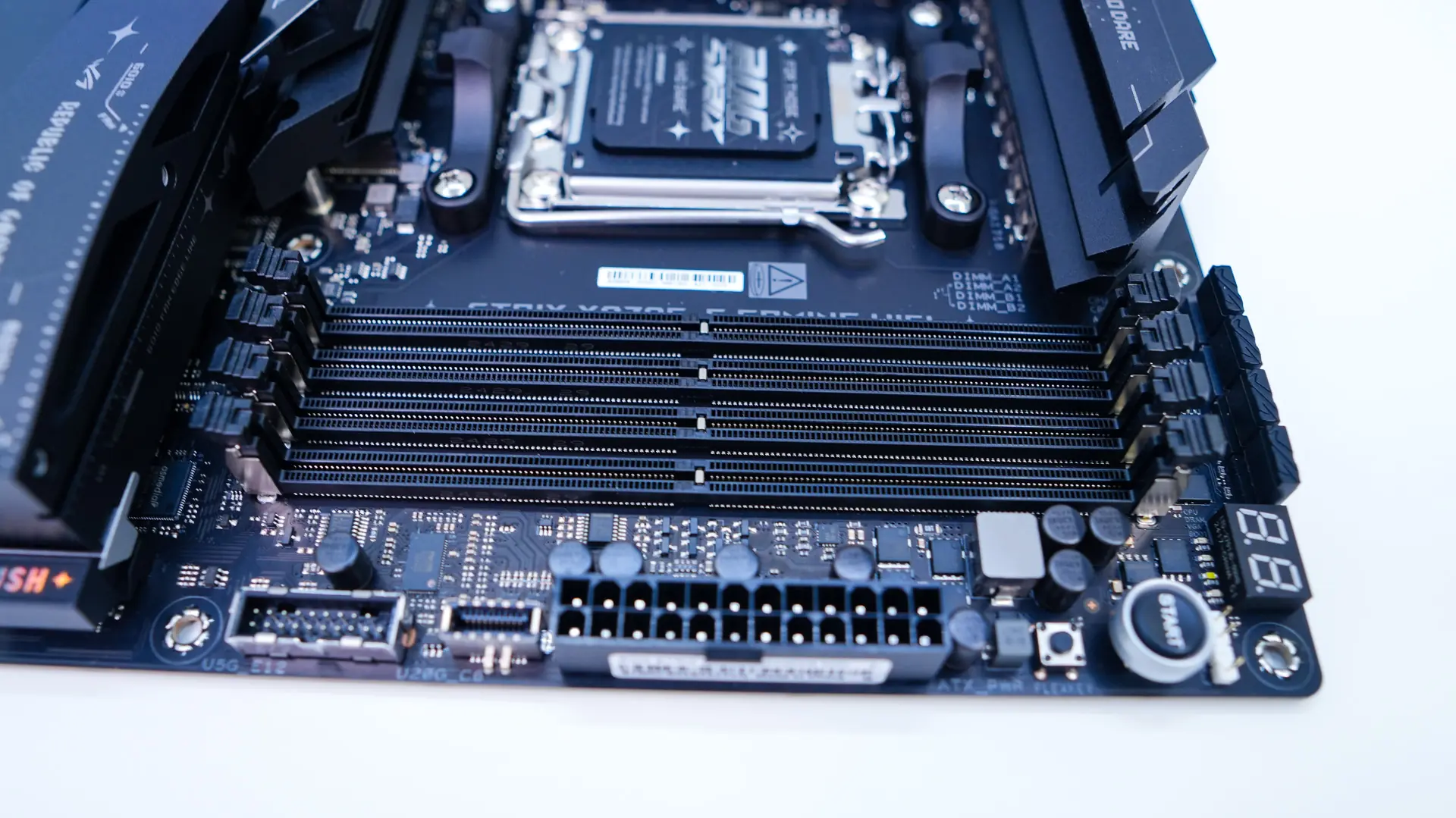
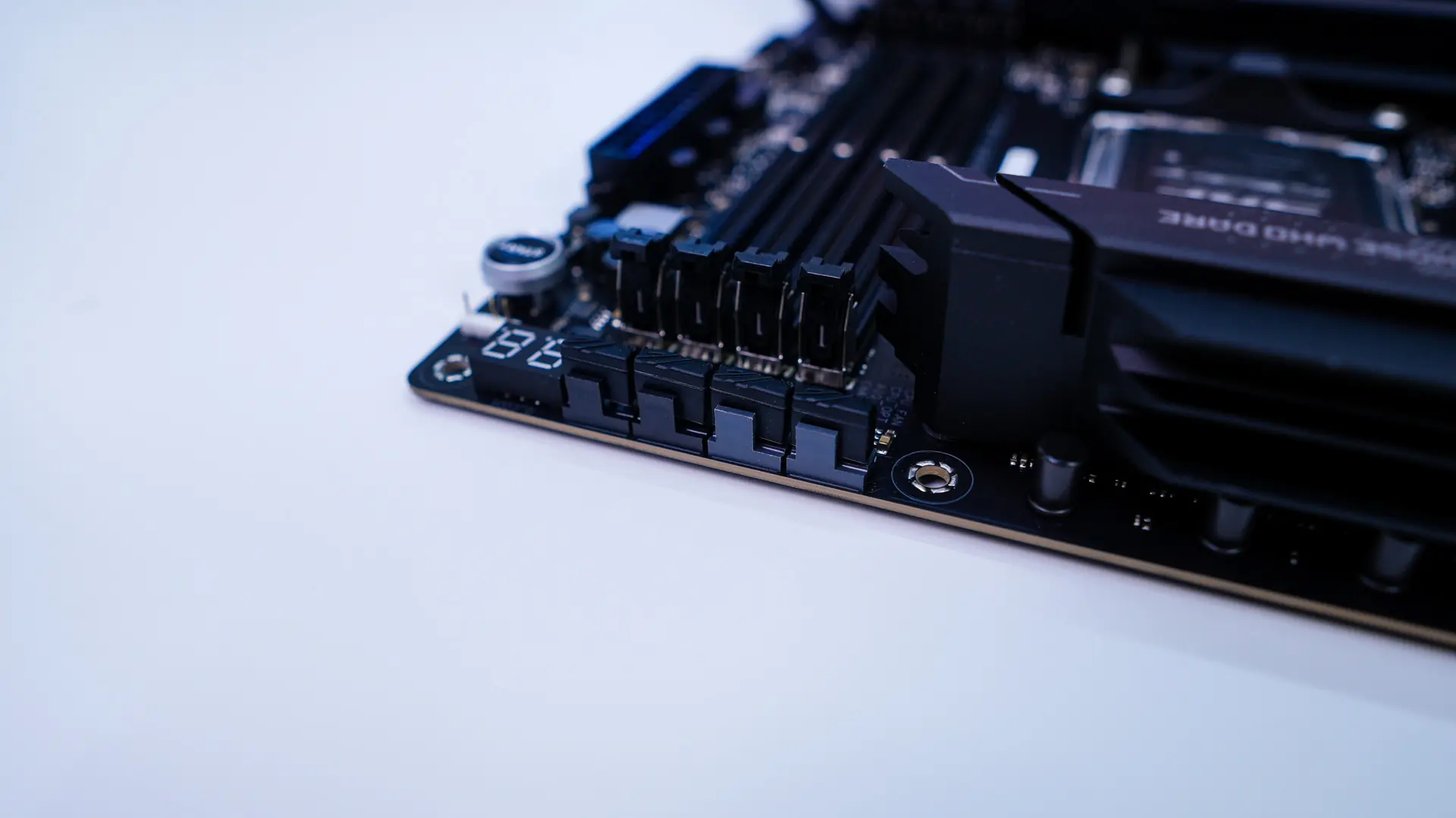
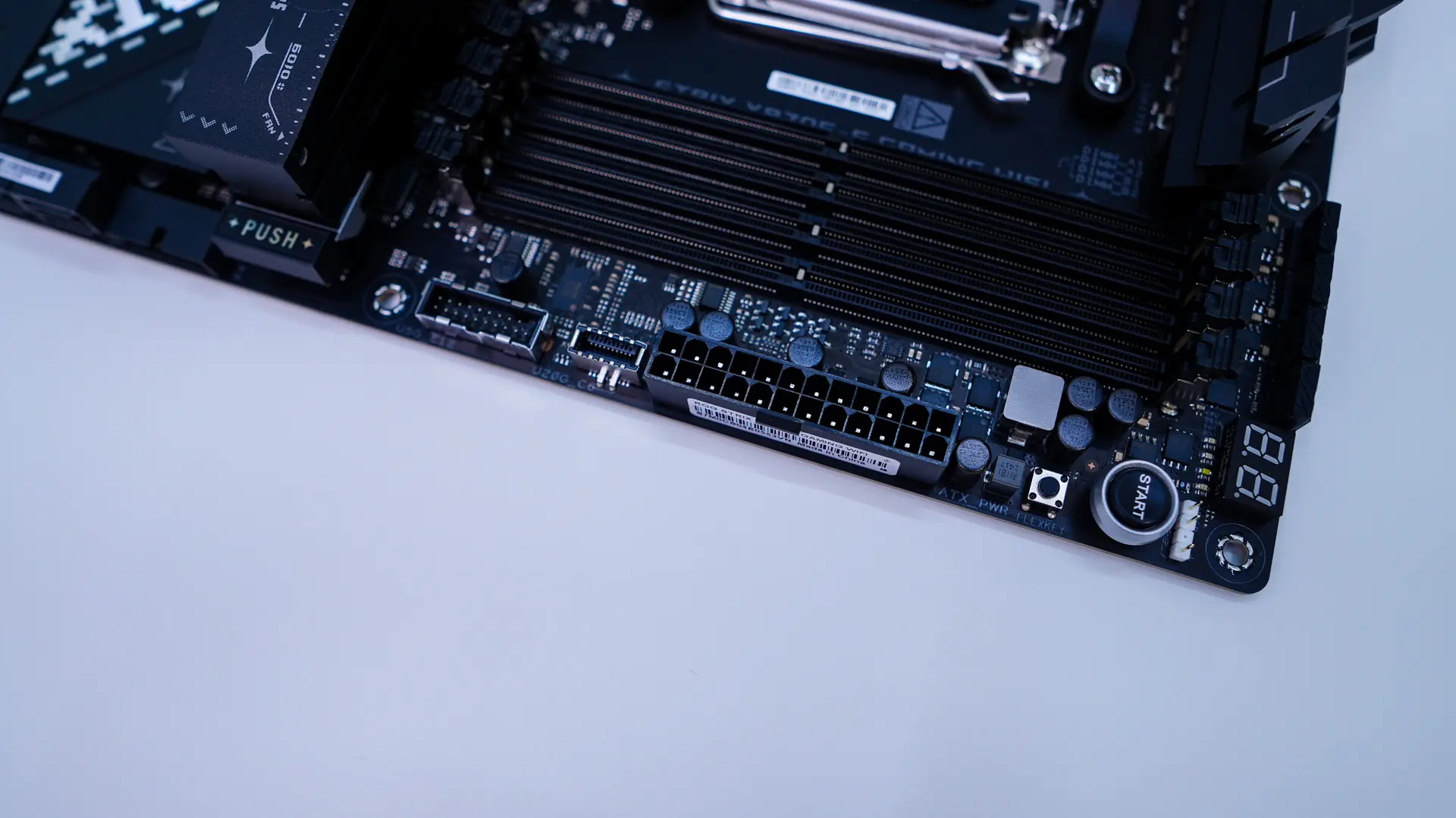
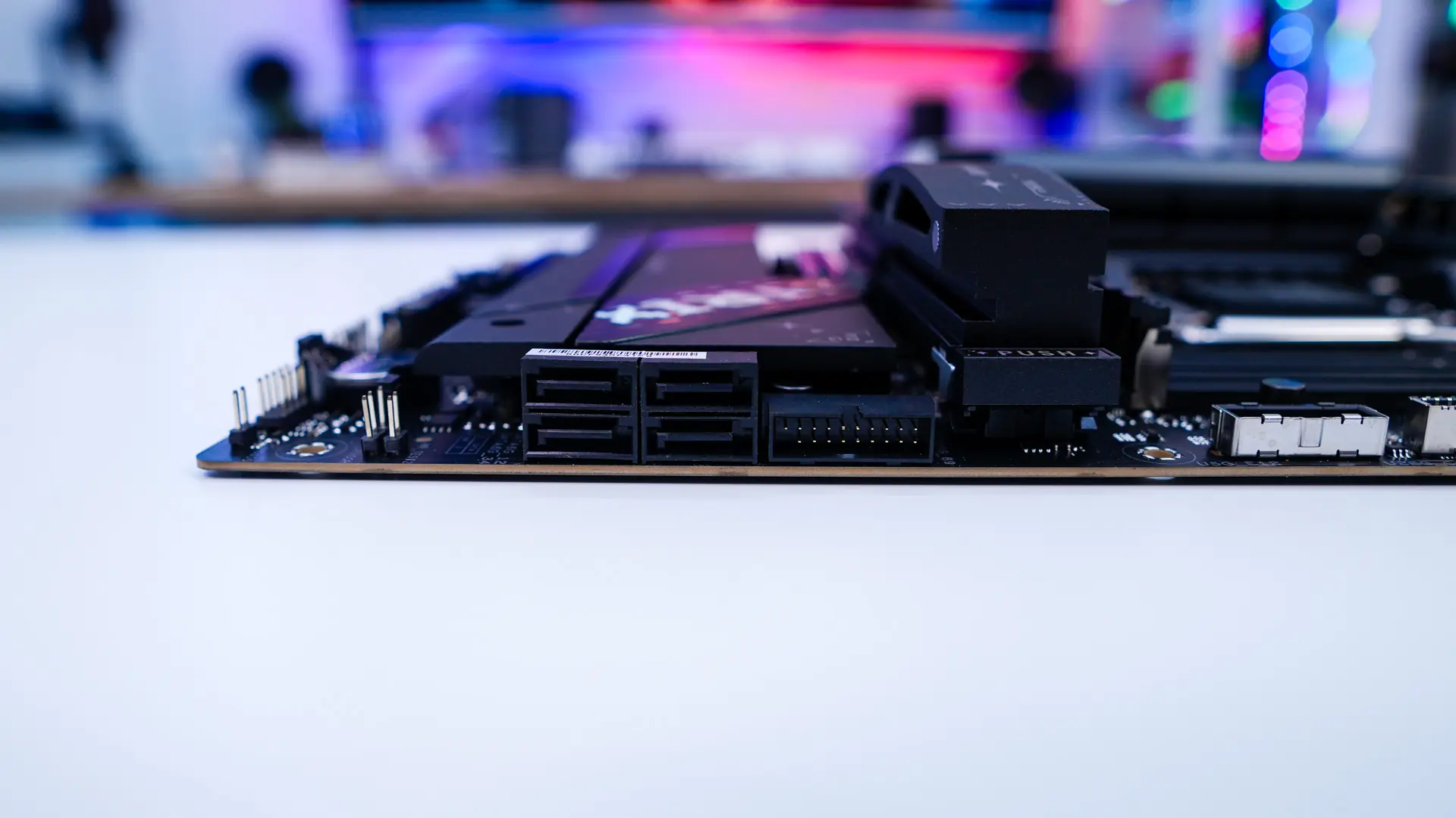
As we move over to the far edge of the board we find a post code display, 3-pin addressable RGB header, large power button, smaller Flexkey button, a 24-pin ATX power connection, USB 3.2 gen 2×2 header, two USB 3.2 gen 1 headers (one is metal reinforced), and four SATA 6GB/s ports. The SATA ports and bottom USB 3.2 gen 1 header are at a 90-degree angle so they do not get in the way of your expansion cards.
At the bottom of the board you are going to find the rest of your headers and connections. So from left to right you have your front panel audio header, a 4-pin fan header, two 3-pin addressable RGB headers, ALT PCIe mode switch, another 4pin fan header, three USB 2.0 headers, two more 4-pin fan headers, your front panel headers, and a temperature sensor header. This is actually one of the first modern boards I’ve seen in a while with more than two USB 2.0 headers. Maybe the popularity of products like the HYTE Powered USB Hub made ASUS add another header on here!
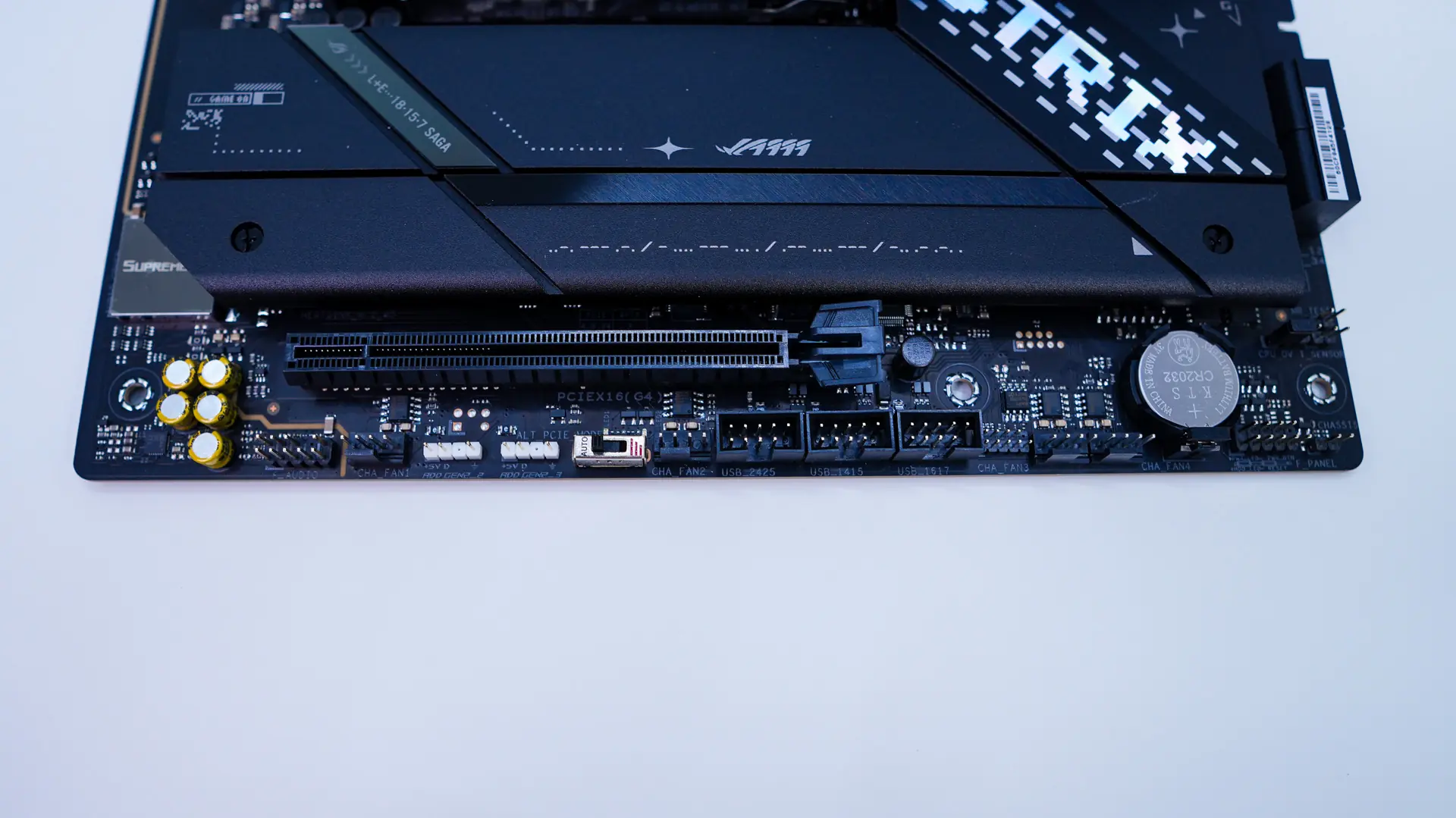
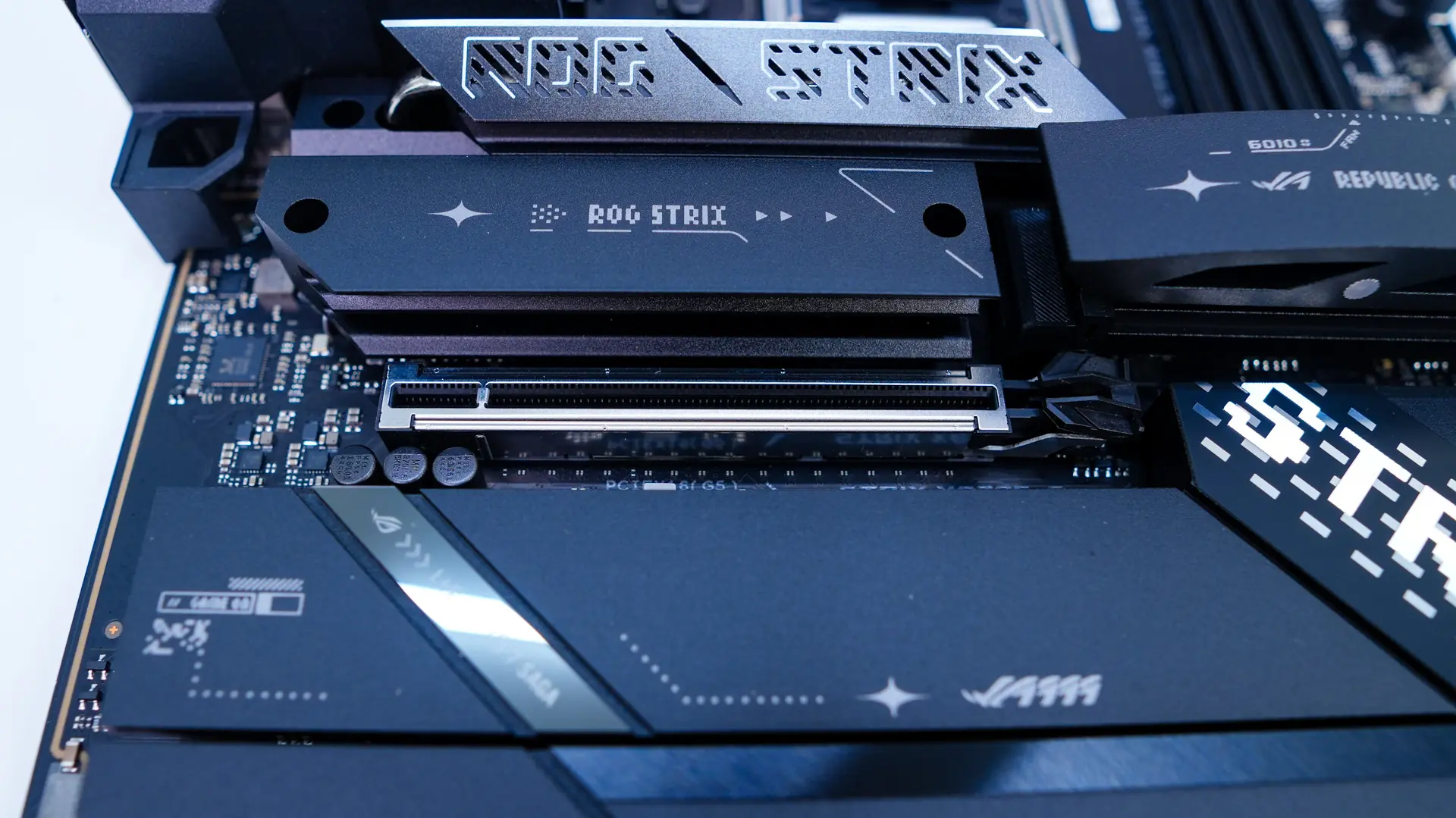
Like most modern high-end motherboards the bottom half of the ROG STRIX X870E-E Gaming WIFI is covered in heatsinks. There are a total of four removable heatsinks and five M.2 slots. The easiest removable M.2 heatsink is the one that is closest to the front of the board. This is actually a larger heatsink and makes use of ASUS’s M.2 Q-release. The other two heatsinks in this array are pretty large too. Removing all three heatsinks these top three M.2 slots are PCI-Express 5.0 slots, the top slot has the M.2 Q-Slide which makes it really easy to lock down your drive.
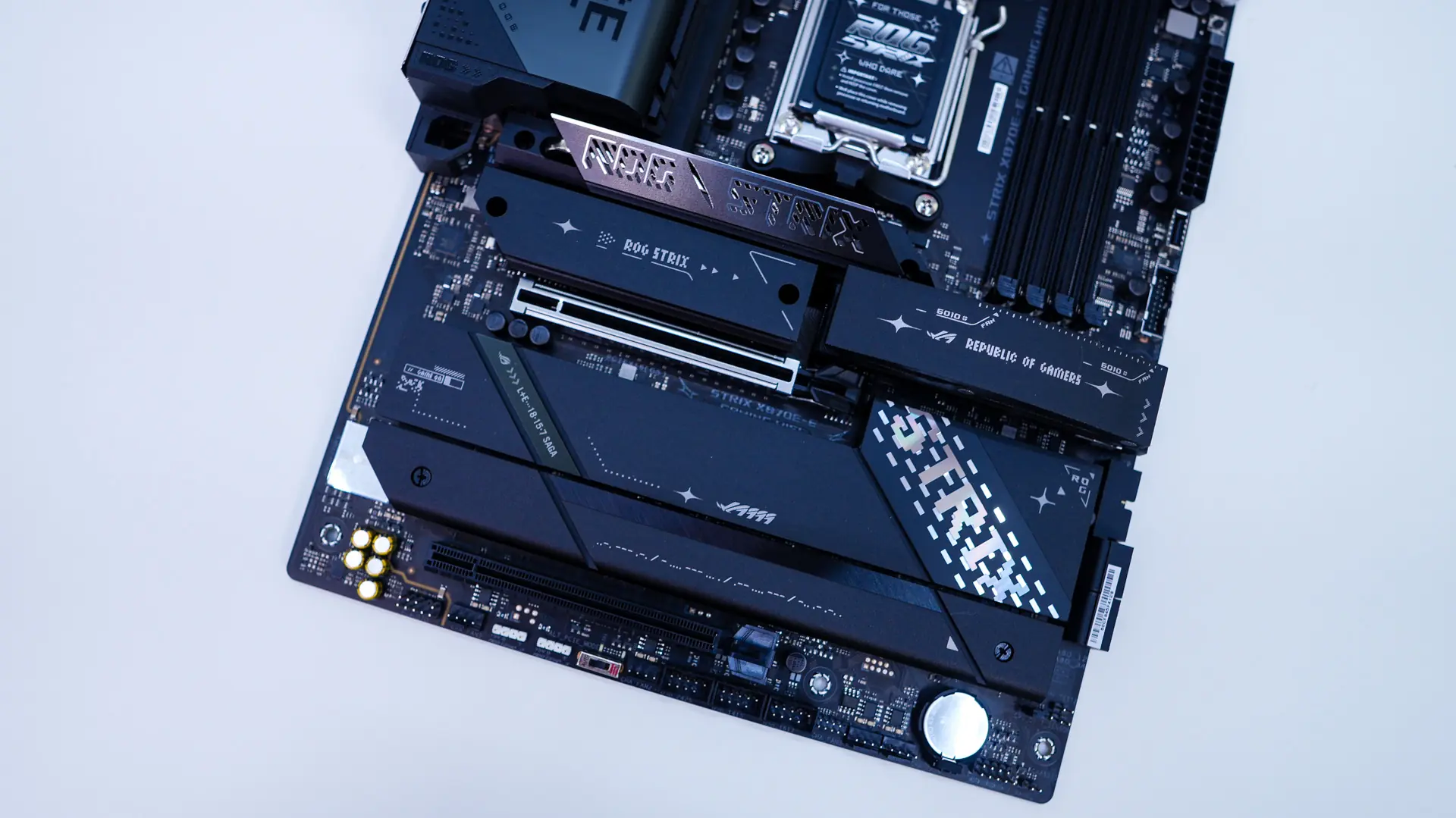
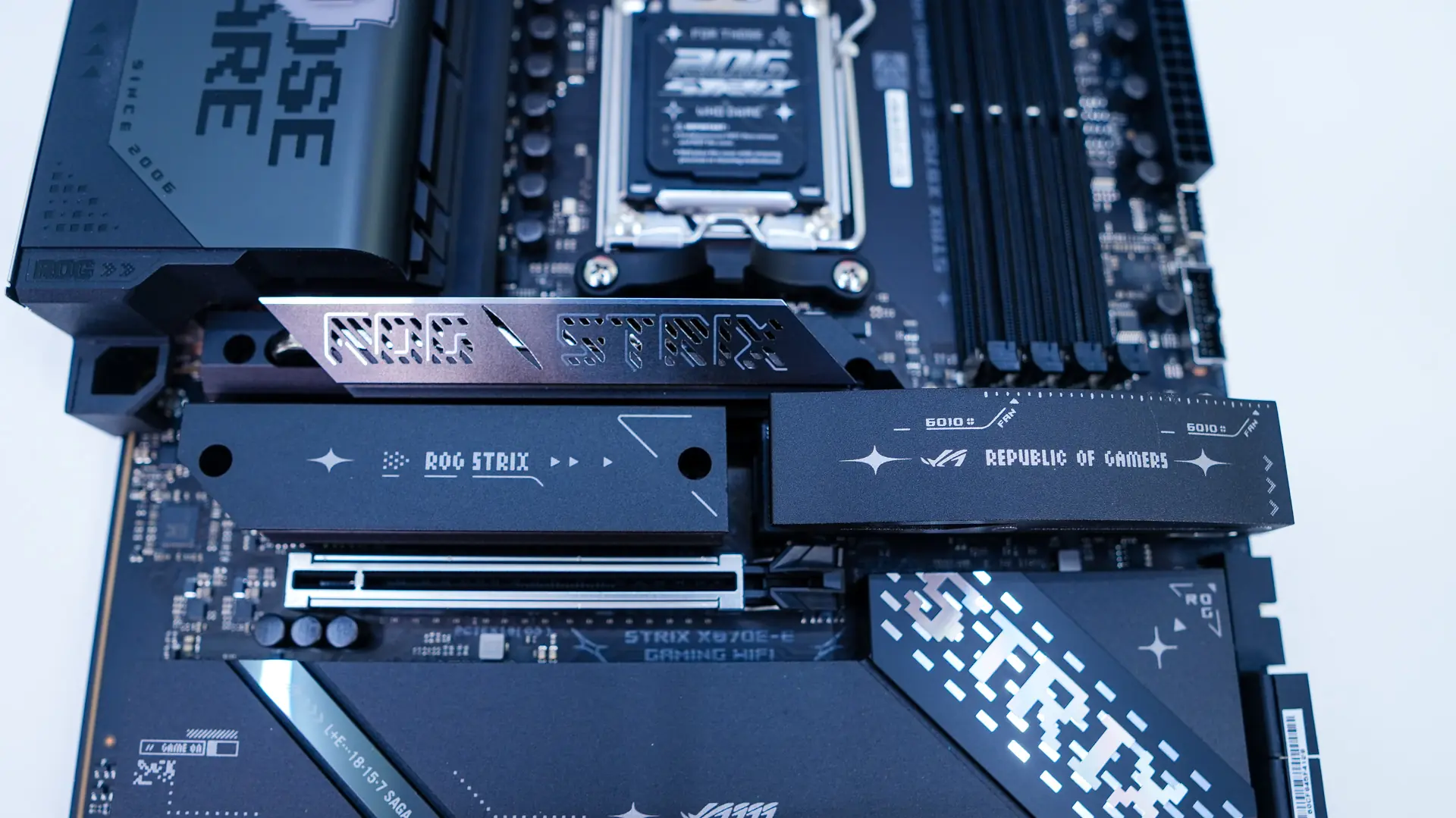
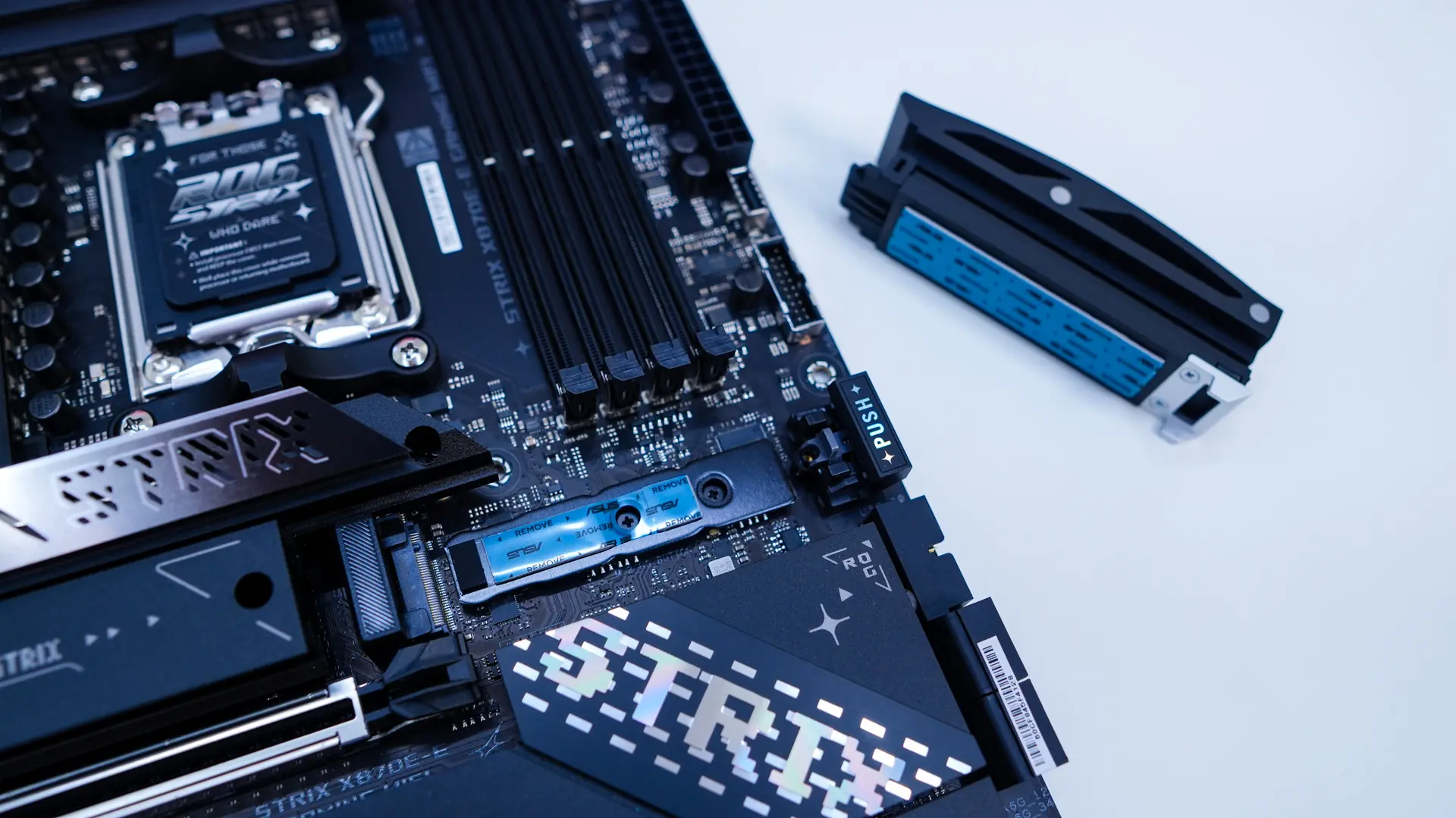
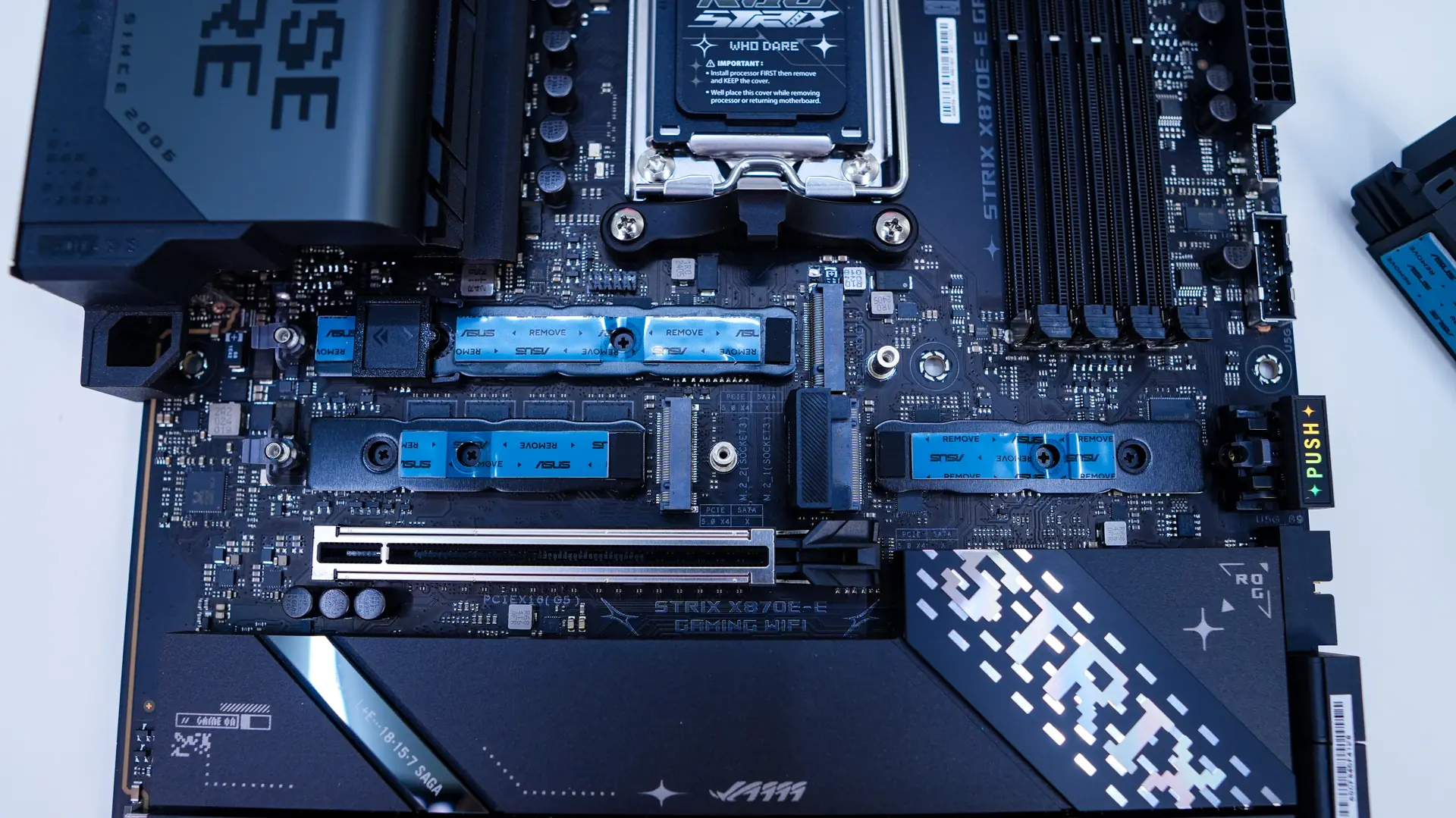
The bottom heatsink is a bit less beefy than the others. When it remove it, it does reveal two more M.2 slots. Both of these are PCI-Express 4.0 x4. All of the M.2 slots feature the M.2 Q-Latch which will lock in your drive effortlessly.
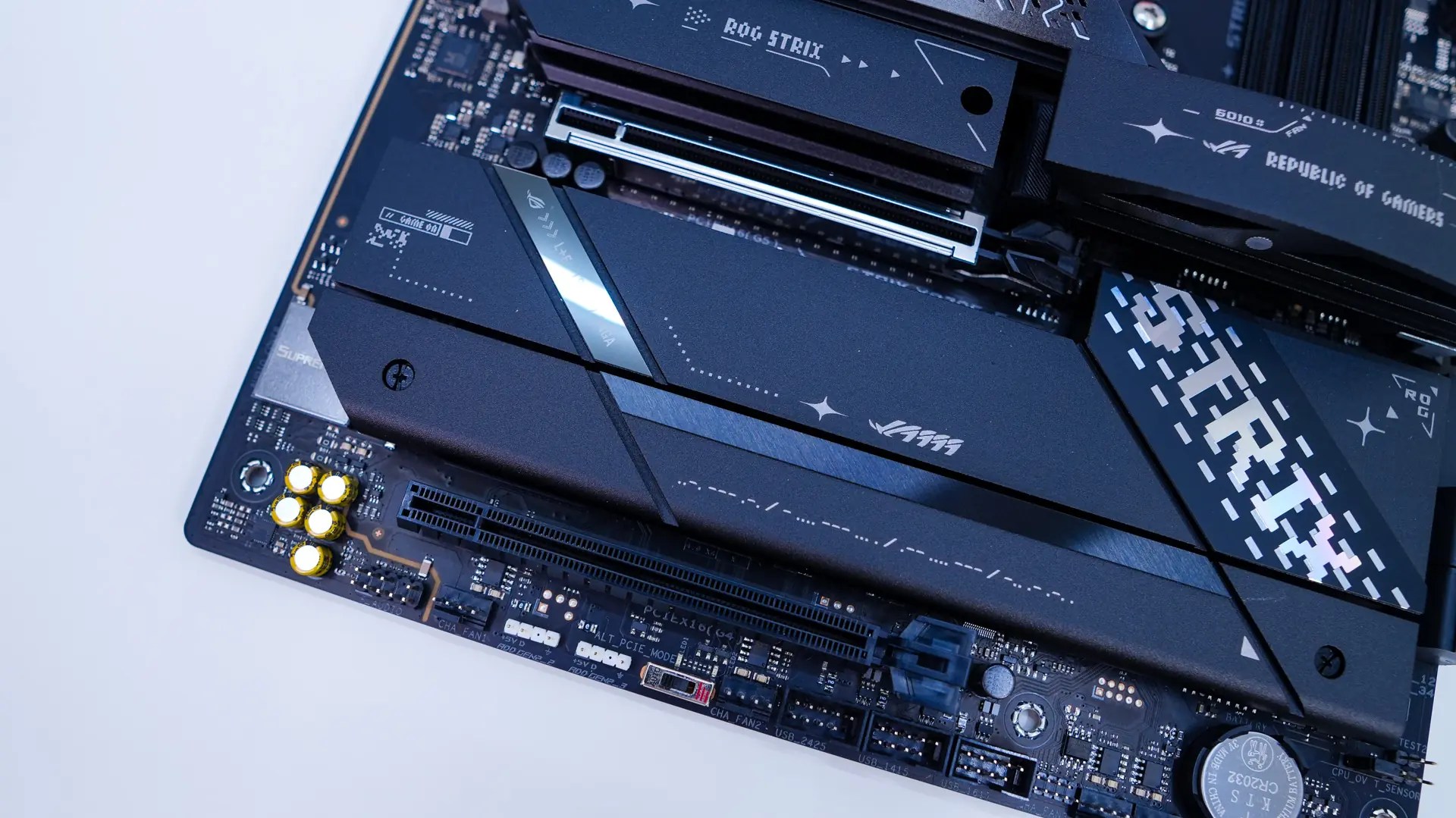
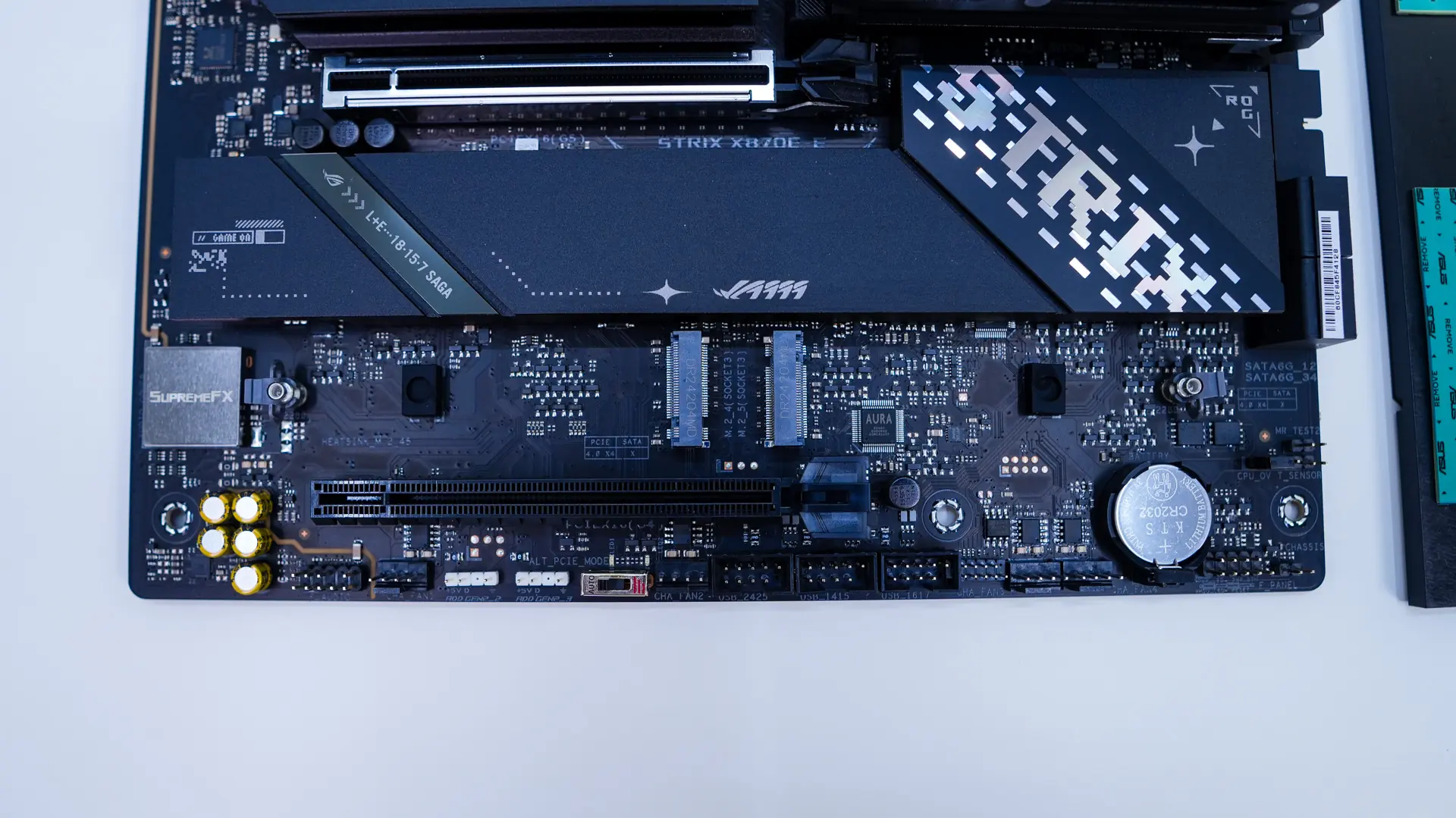
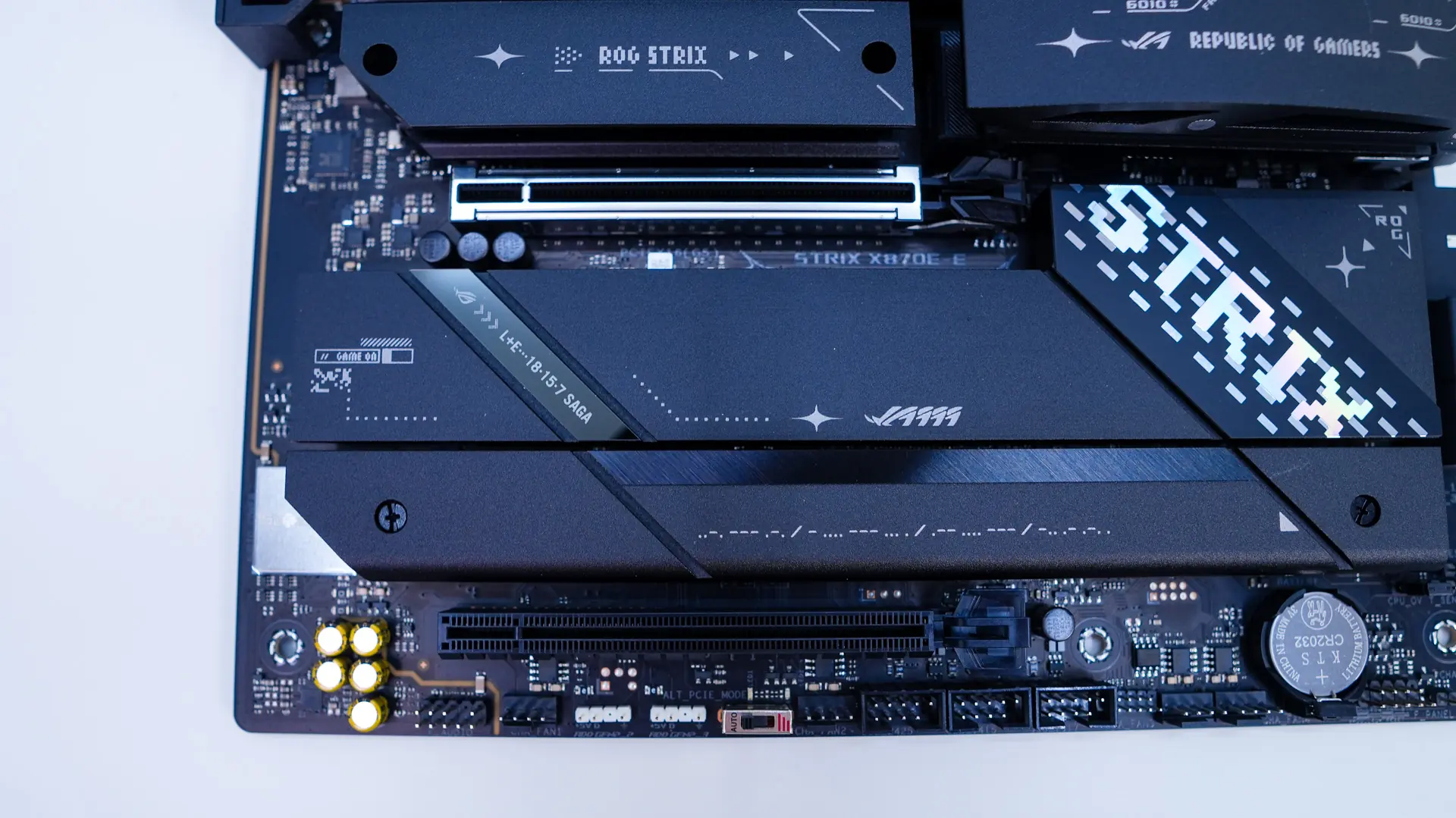
For expansion slots you are going to get a PCI-Express 5.0 x16 slot and a PCI-Express 4.0 x16 slot (x4 electrical). The top slot is going to be metal-reinforced and features the ASUS exclusive PCIe Slot Q-Release Slim. So instead of having a release button for the top slot you simply pull your card towards the front of the board and it releases. It really is that simple and this is one of my favorite features on modern ASUS motherboards.
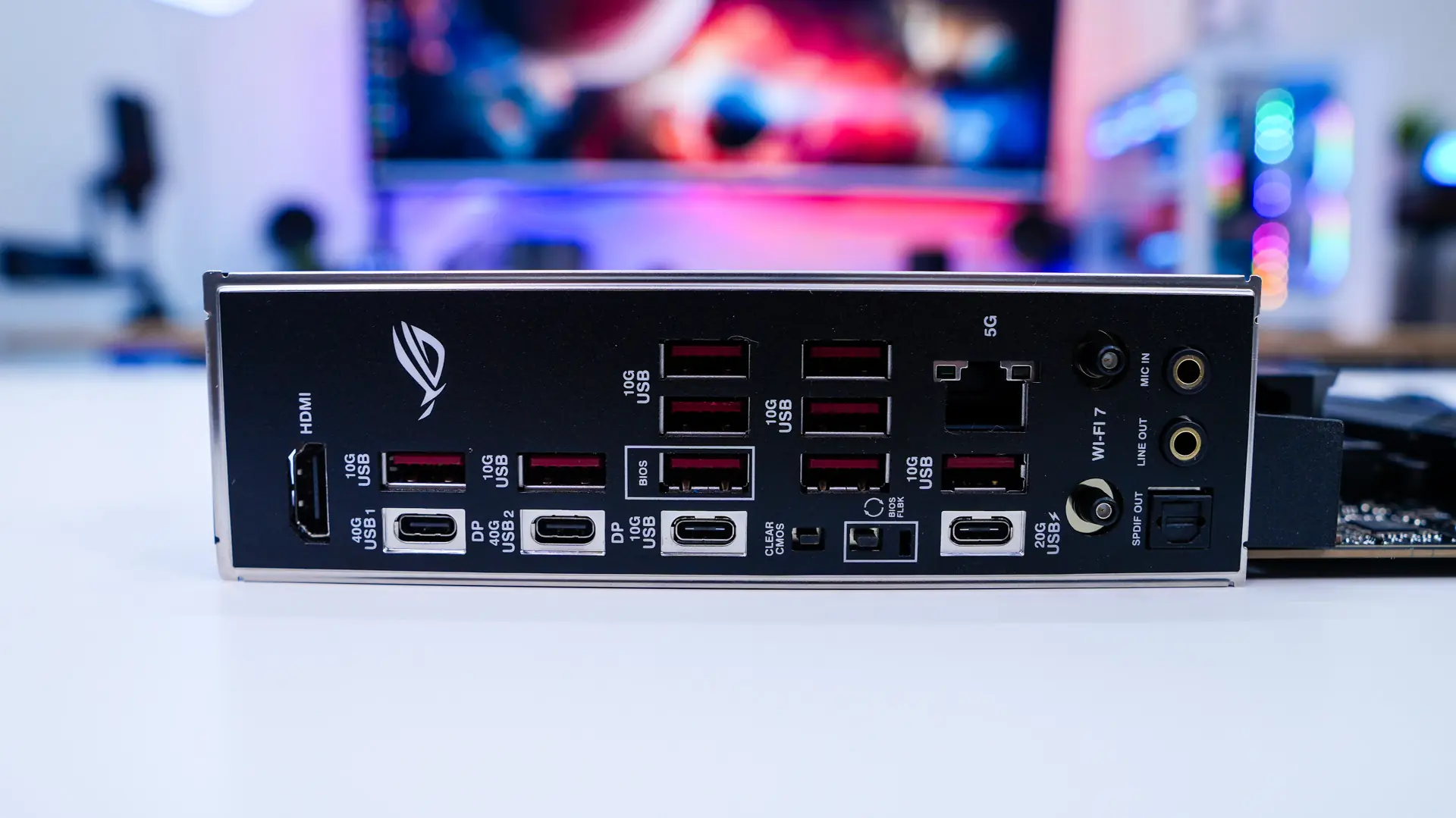
Moving to our rear I/O we do have a built-in I/O shield. As far as connections go we have HDMI, two USB4 ports (Type-C), 10 USB 3.2 gen 2 ports (9x Type-A, 1x Type-C), Clear CMOS button, BIOS Flashback button, a USB 3.2 gen 2×2 Type-C port, 5G Ethernet, WiFi 7 antenna connections and your audio connections. The USB 3.2 gen 2×2 port also will support 30W power delivery.