ASUS TUF GAMING CAPTURE BOX-4KPRO Overview
The TUF GAMING CAPTURE BOX-4KPRO is a relatively small unit actually, with official dimensions of 10.5 x 8 x 2.1 cm. This means that it shouldn’t take up much room on your desk and it is going to be easy to pack into a bag.
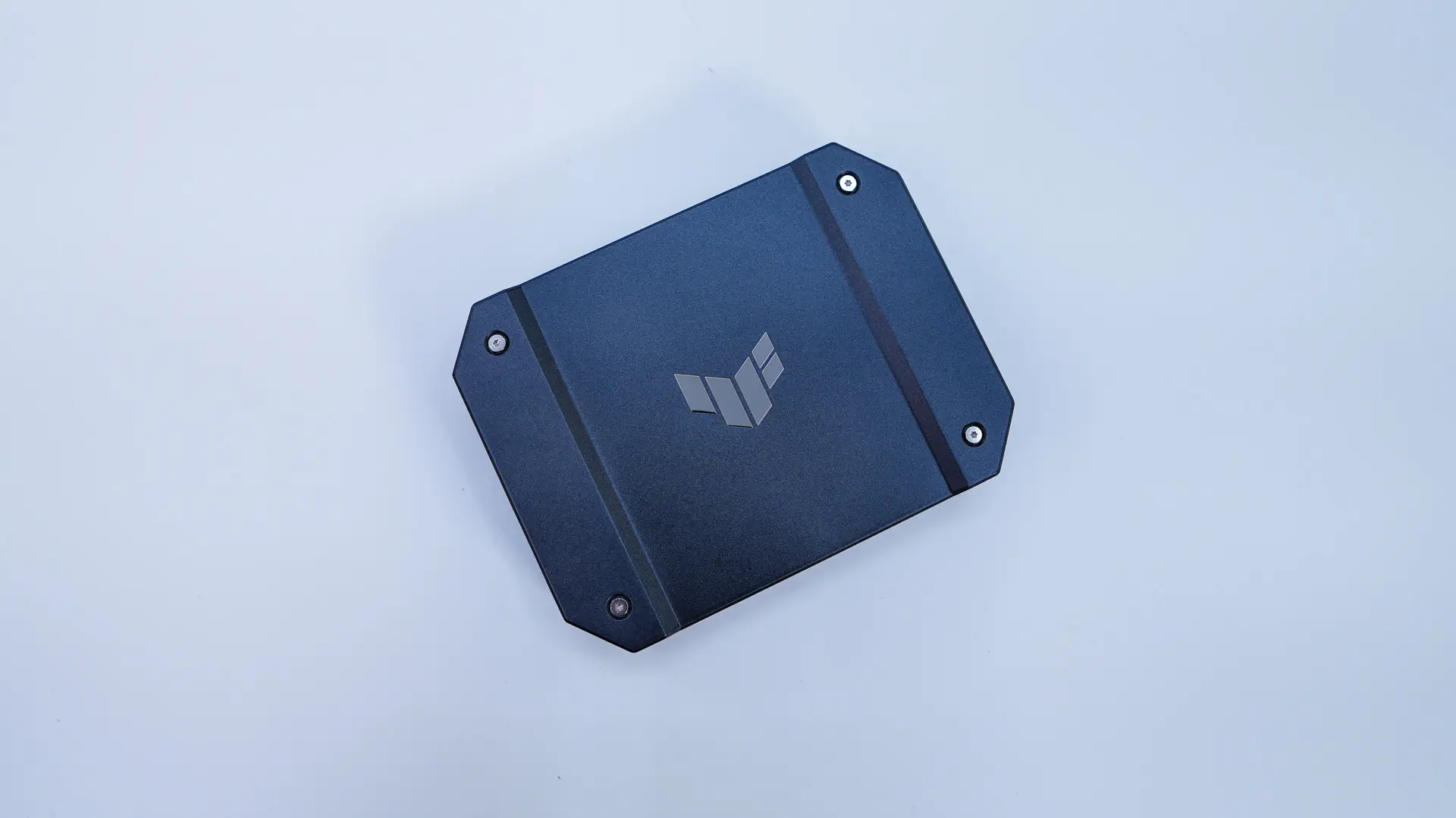
The unit itself has a sort of industrial design which the ASUS TUF series is known for. The top has a nice metal plate on it with the TUF Gaming logo in the center.
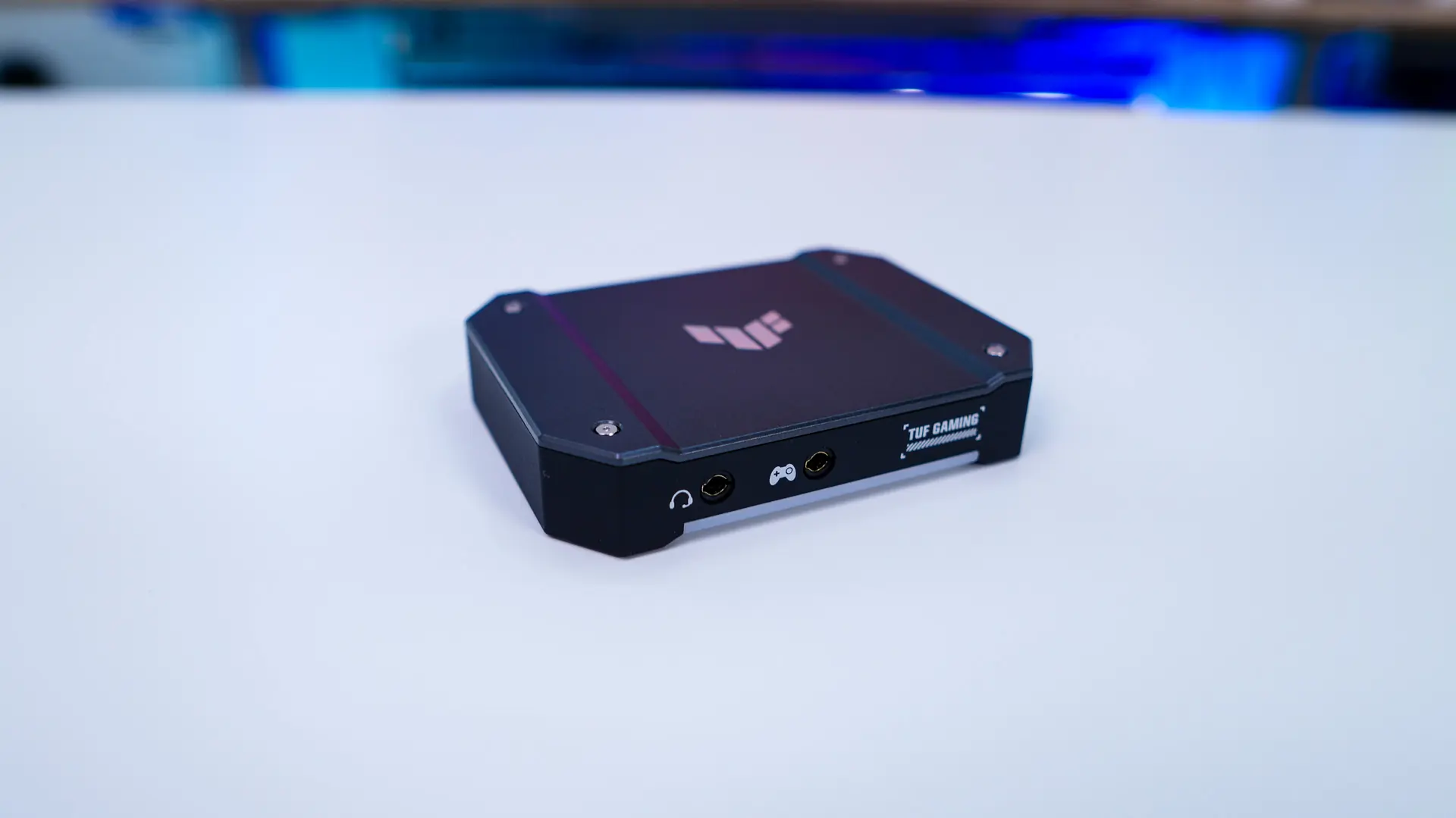
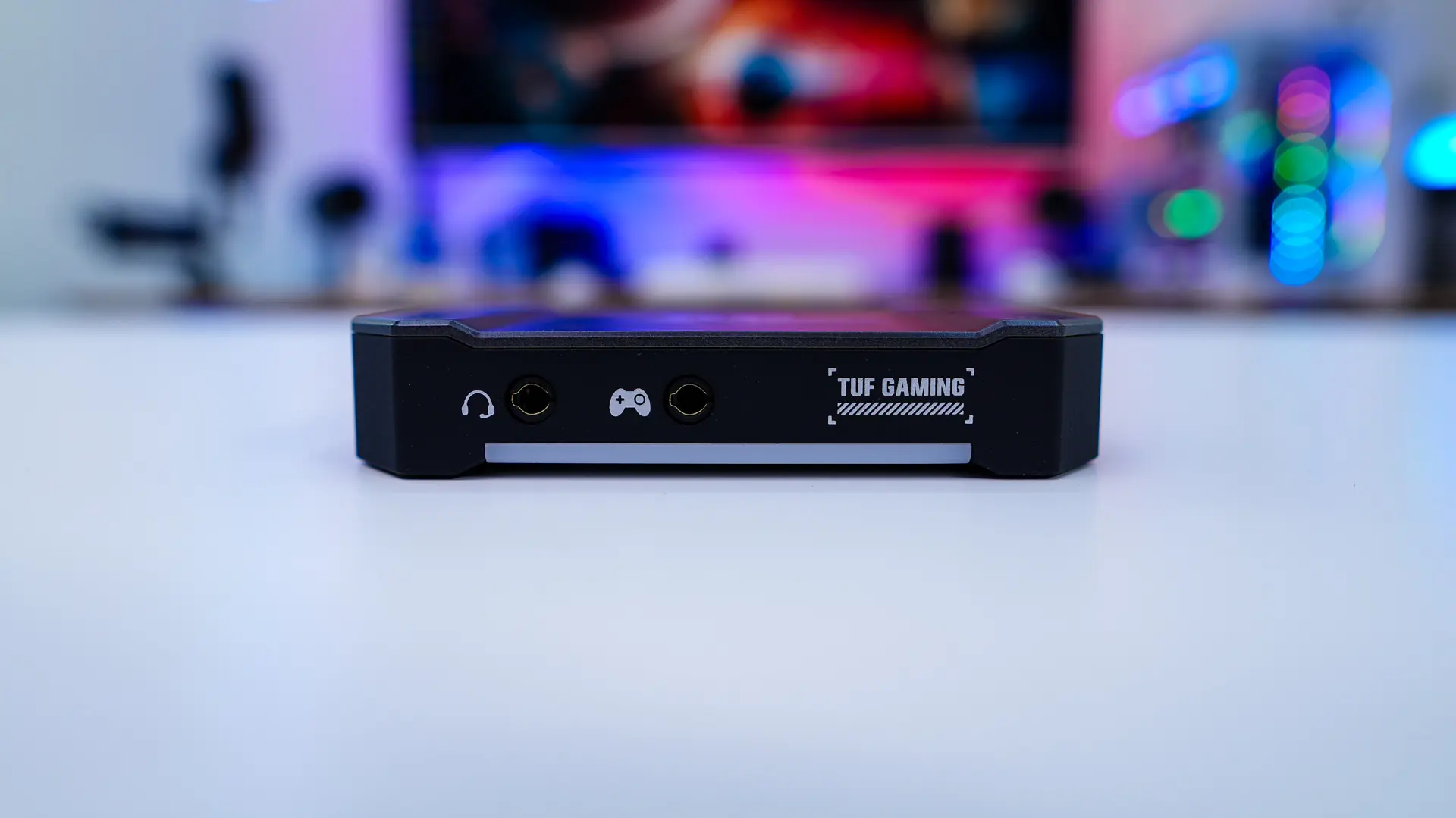
Starting at the front of the unit there are two 3.5mm audio jacks which are labeled. The one with the controller logo connects to your controller and the other you can plug a headset into so you can hear what is being captured, but also record anything you speak into the microphone. Below those ports is an RGB lightbar which will light up when you have the capture box turned on.
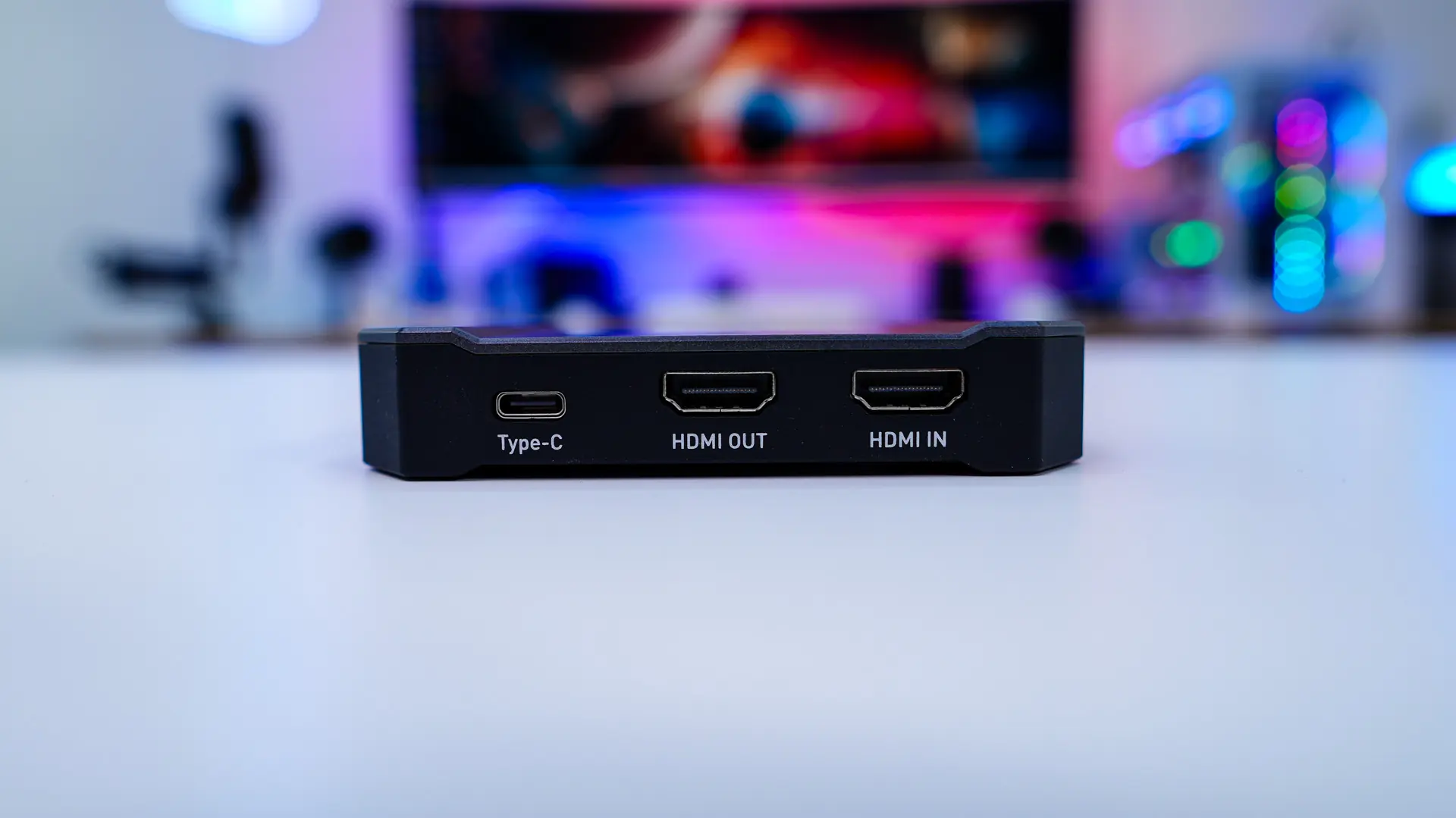
On the back is where you’ll find the rest of the connections. There are two HDMI 2.1 ports, one will be an in port where you’ll plug in the device you want to record from, and the other is an out port, which you’ll connect to your monitor or TV. Finally there is a Type-C USB 3.2 gen 2 connection that you’ll connect to a laptop or PC to control the capture box. As a reminder this capture box supports HDR passthrough video support of 4K up to 144 Hz, 2K up to 144 Hz, and Full HD up to 240 Hz as well as streaming / recording of 4K up to 60 fps, 2K up to 120 fps, and Full HD up to 120 fps.
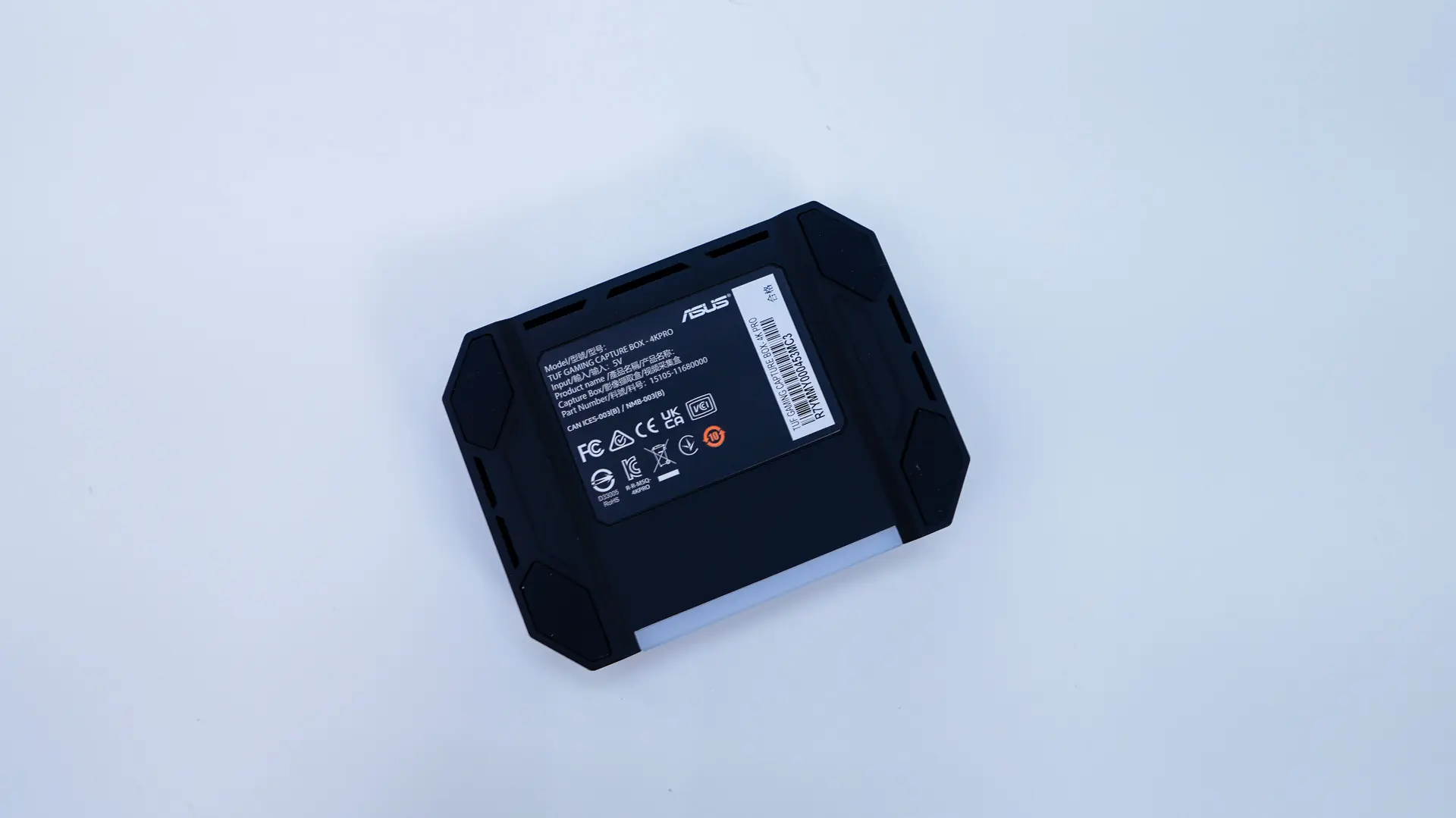
On the bottom we do have some rubber feet, which will keep the capture box in place on your desk.