Setting up and Using the ASUS ZenBeam L2 Portable LED Projector
Getting the ZenBeam L2 all setup and ready to use is quite easy. You are going to want to install the Android TV box on the top of the unit, plug the projector into power and then either hit the power button on the projector or on the remote.
The projector will turn on and the Android TV box will as well. From there you’ll go through the process of setting up the Android TV box. Once completed you’ll be ready to install and stream all of your favorite content. I was not all that familiar with Android TV (I’m a Fire TV person), but it is very easy to navigate and all of the apps you want are available on the Google Play Store. This specific Android TV box did seem a bit sluggish compared to my Fire TV though.
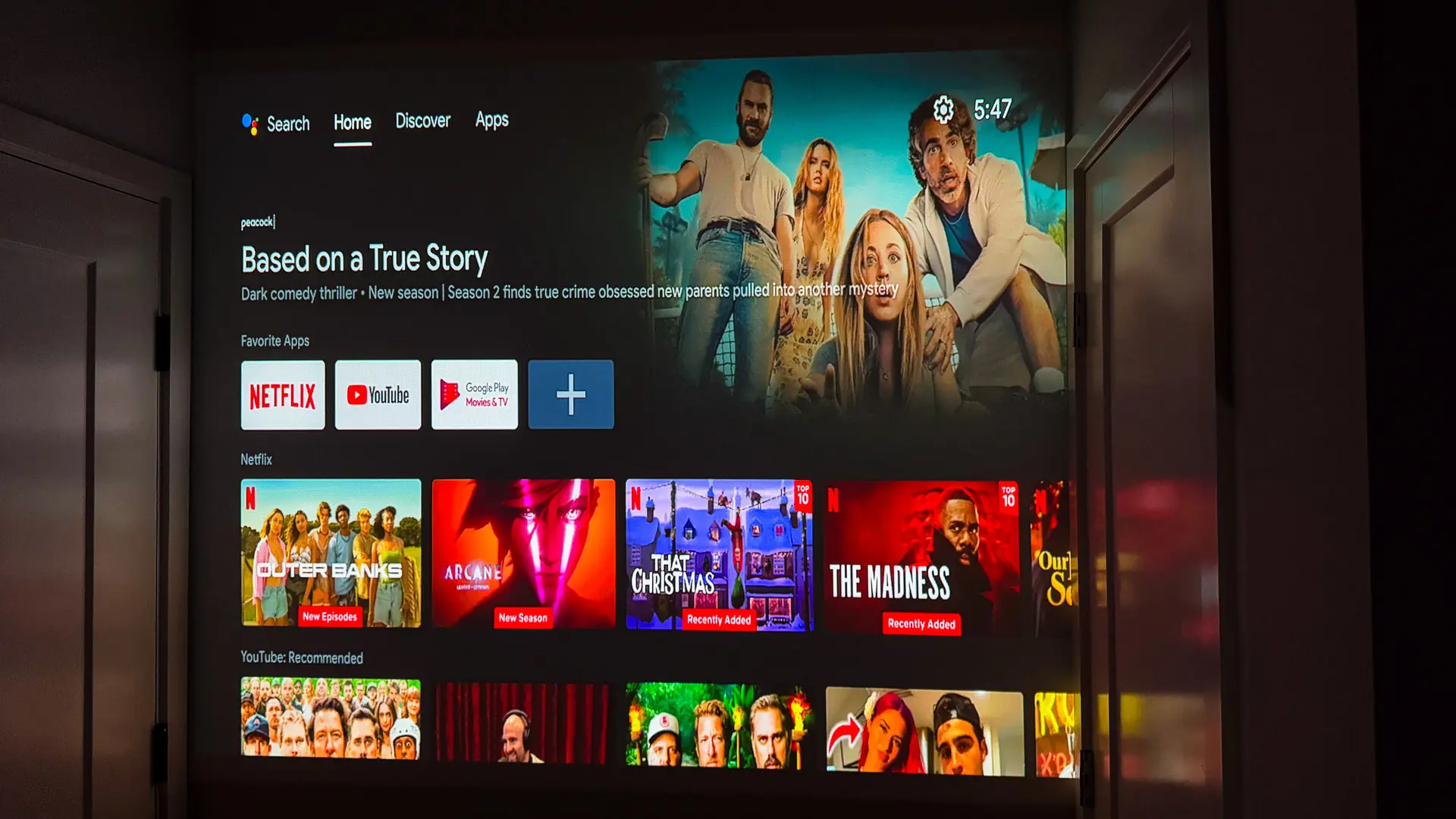
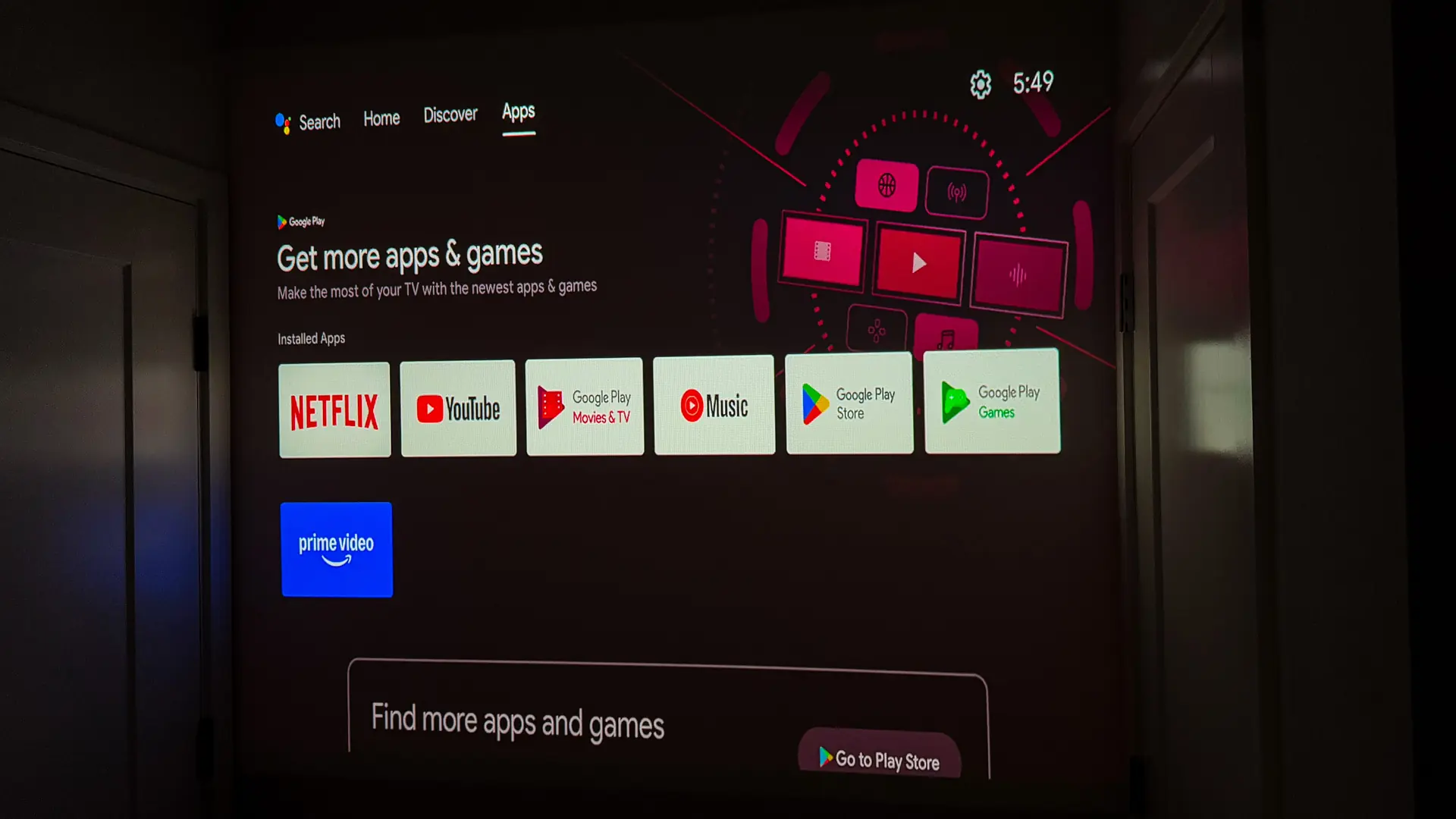
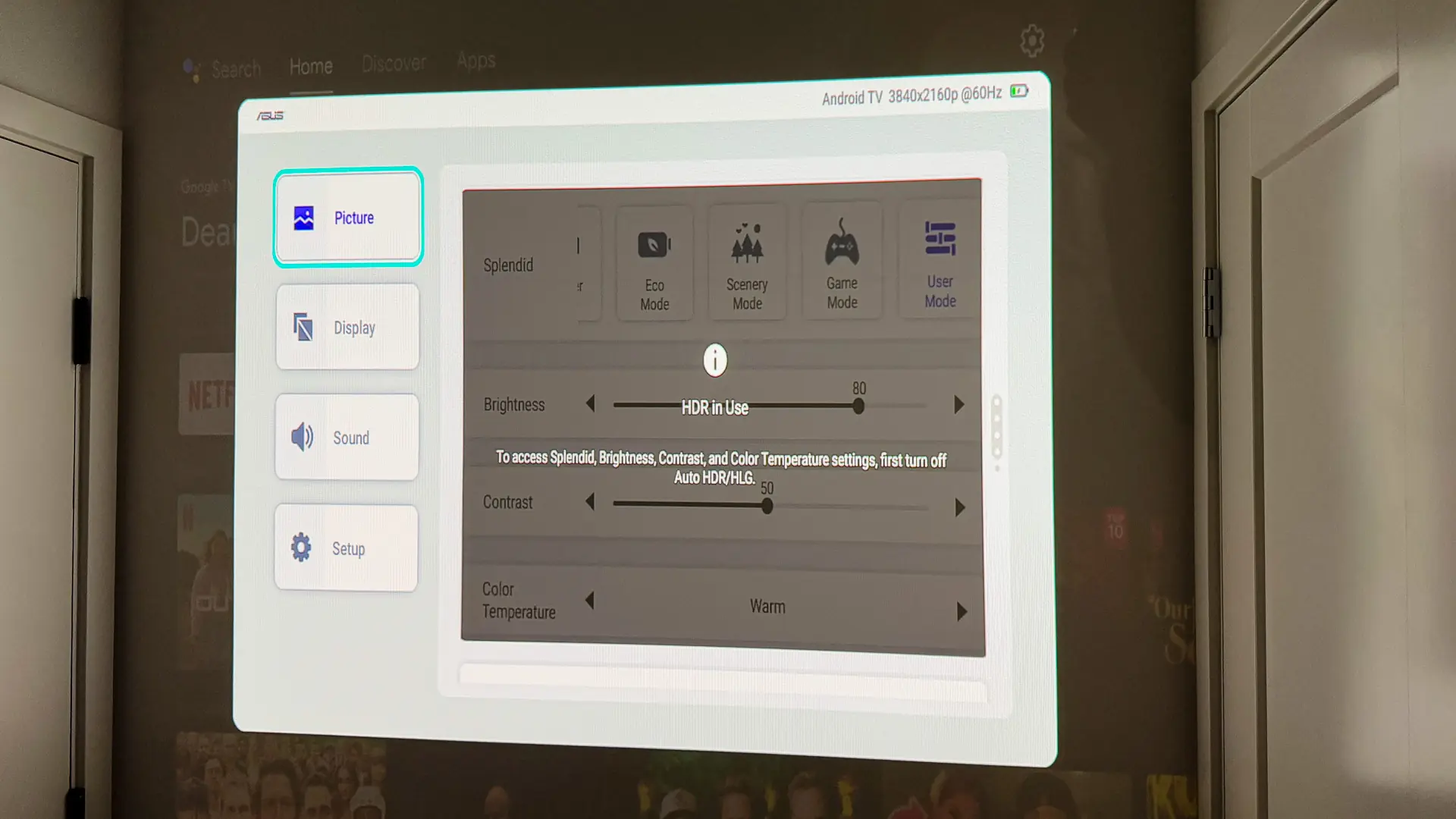
When it comes to getting the image displayed how you want this projector does have auto keystone as well as an obstacle avoidance feature. You can also manually adjust the image using the keystone and quick corner menus in the main menu system on the projector. To bring up the main menu you can hit the menu button on the remote (the one under the Netflix button) or by pressing the navigation knob on the top of the projector. From the main menu you can select your input, as well as many other options to customize your experience.
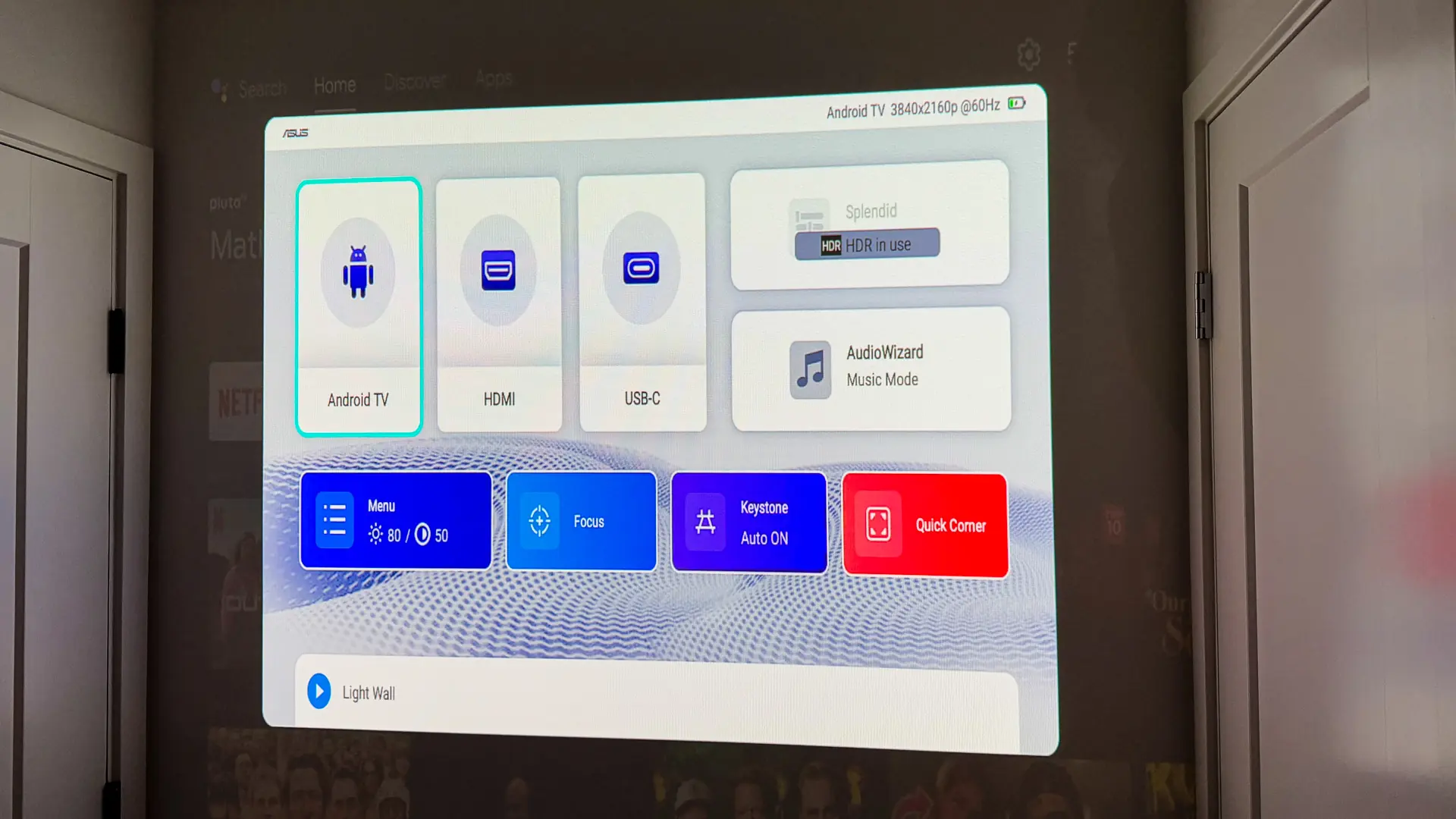
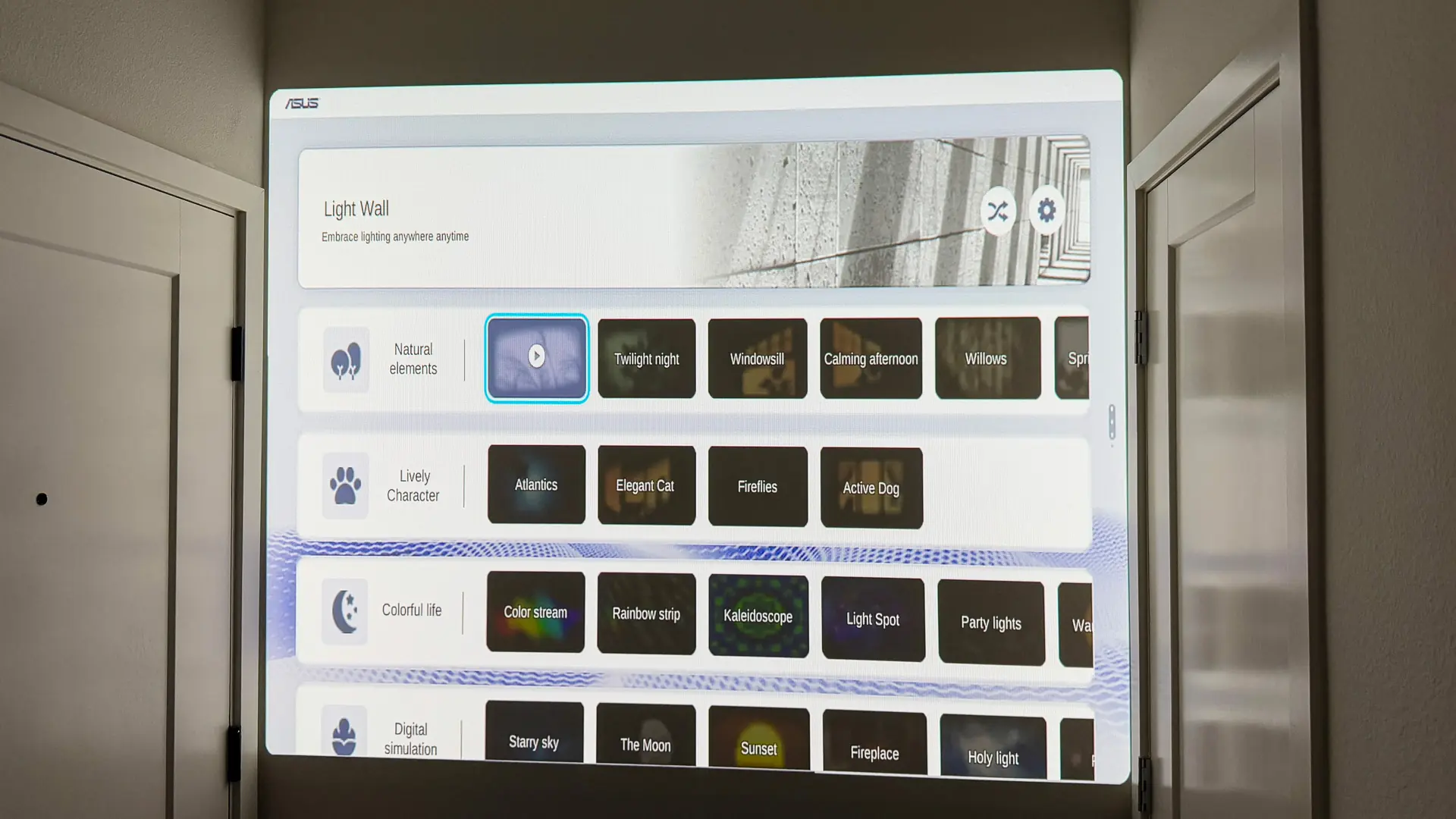
Towards the bottom of the menu you will find the Light Wall feature. The allows you to select from 26 built-in animations to display on the projector. These provide a sort of backdrop to play to give some ambiance to your room when you are not using the projector to watch content.
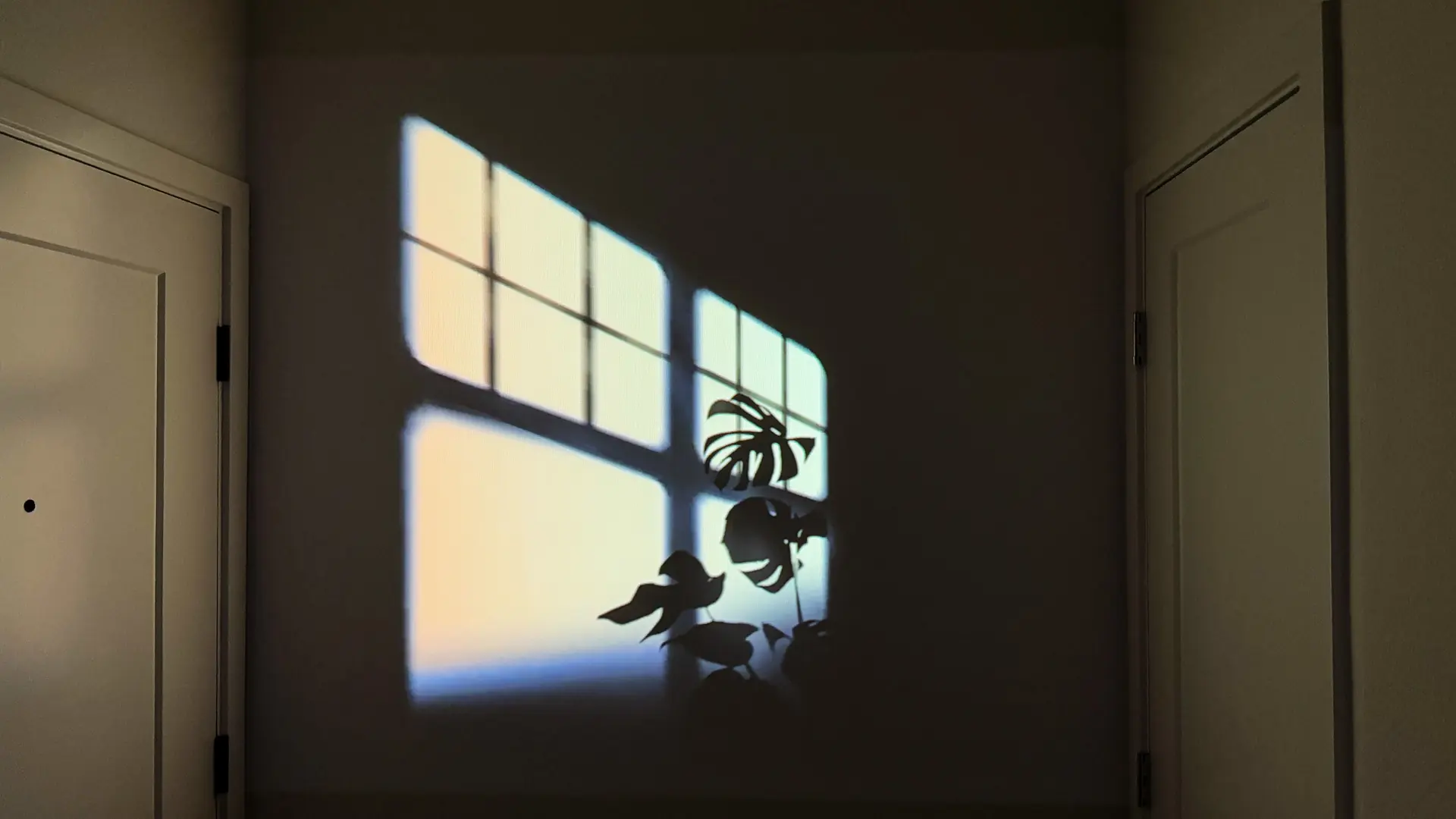
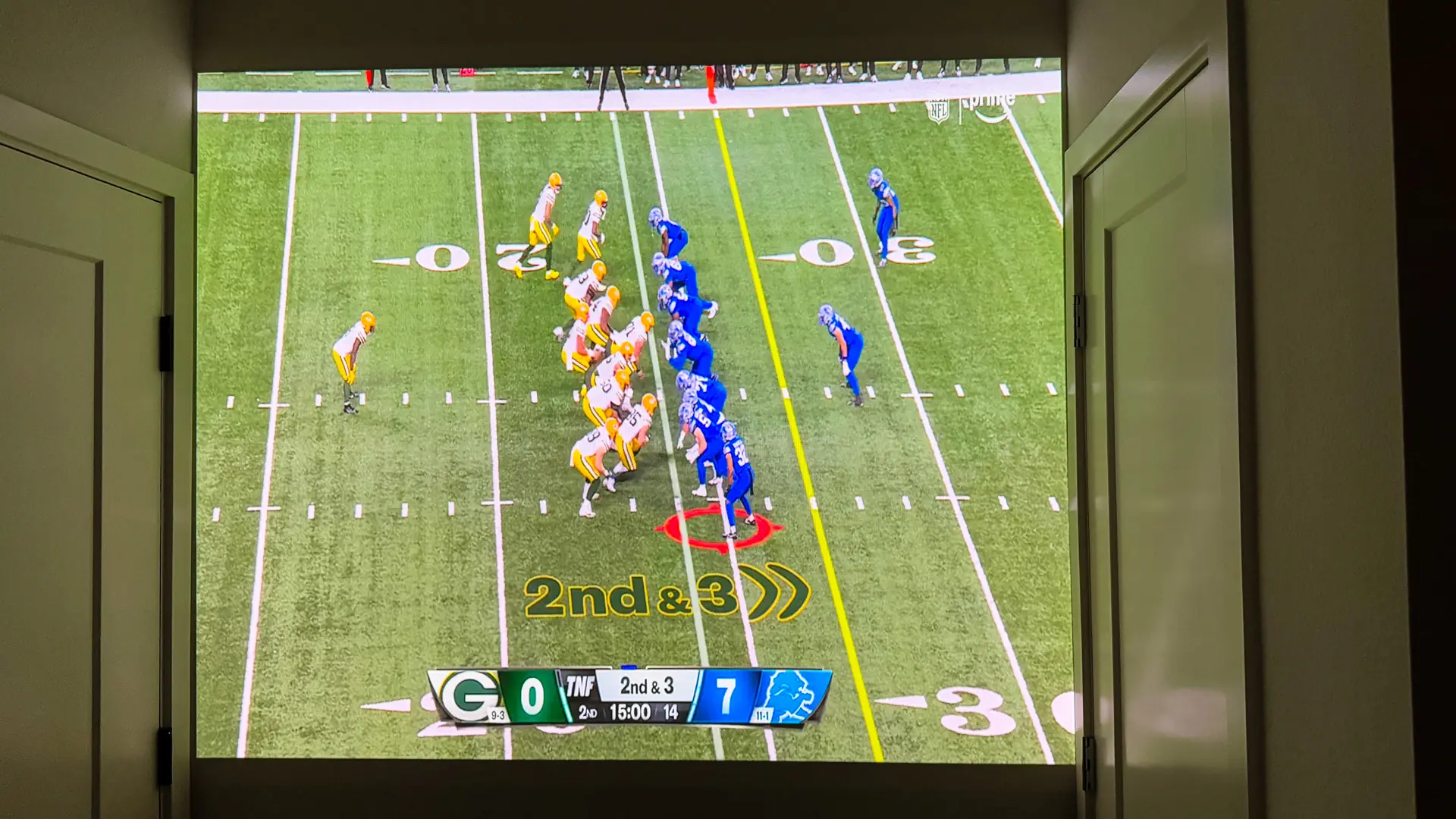
When it comes to image quality I was impressed by not only the brightness, but also how the image looked projected on my wall. I watched multiple movies and even live football (via Prime Video) and everything looked great! This projector has a 10W speaker, which I think is sufficient for a bedroom-size room or a small group of friends surrounding the projector outside. You can of course use the 3.5mm headphone jack to connect headphones or if you are streaming via the Android TV box you can connect speakers or a headset via Bluetooth.