
Setup & Software for the Dark Perk Ergo / Sym Gaming Mice
Getting the Dark Perk mice set up and ready to use is extremely easy. You can either use the mouse wired via the included cable or plug in the 2.4 GHz dongle and use the mouse wirelessly. Either way getting the mouse set up and ready to go is essentially plug and play. The mouse is going to work without any type of software or drivers to install.
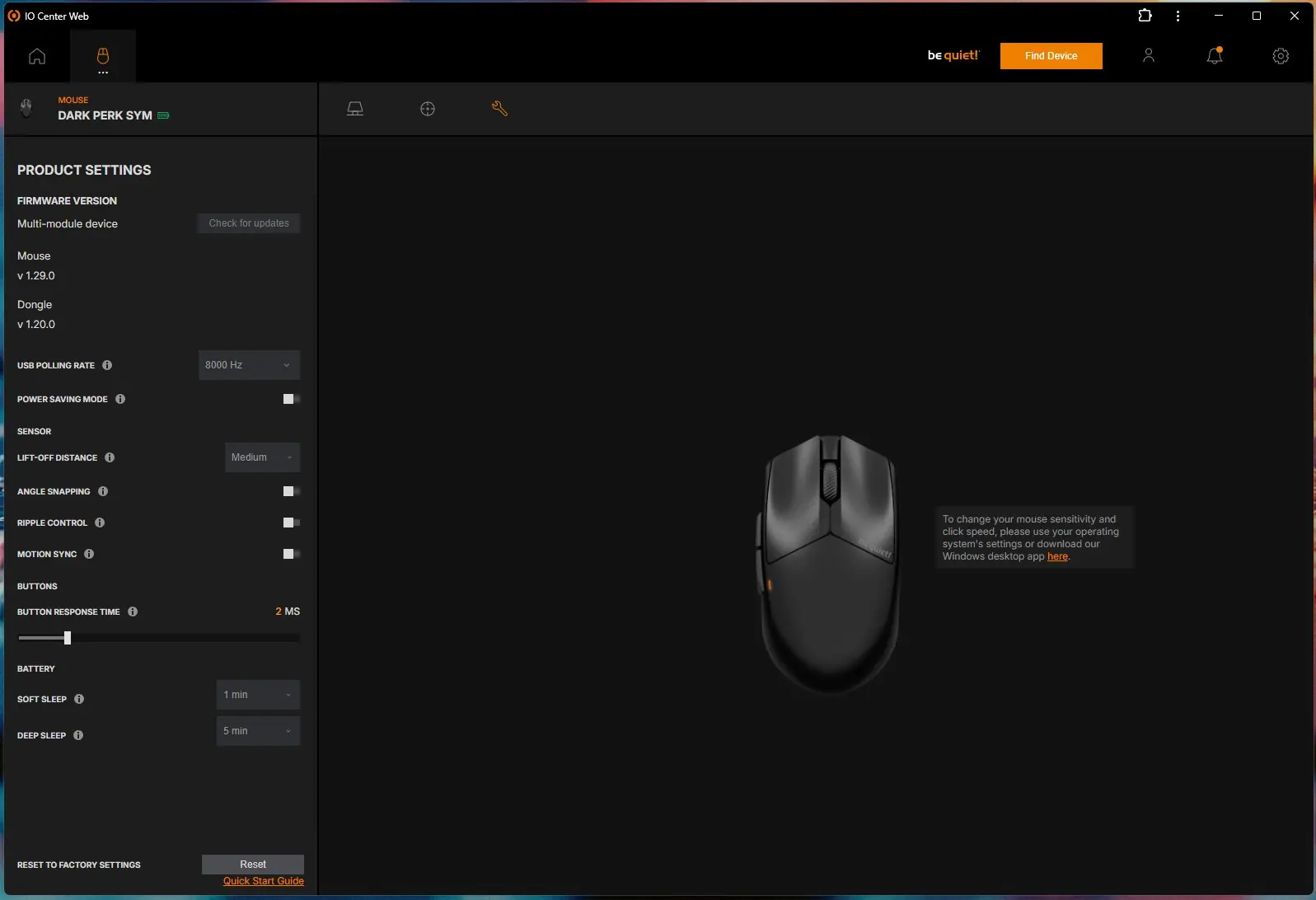
With the mouse connected if you do want to do any type of reprogramming you are going to want to use be quiet’s IO Center software. You can either download the software (Windows only) or you can head to https://iocenter.bequiet.com/ and configure everything that way. I opted for the web-based software as I never want to add unnecessary software to my PC.
Using the web-based IO Center software you can first set your key bindings. Each of the five buttons on the mouse can be completely reprogrammed. You can not only set mouse functions, but also keyboard keys, media controls, Windows shortcuts, profile switches, and of course macros.
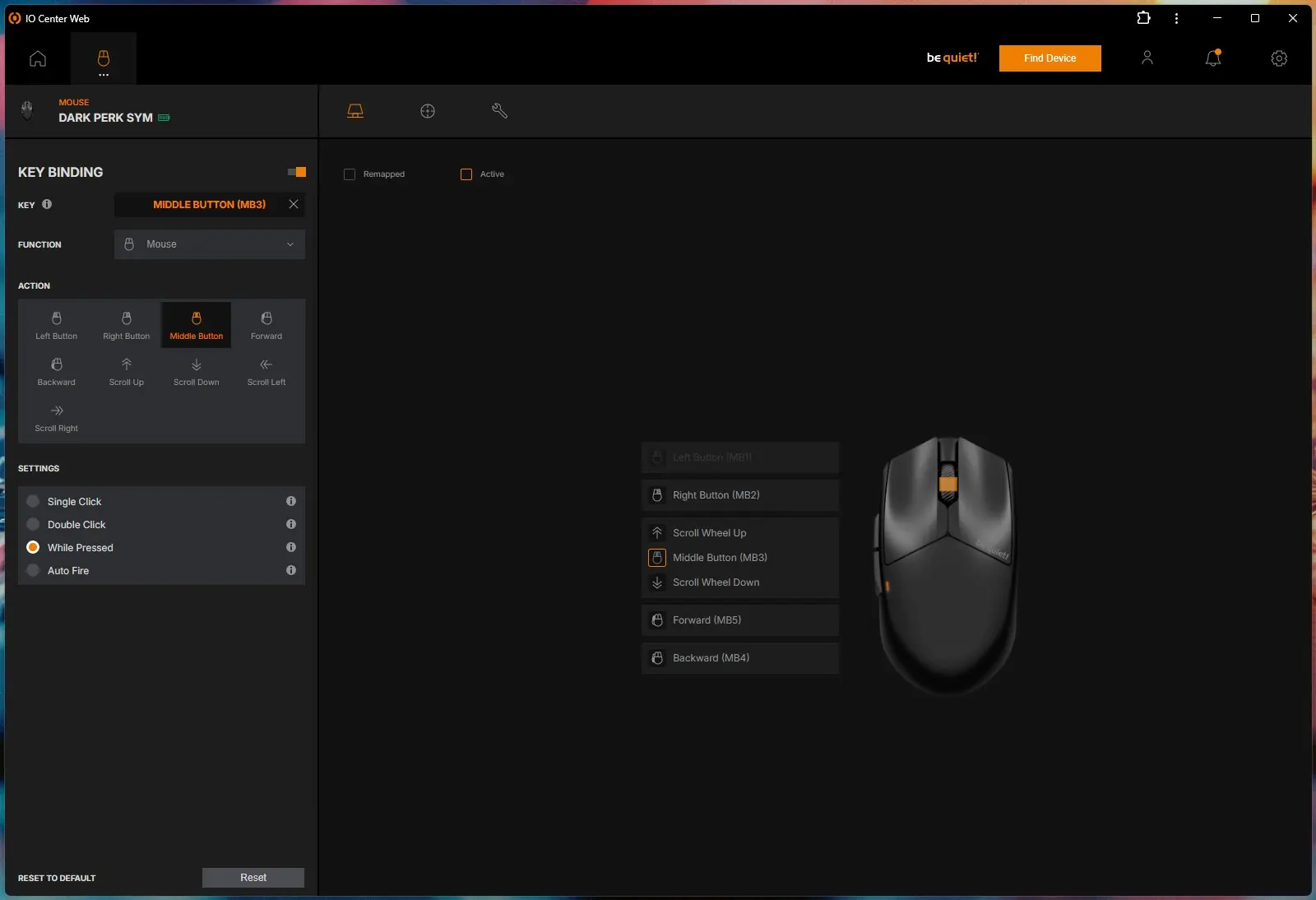
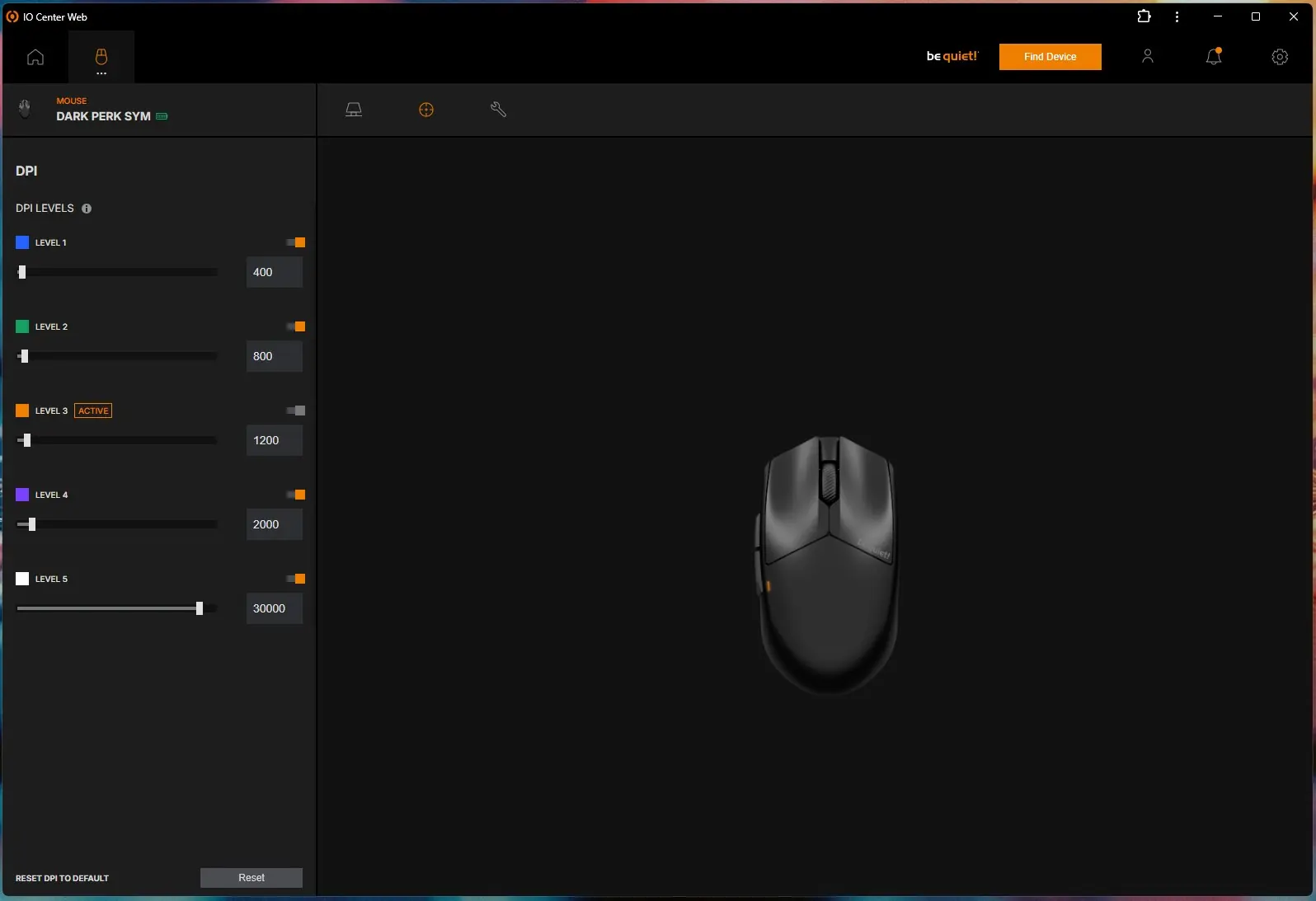
The next set of settings is going to be your DPI levels. There are 5 different levels to configure and each has a different color which will illuminate on the indication LED on the mouse to let you know which level you are on.
Your remaining settings are going to be the last thing to configure. Here you can see the firmware version for both the mouse and dongle, set your polling rate, power saving mode, lift-off distance, angle snapping, ripple control, motion sync, button response time, and when the mouse goes into a soft and deep sleep mode.