Cooler Master Elite Liquid 240 Overview
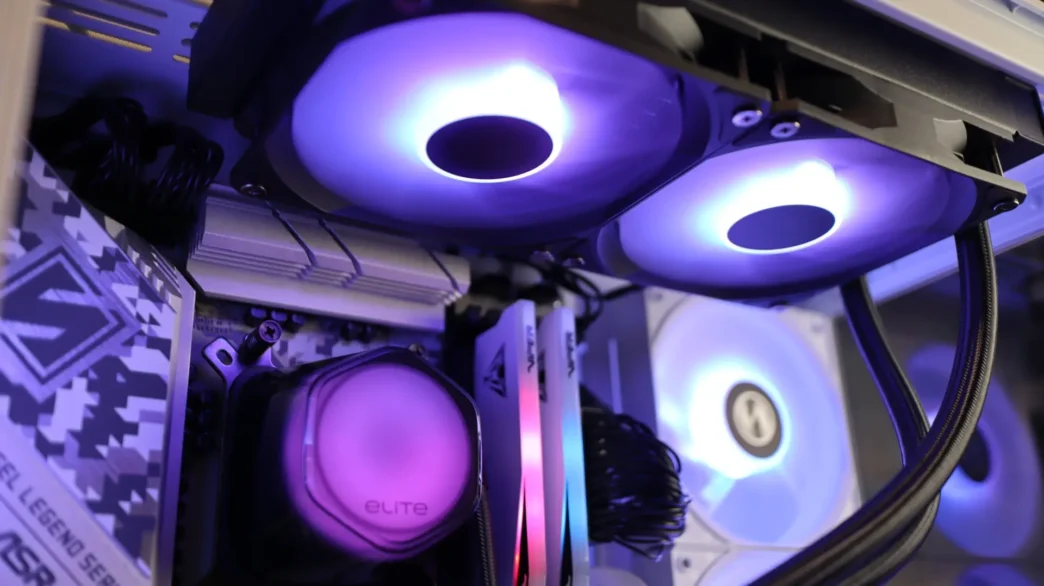
Available in both 240mm and 360mm sizes, the Elite Liquid series of coolers come in both black and white colorways. The Elite Liquid 240 is a 240mm cooler, ours being the black version, and out of the box it is a pretty standard looking entry-level AIO. For cooling duties you have two, 9-blade 120mm ARGB fans attached to a 27.2mm thick 360mm radiator, and a pump housing with a rounded hexagonal shape reminiscent of previous Cooler Master designs.
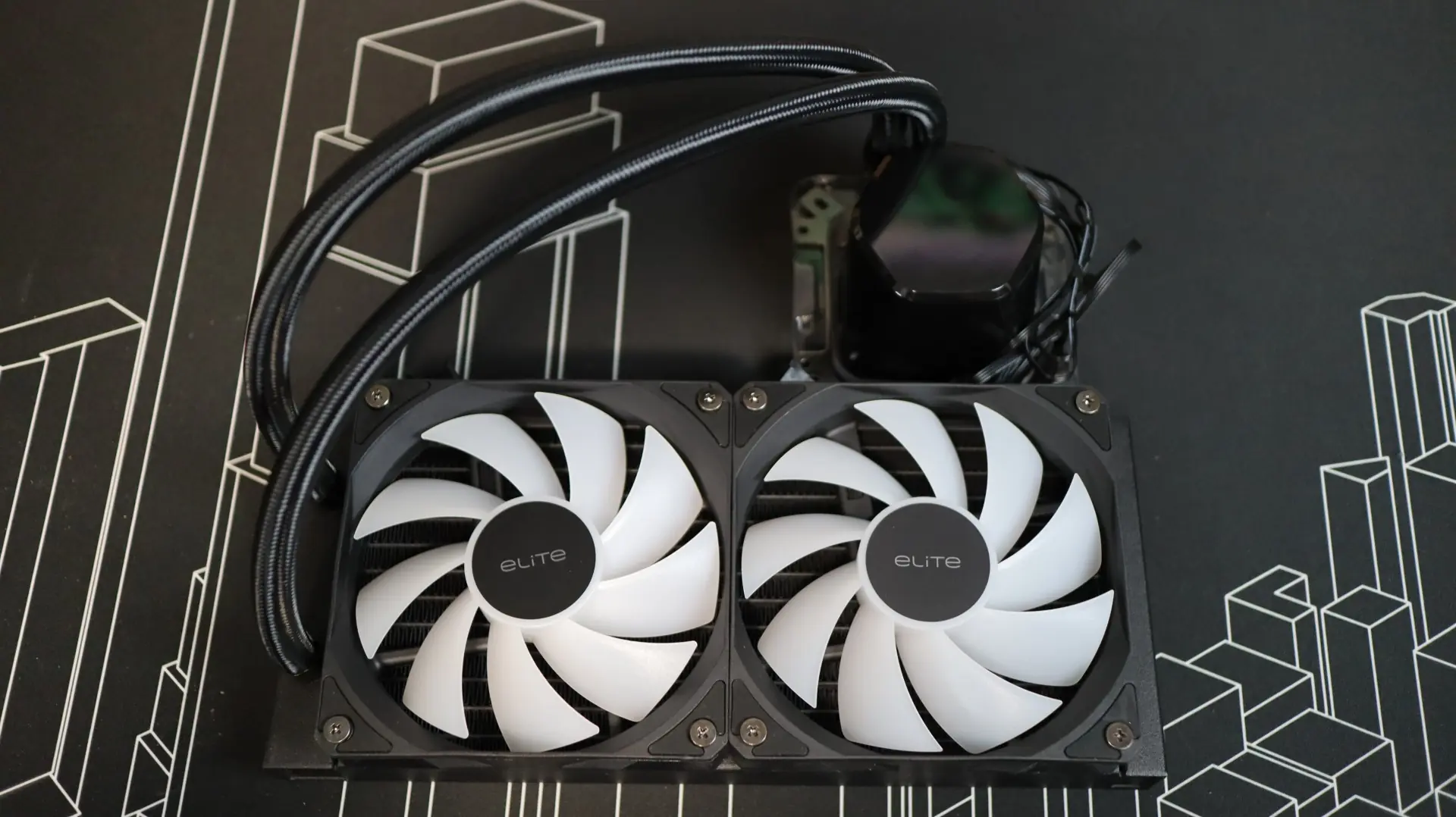
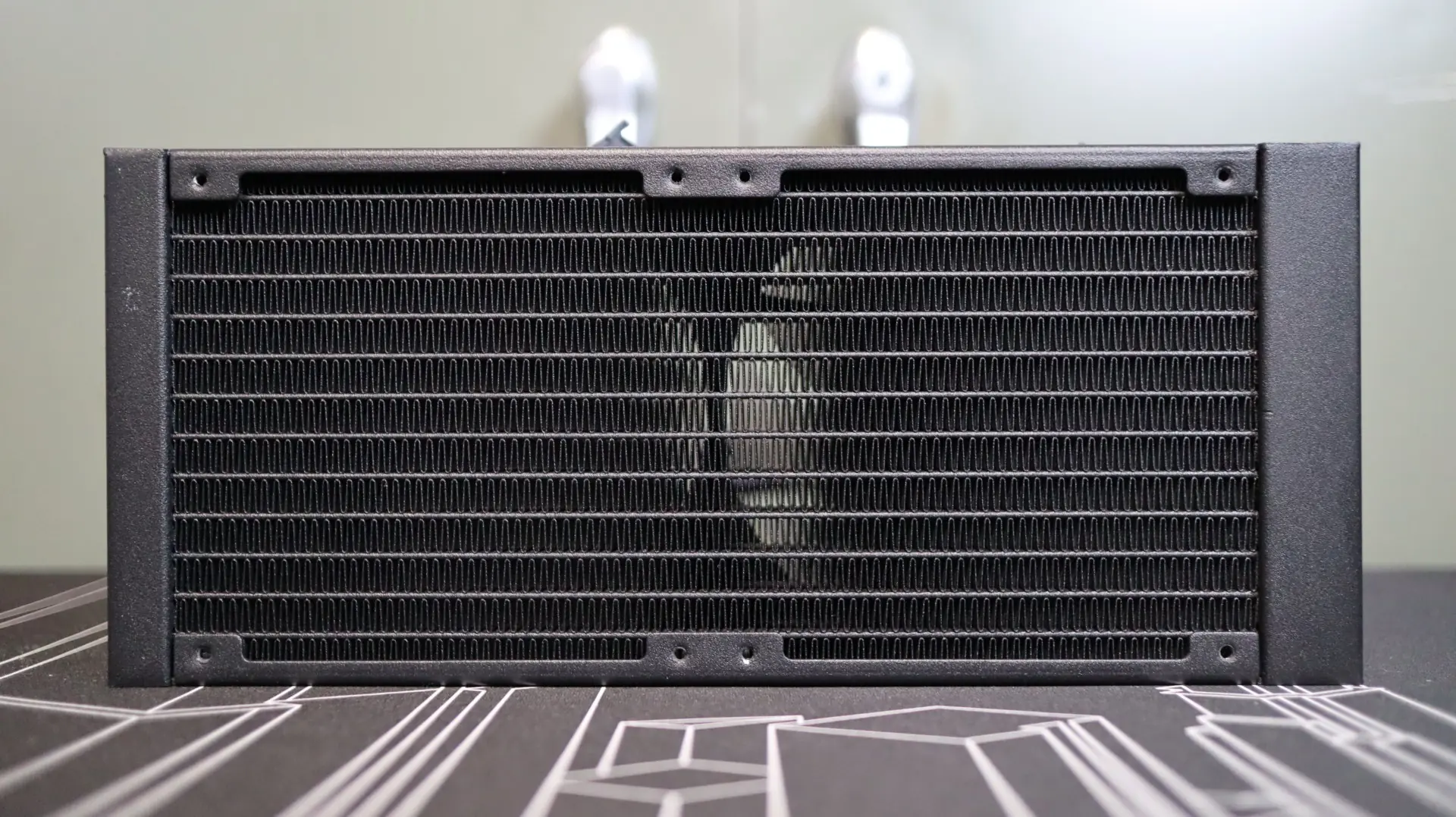
The first component up in our overview is the 240mm aluminum radiator. This radiator is very straight forward in it’s design, with a white paint job and a lack of any branding along the sides. The 27.2mm thickness is right in line with the standard size we see on most AIOS. With 21 fins-per-inch, the included 120mm PWM fans just need to have average air pressure ratings in order to push air though the fin array.
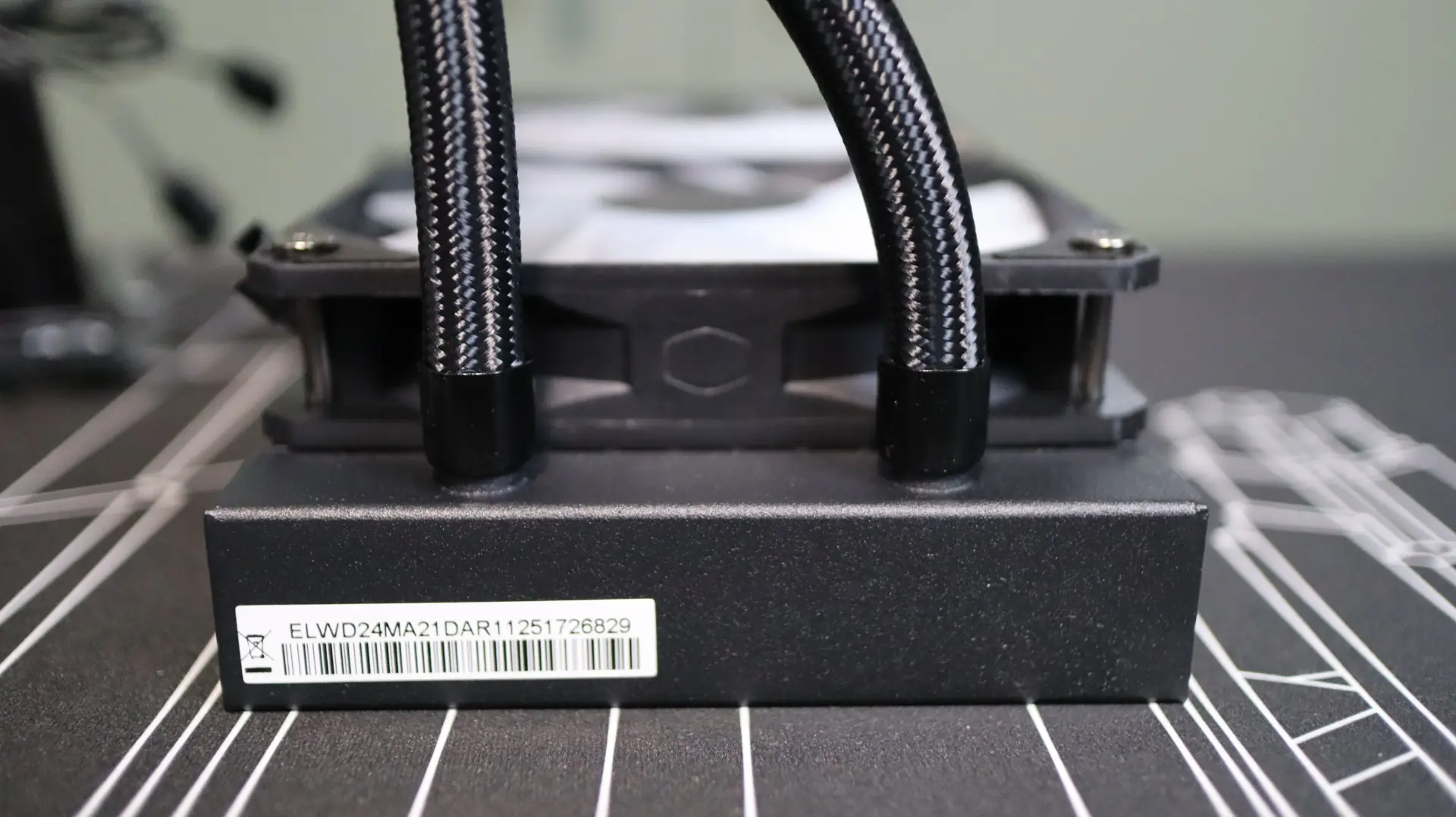
The nylon-braided cooling lines exit from one end of the radiator’s end cap, and connect to the radiator via crimped connectors. These lines are decently flexible, and their 400mm length was plenty long, making installation nice and easy.
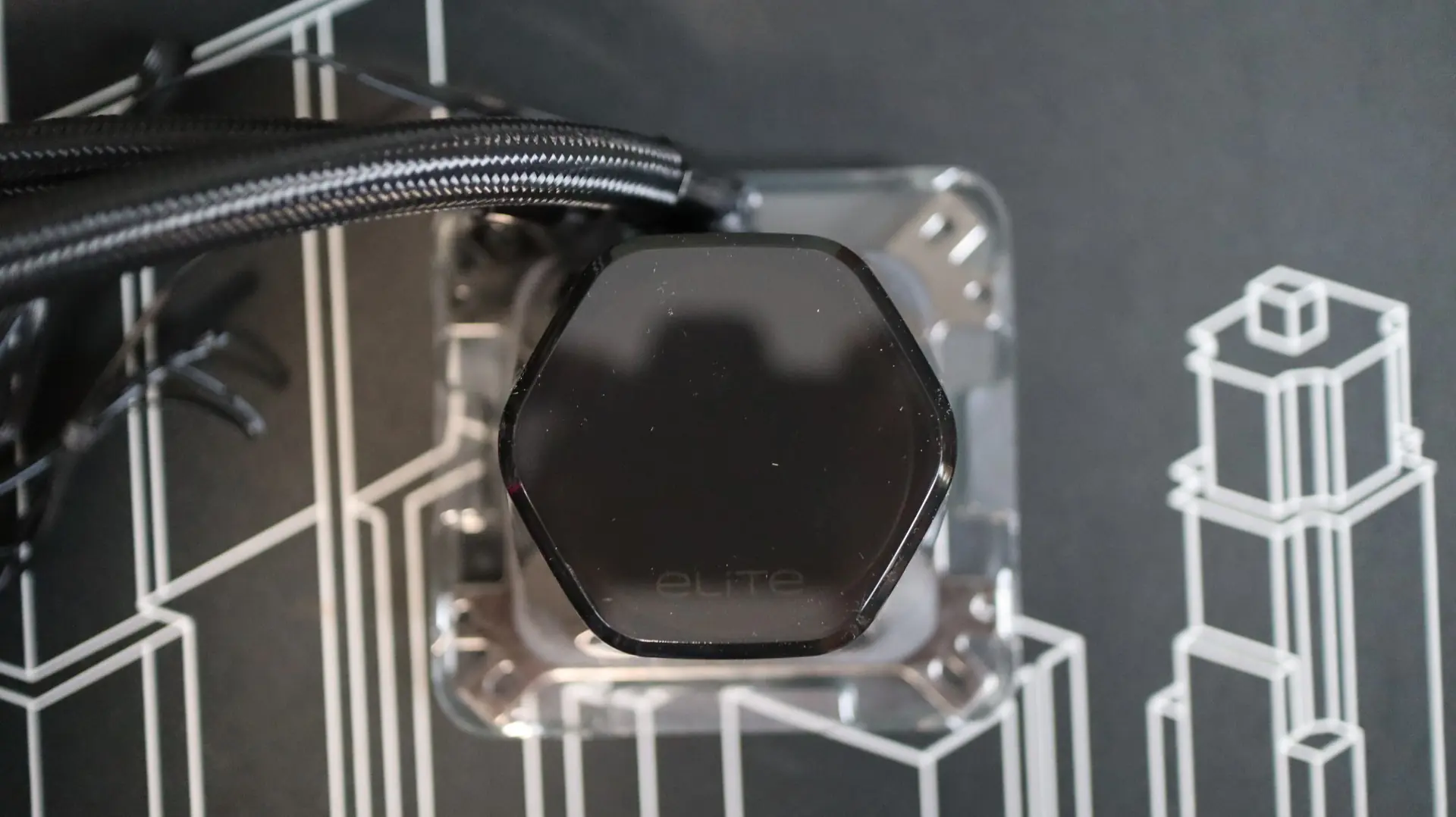
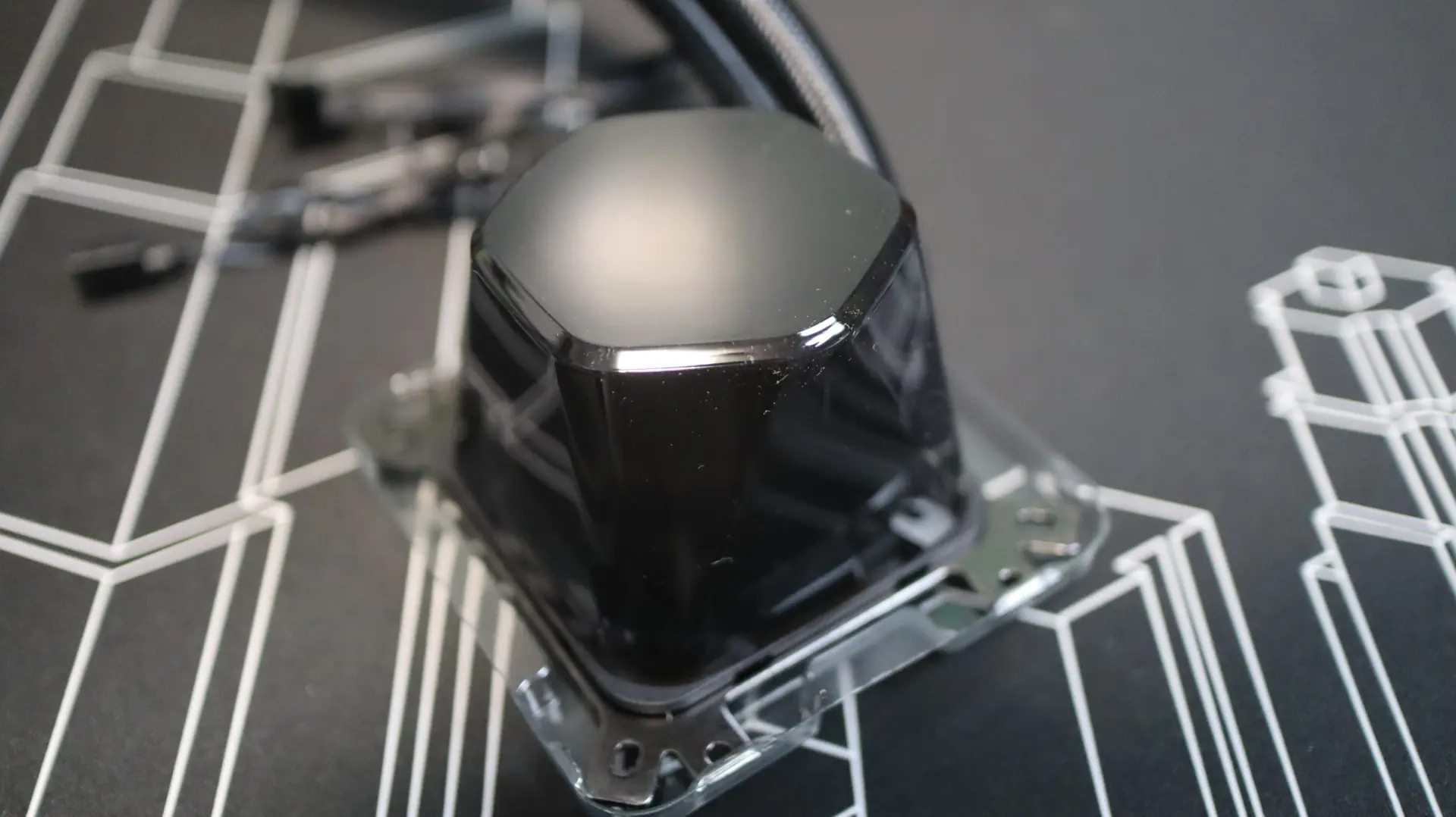
Moving on to the pump housing, we have a very plain design. The rounded, hexagonal body is very straightforward, with a tinted top cap on top, and an ARGB LED illuminated zone below. This combination of a tinted cap and frosted lighting zone provides a muted lighting look, with the lighting on or off.
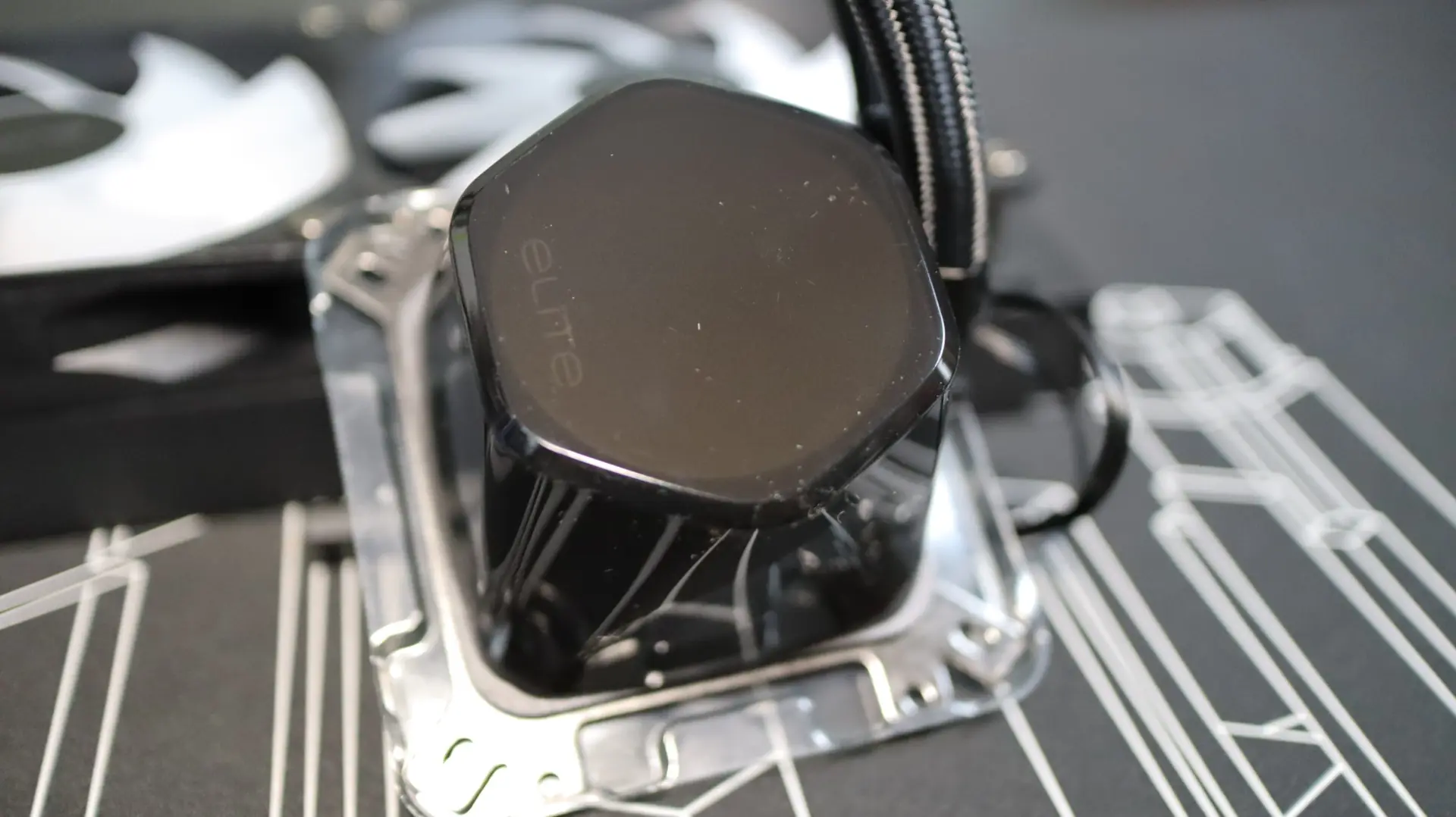
The tinted top cap sticks up off of the top of the pump housing a bit, giving view to the glowing area not only from directly on, but at an angle as well. Additionally, you can remove the top cap and rotate the inner section in 90-degree increments to make sure the “elite” text is aligned properly for your particular build.
Moving around to the sides of the pump housing we find the two cooling lines exiting from the side of the pump housing. Each line is paired up with a swiveling fitting to make installation and fitment much easier than with fixed connections, and their vertically staggered positions visually indicate the use of Cooler Master’s dual chamber pump design. Internally, the pump provides an operating speed of up to 3200 RPM, with a maximum noise level of 25 dBA.
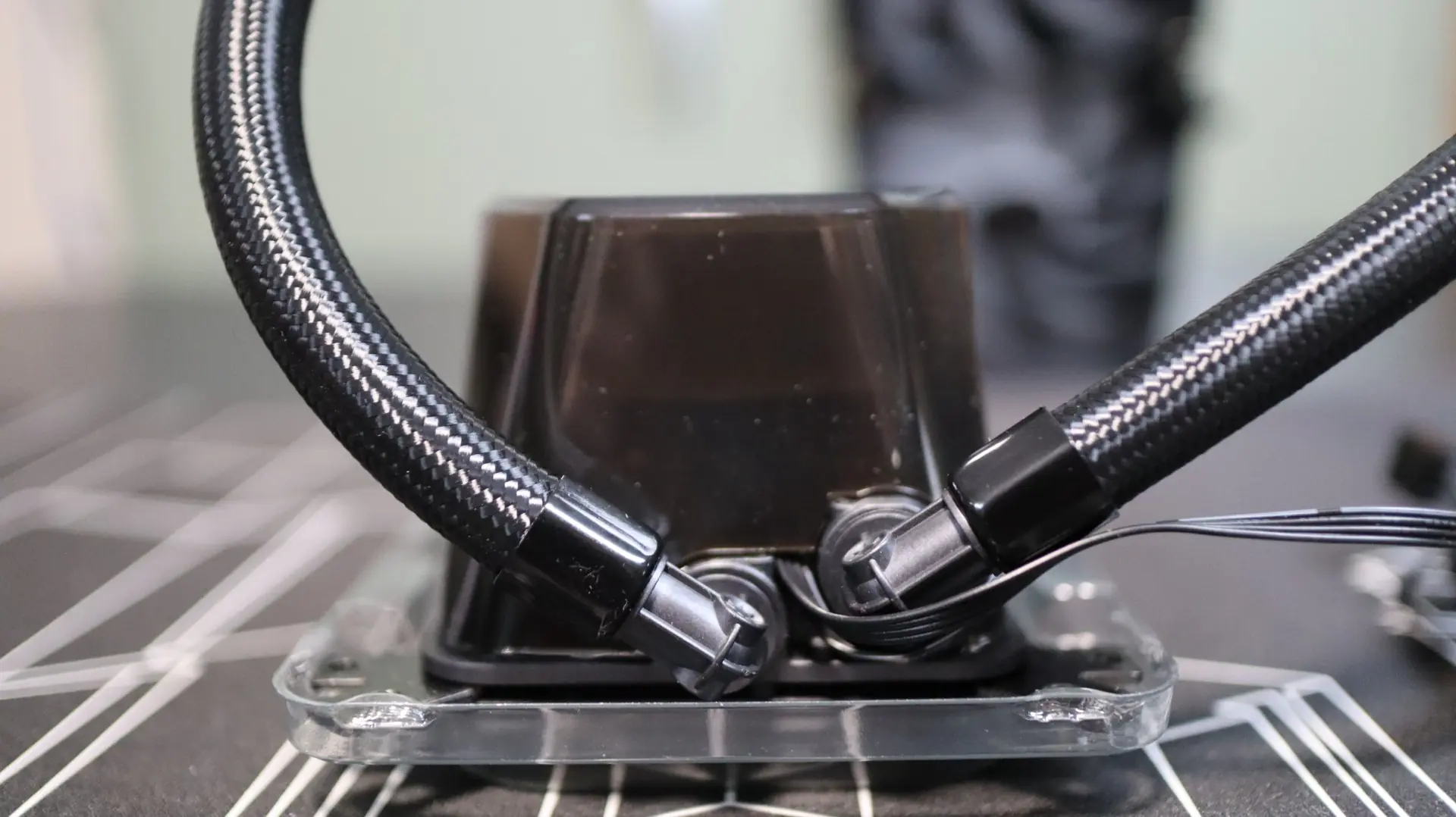
The other sides of the pump housing are free from any features, simply providing a seamless surface that adds to the basic look of the housing. Both a 4-pin PWM and 3-pin ARGB cable exit from the pump housing near the two fittings for the pump and LED control.
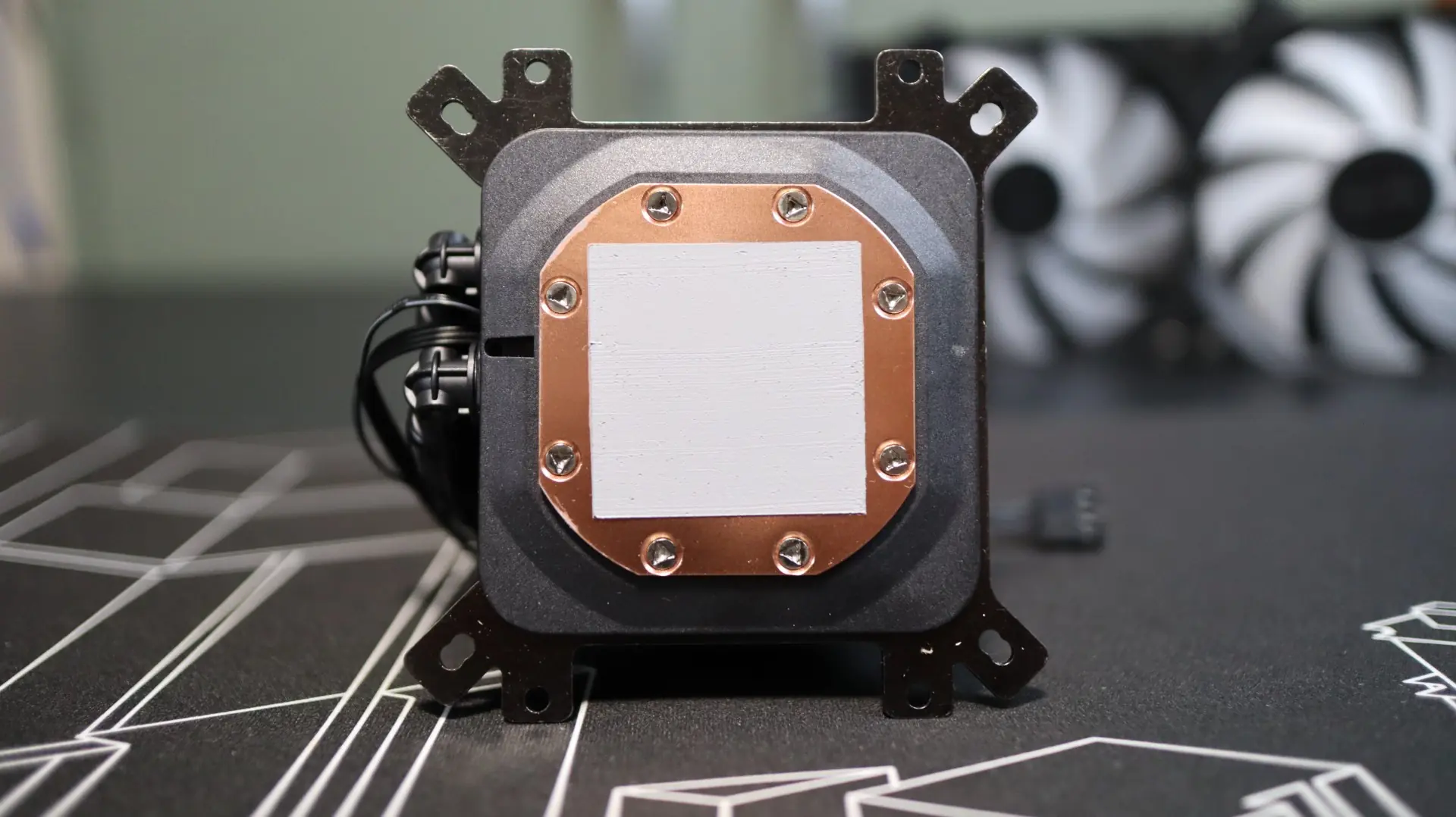
Taking a look at the base of the cooler, we find a large copper base, mostly covered with pre-applied CryoFuze thermal paste. Again, we appreciate the pre-applied thermal paste, but an additional tube is always appreciated for any future installations. Also seen here on the bottom is the universal mounting bracket that allows for installation in both AMD and Intel-based systems without the need to swap out any brackets on the pump housing.
As far as the included fans go, Cooler Master has included two elite-branded 120mm ARGB fans that provide up to 84.2 CFM of airflow at their full speed of 2,100 RPM. As far as these fans’ ability to move air through the radiator’s fin array, their 2.71 mmH20 of static pressure should be more than capable of the job.
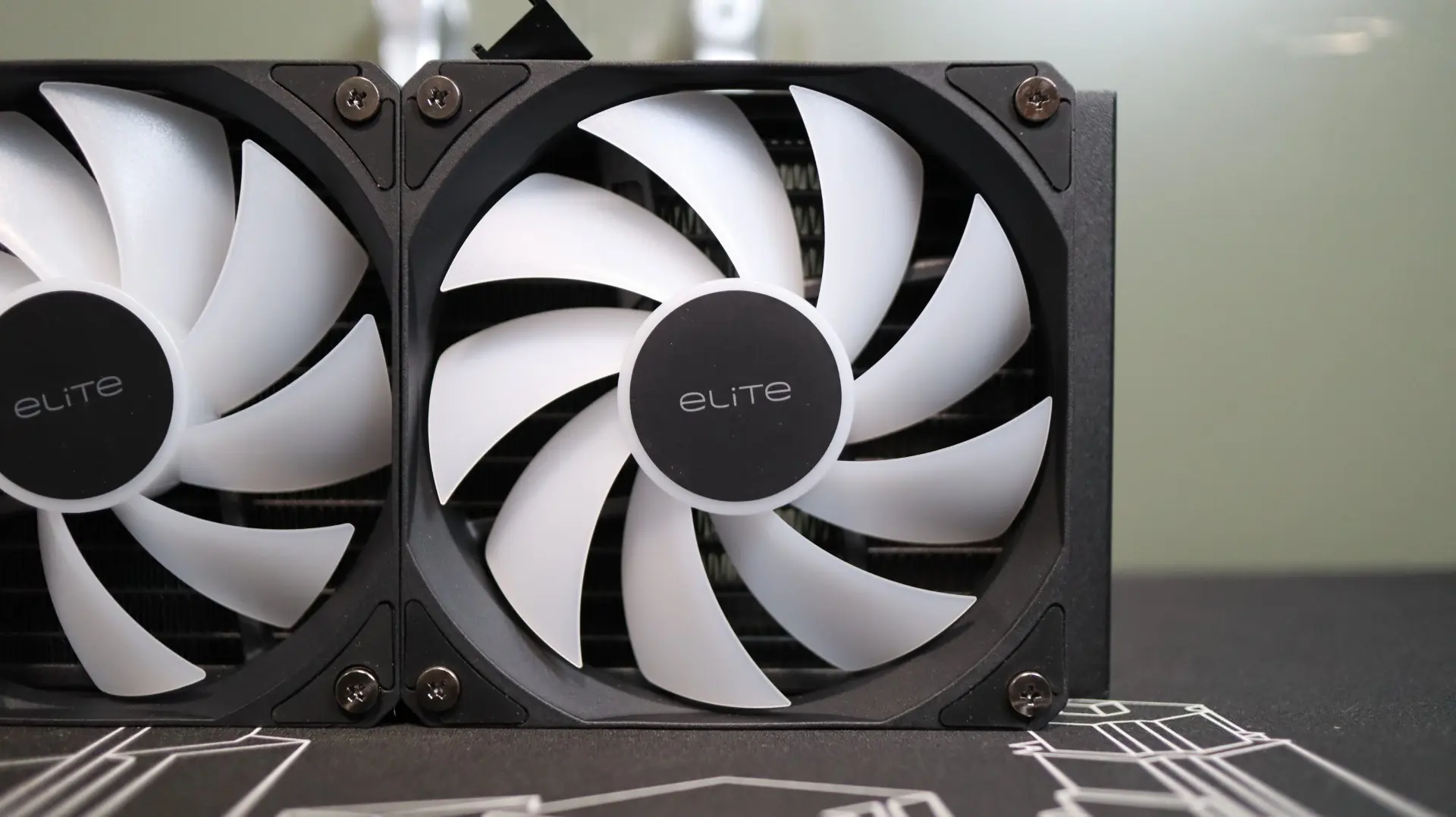
The rubber feet at each corner help isolate any vibrations that may come from the nine fan blades, which is always a welcome feature. Speaking of the number of blades, the use of nine blades is typically associated with a high airflow fan design, but many AIOs utilize more “generic” fans that have a nice middle-of-the-road specifications list. These fans do not have any connecting ring around their outer edges, which typically helps guide all of the airflow through the radiator and not out across the edges of the blades.
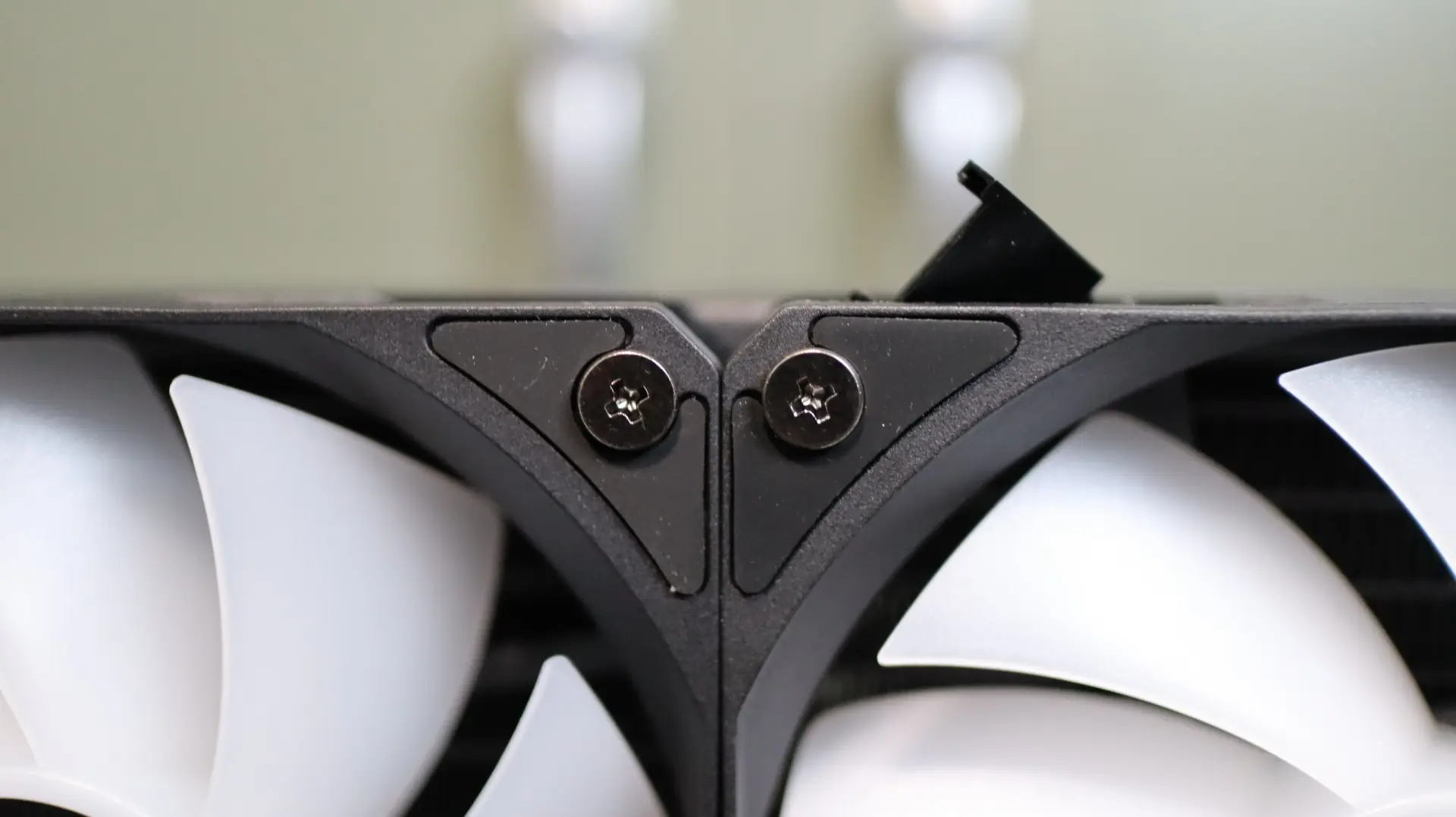
While Cooler Master did mount the fans to the radiator at the factory, their daisy chain capability requires the installation of a cable that connects all of the fans to each other and to your motherboard headers. So while we do appreciate the fan mounting, it is a bit disappointing to have to connect the fans to one another.