Cooler Master MasterFrame 360 Panorama Case Overview
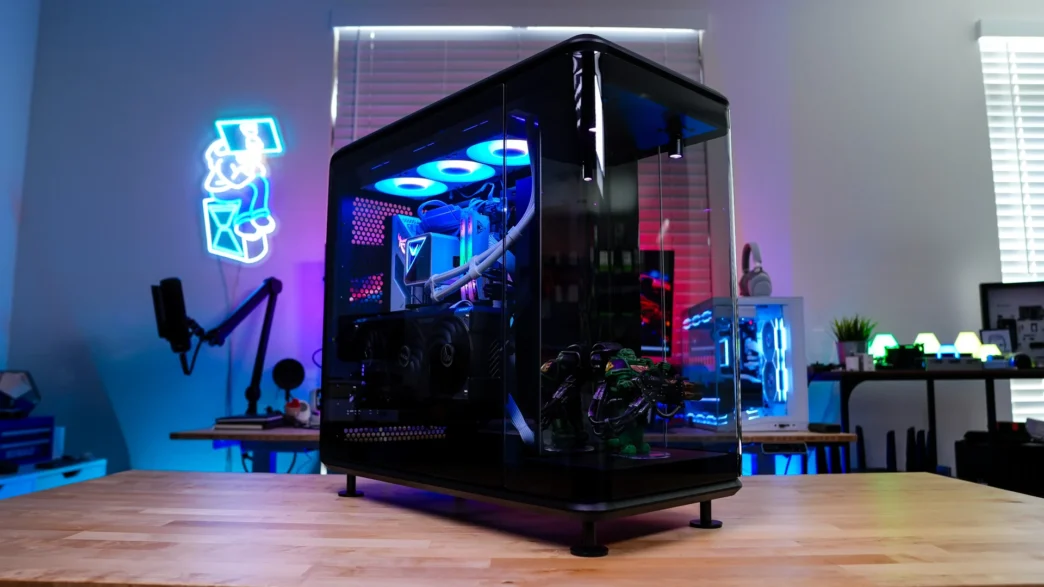
The MasterFrame 360 Panorama is actually a pretty large case for a mid-tower. The official dimensions are 549 x 291 x 581 mm and for some reason Cooler Master does not list the official weight on their website. Since this is a larger case it is quite heavy without any hardware installed. As of right now Cooler Master is only offering the MasterFrame 360 Panorama in a black colorway, so that if of course the one we received.
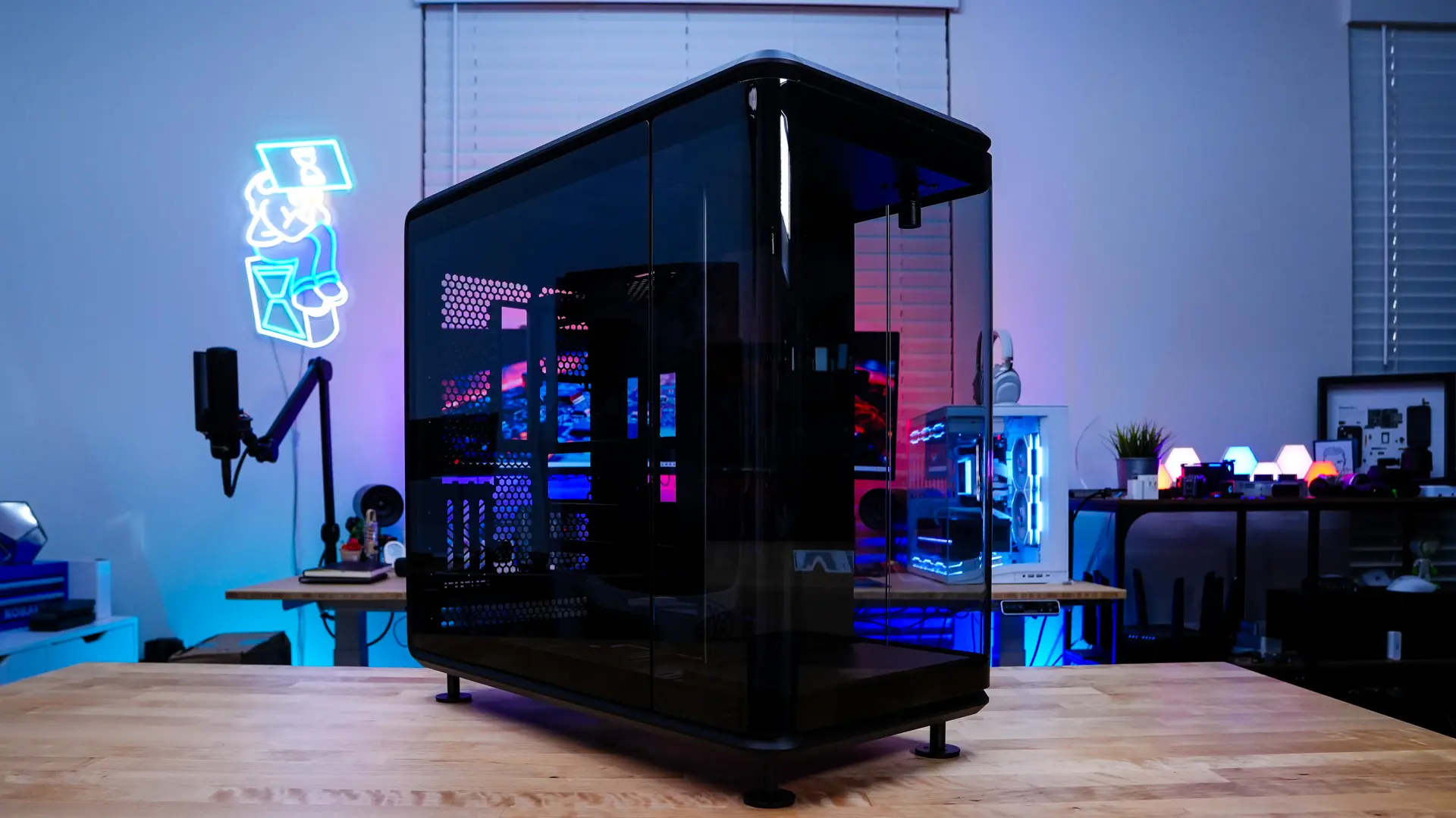
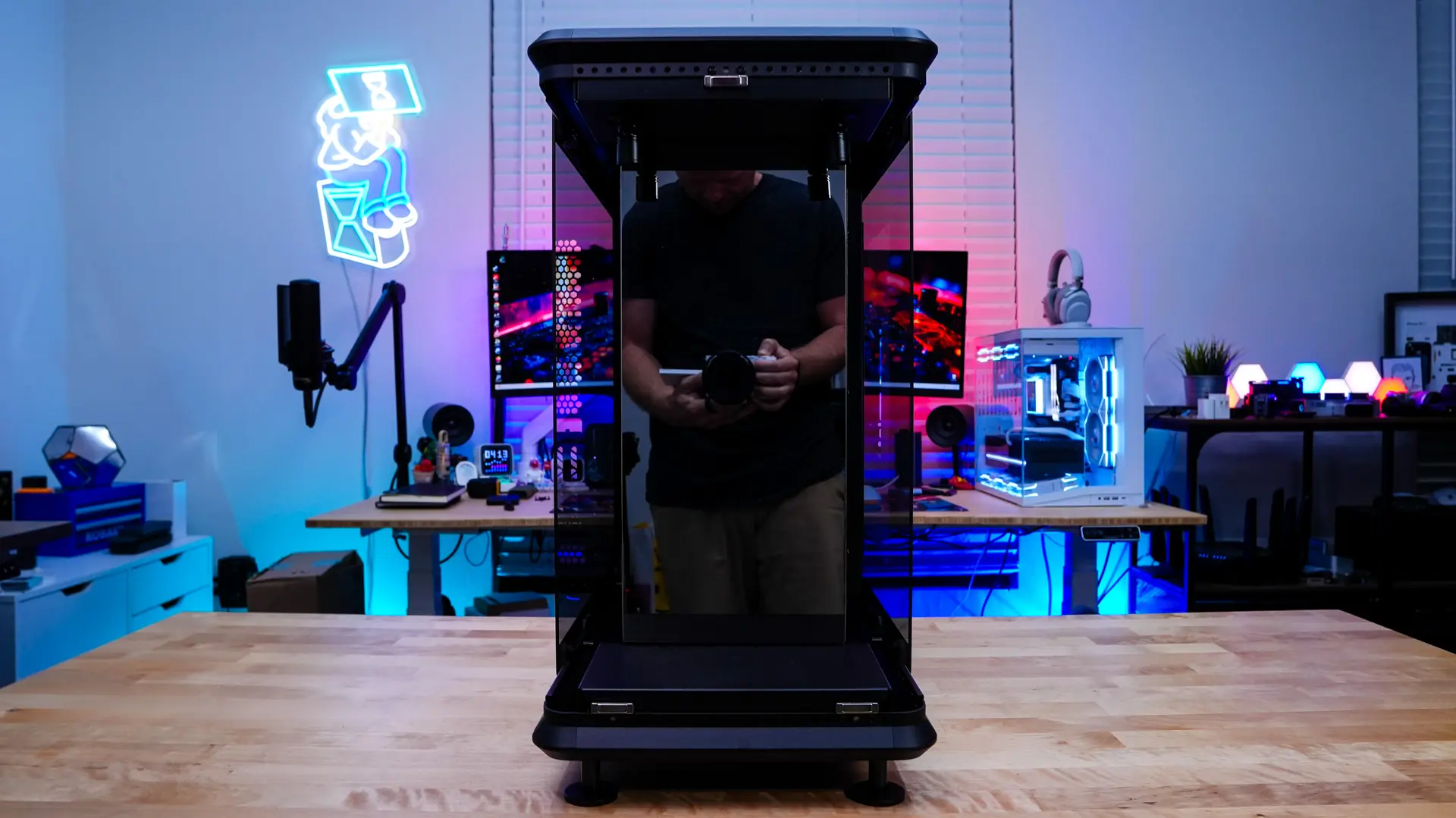
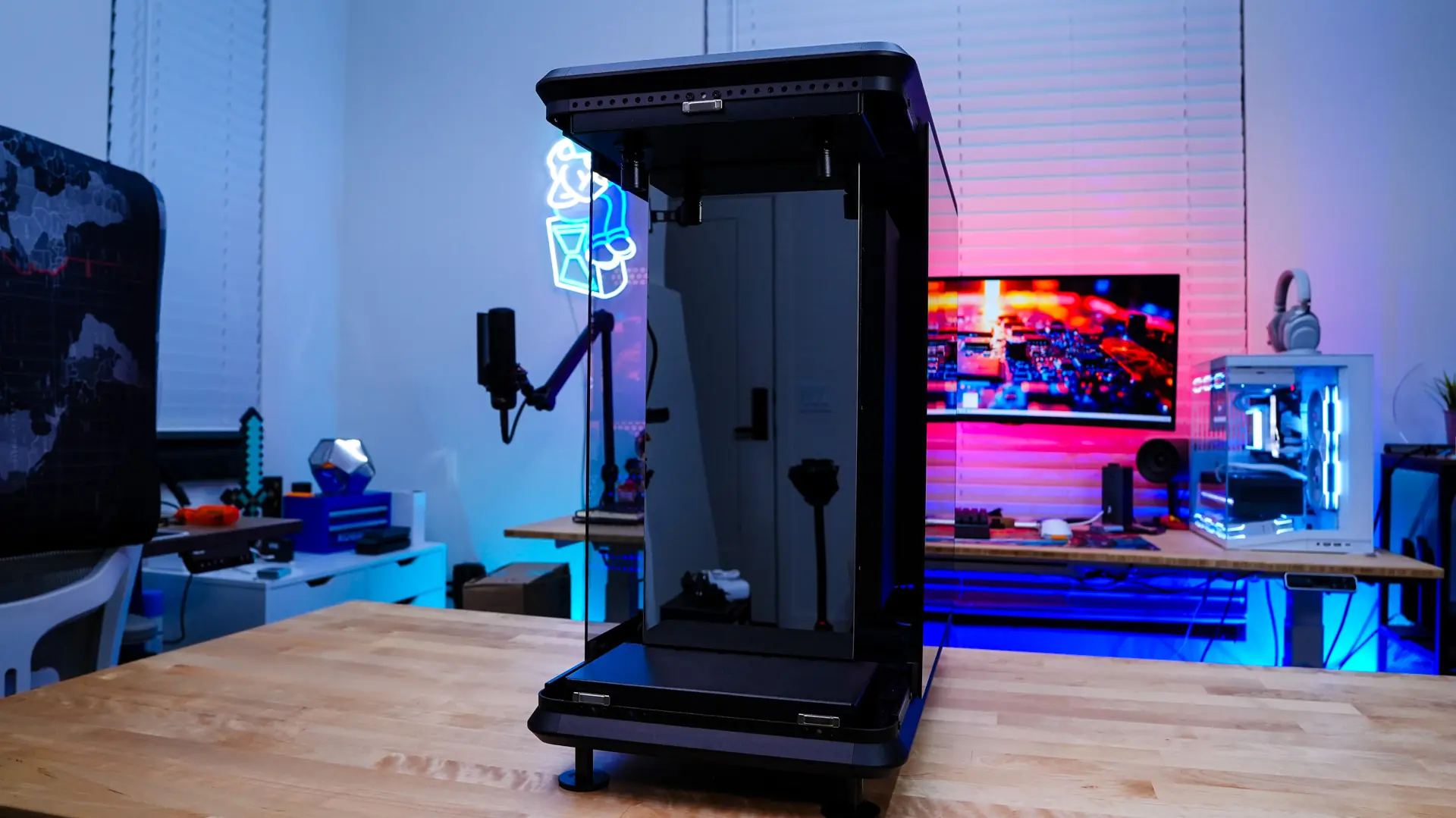
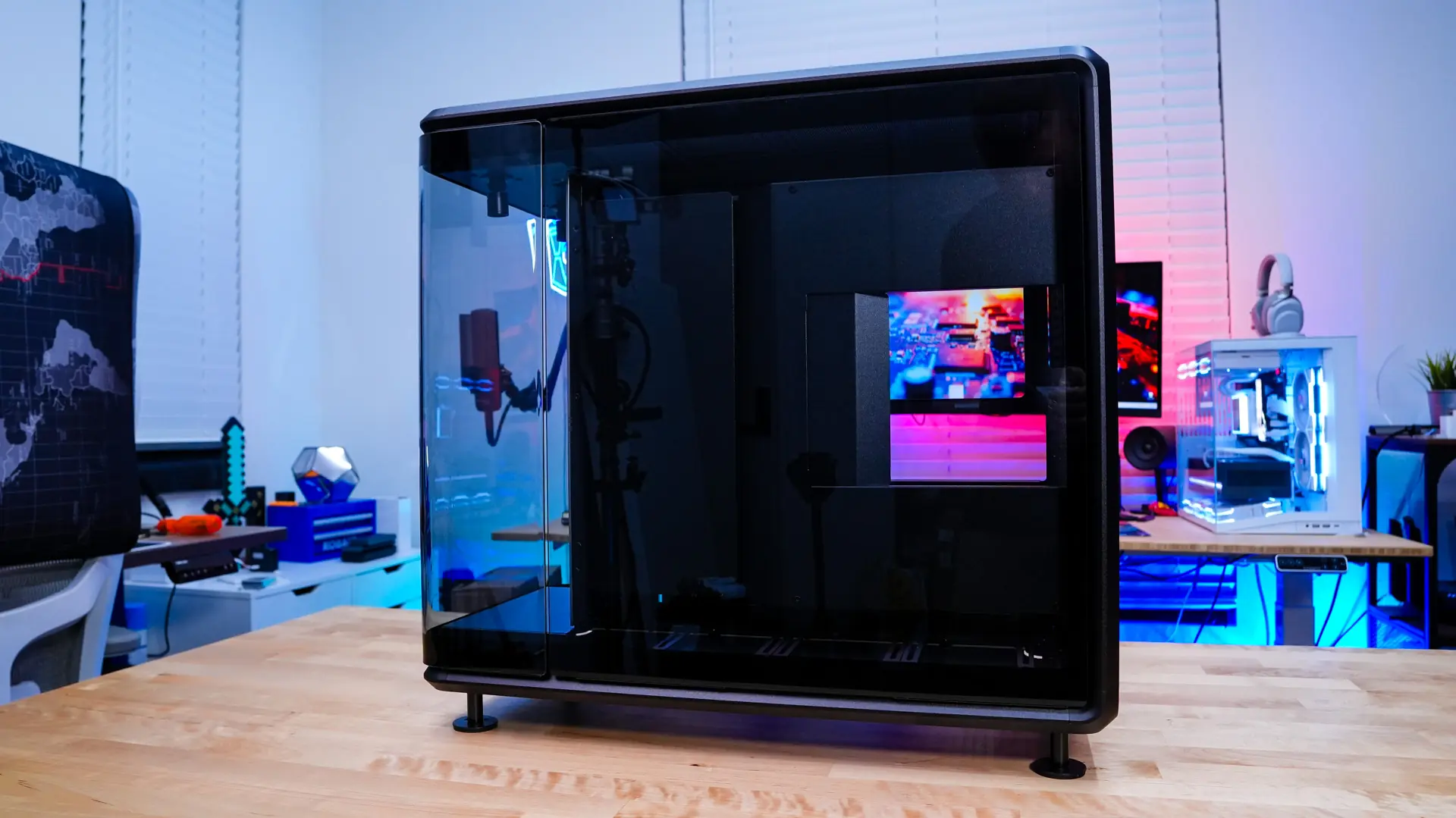
Starting at the front of the case we have a clear glass panel. This panel actually curves around on each side. If you were wondering all of the panels on this case have a slight tint to them.
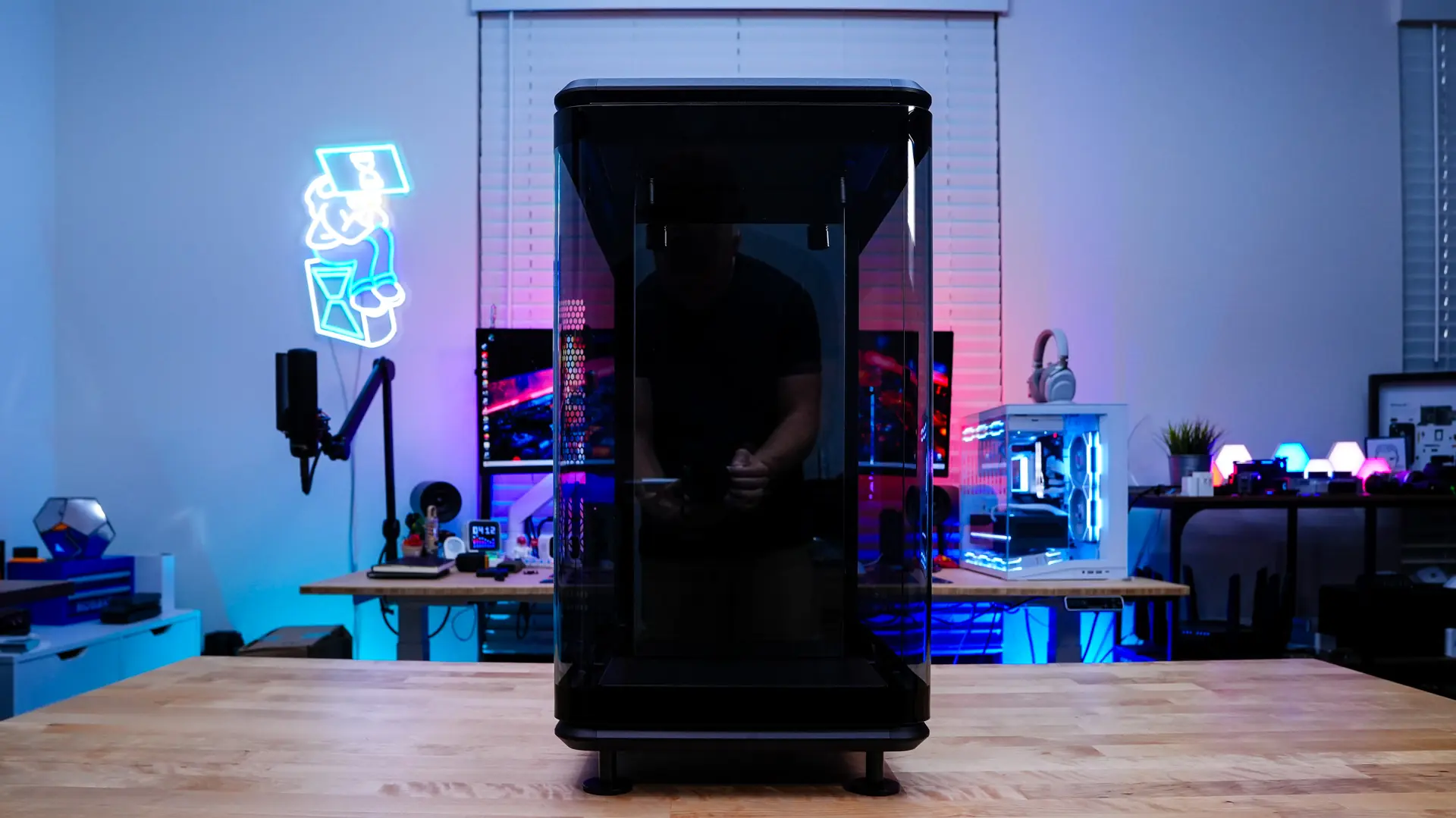
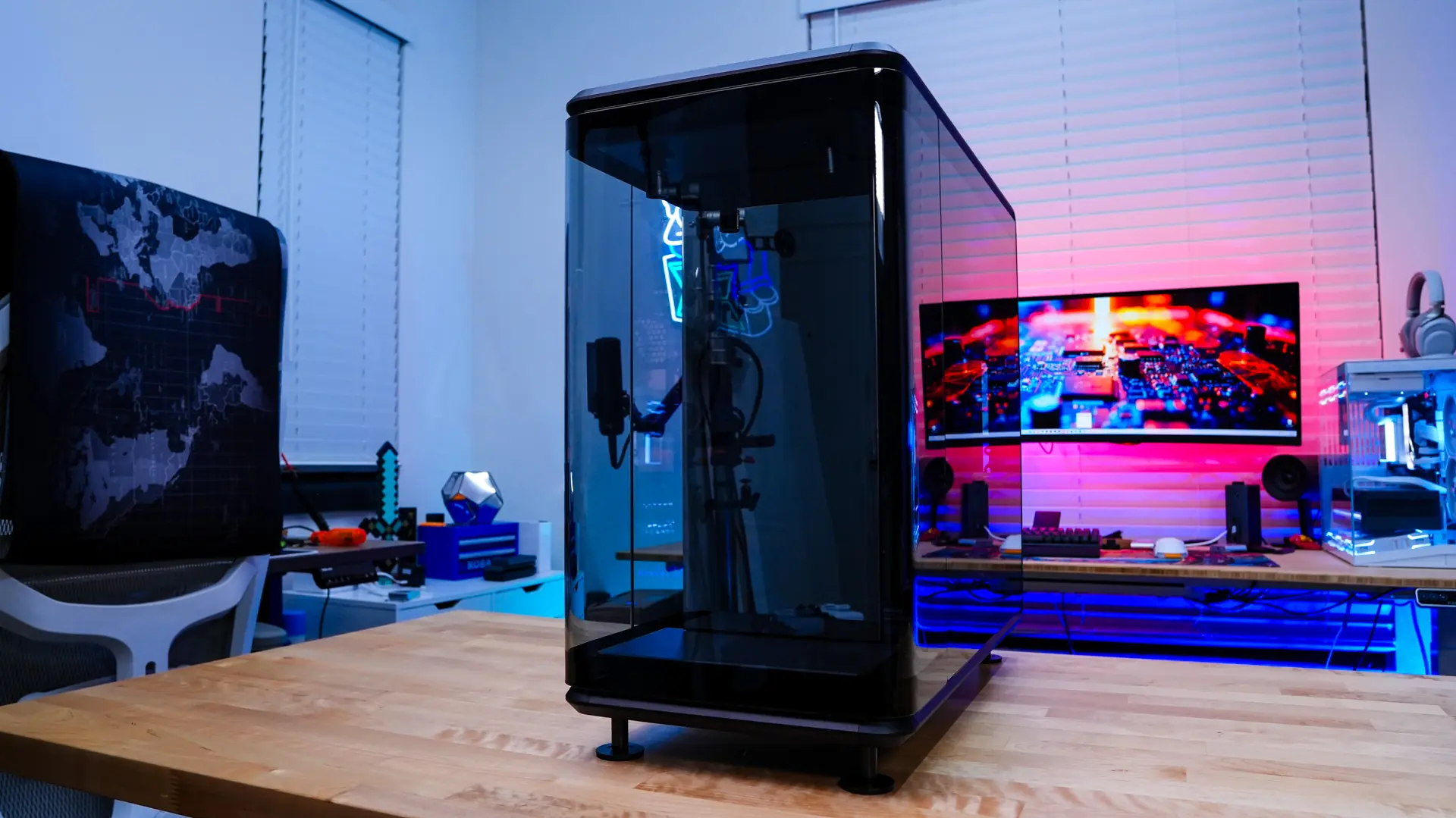
The front glass panel of the case can easily be removed. With it removed we can get a look at the “Stage”. This part of the case is meant to house an action figure, figurine, model, etc. On the Panorama version of the case there is simply a mirror here. There is also a Stage version of this case which has this section not enclosed in glass and there is an LCD variant as well. Cooler Master suggest a measurement of 360 x 220 x 118 mm (HxWxD) for the figurine that you place here. This section also features two spotlights, which we will cover a bit later in the review.
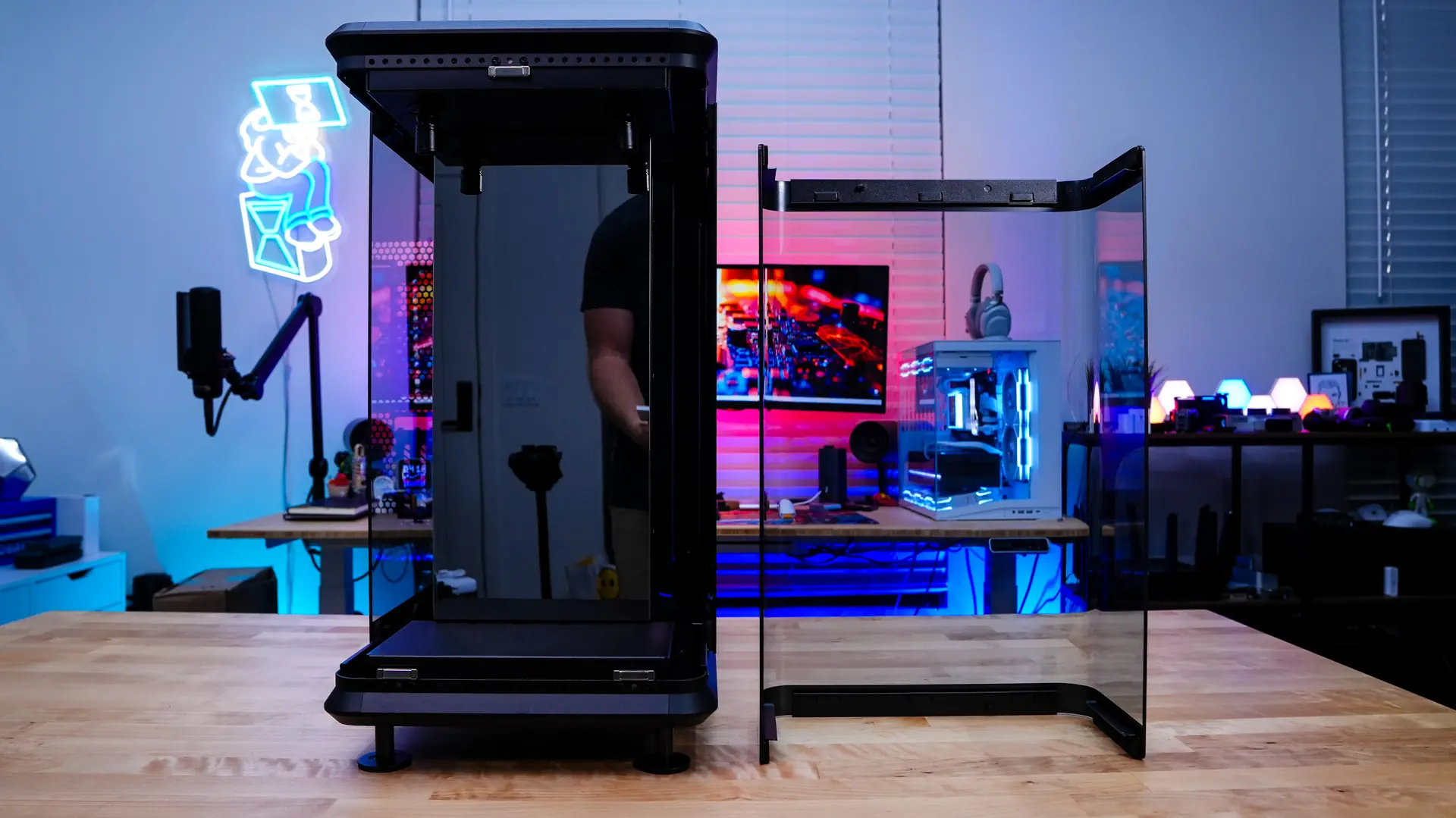
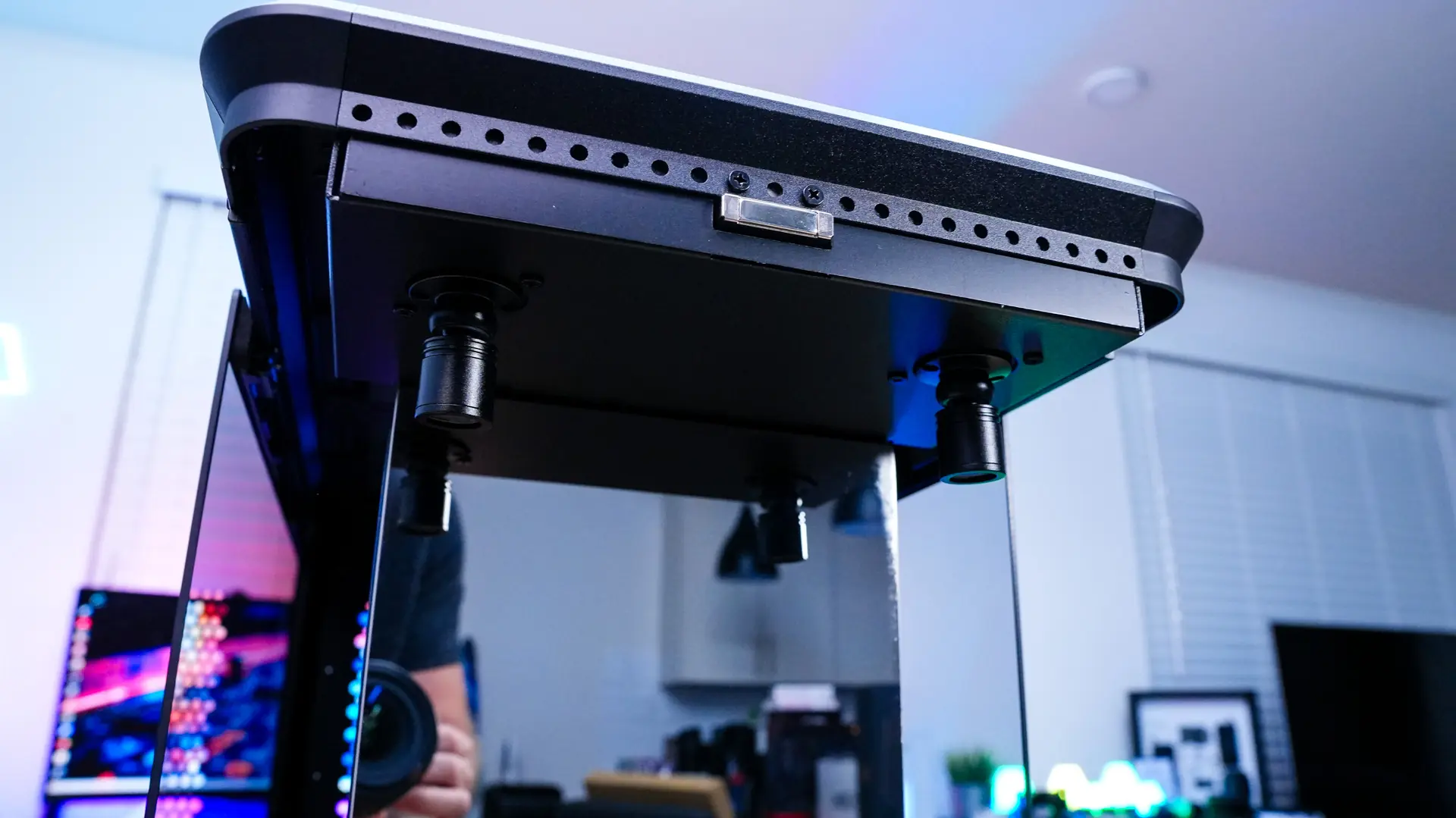
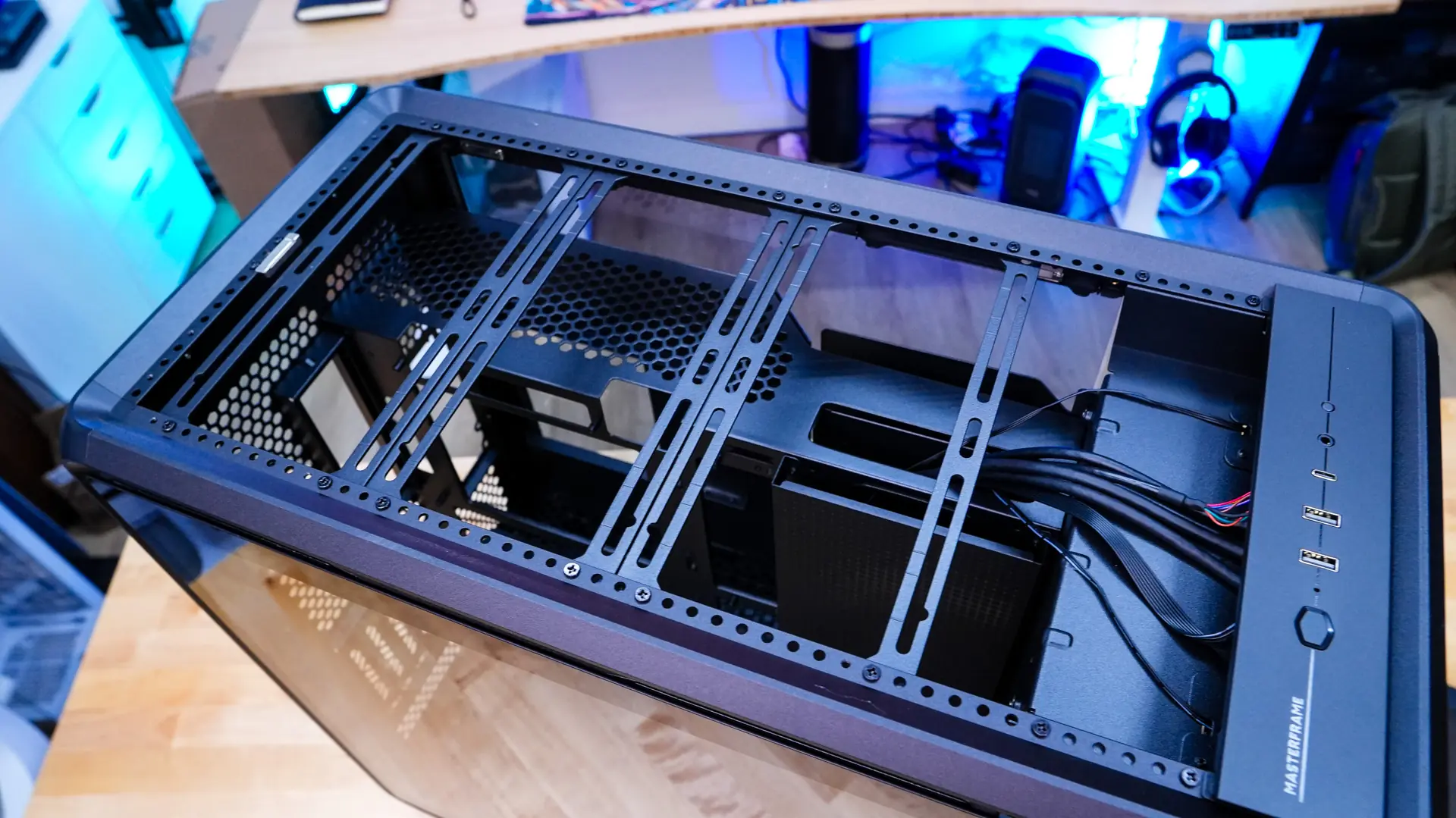
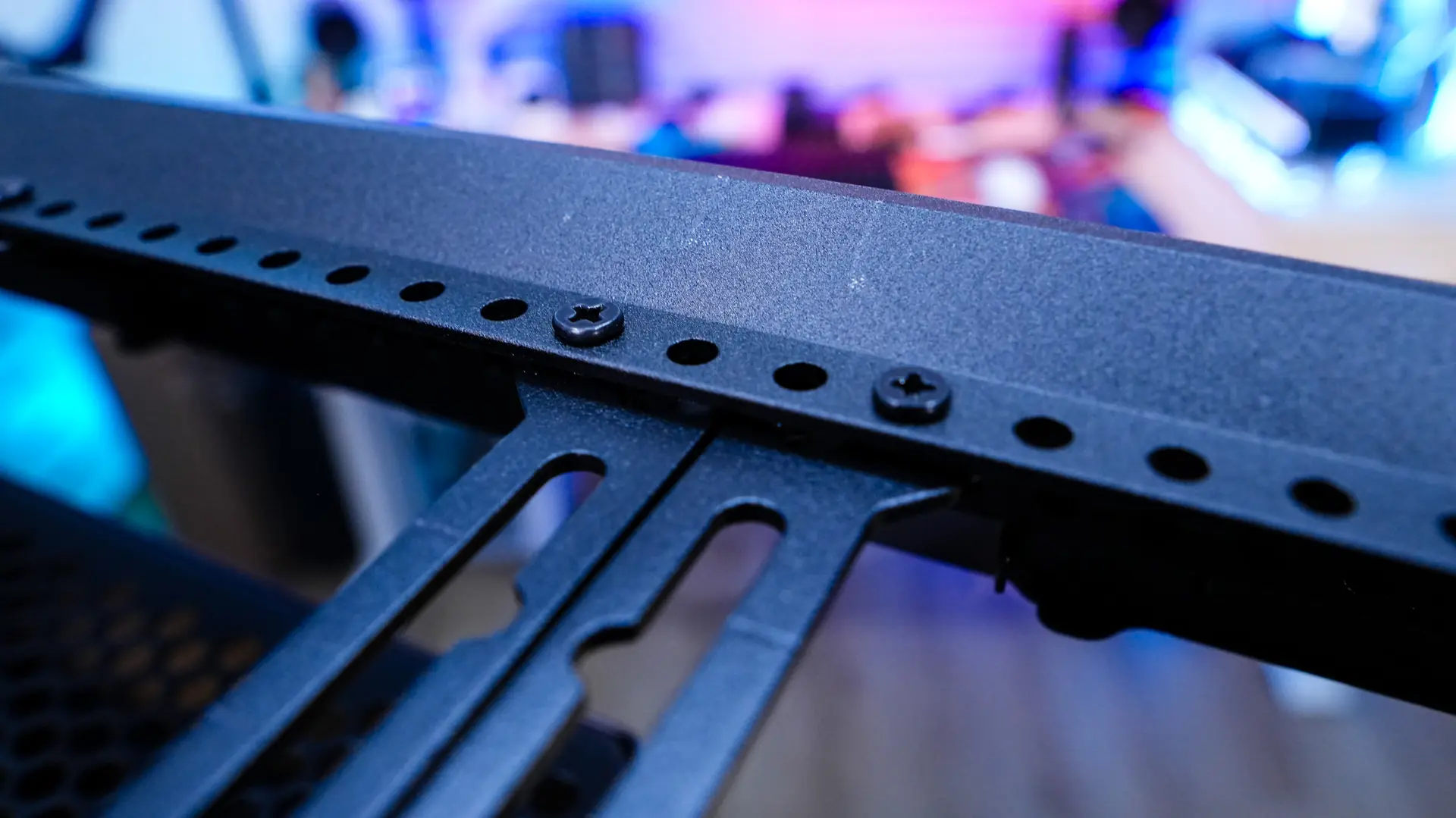
Moving up to the top of the case we find out buttons and connections which include a large power button, two USB 3.2 Gen 1 Type-A ports, one USB 4.0 gen 2×2 Type-C port, a combination headphone and microphone jack, and a smaller power button. The rest of the top of the case is ventilated. You can remove this ventilated section of the case easily. Once removed we can see there are cooling brackets installed here and they can easily be adjusted by removing the screws on each side. These cooling brackets go across the entire length of the case so when it comes to fans you actually have support for 6x 120 mm, or 2x 140 mm, or 2x 180 mm, or 2x 200 mm. Radiator support is only going to be up to 360mm.
Moving to the side of the case we can see how that front glass panel wraps around the case, but then we also have another glass side panel that essentially extends up until the stage part of the case. This of course gives you a full view into your system and allows you to show off your hardware.
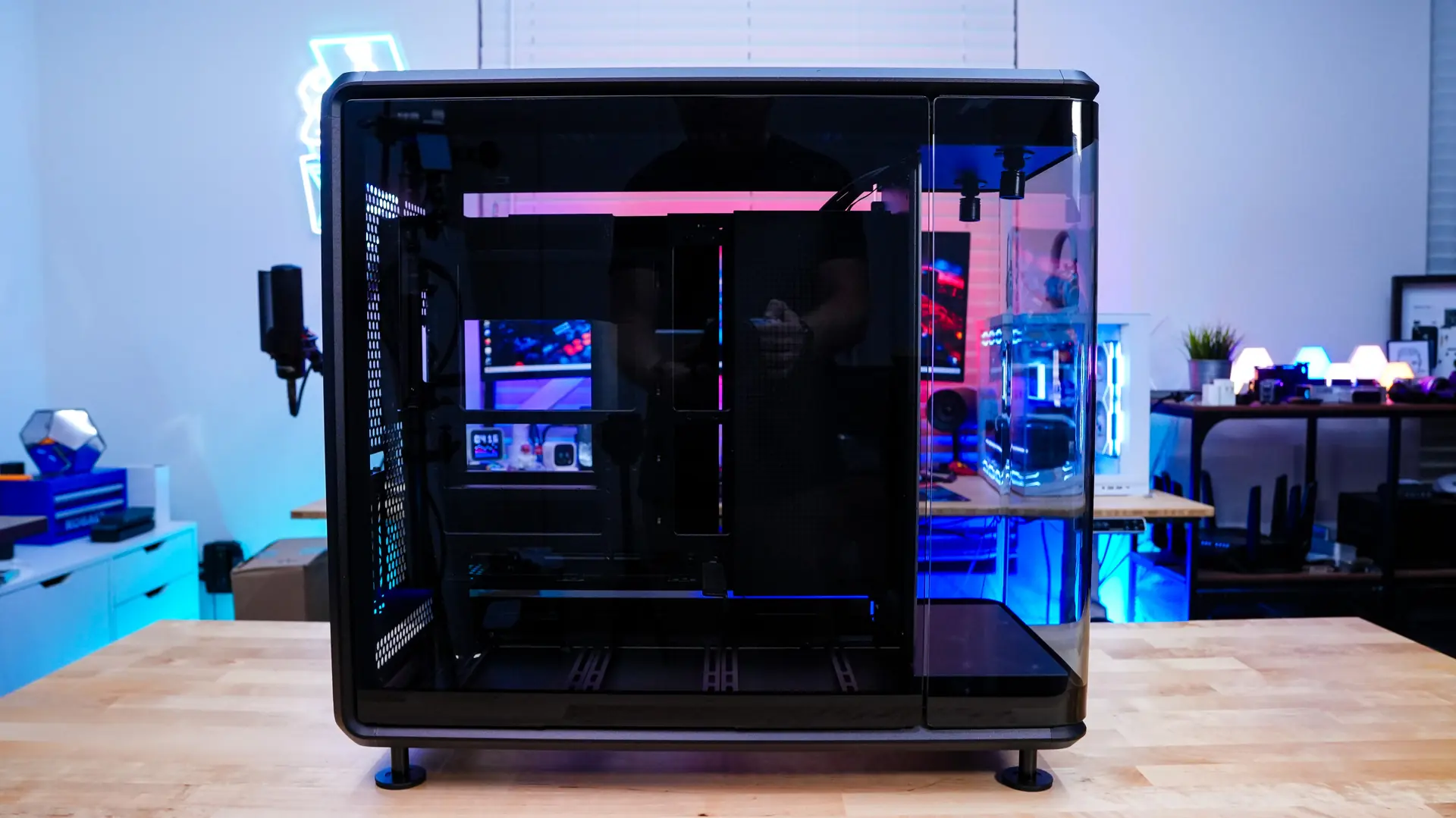
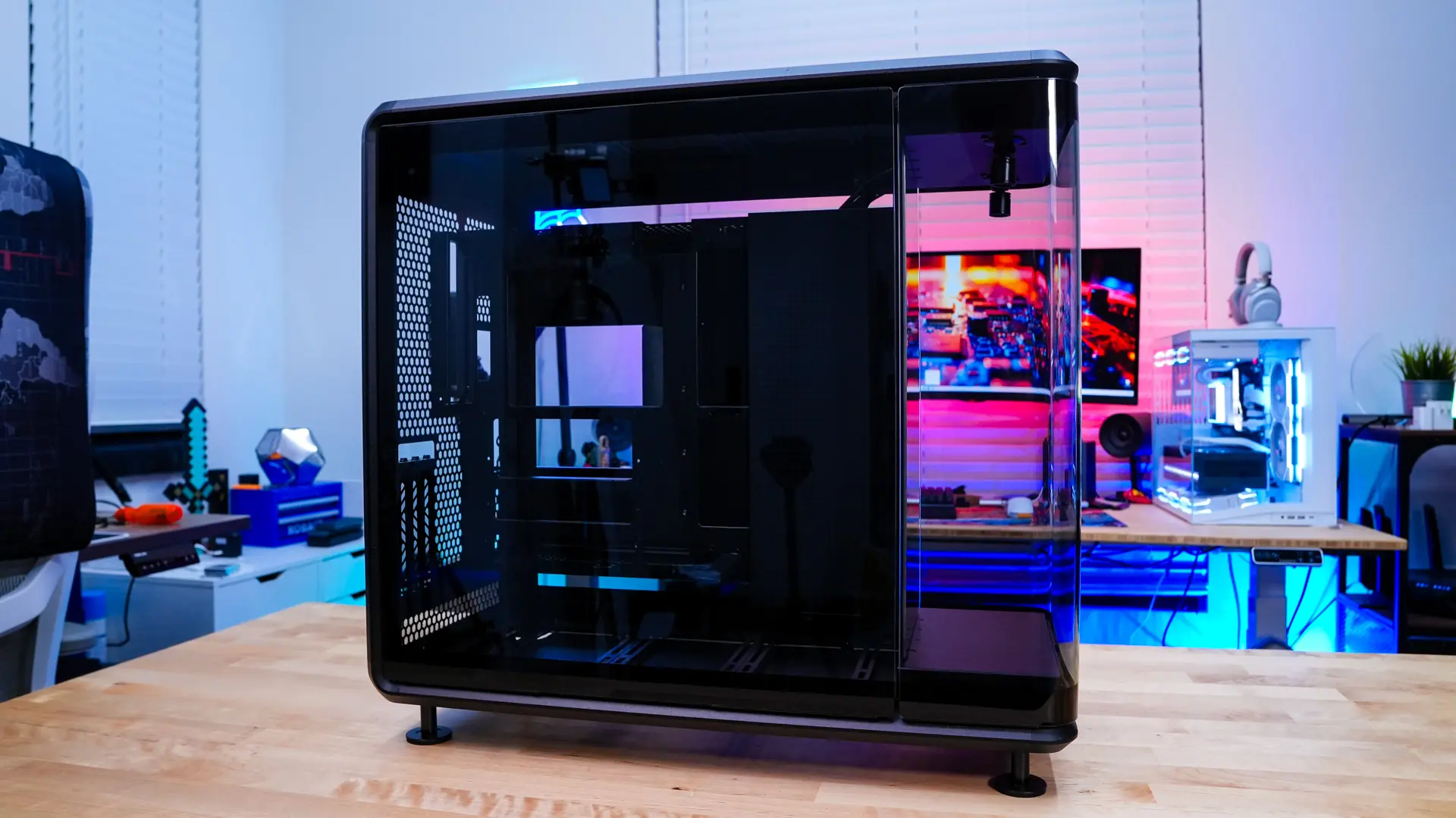
Unlike so many other cases that have a steel panel on the opposite side we actually have another glass panel. This is why Cooler Master calls this the 360 Panorama, as you really do get a 360-degree view of your system.
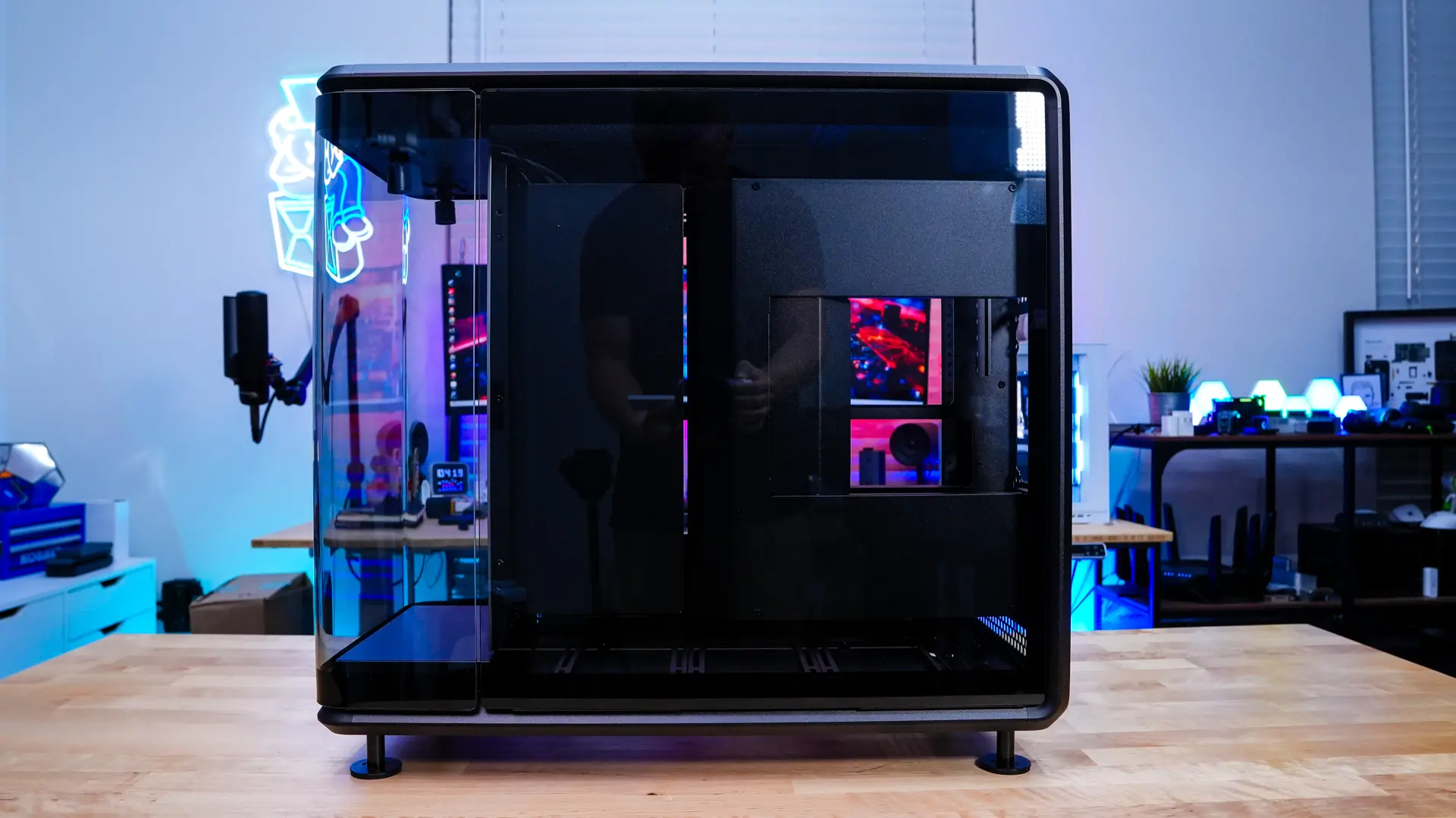
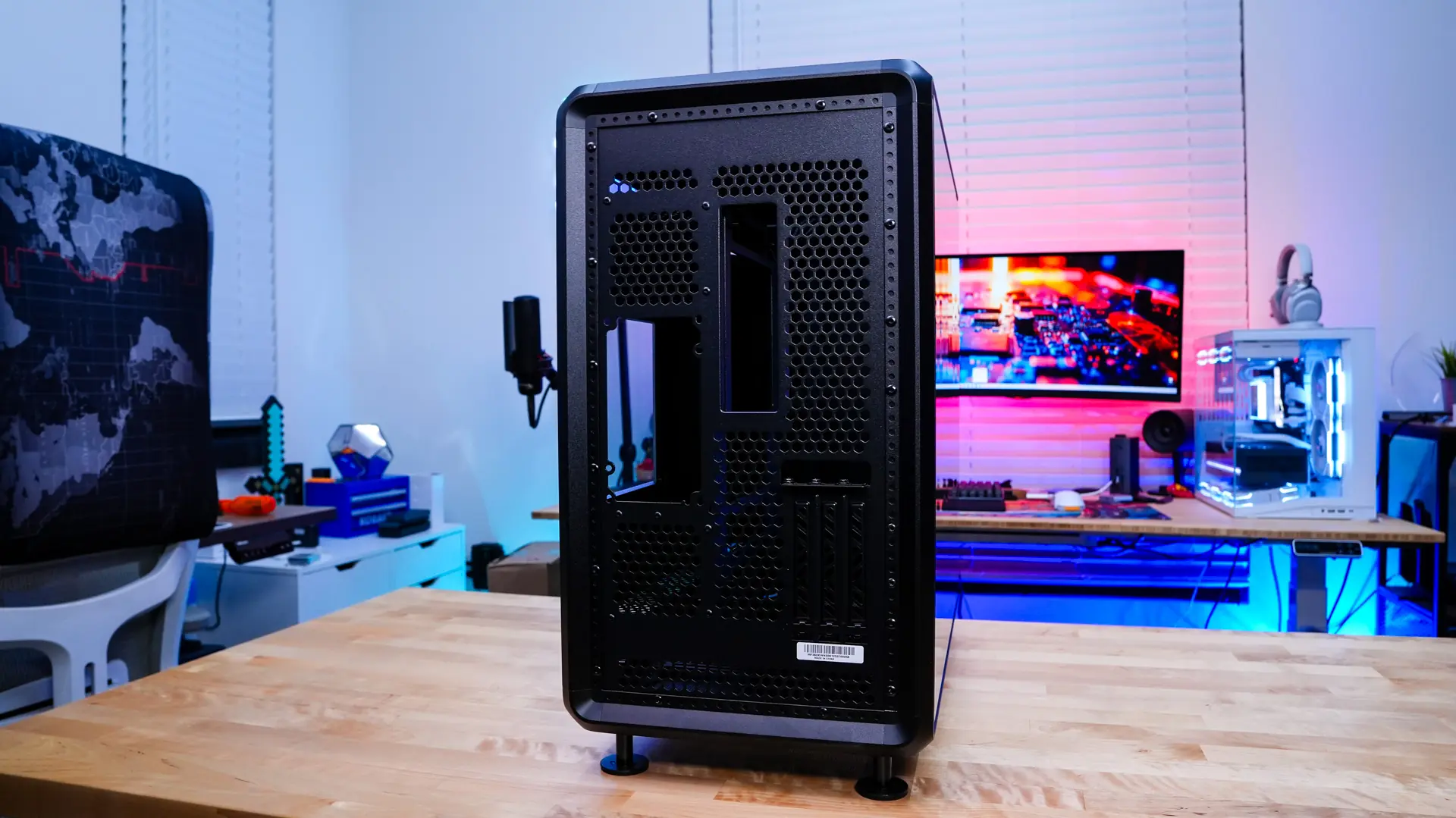
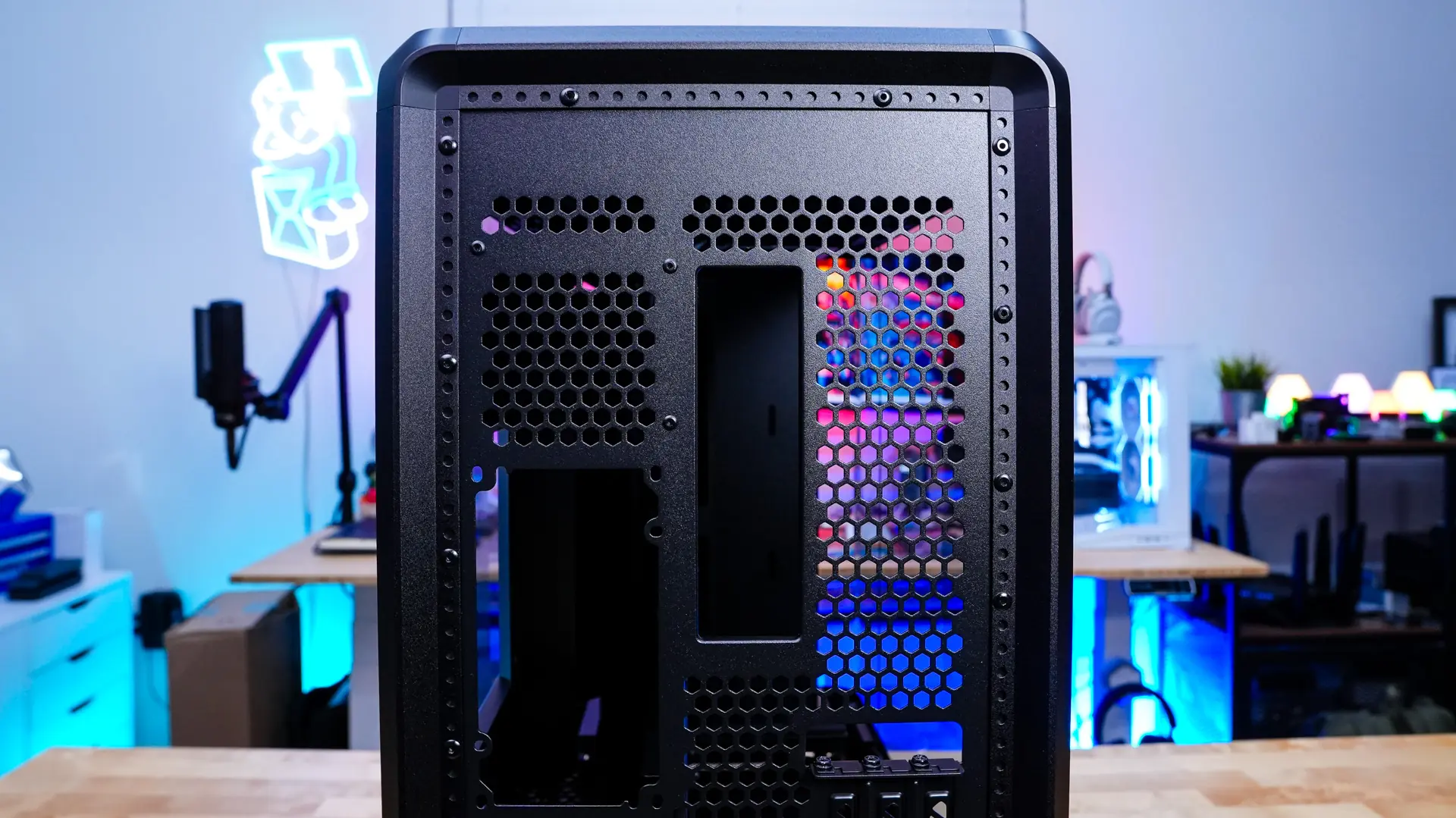
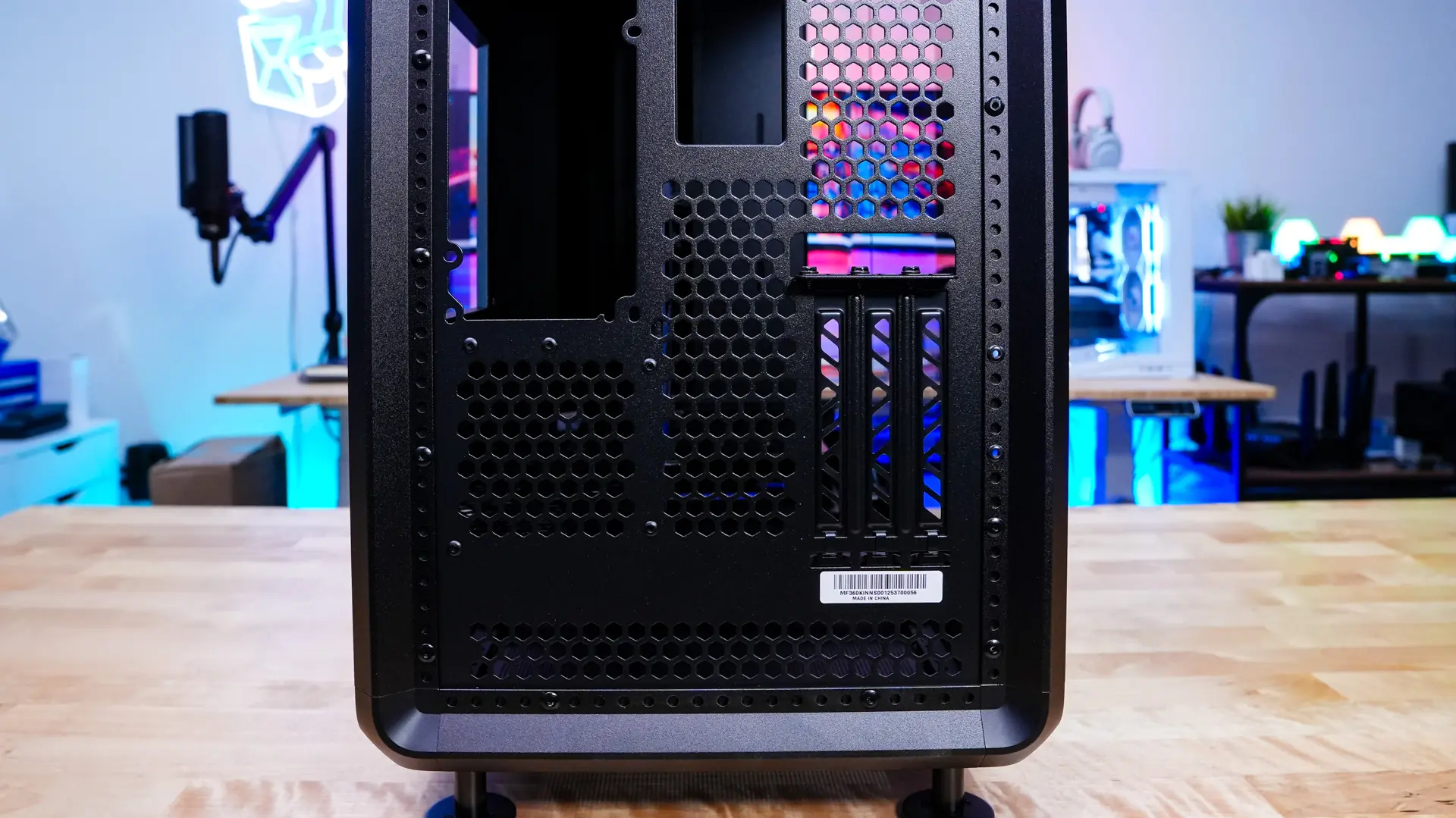
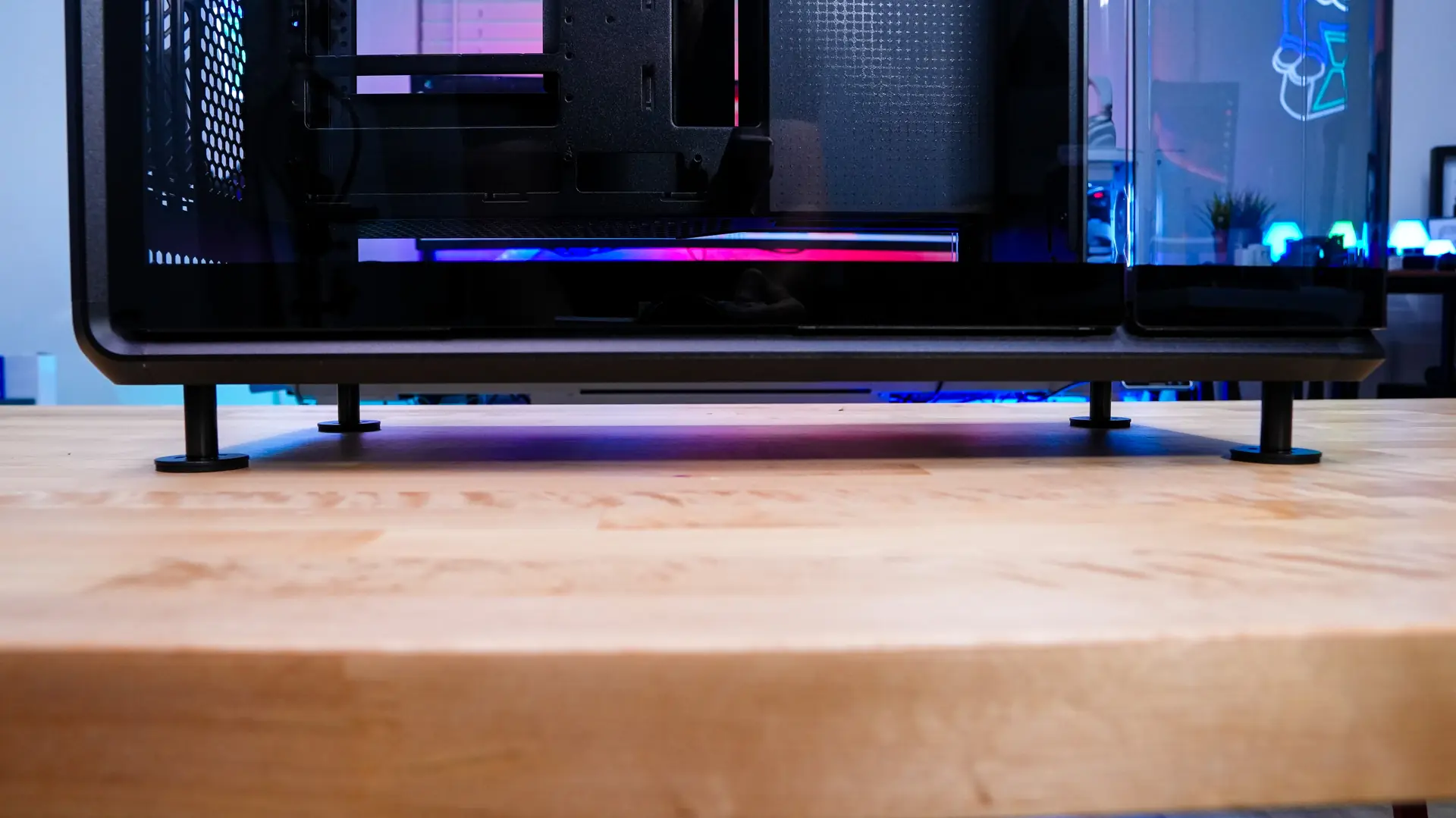
Finally coming to the back of the case we see the most of it is ventilated. On the right side of the case is going to be our motherboard mount. One interesting thing is that the expansion slots are all vertical, hence why Cooler Master includes a riser with the case. On the opposite side is where you’ll install your power supply. One last thing to note are the feet on the case, which are quite different from what we’ve seen before.