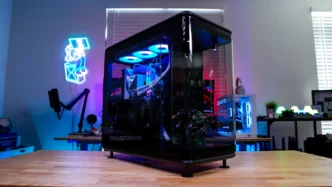
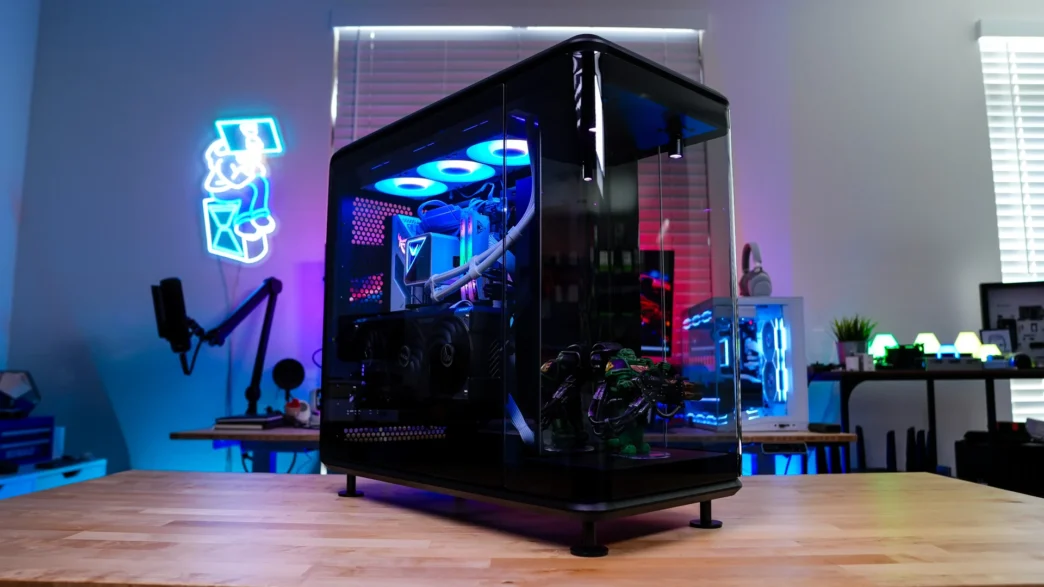
A Look Inside the Cooler Master MasterFrame 360 Panorama Case
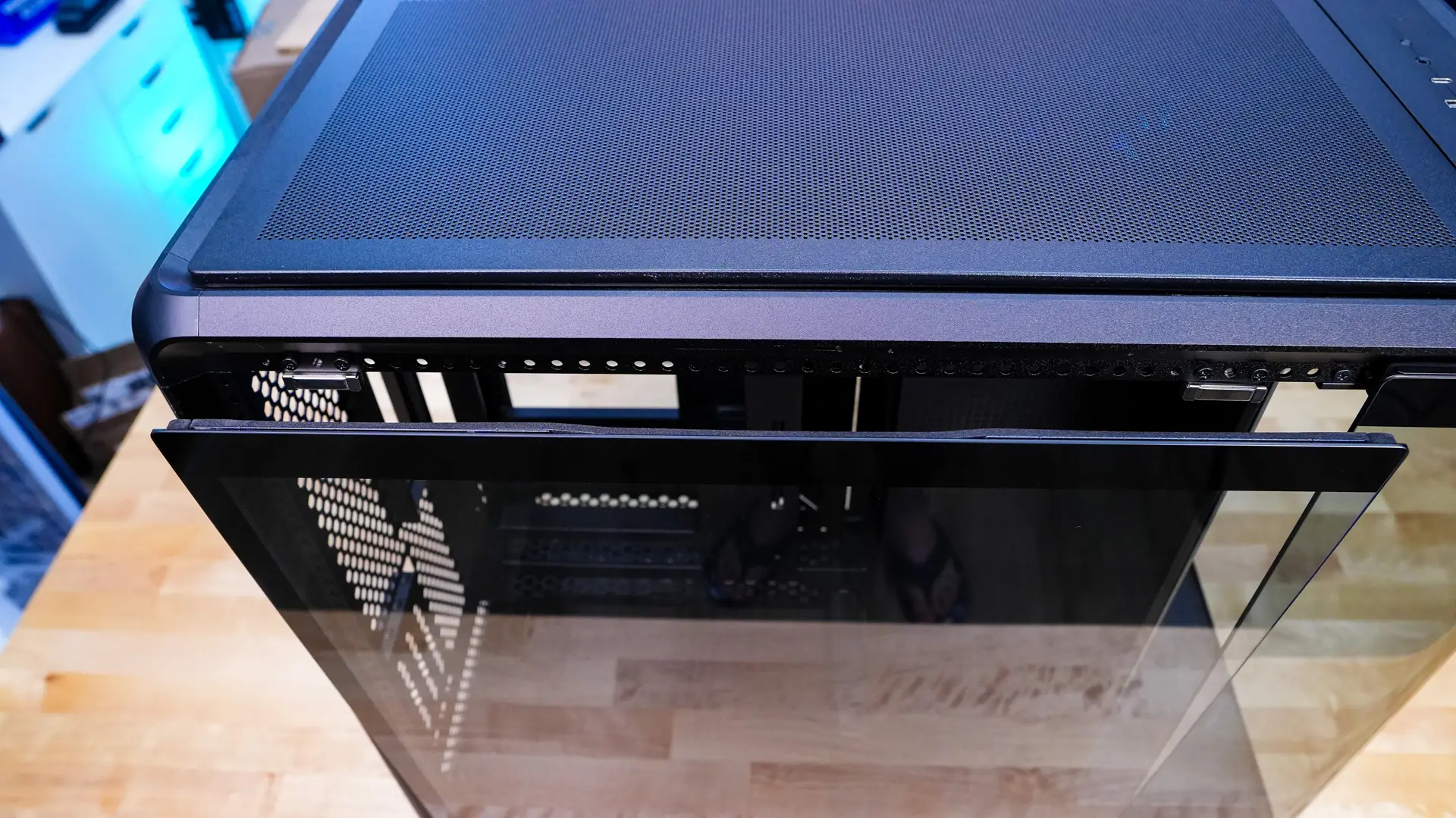
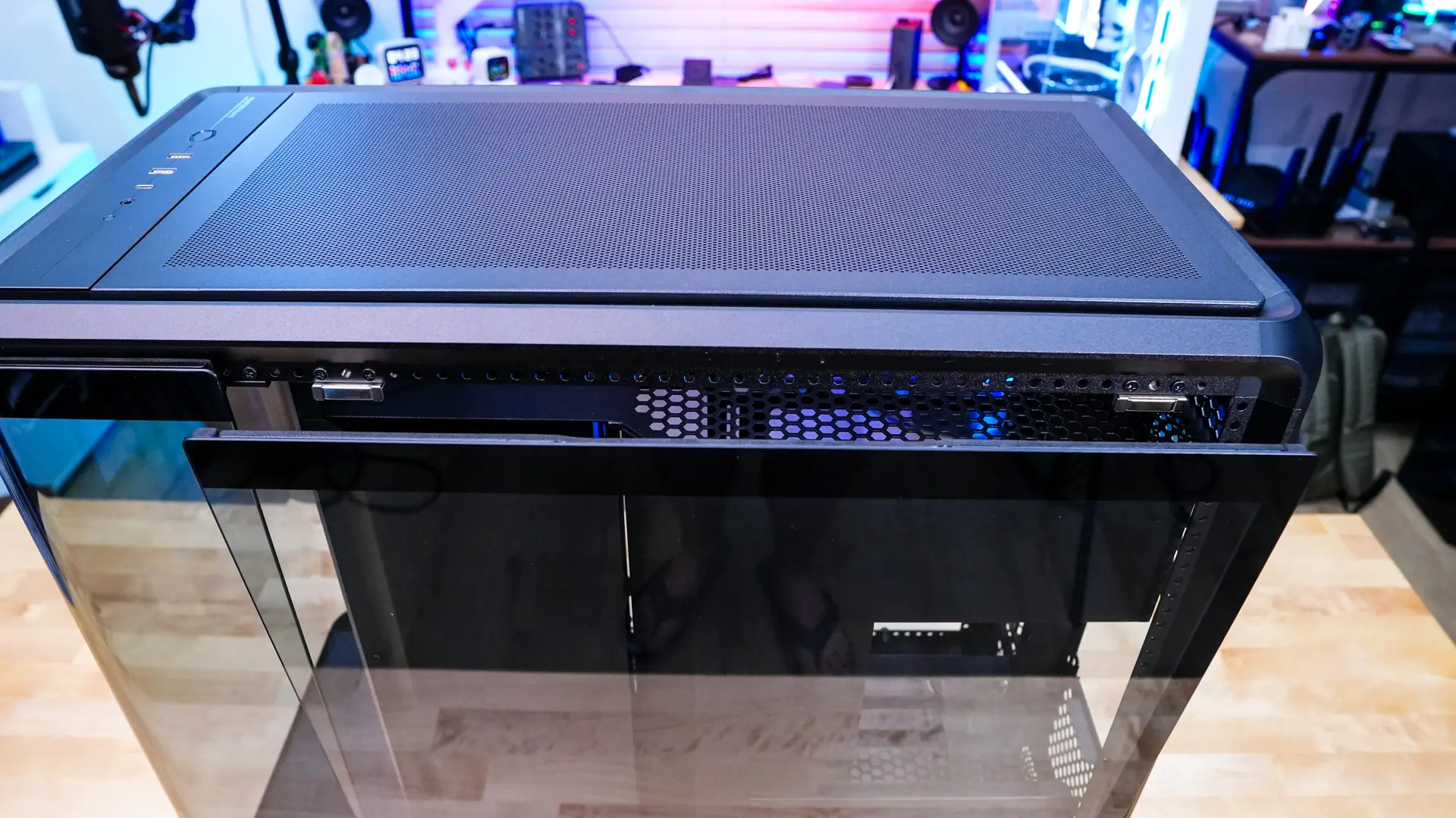
Getting inside the Cooler Master MasterFrame 360 Panorama is pretty easy. The main side panel easily pops off and will just sit there, which is definitely convenient. With the side panel removed we can get a better look at the main compartment of the case.
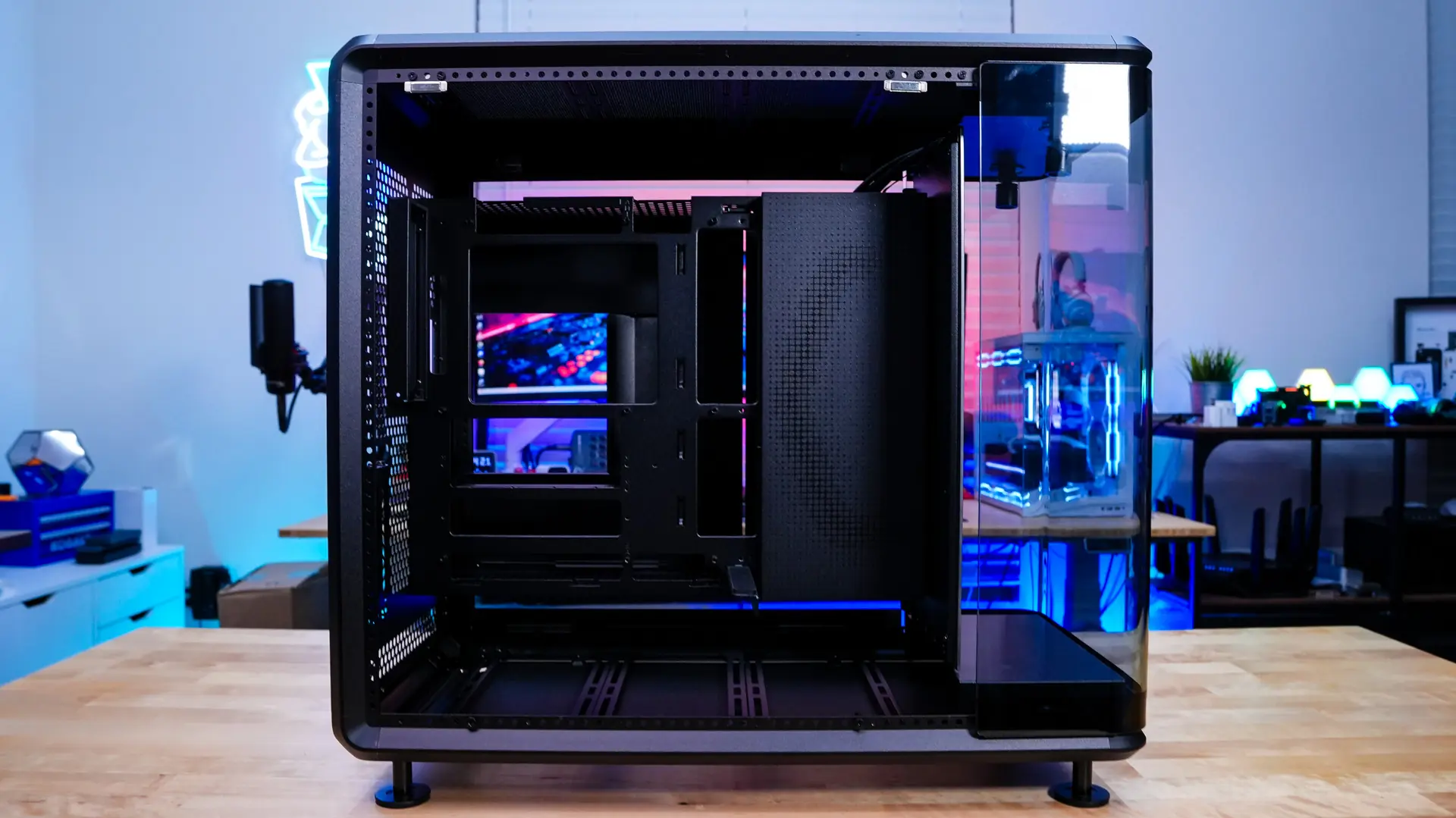
This main compartment will house your motherboard and graphics card. As far as motherboard support you have support for mini-ITX, micro-ATX, and ATX motherboards. There are also proper cut-outs for back-connect motherboard support. As far as graphics cards go you have support for graphics cards as long as 430mm. There is also a built-in GPU support bracket. Towards the front of the case there is a cover which has a sort of abstract version of the Cooler Master logo on it.
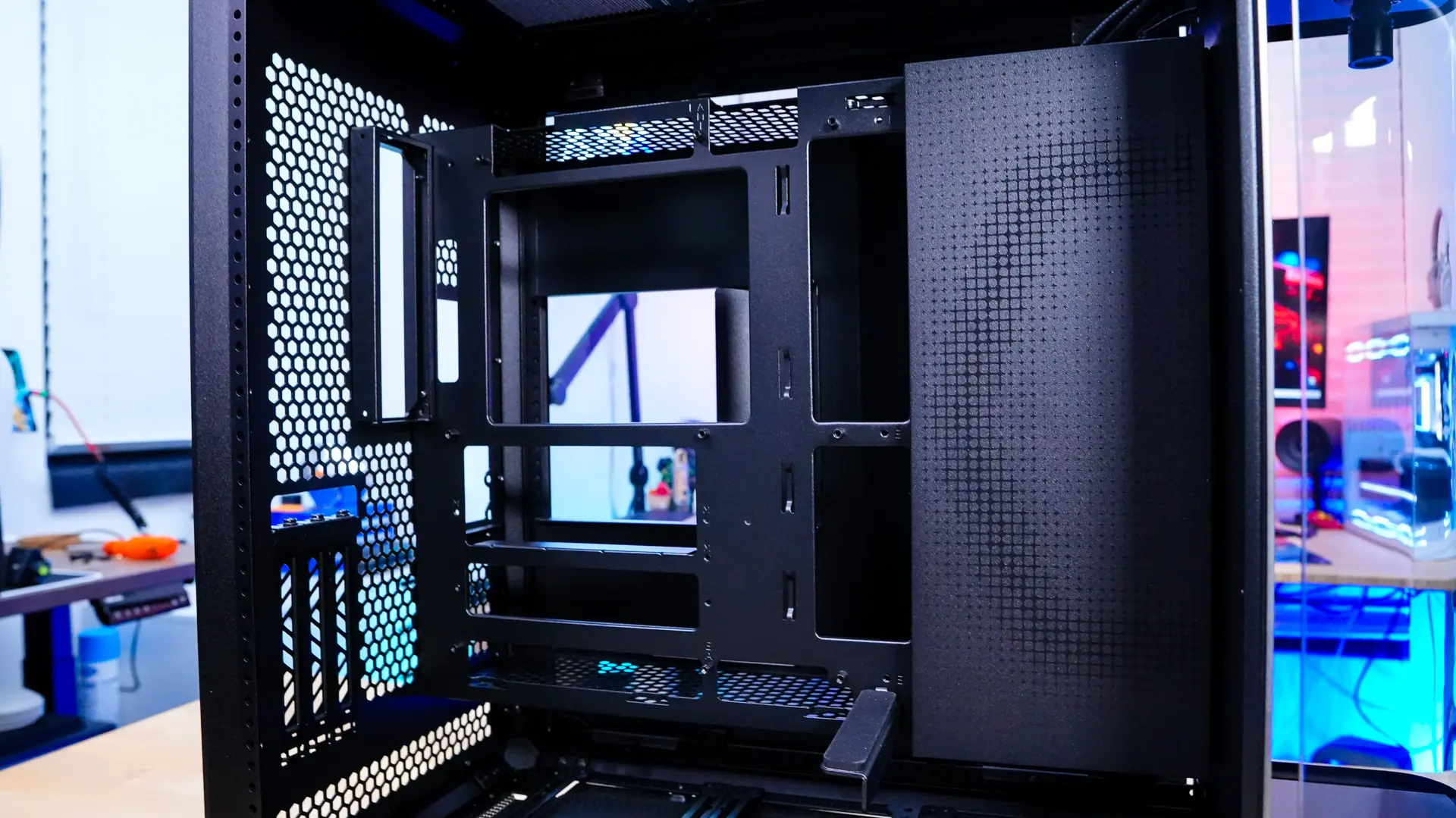
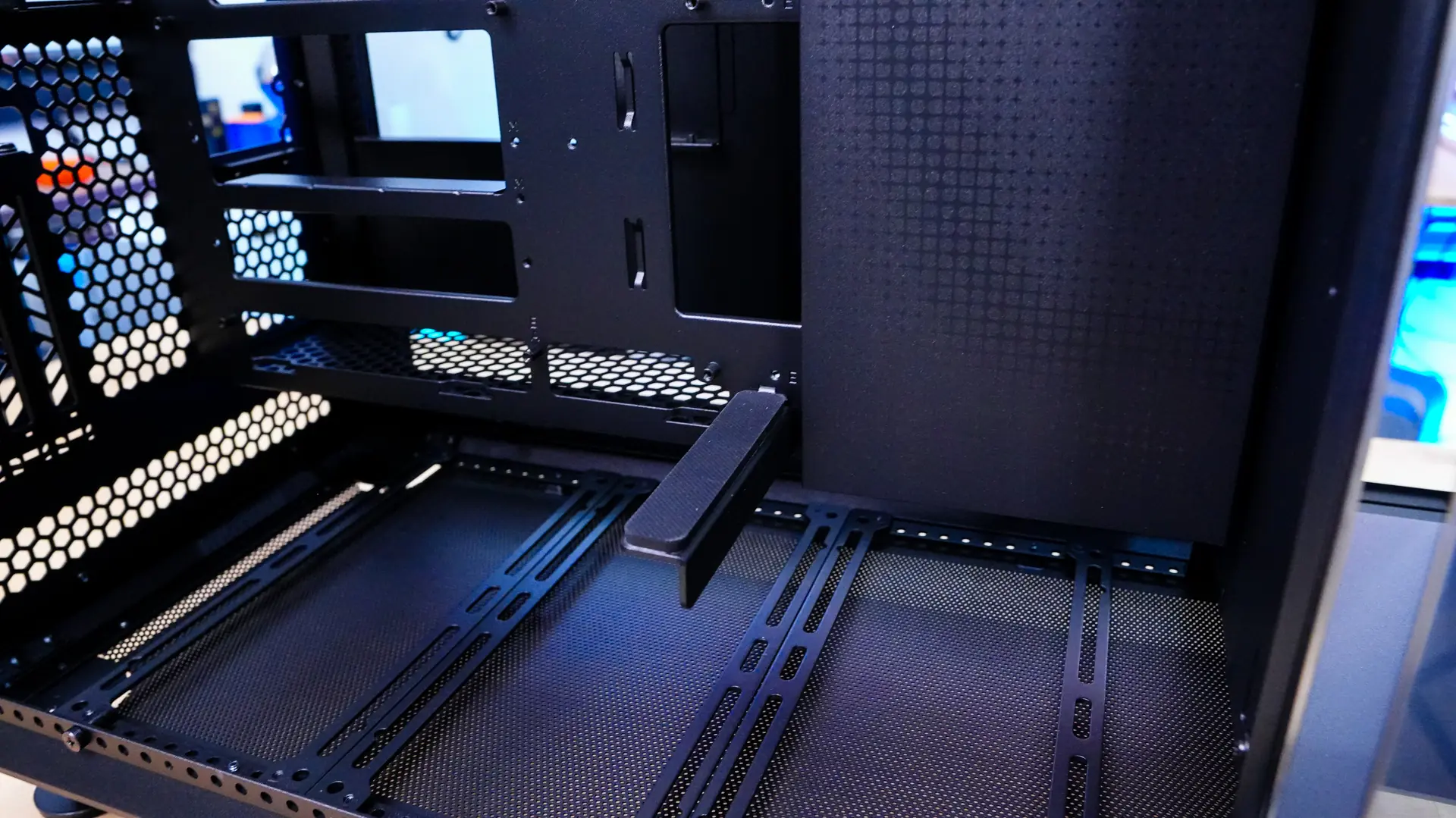
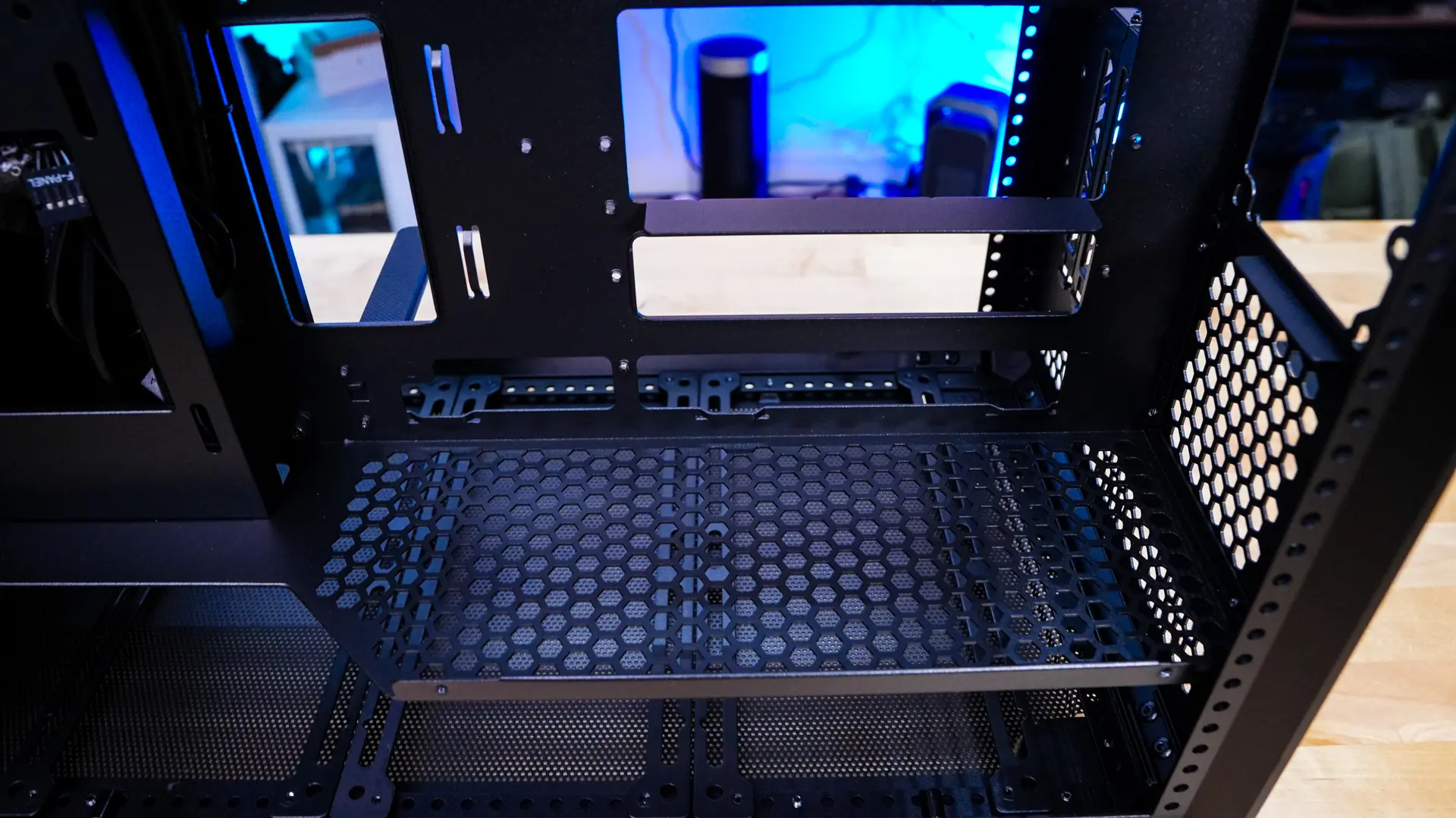
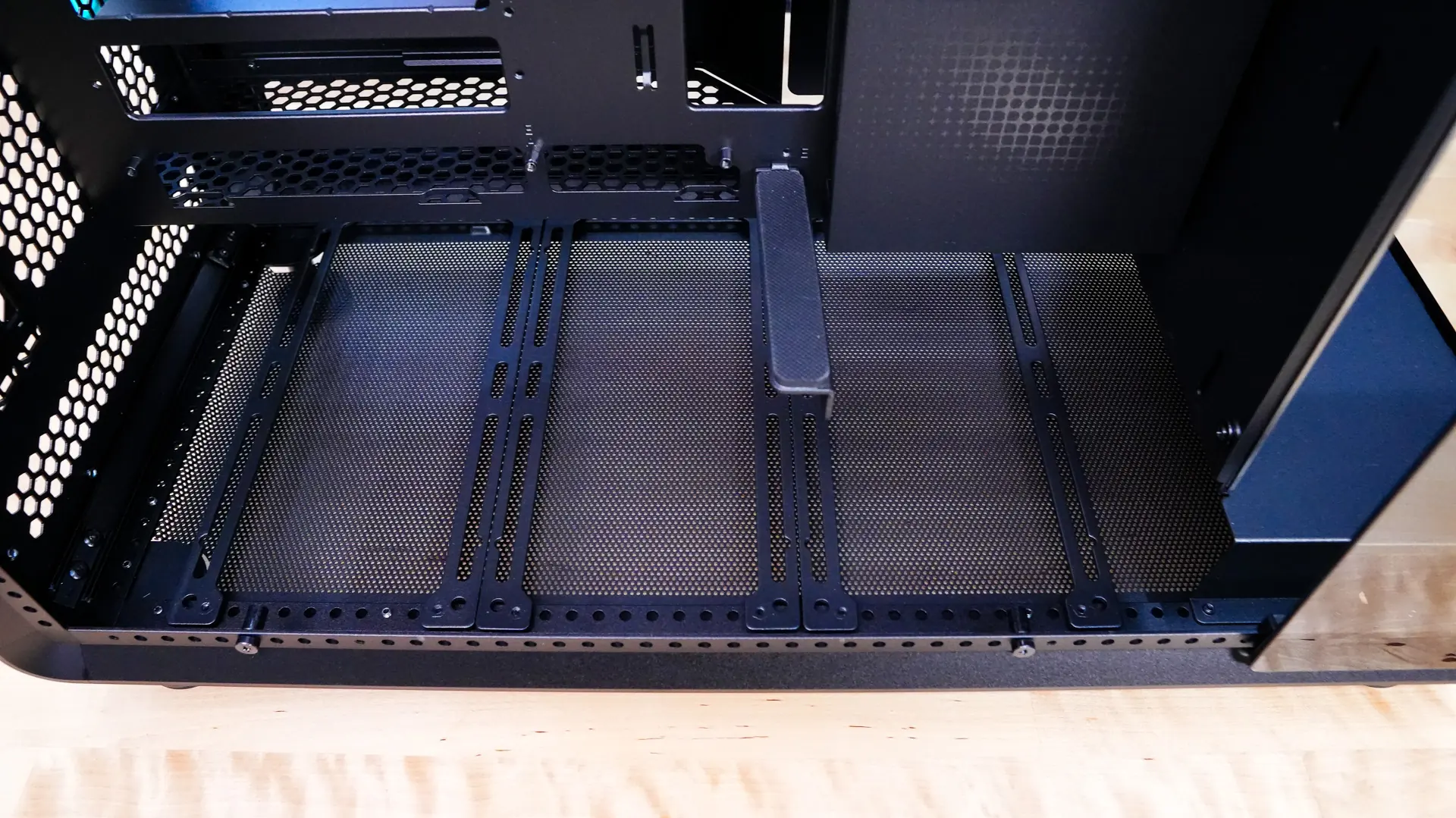
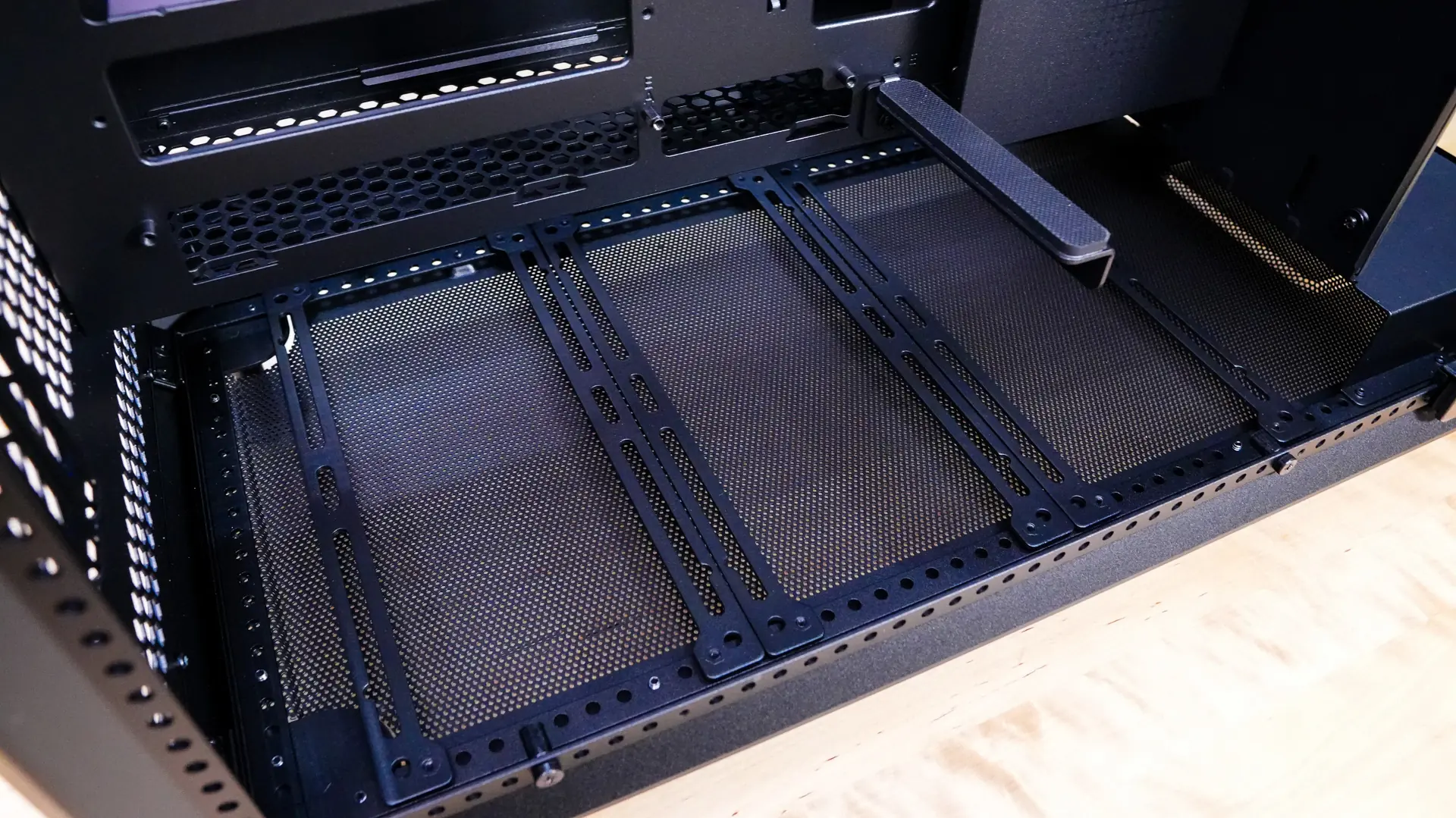
The bottom of the case is designed very much like the top of the case with ventilation as well as adjustable cooling brackets. Down here you can also install 6x 120 mm fans, or 2x 140 mm, or 2x 180 mm, or 2x 200 mm. Radiator support is also the same at 360mm. This wider cooling design allows you to cool both sides of the case pretty efficiently.
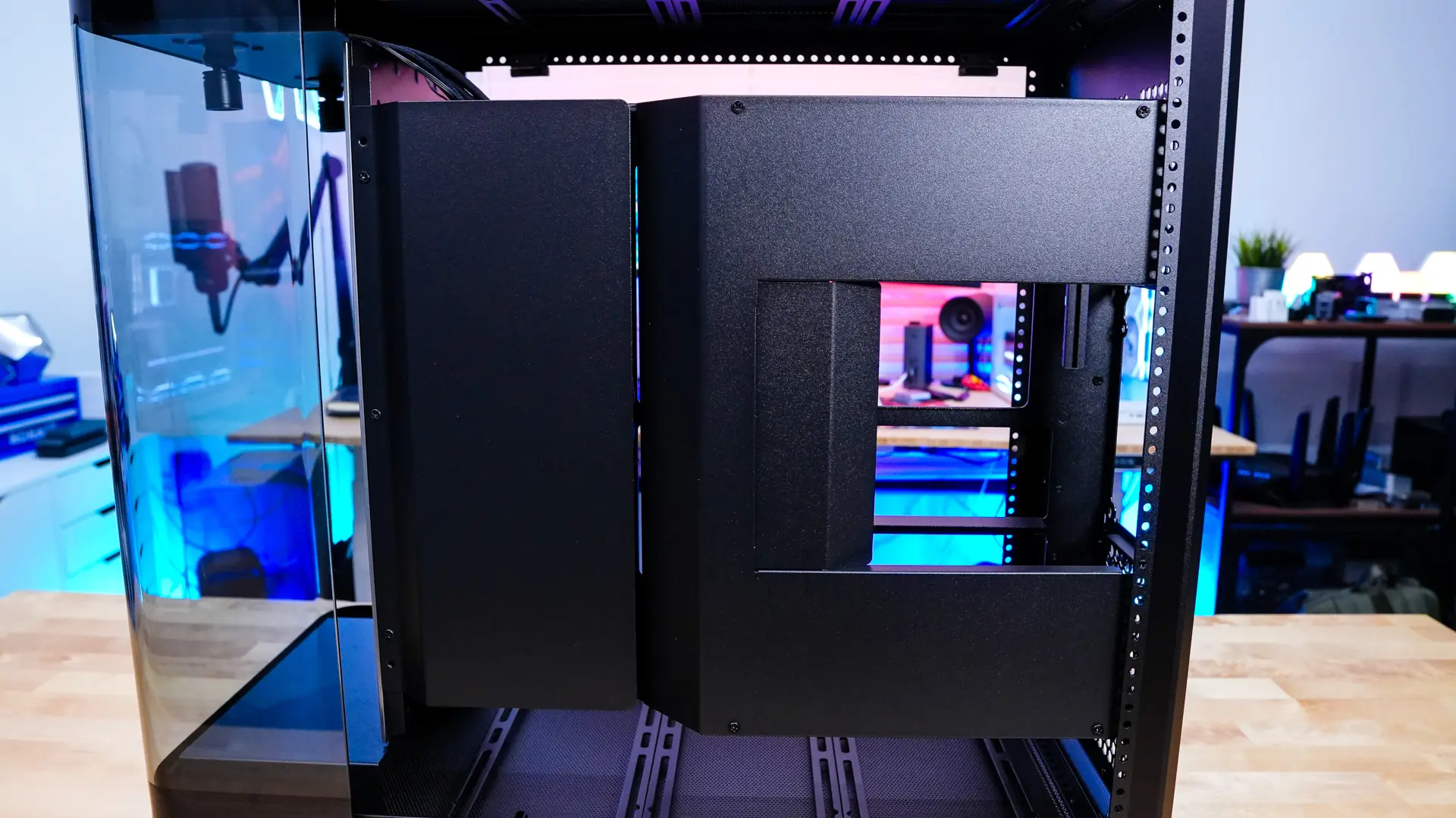
The opposite side panel of the case comes off easily like like the main panel. With it removed we are greeted by more covers that are meant to hide the cable mess on the backside of the case because we of course have a glass panel back here.
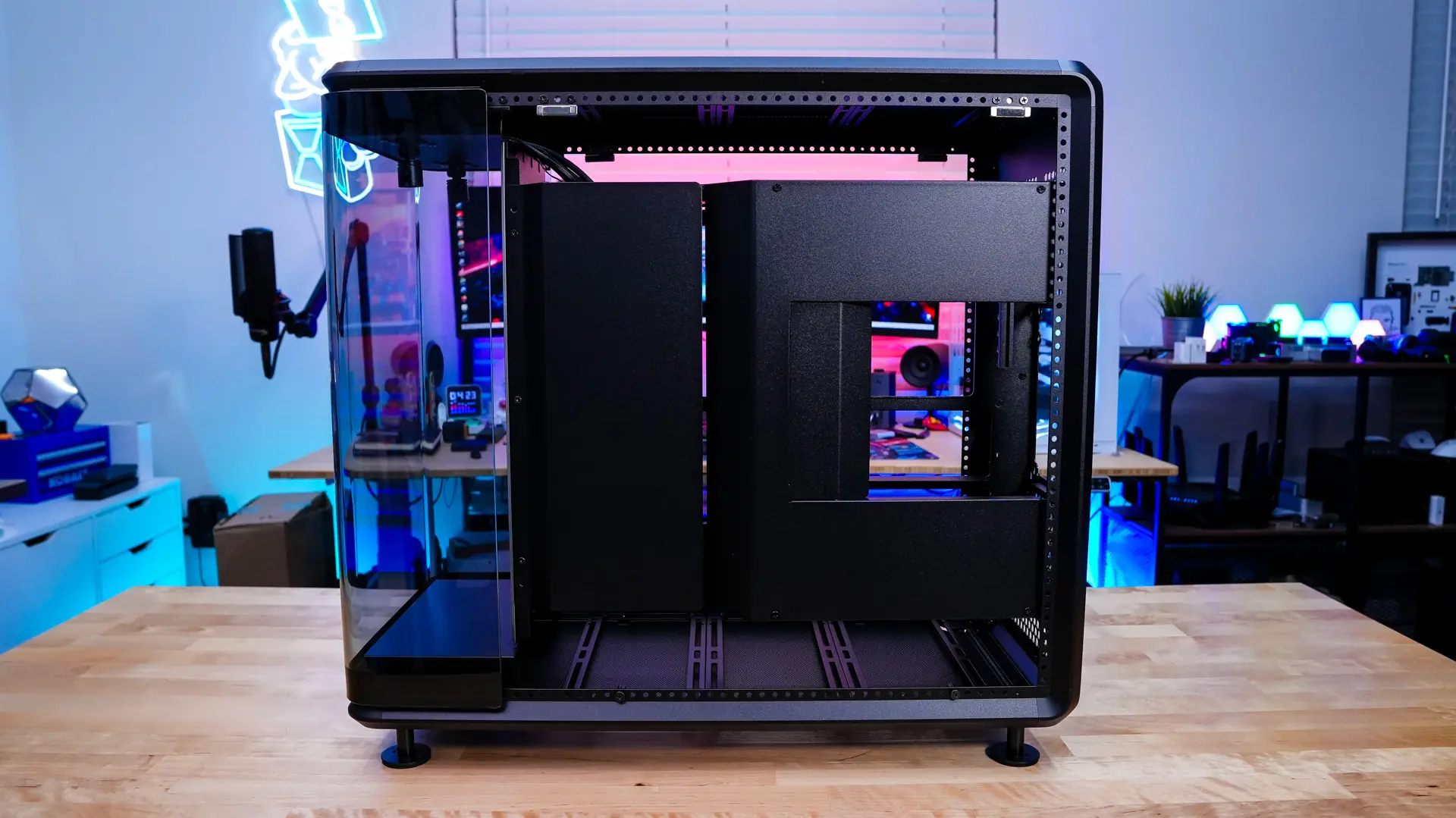
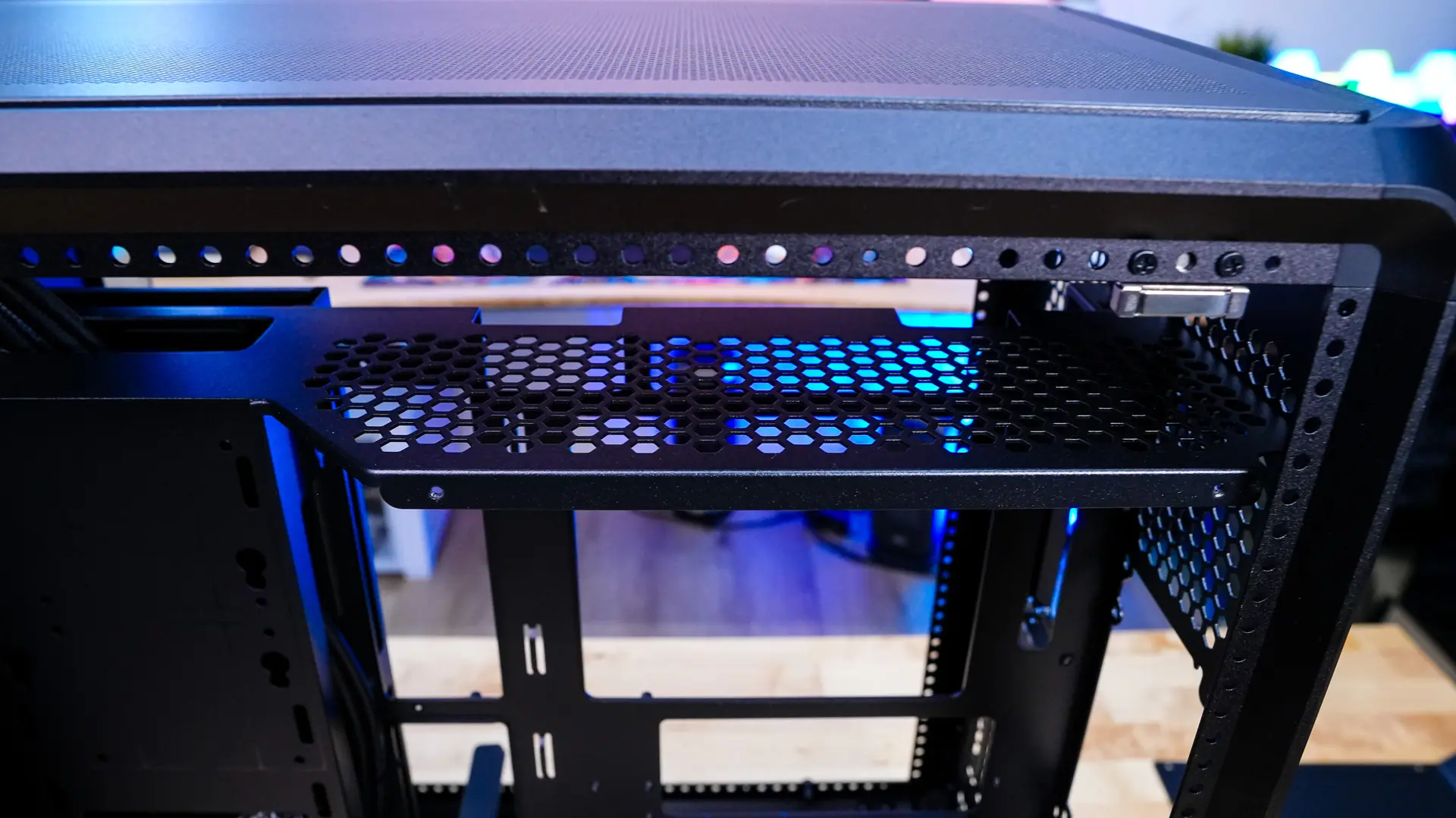
You’ll need to remove seven screws to actually remove these panels, which can be a bit cumbersome as we’ve been able to get inside this case without any tools at all. With both panels removed we can see Cooler Master has designed one side for your power supply and the other for storage. For storage you have room for two 2.5-inch SSDs or a single 3.5-inch drive. On the power supply side we can see that our power supply will be mounted vertically, but we do have full ATX power supply support up to 210mm.
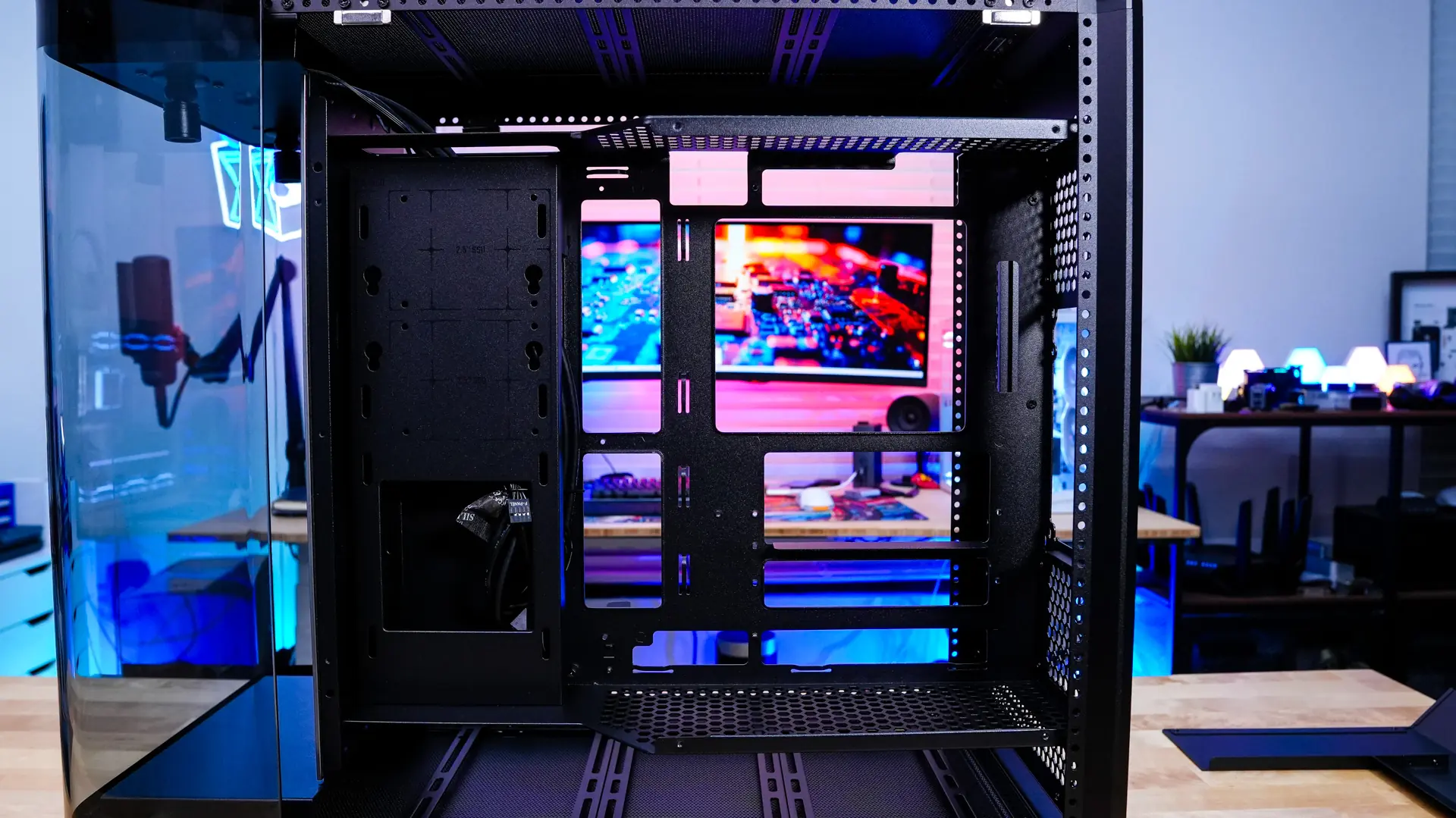
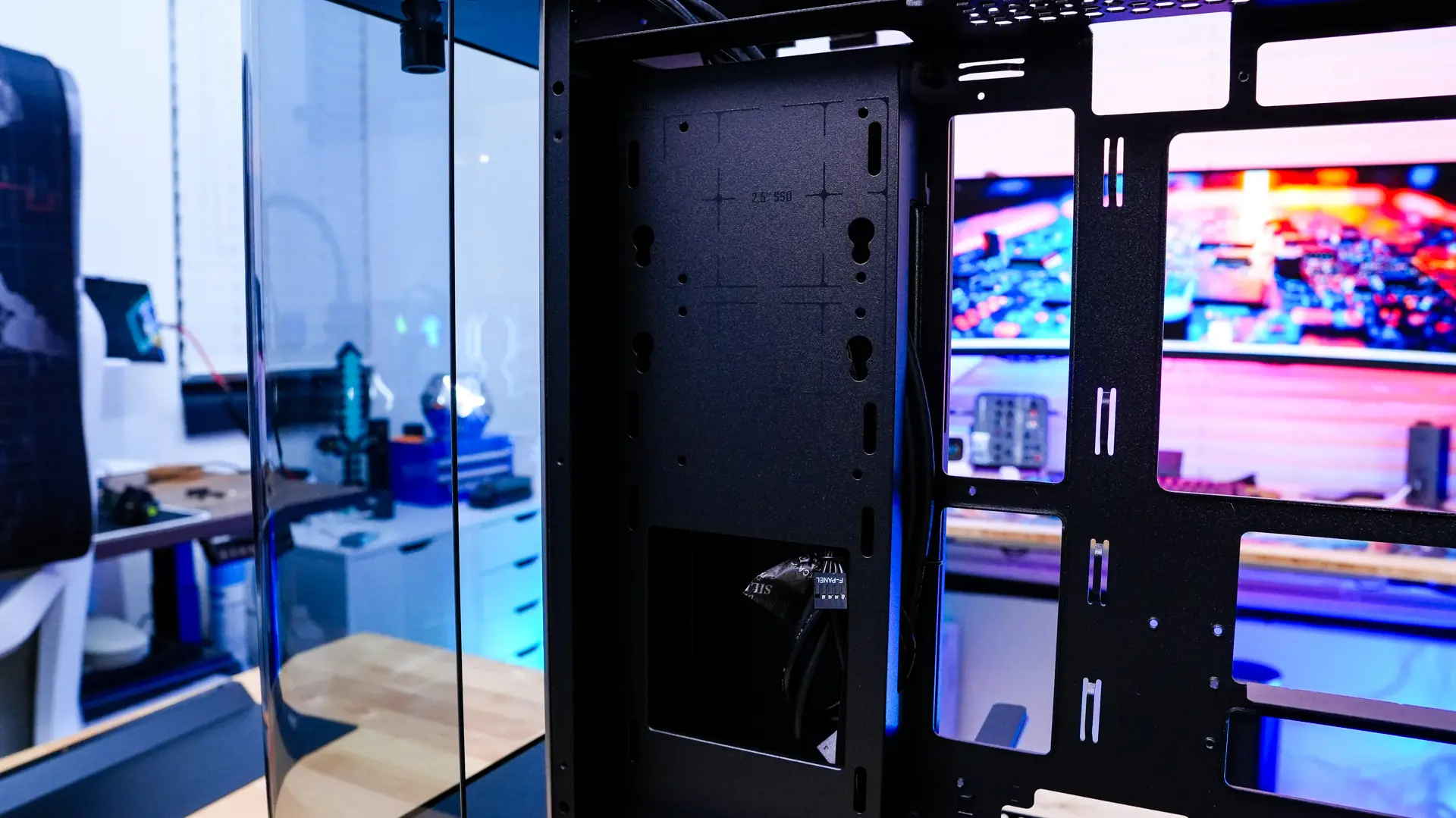
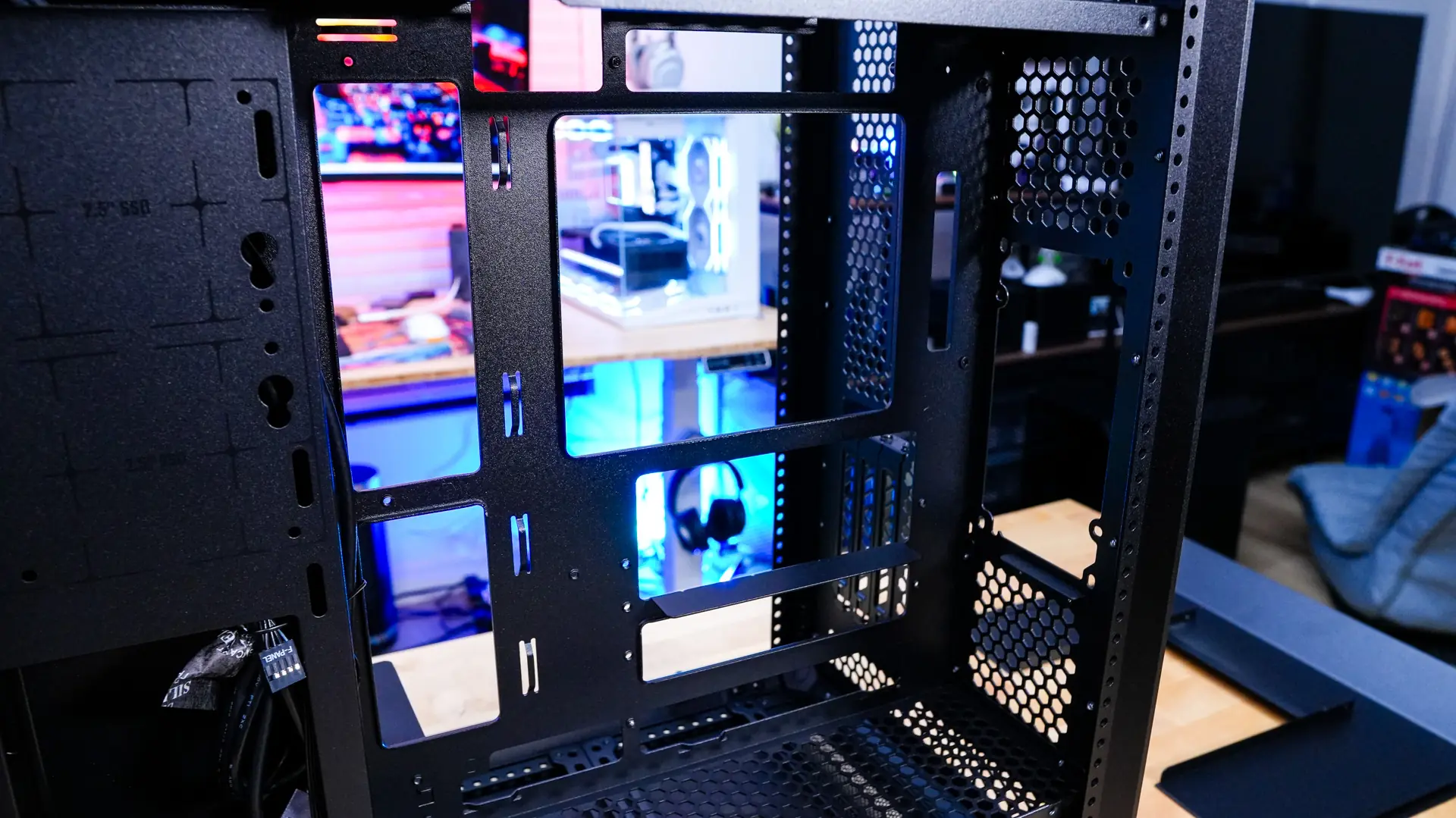
It is also really good to see ventilation on the top and bottom this center section of the case to allow for proper airflow throughout the case.