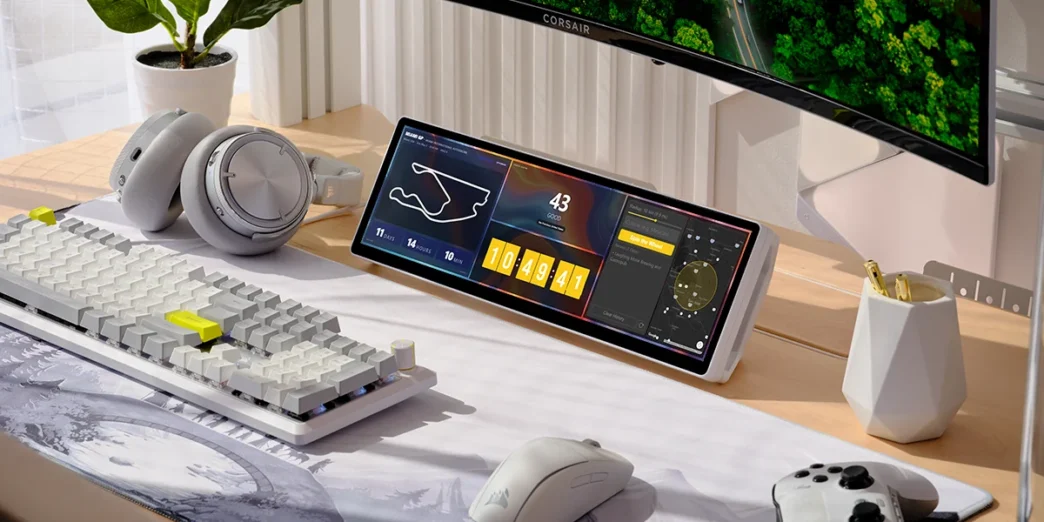
Corsair has significantly enhanced the customization capabilities of its XENEON EDGE 14.5″ LCD Touchscreen by integrating it with the Elgato Marketplace. This move opens the door for a vast array of user-downloadable widgets, allowing for expanded functionality and personalized user experiences directly on the touchscreen.
Key Takeaways
- The XENEON EDGE now supports widgets downloadable from the Elgato Marketplace.
- Over 20 free first-party widgets are available at launch.
- Independent developers can create and submit their own widgets.
- Widget creation is made accessible with documentation and AI coding tools.
- Integration simplifies widget management through iCUE software.
Expanding Functionality Through the Elgato Marketplace
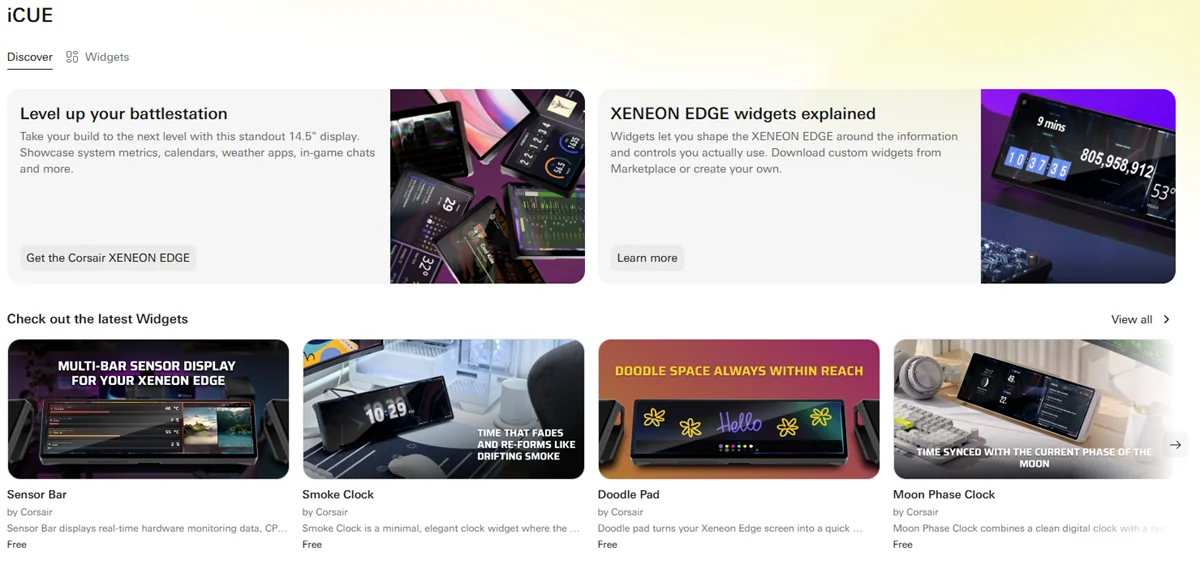
The integration with the Elgato Marketplace transforms the XENEON EDGE into a more dynamic and adaptable device. Users can now easily browse, download, and install a growing collection of widgets directly through Corsair’s iCUE software. This eliminates the need to search the web for compatible tools, consolidating the ecosystem into a single, convenient platform.
A Wealth of Initial Widgets and Future Potential
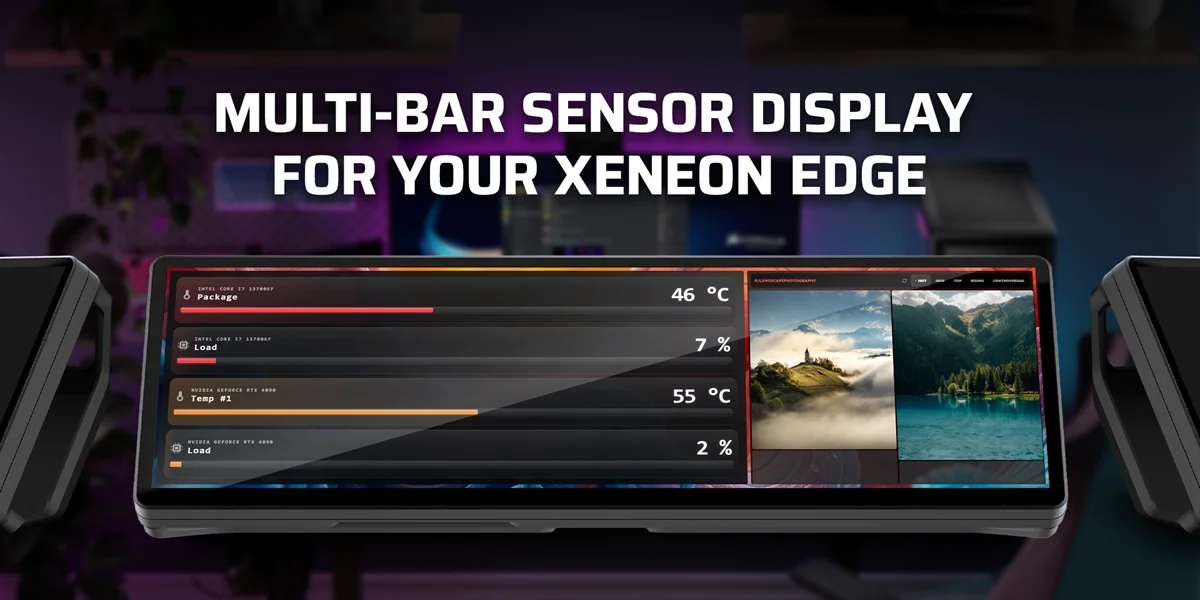
To celebrate the launch, Corsair has released over 20 free first-party widgets. These offer a diverse range of functionalities, including system monitoring tools, countdown timers, live sports scores, network ping trackers, and even a doodle pad for quick notes and sketches. This initial offering is just a glimpse of the potential, with the Elgato Marketplace already hosting thousands of digital assets for the broader Corsair and Elgato ecosystem.
Empowering Community Creation
Corsair is actively encouraging community involvement by providing tools and documentation for independent developers and makers to create their own widgets. With resources available on docs.elgato.com and the support of AI coding tools, even users with limited programming experience can develop custom widgets. These creations can be for personal use or submitted to the Elgato Marketplace for others to purchase or download in the future, mirroring the successful platform growth seen with the Stream Deck.
Simplified Integration and Management
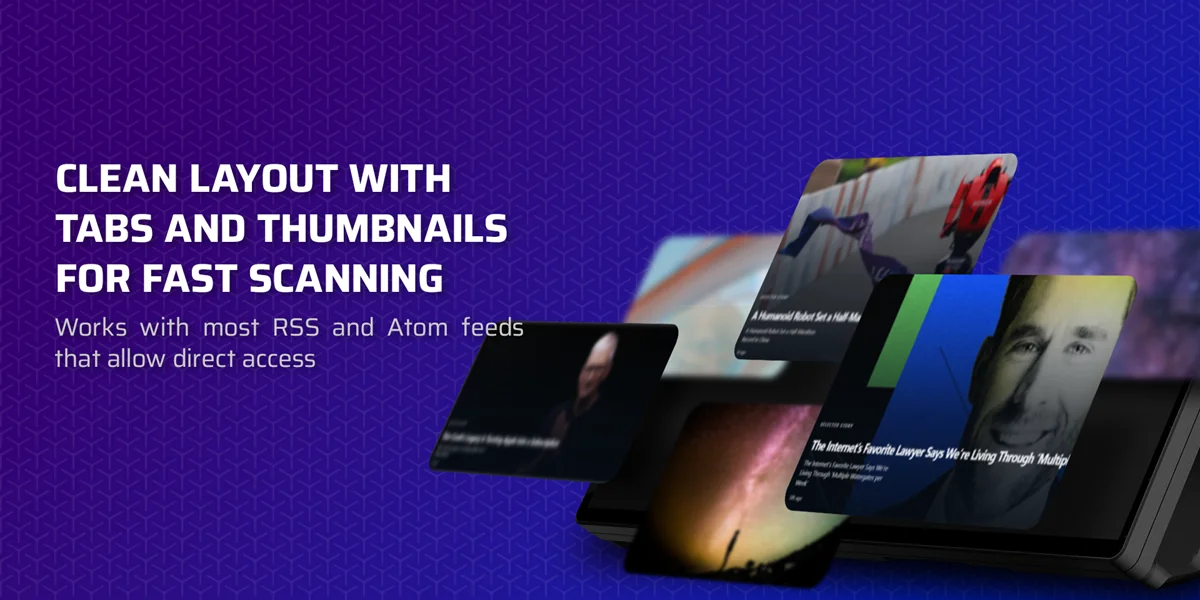
With the release of iCUE software version 5.44, adding new widgets to the XENEON EDGE is a straightforward process. Similar to applying an RGB profile to a Corsair keyboard, new widgets appear directly within iCUE, ready for customization and deployment on the touchscreen. This streamlined approach ensures that users can quickly enhance their XENEON EDGE experience with new functionalities as they become available.
Availability
New widgets for the Corsair XENEON EDGE 14.5″ LCD Touchscreen are now available for download from the Elgato Marketplace, alongside the latest version of iCUE software.
Via Corsair