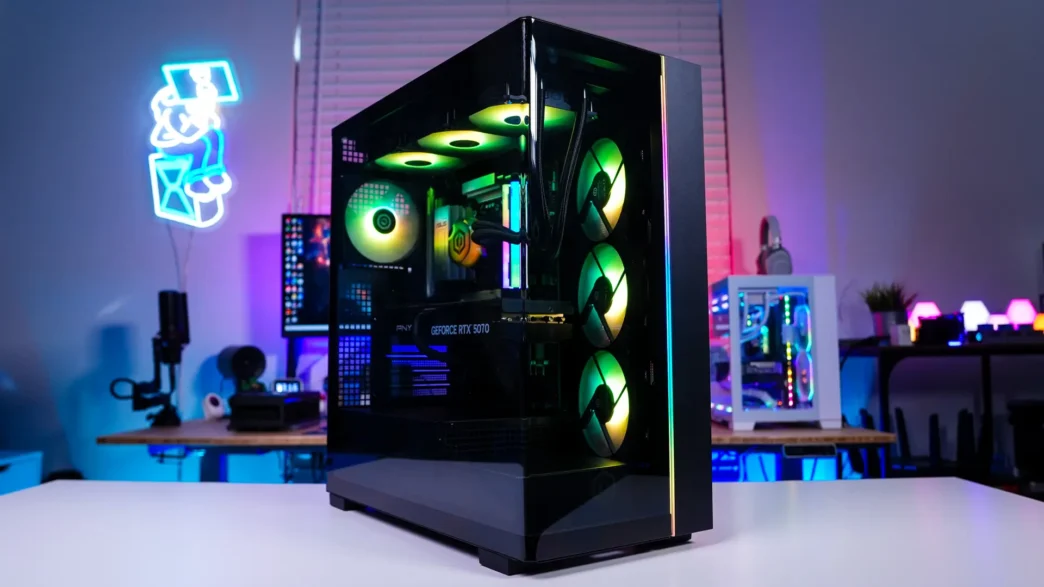
CyberPowerPC Gamer Supreme Gaming PC Overview
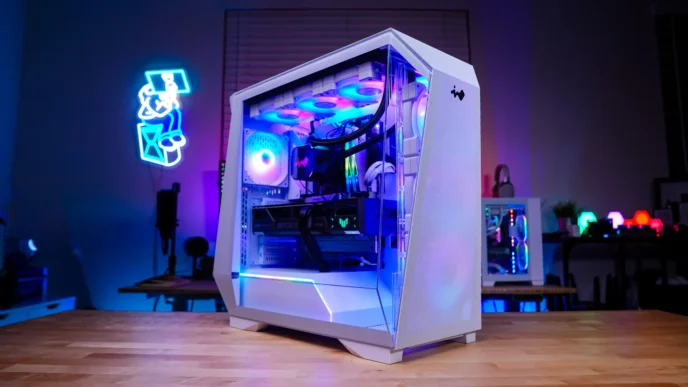
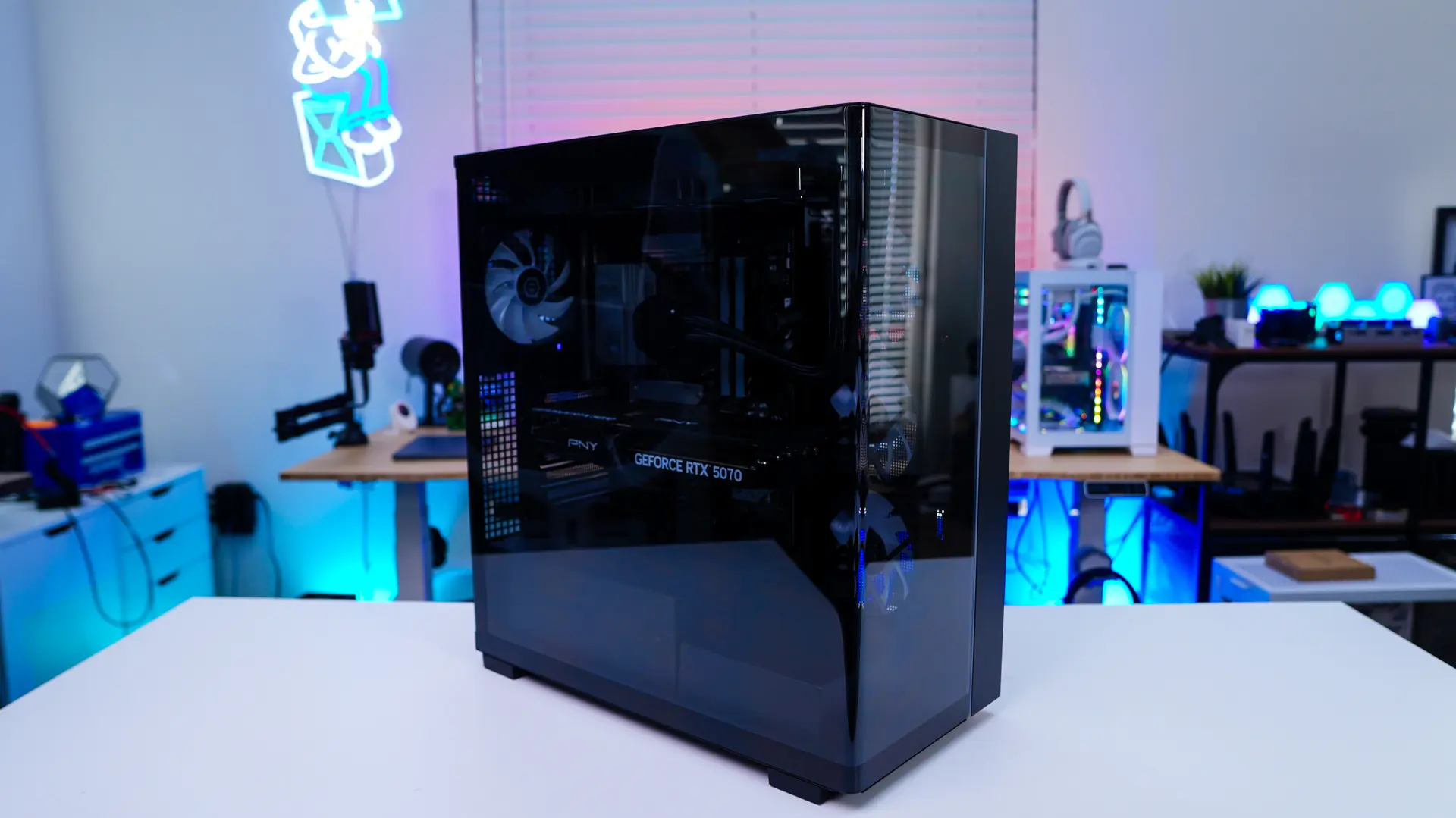
While CyberPowerPC does offer many different gaming PC’s in some cases from different brands, if you didn’t know they actually make their own cases. The Gamer Supreme comes in on such case. This is an aquarium-style case with a tinted window. The window actually wraps all the way from the side of the case to the front and is a single piece of glass so you’ll have unobstructed views into your system.
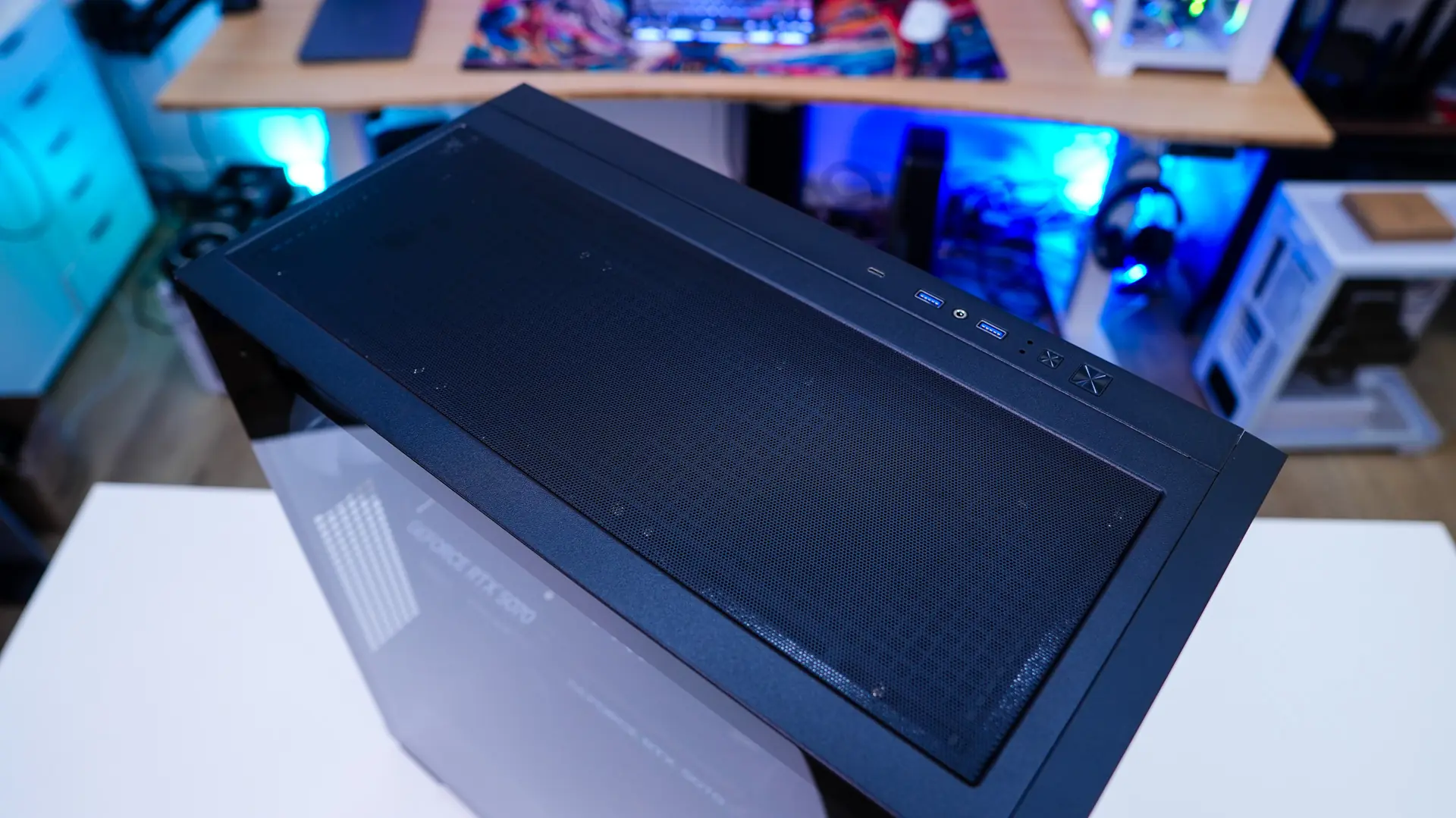
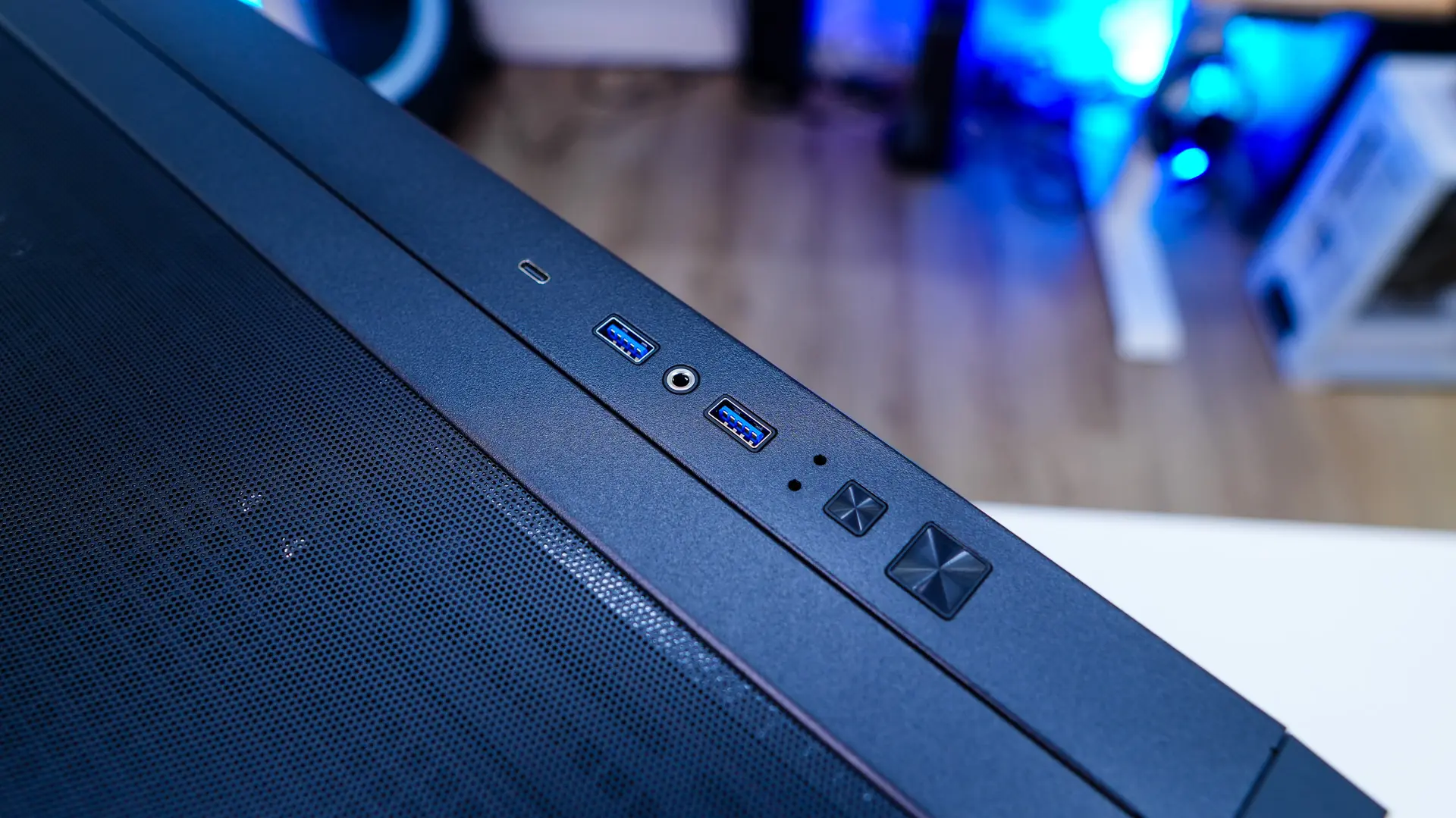
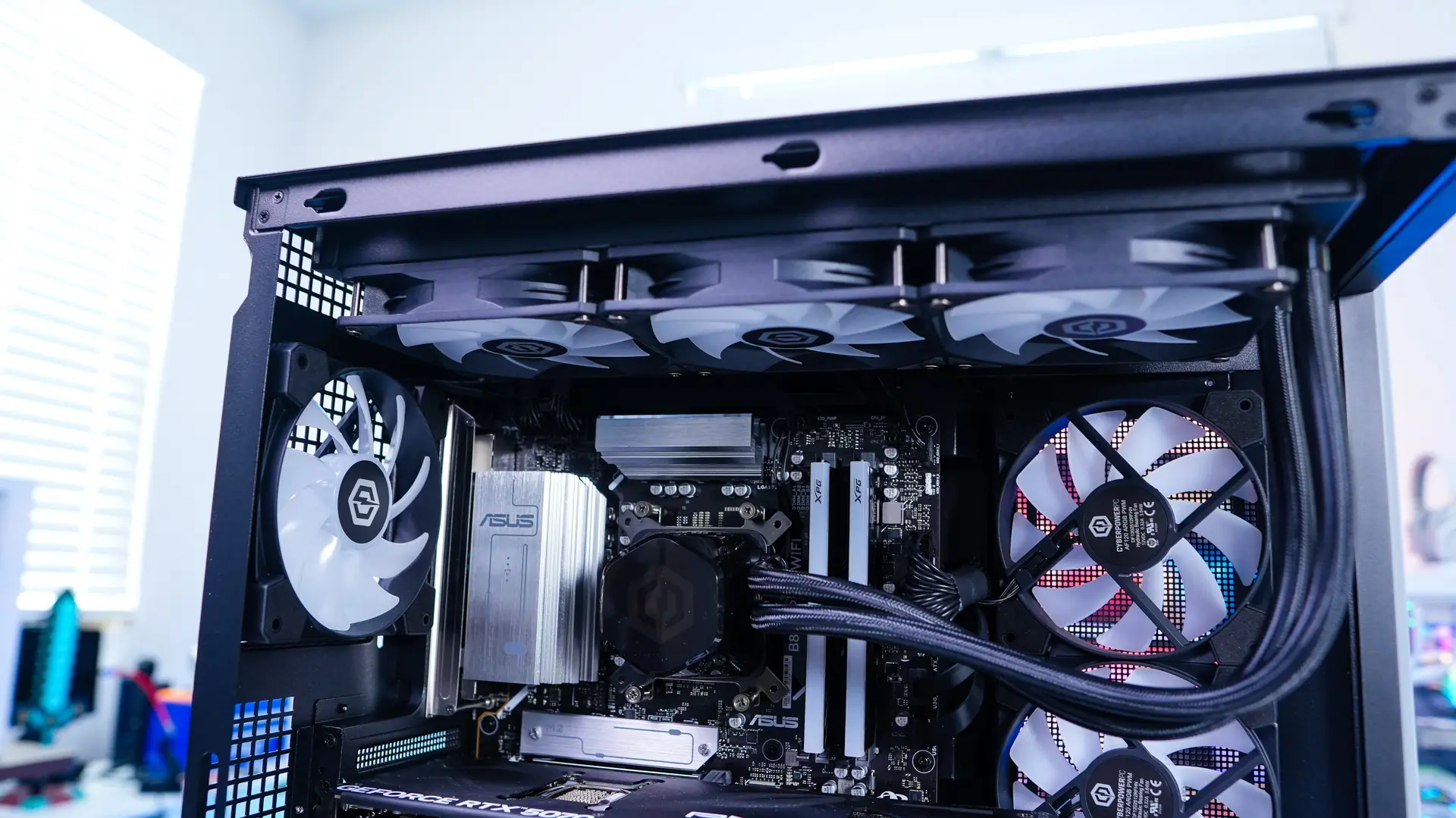
On the top of the case you will find your buttons and connections. There is a large power button, smaller reset button, activity LEDs, two USB-A ports, combination headphone / microphone jack, and a USB-C port. Also up top we have proper ventilation in which CyberPowerPC has installed the 360mm liquid CPU cooler.
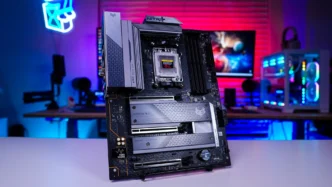
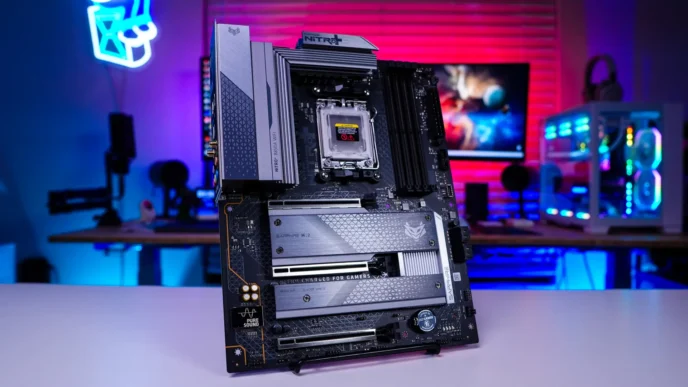
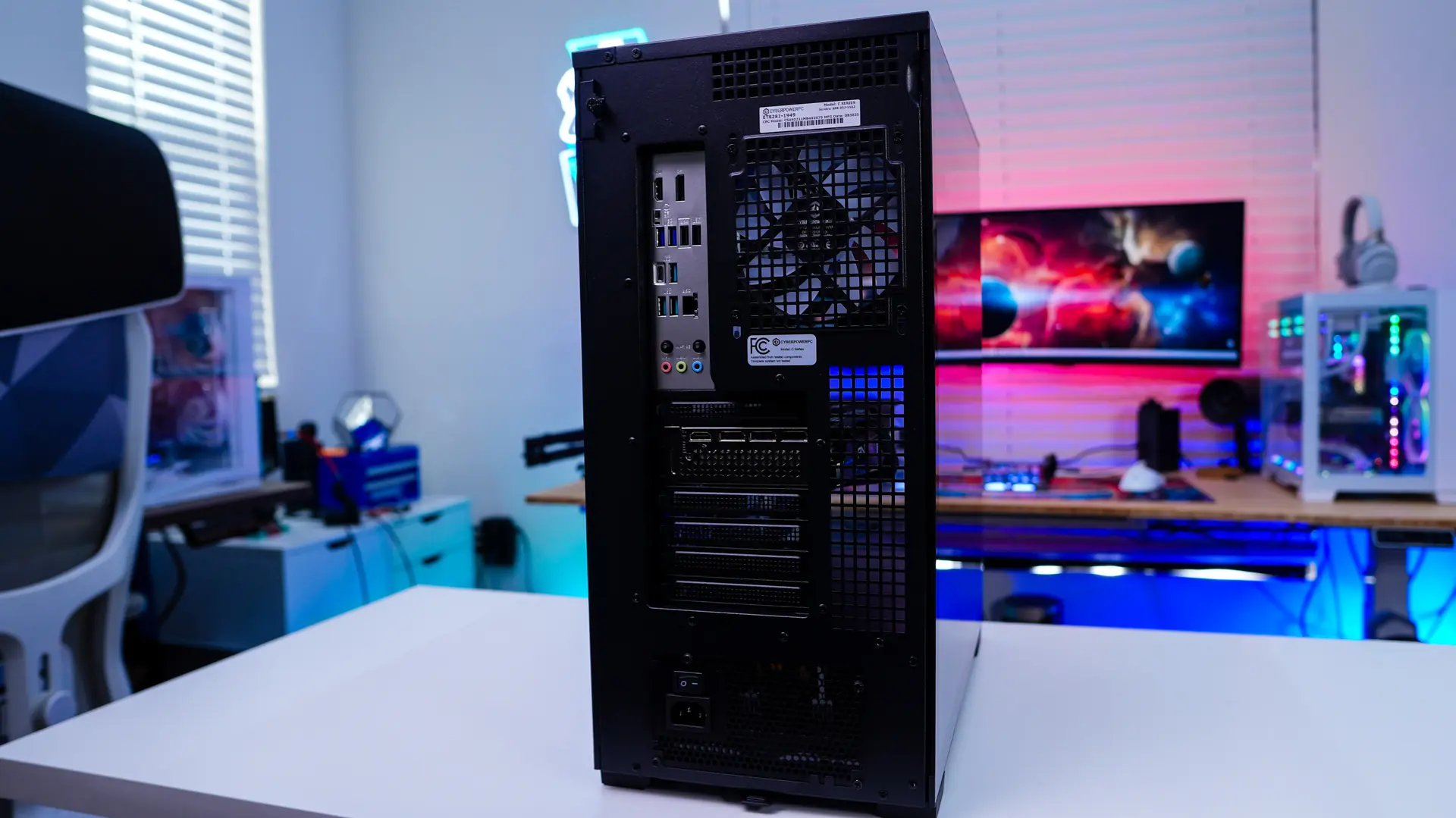
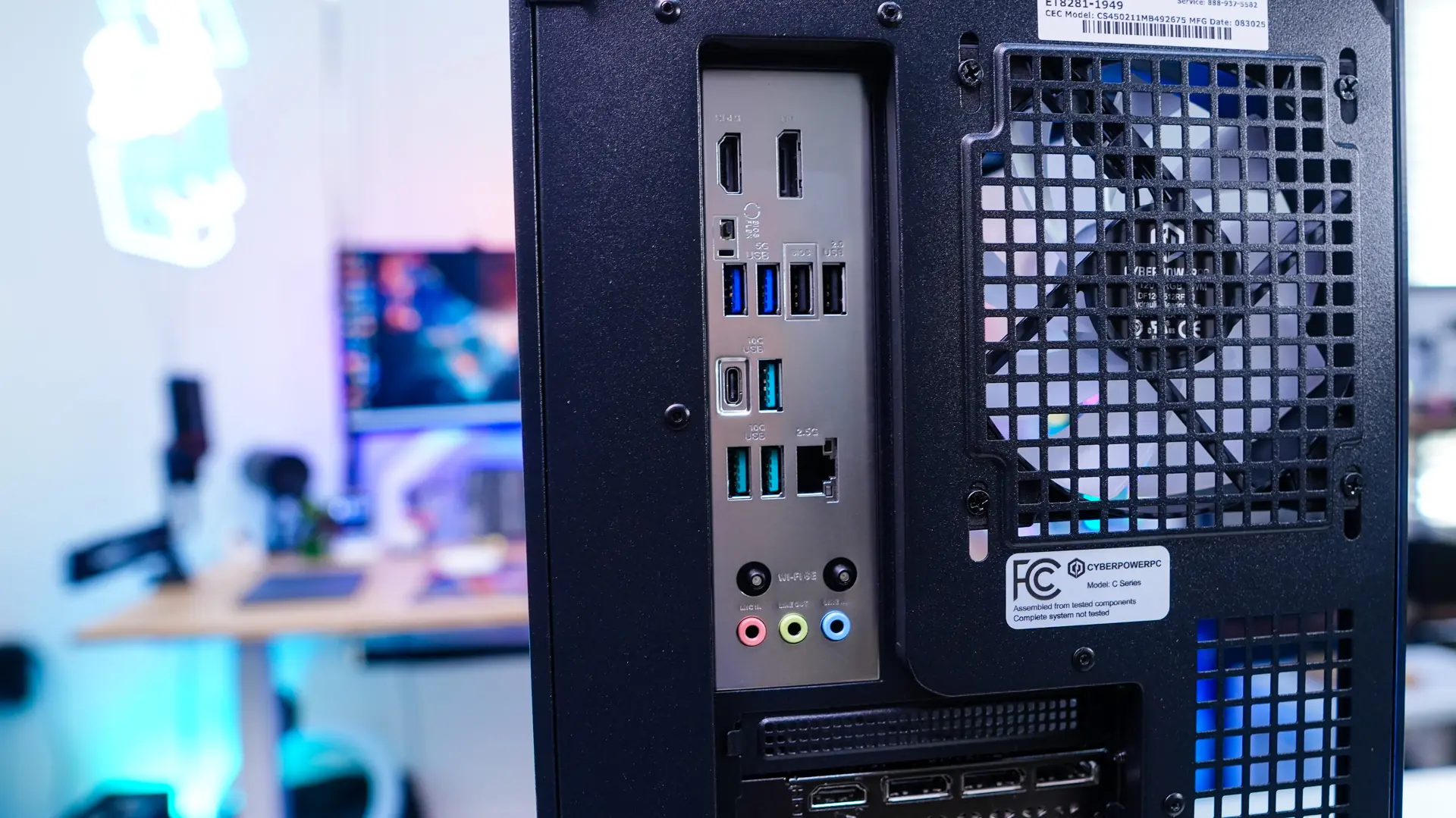
Around back you’ll find an exhaust fan and of course all of your connections for your motherboard. CyberPower is making use of an ASUS motherboard in our build. So for connections you’ll find HDMI, DisplayPort, two USB 3.1 gen 1 Type-A ports, two USB 2.0 ports, four USB 3.2 gen 2 ports (3x Type-A, 1x Type-C), 2.5G Ethernet, and your audio connections. Your graphics card is going to have the standard four DisplayPort and a single HDMI. If this is your first PC you are going to want to connect your monitor to one of the bottom HDMI or DisplayPort connections (on the graphics card). Your power supply is going to be mounted on the bottom of the case, this is of course were you’ll plug in the included power cable. We also find a pull-out filter at the bottom of the case.
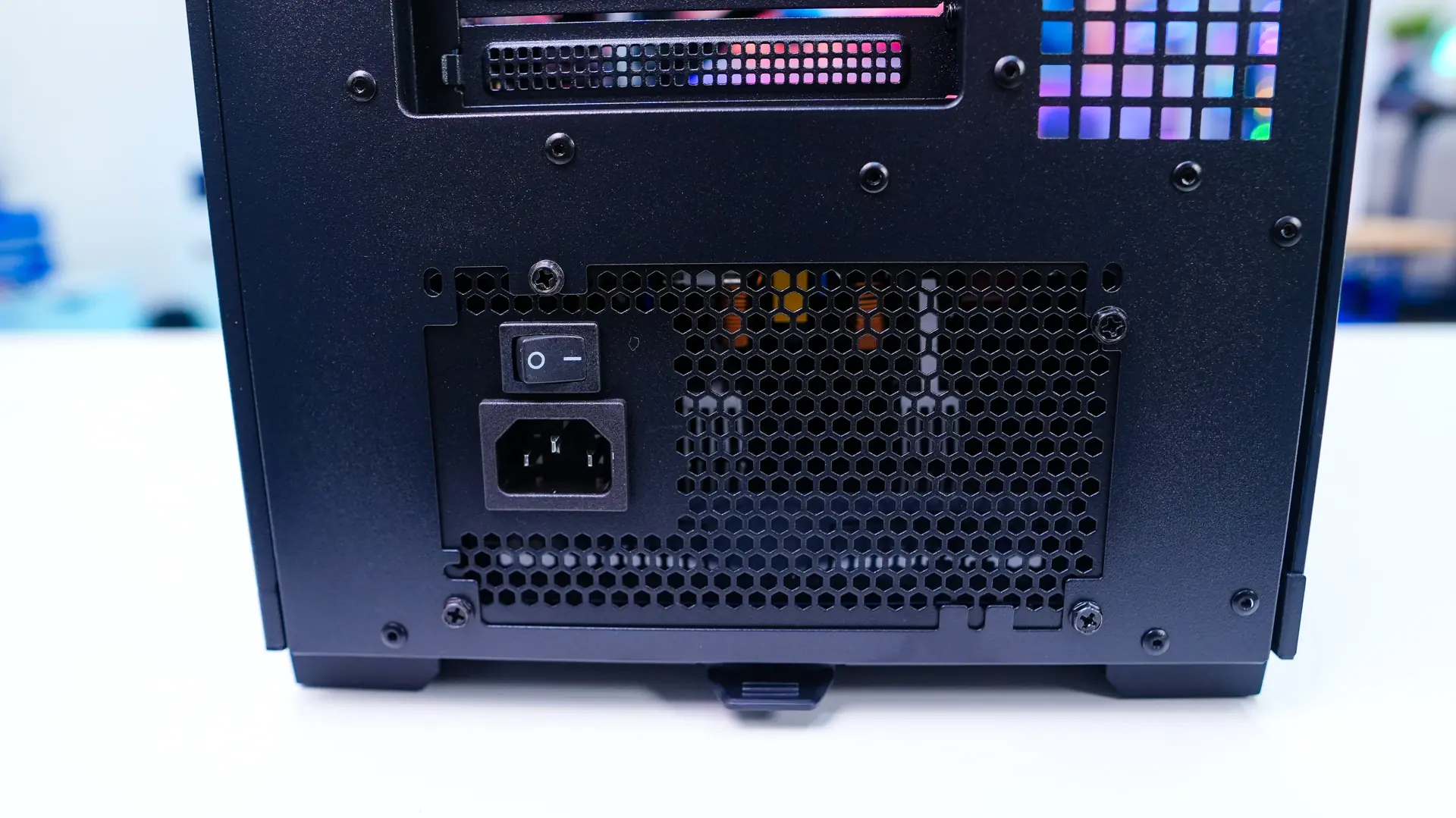
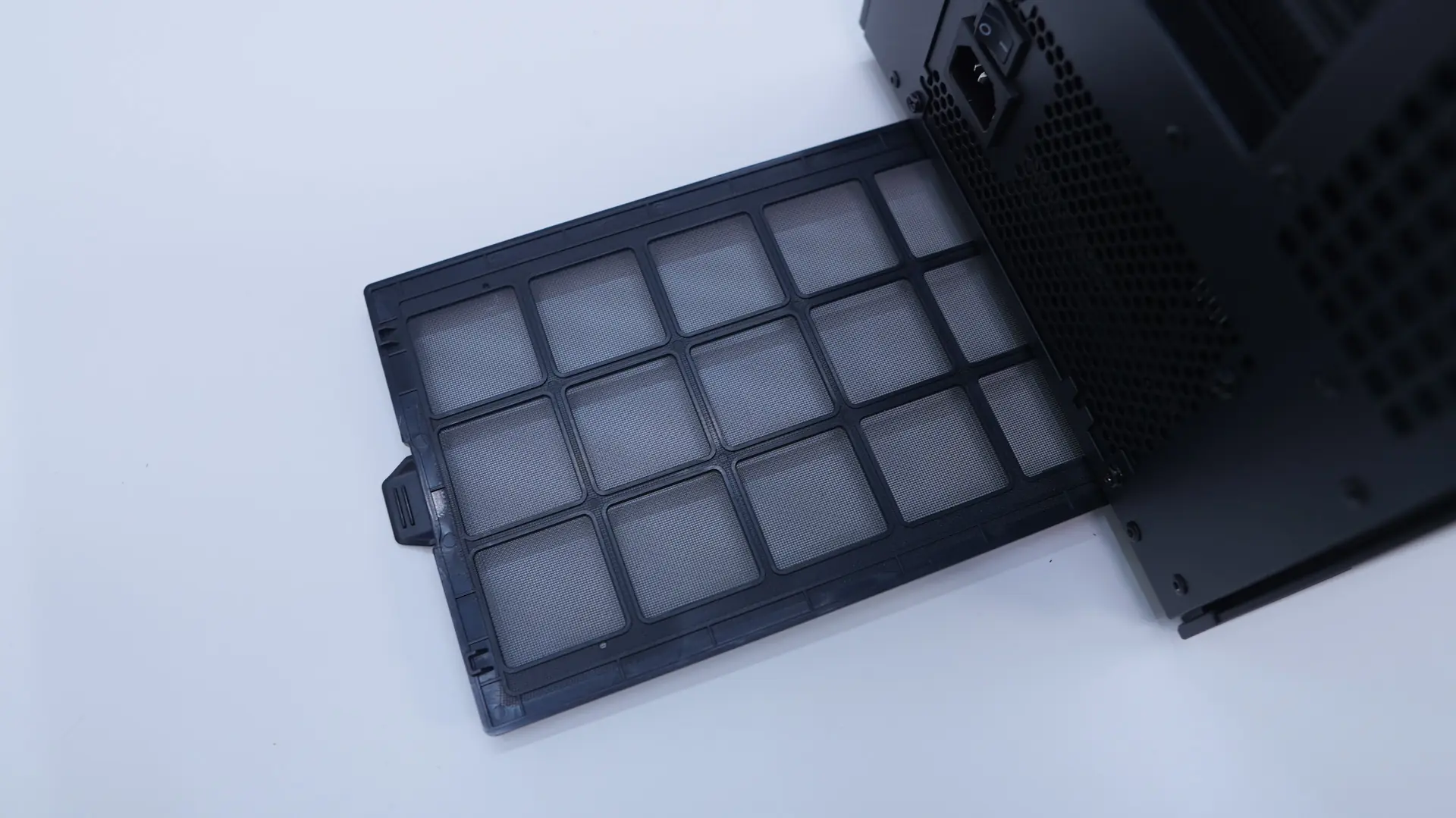
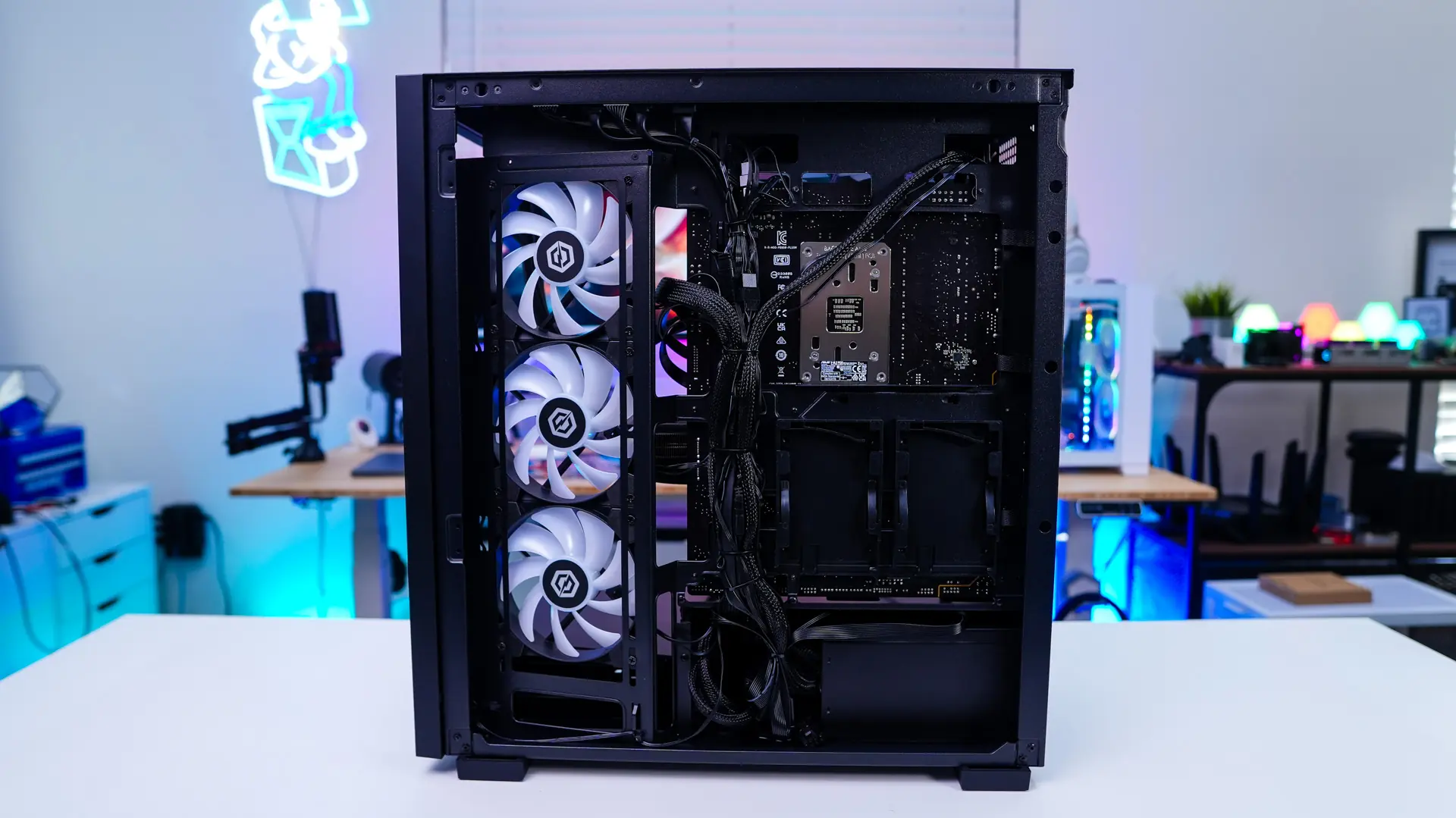
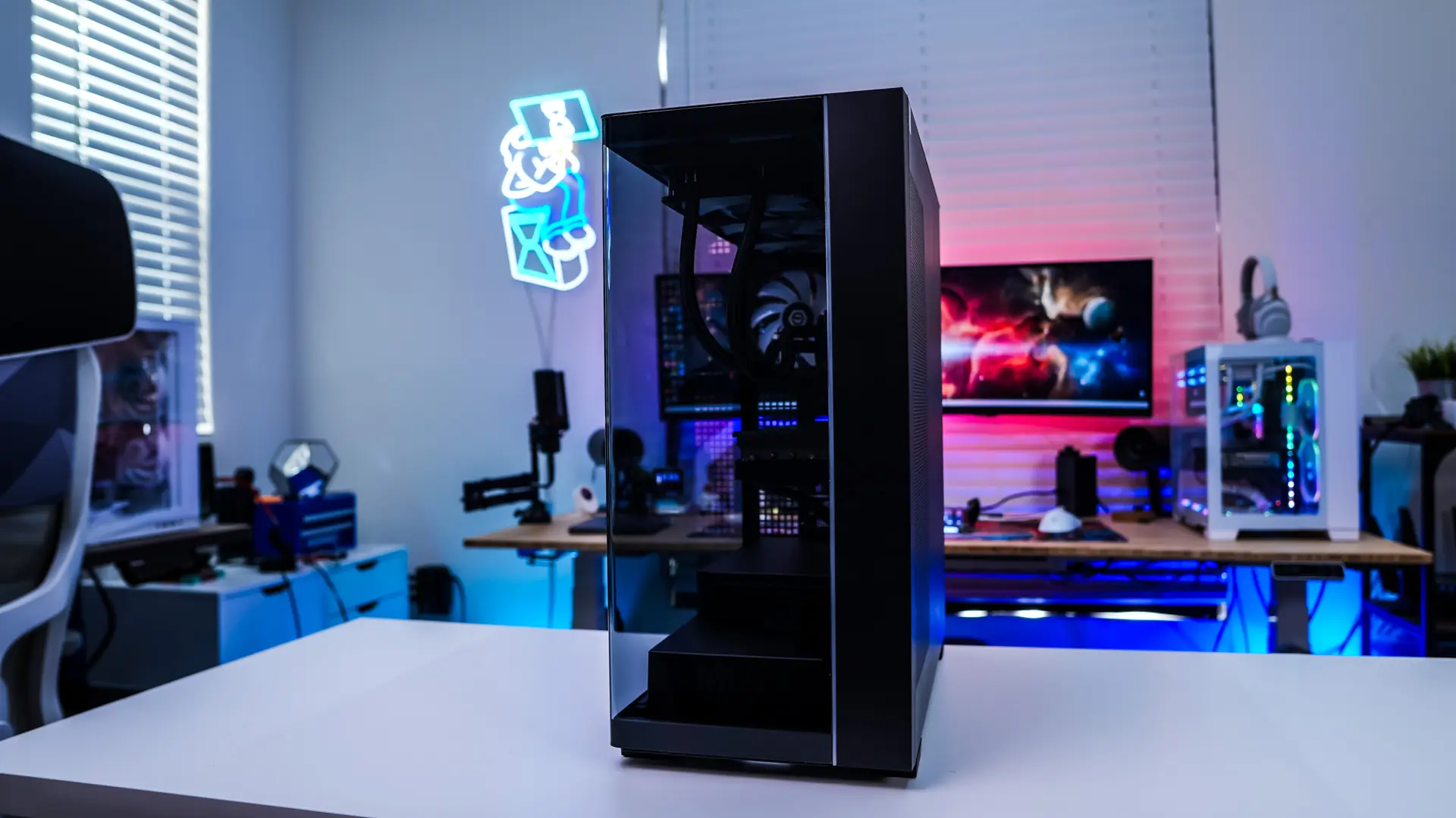
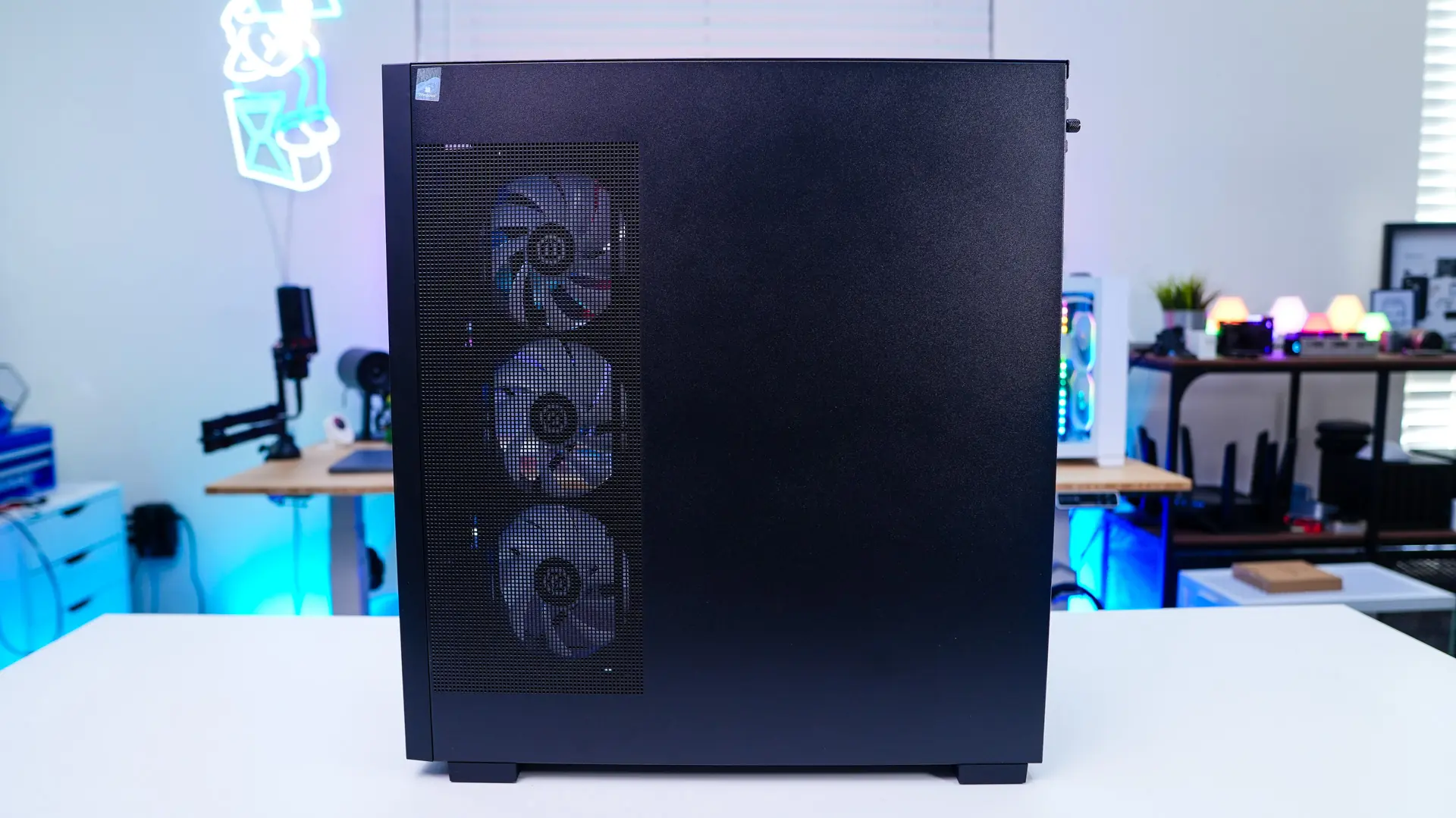
The opposite side of the case is a plain steel panel, but it does have side-mount cooling where CyberPowerPC has installed three fans.
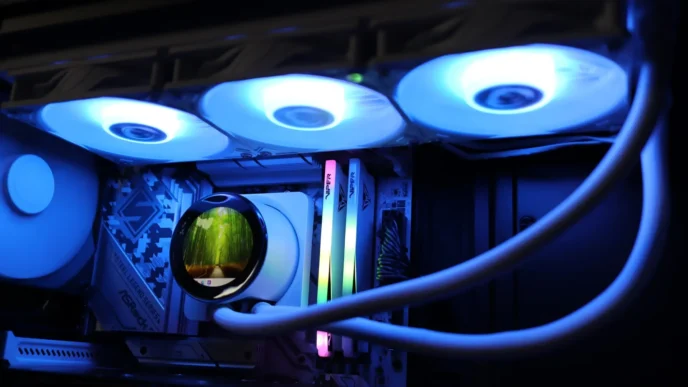
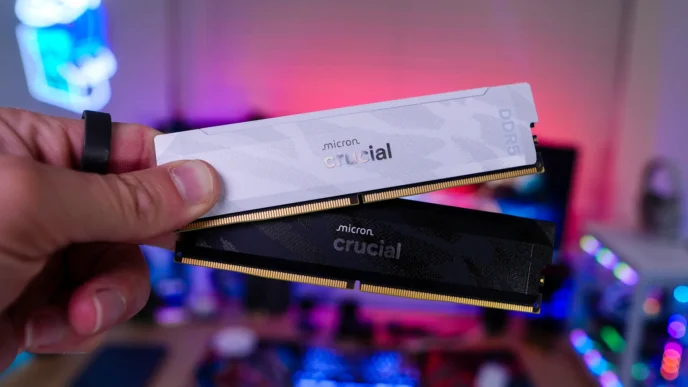
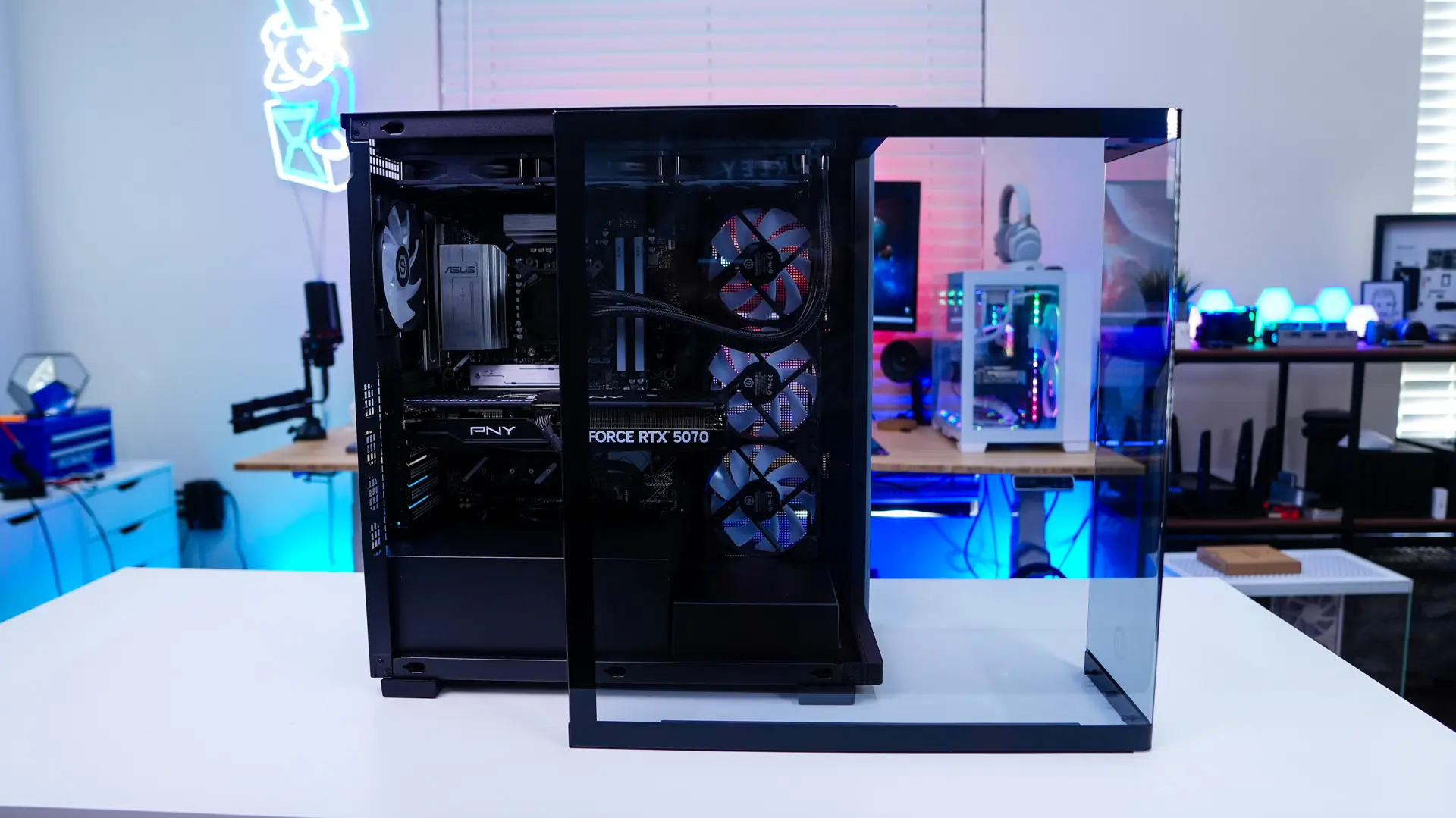
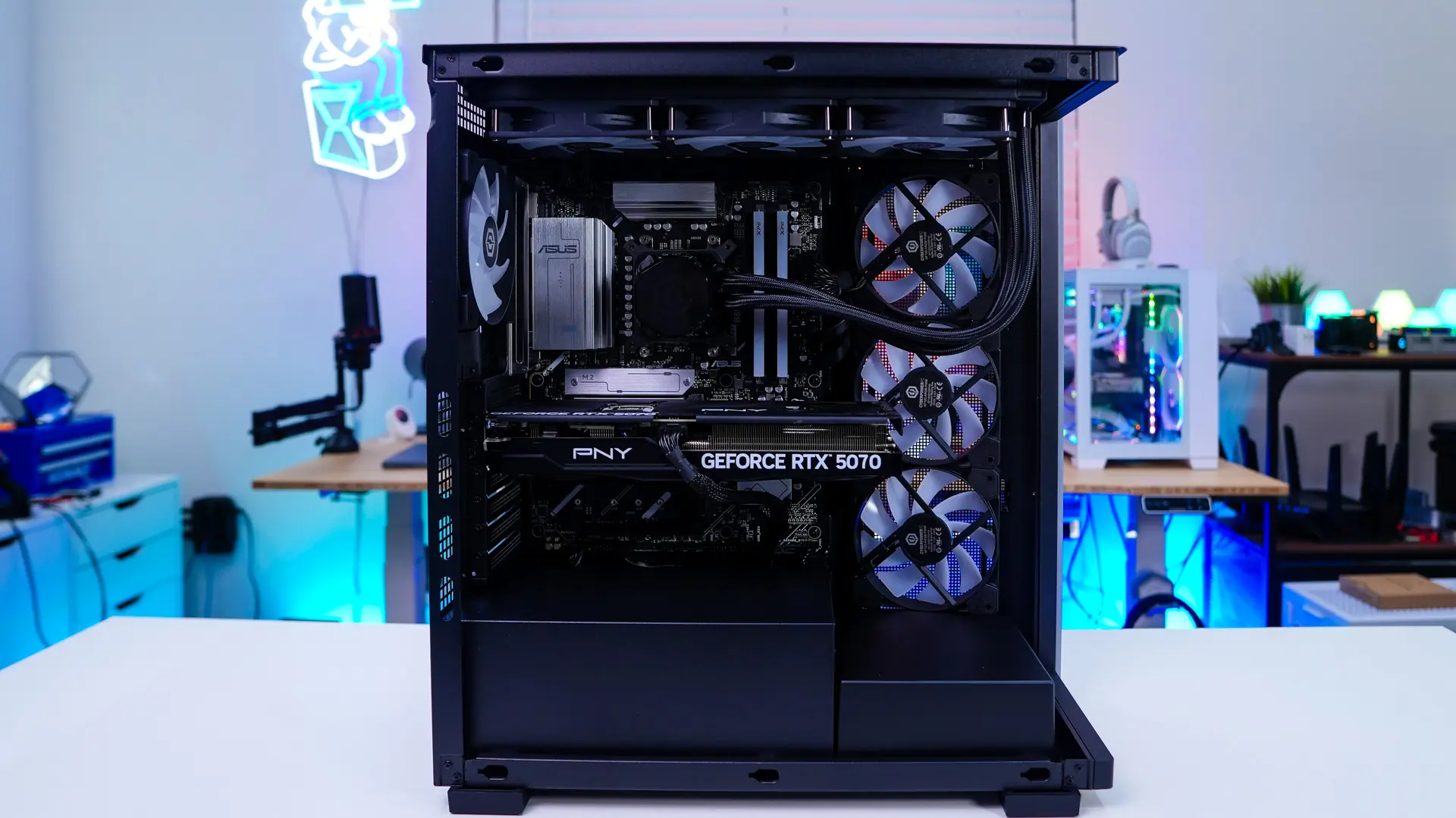
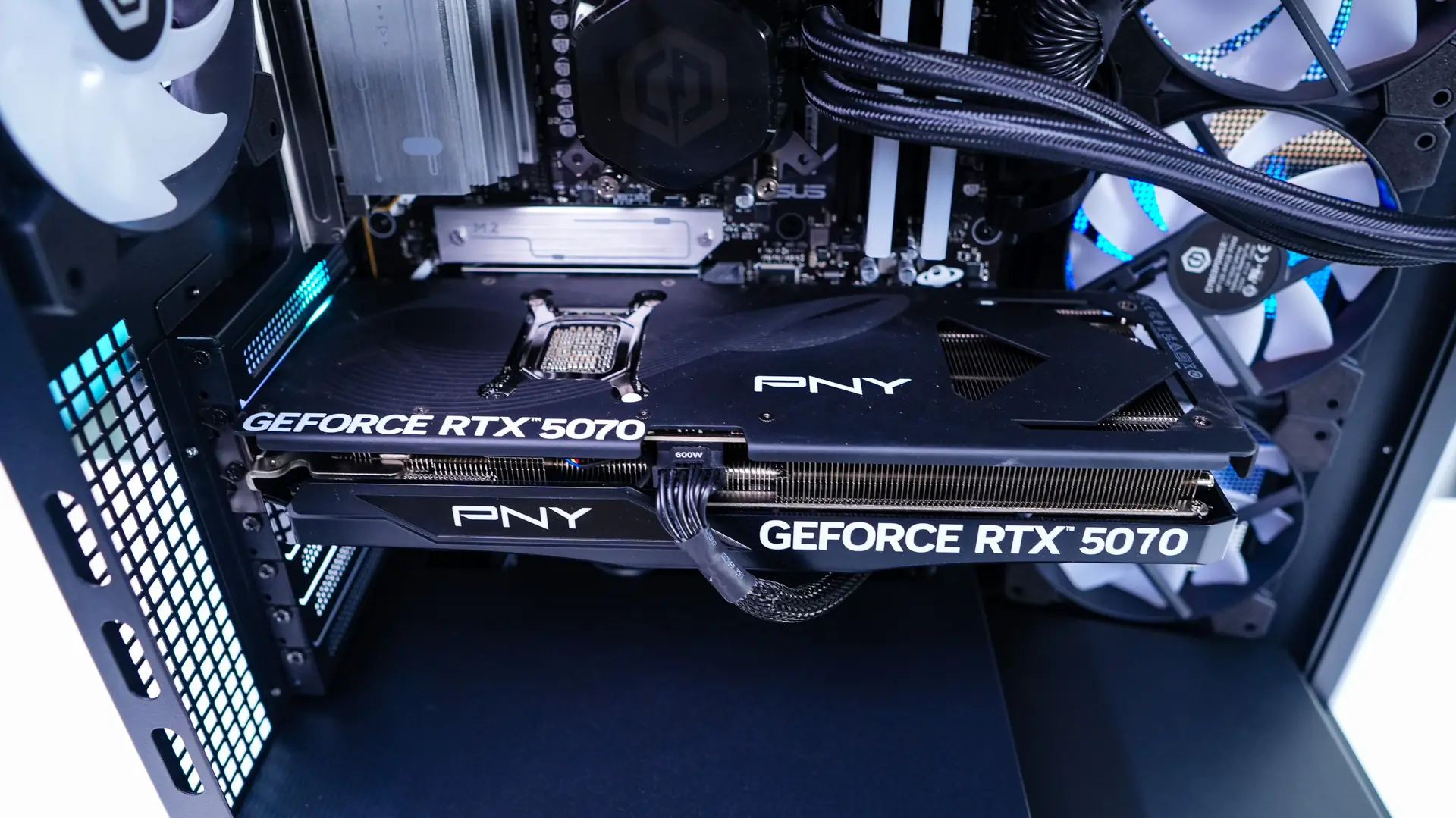
The main glass panel is a bit tricky to get off the case, but essentially you sort of pull it forward towards the front of the case and it will release. Be sure to have a good hold on it so you don’t drop it. With it removed we can get a better look inside the system. CyberPower has gone with an ASUS motherboard, PNY RTX 5070 12GB, and XPG DDR5. The CPU is liquid-cooled with a CyberPowerPC-branded cooler that makes use of a 360mm radiator. We can also see the four extra fans we have installed. Overall it does look like a pretty clean build.
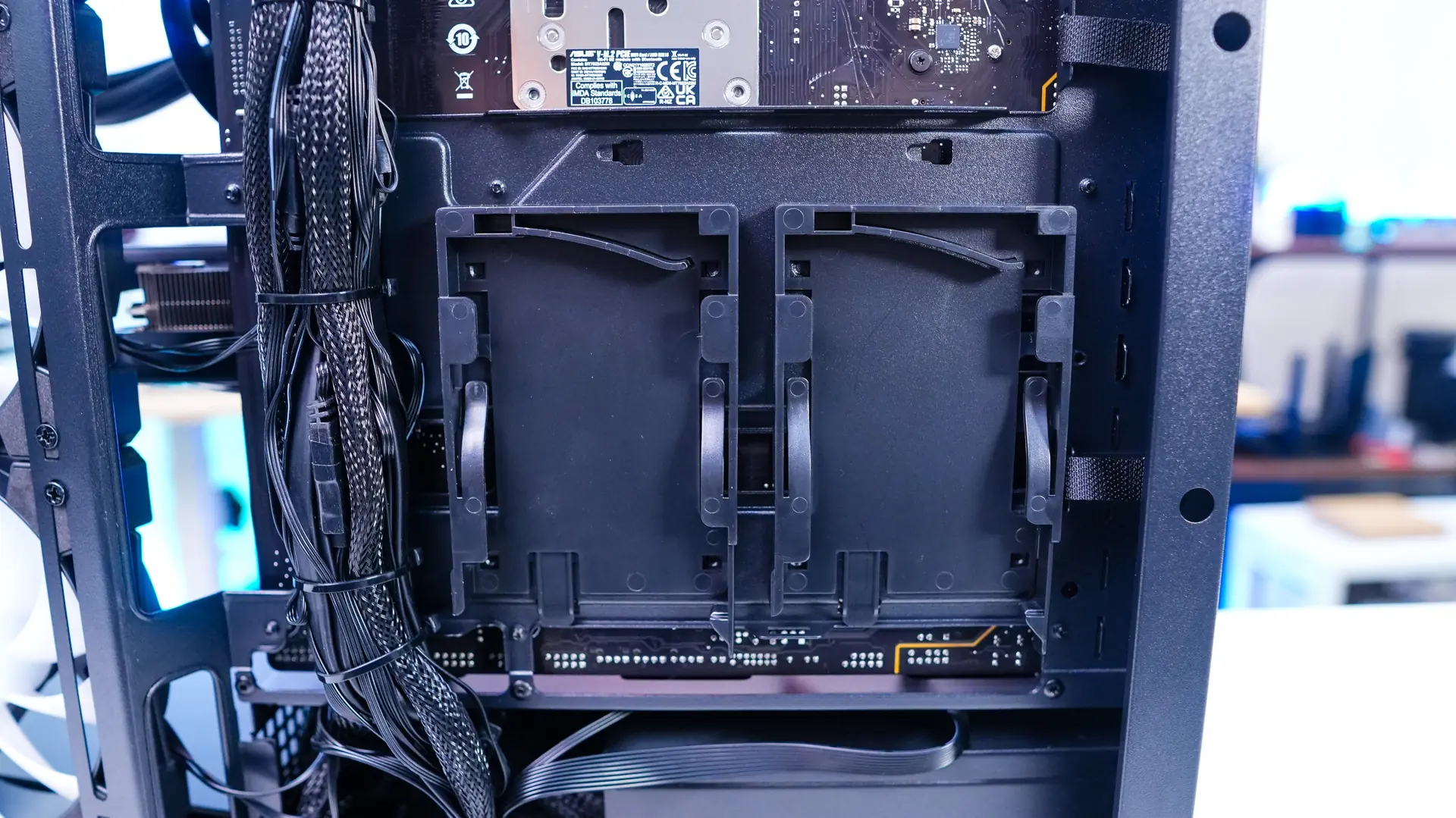
Opening the opposite side of the case we can see the wiring job is pretty good. We can also see there is room to add both 2.5-inch and 3.5-inch drives if you wanted to.