Initial Setup, Lighting & Temperatures on the CyberPowerPC Gamer Supreme Gaming PC
All you have to do to get the Gamer Supreme setup and ready to use is plug it into power, plug in the keyboard and mouse, and finally connect it to a display and you are good to go. Initial setup runs us through the Windows 11 installation and there is no additional bloatware installed which is nice. Now there is no CyberPower-specific companion software or anything like that. You’ll want to download the companion software that the motherboard installed offers.
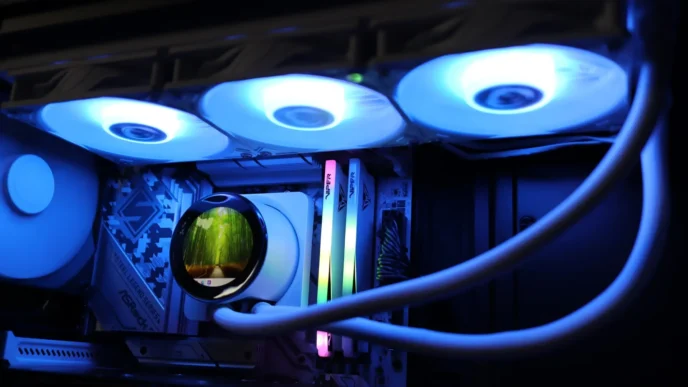
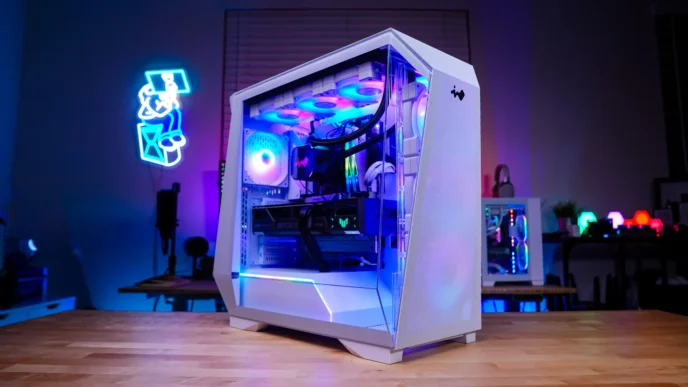
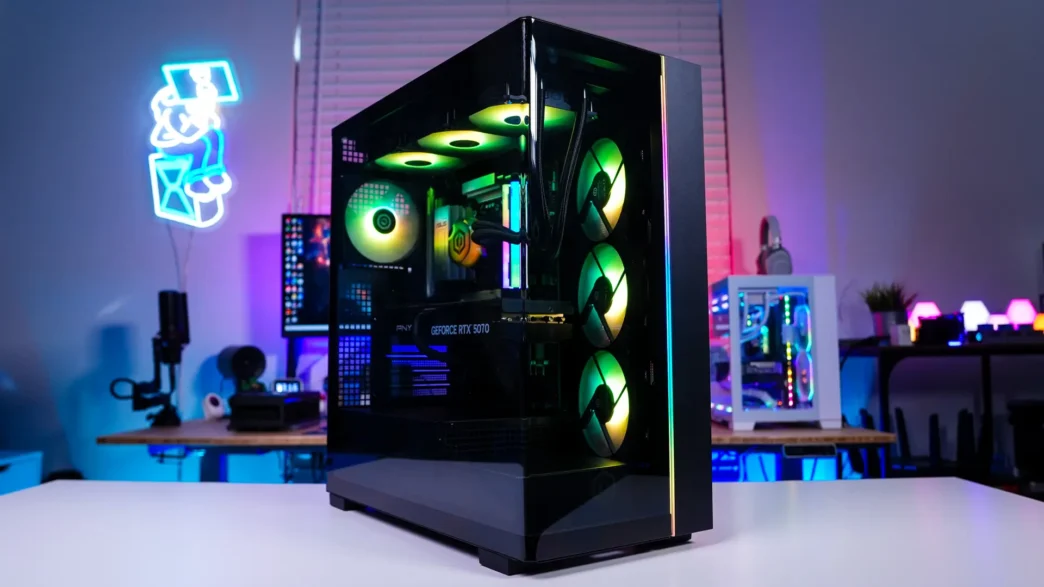
When you do power on the system the all seven of the RGB fans, the AiO pump, memory, and a strip on the front of the case will light up nicely with RGB lighting. The system does look quite good when it is turned on. Of course you can customize the RGB lighting with the motherboard’s RGB software.
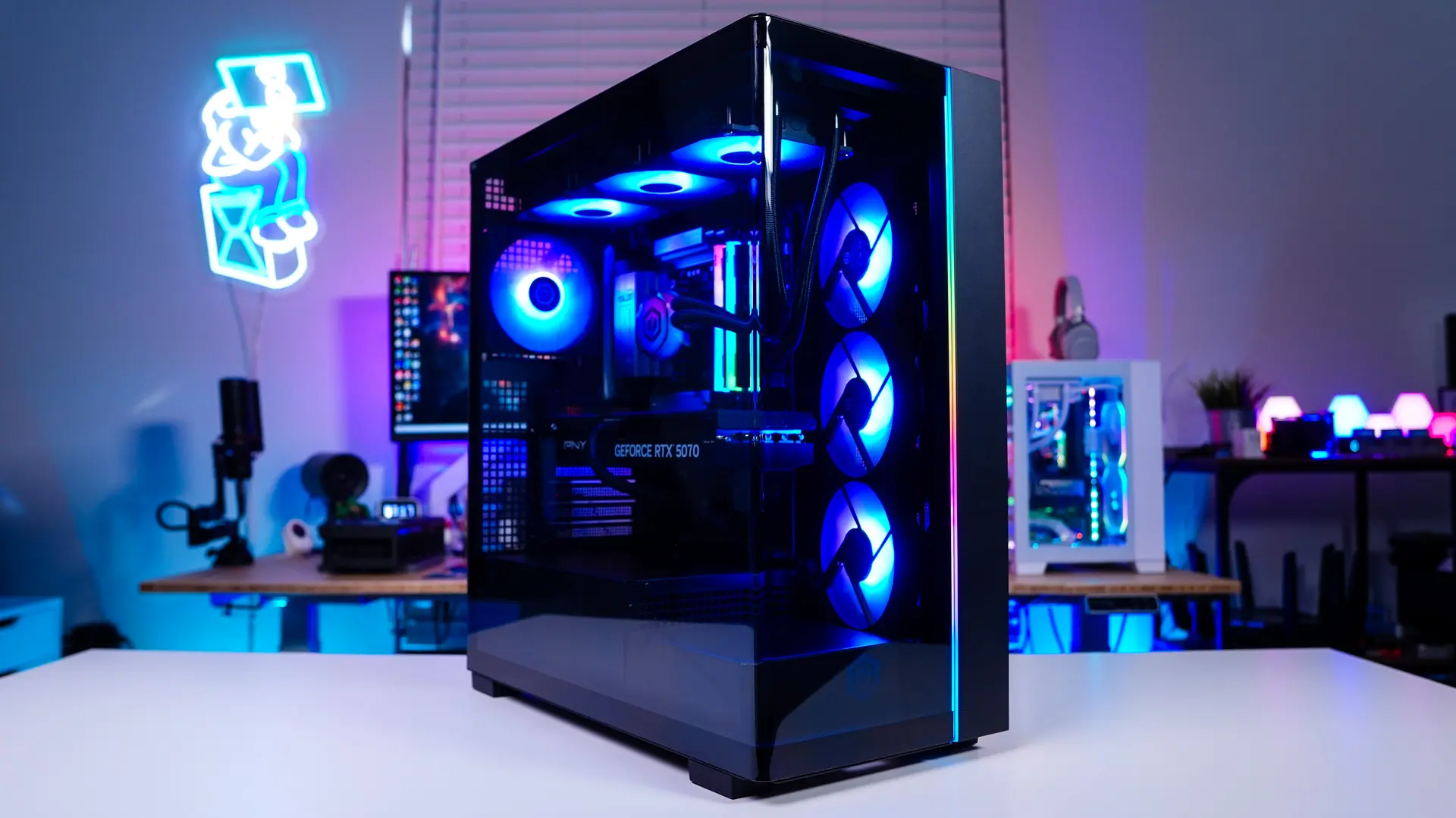
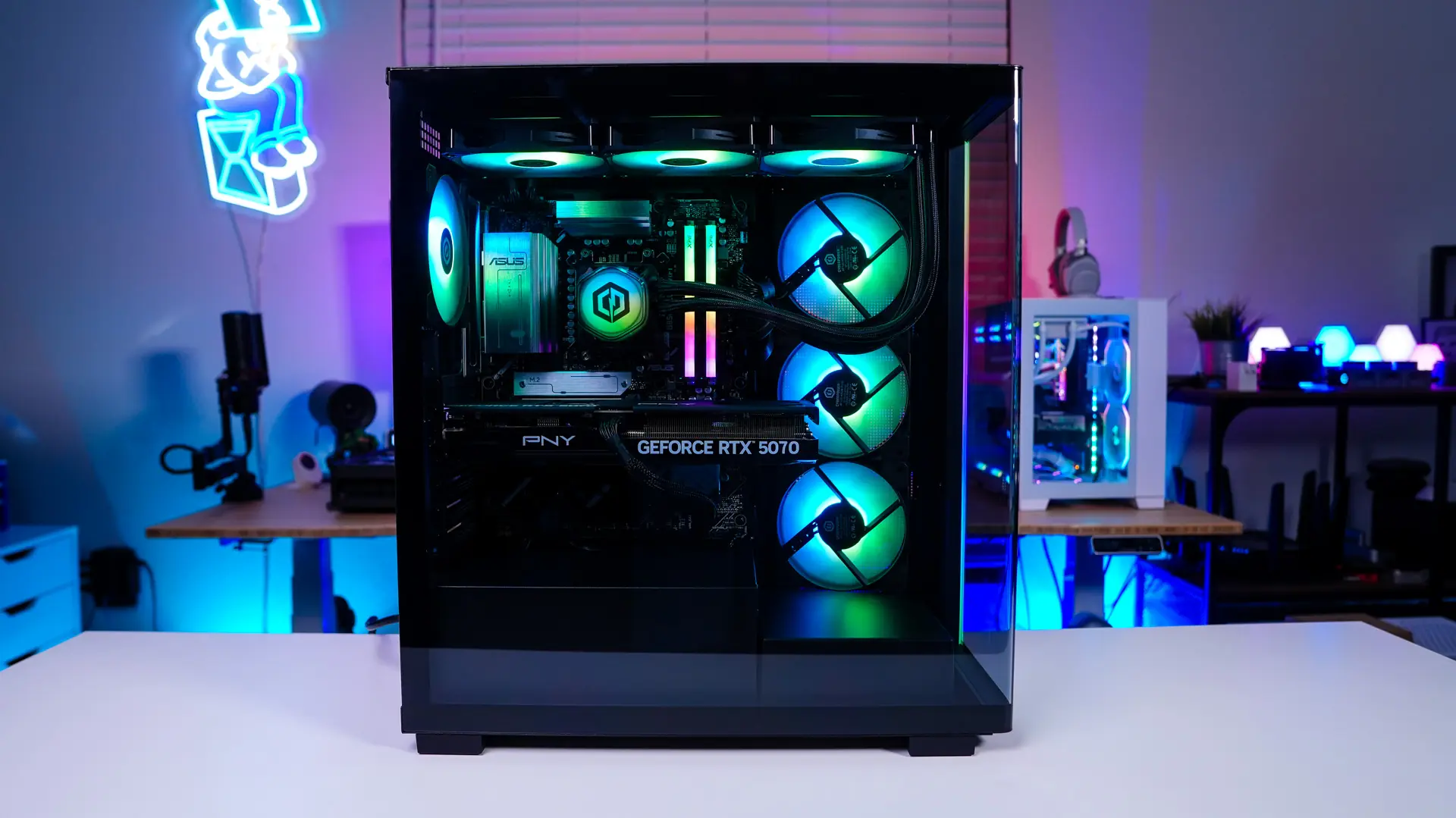
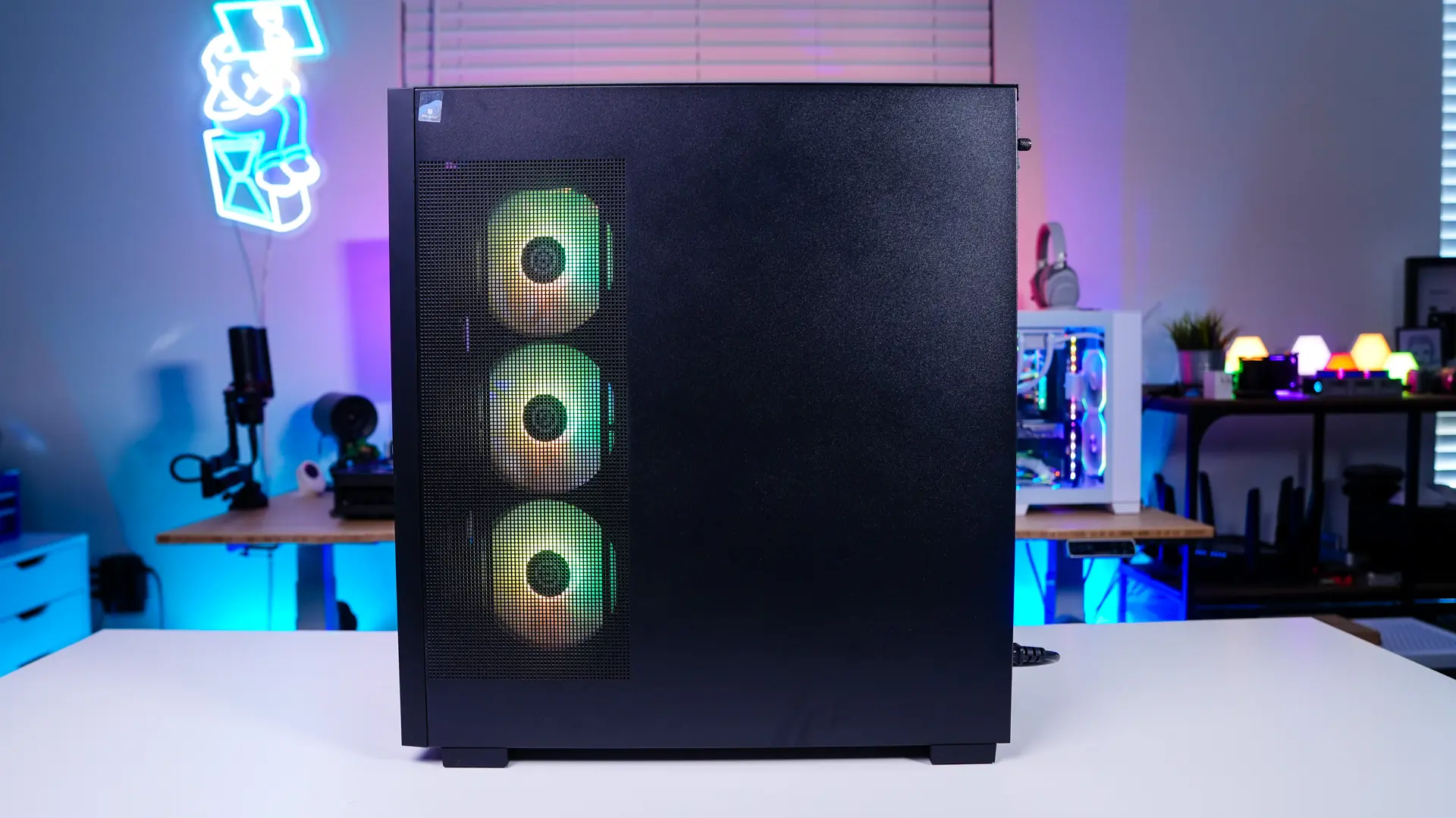
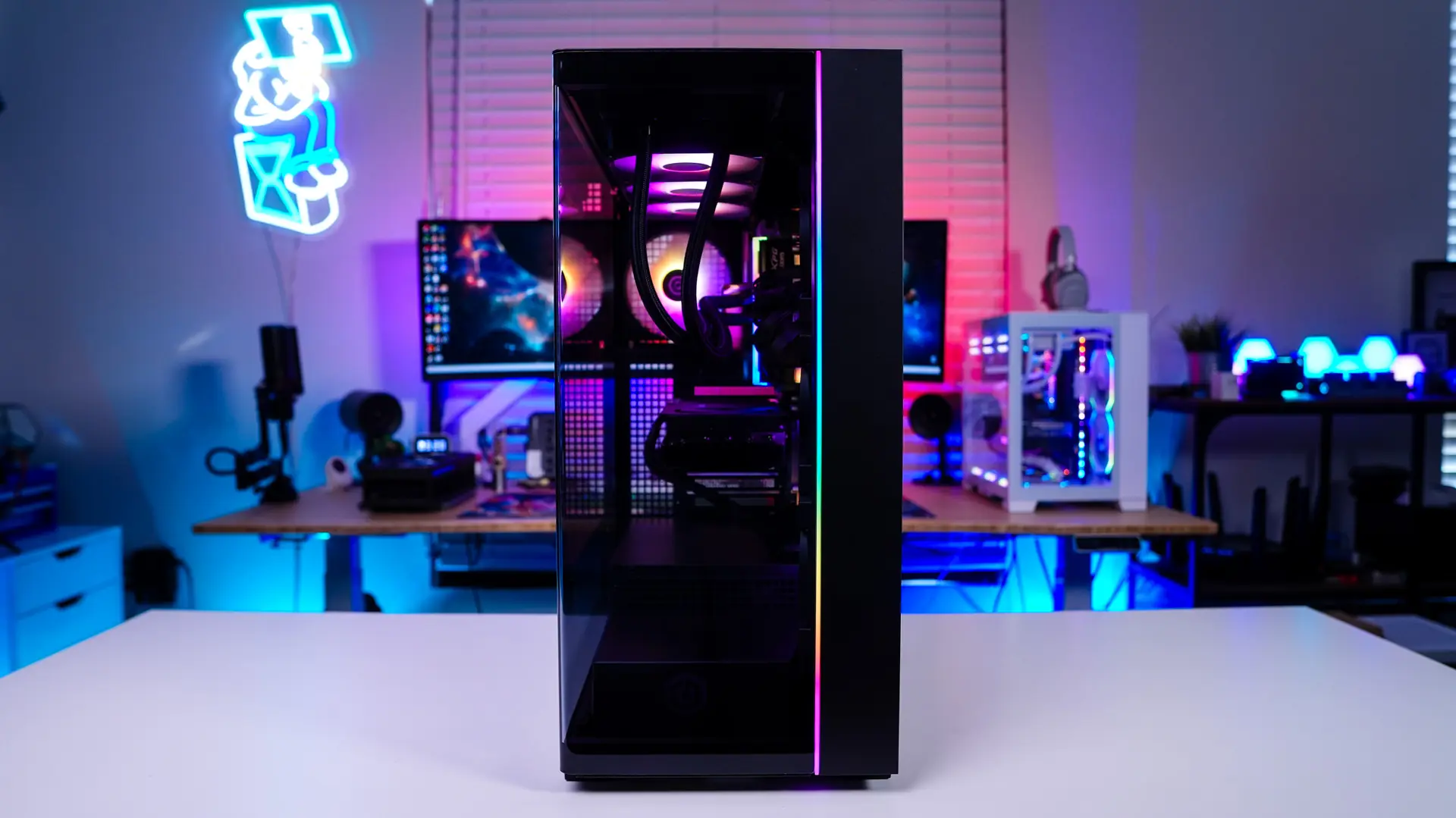
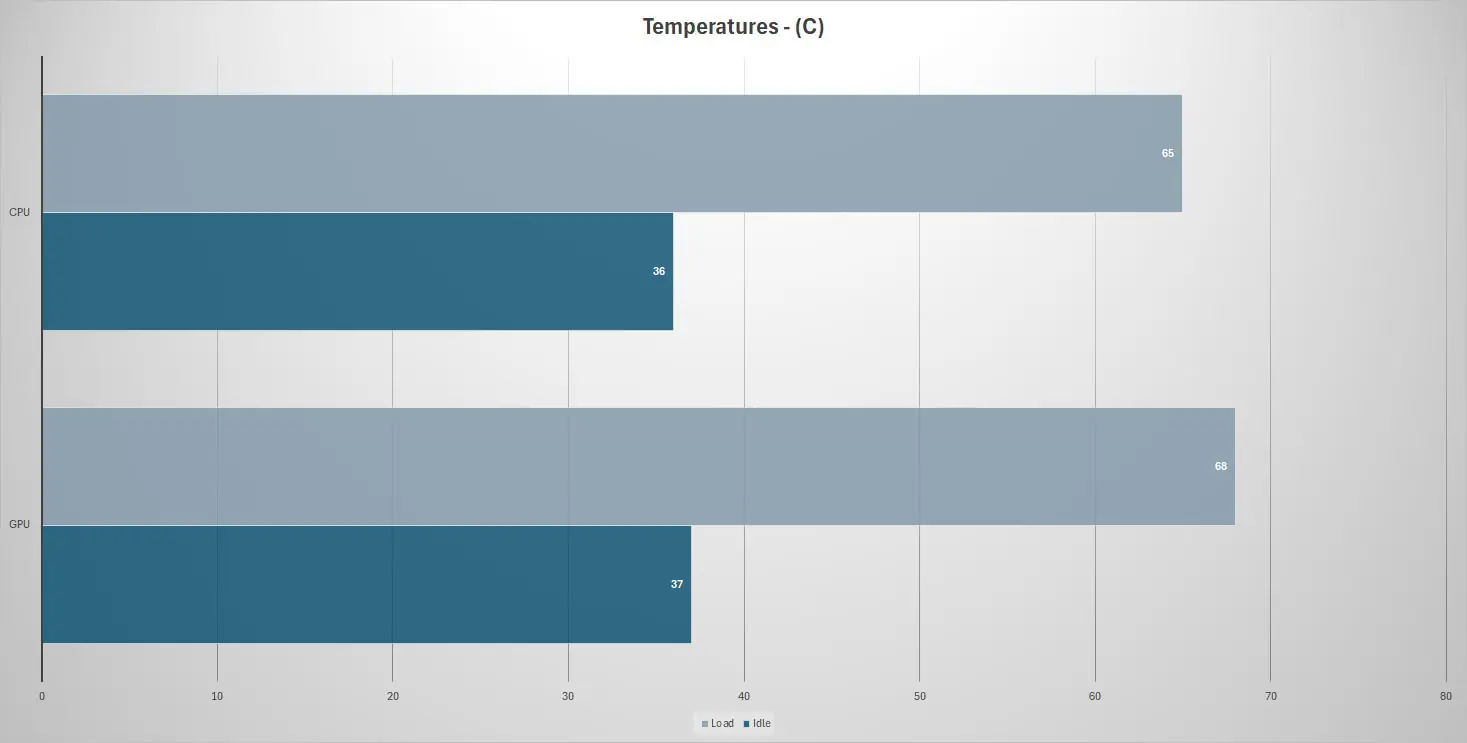
As I mentioned this system makes use of seven total fans and we do have the all-in-one liquid cooler for the CPU. We used AIDA64 to put full load on both the CPU and GPU to see what the temperatures were like.