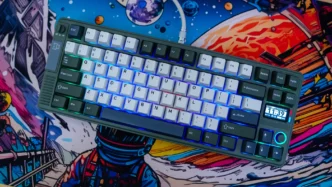
EPOMAKER RT85 Mechanical Keyboard Overview
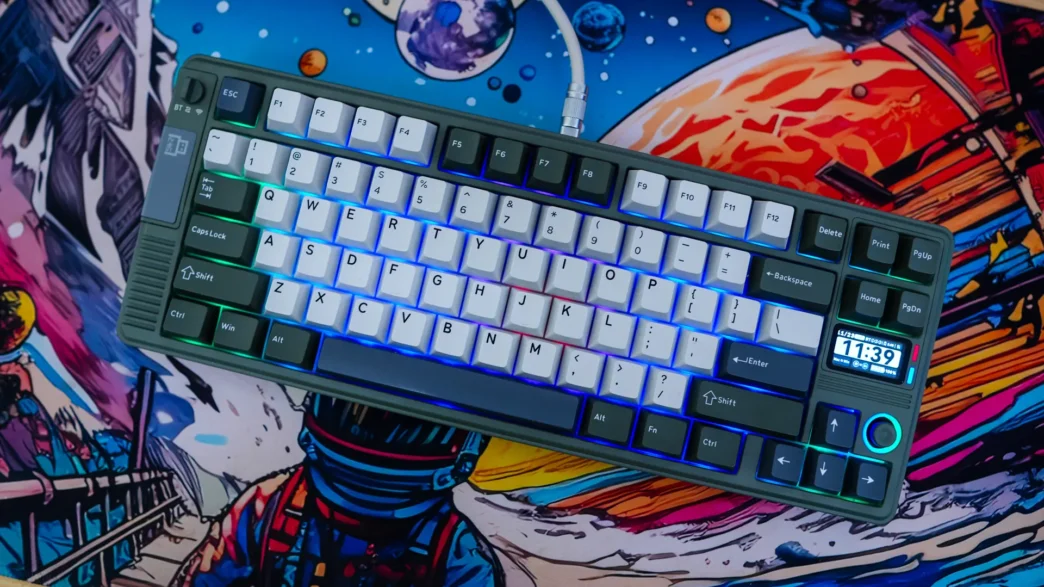
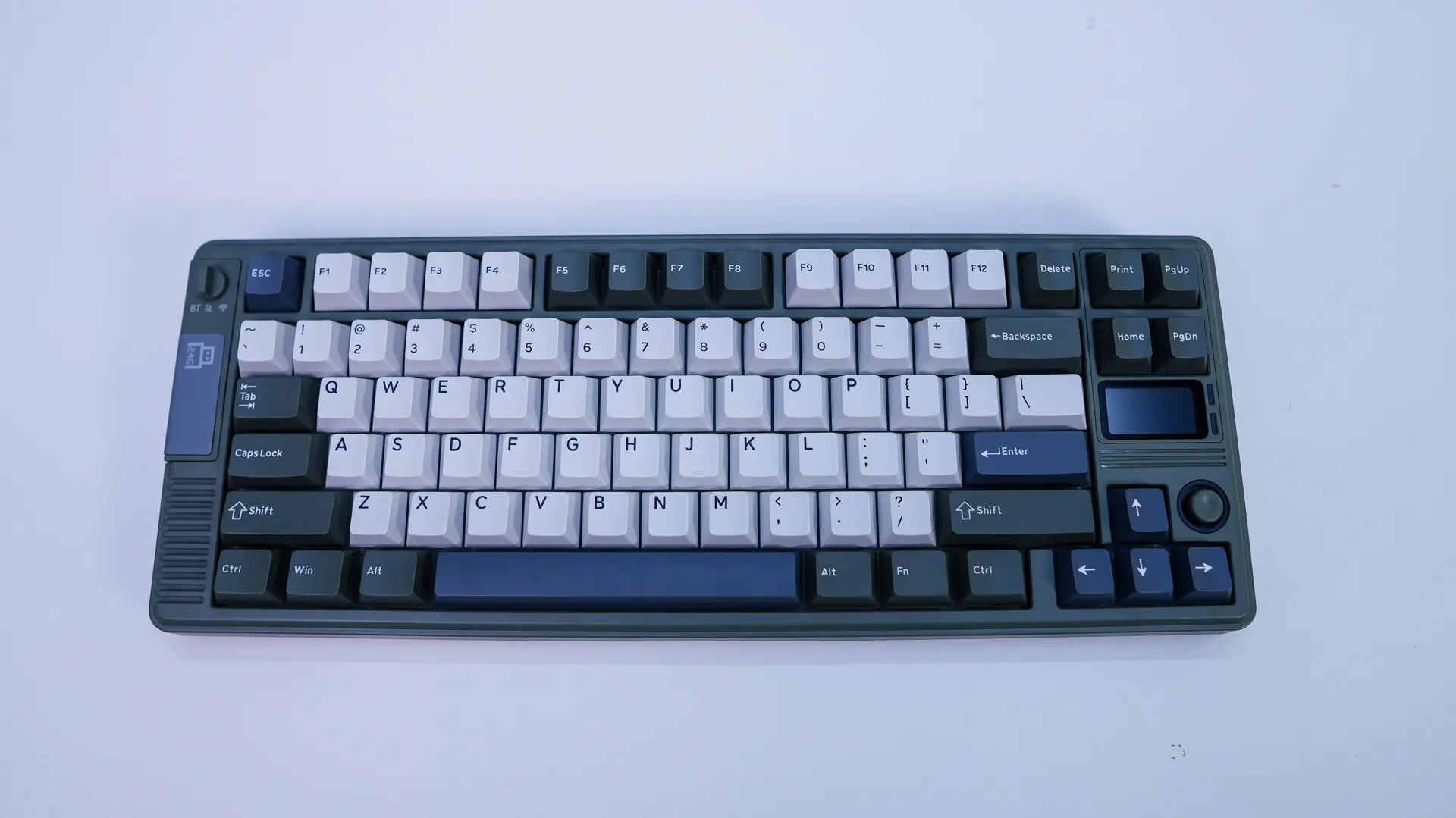
The EPOMAKER RT85 is a 75% keyboard which is one of the most popular form factors for keyboards these days, although it is a bit larger than some 75% keyboards and we’ll get into that in a bit. As far as the colorway goes we have the “Green White” version of the keyboard which has a green chassis and mostly white keycaps with a few green and dark grey keycaps as well.
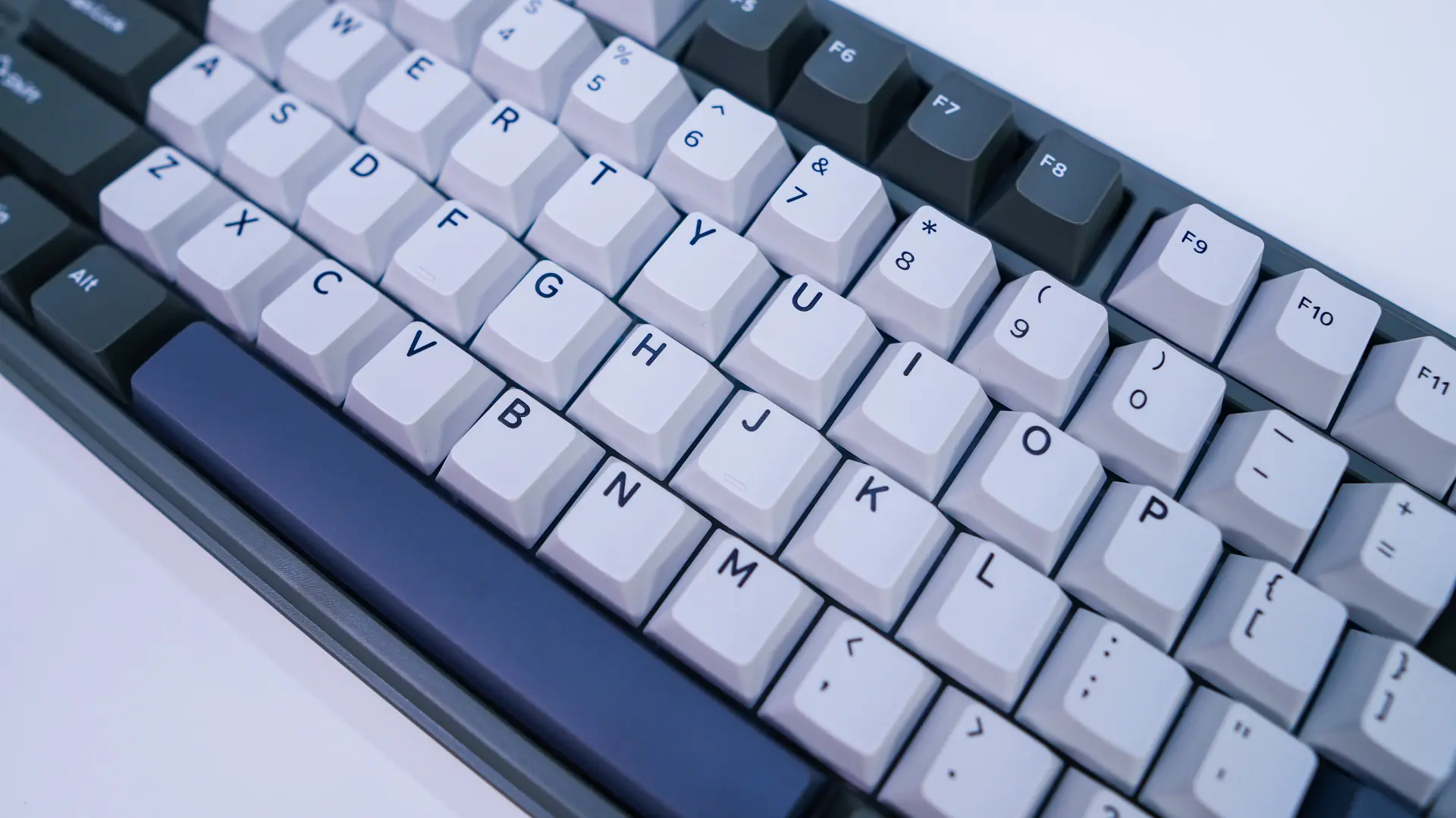
The keycaps themselves are going to have double-shot PBT in a Cherry profile. They do not have see-through legends. PBT is of course great as it will not show any shine or wear over time and of course they feel better than your normal ABS keycap.
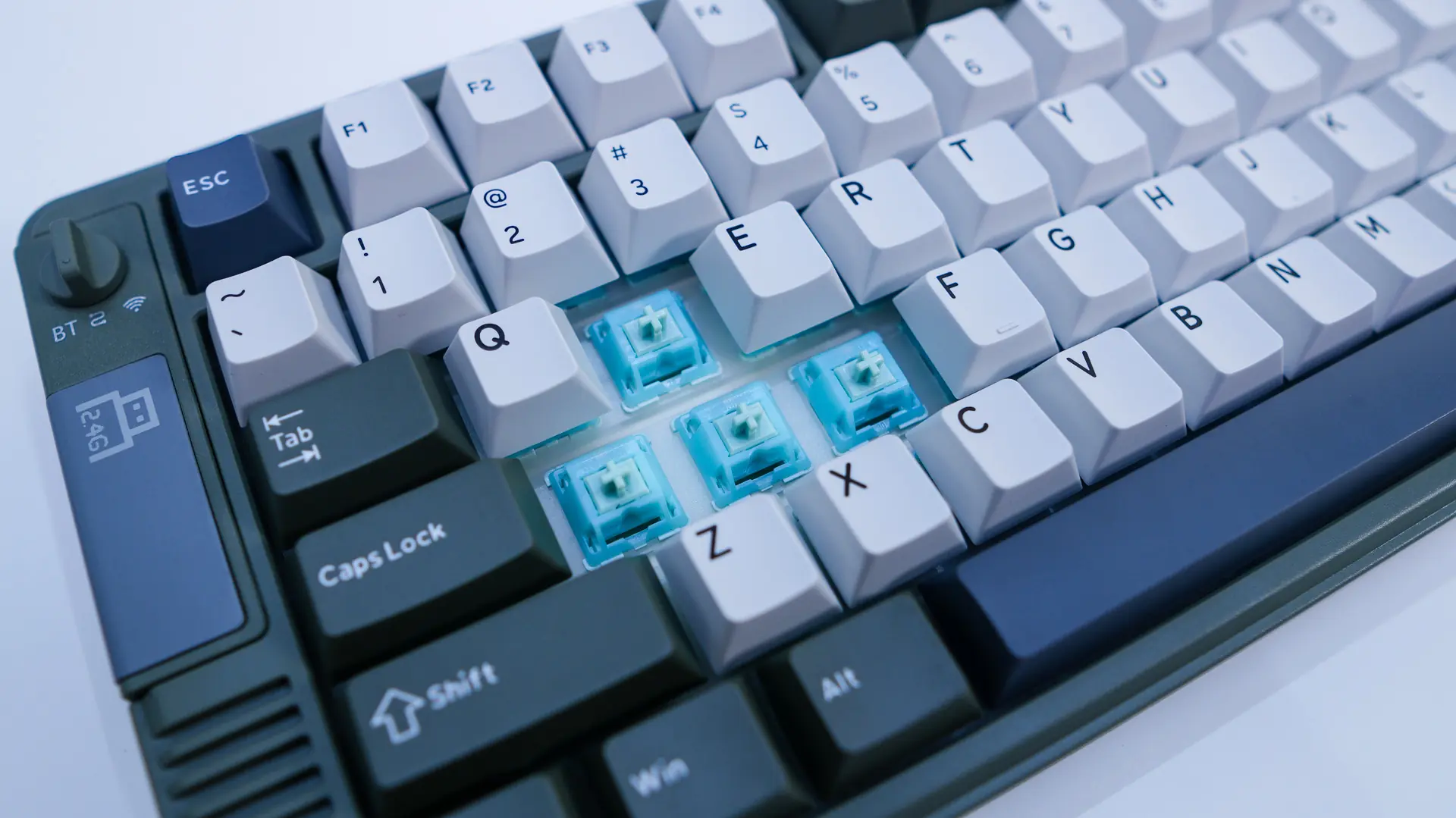
Under those keycaps you’ll find your mechanical key switches which are the EPOMAKER Creamy Jade switches. These switches are a linear switch with a trigger force of 45gf, pre-travel of 2.0mm, and total travel of 3.6mm. The switches are pre-lubed and this keyboard is hot-swappable so you can change the switches if you like.
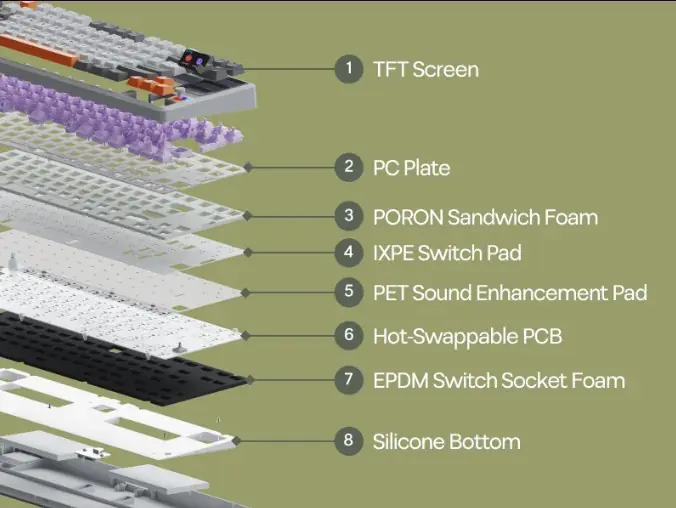
This keyboard does make use of a gasket-mount design with 5 layers of sound dampening that include PORON sandwich foam, IXPE switch pad, PET sound enhancement pad, EPDM switch socket foam, and a silicone base.
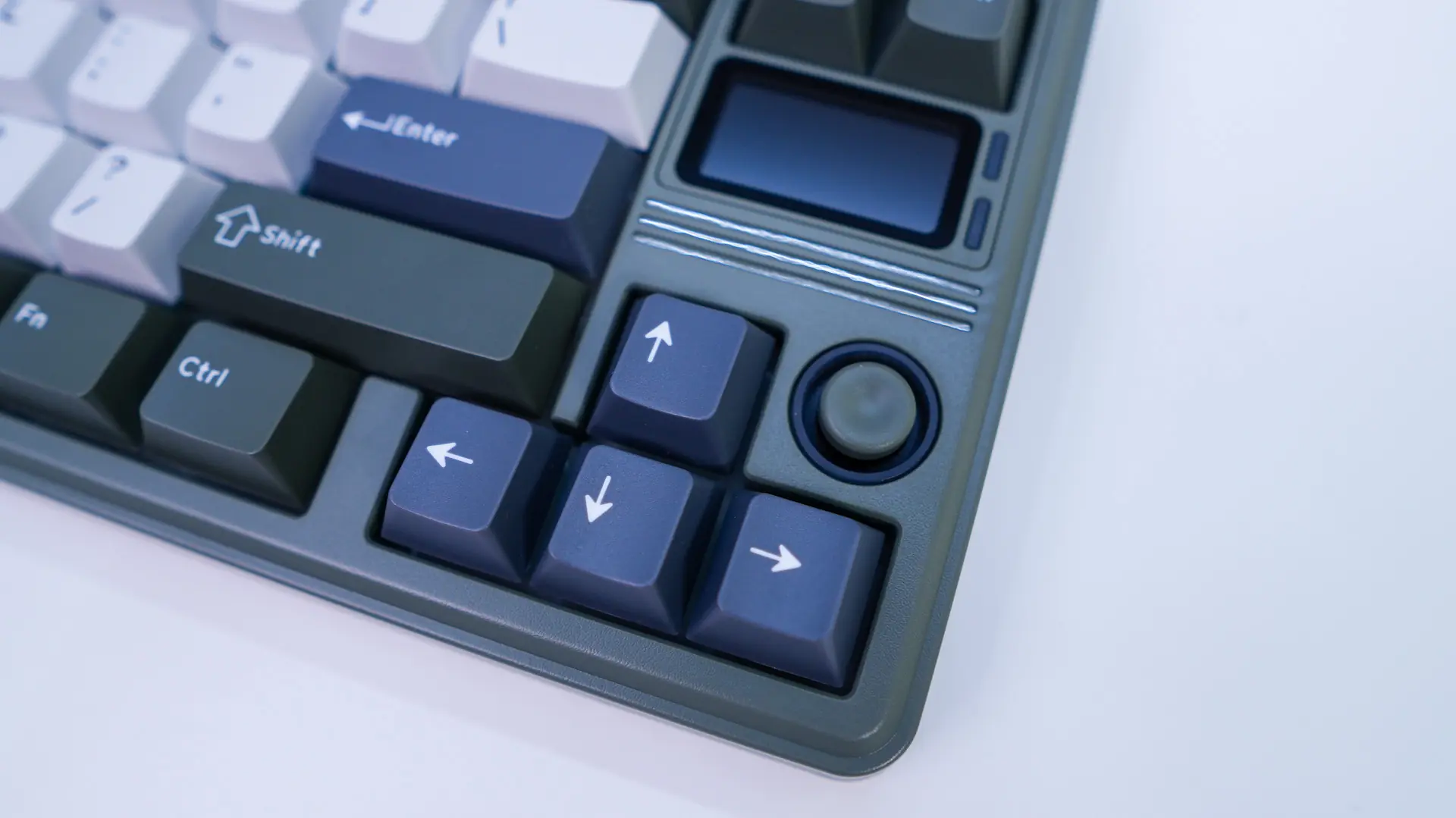
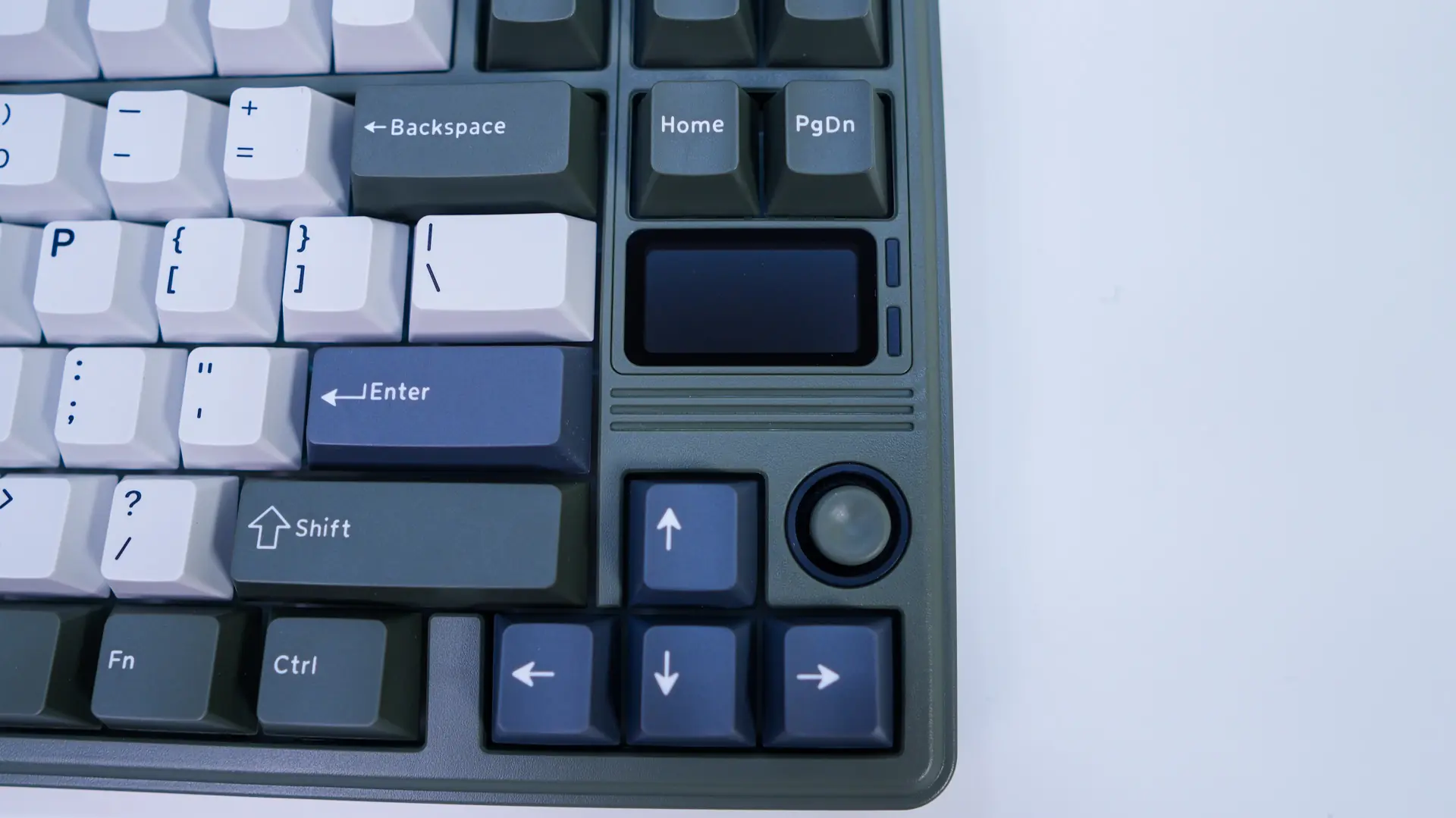
In the bottom corner of the keyboard by your arrow keys is going to be a small little joystick, which is something I haven’t seen on a keyboard before. The joystick can be used for volume and RGB controls. Right above it is going to be what EPOMAKER calls the DIY screen which is a 1.47-inch TFT display, more on this in a bit.
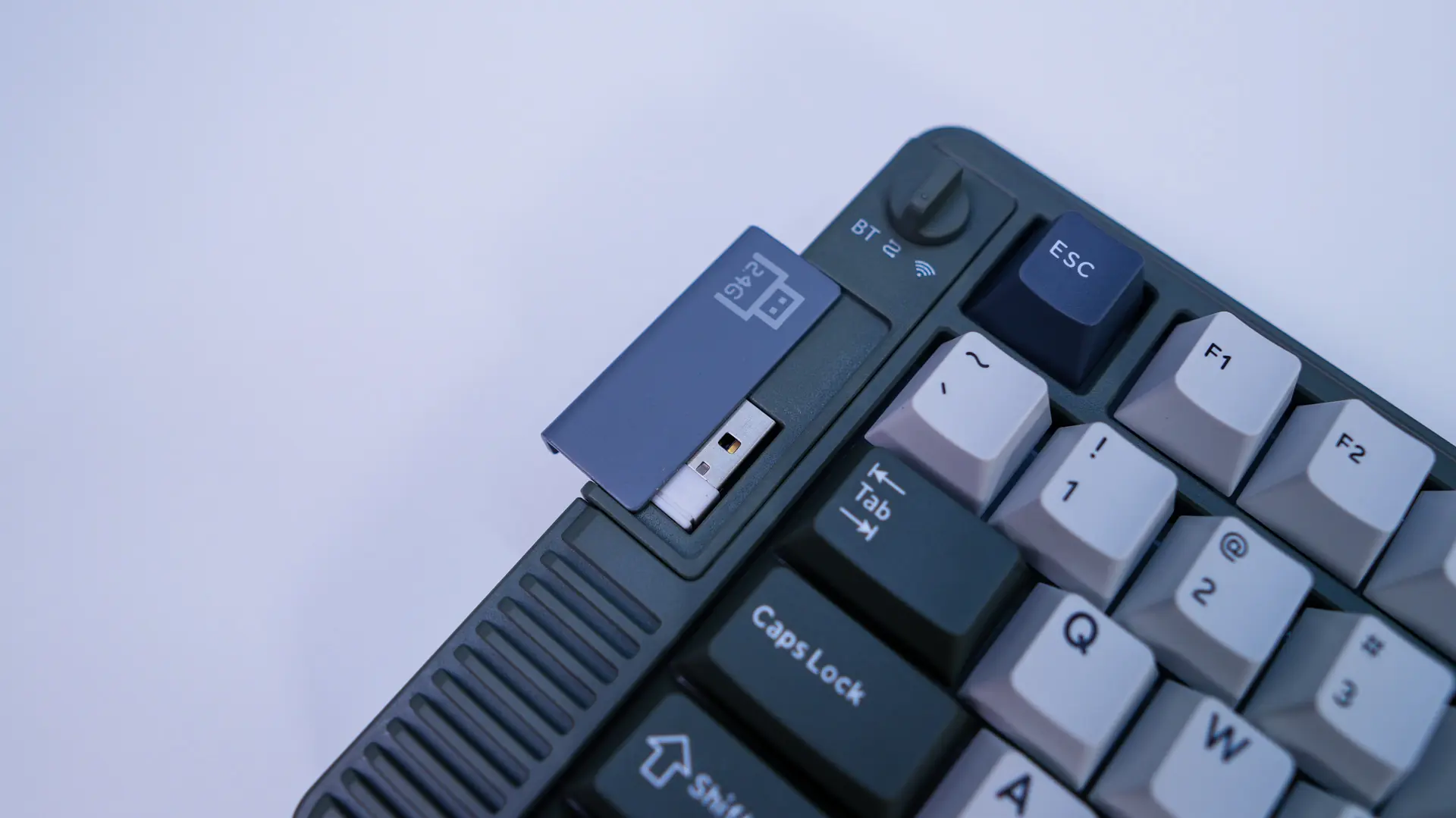
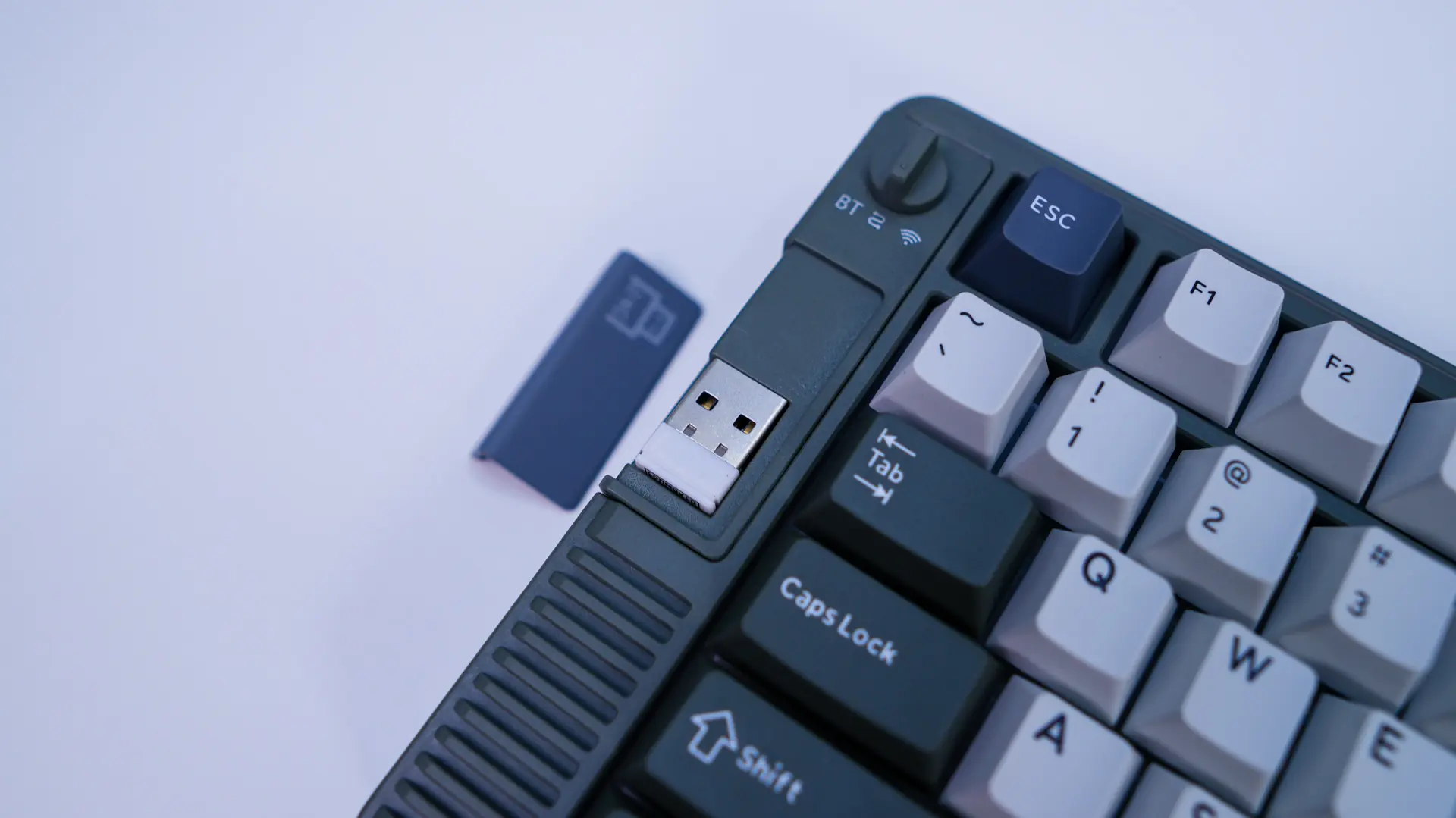
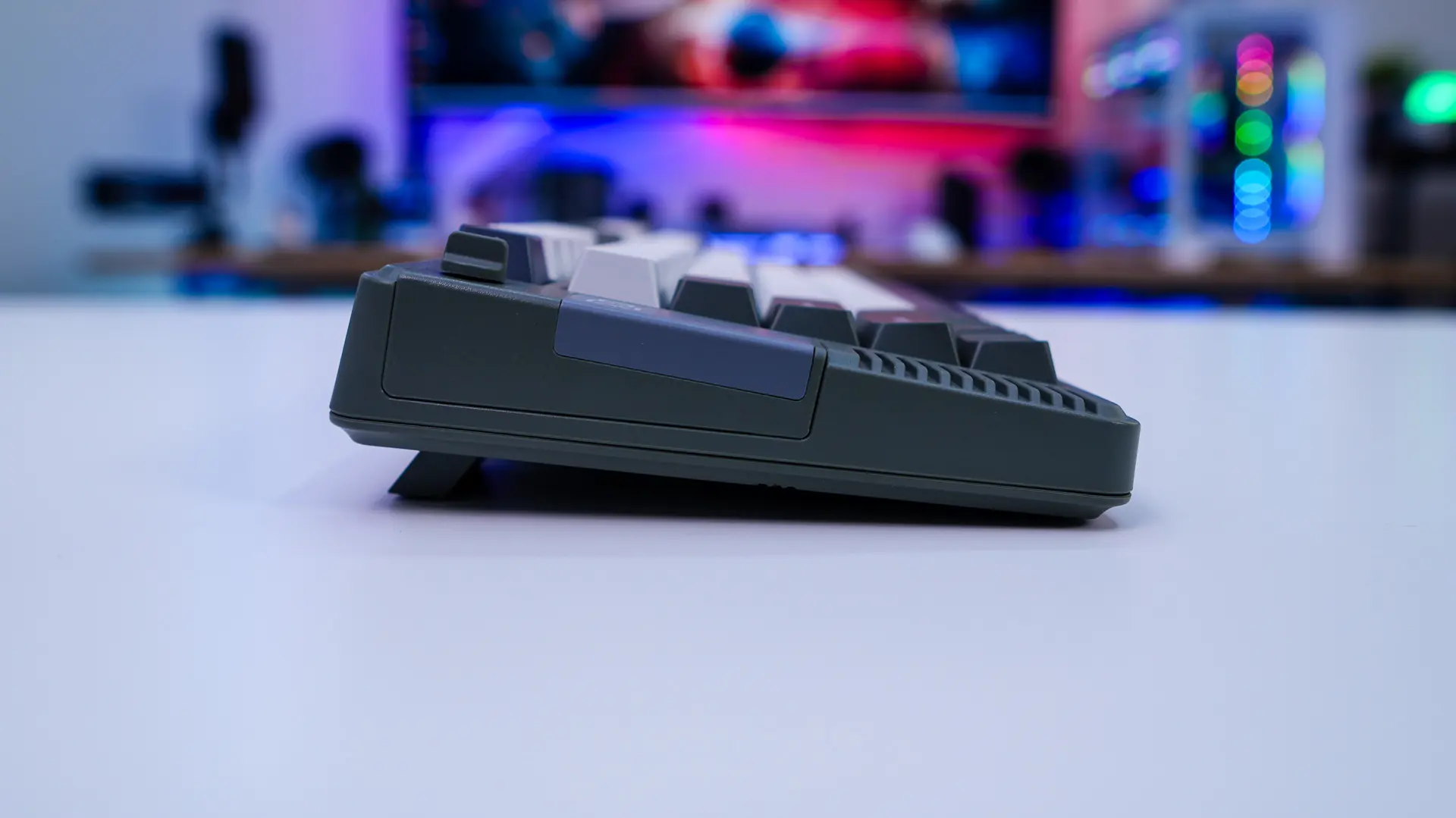
In the opposite top corner of the board is going to be a dial switch that allows you to select the mode the keyboard is in (Bluetooth, Wired, 2.4 GHz). Right below that is a magnetized plate which when removed reveals the 2.4 GHz USB dongle.
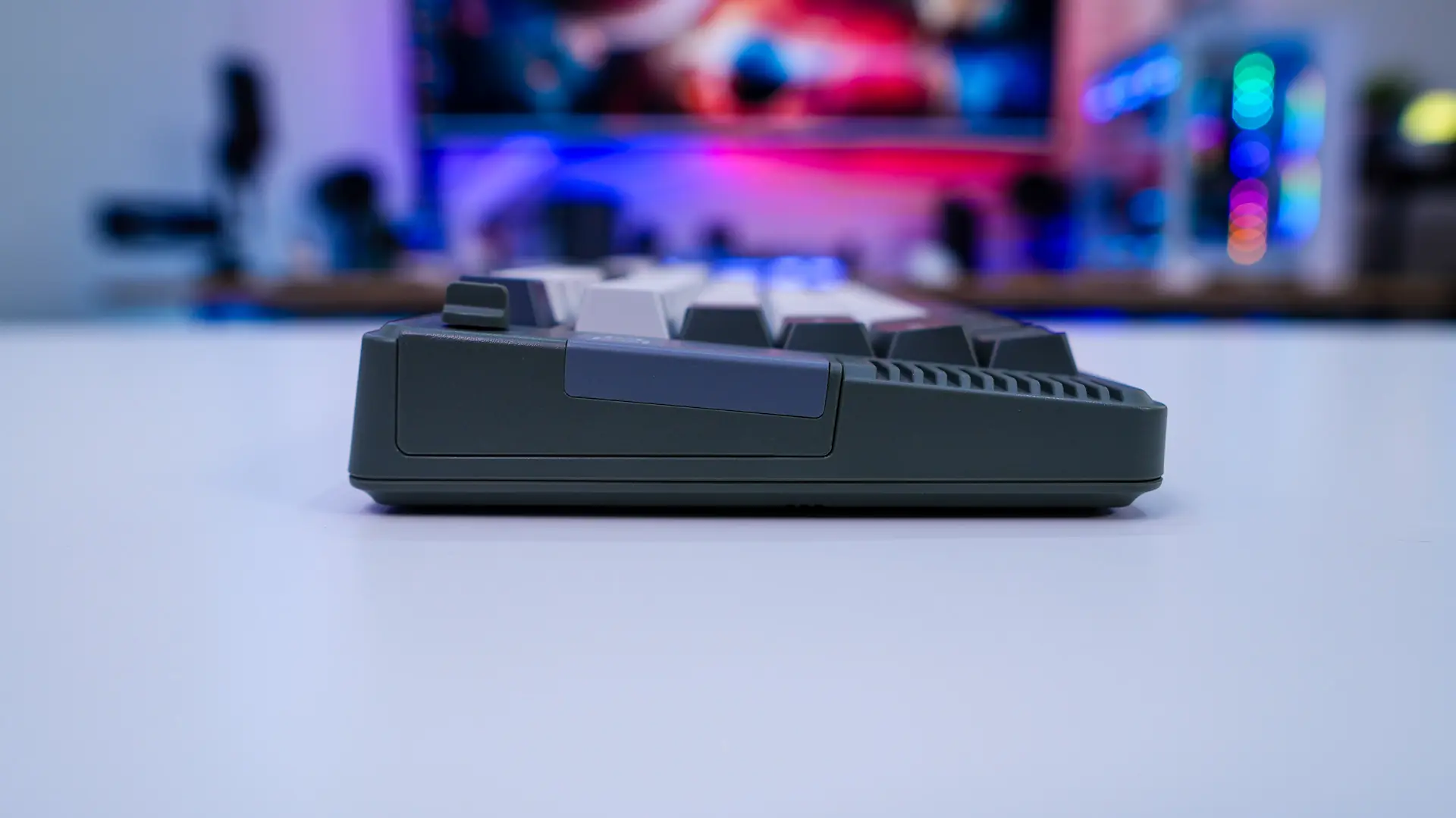
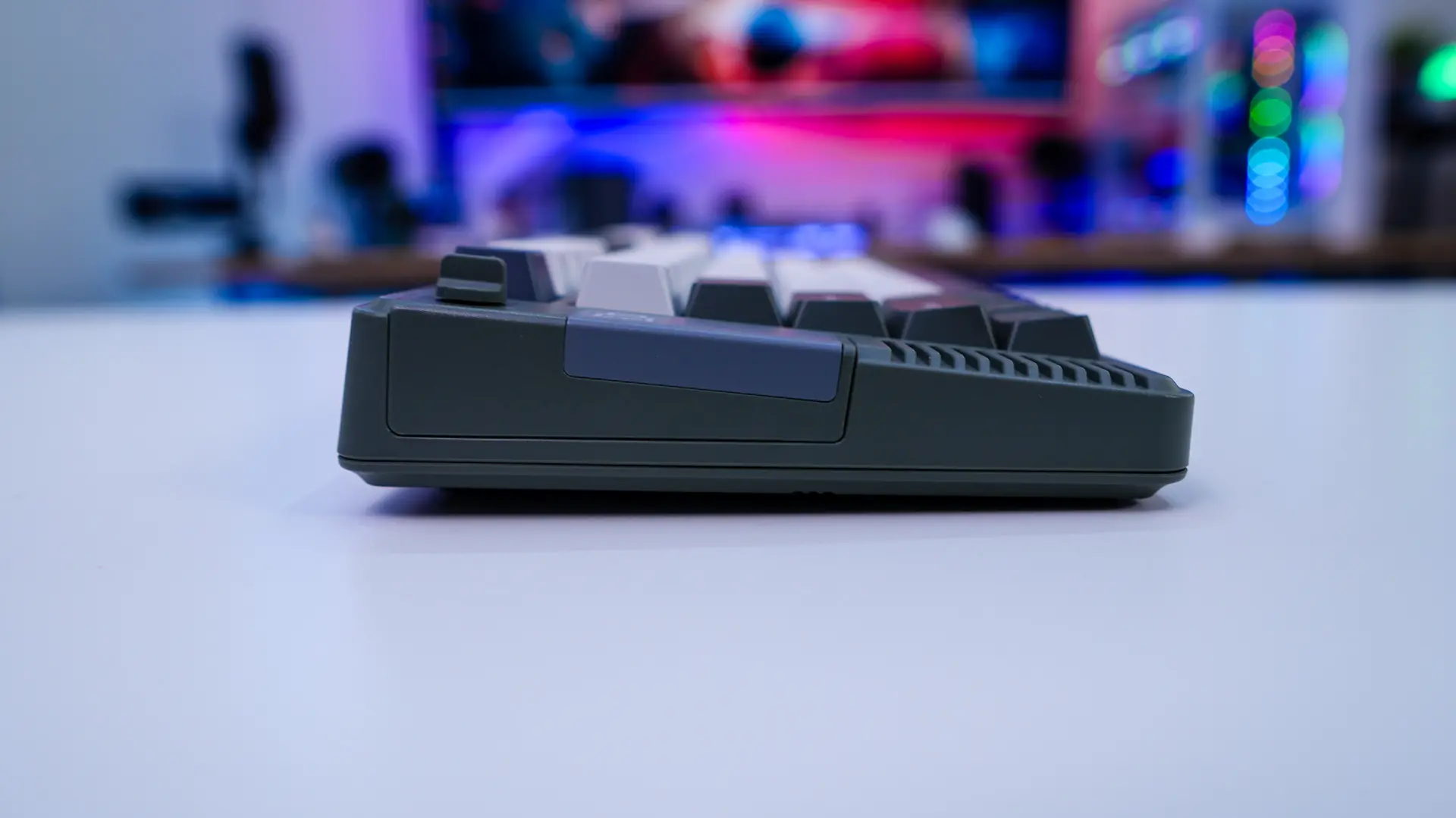
By default the keyboard will sit at a 5-degree angle, but using the pop-out feet on the bottom of the keyboard you can adjust it to 6.7-degrees, and 10 degrees. The bottom of the keyboard is pretty standard with those pop-out feet and and 4 more rubber feet. If you were wondering the keyboard chassis is made of plastic.
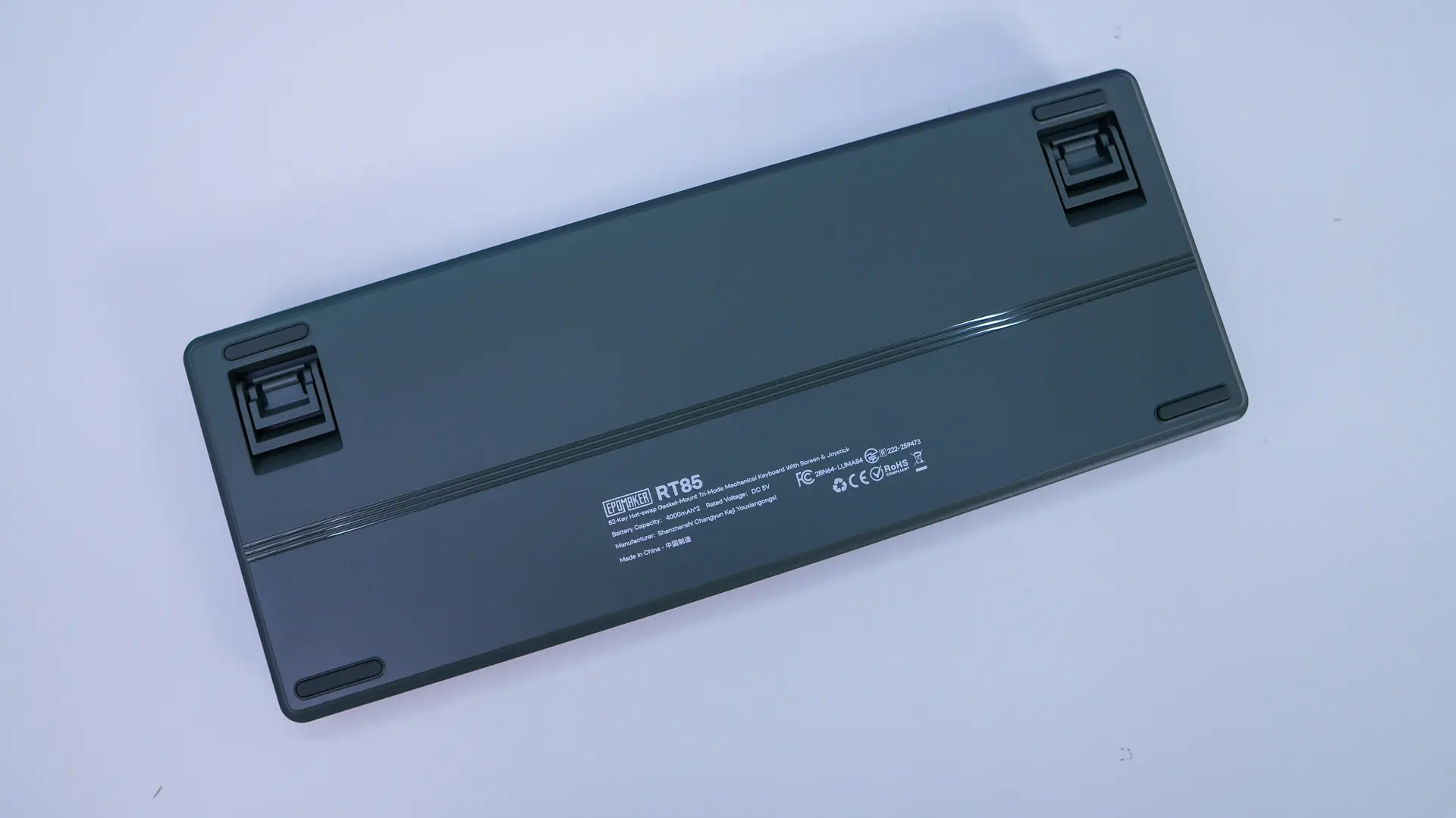
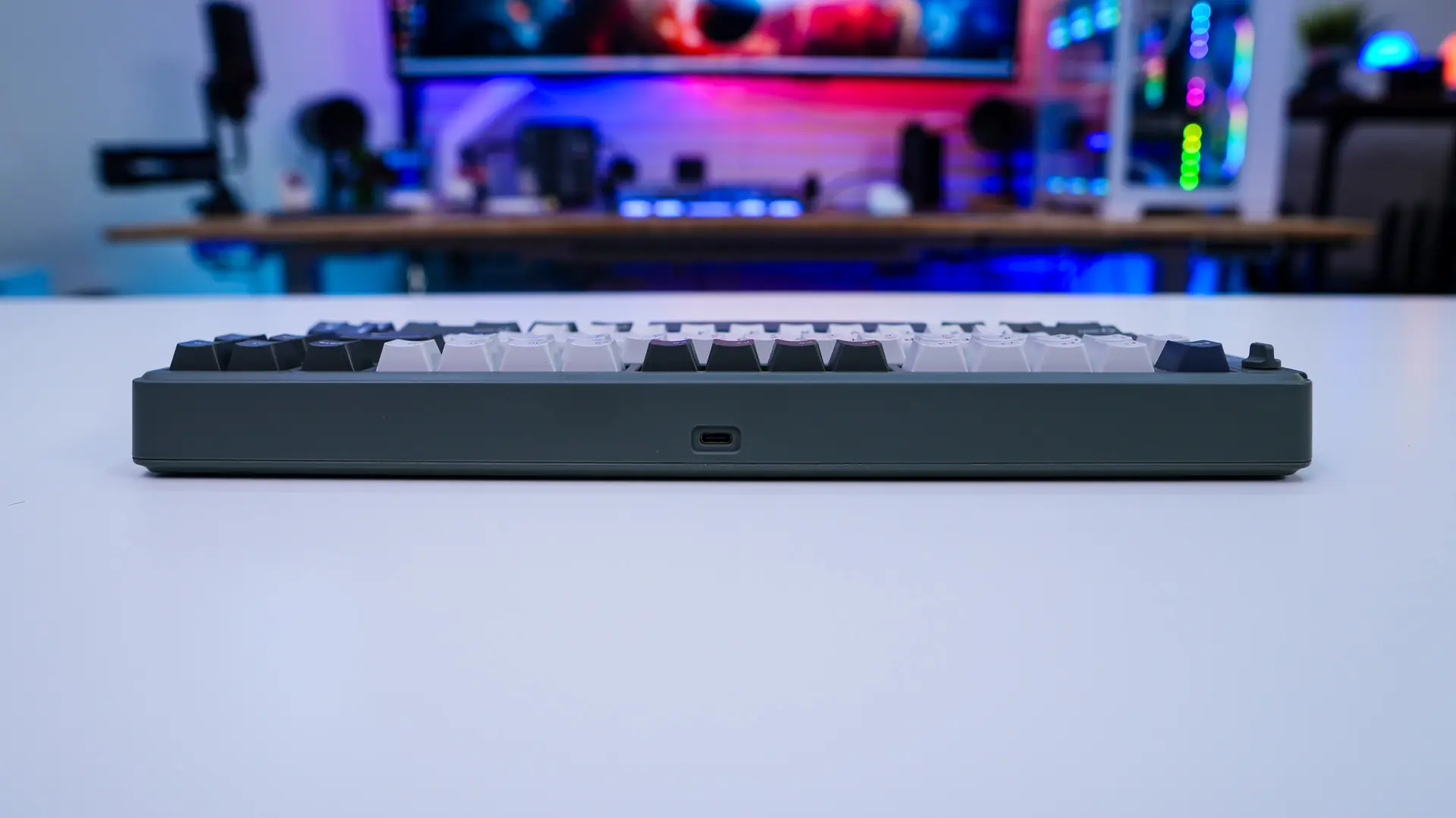
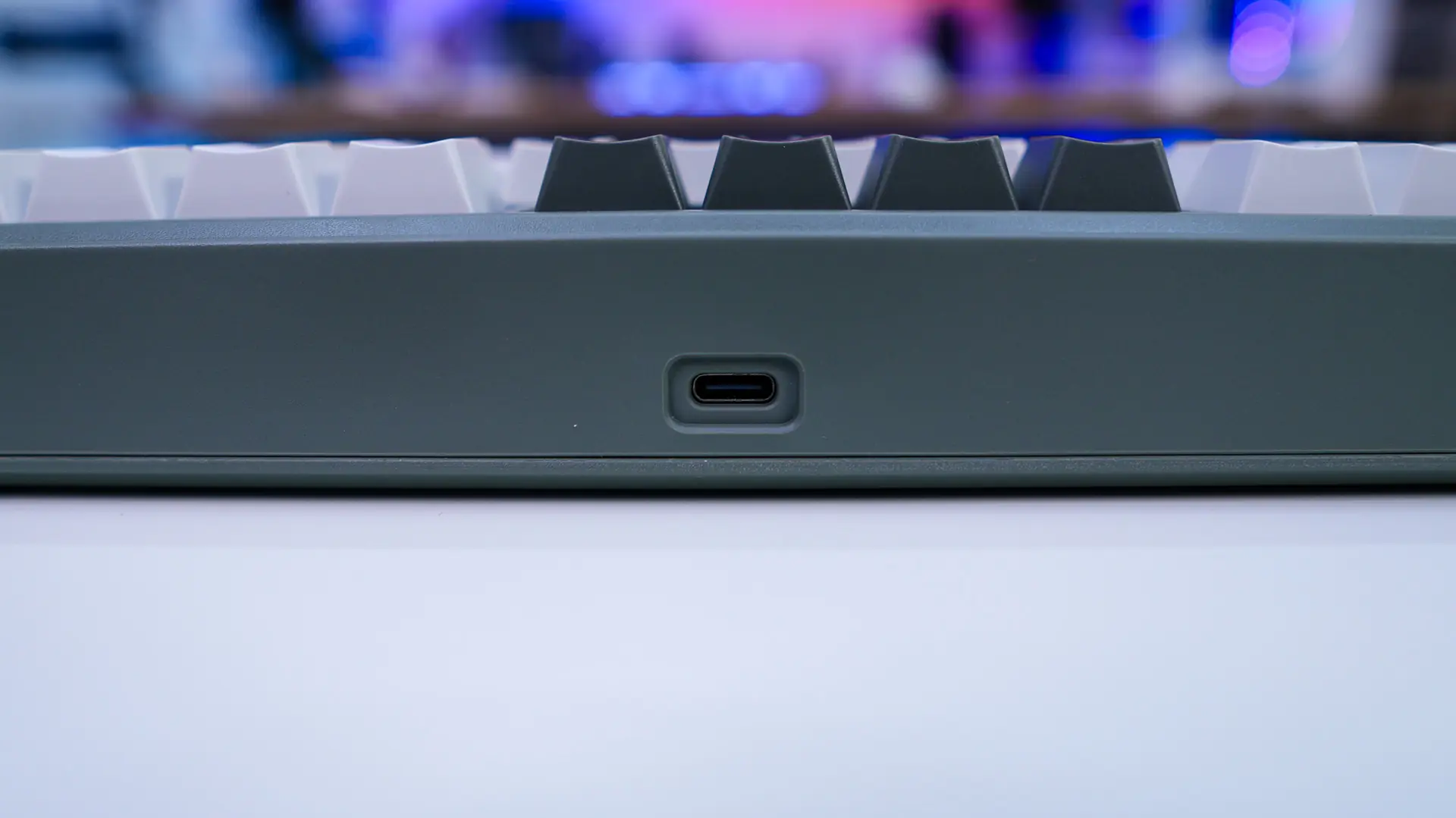
You’ll find the USB-C connection on the top-edge of the board and it is centrally-located. This can be used to charge the keyboard or use it in wired mode. If you were wondering this keyboard makes use of a 8000 mAh internal battery.