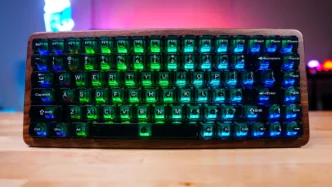
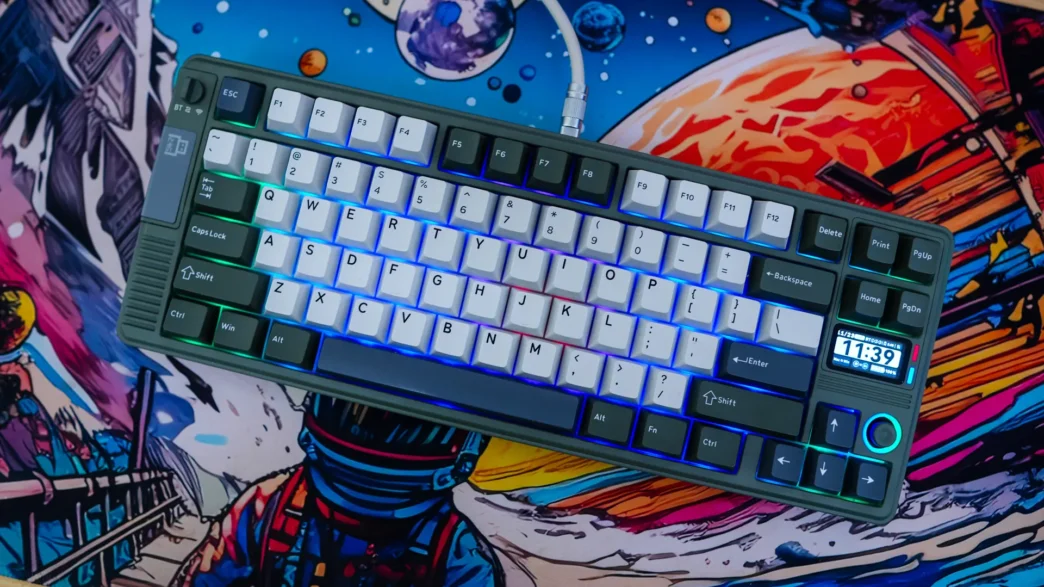
Lighting on the EPOMAKER RT85 Mechanical Keyboard
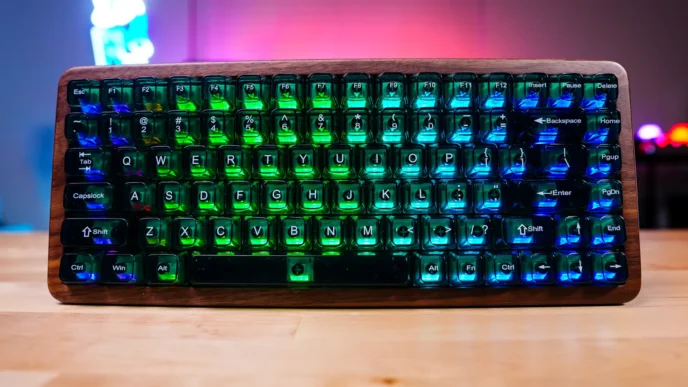
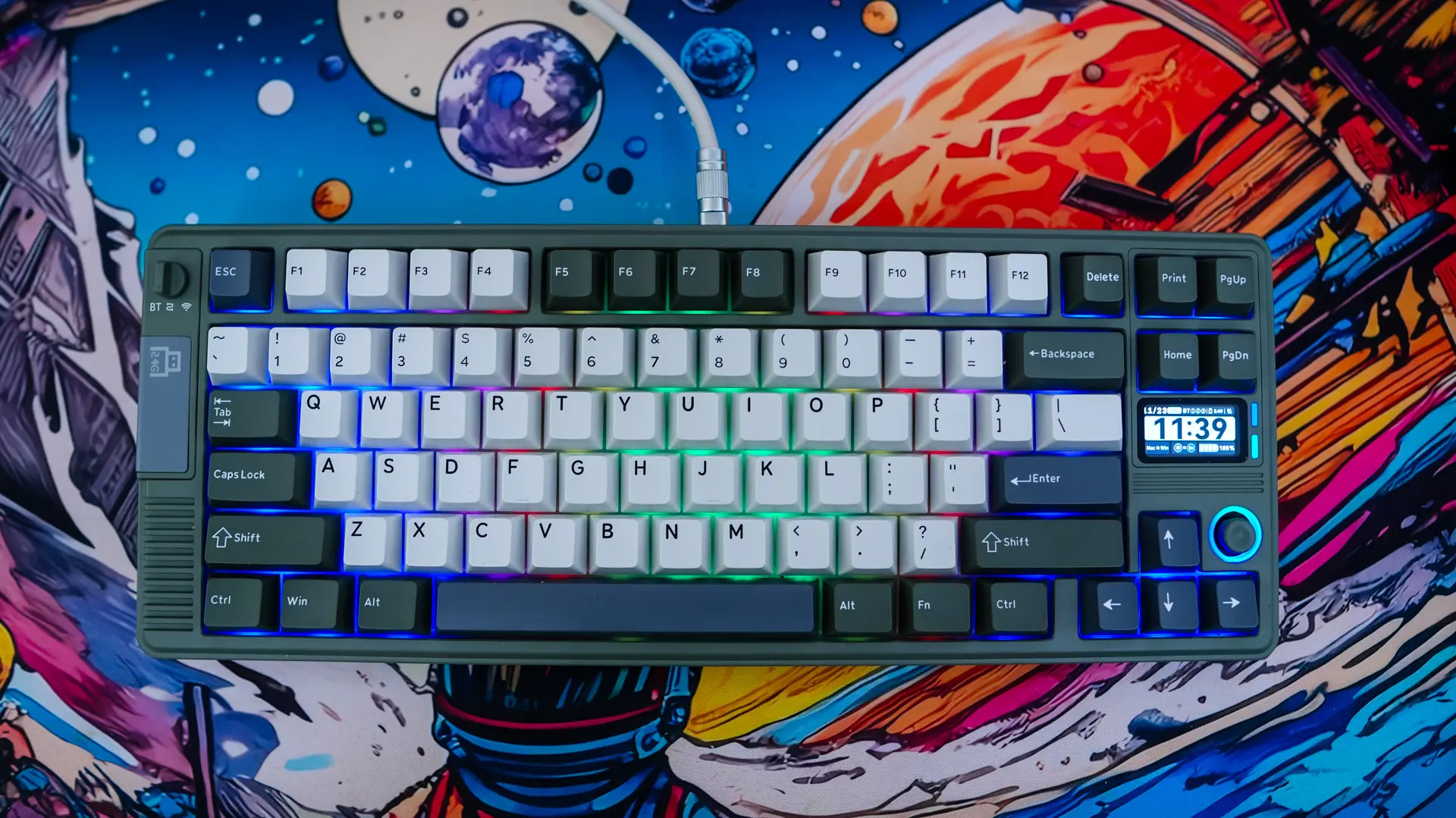
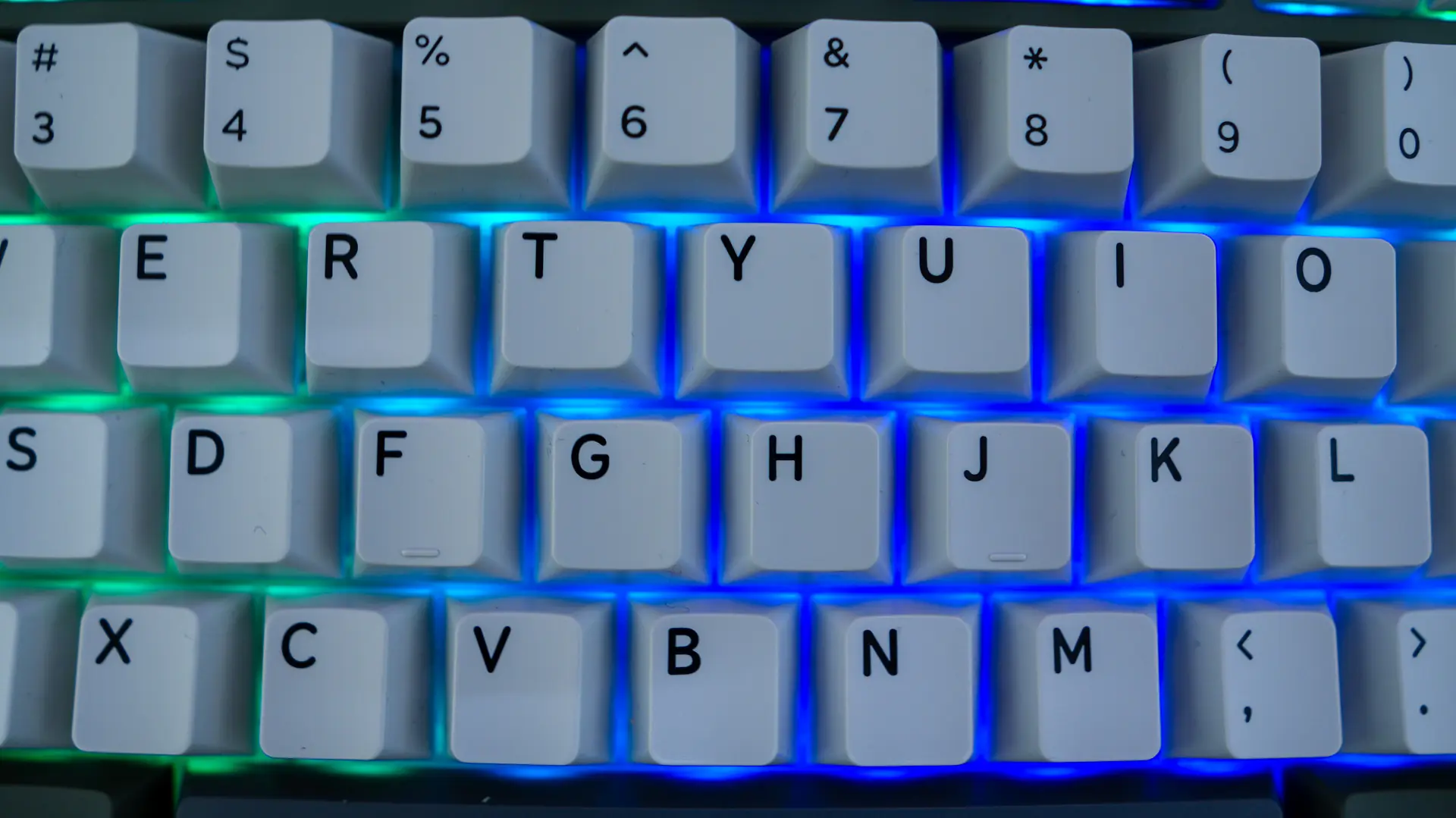
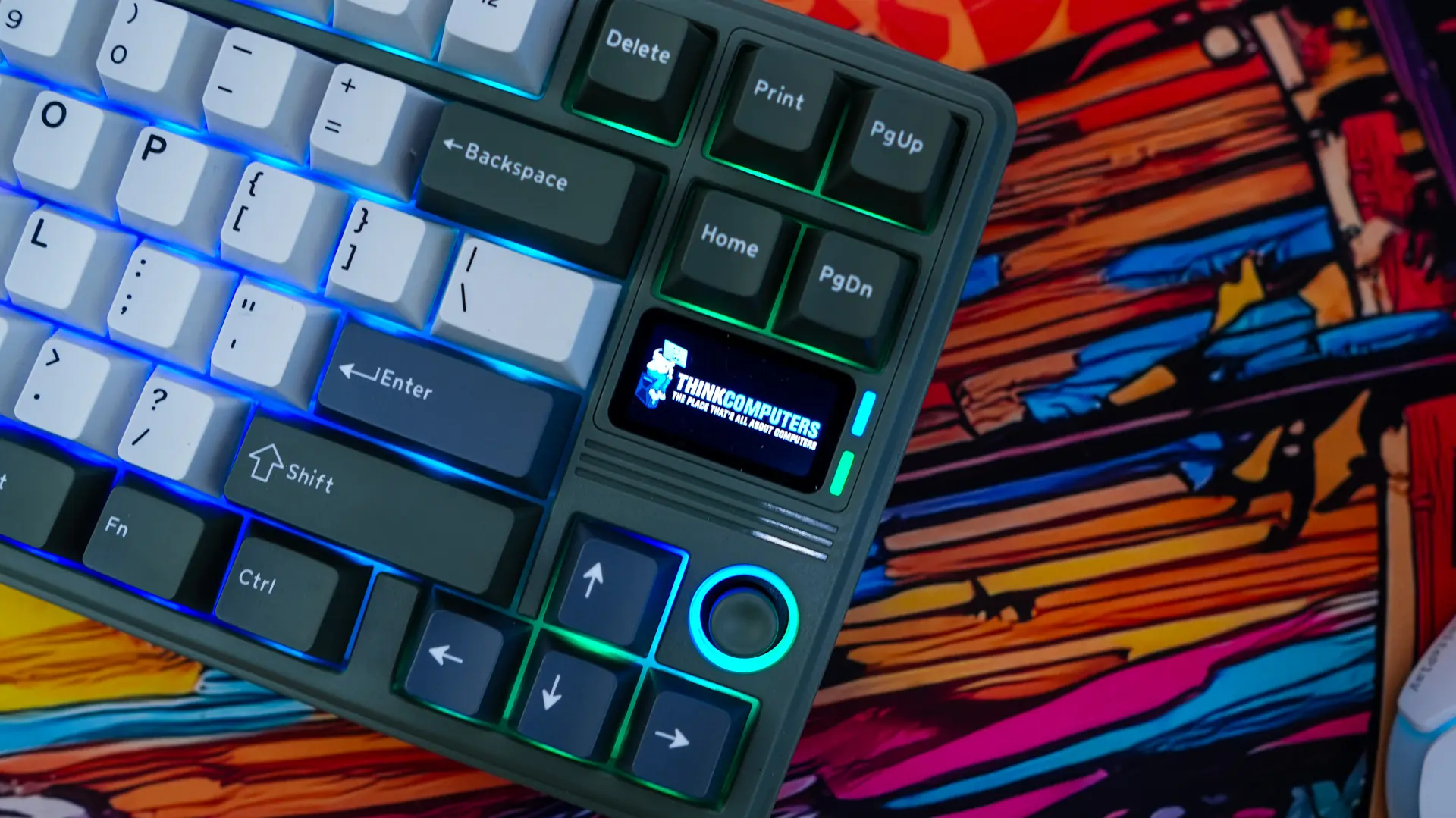
The RT85 does offer per-key RGB lighting. Now you do not have see-through legends, but the lighting is visible between your keycaps.
The Screen on the EPOMAKER RT85 Mechanical Keyboard
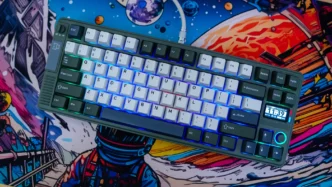
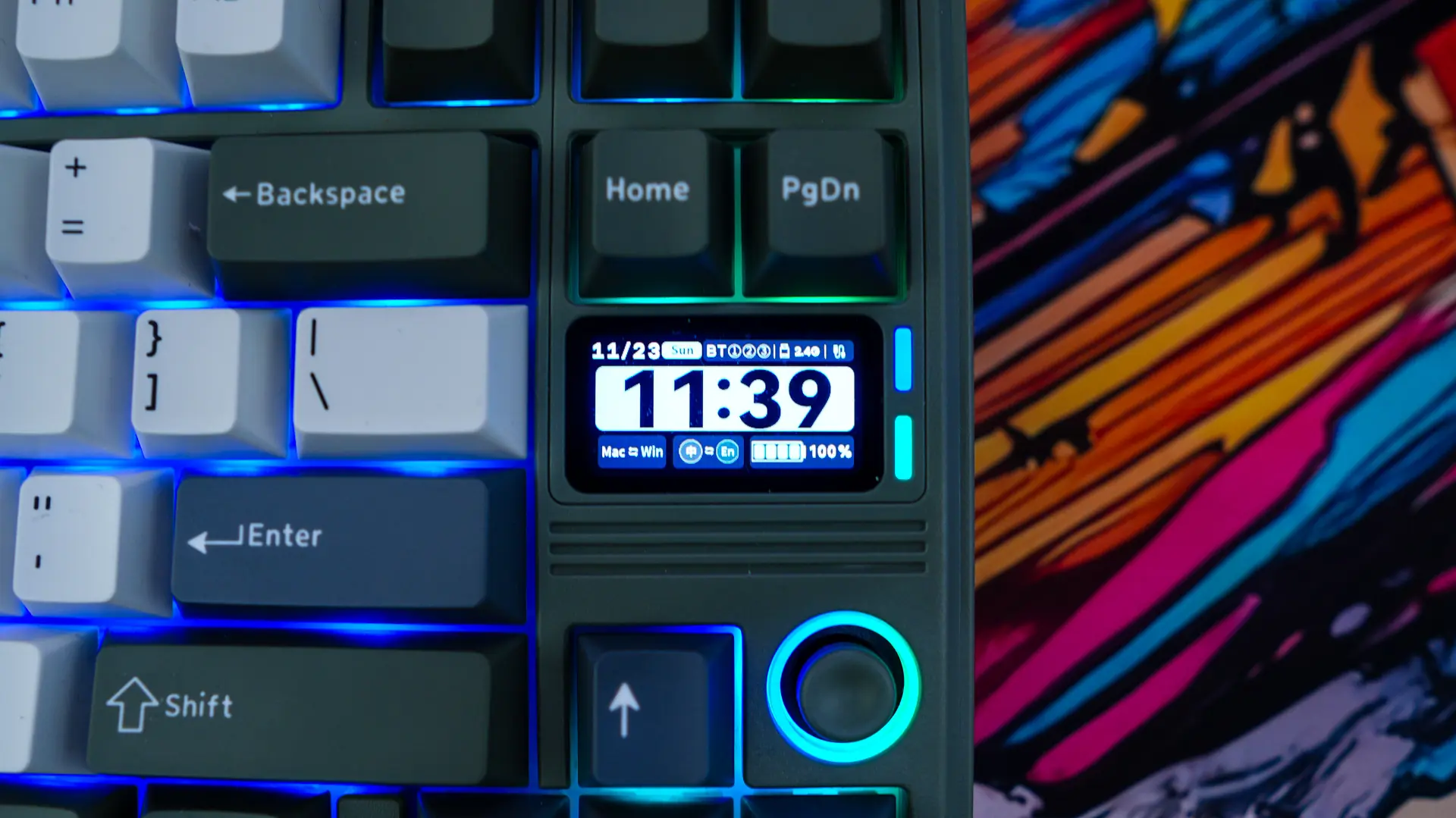
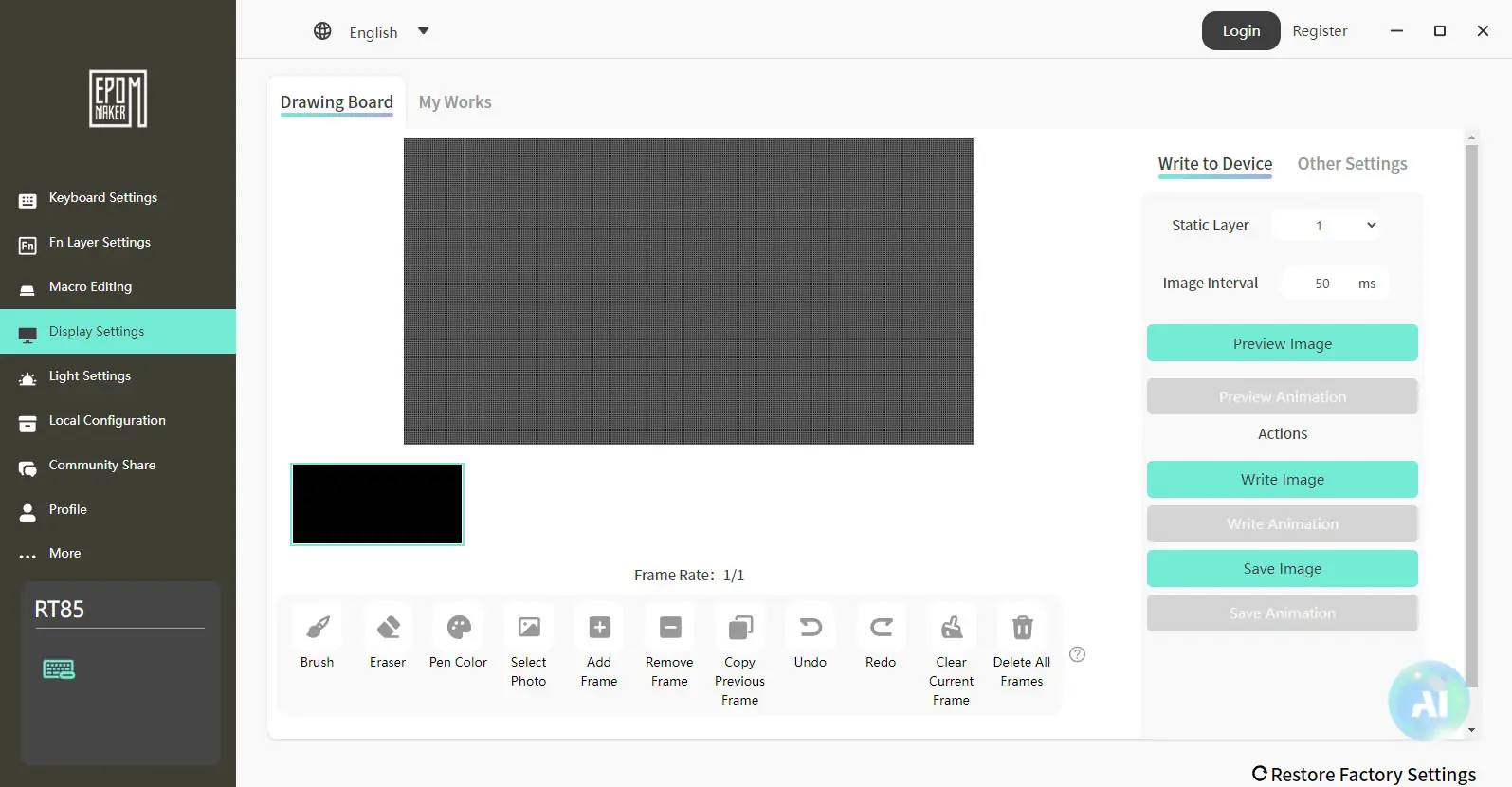
The 1.47-inch TFT display by default will show you the time, date, how the keyboard is connected, and battery level. I was a bit disappointed that you can’t really customize any of this. The time is in a 24-hour format, which can’t be changed. Beyond this default display you can add your own image easily using the EPOMAKER software.
The Software for the EPOMAKER RT85 Mechanical Keyboard
For the RT85 EPOMAKER offers their “Driver v4” software if you want to do any type of customization. You can fully reprogram the keyboard and there is a full on macro editor. You have a normal layer as well as a function layer and four total profiles.
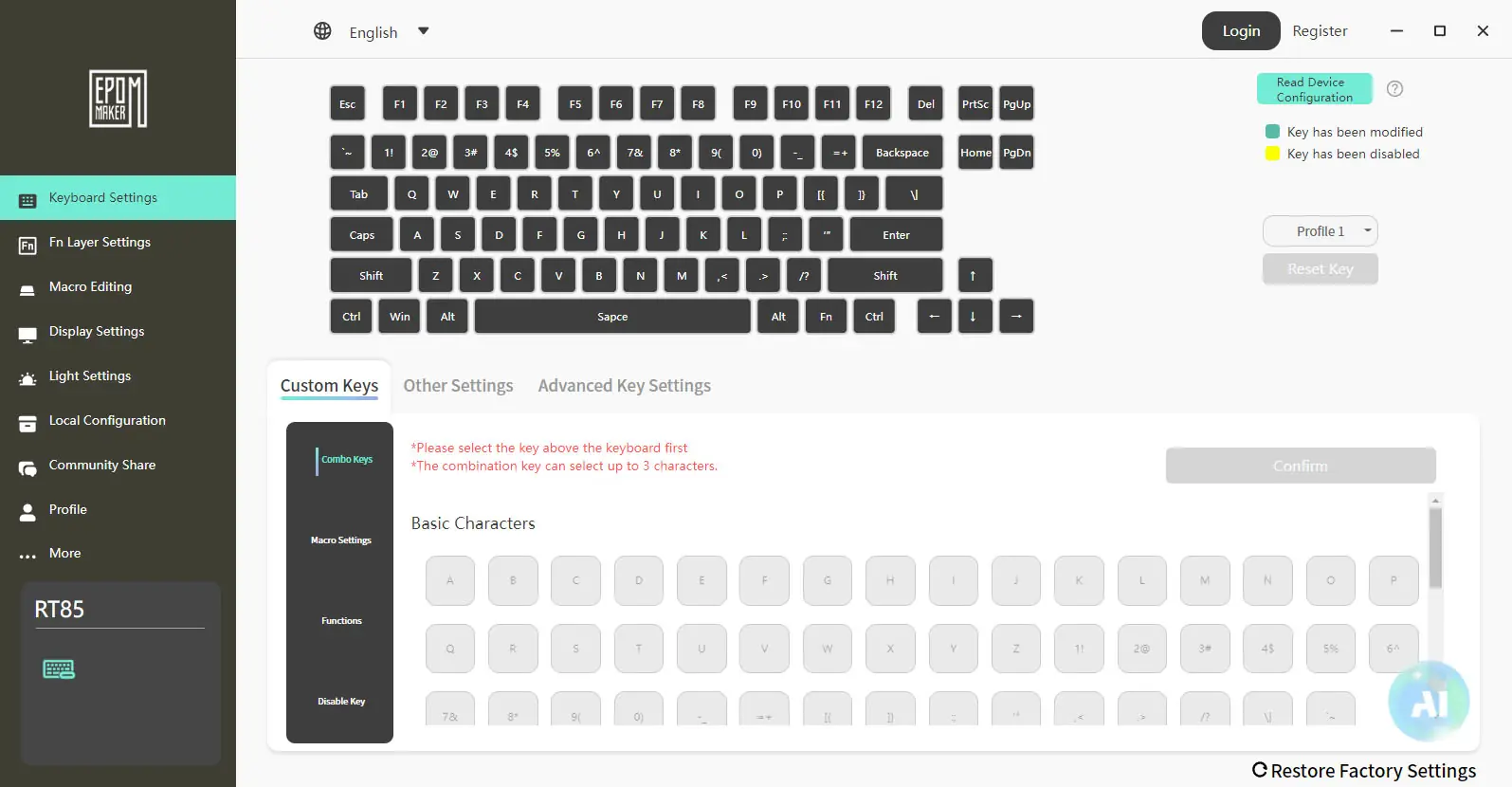
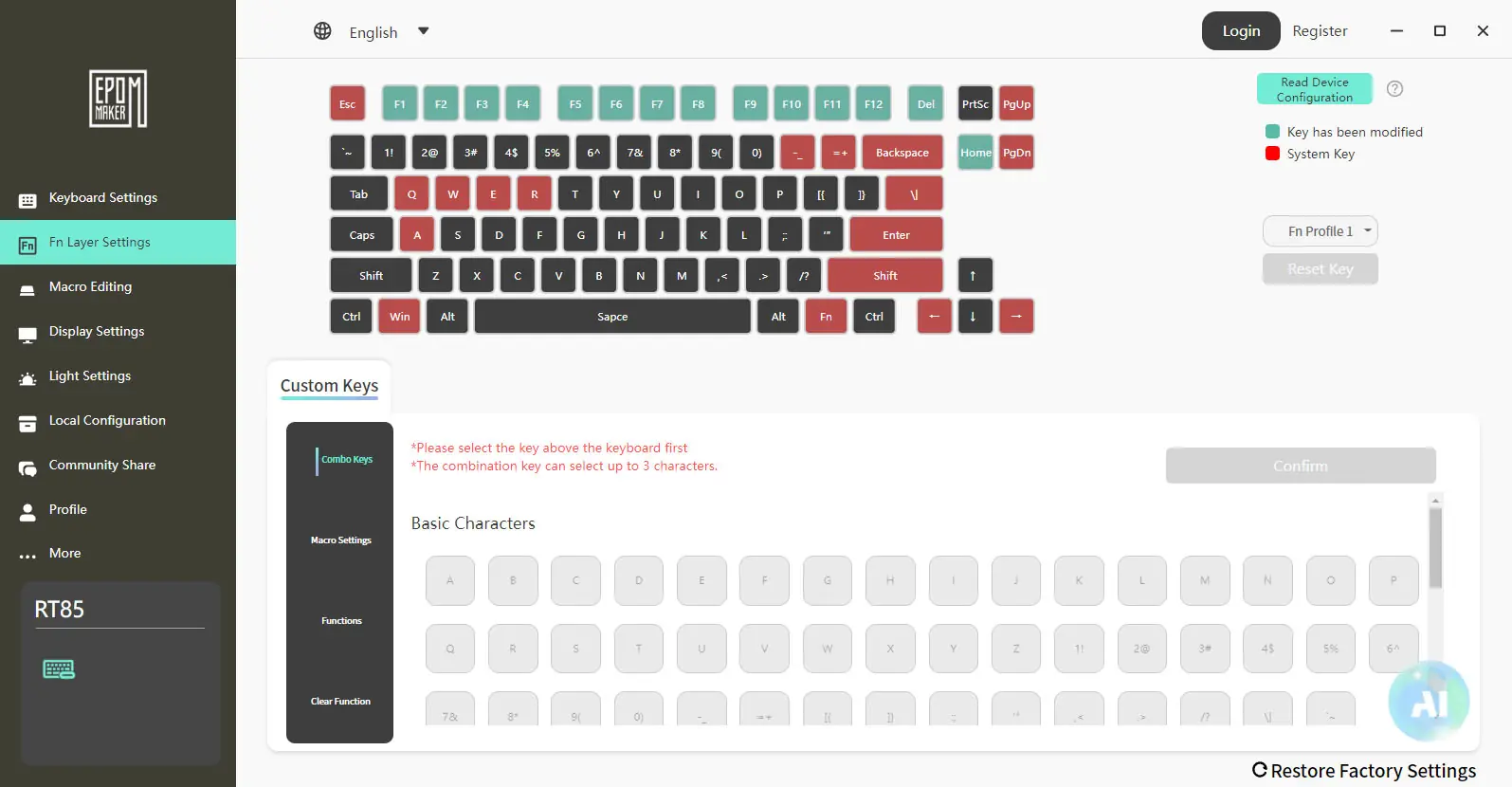
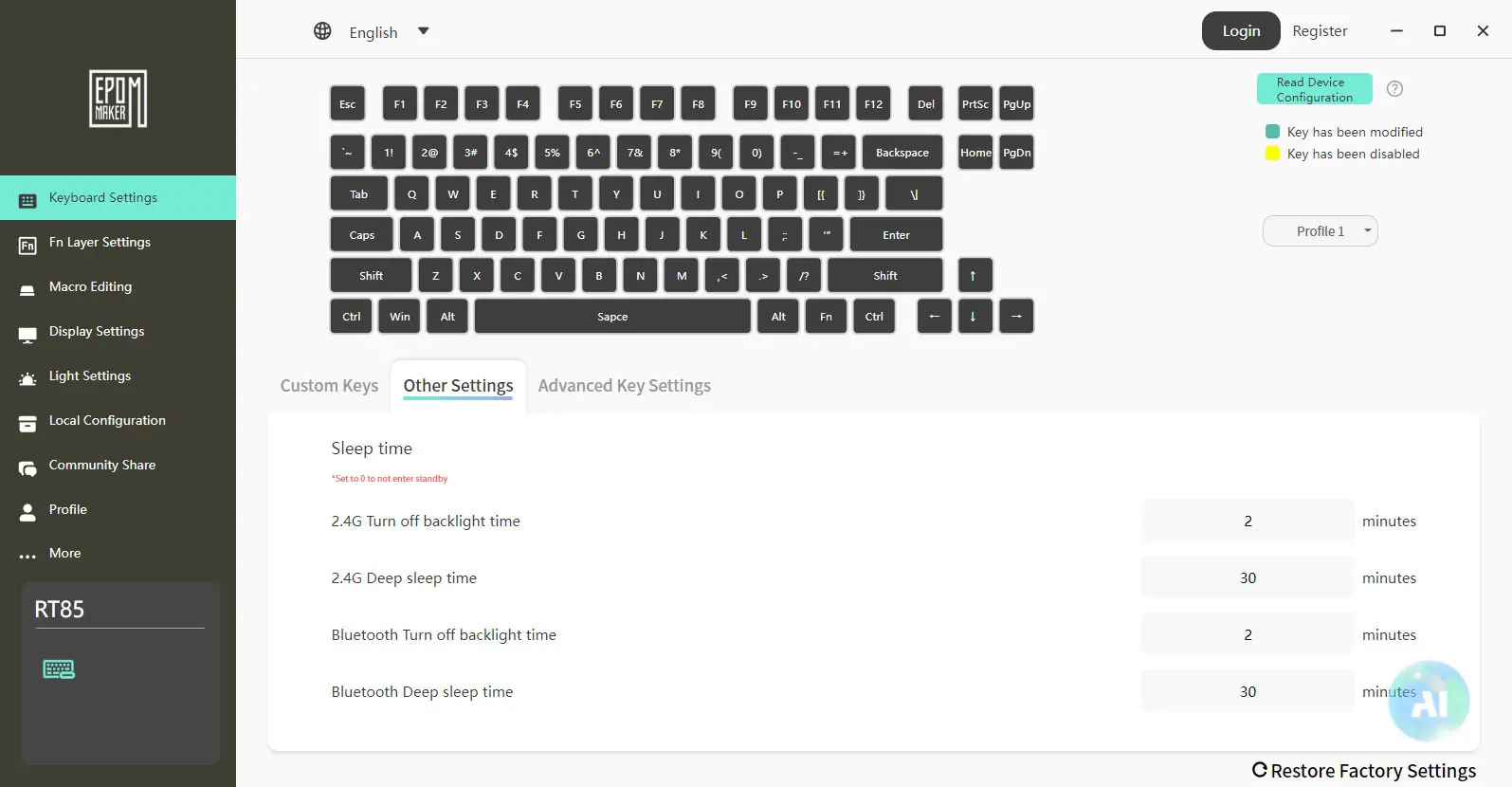
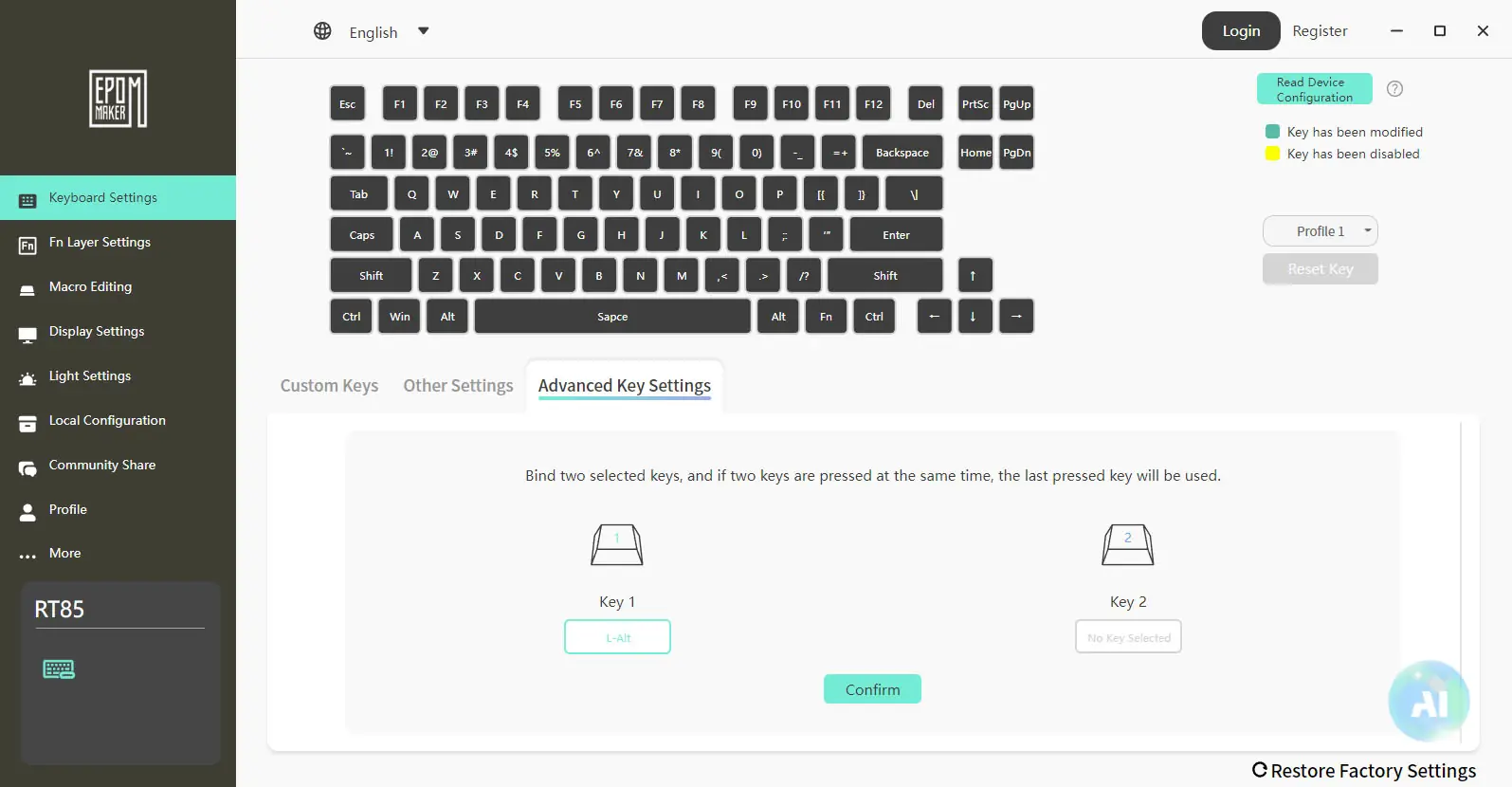
Within the main keyboard settings tab you’ll find Sleep settings, which is always a good thing to see. There is also some advanced key settings.
The Display settings tab will let you design what shows up on the DIY screen.
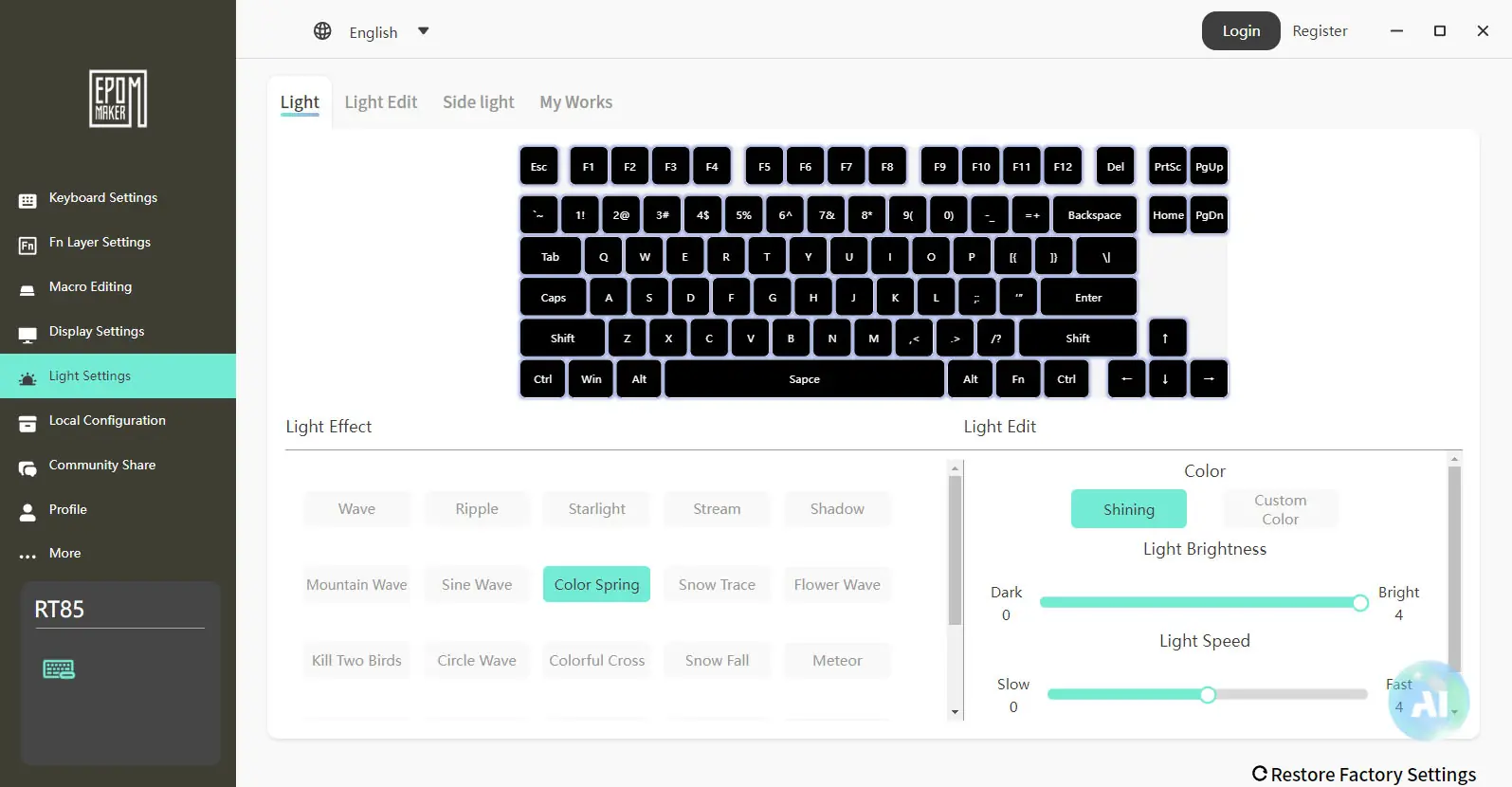
Under light settings you can fully customize the RGB lighting.
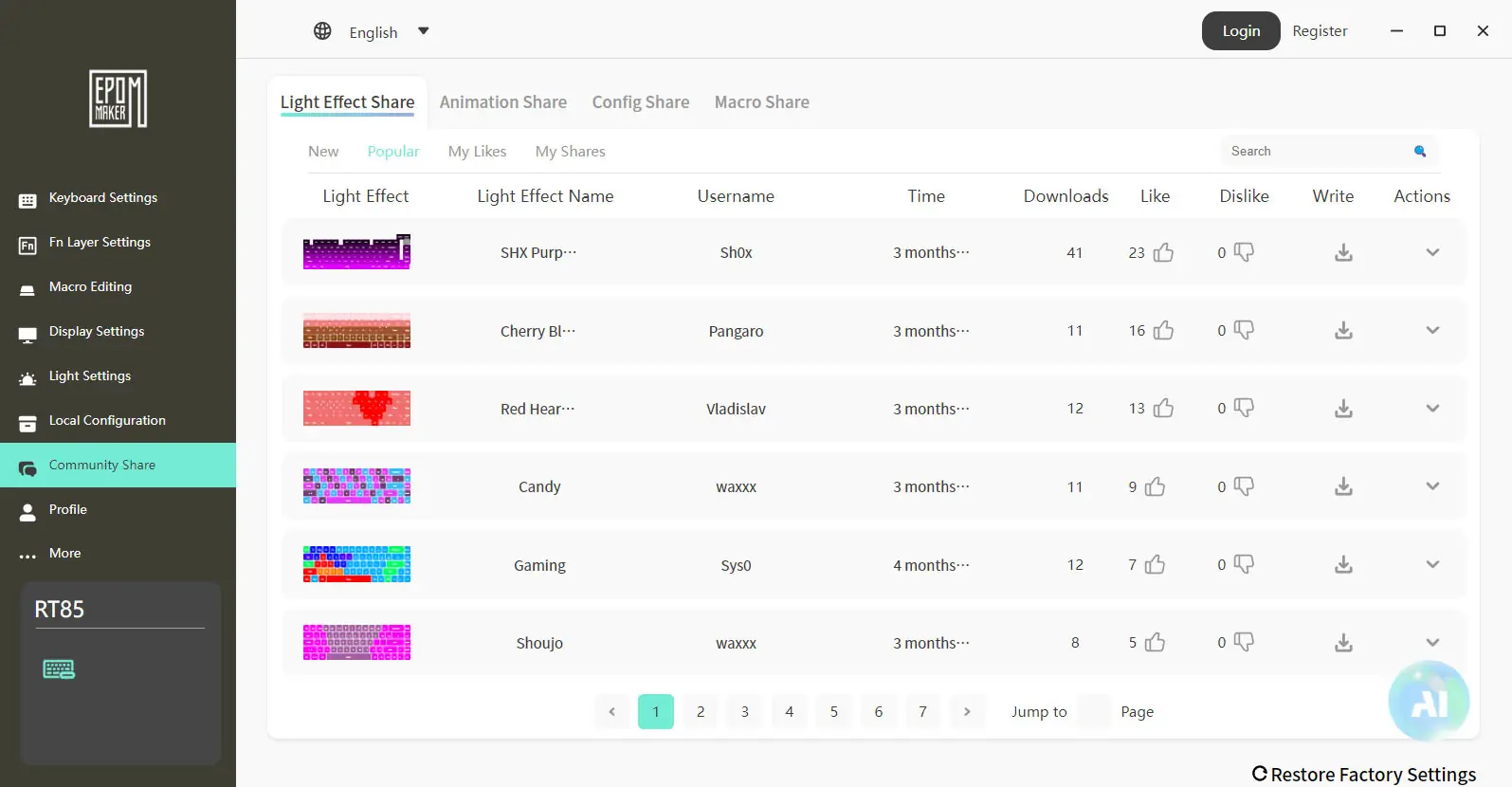
Another thing that is also pretty cool is that there is a Community Share tab where you can download lighting effects, animations, and more that other users have uploaded.