


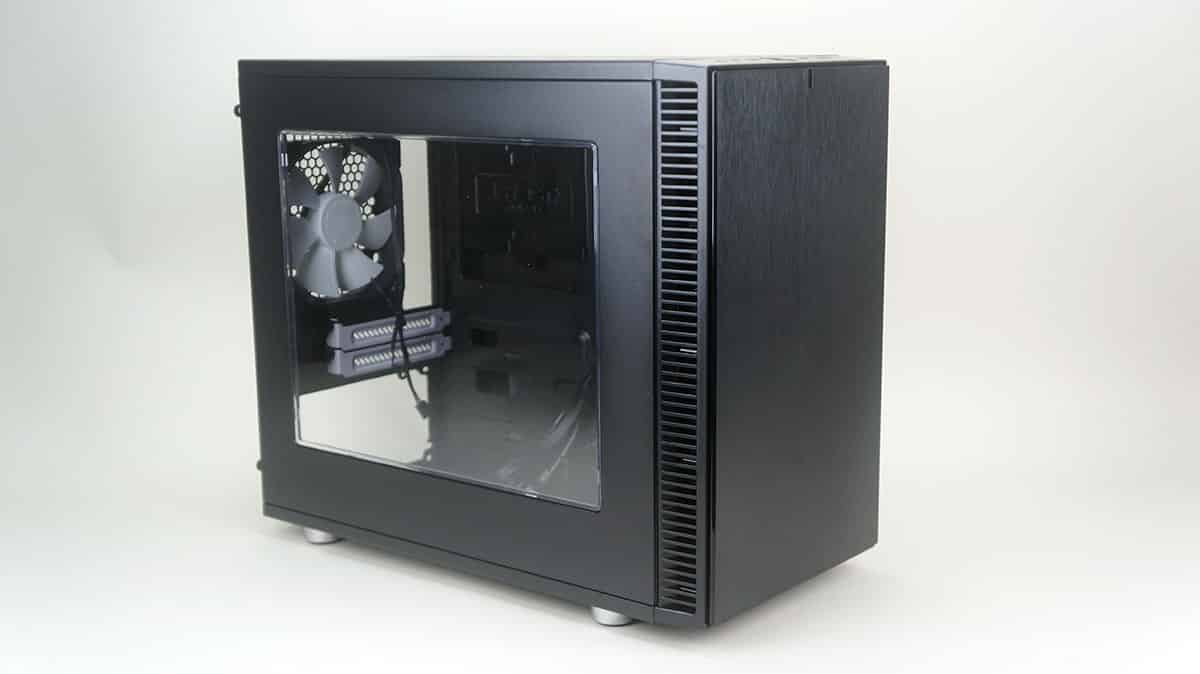
Installation
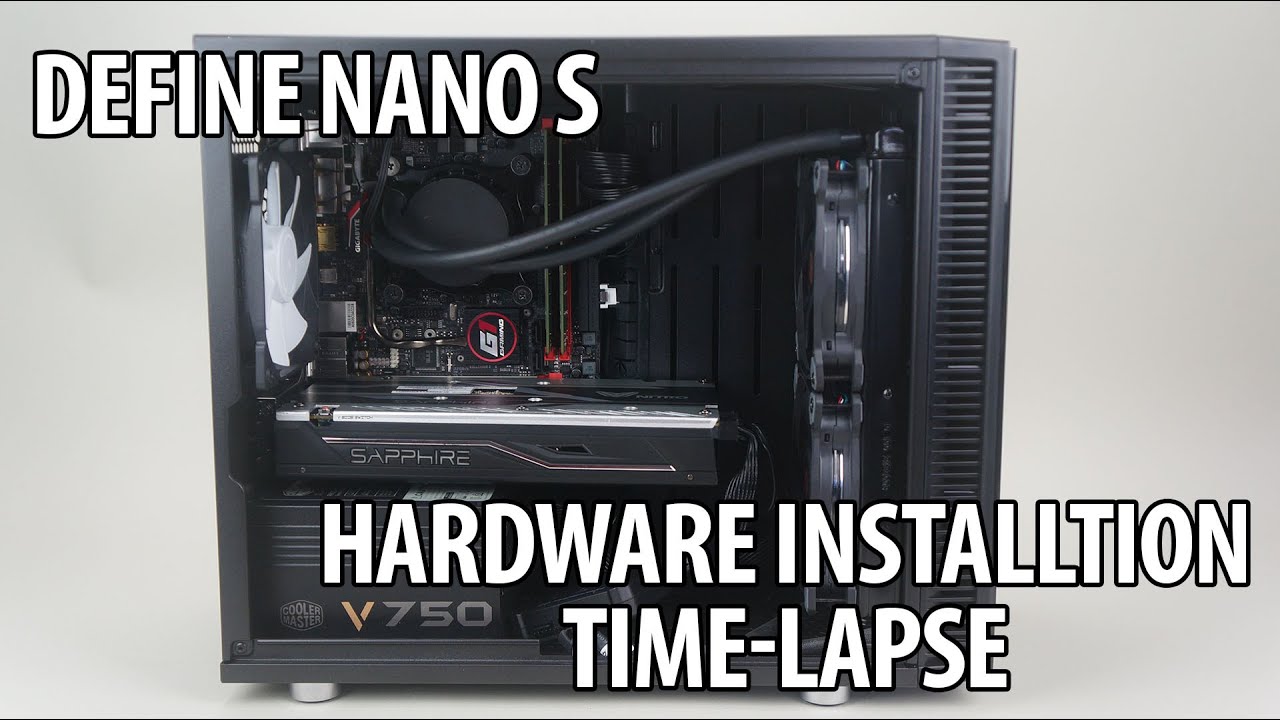
Installing your components in the Define Nano S should be pretty simple as it is designed like a traditional mid-tower. To see just how simple it is check out our installation time-lapse below.
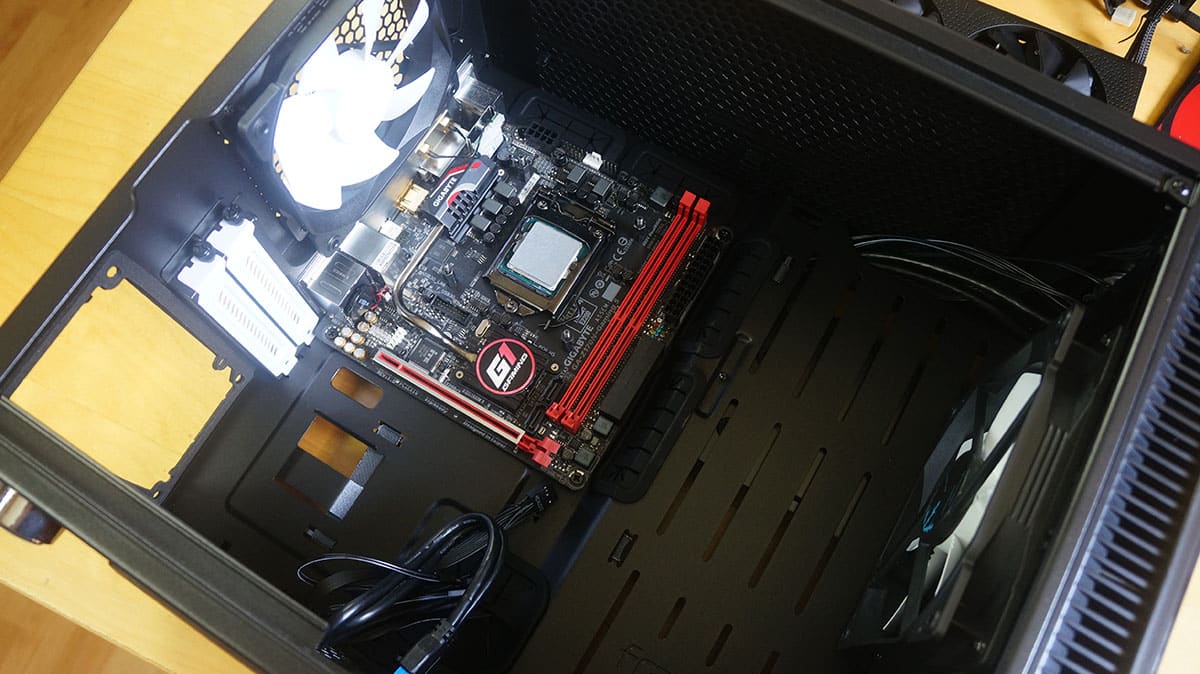
The first thing we will be installing is our motherboard. It goes in quite easily and as you can see we have a lot of room inside to work with.
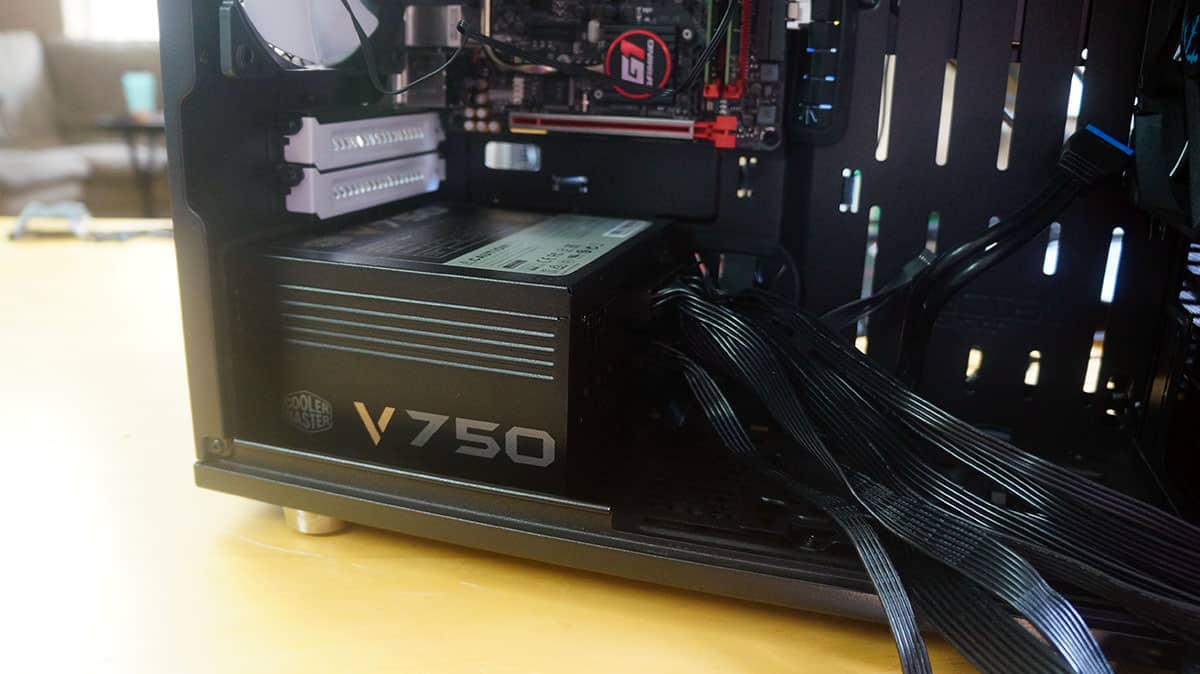
Next is our power supply, which easily slides in the case from the side. I did not mention it earlier, but there is anti-vibration and sound-dampening material around the power supply mounting.
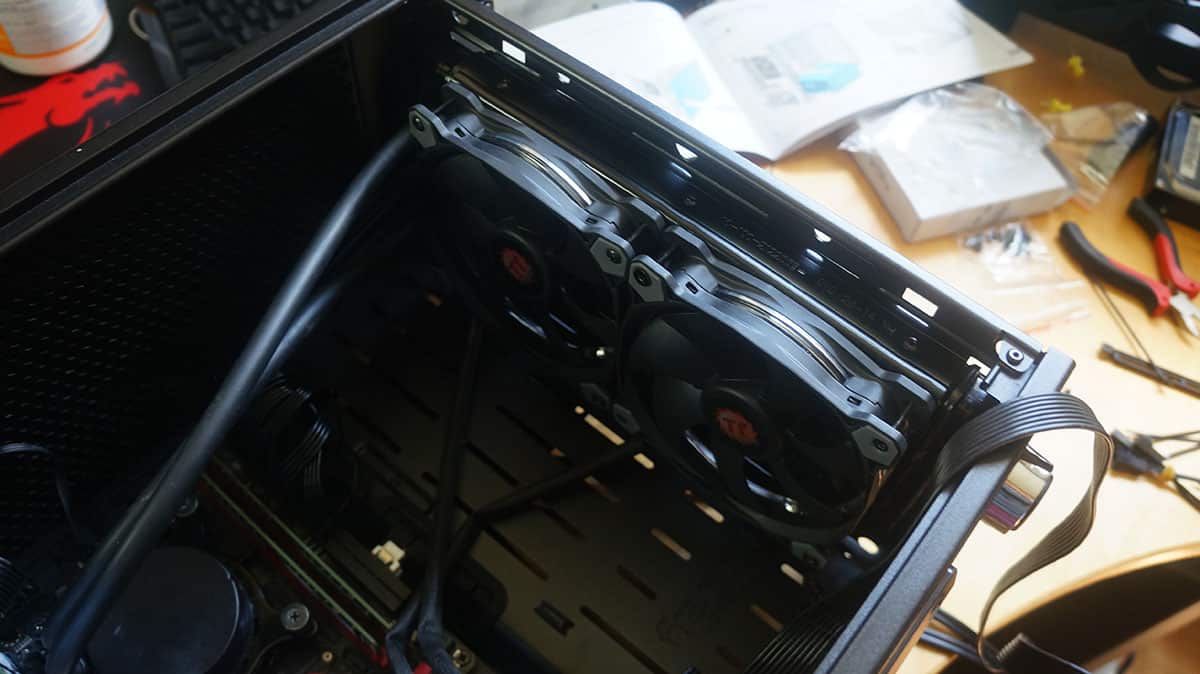
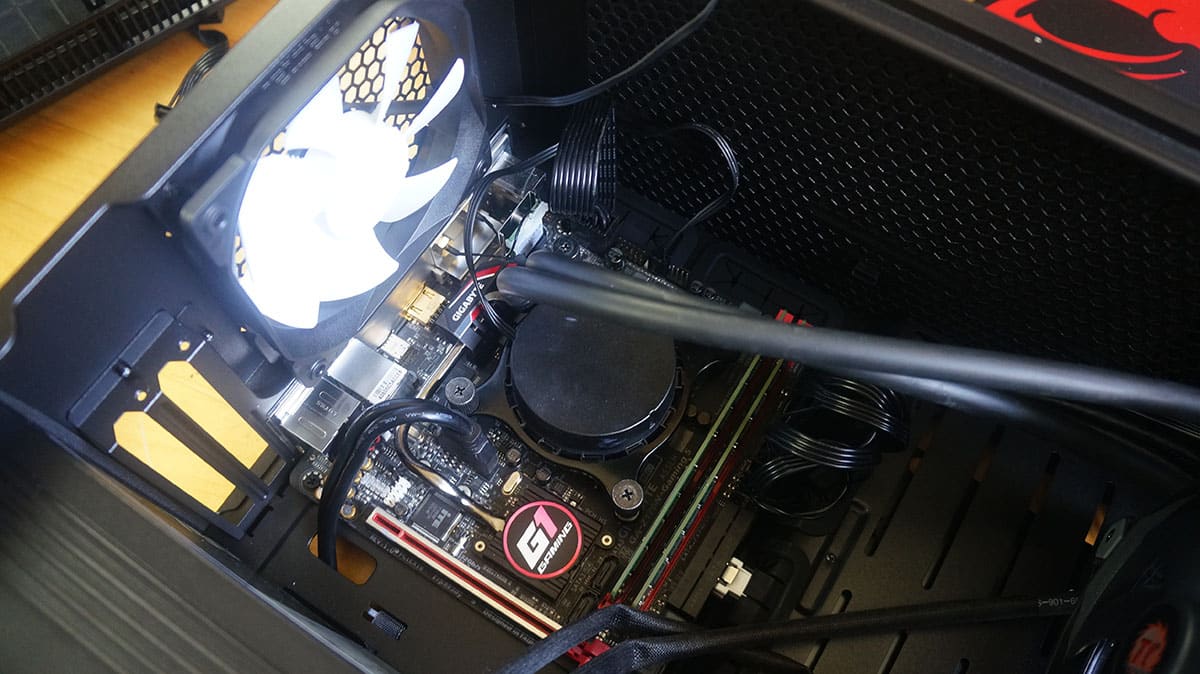
I decided I wanted to install and all-in-one liquid cooling system with this build. It could not be easier with the Define Nano S. I had no problem installing my fans and radiator in the front of the case. There was also no problem at all getting the CPU block / pump to reach to my CPU.
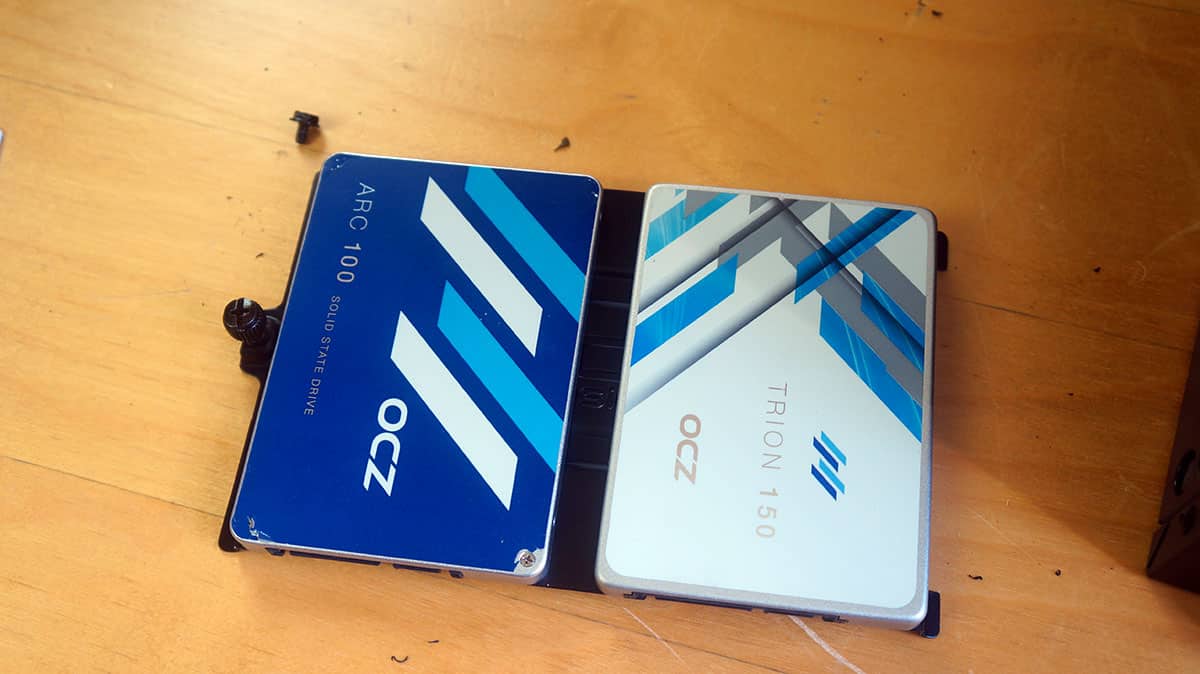
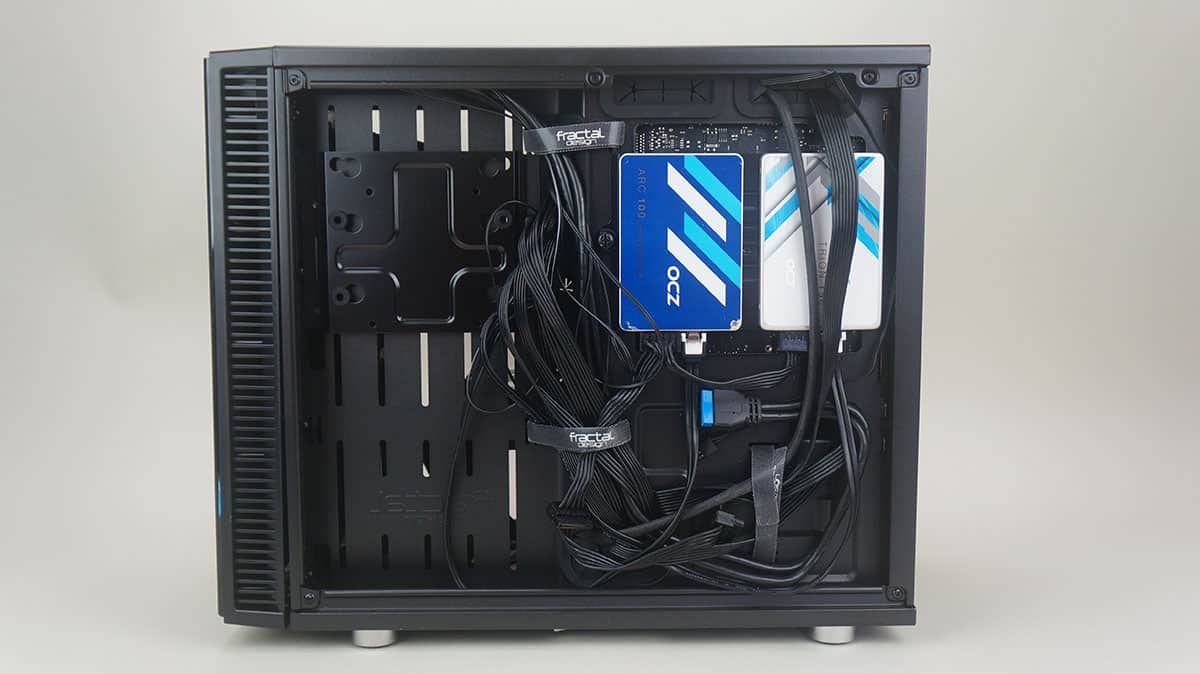
Hard drives are next. I am installing all solid state drives so I went with the dual-SSD bracket. Removing a single thumbscrew I can take it out of the case and install by drives. Getting it back in and connecting everything is just as easy.
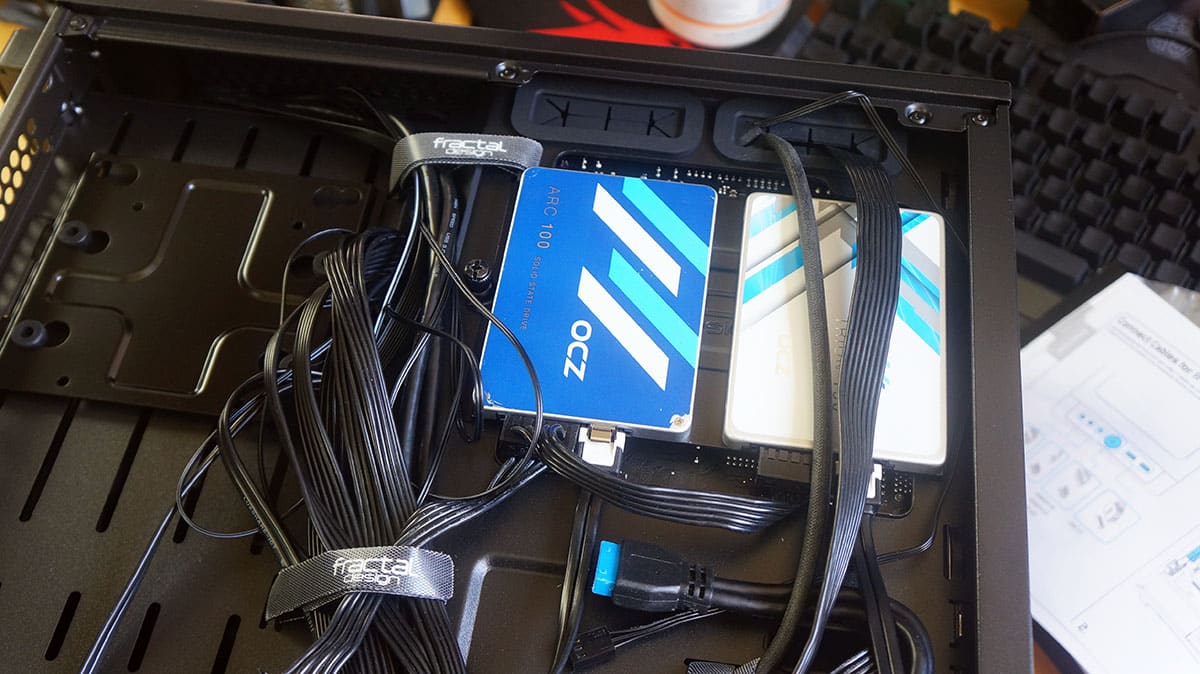
With everything installed it is time to wire everything up. It was quite easy to keep all of my cables secured on the backside of the case and to make sure it was all organized. Finally I installed my graphics card, which was an RX 470. You can see even with my radiator installed I have a good amount of clearance.
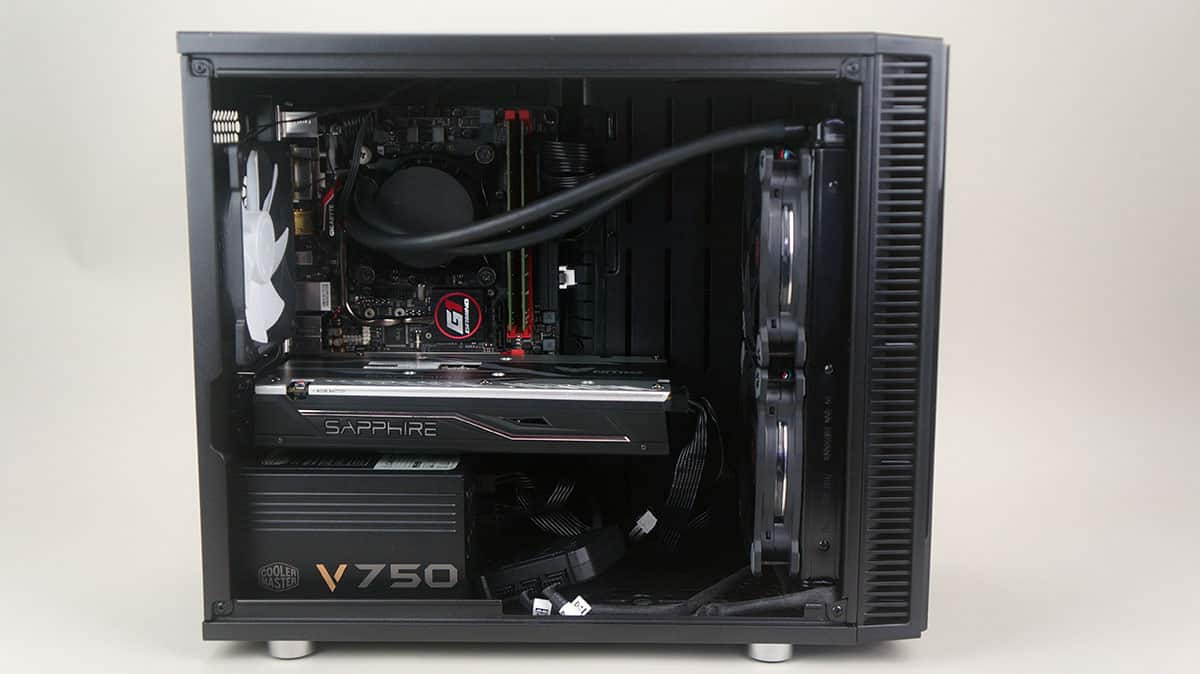
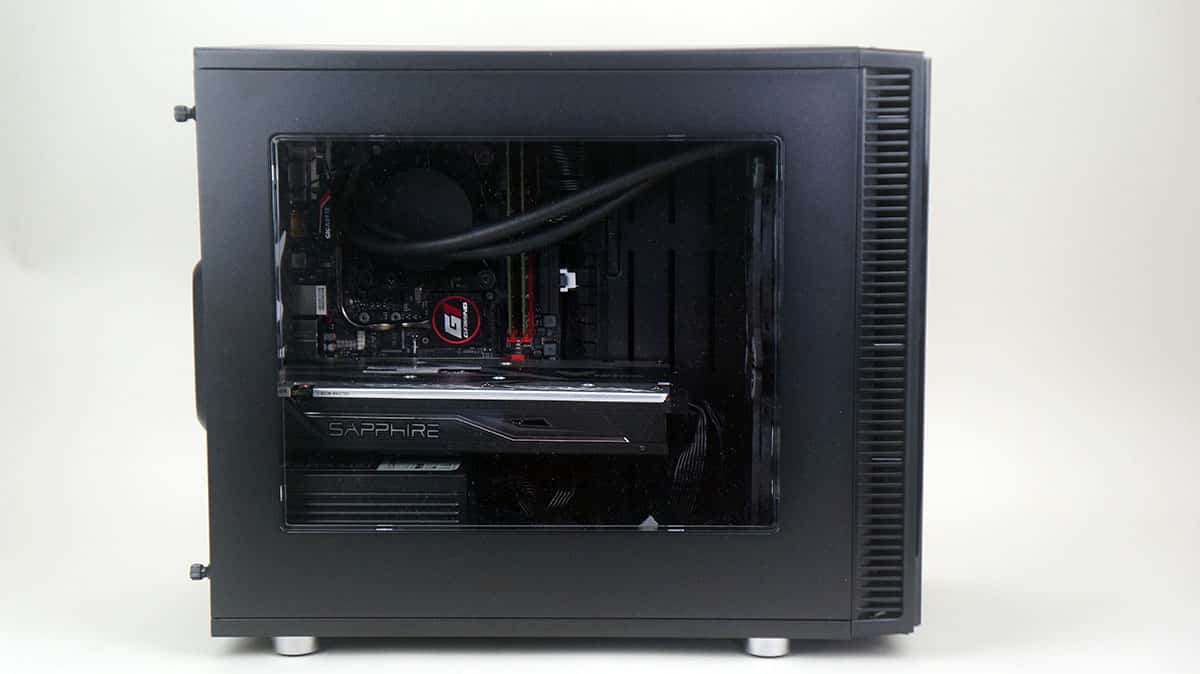
With the side panel back on the case you can see that most of our components are shown off.



I have been keeping an eye on reviews of this case even after I already bought one to see if someone calls out on its shortcomings. While it looks utilitarian as Fractal’s cases always have (which I love) and seems to have good set of features, I think there is a number of small but significant misses with the case that Fractal overlooked.
For air cooling and silence, ITX has never been a good fit and despite being quite large for an ITX case Nano is unfortunately not an exception. GPU cooling is the main issue here. Only GPUs using reference coolers will work well in this case. There simply is not enough space in these 2 slots between the PCI-E x16 slot and PSU. Anything even slightly over 2 slots will not fit and air coolers at 2 slots will get starved of air extremely easily. Using less power hungry and thus smaller GPUs will not help as they get more easily covered by PSU.
OK, so air cooling is not a perfect match, how about water?
When you look at the specs, pay attention to the possibility of mounting a radiator to the top of the case. Why is there few if any reviewers who try that? Closer look at the specs reveals that you can have components with height up to 34mm on motherboard. Notably, this includes RAM which in its standard positioning is about 35mm from the top of case (so chance of fitting a radiator and fans between top of the case and RAMs is basically nonexistent). I have DDR4 with minimal heatsink on them (that specs say and measuring tape shows fit in the standard 34mm). A large 45mm thick 240mm radiator I have will not fit there. With the target audience of the case (and water cooling crows) I would expect tall RAM sticks a rule rather than exception.
OK, so the radiator will not fit up there. Will it fit in front? Sure, easily. the same 45mm thick 240mm radiator with 25mm fans on it fits there just fine. Having a standard 10.5″ GPU (like GTX 980Ti or GTX1080) will also work. Only a few millimeters to spare but it does fit which is honestly awesome!
What is less awesome is how restrictive both the front fascia and the air filter in front are to air flow. I have that same 240mm radiator cooling 980ti and an i7 (~350W TDP shoved into that poor radiator). Radiator attached to the front of the case and pulling air in from outside gave me around 50C temperatures in NZXT S340 (which also has a somewhat restrictive but different front fascia). The exact same setup moved to Nano S gave me 60C temperatures at higher fan speeds. Ripping the fascia off took temperatures down 4-5C and lowered the fan speed a little. Removing the air filter as well gave me almost the same 50C result I got in S340. All this with sides open for both cases (and top off for Nano S). Closed case results are predictably worse for Nano S due to smaller volume (again until I remove the fascia and air filter).
With all that, noise dampening is quite useless for high-end components as you will almost definitely want to take the top cover off the case to keep the noise down.
tl;dr:
– GPU is very close to PSU and this hampers open-air coolers on GPUs.
– Radiator at the top requires no high components on motherboard, nothing over 34mm including RAM.
– Front fascia and air filter are quite restrictive, at least when it comes to watercooling radiators.
I happen to own one and here is the list of what can be done better:
1. USB ports on front panel should be rotated 180 as one would expect to see the “front” of USB device. Some times they have indicator LEDs.
2. I’d really like to have an optional top cover similar to the front panel. I don’t want to see the fans when moduvent removed, I don’t want the dust get into the case when system is powered off and the sound dampening would be great. Though this might require optional (taller) front panel.