Overview
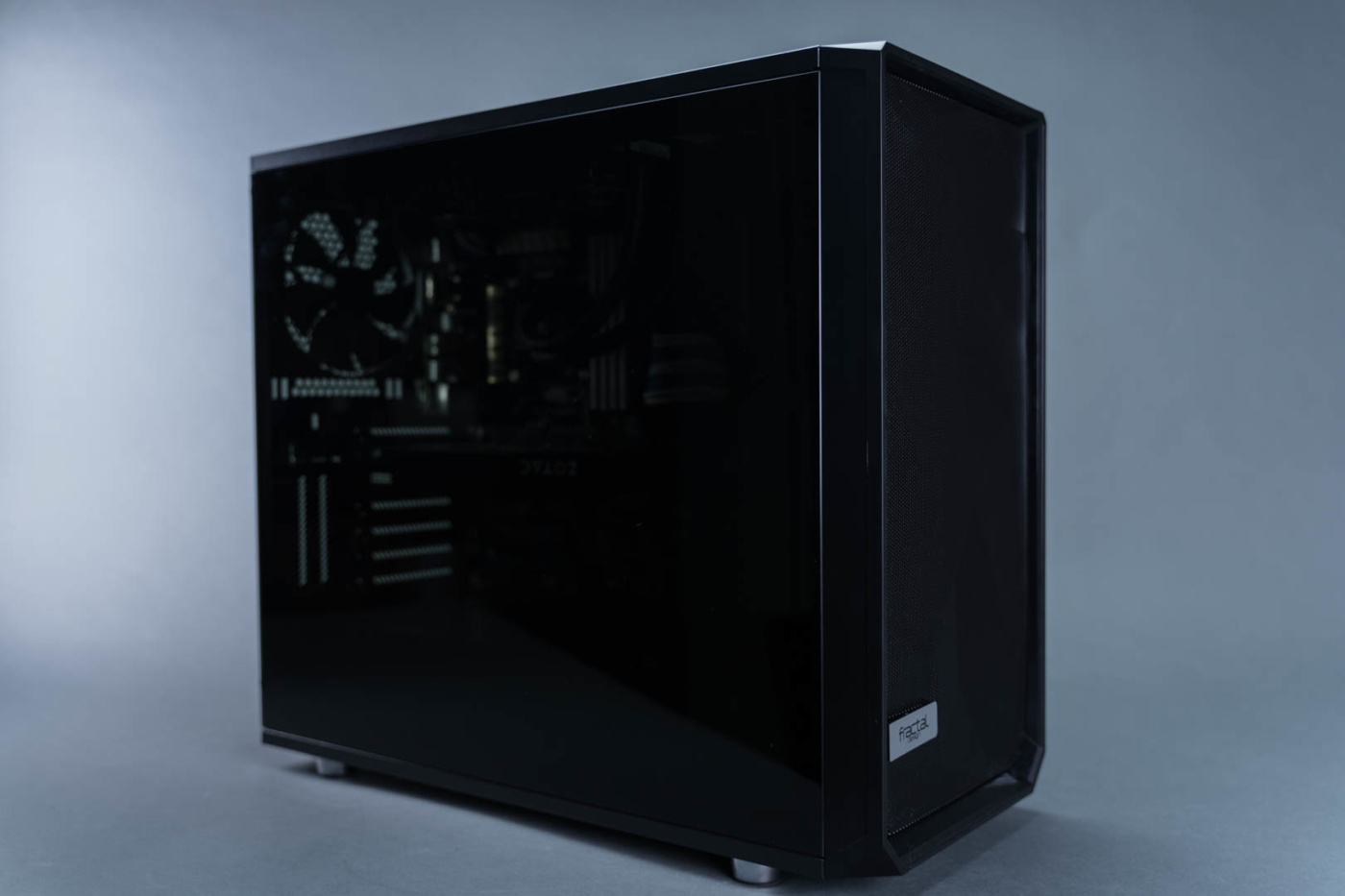
Fractal Design doesn’t specifically label the Meshify S2 as either a full or mid tower and after checking out the case we can see why. It is by the technical definition not a full tower as it lacks the full eight PCIe expansion slots. However in the world of small case domination it’s certainly on the larger side and supports up to EATX motherboards. As such it falls somewhere in between although it is probably capable of supporting your full tower needs thanks to an open floor plan and copious cooling support. The constructions is entirely steel with the obvious plastic bits and a tempered glass side panel.
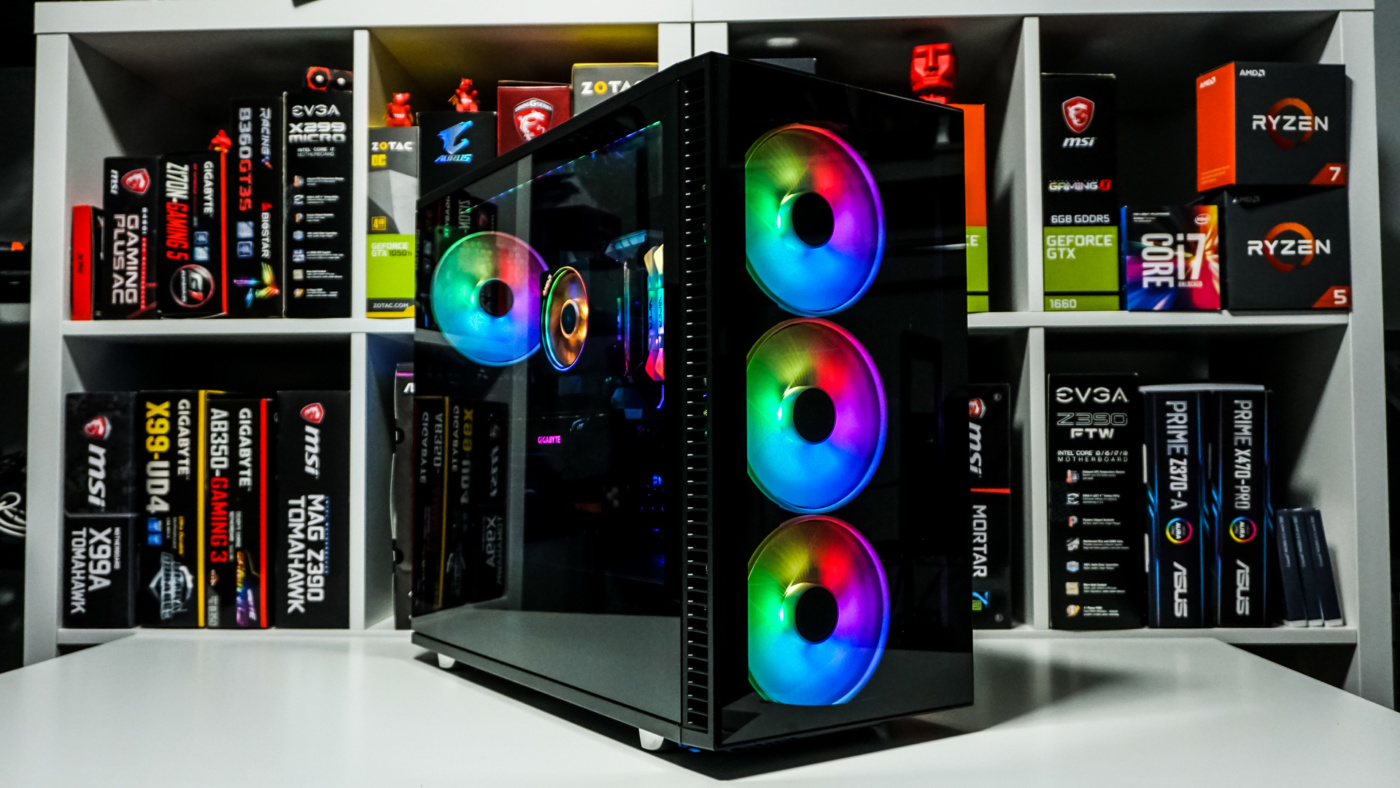
Once we have the case out of the protective plastic it immediately sets the tone with strong lines, a full tempered glass window, and stylish use of mesh. That’s right, mesh! You know that material used for years to protect your fans yet allow plenty of air through at the same time. The entirety of the front and top are both adorned with the wholly porous stuff and it really doesn’t detract from the design in the slightest. In fact, the clever use of bends on the front panel actually adds a lot of flair to the overall scheme. Hiding behind you will find a pair of 140mm Fractal Dynamic X2 fans that we’ll see later in the review. In addition to the mesh, the front has a smell aluminum badge on bottom left with the Fractal insignia in black.


At the top of the front panel you will appropriately find the front I/O ports. This includes 2 USB 3.0 ports, a USB Type C, audio I/O, as well as your power and reset switches.


The right side panel is just your basic plain steel panel painted black and secured to the rear with pins and thumbscrews. While somewhat plain this also means that you aren’t dealing with a glass panel that pressures you to have a perfectly tamed cable arrangement.

The rear of the case is also flat black and pretty standard save for a few somewhat familiar extras. In addition to the I/O port, 7 PCIe slots, and a third 140mm Fractal Dynamic X2 fan, we have a pair of vertical mount PCIe riser mount slots and a removable PSU mounting bracket. Both features are great value adds, but are also becoming fairly standard. The Flex VRC-25 vertical PCIE riser for those slots was not included with our sample, but is available for an additional $46.99 from Amazon.

On the top left of the back panel is a large and interesting looking button. Pressing this releases the top panel giving you instant, tool-less access to your top mounted radiators or fans.


Under that top panel we have a removable bracket that supports up to 480mm radiators or up to three 140mm fans. You will also find it has been cut for the installation of a water cooling fill port, a fantastic feature.

The bottom of the case has a full length fan filter and four chrome finished rubber bottomed feet. They are 14mm long from the bottom edge of the case. The fan filter is tool-less and slides forward right out the front.


With the filter removed we can see that there is support in the bottom of the case for up to 280mm radiators or up to two 140mm fans. We also see the PSU mounting position with full mesh venting out the bottom.


Moving to the interior of the case, we stop at the full tempered glass door. The doors slot into the front of the case in the traditional manor, however at the rear there are two closure systems. The first and most obvious are thumbscrews at the back of the case as we’ve seen on cases for many many years. Second is a push pin setup that allows you to snap the back edge of the panel easily into place on both the front and back panels. It’s a simple easy to use system that lets you forgo the slower thumbscrew process.


With the front panel removed we get our first look at the interior of this case. In a word, it’s spacious. As with most modern cases, the Meshify S2 has no main space drive bays or cages. You won’t be mounting your 48x cd burner in here. The space is matte black with the lower quarter separated into a second compartment by a full length PSU shroud. As shipped, the shroud is complete front to back with perforations for airflow to the lower PSU area and a single pass-through with a large grommet. At the front end of the shroud is a large removable plate that when removed provides mounting space for front radiators or an additional intake fan.


On the right side of the main bay we find the pair of 140mm Fractal Dynamic X2 fans as well as holes tapped for mounting the included reservoir brackets. To the left we find a fairly large cutout for installing coolers with backplates or the occasional back mounted NVMe drive. Arranged appropriately around the motherboard space we also find 4 pass-throughs. Two smaller ones across the top, two larger ones on the right side, all protected with grommets. On the back side we of course find a final Fractal Dynamic X2 140mm fan. The top as mentioned has mounting positions for various pieces of cooling kit.


Switching to the back side of the case we see that Fractal has really made efforts to use all the available space. On the left there are three 3.5″ drive mounting bays that also support 2.5″ drives. Moving right we cross the two large pass throughs and run into a 9 port SATA power fan hub located towards the top of the case. This is the Nexus+ hub and it supports PWM control of 3 PWM devices and then 6 standard fans. It’s a large hub and certainly one you would want when running a large amount of additional cooling. A great value add. Continuing right we come across a pair of 2.5″ drive brackets hanging just below the motherboard cut out. These brackets are are secured with thumbscrews and metal hooks. All across the back are tie down positions and the center has two smaller Velcro straps.


At the very bottom on the right side there is a large hole used to access the area under the PSU shroud. Although the space is plenty long it’s also fairly narrow and could be a little tight once you get into running all your power cables. The good news is there is plenty of room forward to run cables or anything else that you want to easily hide.