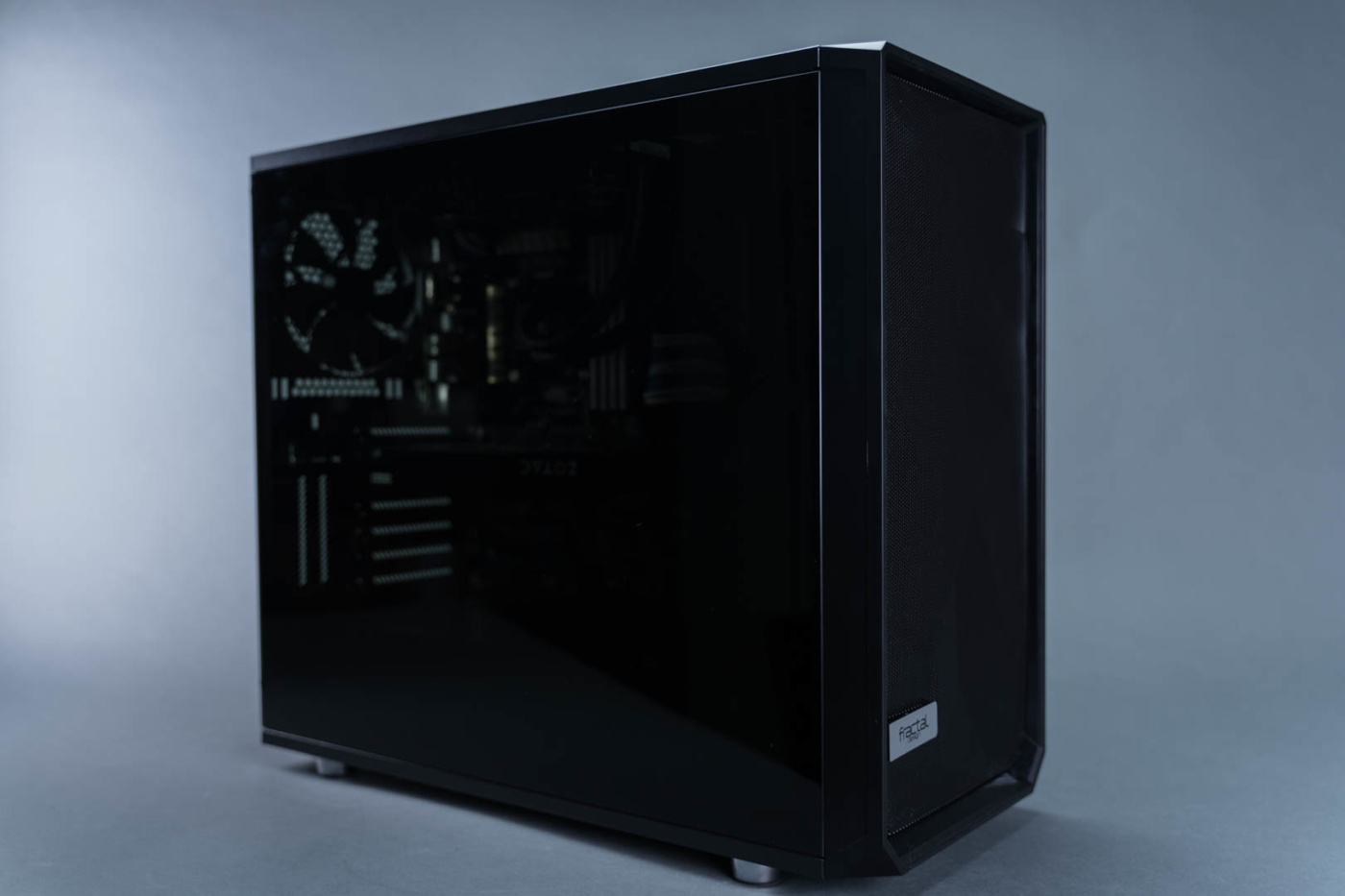
A Closer Look
Busting out our trusty Philips screwdriver we get started with the 3.5″ HDD brackets. These are mounted with tabs and thumbscrews but the thumbscrews are all a little tight to be removed by hand. Once removed we see that the screws are actually retained in the brackets which is nice. All three come off nice and easy freeing up that space for easier cable routing.


Inside the bottom drive bracket we find our accessory parts box. The outside is printed with images and labels of the contents. As well as the standard screws you’d expect to find, you also get rubber anti-vibration mounts for the HDD brackets, reservoir brackets, six zip ties, a set of SATA extension cables (presumably for the HDD mounts), and a microfiber to help keep your window free of finger prints.


Routed and secured along the front edge of the case to the left of the HDD brackets are the cases cables. These include your standard pin-out cables for the power, reset, etc. as well as a USB 3.0 cable, and USB C cable. The cables are actually made with really supple and flexible rubber and come cut with plenty of length.


The front panel is easily removed by pulling on the back edges until it pops free of the mounts. From there we have access to the front fans as well as the screws for the removable PSU shroud panel.


Using our trusty Philips we remove just those two screws and pop the panel up from the front and pull it out. Do this carefully as it’s a rather tight fit and you could potentially scratch the case. Once removed we have a really good sized hole that we can now use for a front mounted radiator, lower mounted pump, or anything else that you might need to pass from the bottom to the main compartment.