


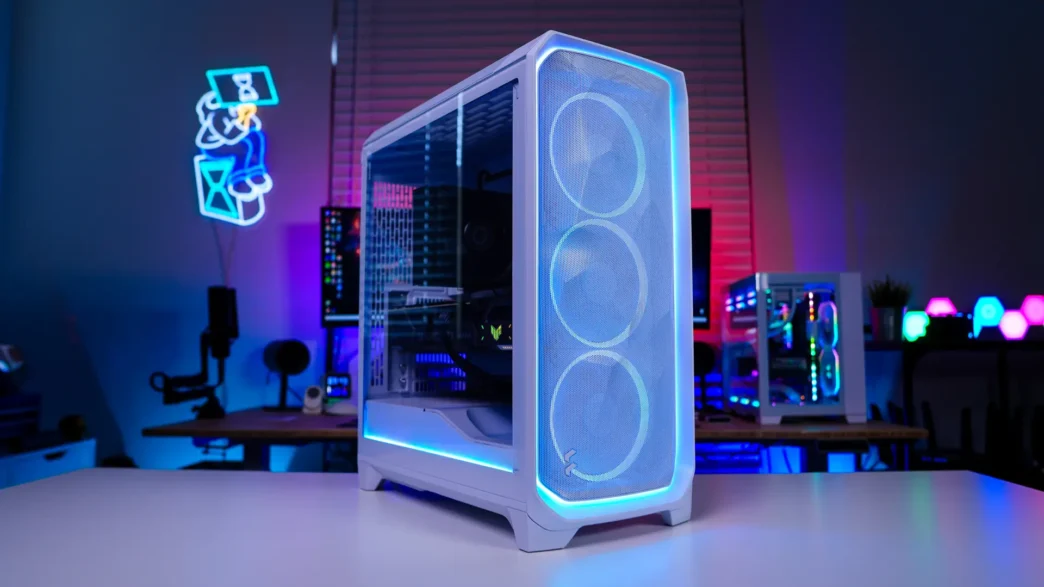
A Look Inside the Fractal Design Meshify 3 Ambience Pro RGB Case
Removing the main side panel of the Meshify 3 and taking a look inside we can see that we have a pretty standard two compartment design. Unlike what we saw on the Meshify 2, the interior of the Meshify 3 is white to match the rest of the case.
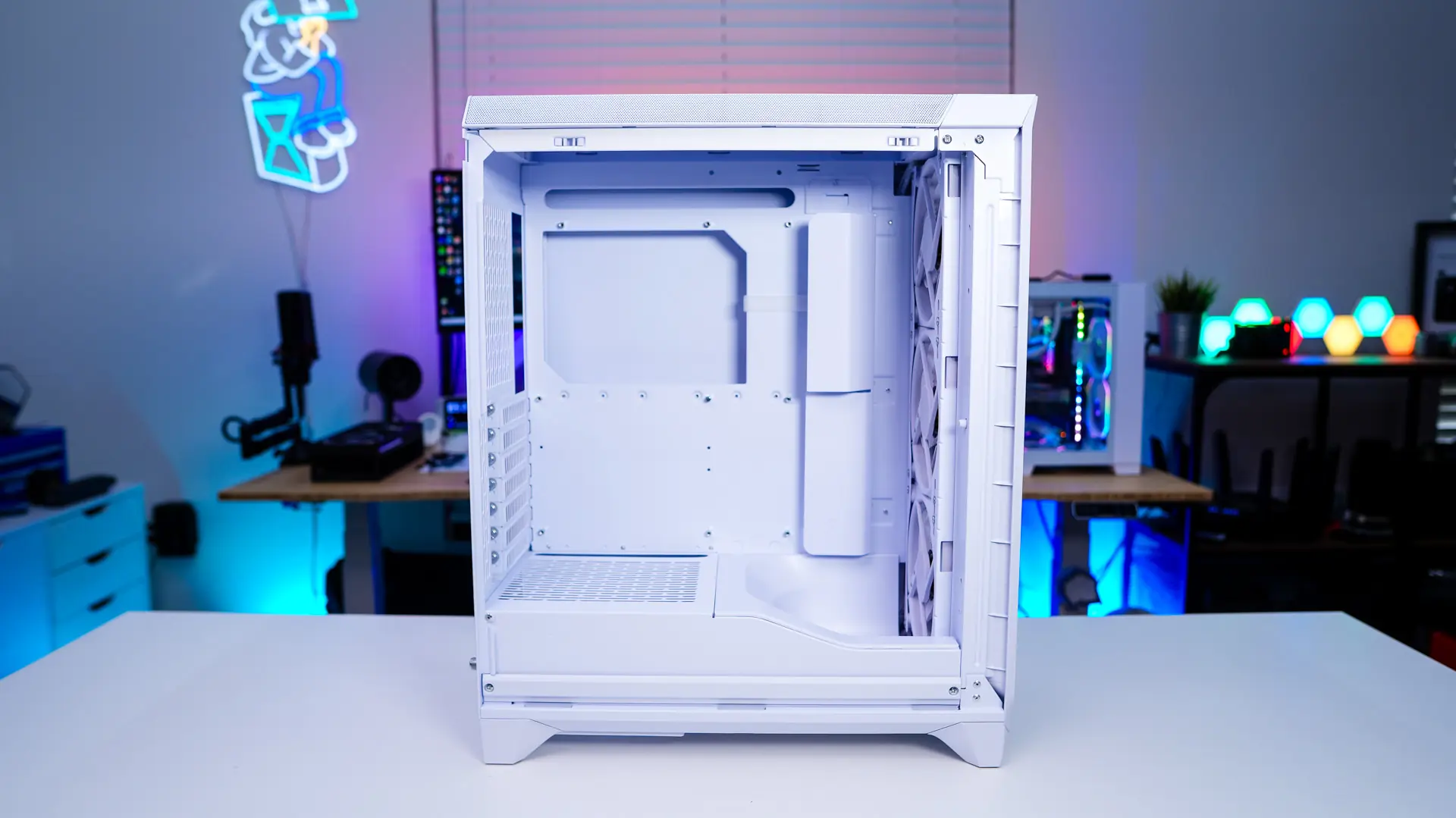
Looking at the motherboard tray we have support for mini-ITX, Micro-ATX, ATX and Extended ATX (up to 277mm) motherboards. We can also see the built-in cable covers which will keep this side of your system looking nice and clean. Besides the cable routing holes that are behind these covers there are also cable routing holes on both the top and bottom of the motherboard tray. Graphics card support in this case is set at 349mm.
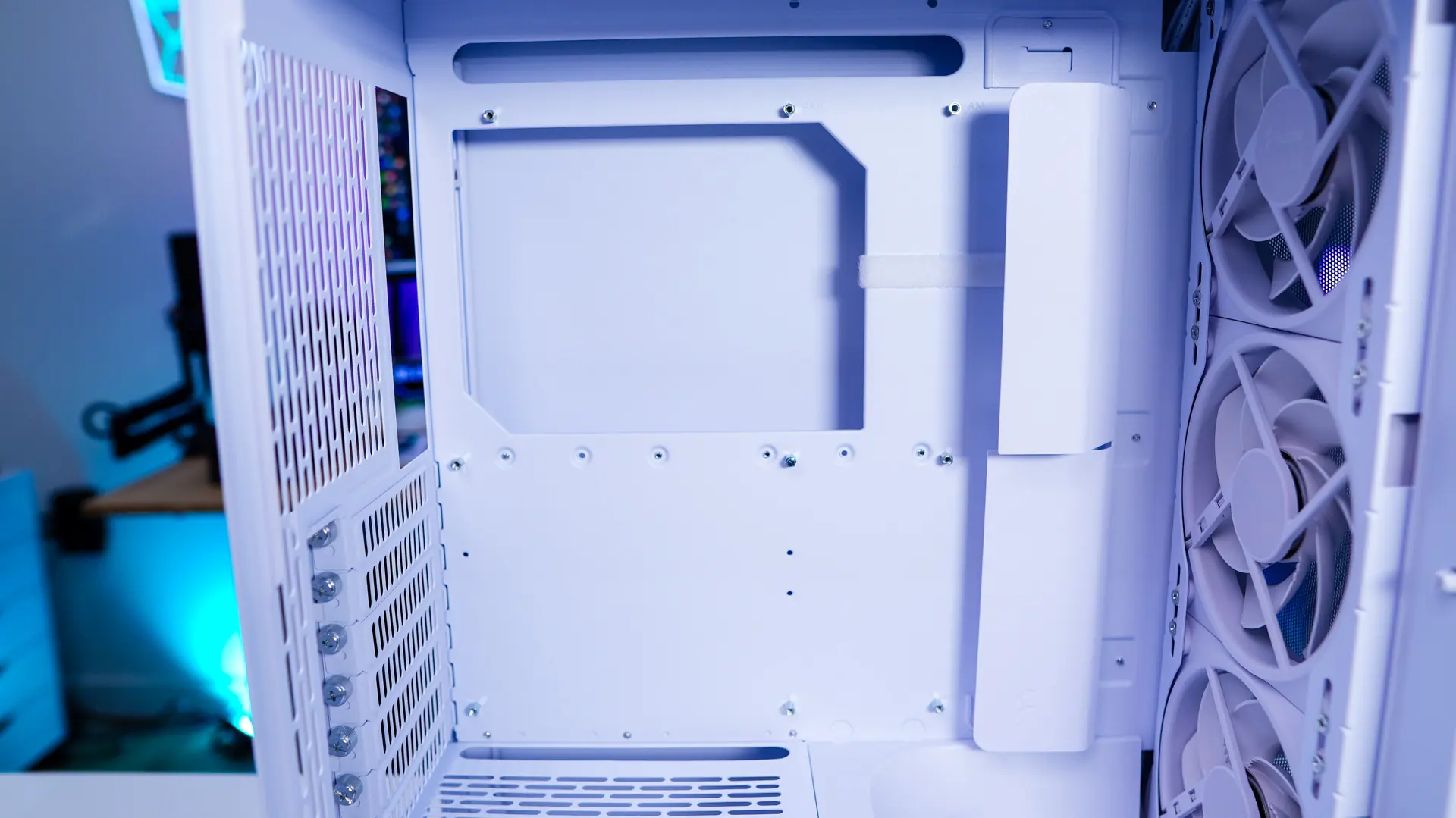
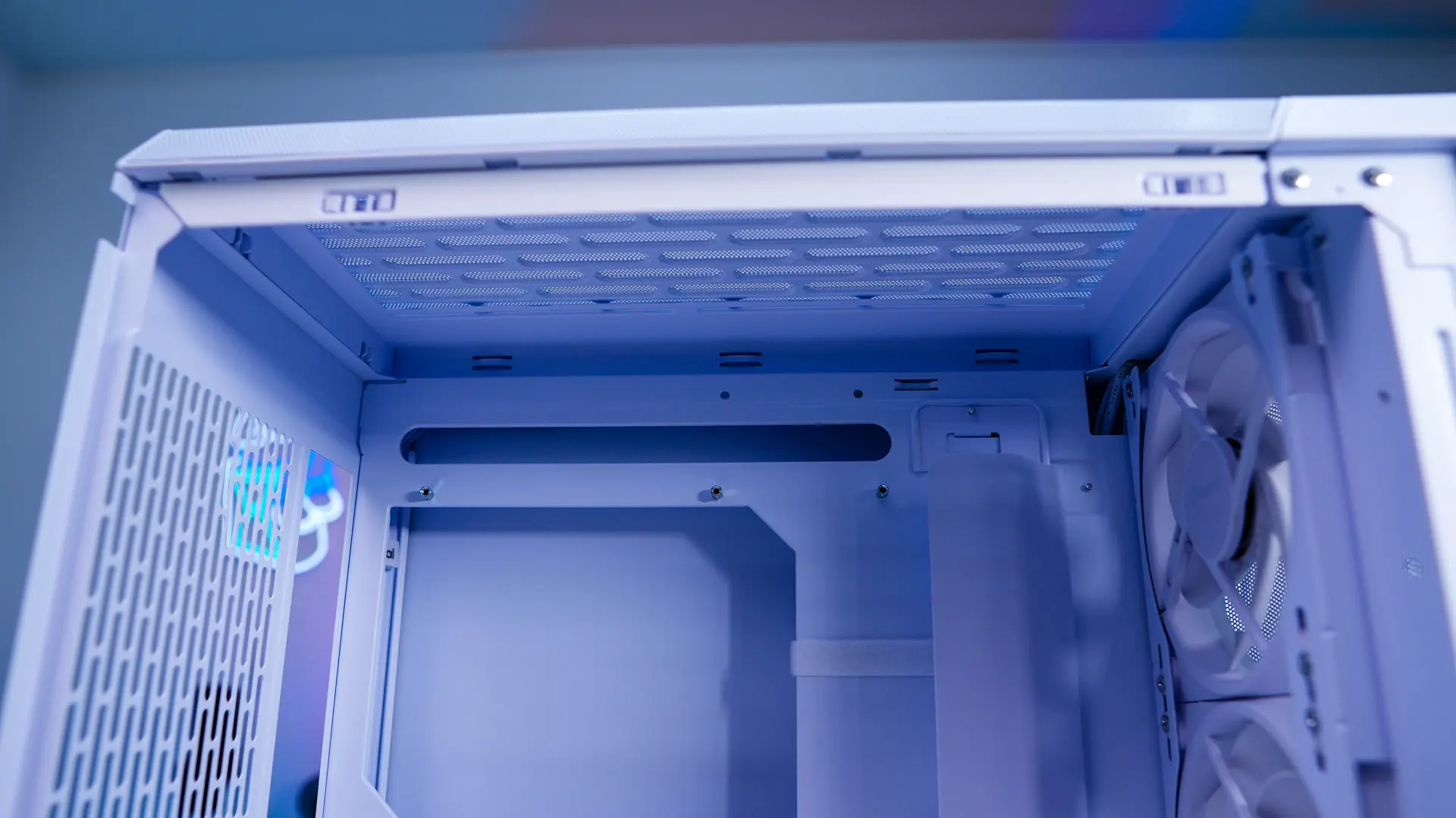
There is a full-length power supply cover, but towards the front there is an air guide. This air guide will direct air more towards your graphics card for better cooling.
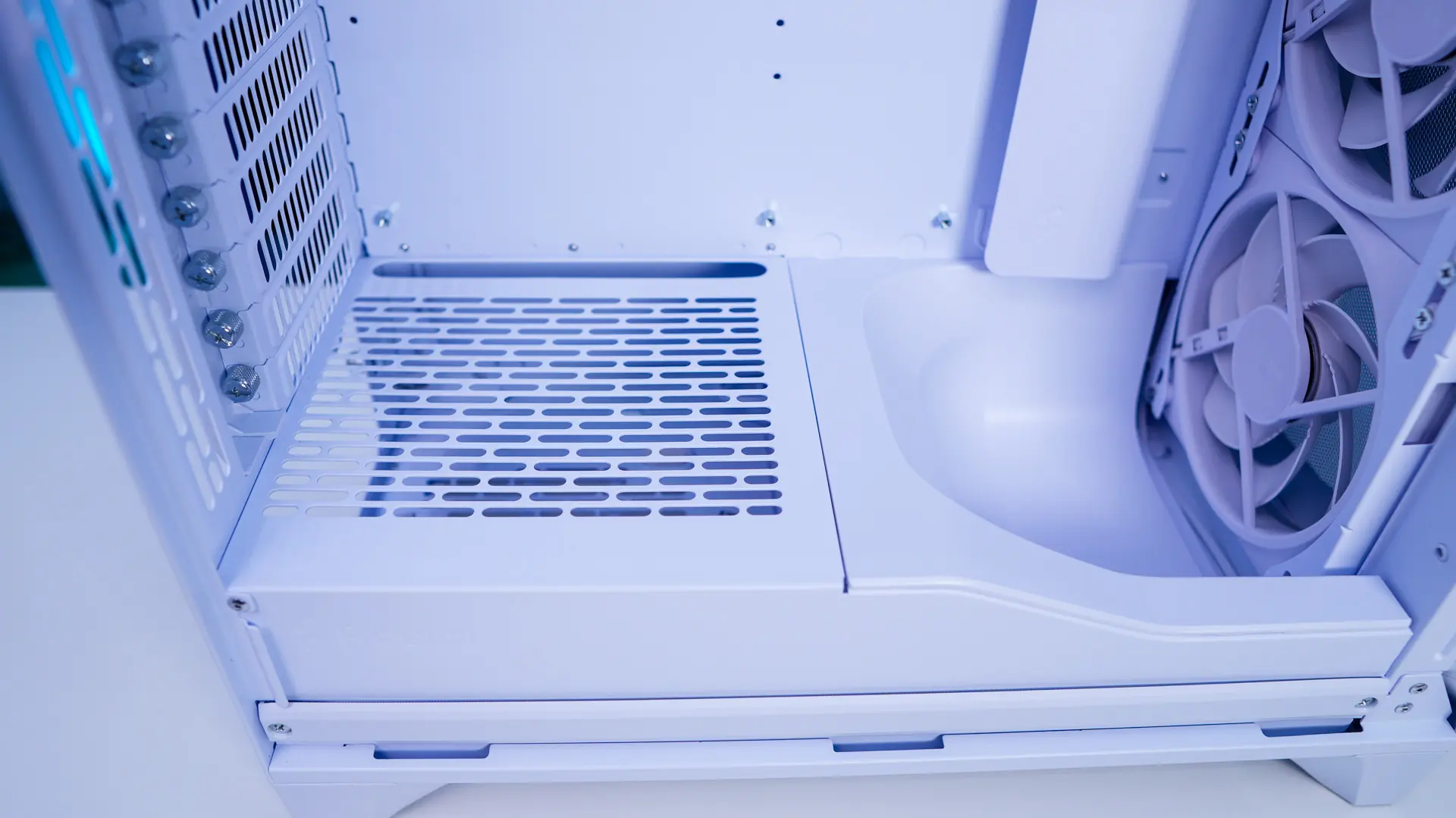
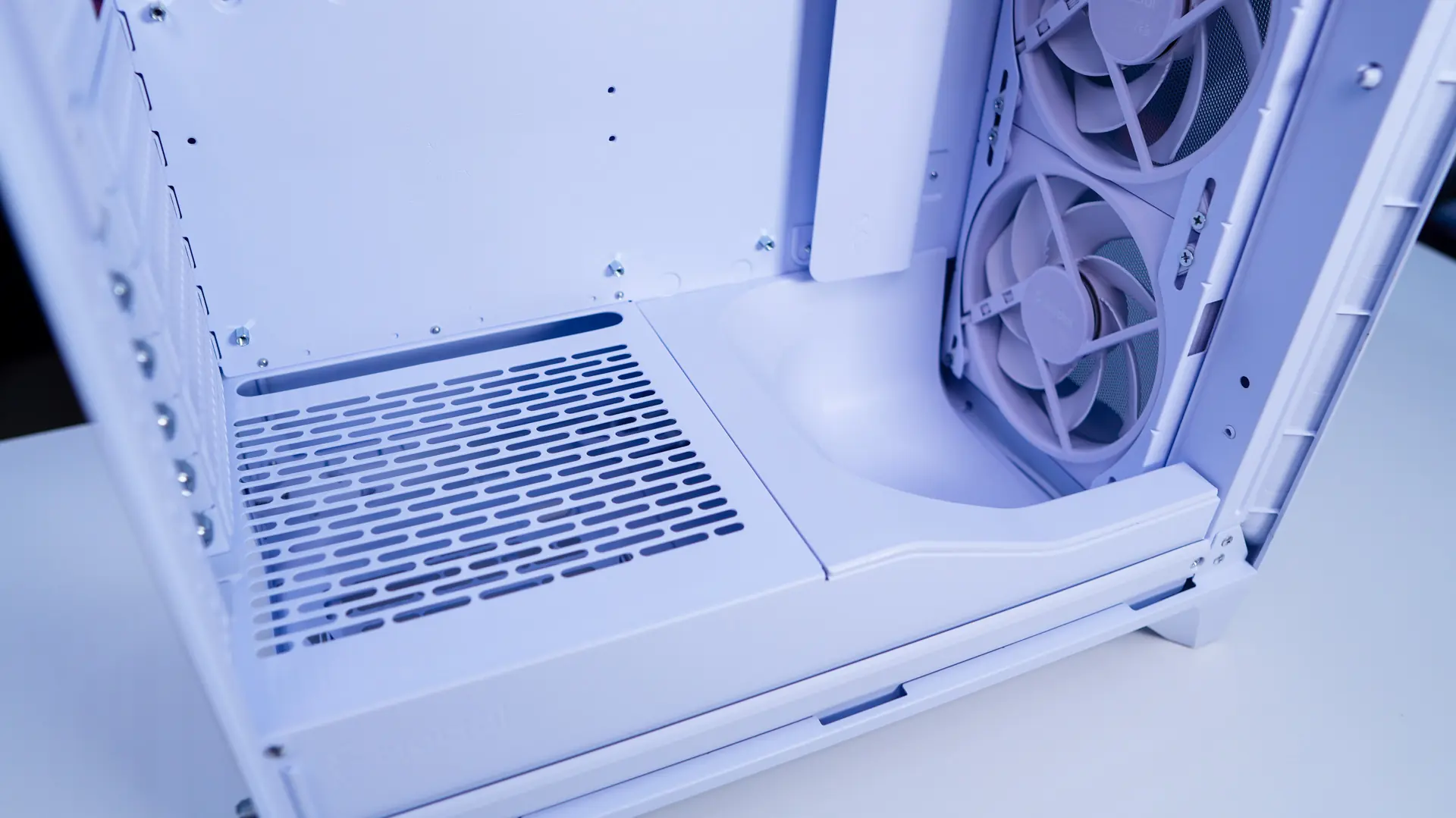
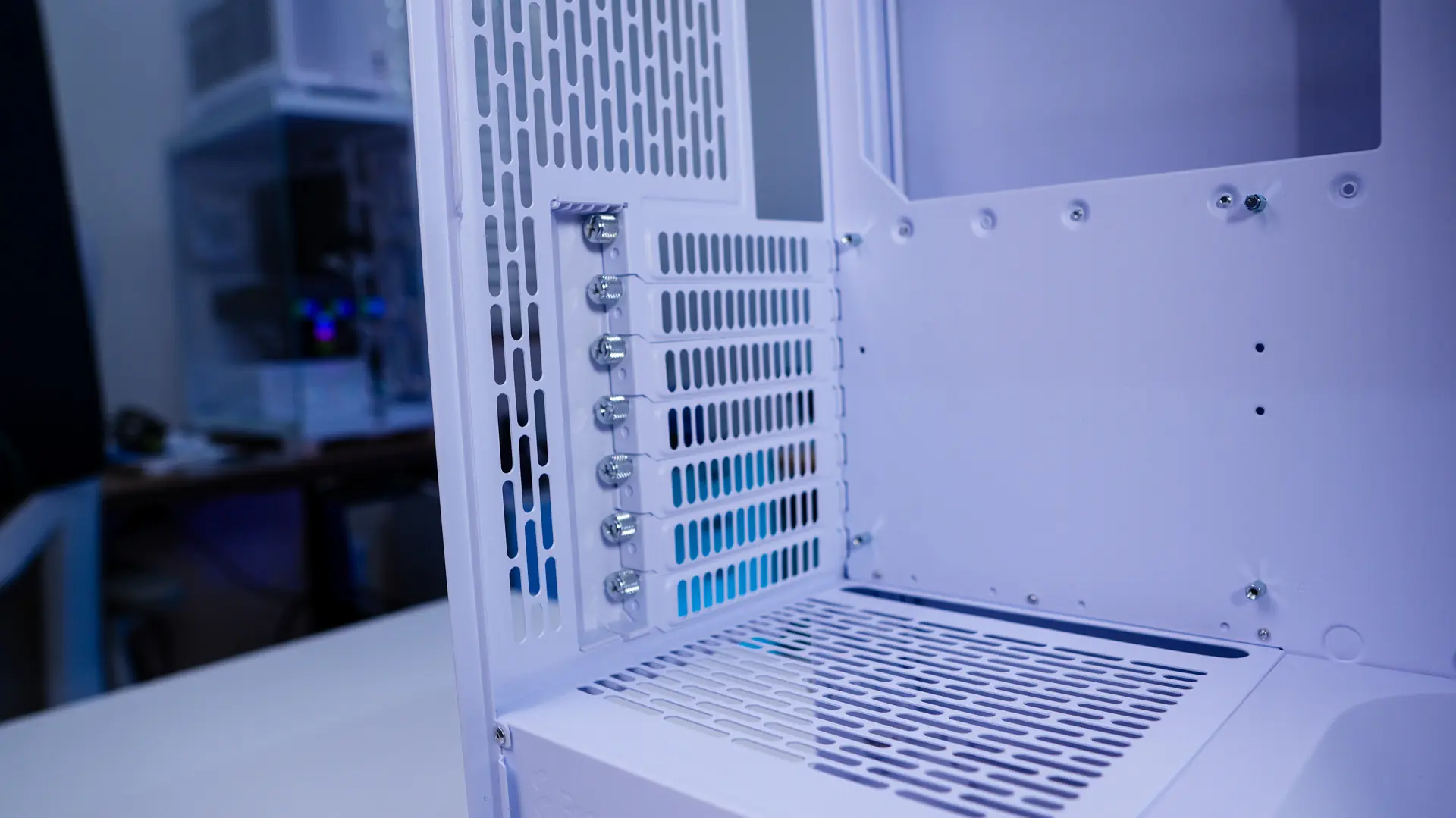
Towards the back of the case we find our seven expansion slot covers which do use thumbscrews. This section has a plastic cover over it which can be easily removed when you need to install / remove your cards.
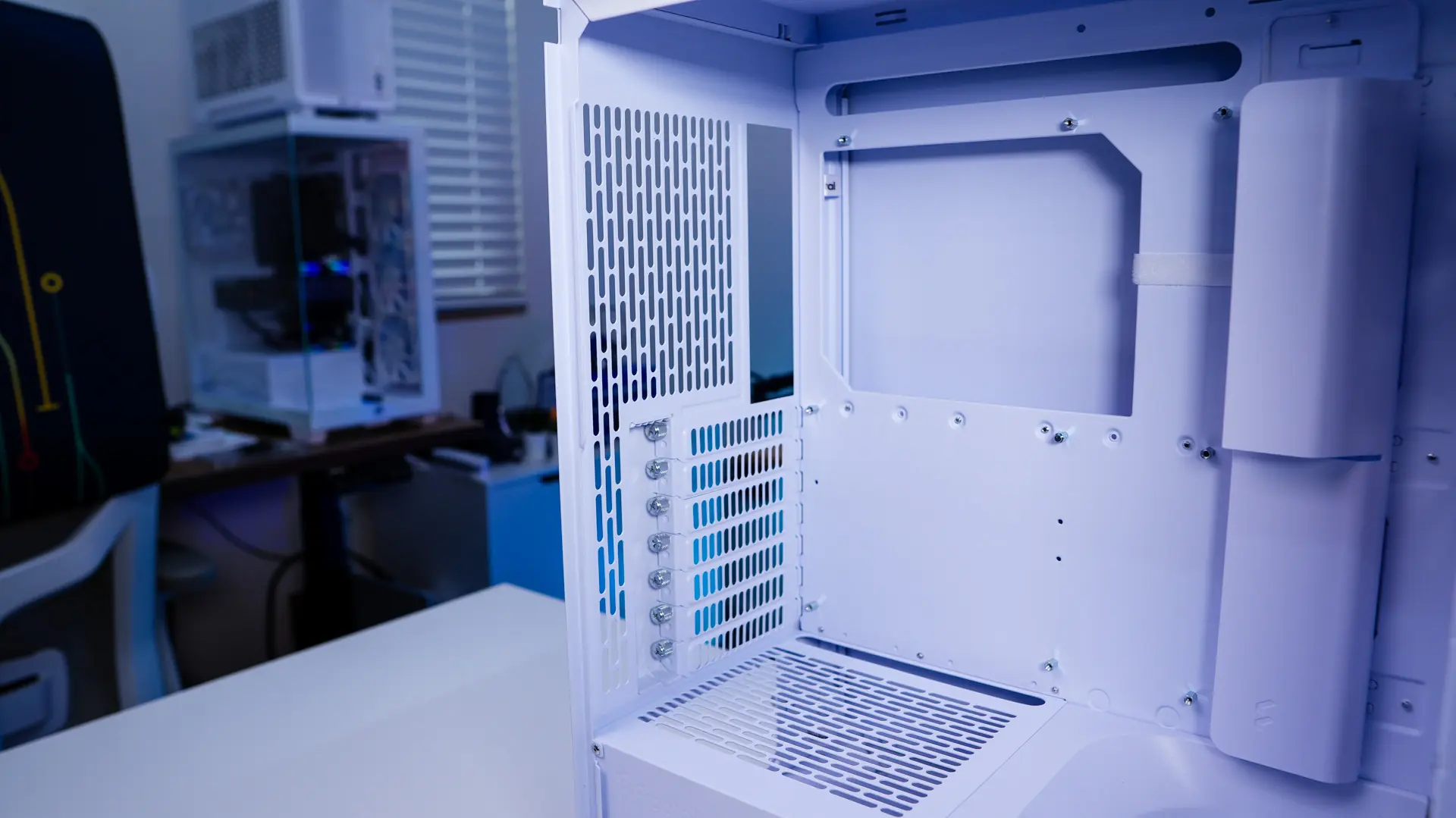
Removing the opposite side panel we can see how the rest of the case is designed. The first thing that caught my attention back here was the Adjust Pro Hub, which is mounted to the backside of the motherboard tray. This hub will control the fan speed, and lights on the case. Now the included fans and everything else is pre-wired to this hub, all you have to do is plug it in to power and connect the PWM cable to your motherboard. This hub does use the proprietary Type-C connectors that the new Momentum fans use so only these devices will be able to plug into it. There are two extra ports available on the hub in this default configuration. If you don’t want to use the Adjust Hub Fractal does include a break-out cable for the fans which will give you a PWM and ARGB connection to connect to your motherboard.
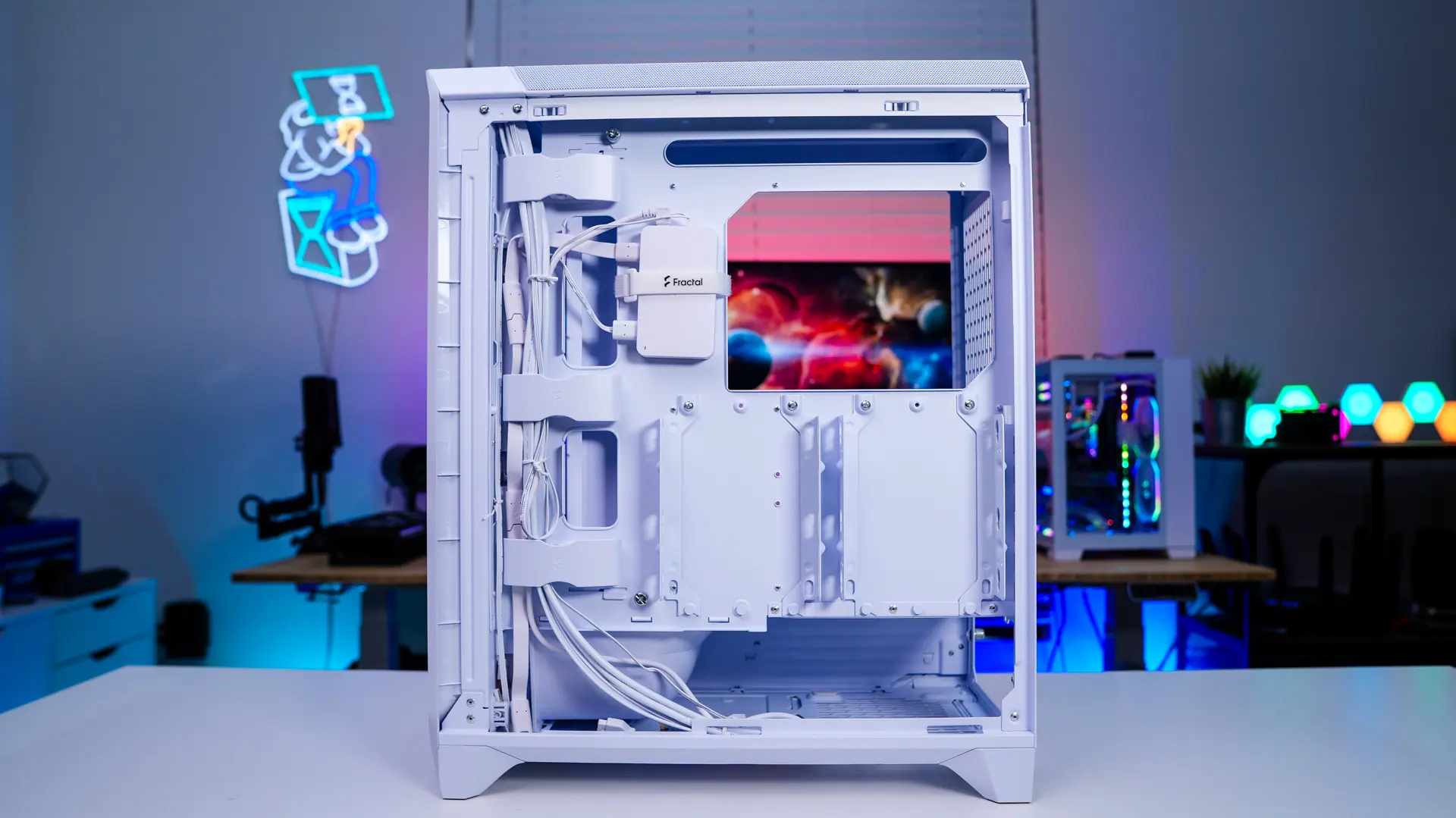
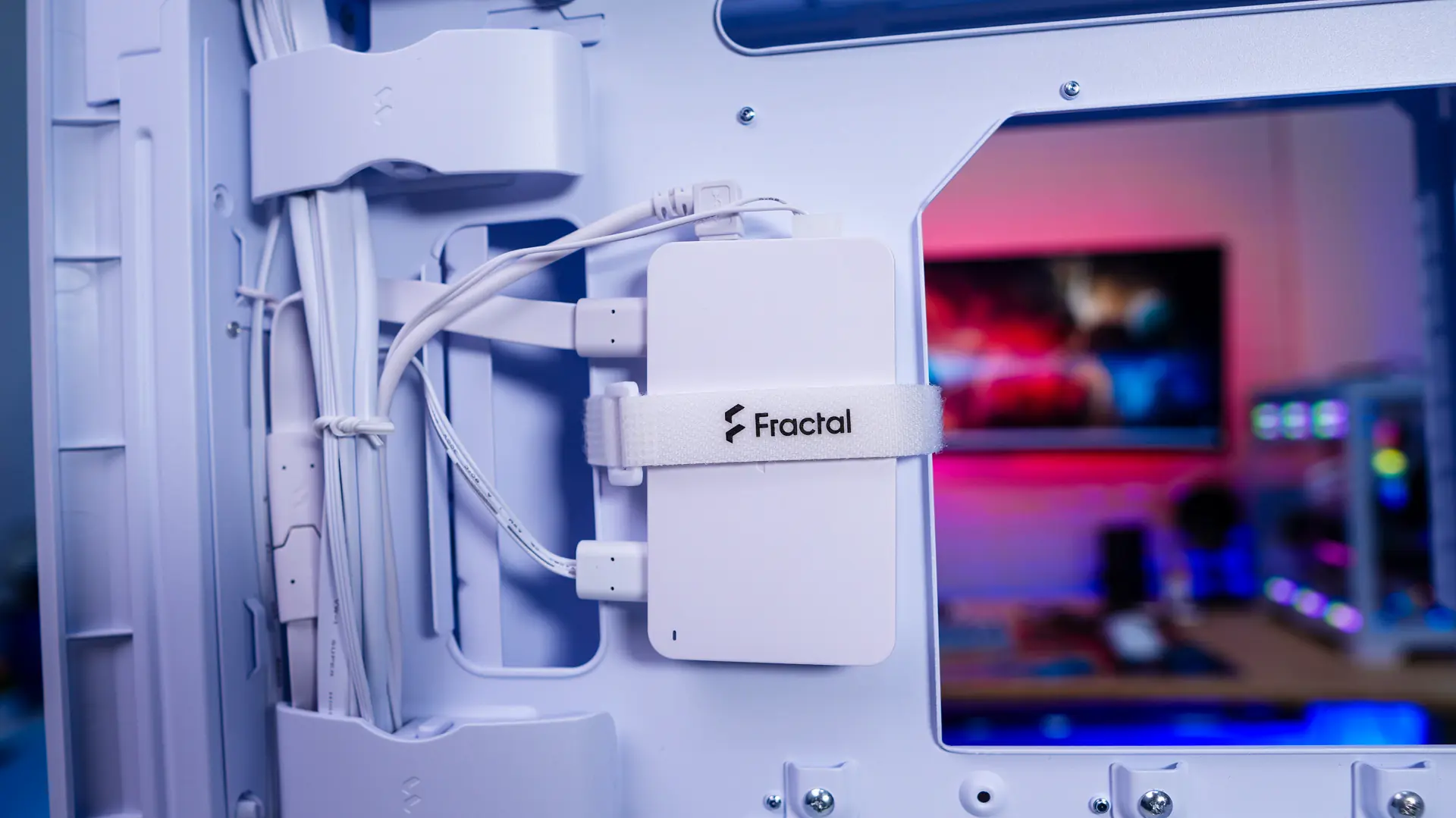
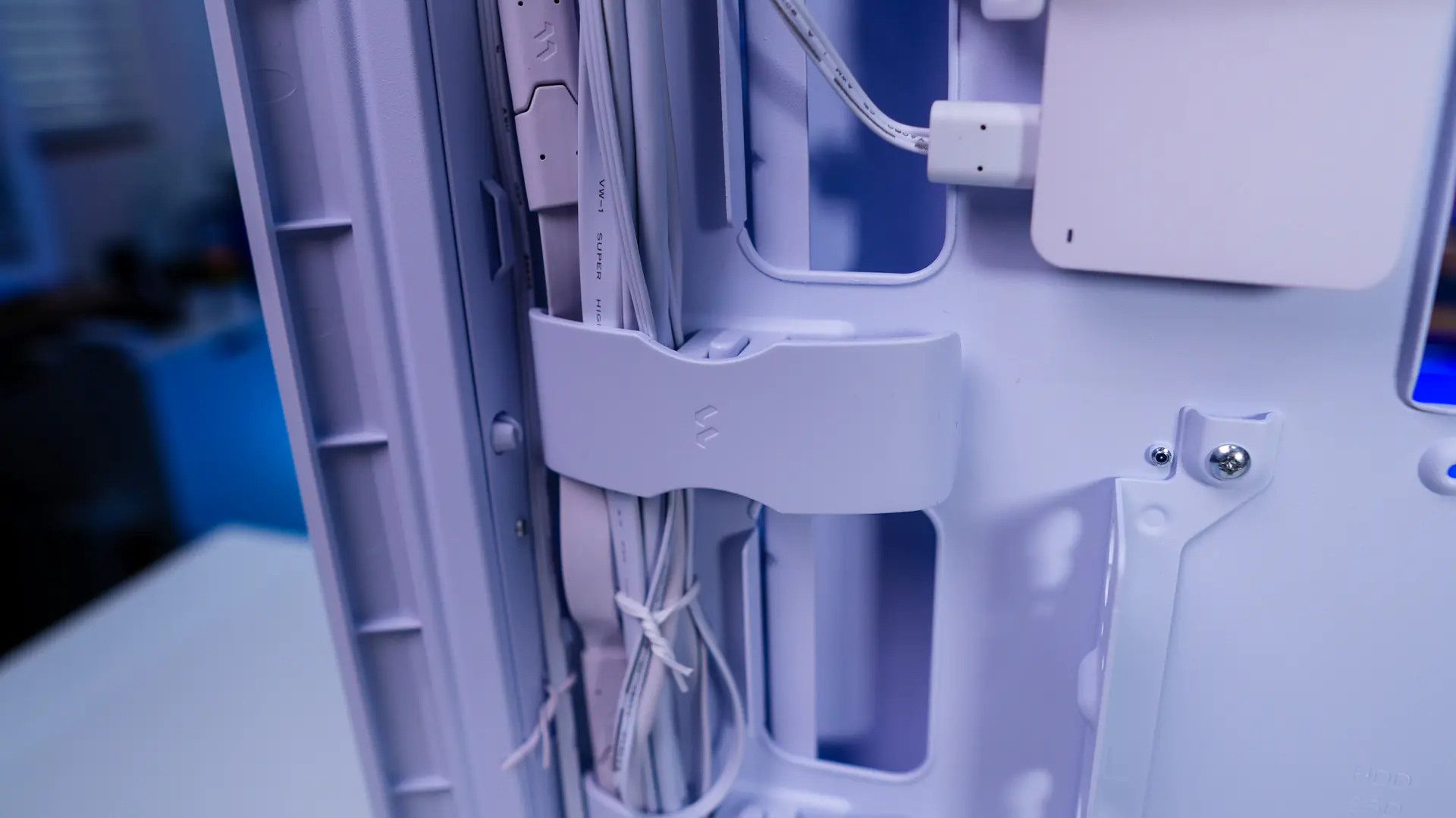
Right next to the Adjust Pro Hub is a majority of your cables. These are nicely organized with Fractal’s new cable aligners. These are essentially plastic cable organizers which clip into the back of the case.
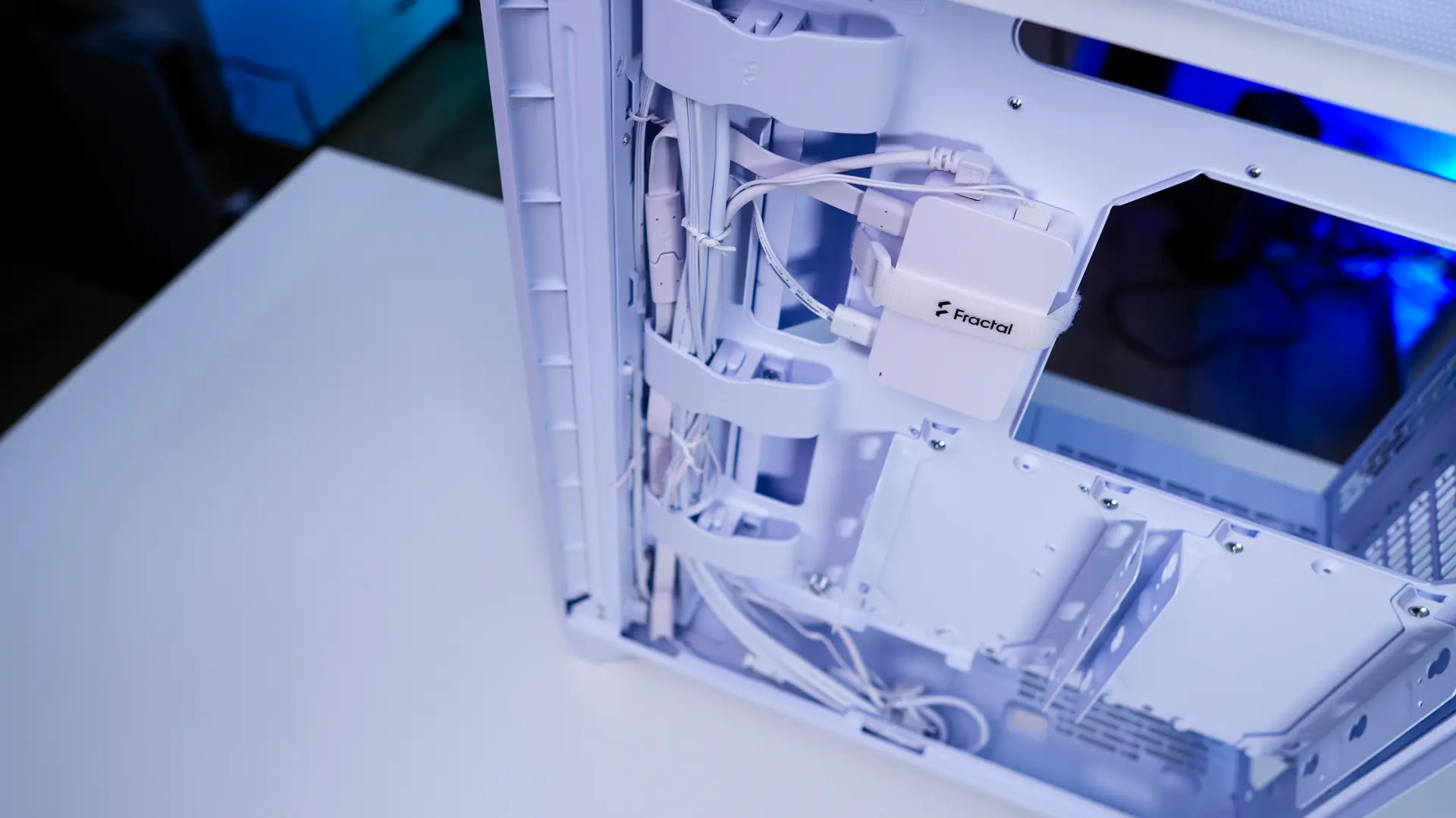
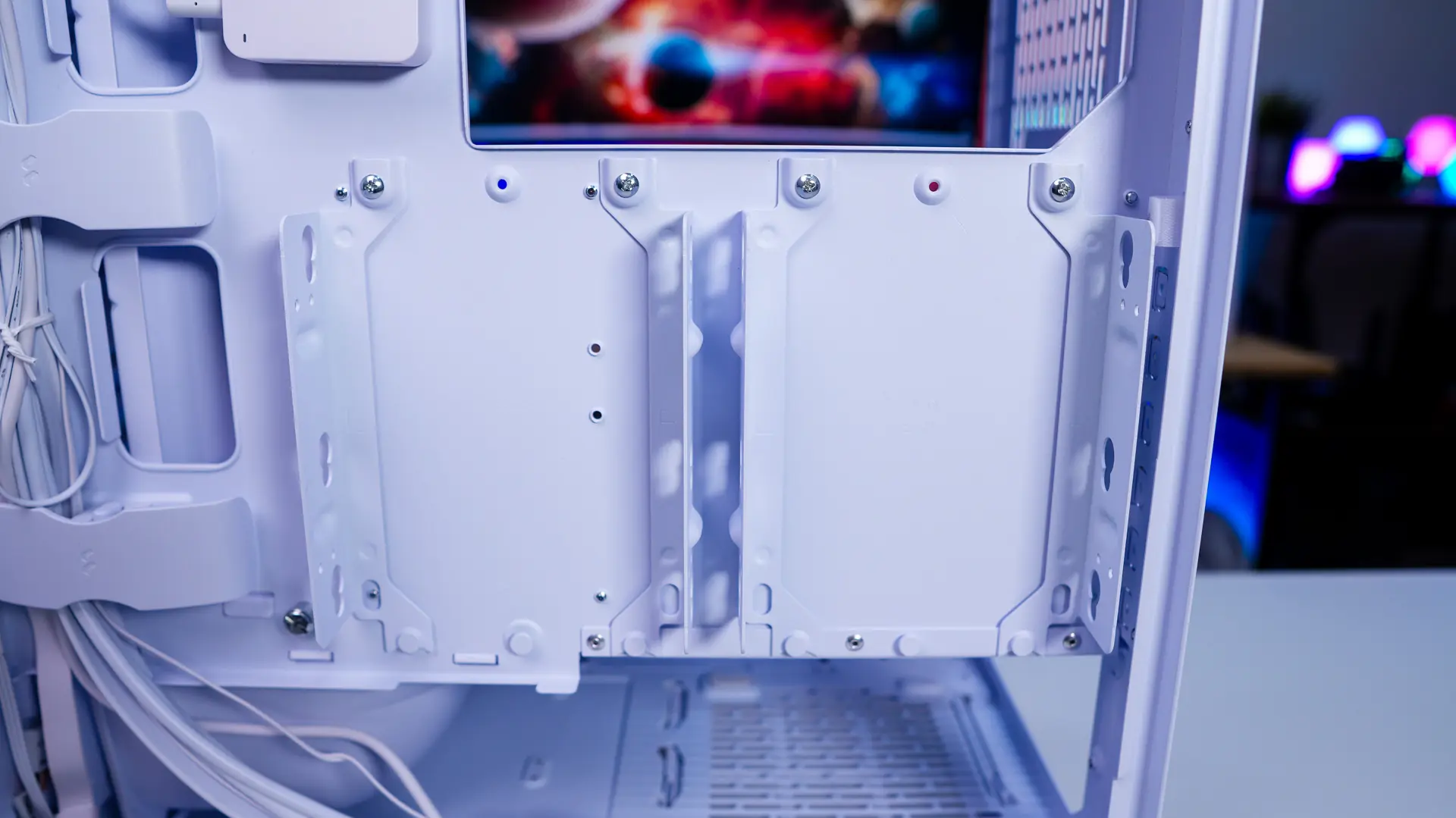
Also on the back of the case you’ll find two storage brackets. These are not trays, but actually brackets with a two piece design and if you are wondering they are made of metal. Each bracket supports either a single 3.5-inch hard drive or two 2.5-inch SSDs. There are also two 2.5-inch SSD mounts in the bottom of the case in front of where you’ll mount your power supply. So in total you can install a total of 6 drives in this case.
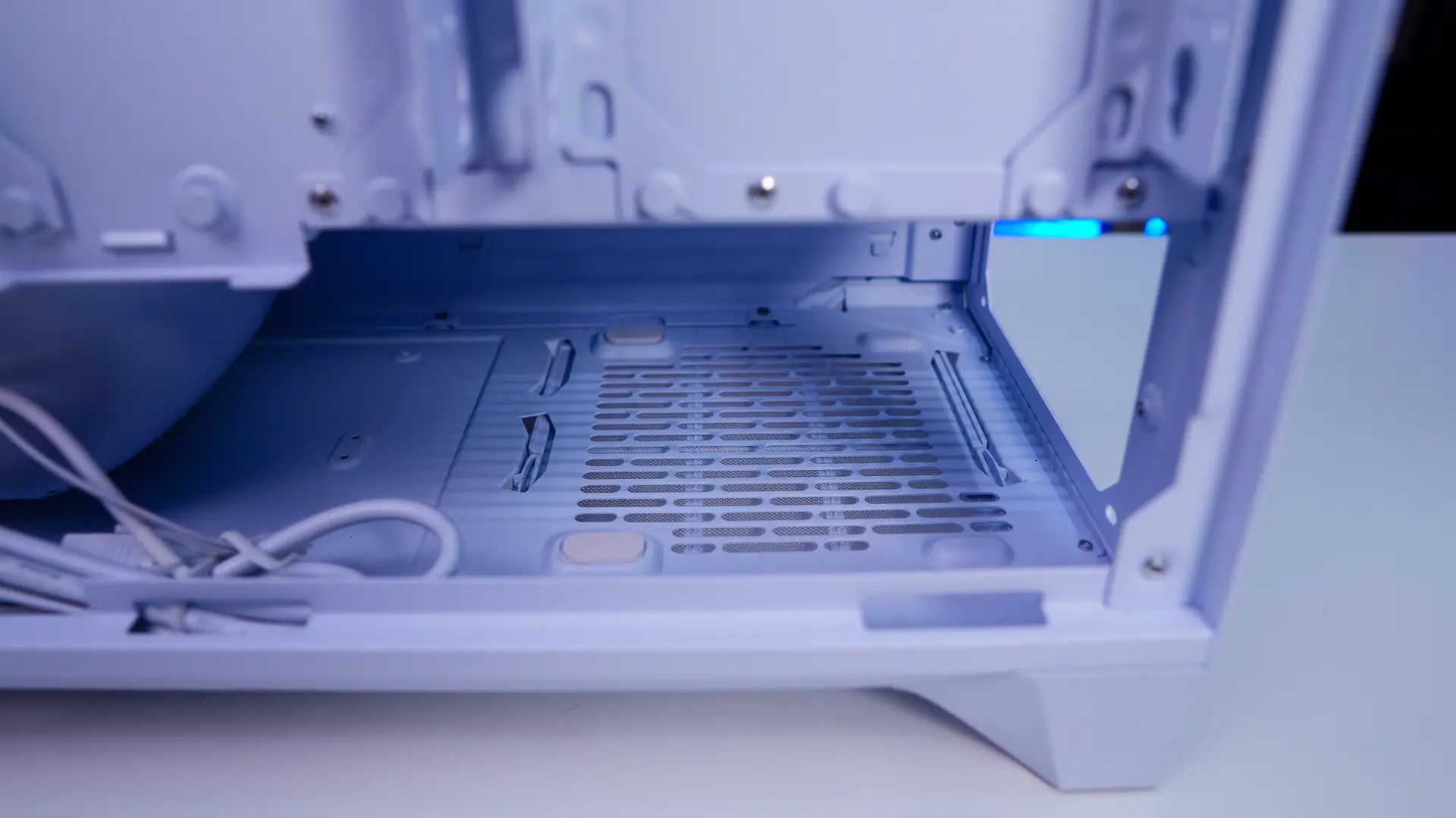
Of course your power supply mount is at the bottom of the case. If you are wondering the max length of a power supply you can install in this case is 180mm.




The air holes/slots on the back panel seem quite large compared to most.
Great for airflow but not so good for dust resistance.