


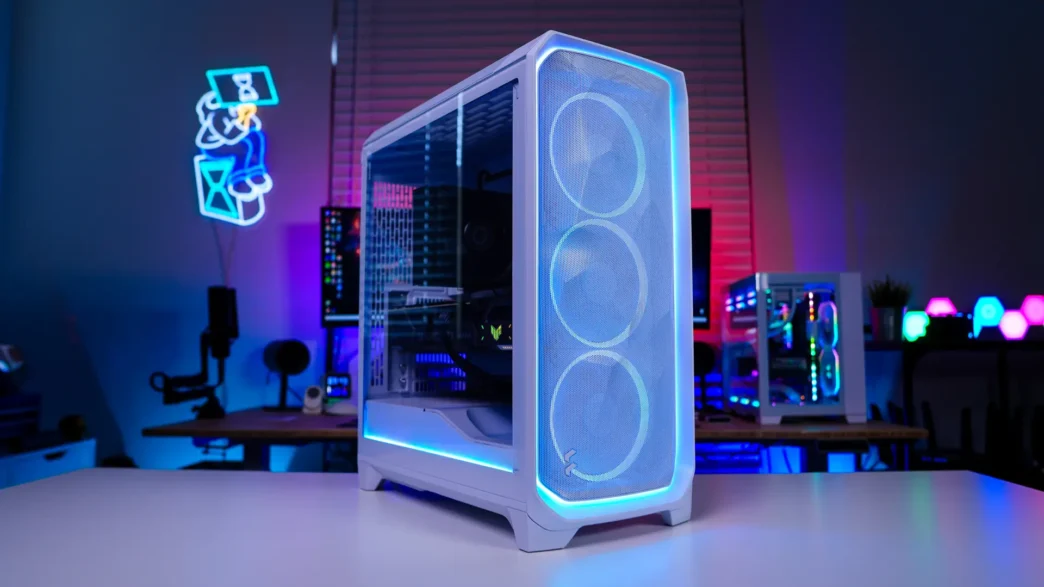
Installation in the Fractal Design Meshify 3 Ambience Pro RGB Case
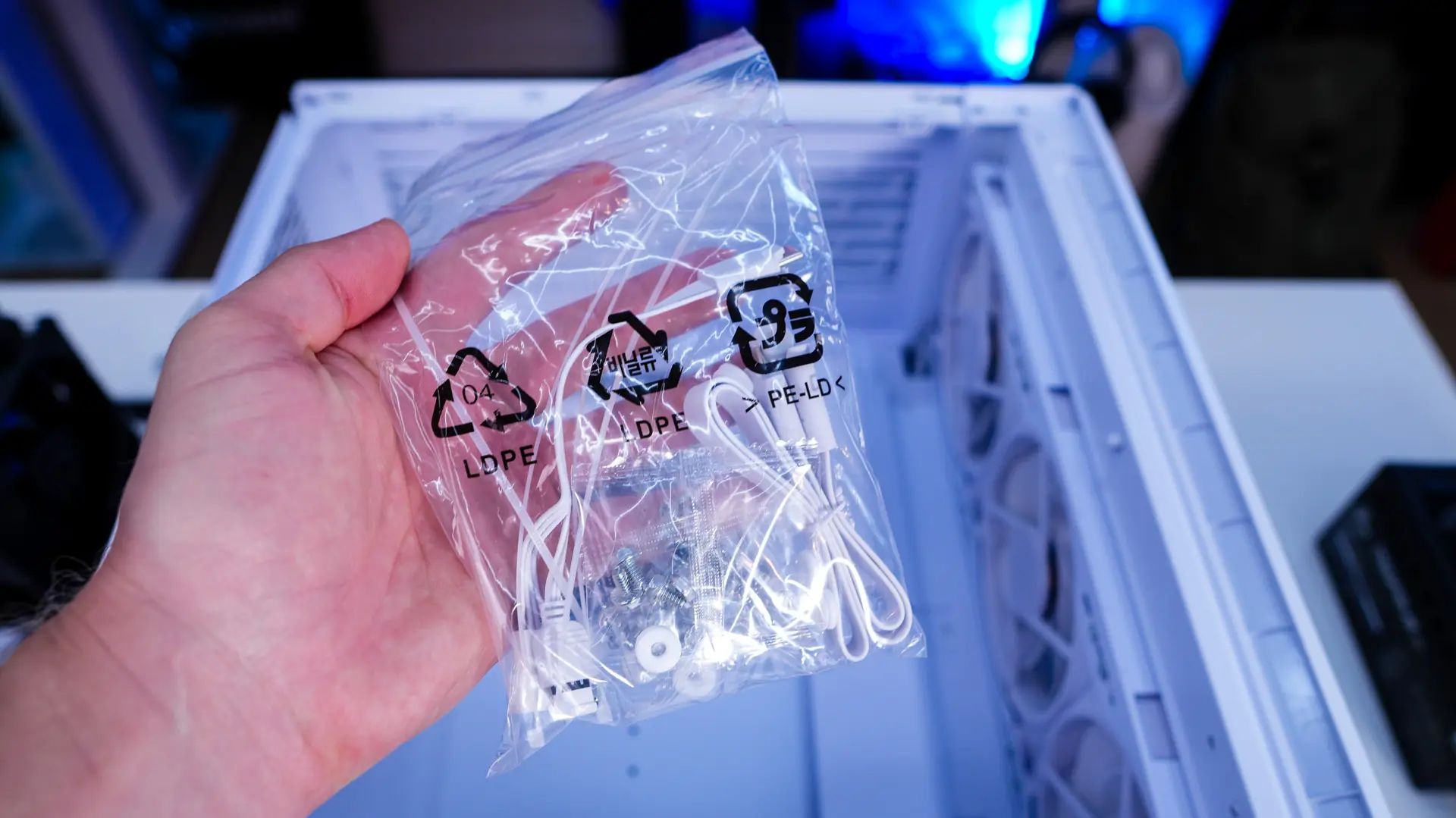
When it comes to installation Fractal does include a bag with all of your mounting hardware as well as a few zip ties. They also include a very detailed installation guide.
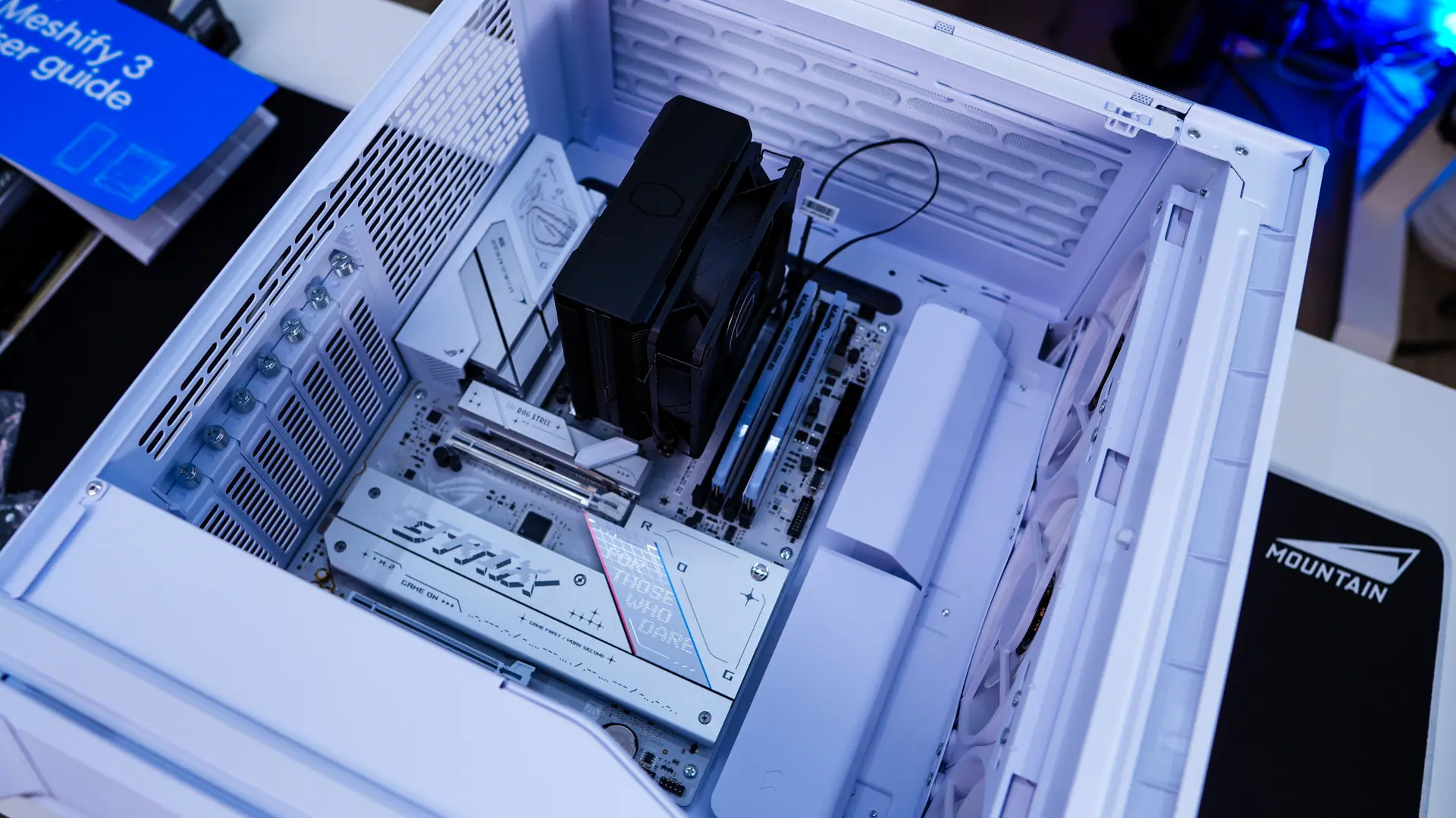
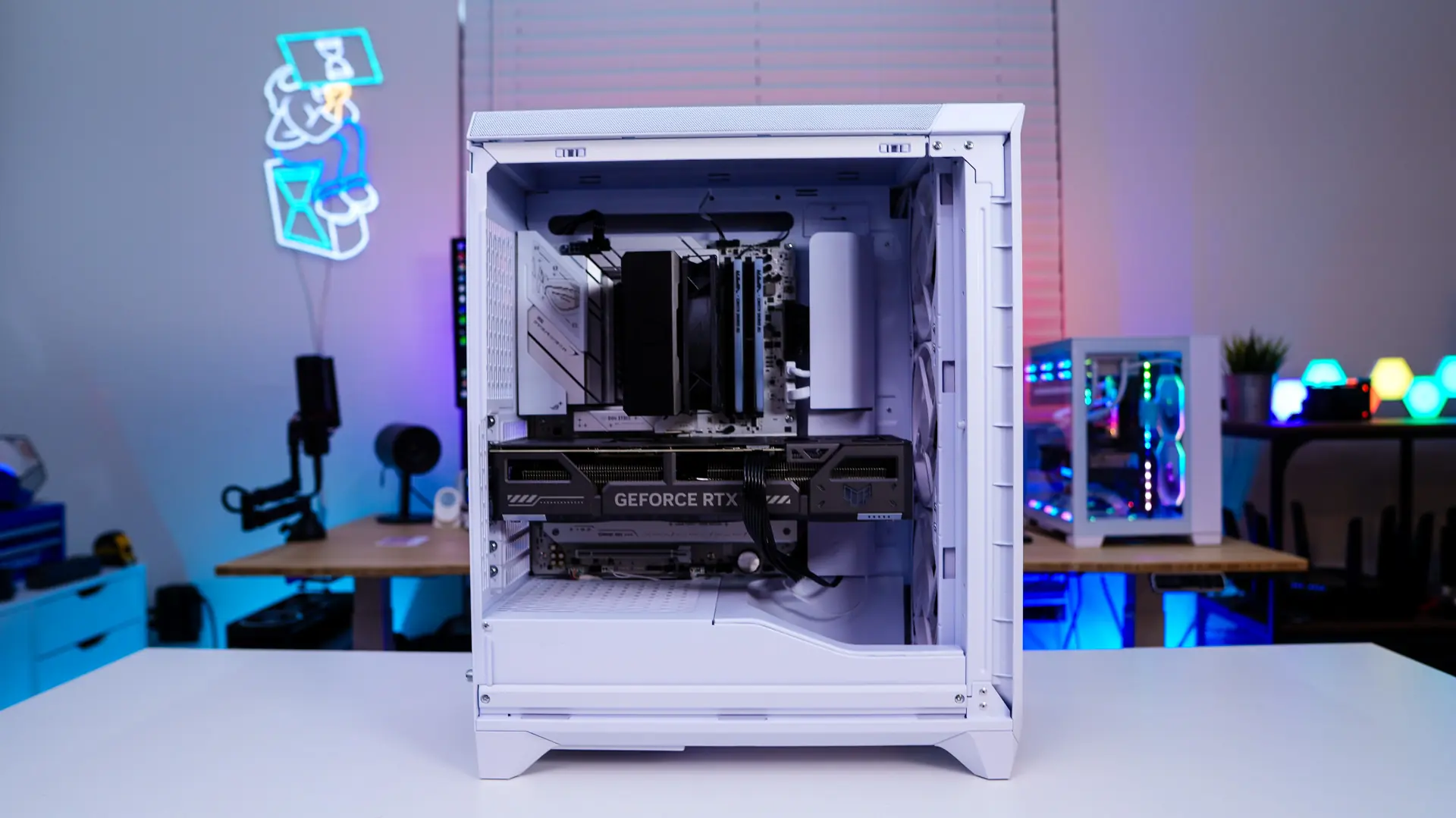
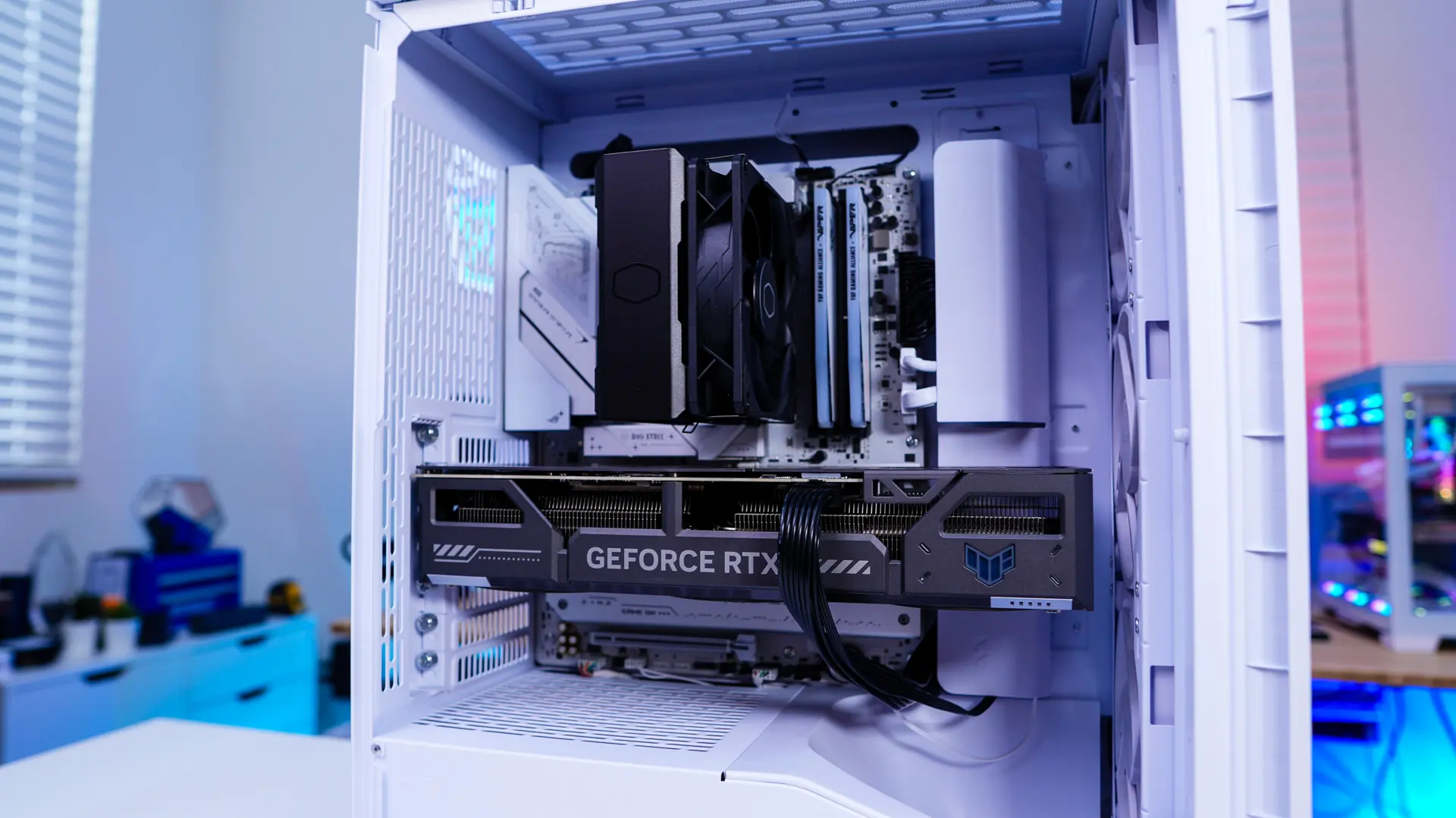
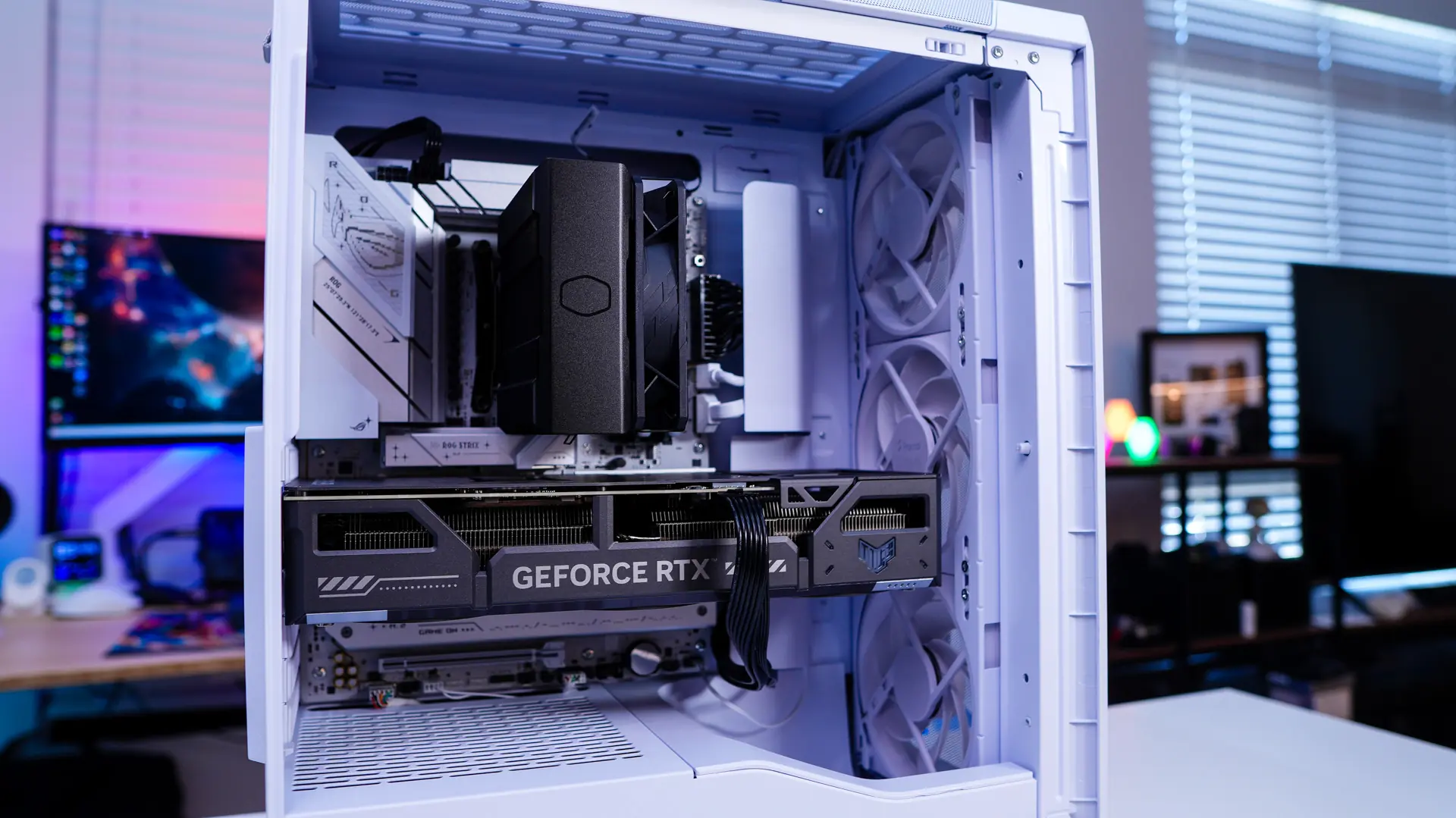
We will be installing our motherboard first. It slots in no problem and even though this is a more compact case I felt I had more than enough room inside.
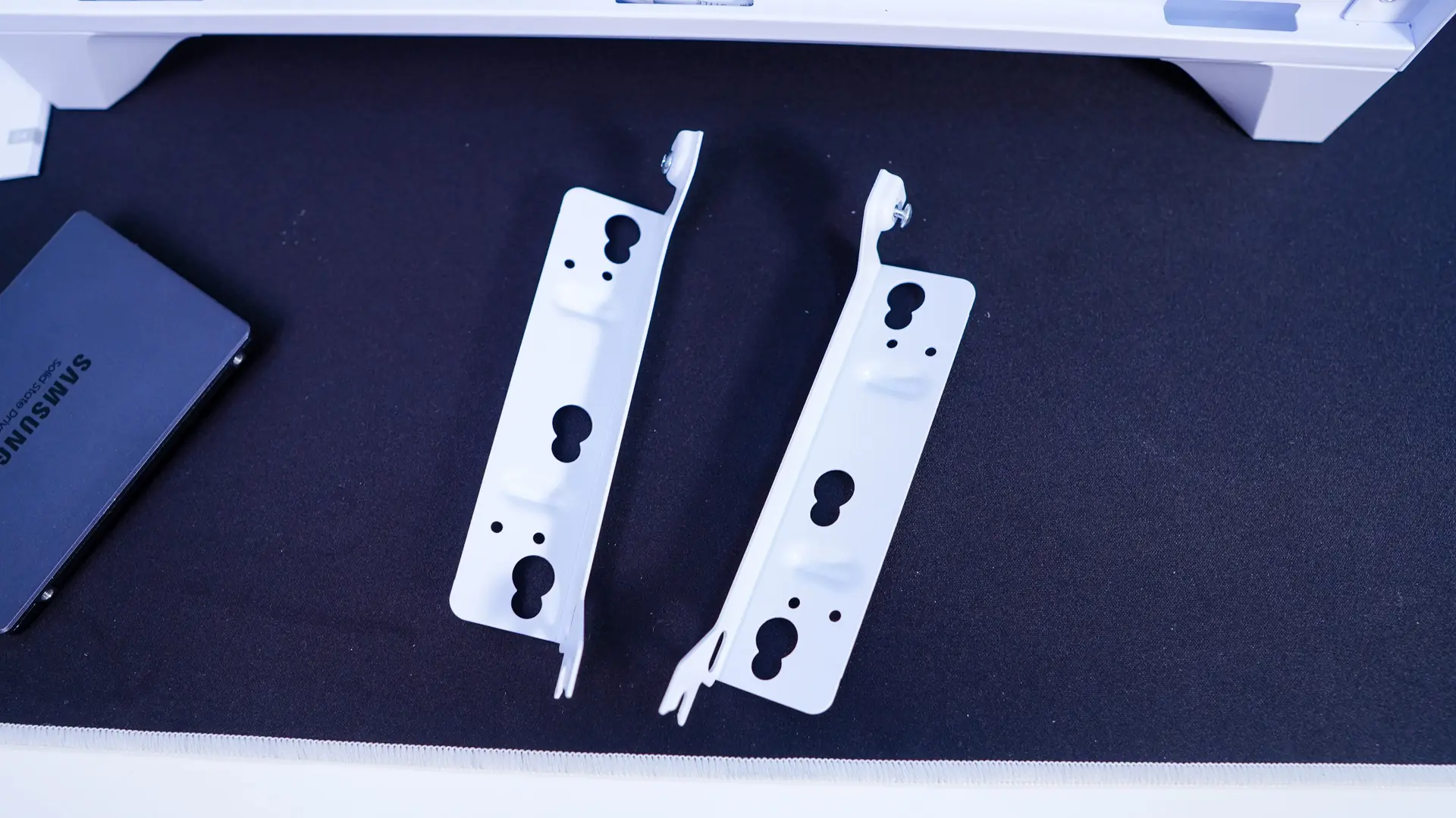
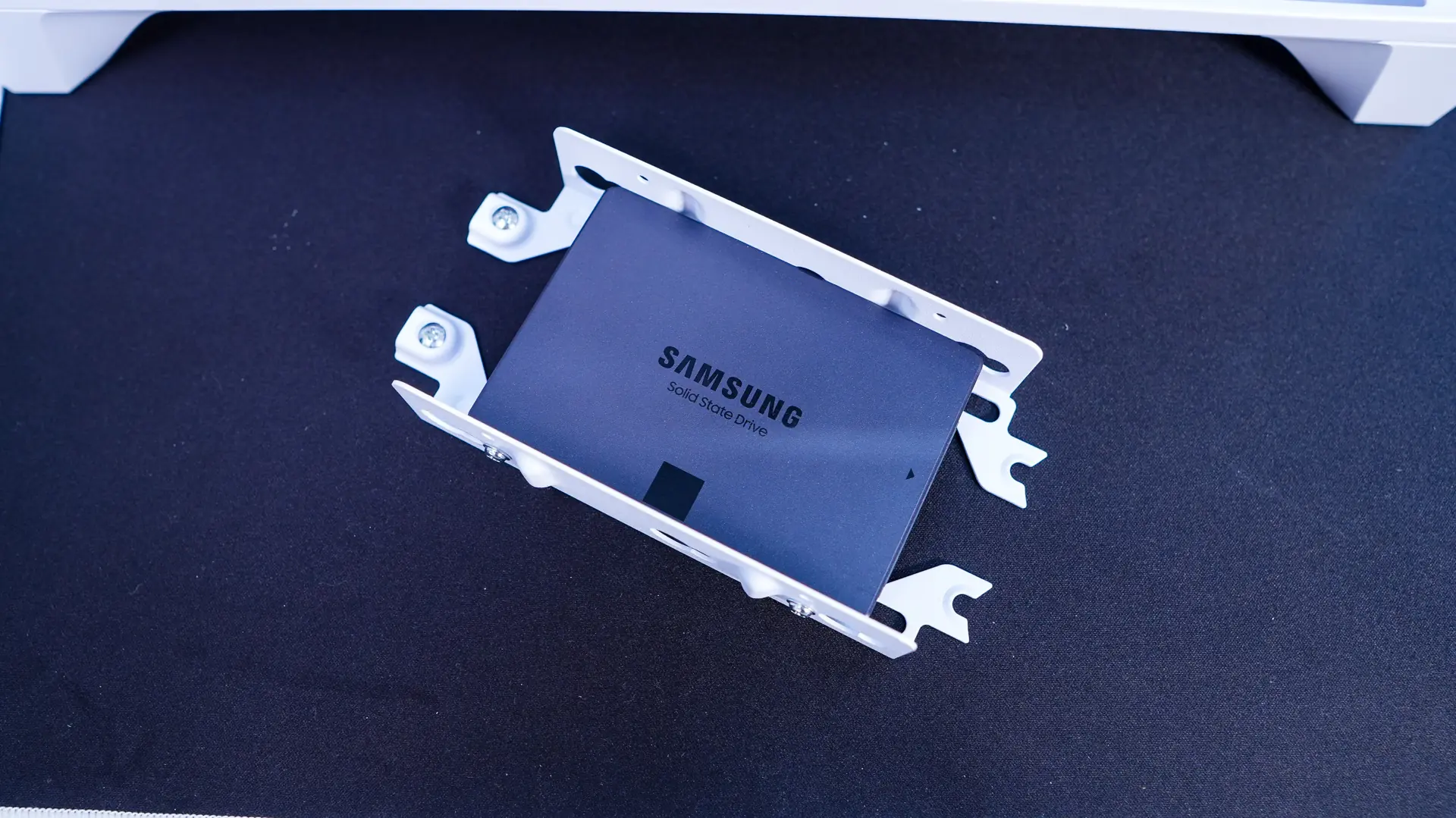
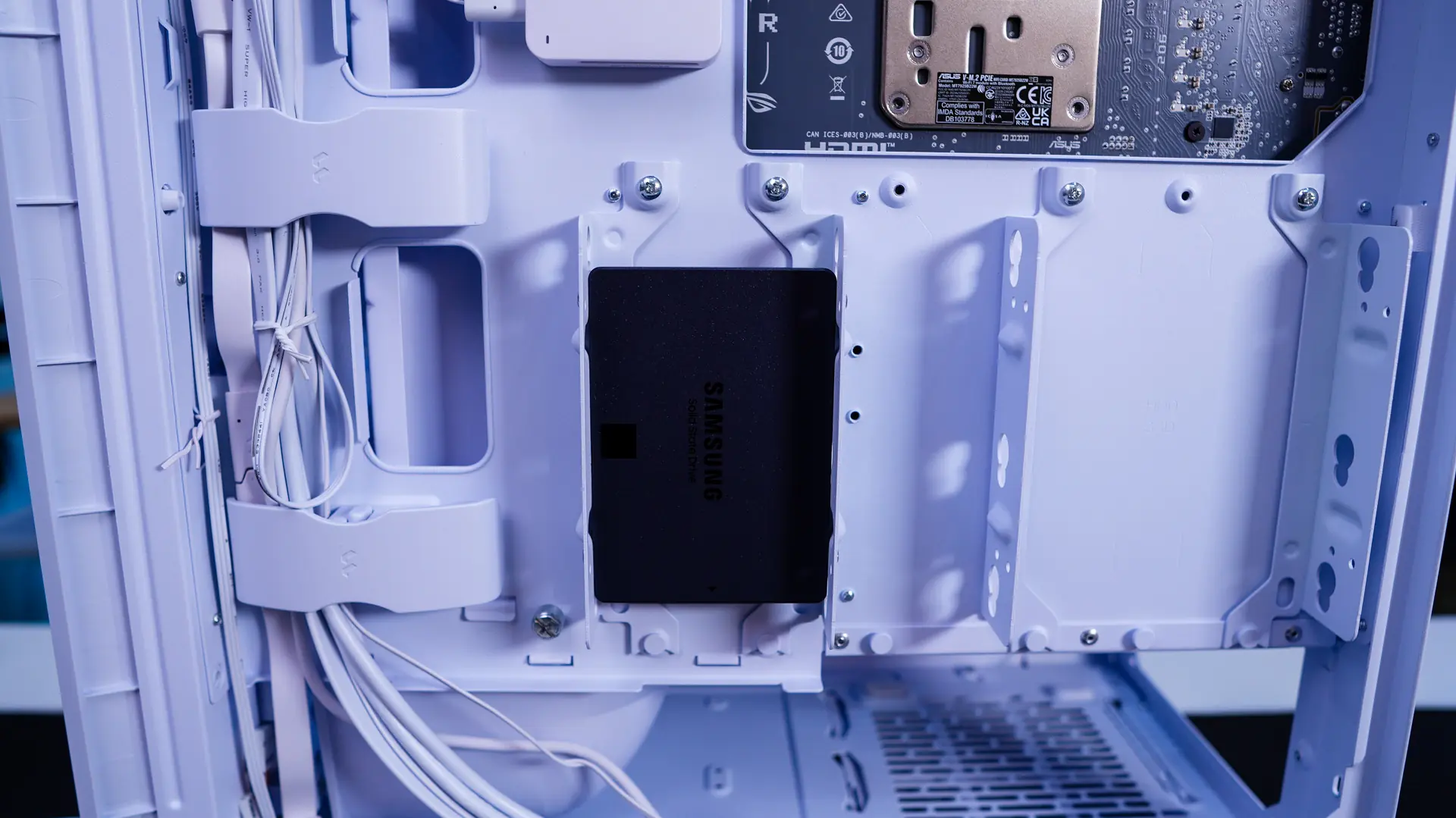
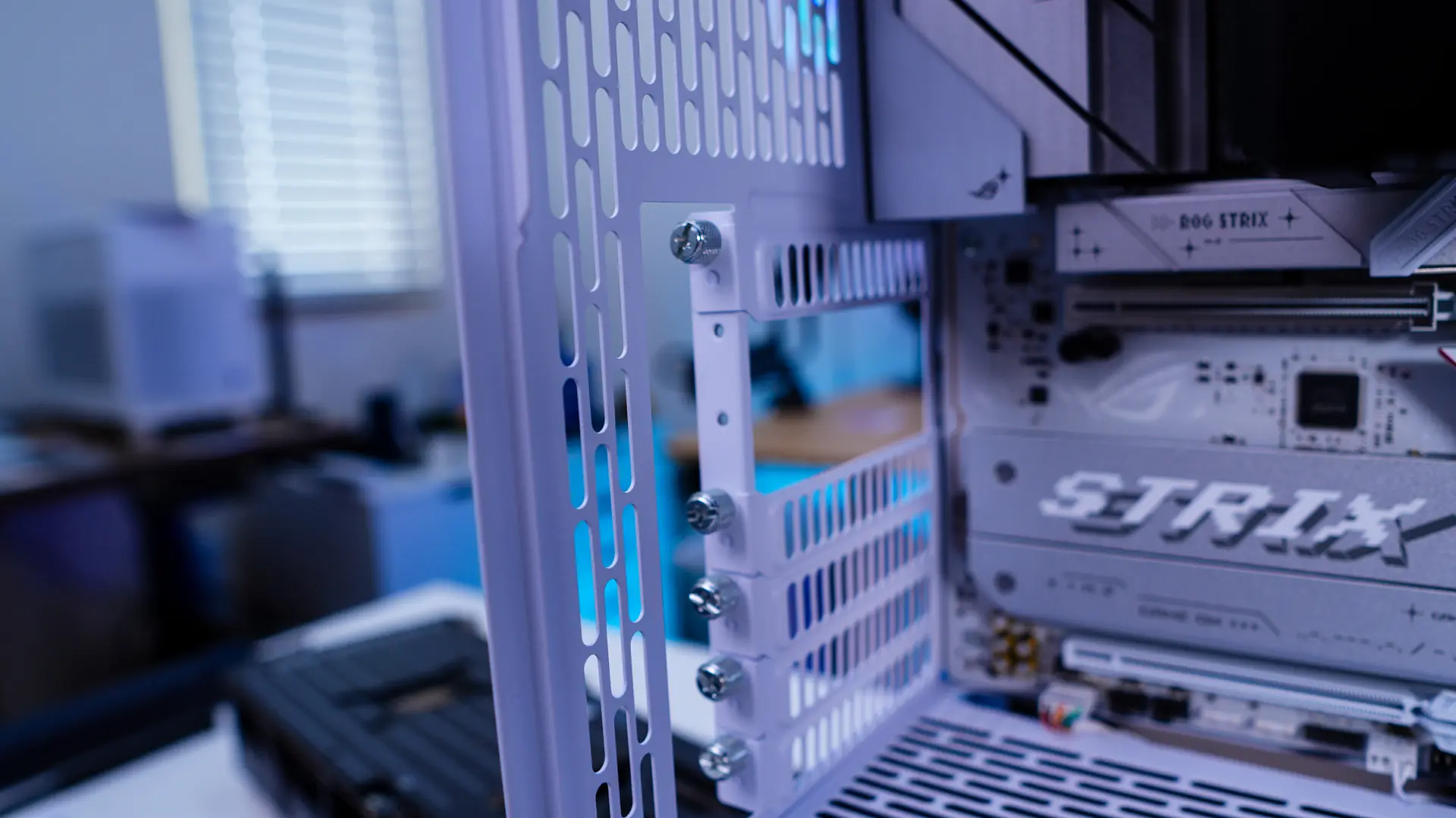
Next is our storage, which is just a single 2.5-inch drive. Removing the brackets from the back of the case is easy as its just a thumbscrew. Now installing your drives in these brackets is a bit more tedious than say a tray, but this type of orientation is necessary to support two SSDs per bracket, but also to support a full-size hard drive.
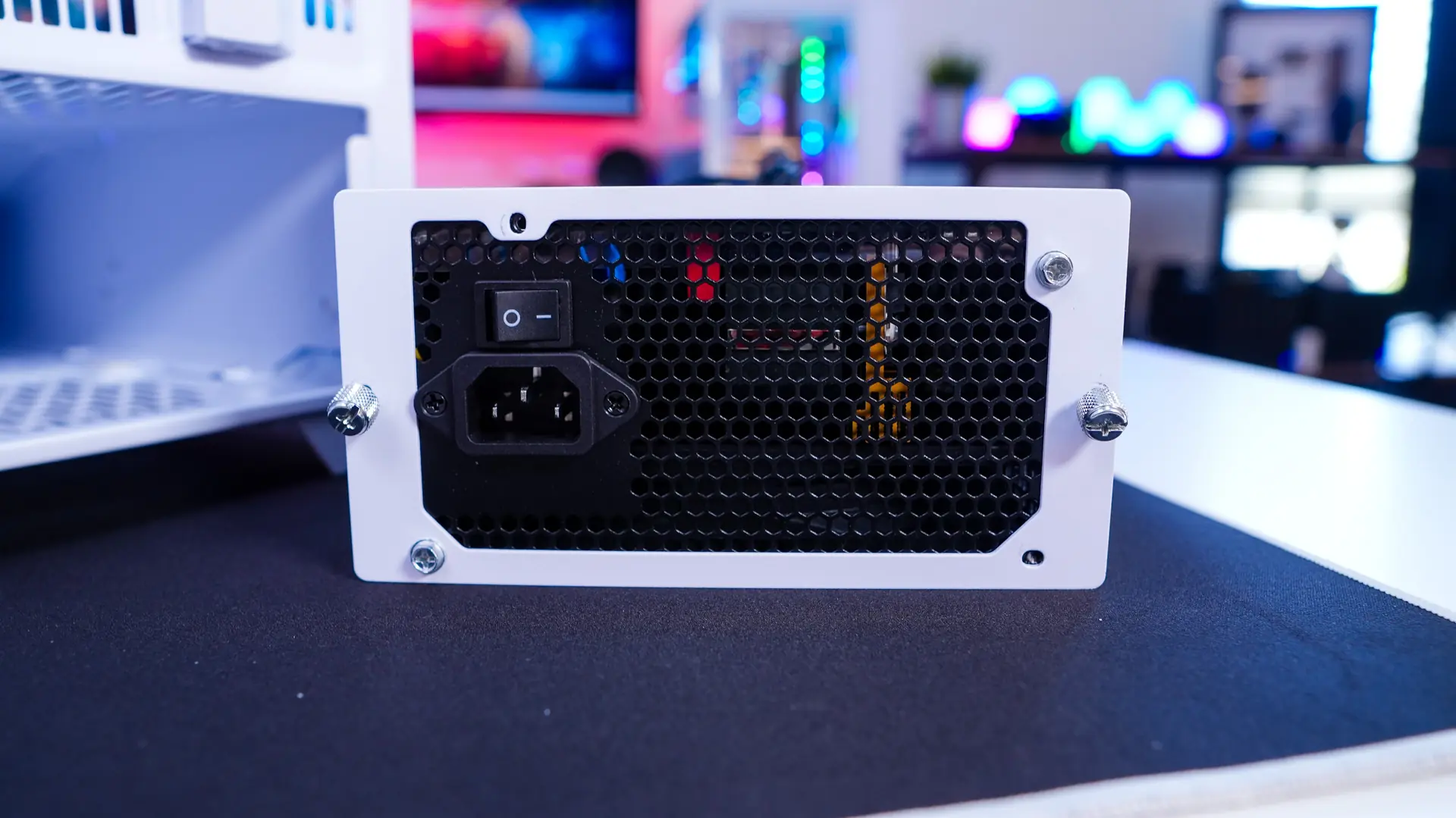
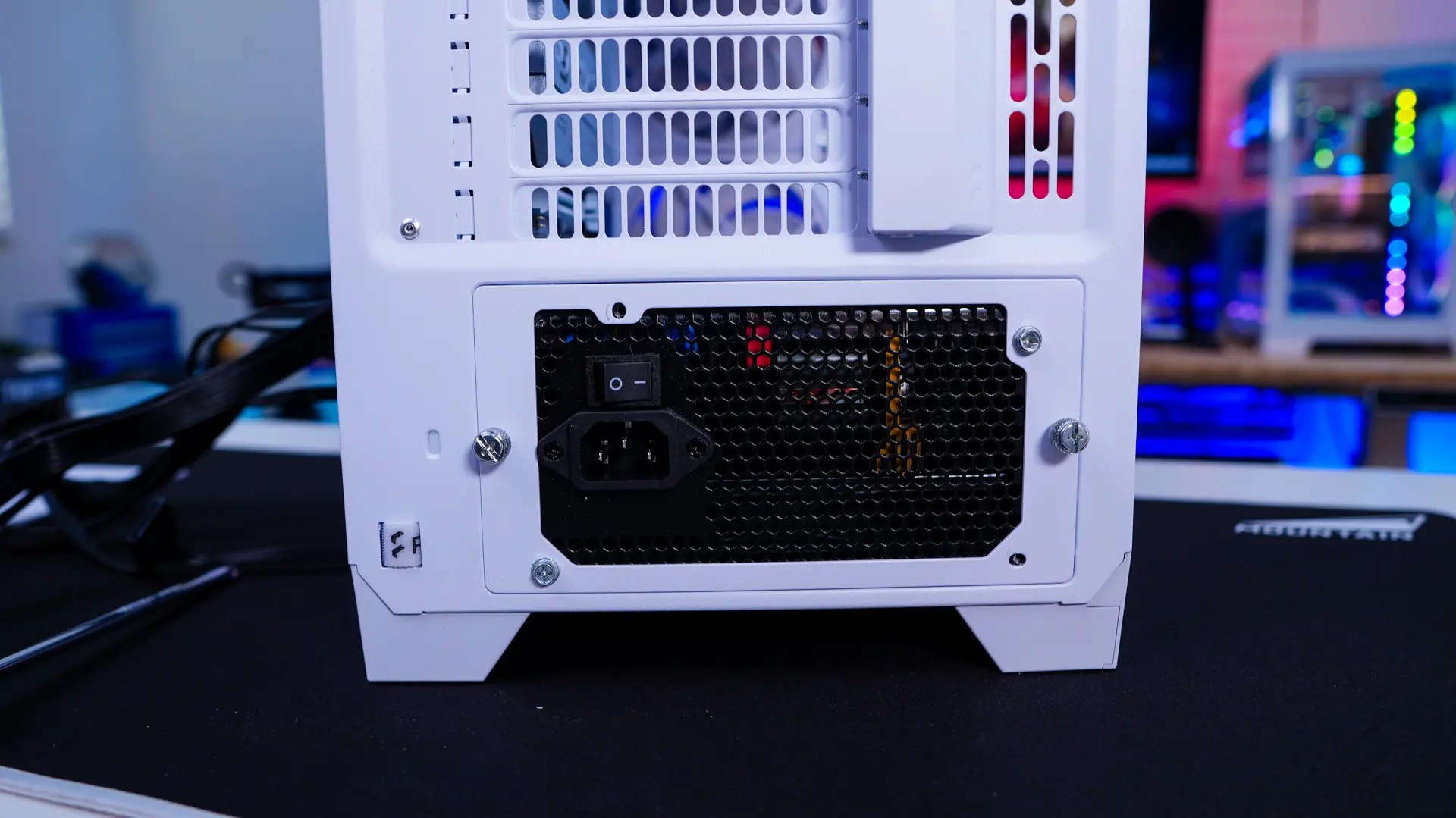
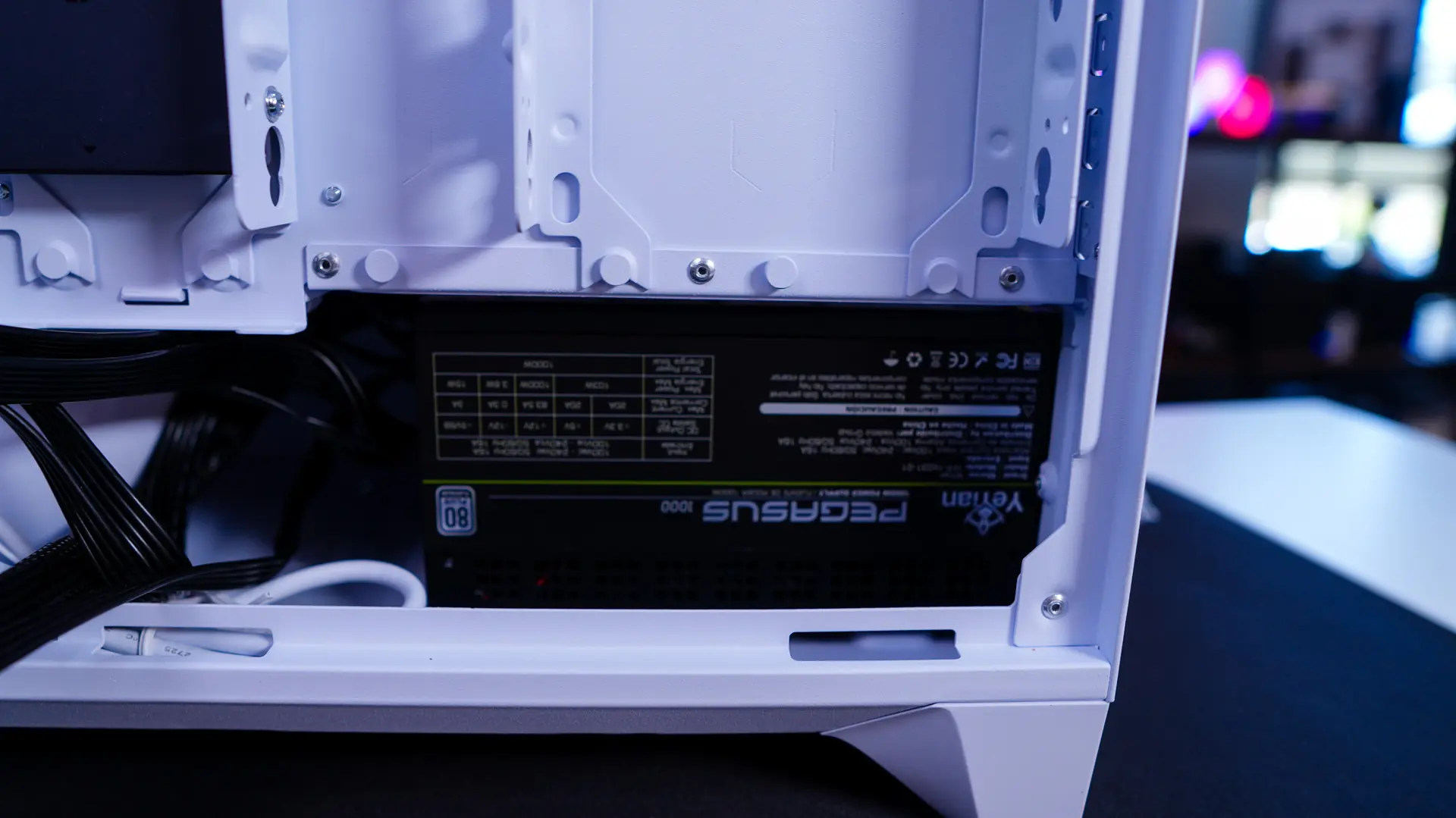
For your power supply you remove the power supply bracket from the back of the case, attach it to your power supply, and then slide your power supply in from the back of the case. Be sure that the fan of your power supply is facing down.
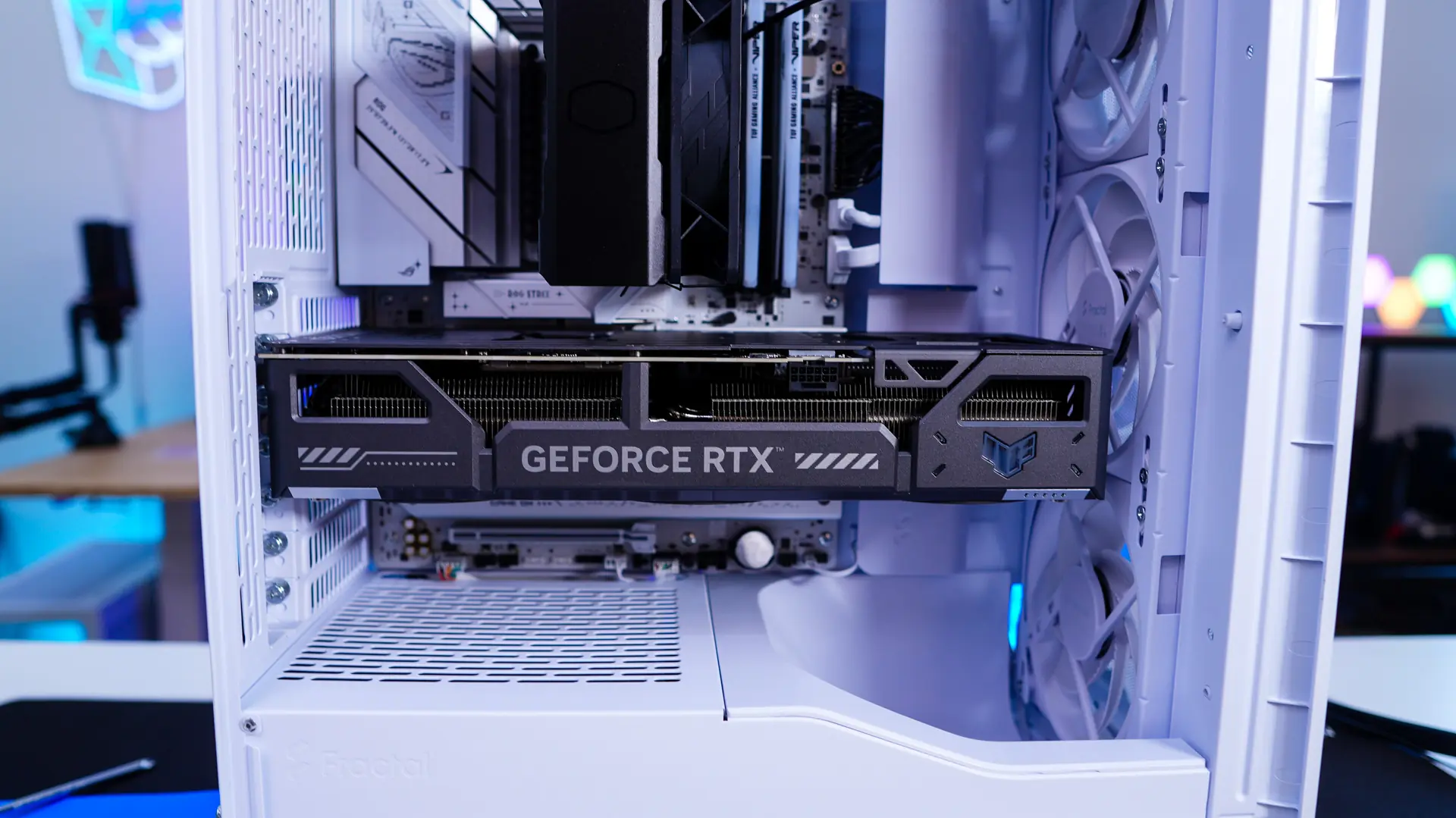
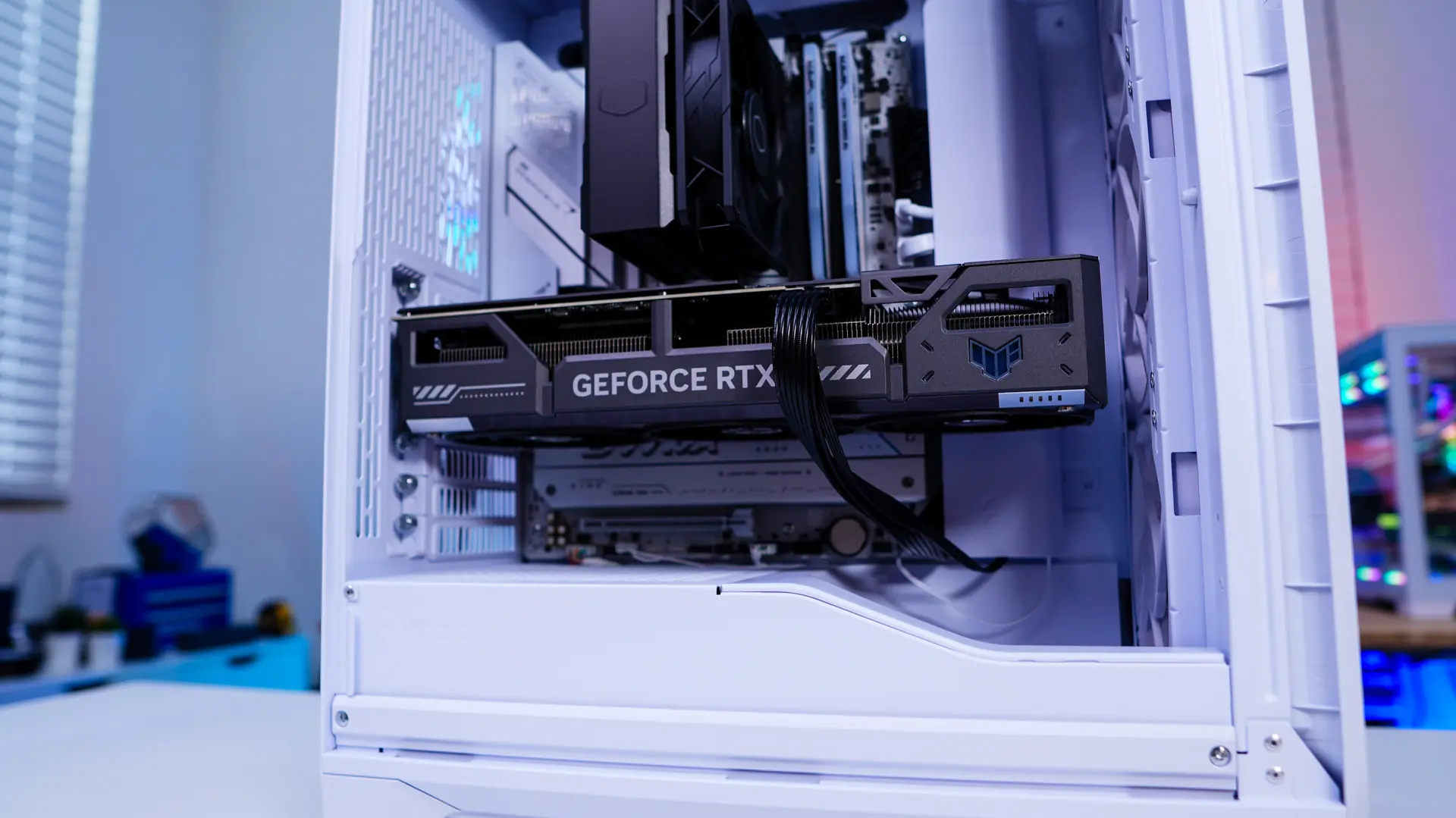
For our graphics card we are installing the ASUS TUF Gaming GeForce RTX 5070 OC Edition, which is 329mm long. While it is a tight fit, it goes in no problem. As I mentioned the slot cover easily removes so you can screw in your card and you simply just reinstall it when you are done.
Now it is time to wire everything up. I do have to say that the new cable aligners work flawlessly and with them installed you really don’t have the need to use any zip ties! Now be sure to plug in the Adjust Pro Hub to power (SATA power connector) so your fans and RGB have power and you can control them.
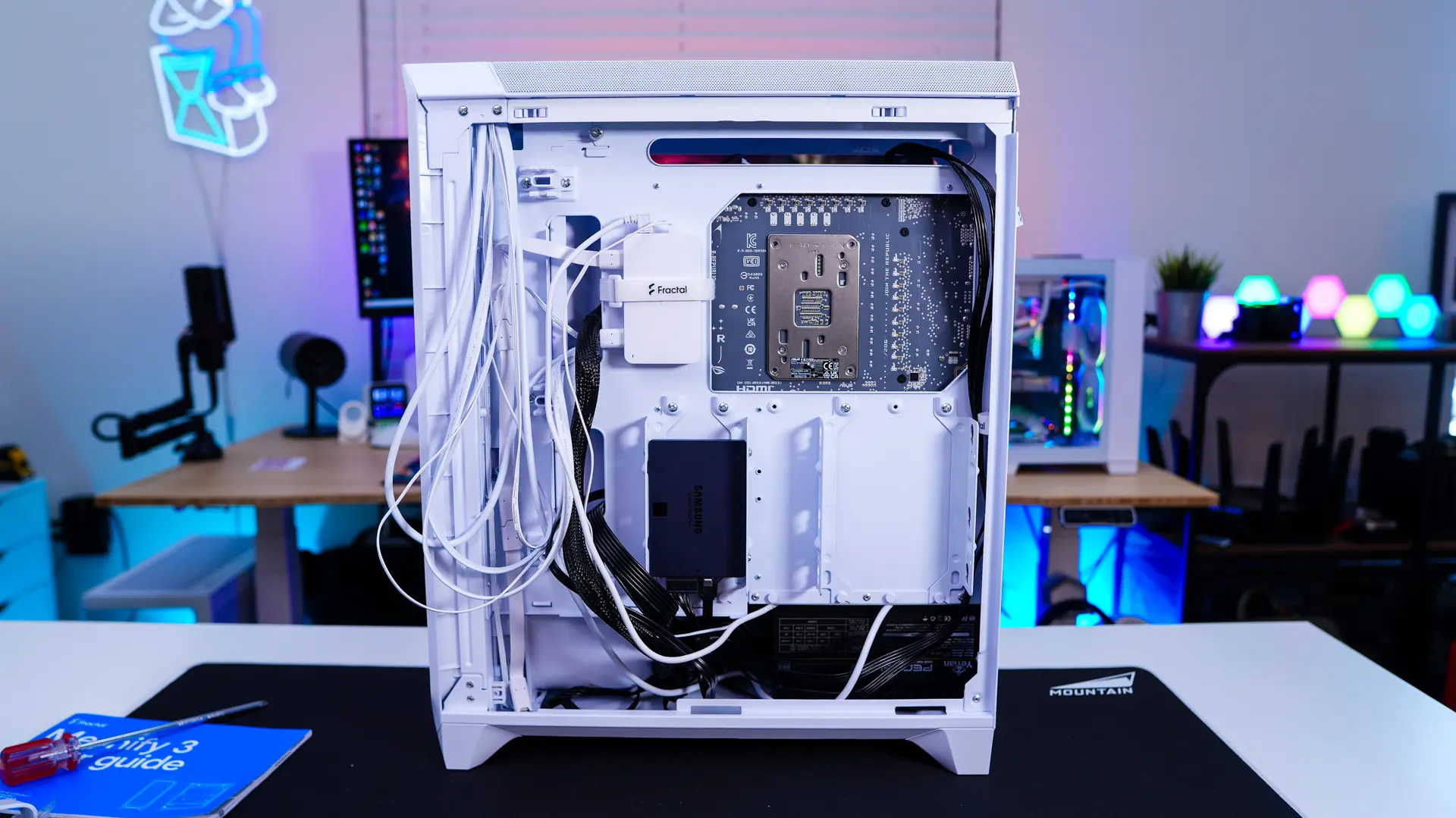
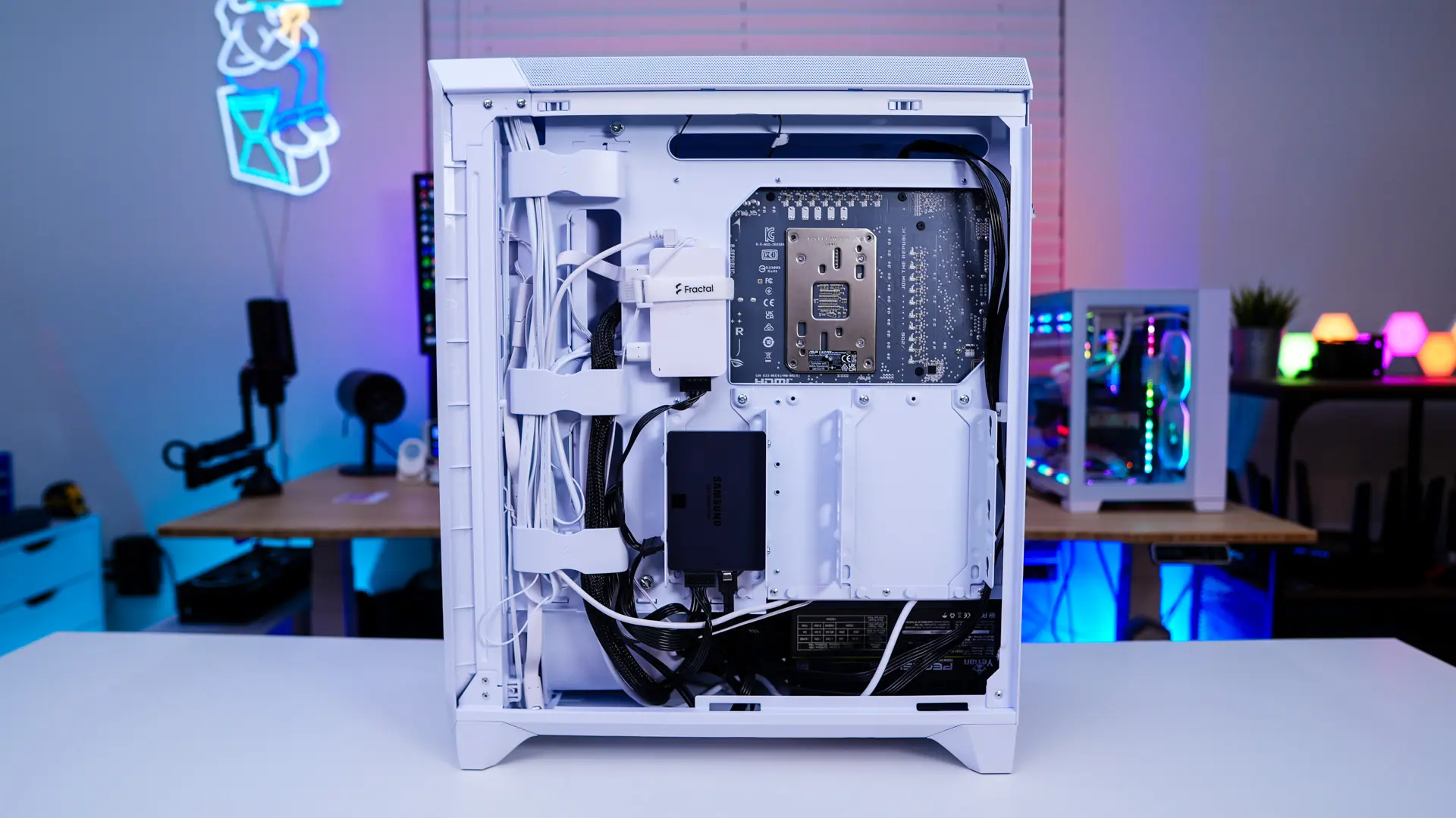
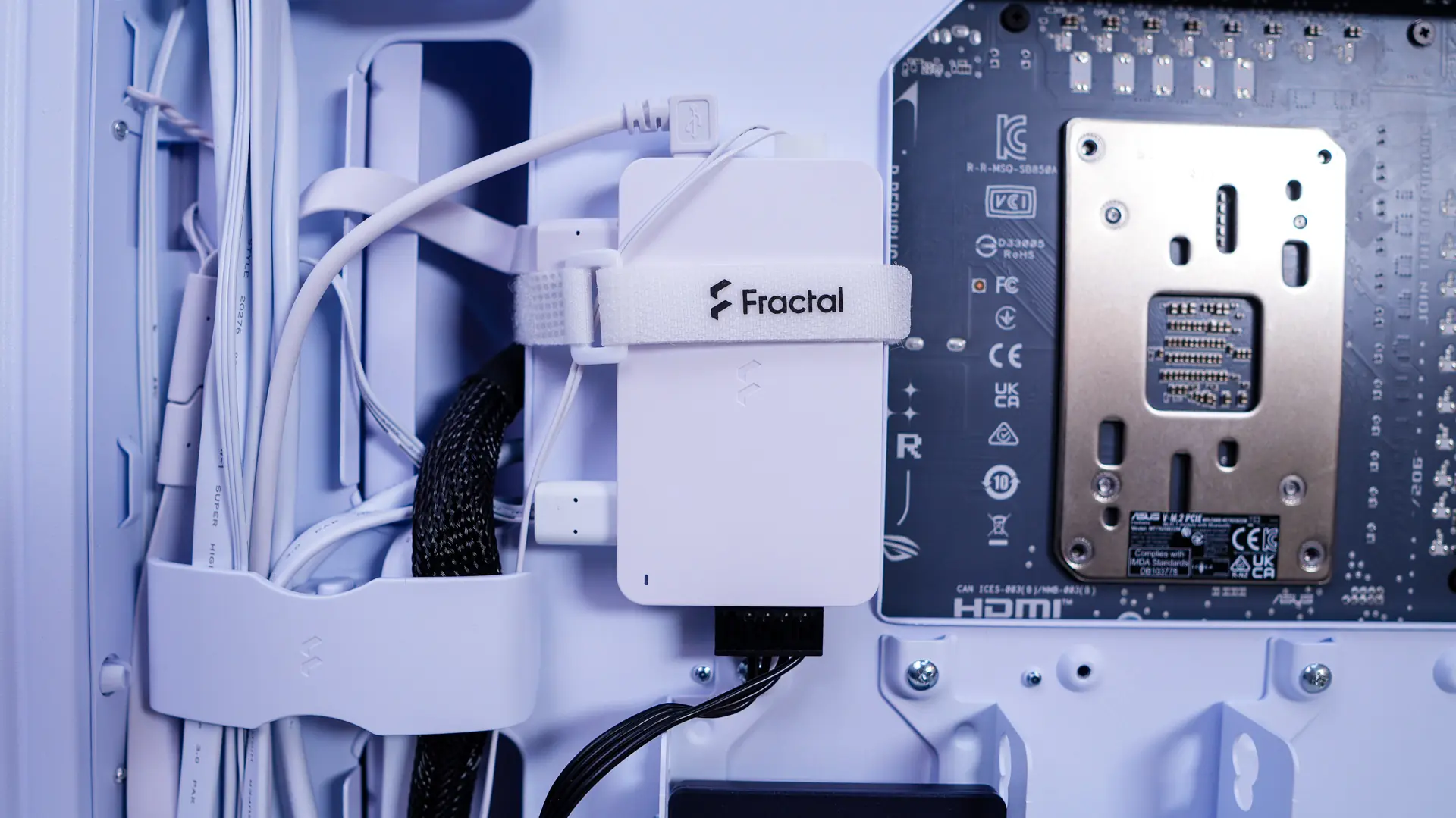
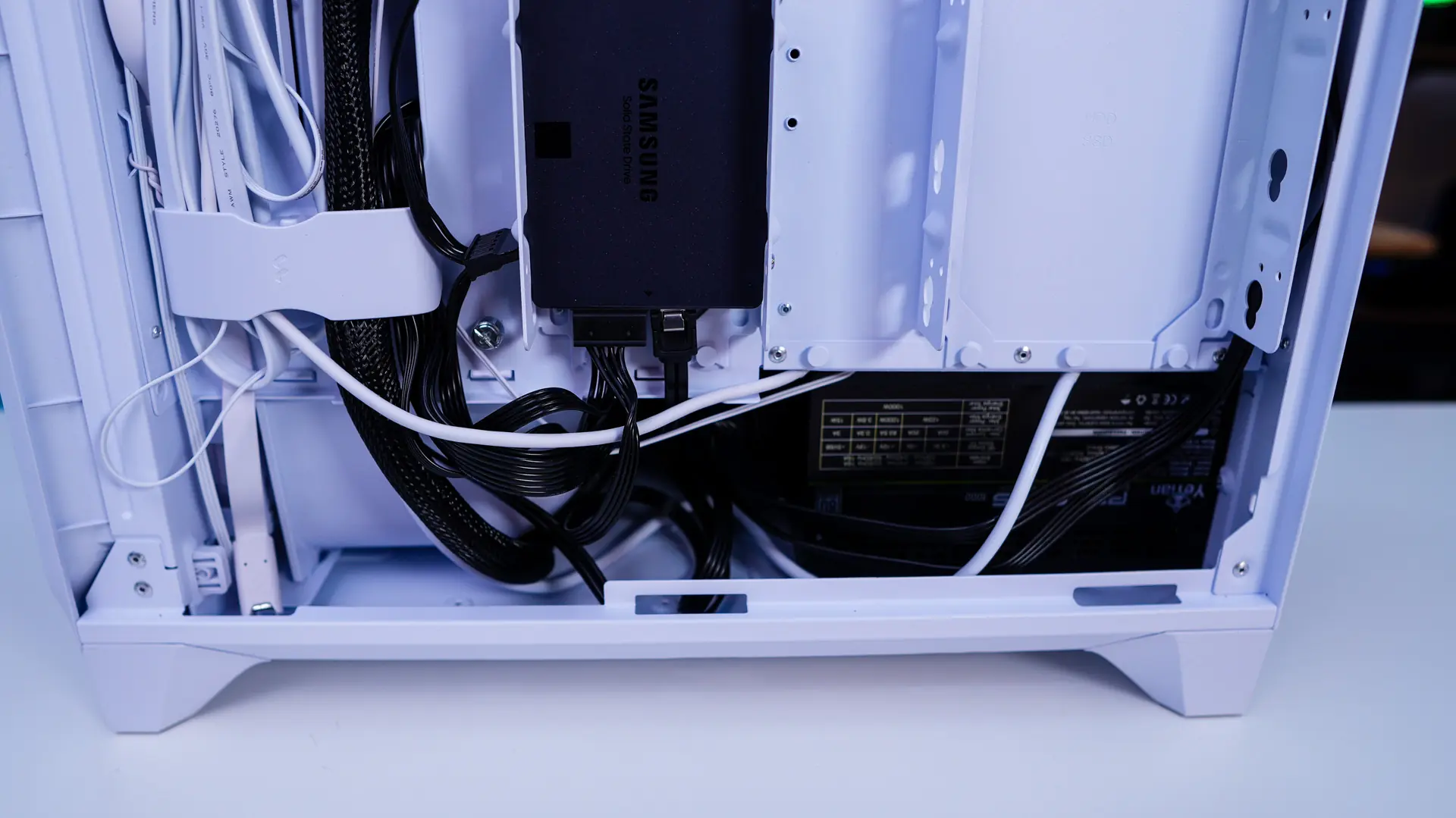
With everything cleaned up on the backside of the case the main side is extremely clean as well!
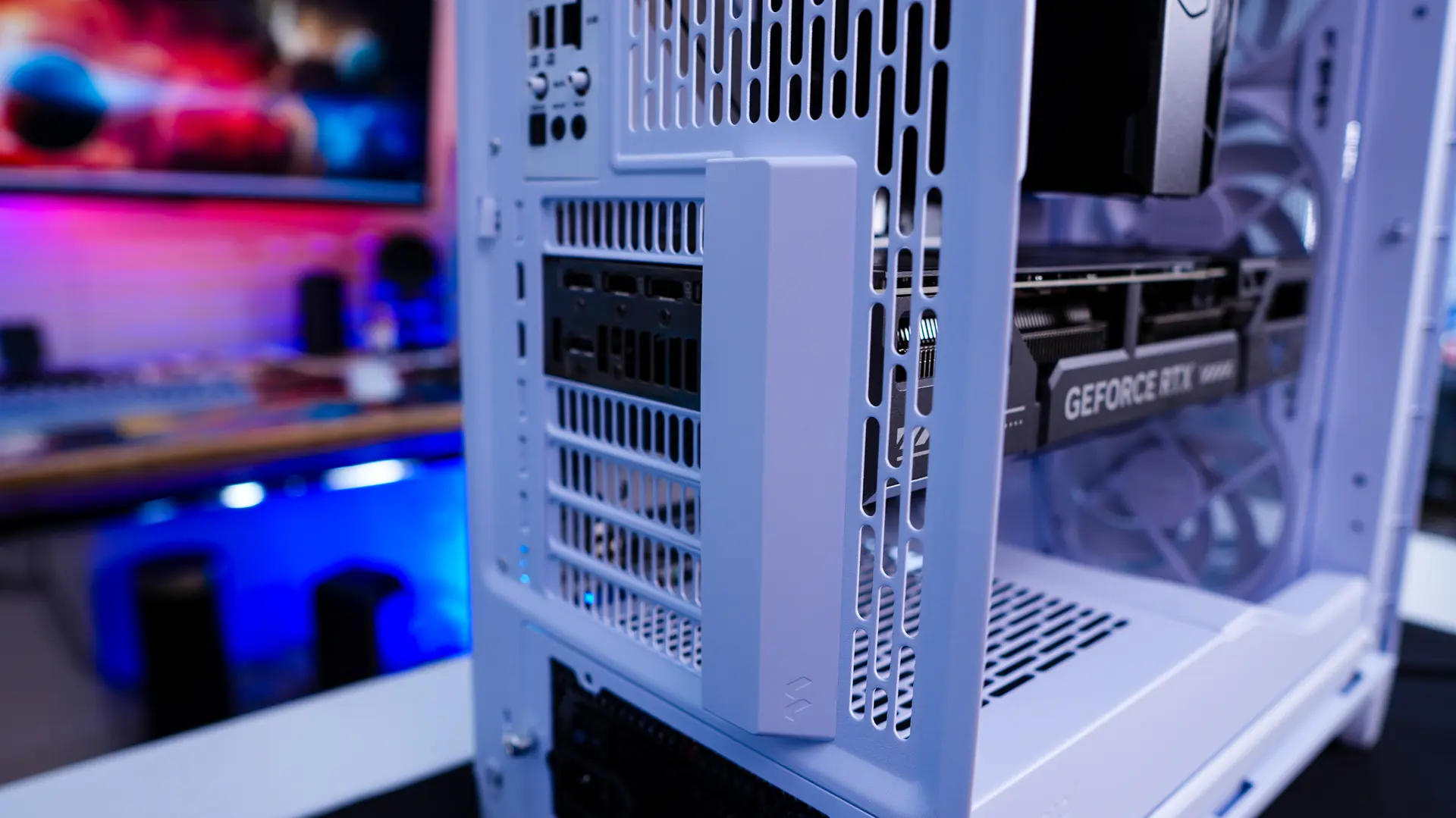
It is also worth noting that there are velcro ties on the outside of the case at the back to keep everything tidy!
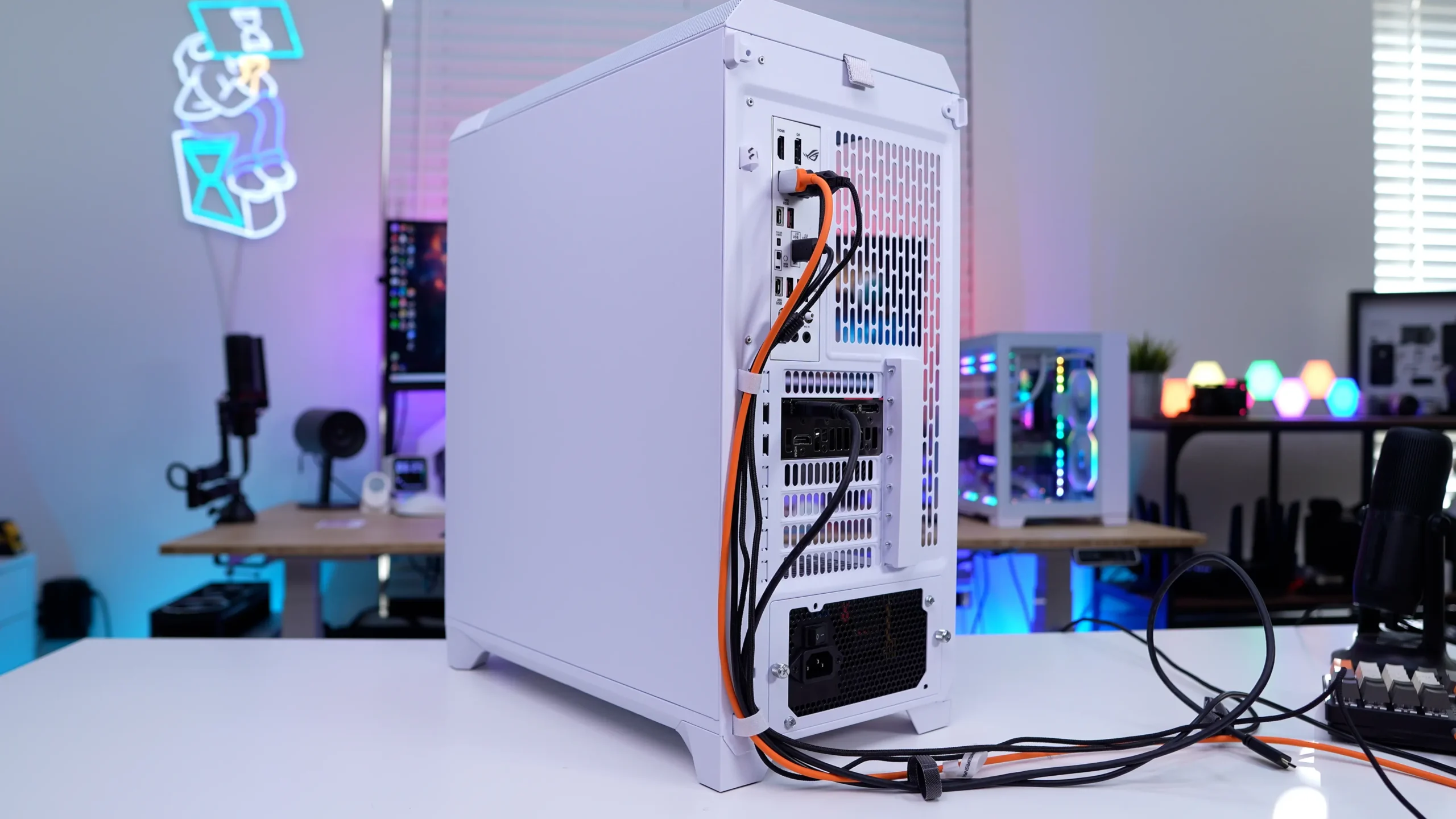




The air holes/slots on the back panel seem quite large compared to most.
Great for airflow but not so good for dust resistance.