Fractal Design Pop 2 Vision Case Overview
Before we take a look at the Pop 2 Vision let’s go over the different versions. At launch Fractal Design will be offering three different versions. A Pop 2 Vision Black which is black and features four non-RGB fans. Then you have the Pop 2 Vision Black RGB which is black and features four RGB fans. Finally there is the Pop 2 Vision White RGB, which is the white version of the case with RGB fans.
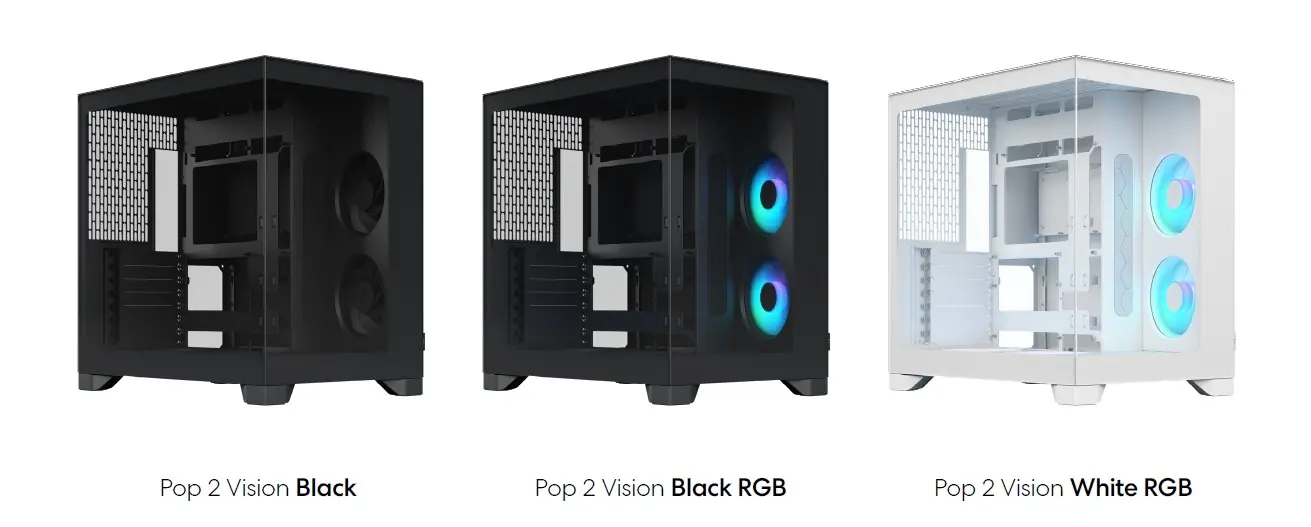
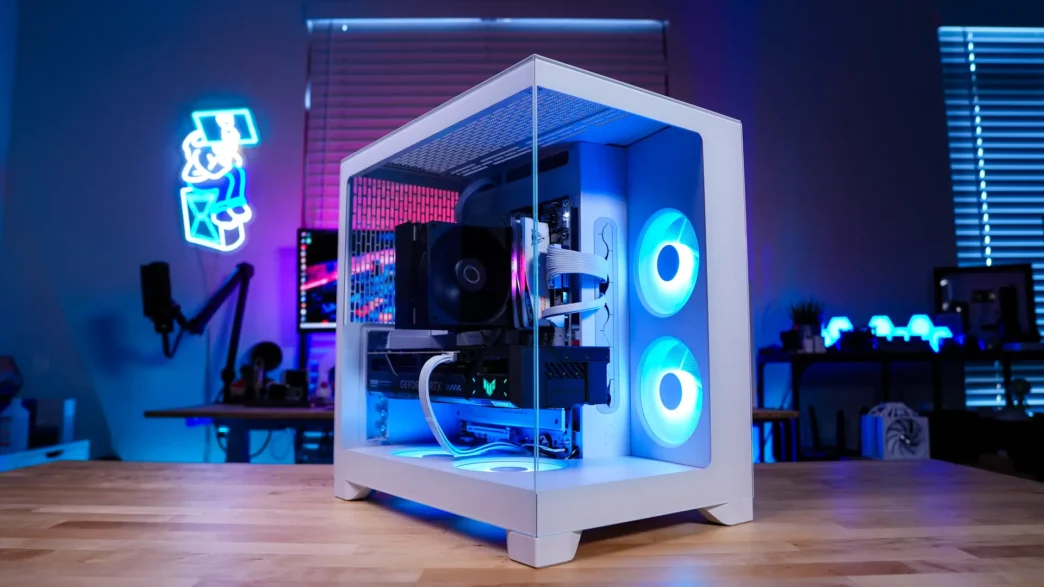
We received the White RGB version of the Pop 2 Vision. In terms of size I would call this a compact mid-tower, which has become extremely popular in the past few years as it still will fit full-size hardware, but does not take up a whole lot of space. The official dimensions of the case are 434 x 297 x 441 mm (LxWxH).
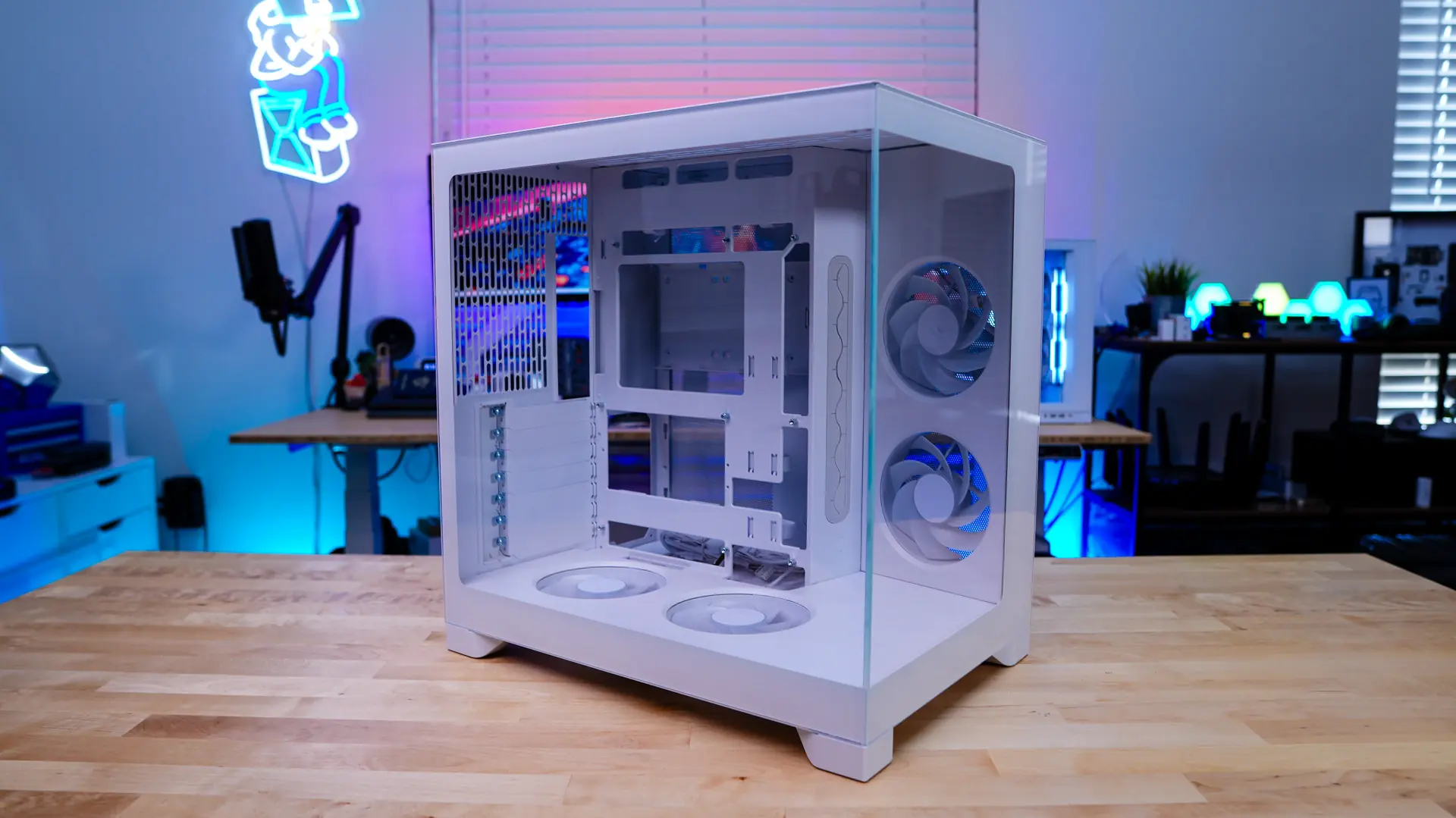
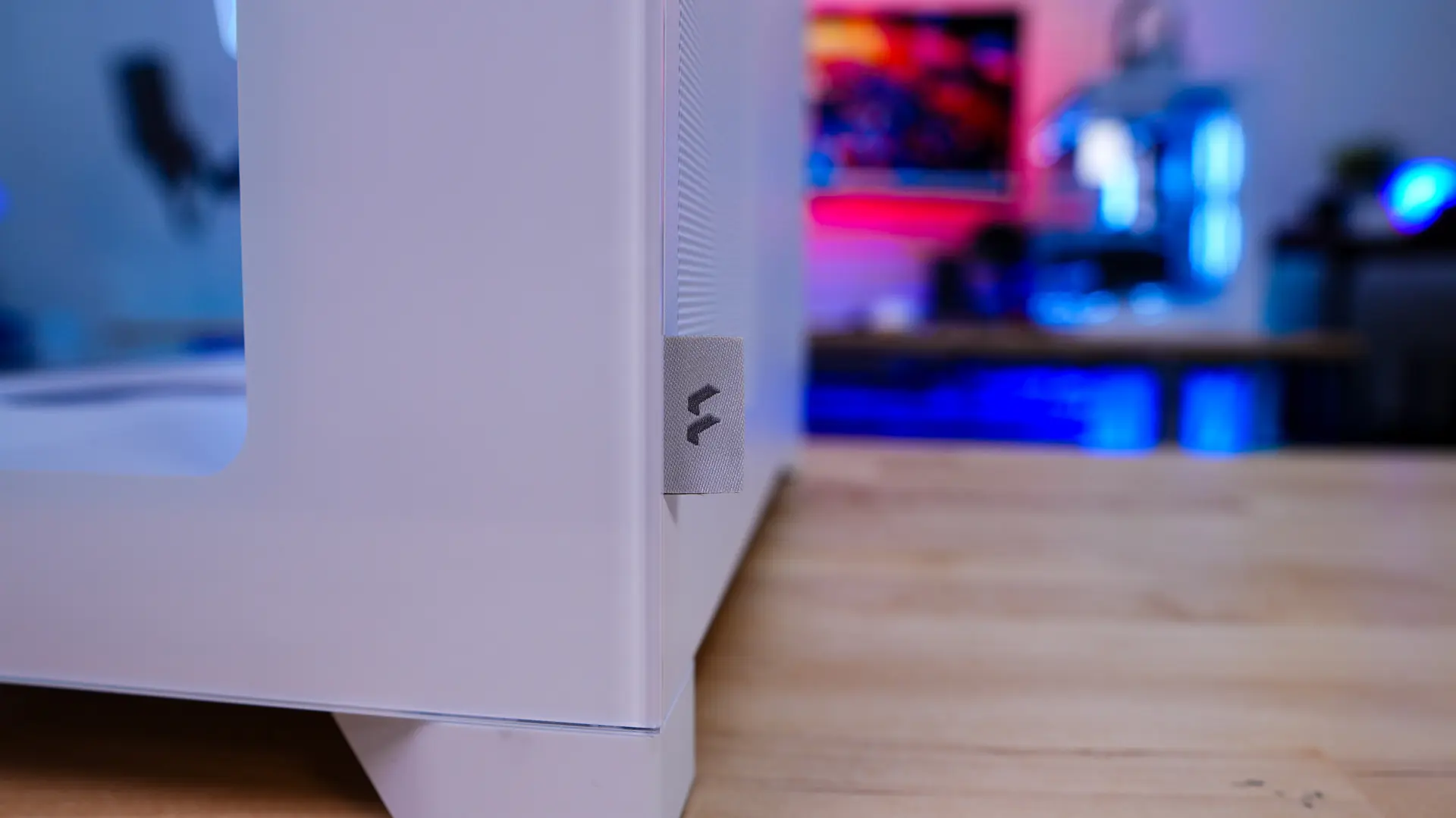
Starting at the front of the case we have our first clear tempered glass panel. This panel gives you a direct look into your system from the front. As a nice little addition there is a fabric tab towards the bottom of the front of the case with the Fractal Design logo.
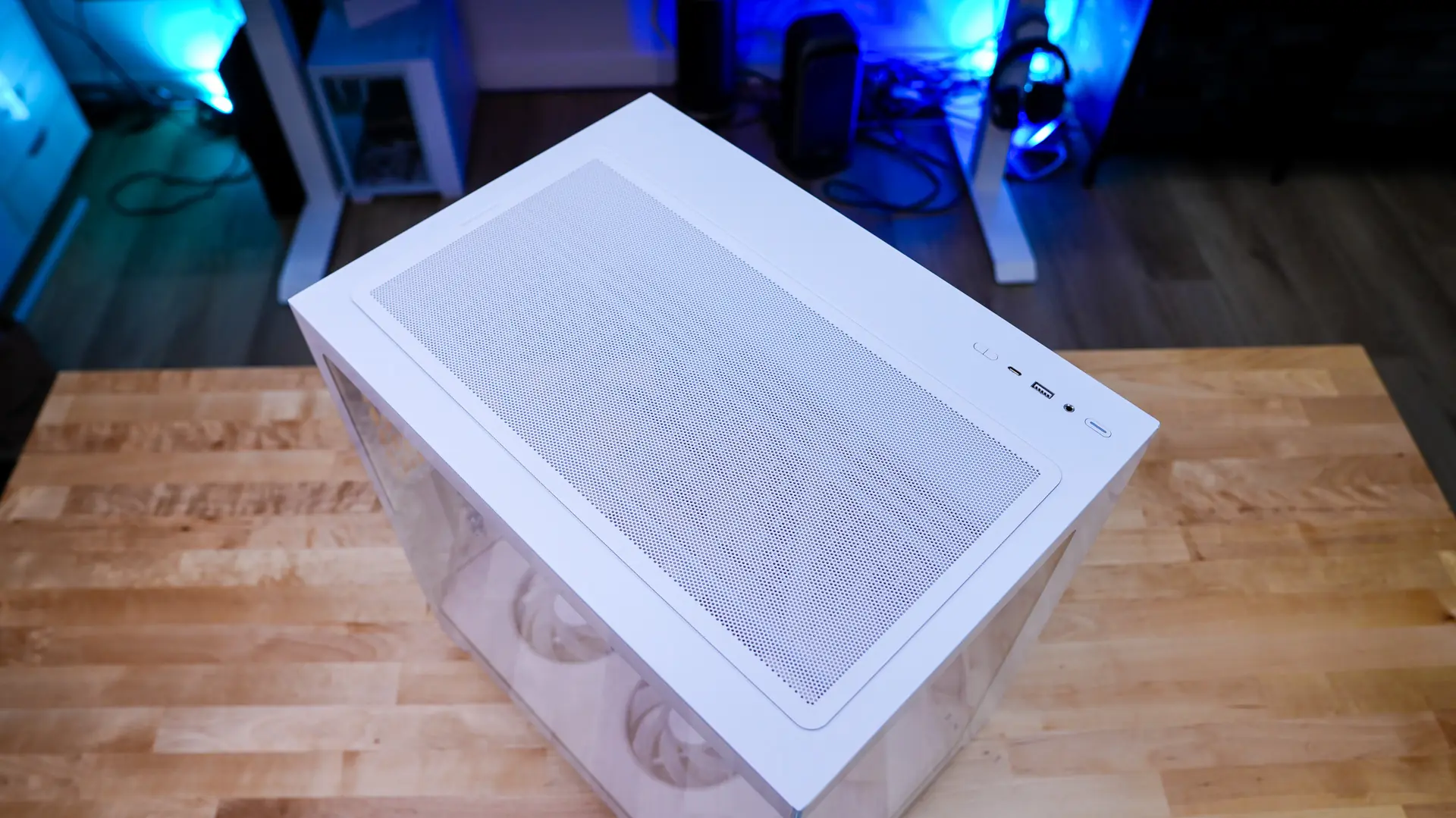
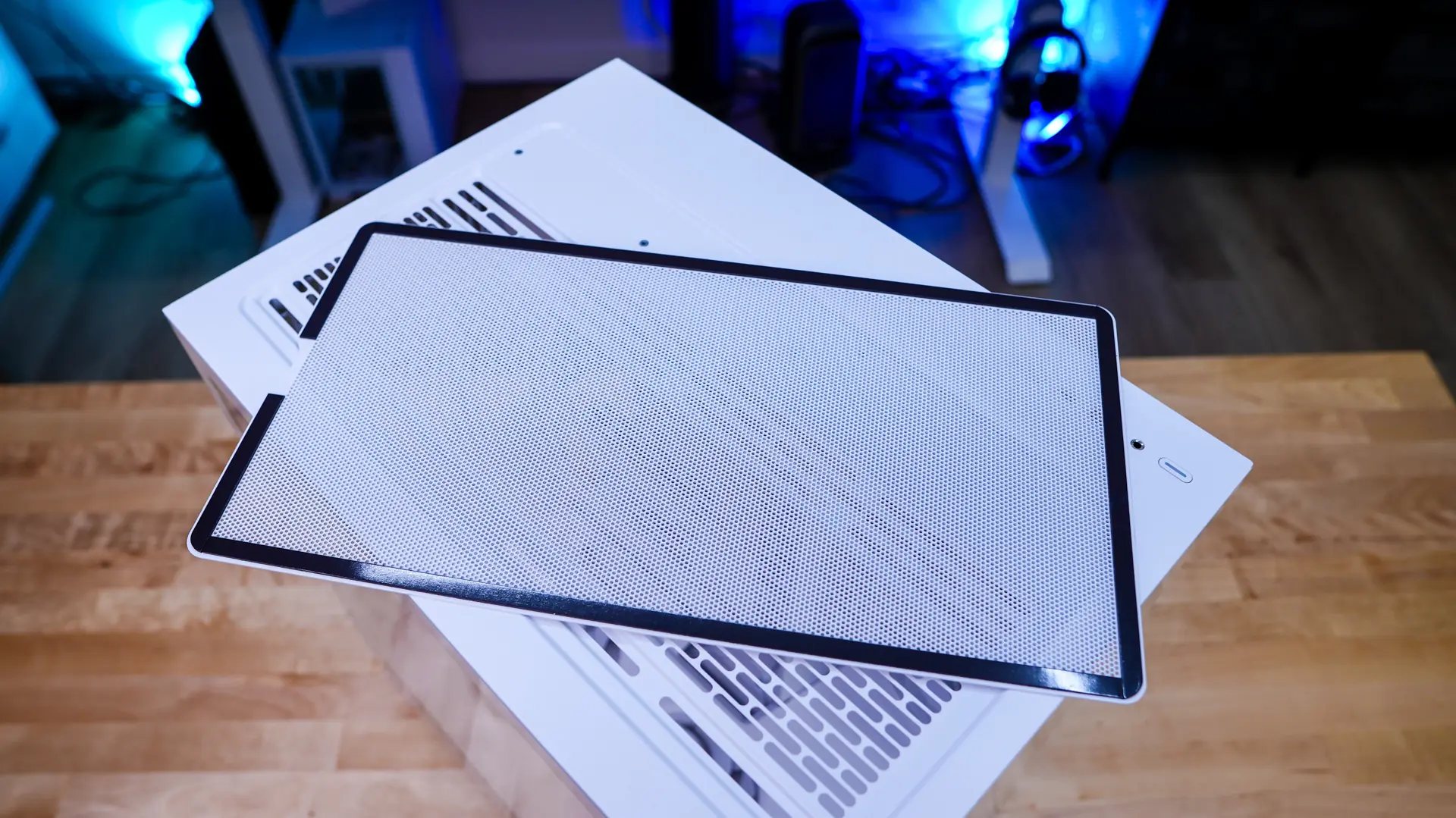
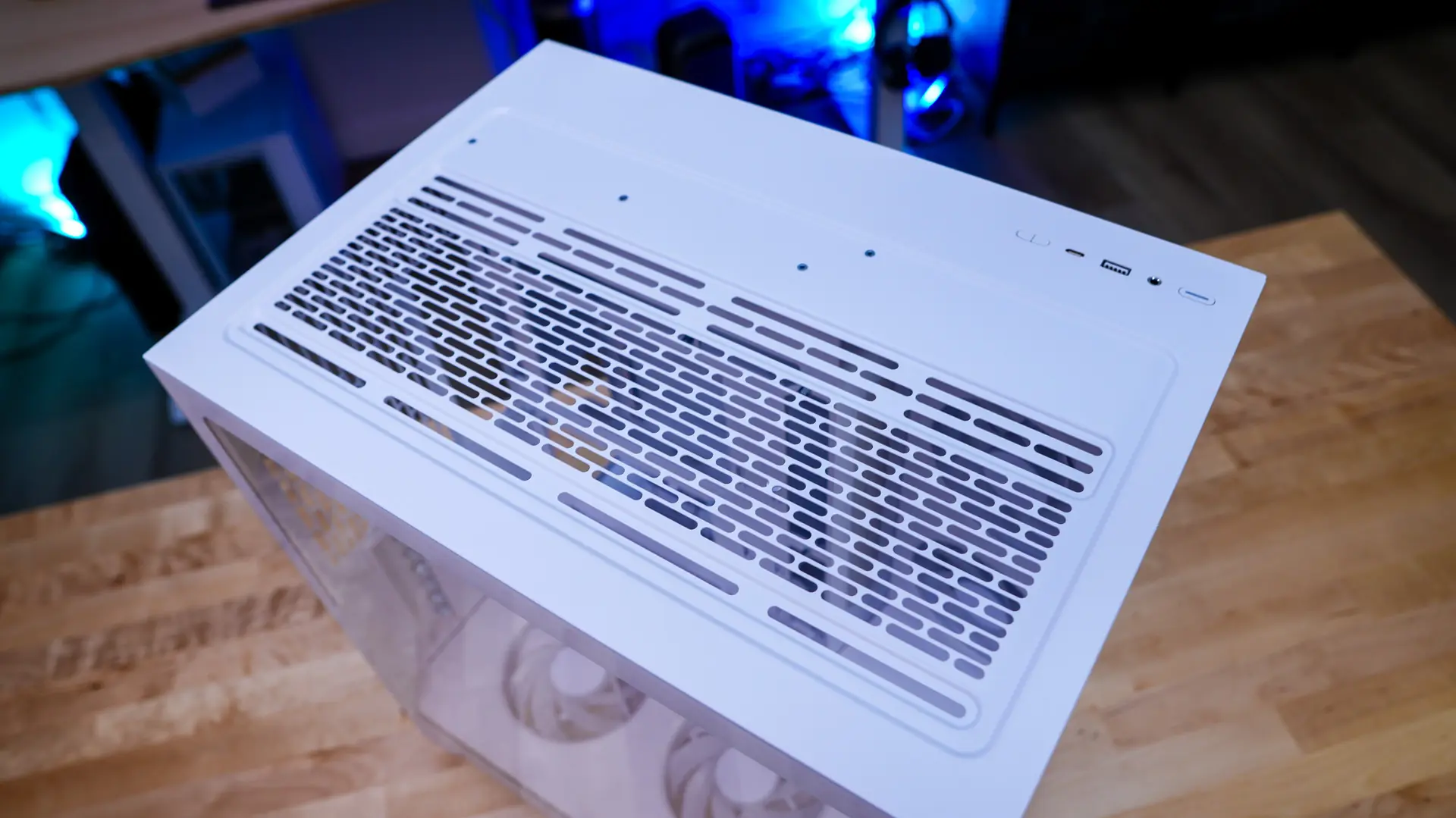
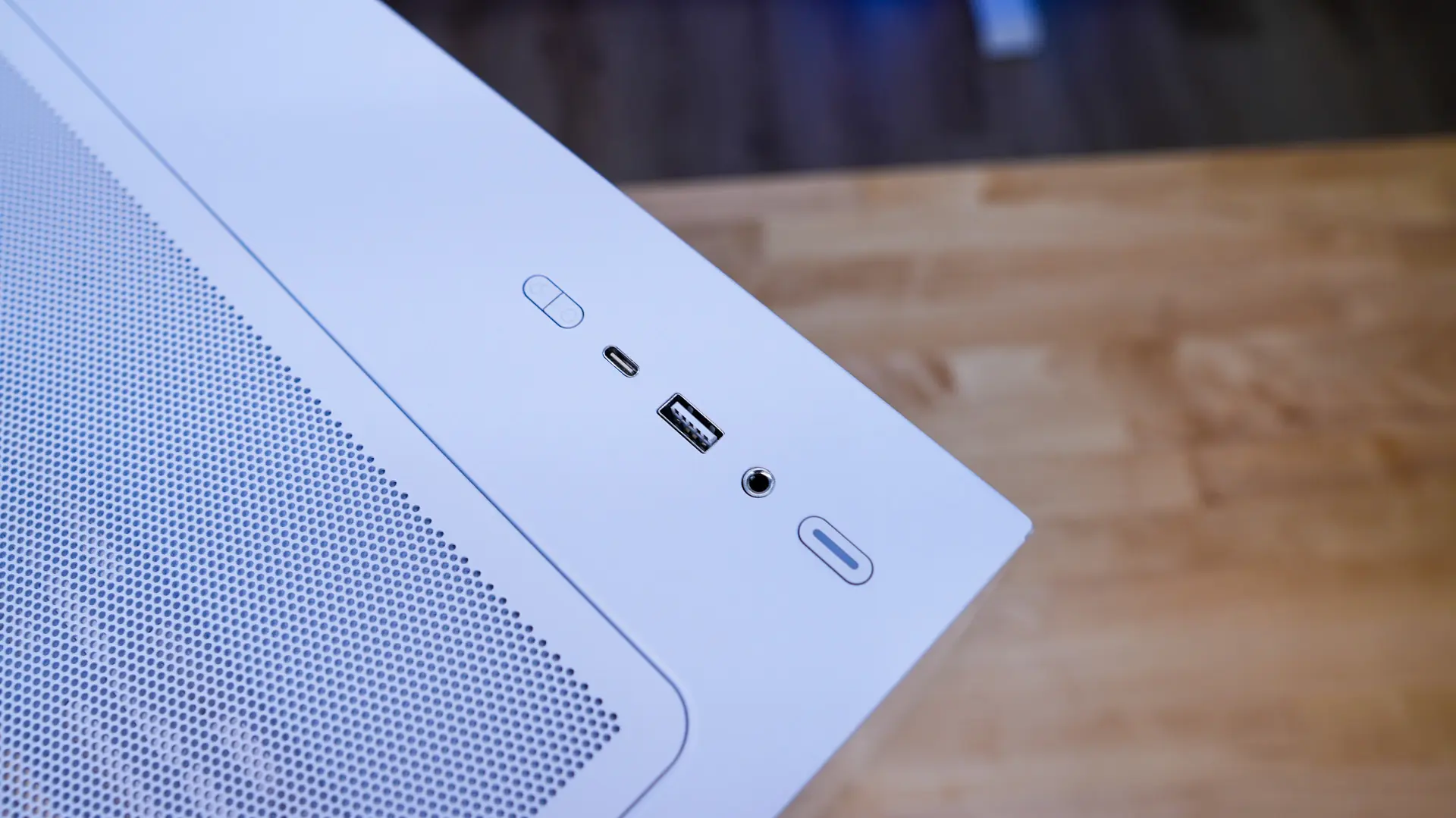
Moving up to the top of the case we have a large ventilated section and our buttons and connections. Unlike other cases that have mesh filters, Fractal Design is using a metal filter. It is held on to the top of the case with magnets. With the filter removed we can see a cooling bracket. This bracket will support three 120mm fans, or two 140mm fans, as well as radiators up to 360mm. When it comes to the connections and buttons you have a large power button, combo 3.5mm audio jack, a USB-A and USB-C USB 3.0 ports, and two small buttons to control the RGB lighting on the fans.
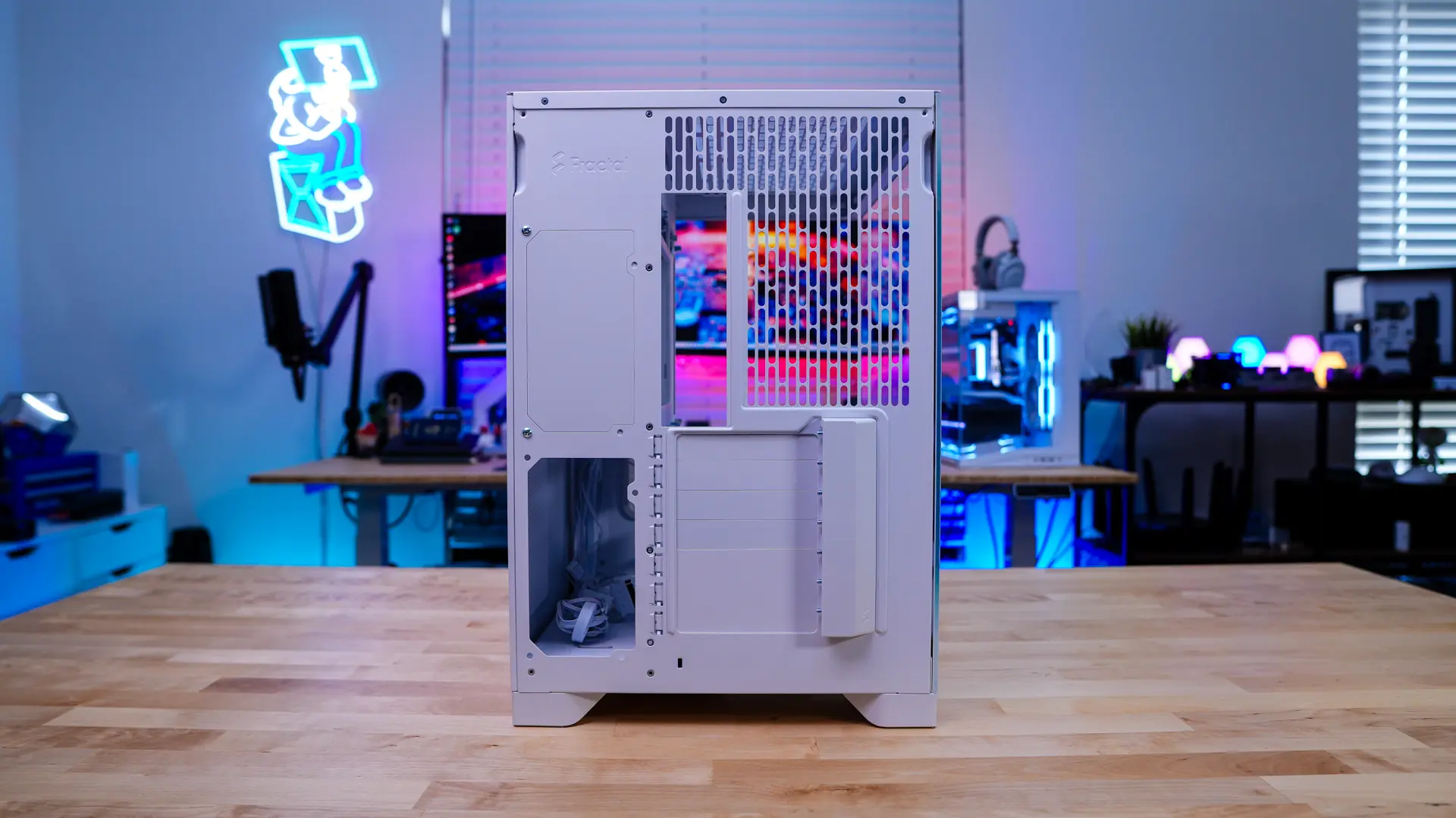
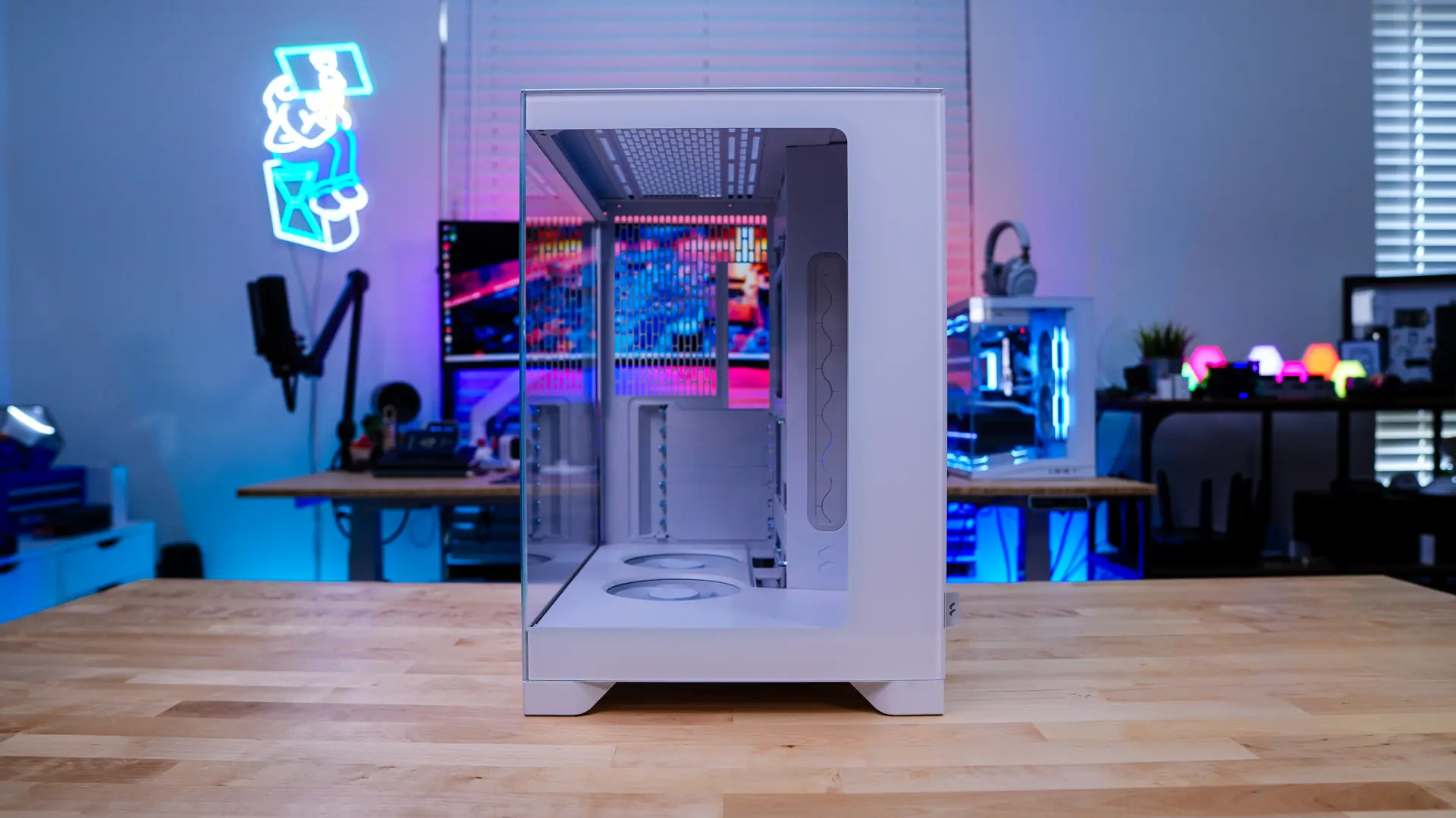
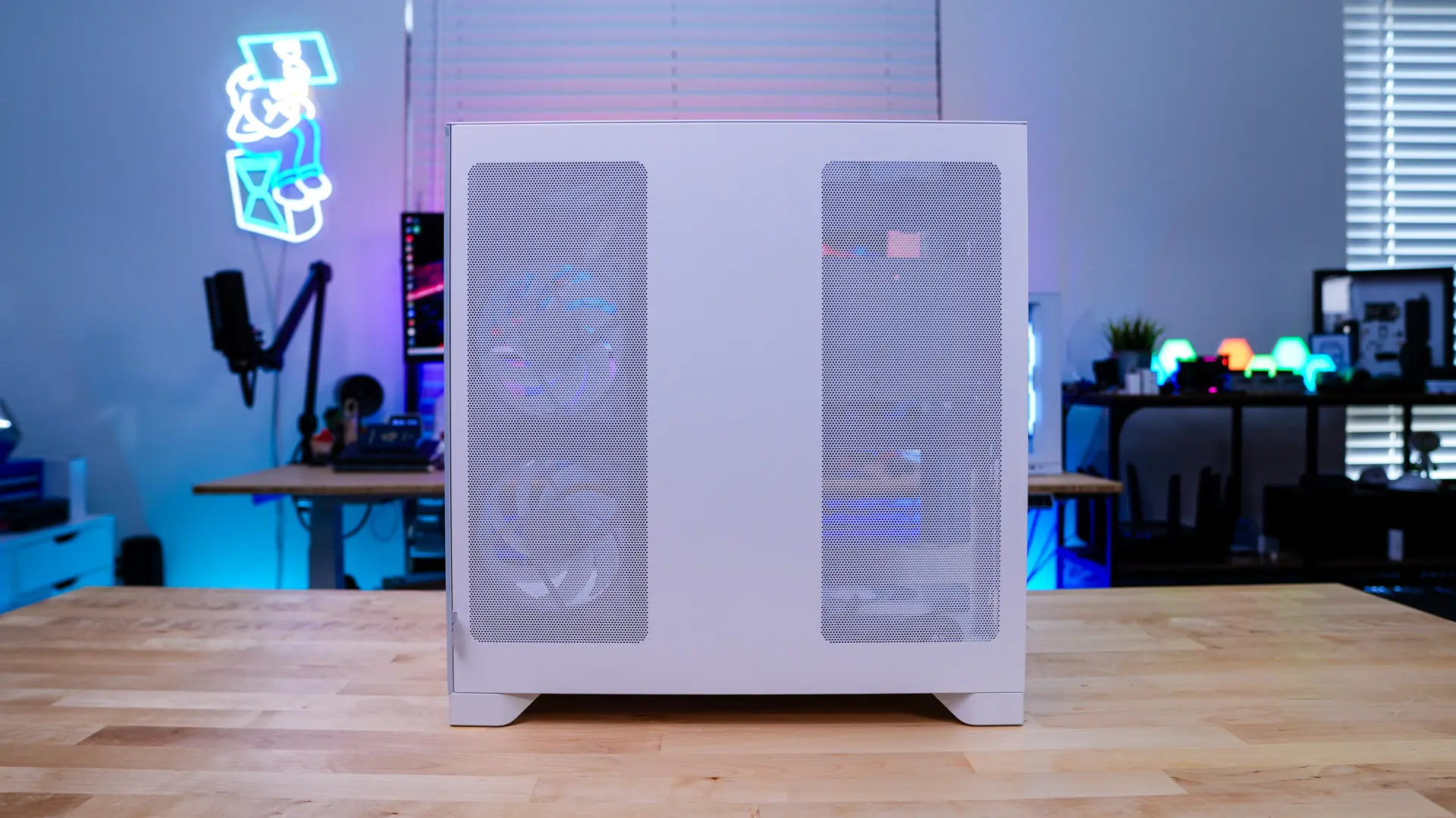
The main side of the case features another clear side panel. This allows you to fully show off your system and you can see this is a pillar-less design. The opposite panel is a steel panel, but it does feature ventilation for your side-mount cooling as well as where your power supply will be.
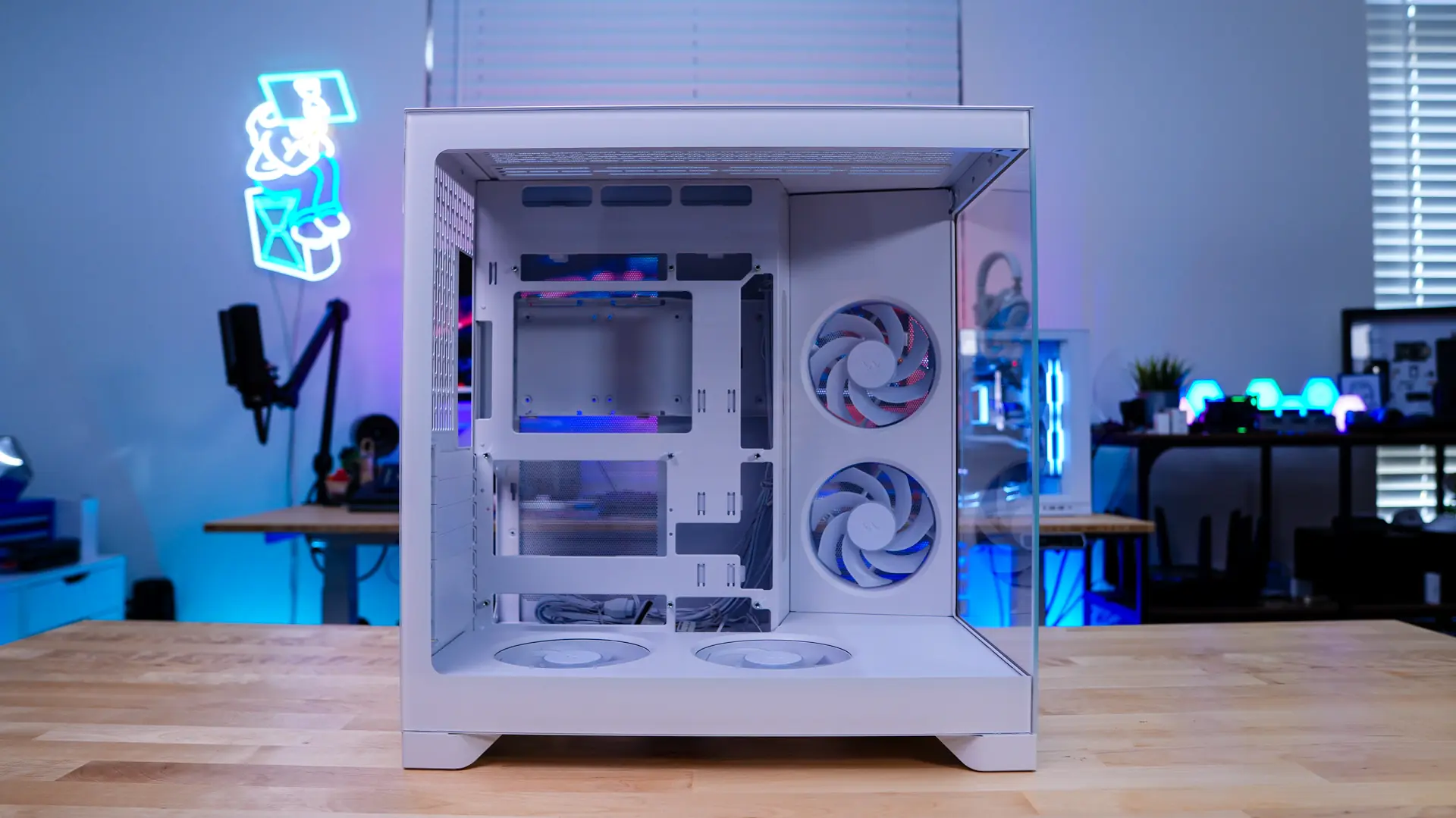
Coming to the back of the case we can see the daul-chamber design. On the right side we have our motherboard mount, ventilation, and a place for a 120mm fan. On the left side is going to be your power supply mount. There are actually two mounts as you can move your power supply depending if you are using a back-connect motherboard or not. More on that once we get inside the case.