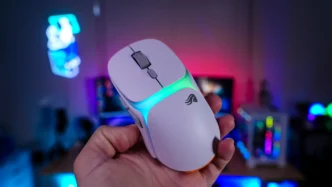
Glorious Model O3 Wireless Mouse Overview
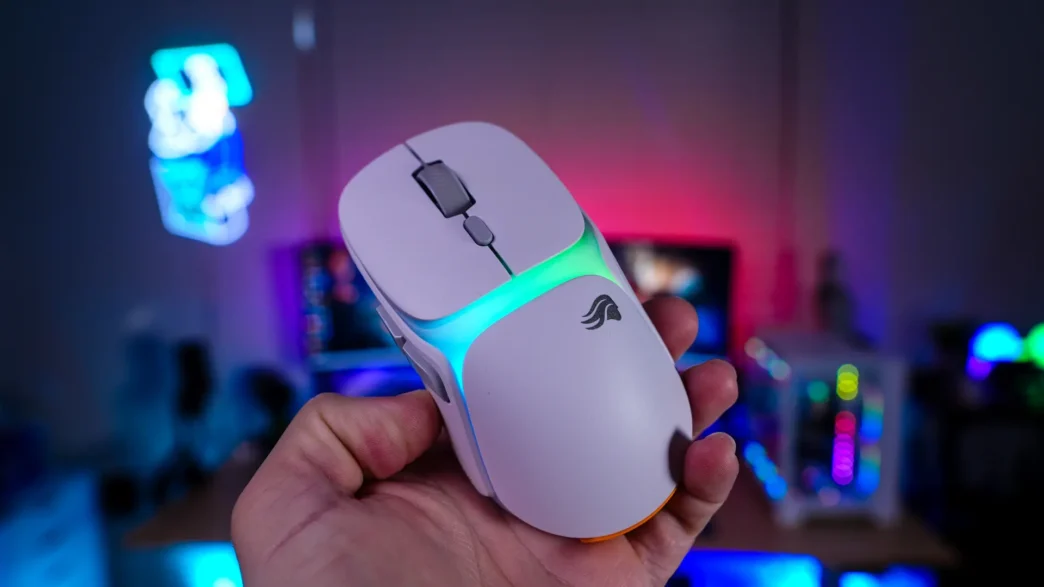
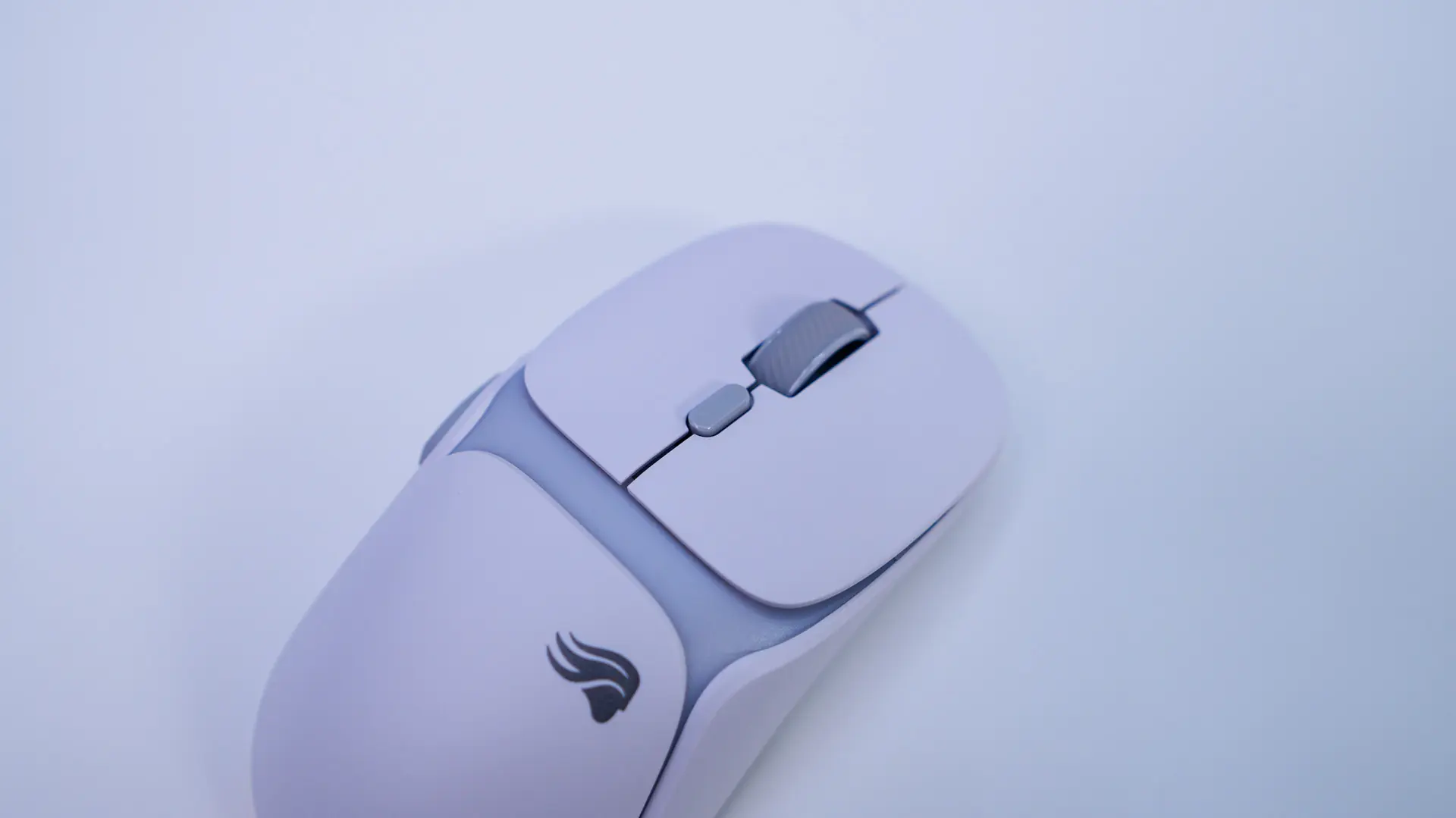
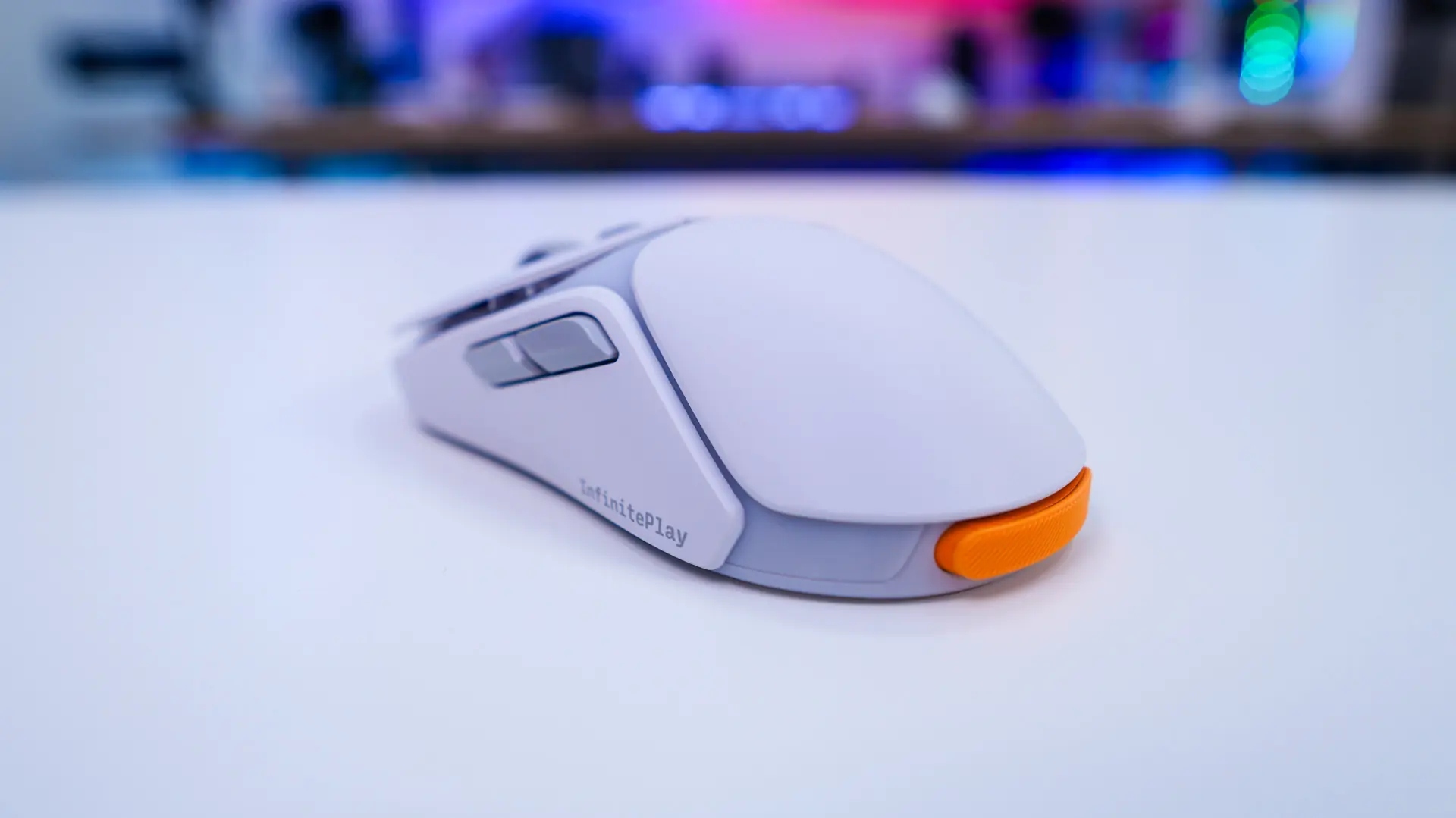
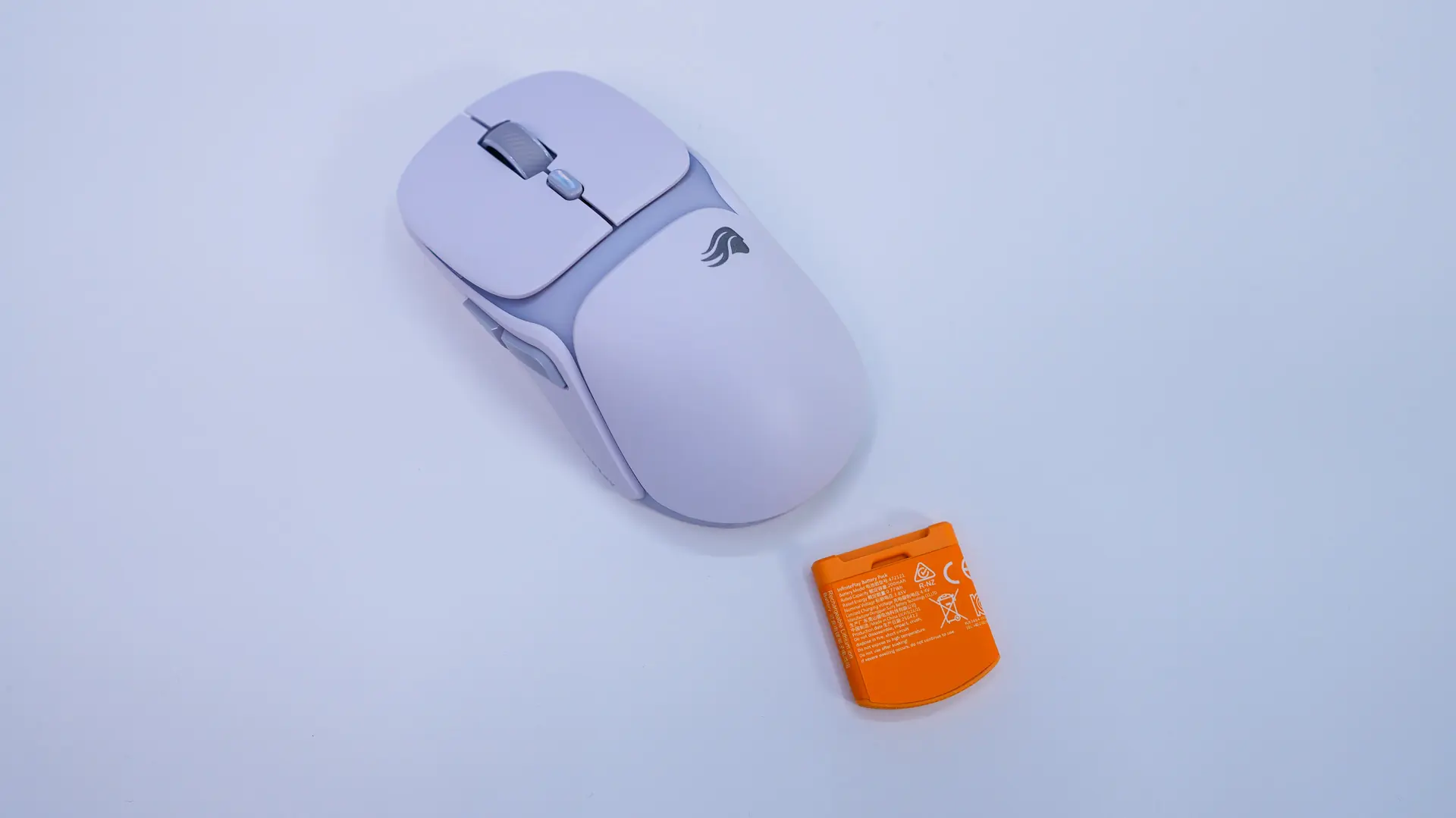
Taking a first look at the Model O3 it is going to be your right-handed symmetrical mouse. If you wanted something more ergonomic they do offer the Model D3. We received the white version of the mouse that has pretty much an all-white design with some of the buttons and scroll wheel being grey.

The overall design of this mouse is quite interesting. The best way to explain it is there is a central shell with panels for each individual part of the mouse. It definitely gives this mouse an interesting look, especially compared to the single-shell designs we’ve seen lately. This is still going to be considered a lightweight mouse at only 66 grams (with the battery installed).

We have our two main mouse buttons on the mouse with a DPI button in the center and of course our scroll wheel. The scroll wheel is wrapped in rubber so it is going to have a good grip. The two main buttons are powered by magnetic switches which are rated for 130 million clicks.
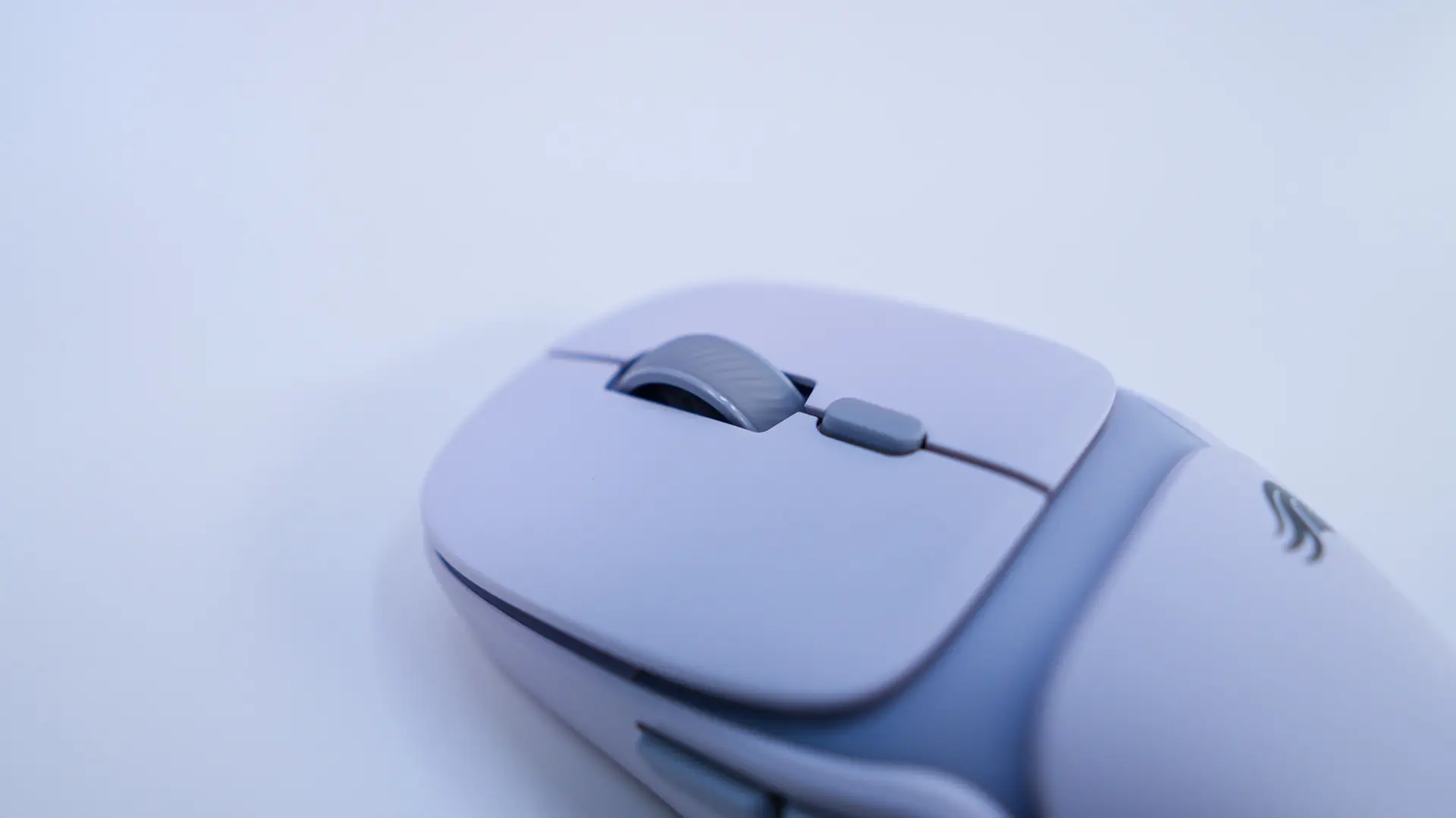
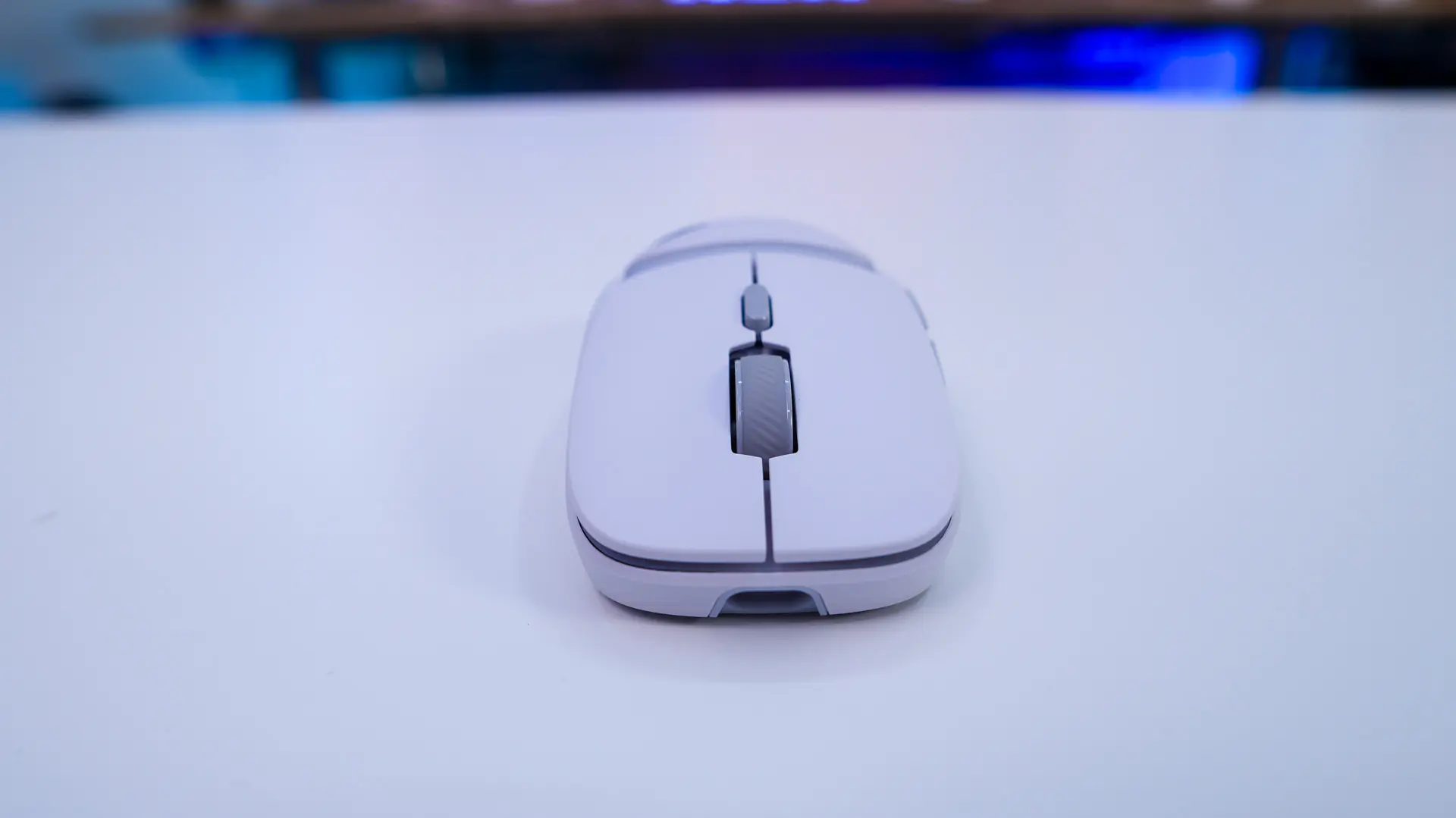
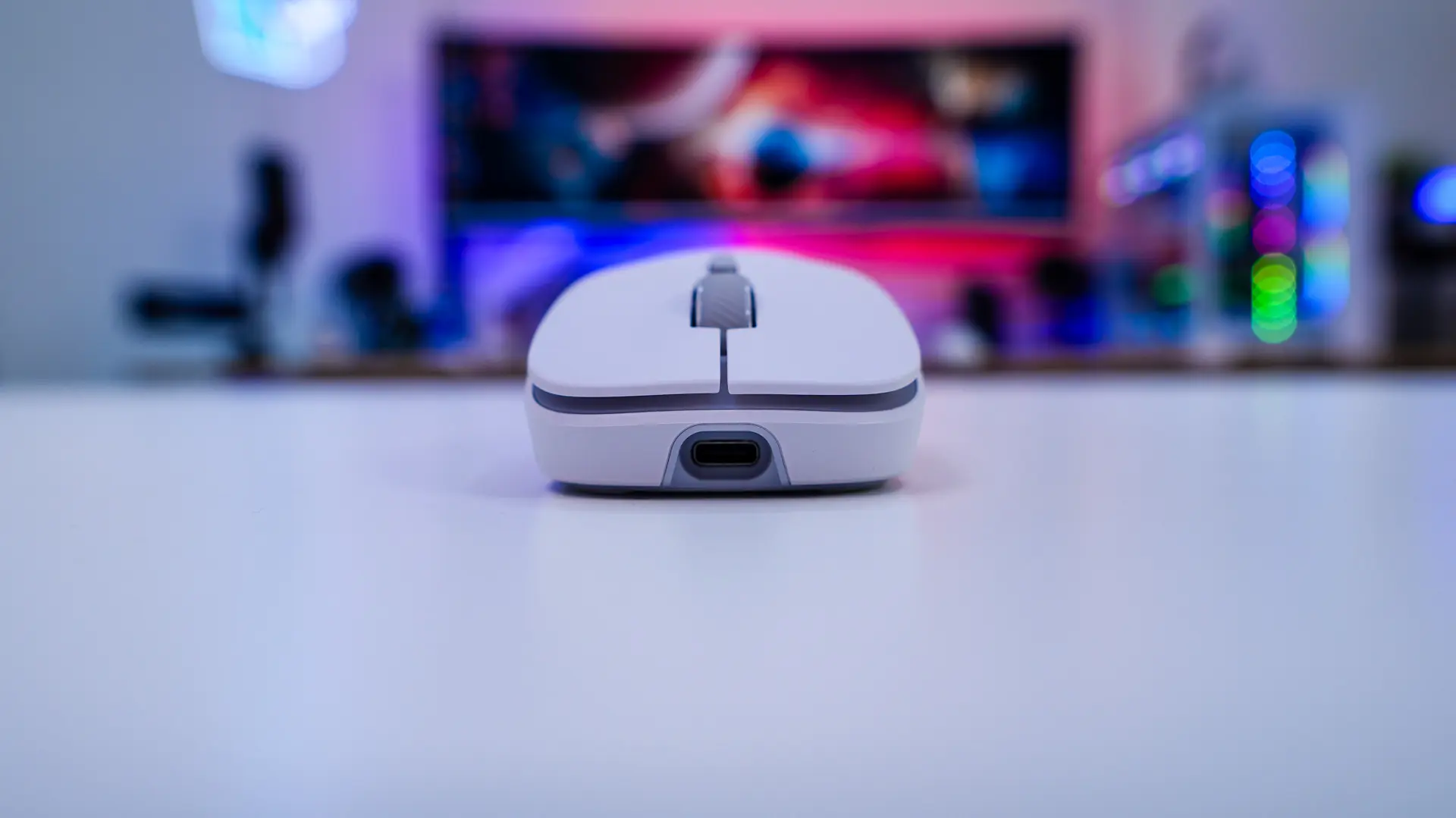
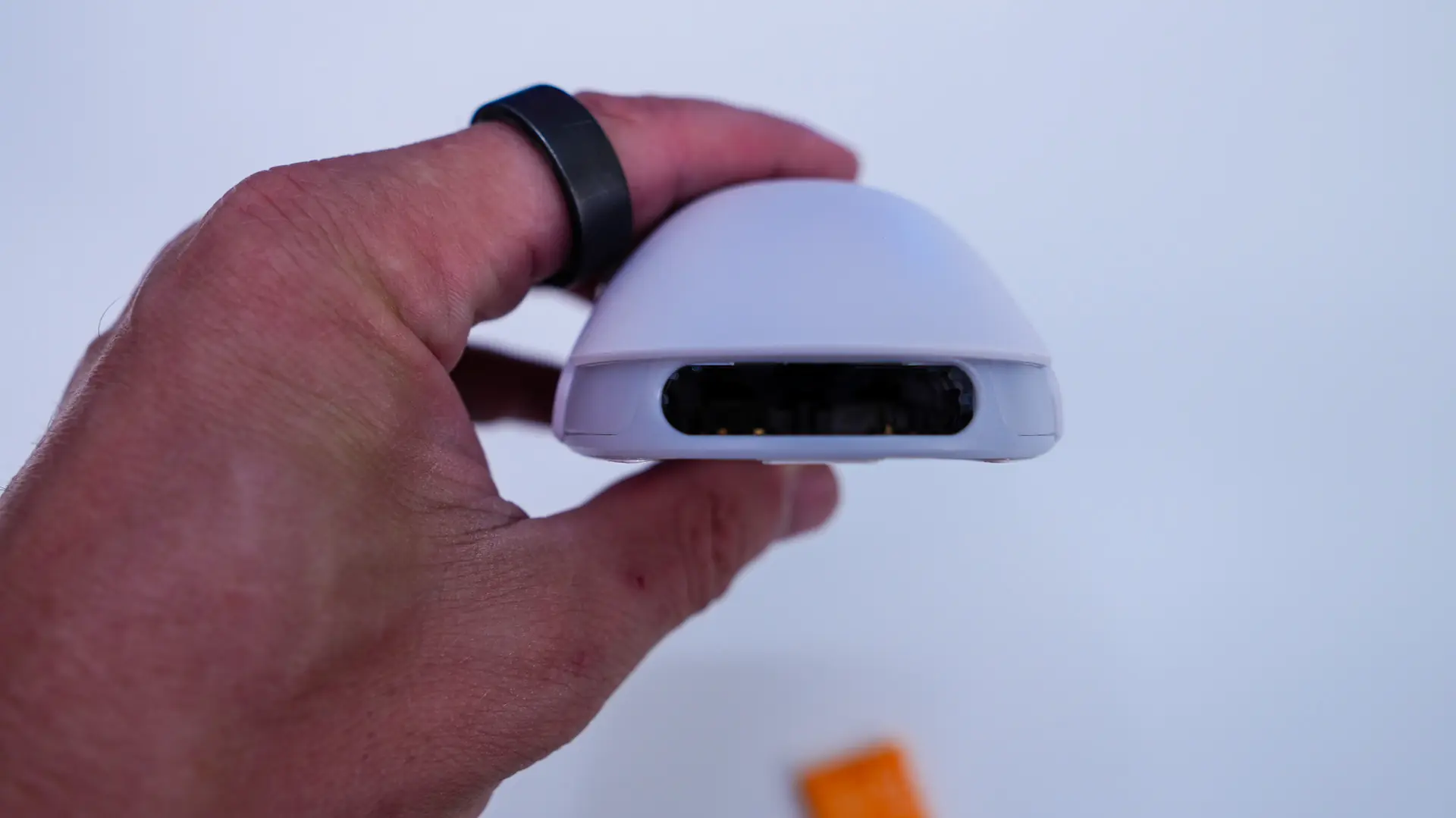
If we take a look at the front of the mouse we can see the slope of those two buttons. There is also a USB-C connection to charge the mouse up and use it in wired mode.
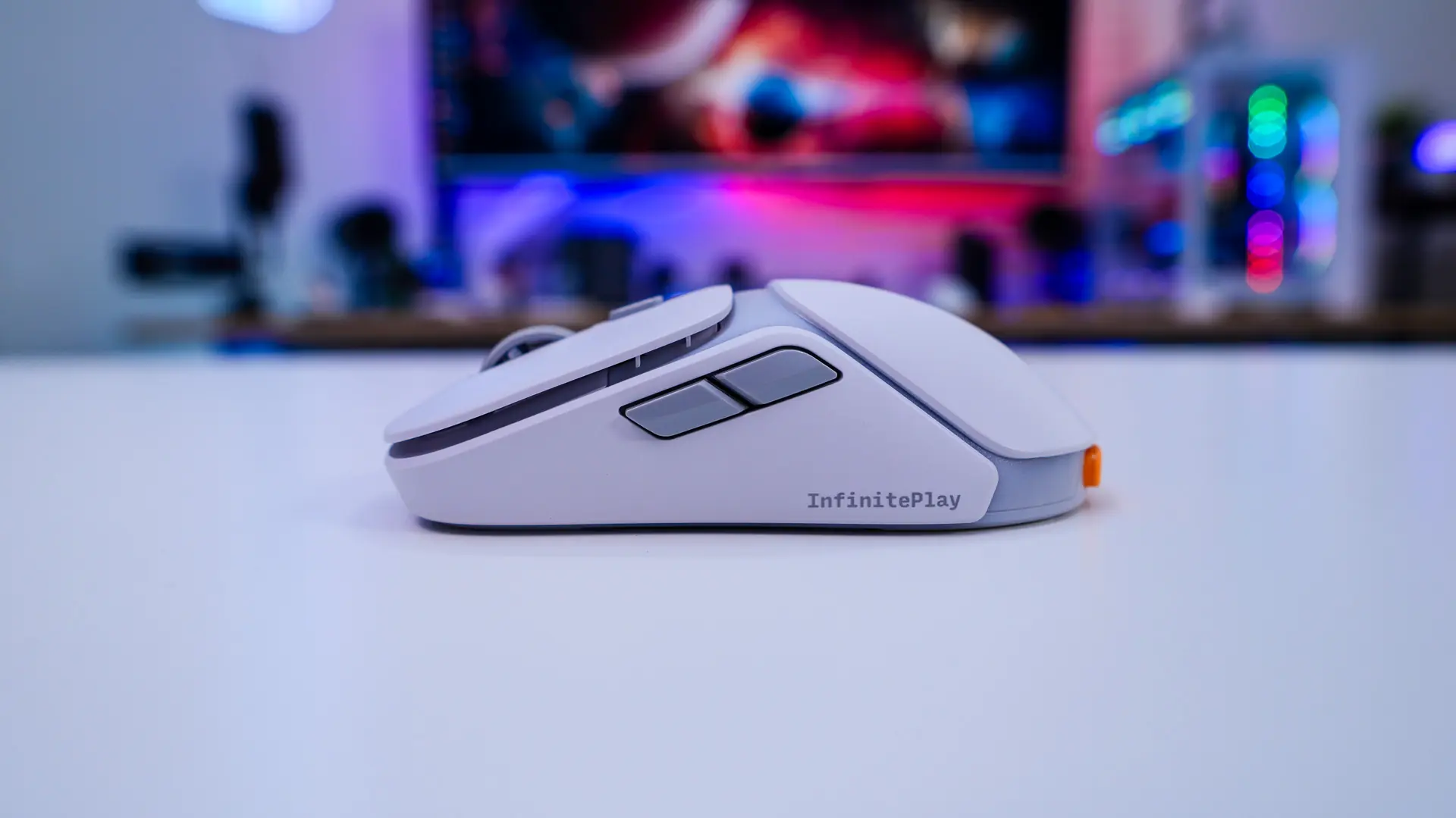
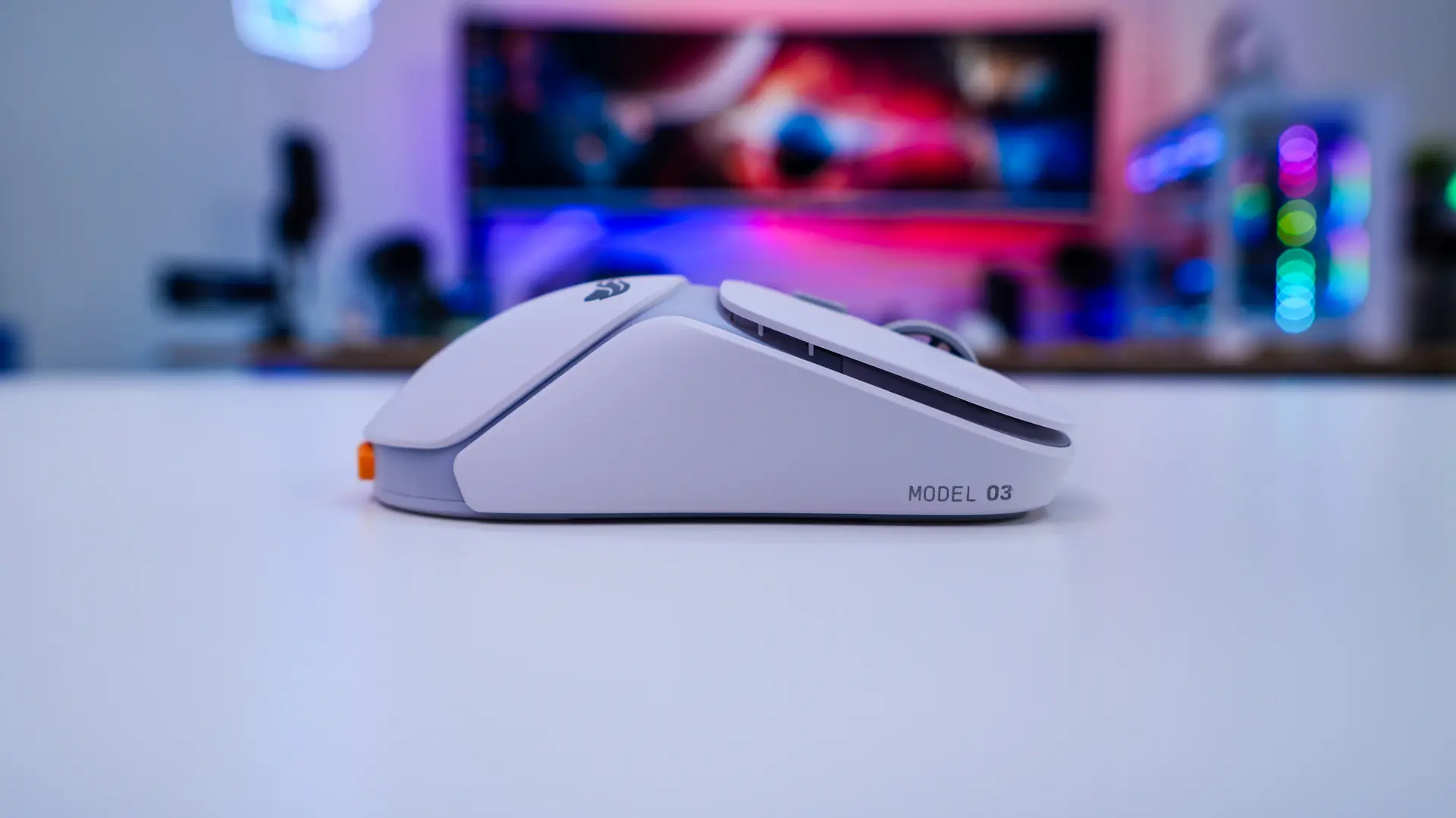
On the left side of the mouse there are two buttons, which do sit out pretty far from the frame of the mouse. The opposite side of the mouse is pretty plain. It is worth noting that there are no grips or anything like that included with the mouse.
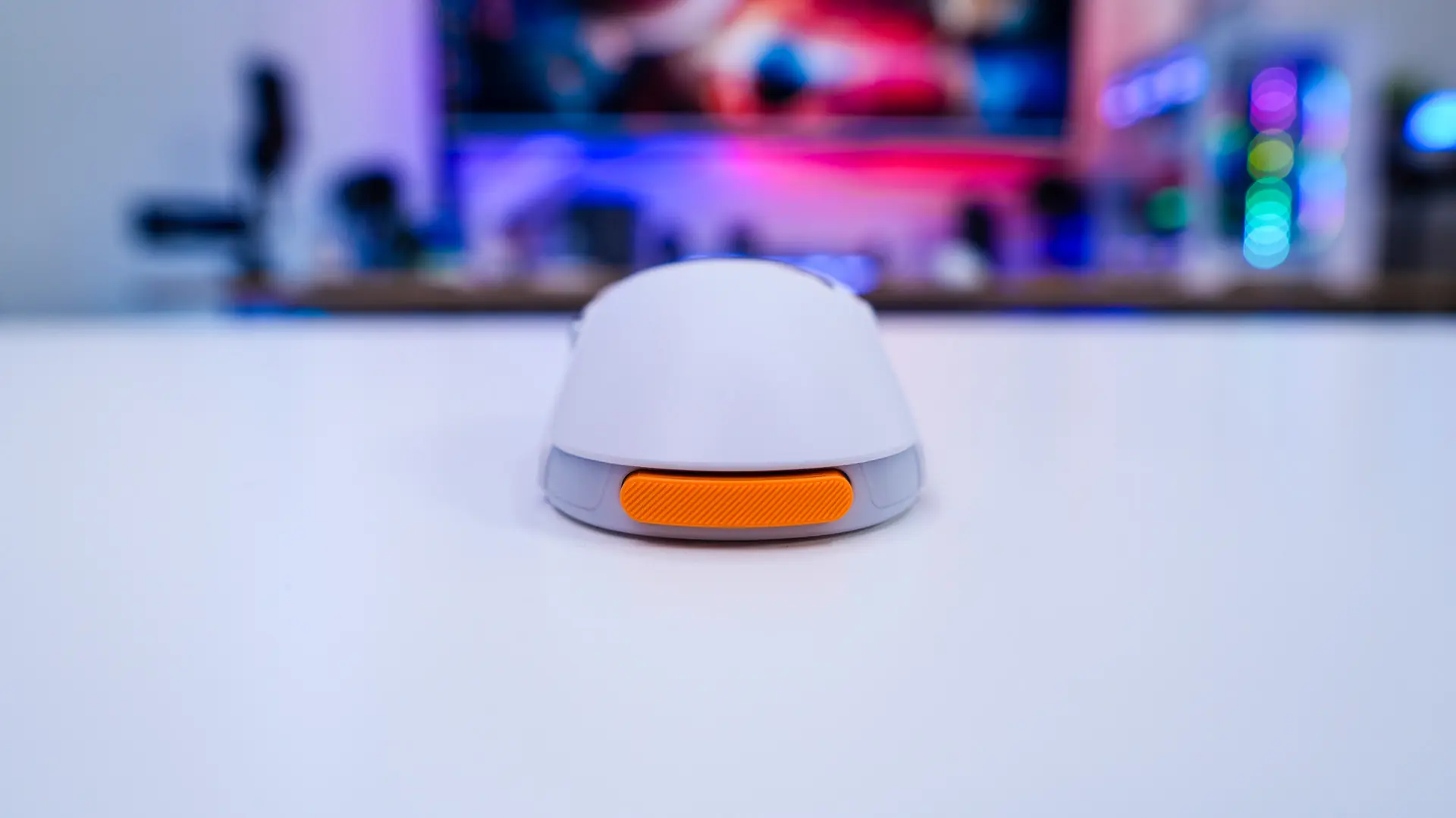
In the palm rest or back edge of the mouse is where you’ll find the swappable battery. These simply slot into the opening in the back of the mouse. Each one of these batteries is 200 mAh and there is also a battery in the mouse itself so the mouse actually does not even disconnect when you are swapping batteries.
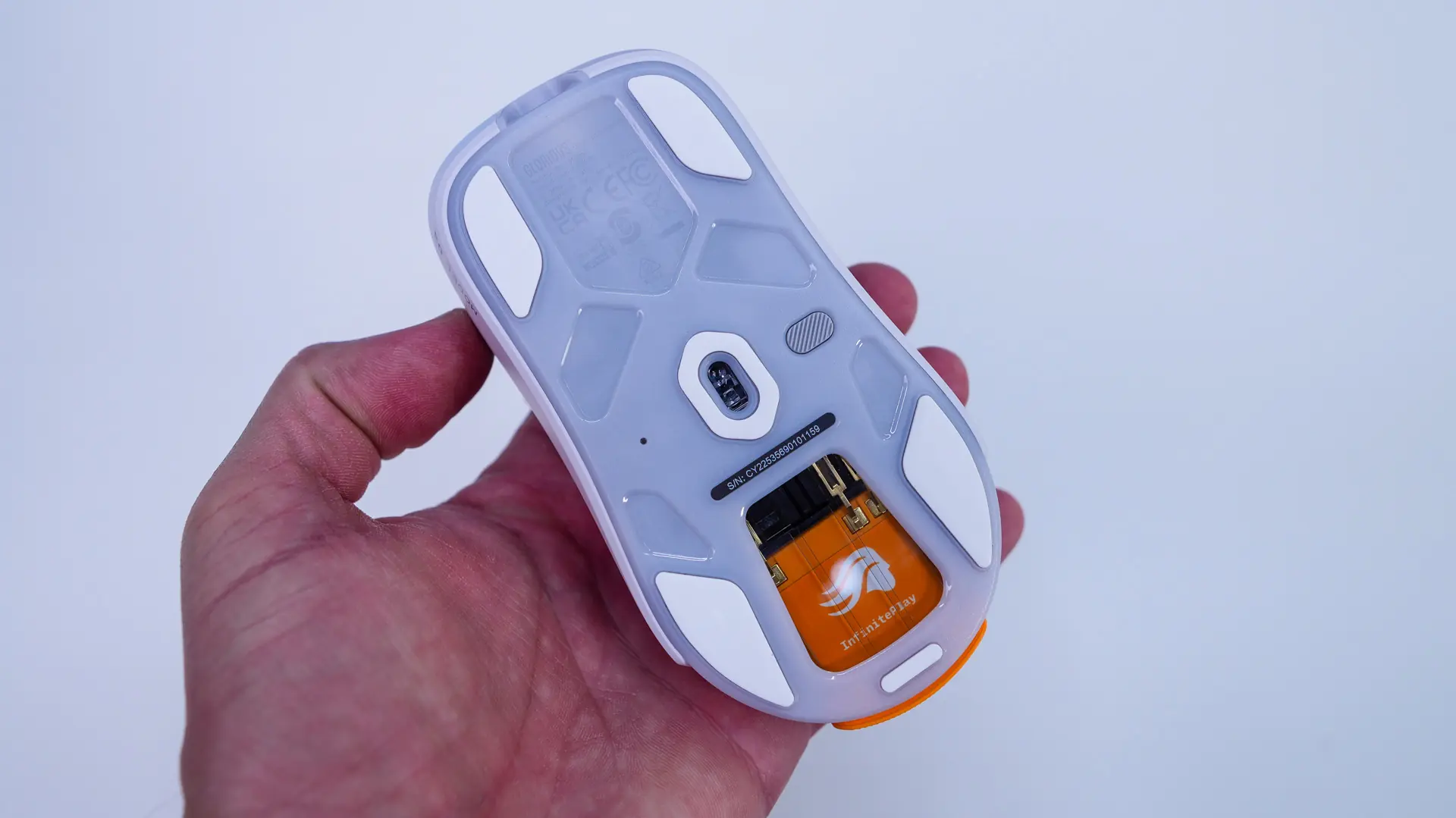
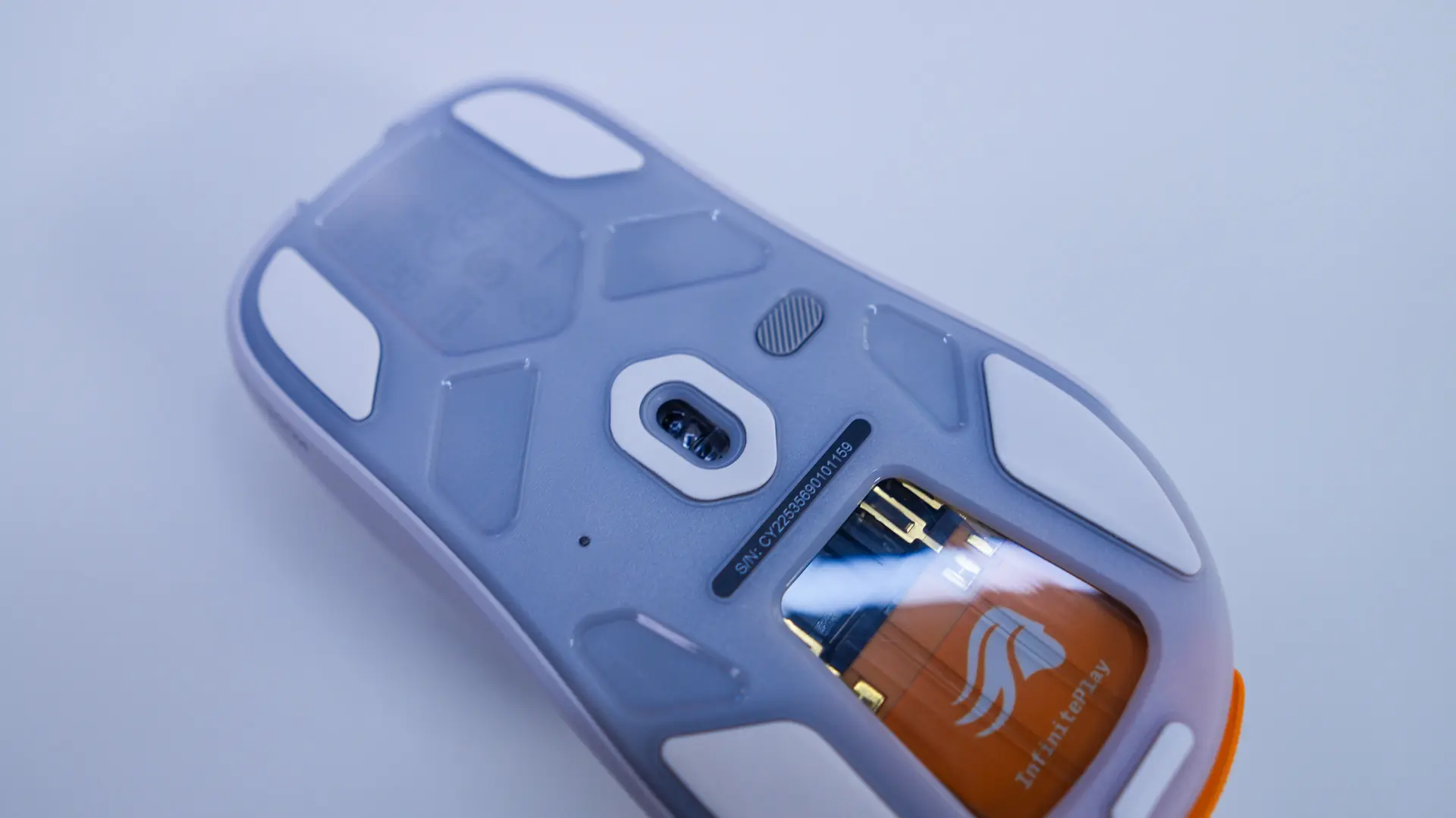
Flipping the mouse over we can see we have 5 mouse feet on the bottom which will help it glide effortlessly across your gaming surface. In the center is going to be the sensor which is the Glorious BAMF 3.0 optical sensor which offers a 30K DPI, 750 IPS and 50G acceleration. Right next to it is a small button that powers the mouse on and off. Finally there is window that shows that the swappable battery is fully inserted.
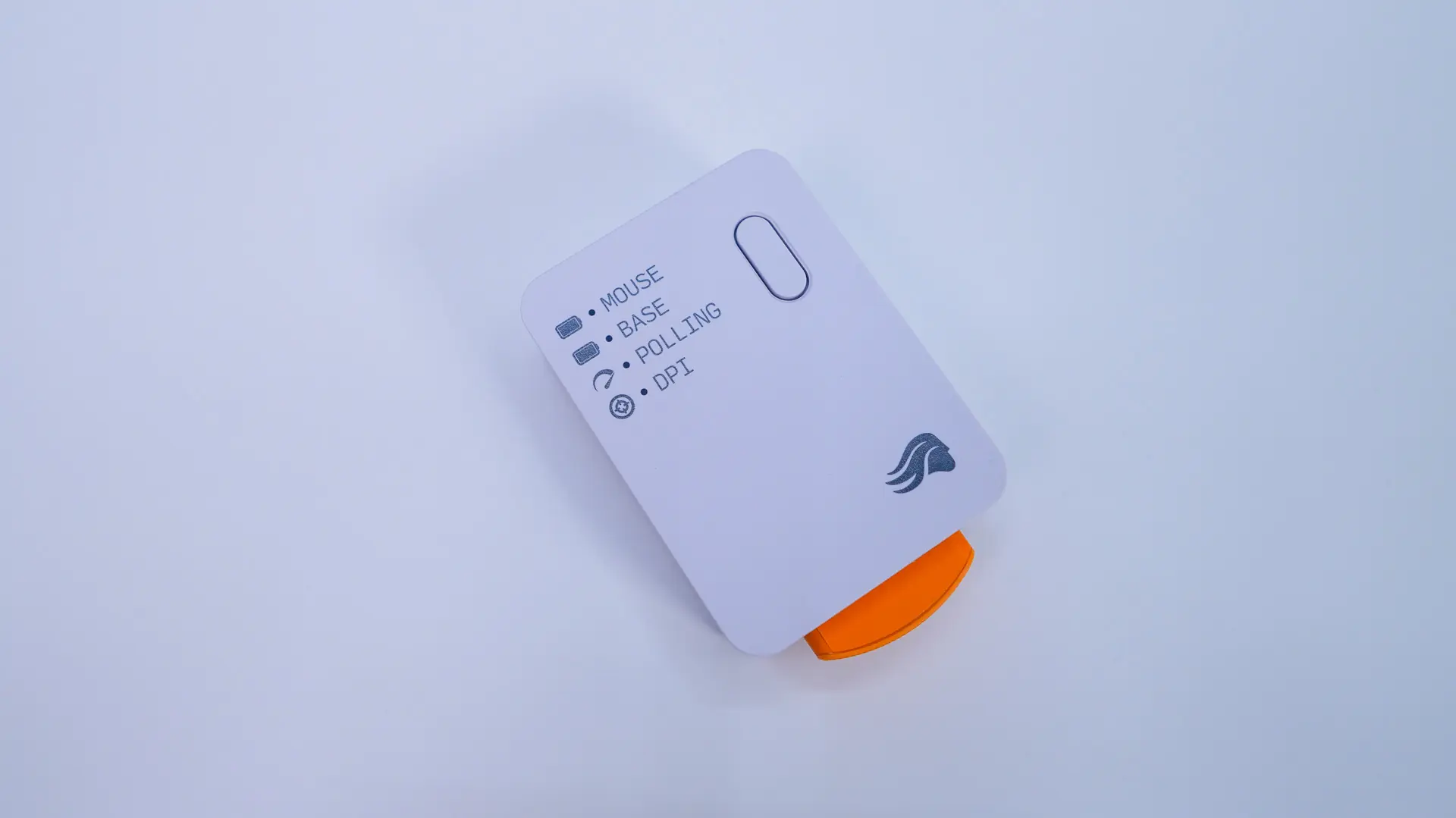
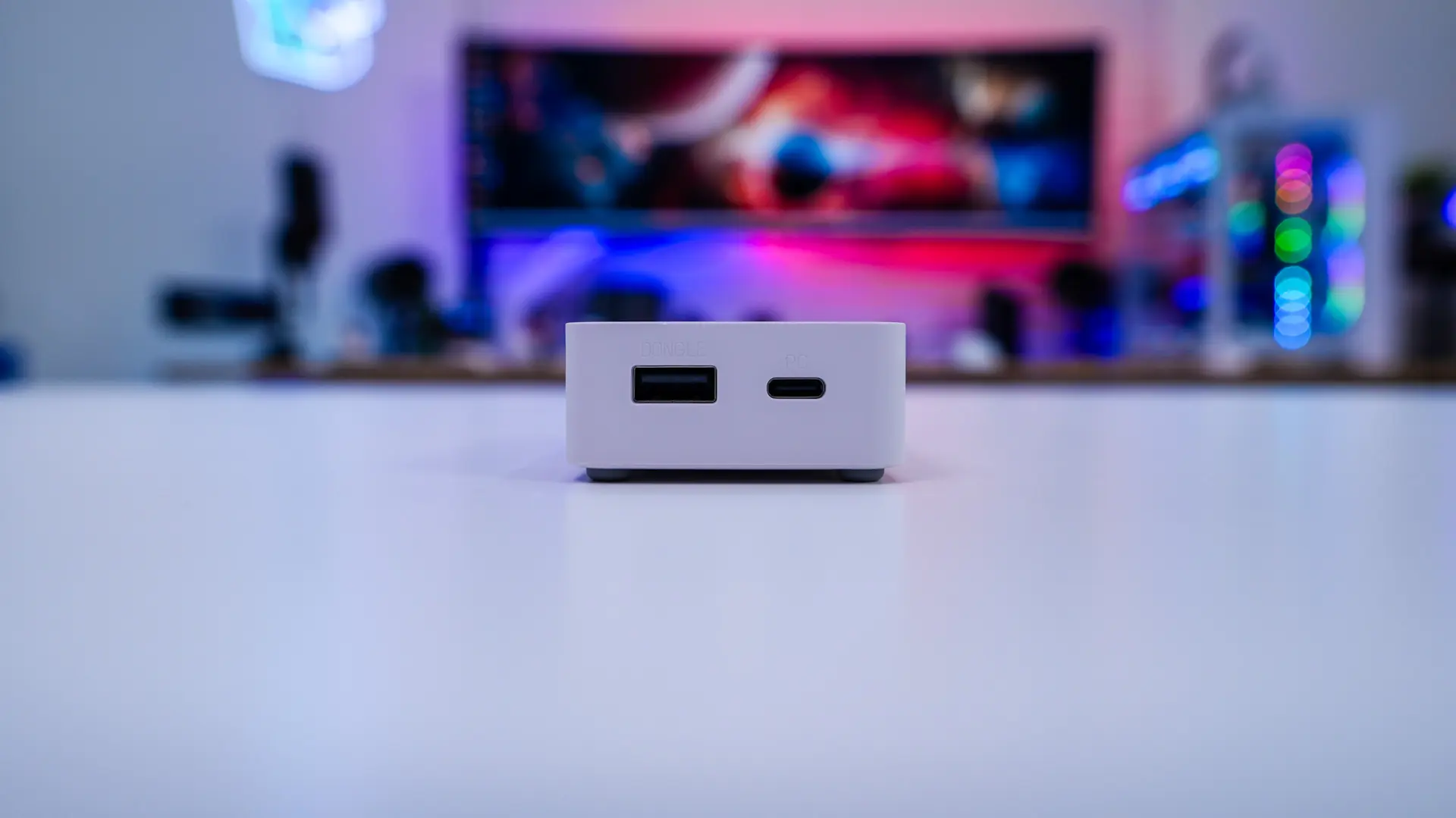
The mouse does come with the charging station. It is a small square device that will charge one of the batteries when it is not in use and also acts as place to install the USB dongle as it has both USB-A (for the dongle) and USB-C (to connect to your PC) connections. There are also activity LEDs on it for the mouse battery level, battery level of the battery that is currently charging, your polling rate, and finally which DPI level you are on.