HyperX Pulsefire Haste 3 Pro Overview
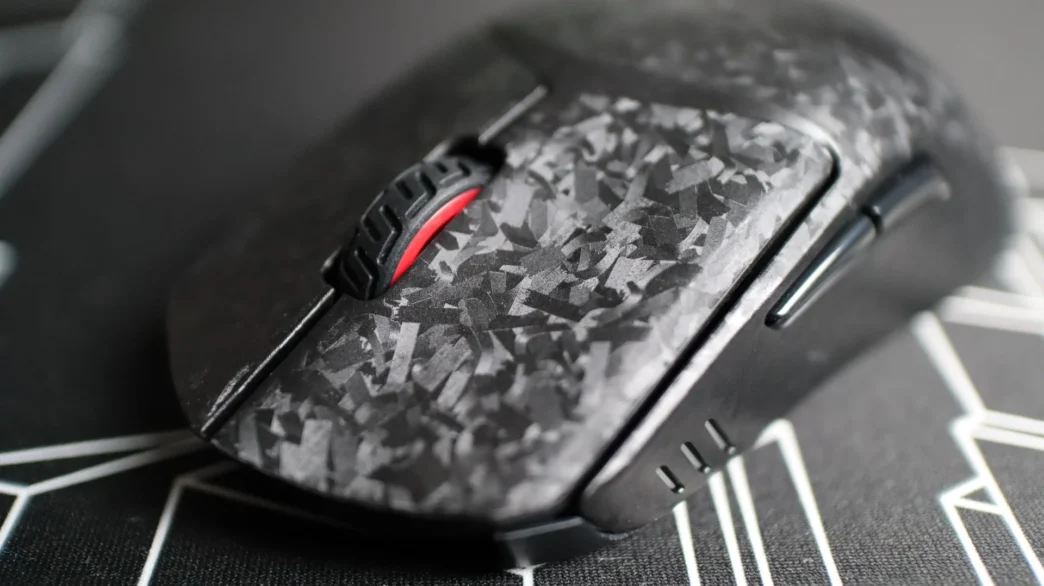
When you get a first look at the Haste 3 Pro, you will probably quickly notice the most distinct feature – the carbon fiber-infused body. Shaped just like the Haste 3, the Pro version’s 47g weight is achieved by using the lightweight carbon fiber material in the outer shell and left and right buttons. The method employed by HyperX doesn’t give off the standard carbon fiber “weave” look – instead you have an almost random pattern of small patches, almost like the look of OSB plywood or a thin layer of frozen water with its crystalized look. Either way, the use of carbon fiber has resulted in HyperX’s lightest wireless mouse to date.
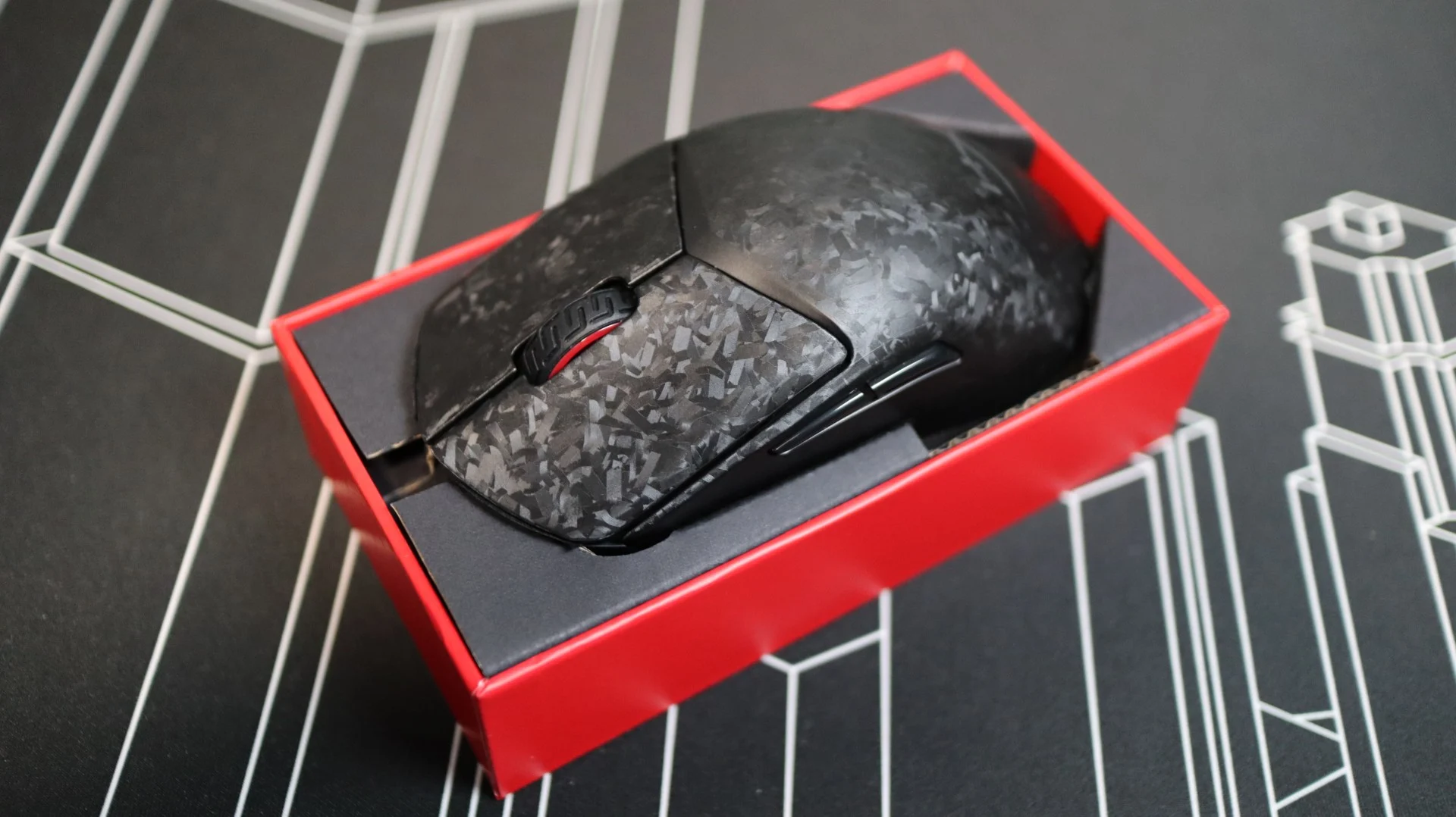
As far as the outer shell goes, it has a much more textured feel compared to previous Haste mice – so much so that I have been using it without the included grips like I have with the previous Haste models. The texture isn’t one that has noticeable bumps or anything, but it definitely provides more grip in your hand compared to the texture of the earlier models.
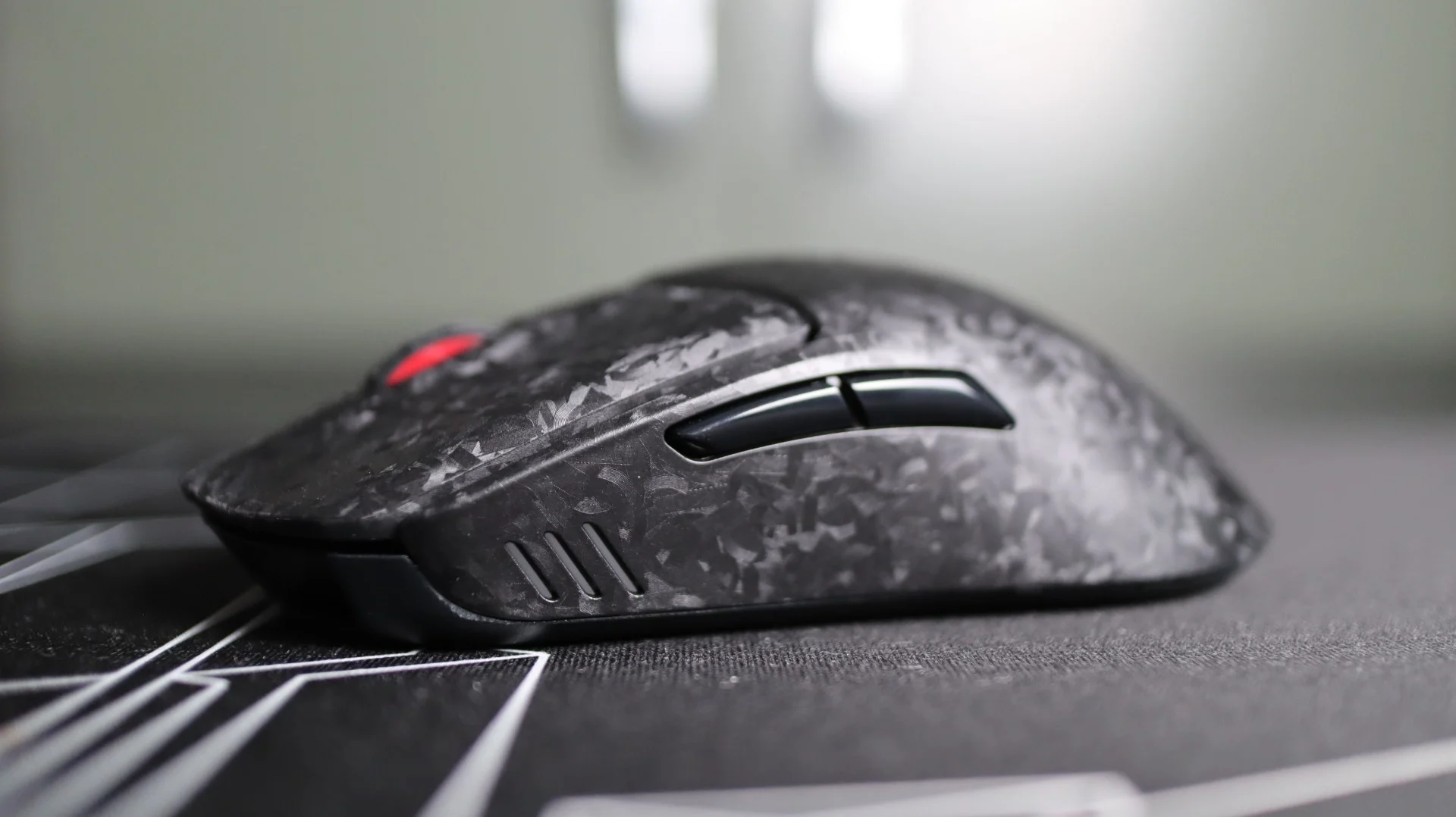
Both the left and right mouse buttons feature slightly concaved surfaces for your fingers to rest in, and just beneath each button are HyperX optical switches, with a lifetime durability of up to 100 million clicks.
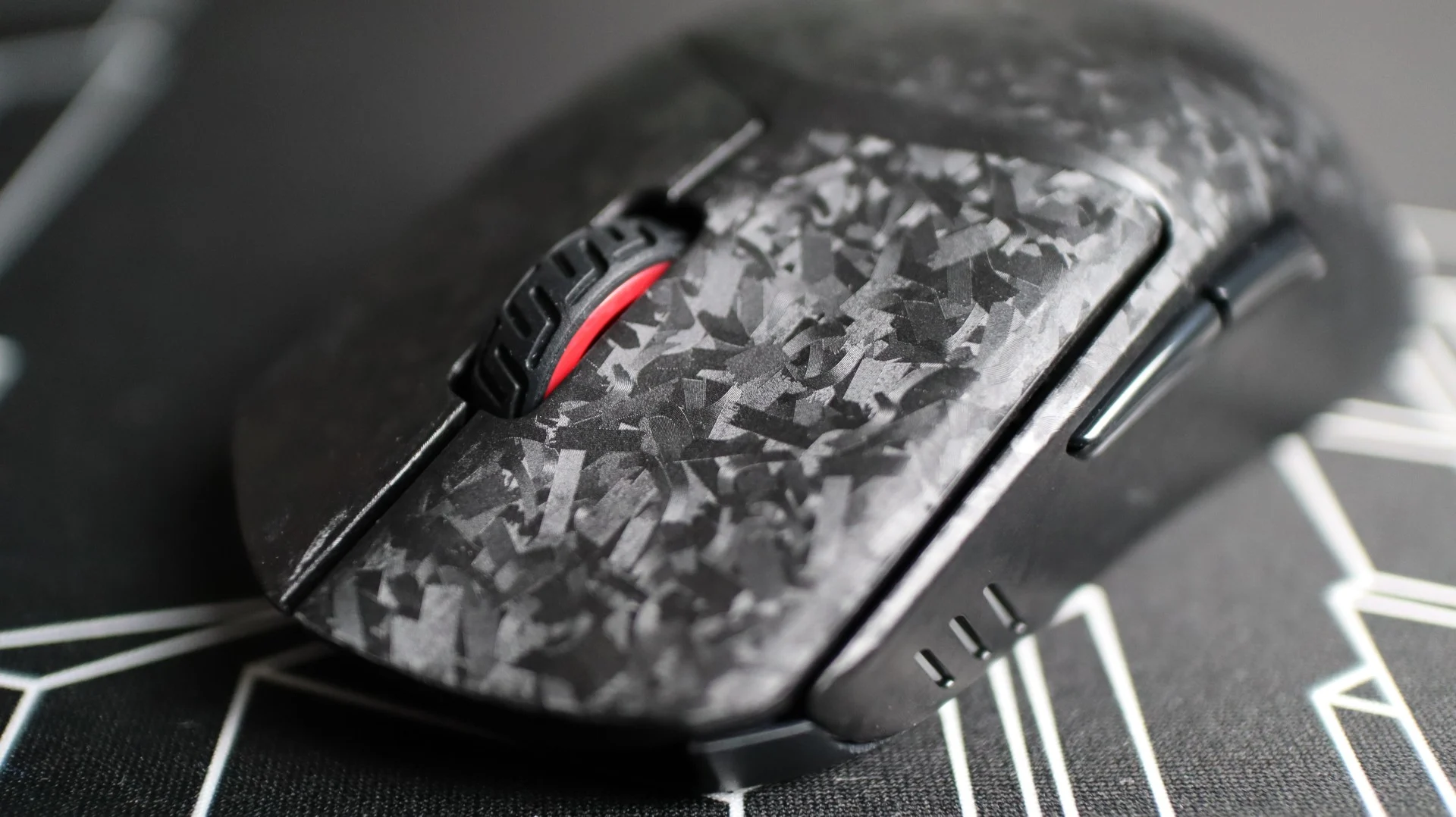
Looking at the left side of the mouse, we see a pretty standard layout, with a mostly plain plastic side and two thumb buttons. One change that is found on this side are three thin cutouts towards the front that allow the DPI indicator LED to shine through. This light is off while in use, but will illuminate (to the color of your choice, configured in NGENUITY) when you change DPI settings, before fading off again.
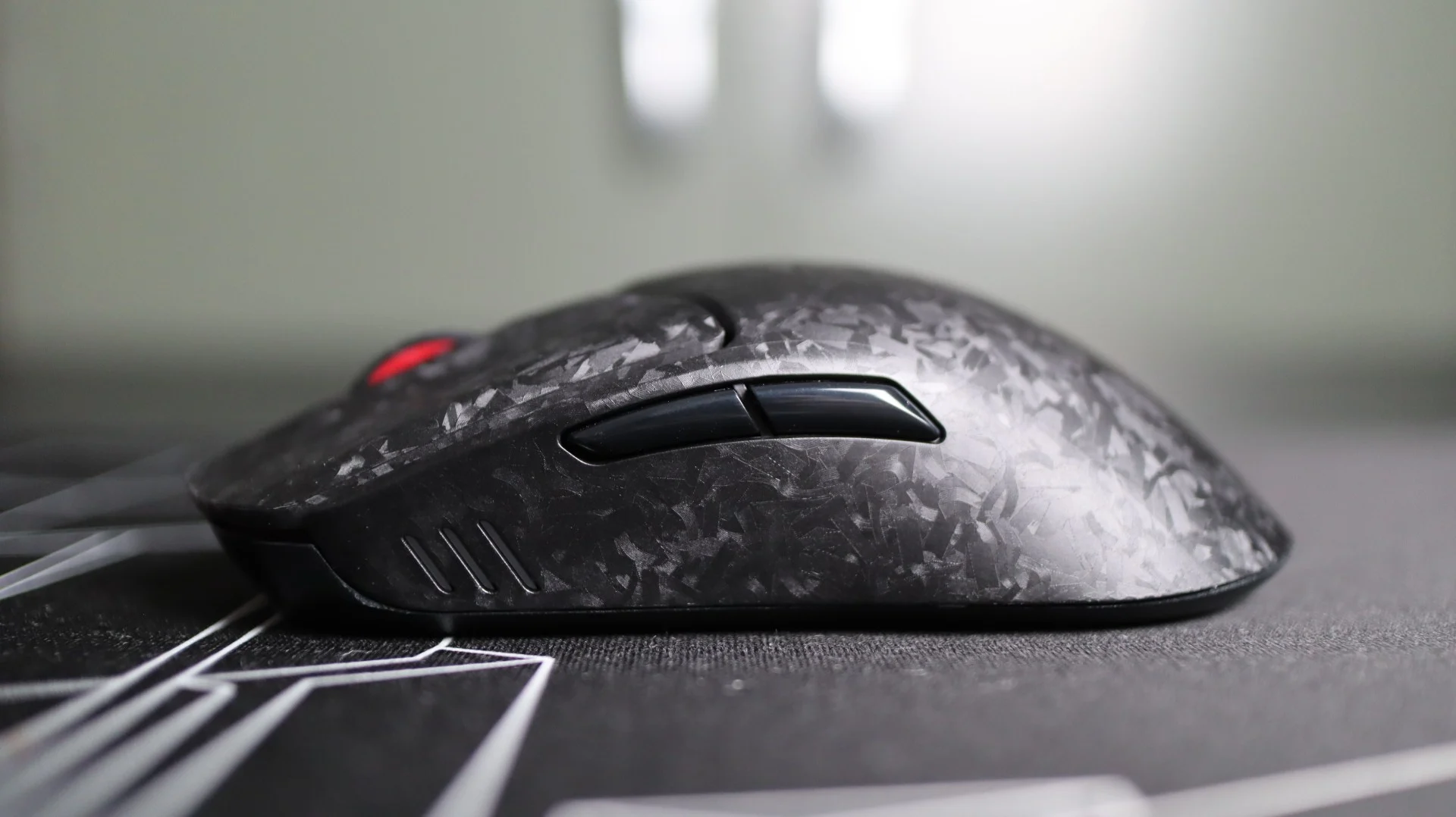
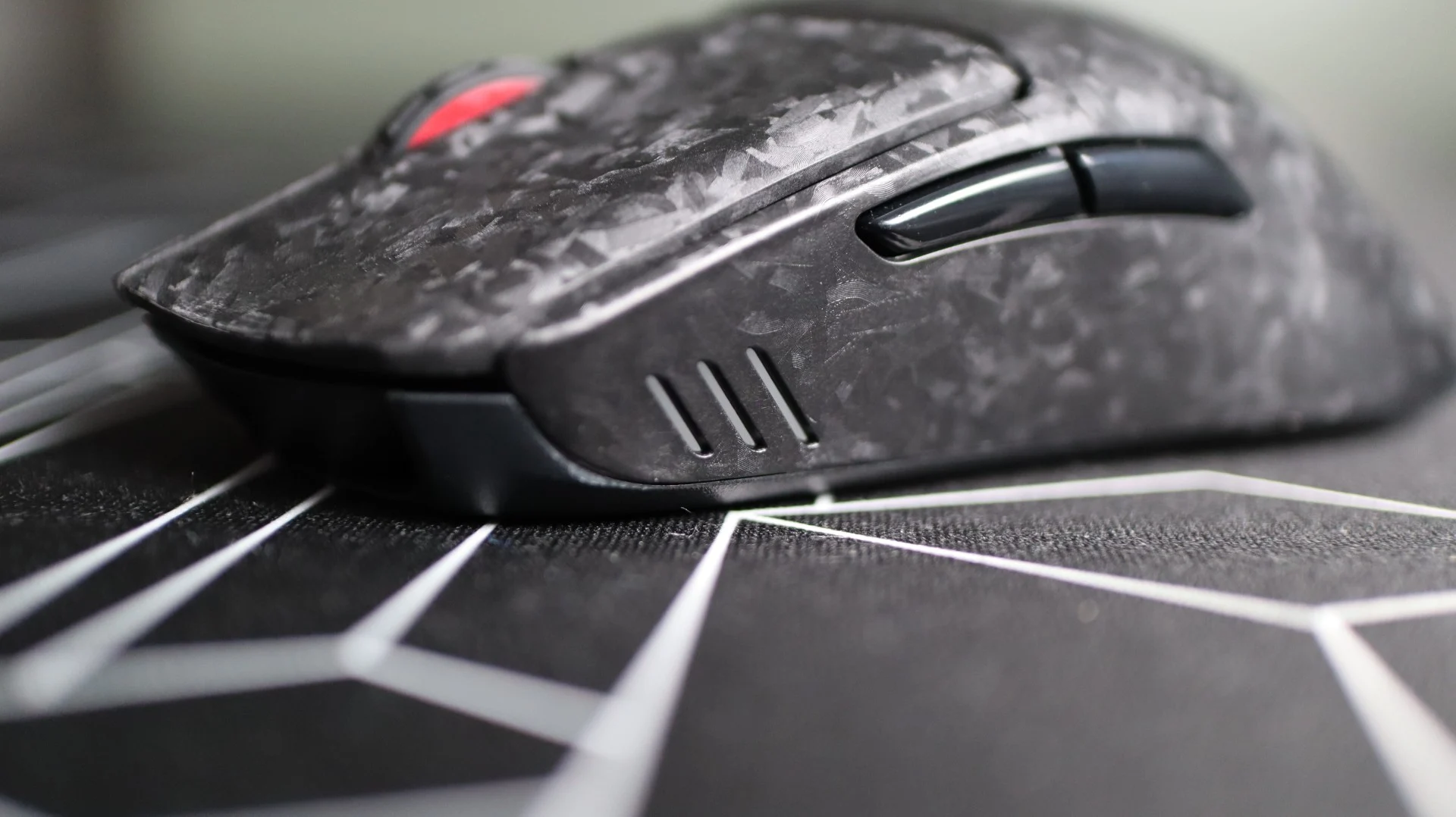
Moving to the right side of the mouse, we find a plain layout, void of any buttons or embellishments.
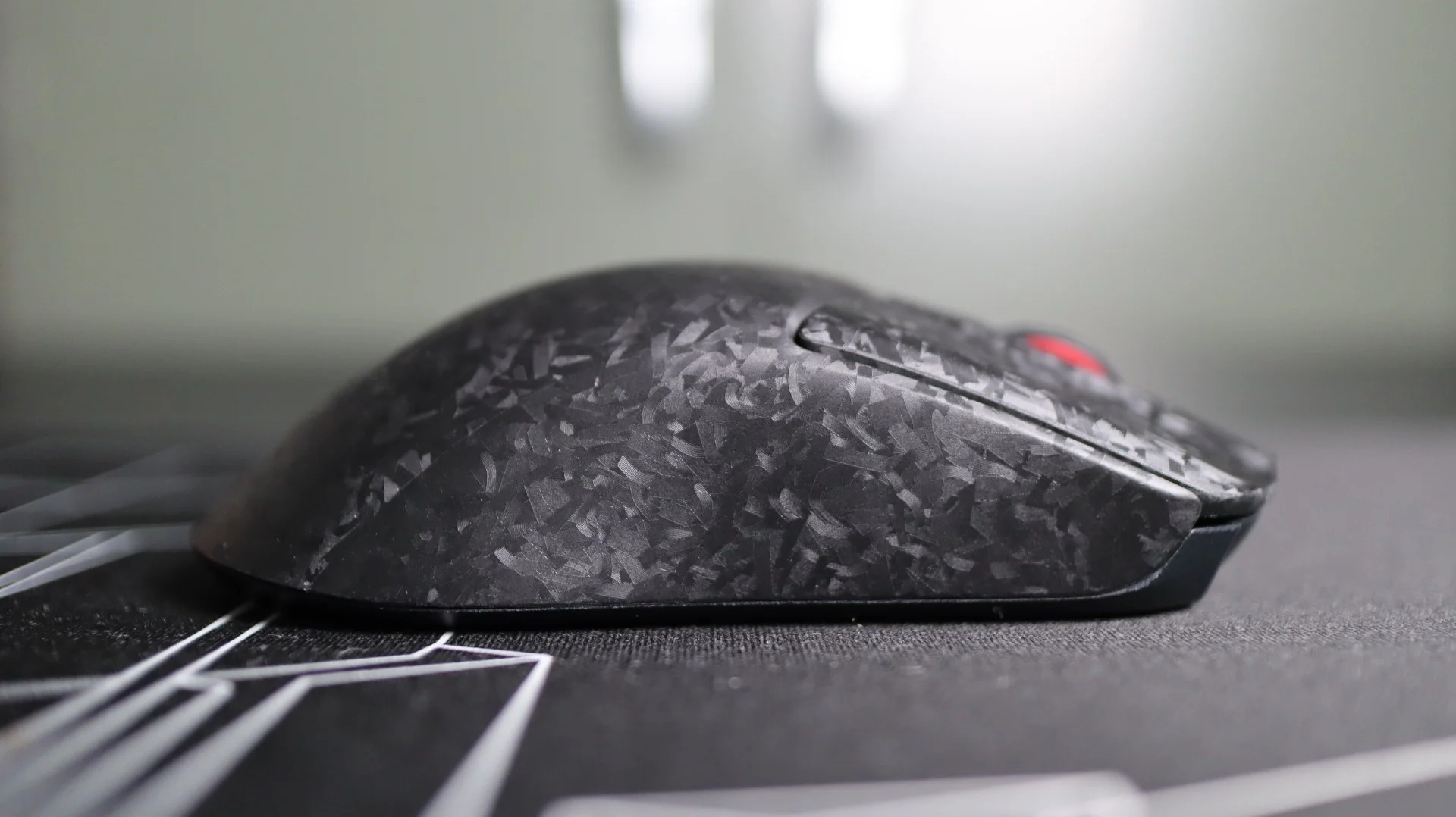
From the top down we find a mouse wheel with a patterned rubber grip centered between the left and right mouse buttons. The Haste 3 Pro doesn’t provide any RGL lighting on the mouse wheel, instead adding a bit of color via the red plastic wheel that peeks out between the buttons.
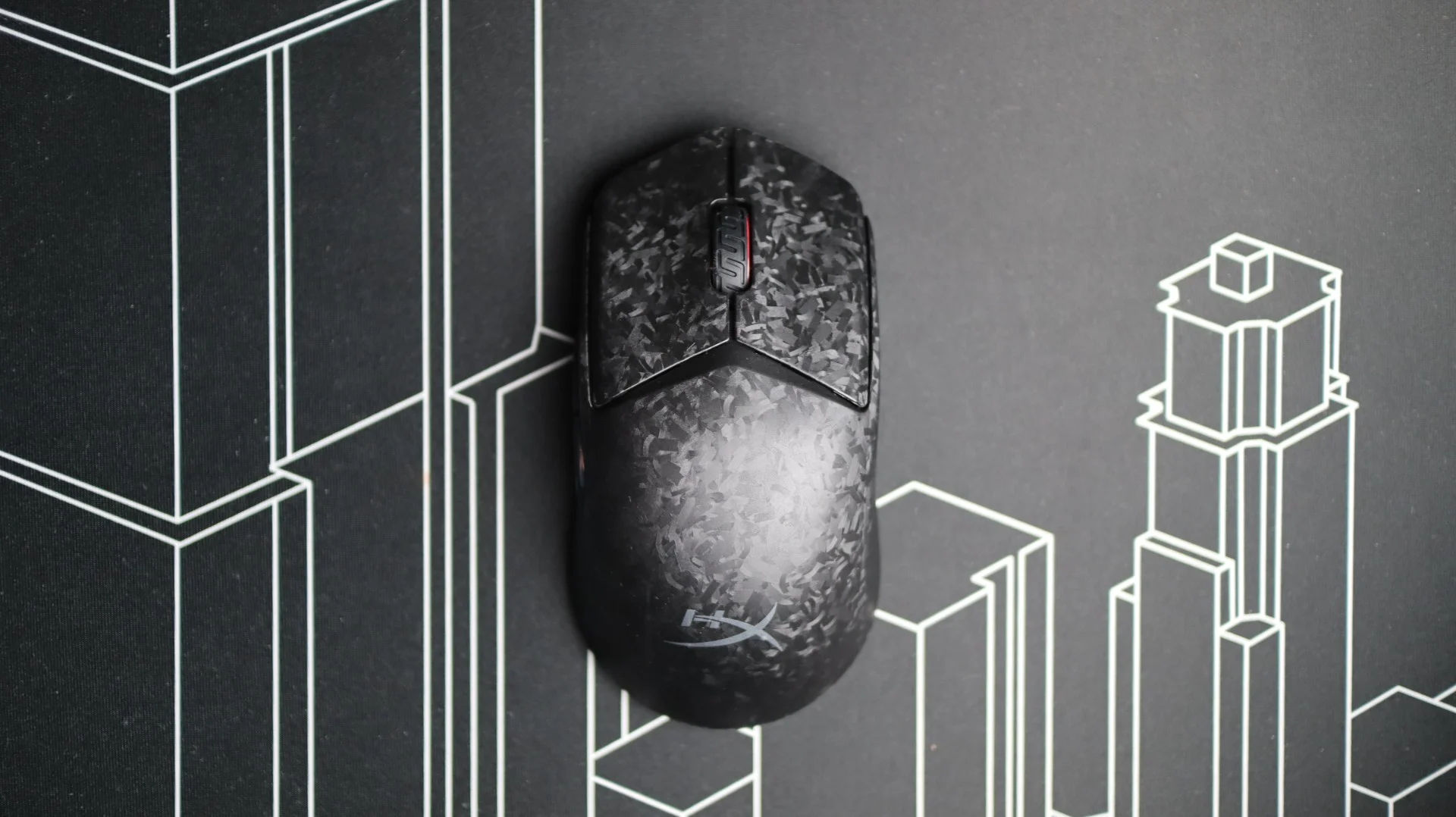
While previous Haste mice have had the DPI button placed just behind the mouse wheel and left and right buttons, the Haste 3 has moved that function to the underside of the mouse – a change I certainly welcome. Instead, the remaining body of the mouse is free from any buttons or lighting zones, only accented by a HyperX logo on the shell body.
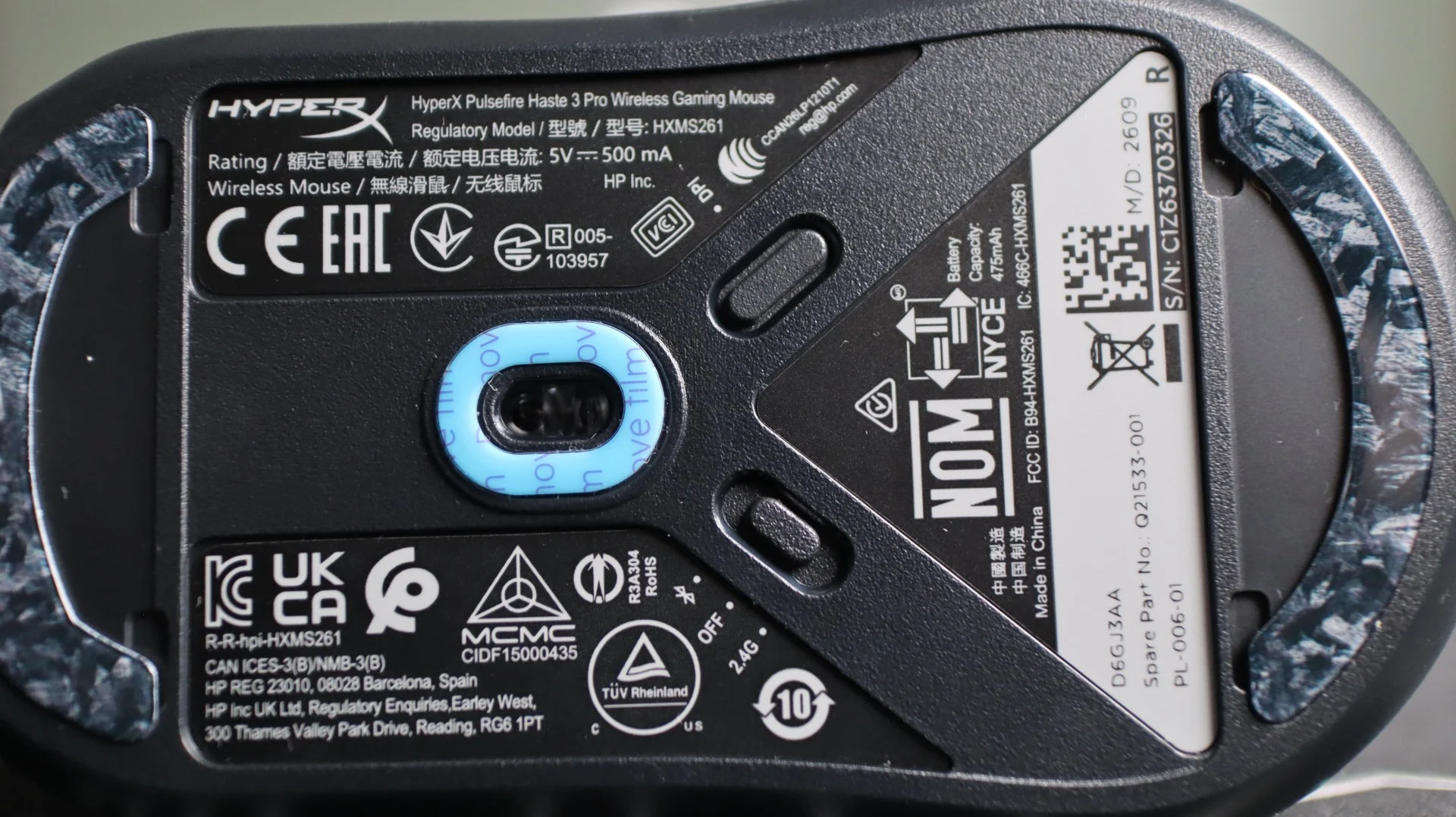
Flipping the Pulsefire Haste 3 Pro over, we can see two thin glass feet at the front and rear of the mouse, as well as an oval-shaped PTFE center pad surrounding the 42K DPI HyperX sensor(most likely a rebranded PixArt 3950). I have used a few mice in the past that have featured glass or ceramic feet, and I absolutely love how smooth they feel, and how durable they are. Of course, if you want a feel you are more used to, you can swap these out for the included PTFE set.
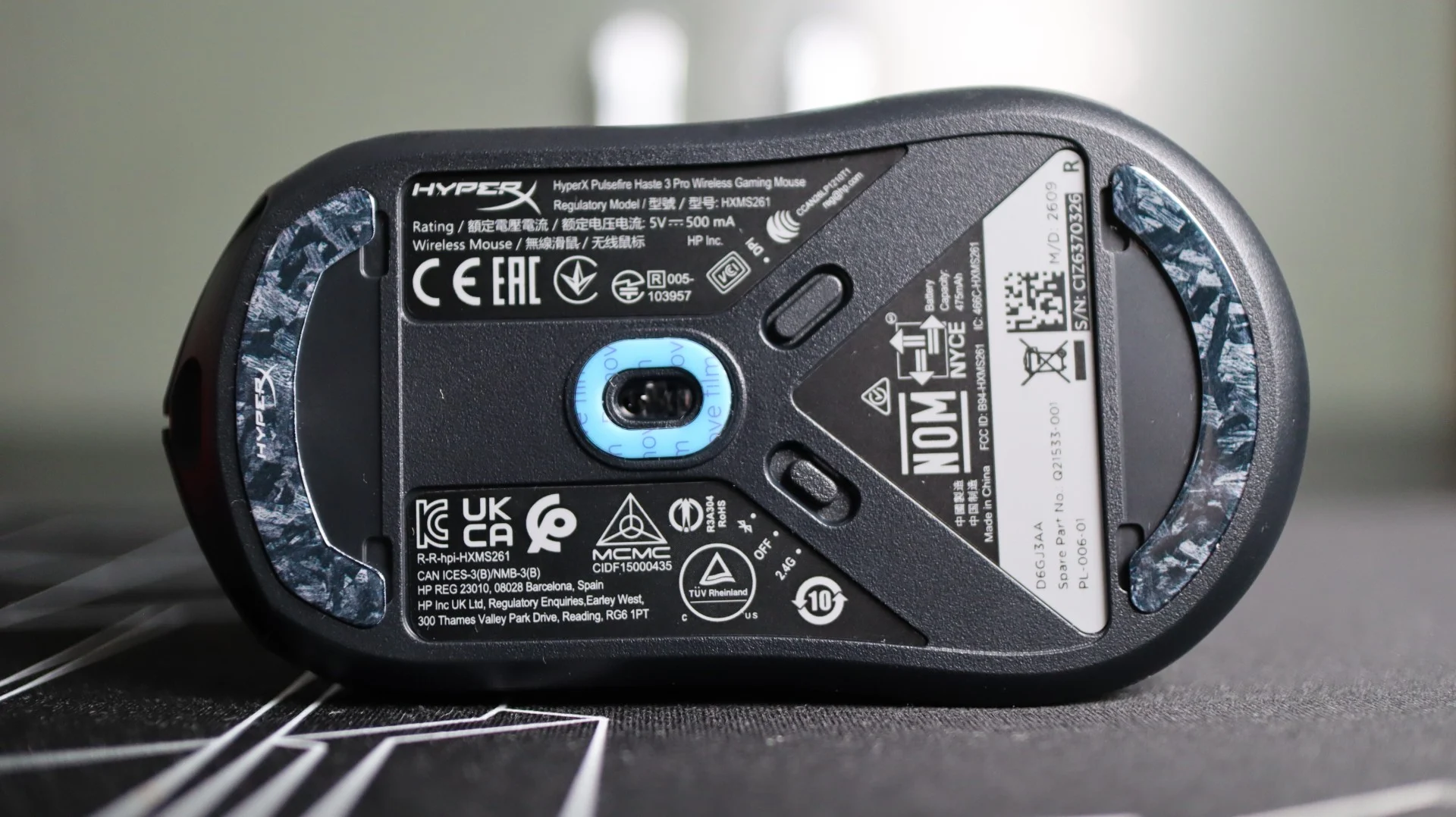
Also found on the bottom is the three-way switch to select between Bluetooth, USB, or 2.4GHz wireless operation, as well as the aforementioned DPI button. With the wireless USB dongle being integrated into the desk module, there is no storage compartment for a Type-A dongle on the bottom.
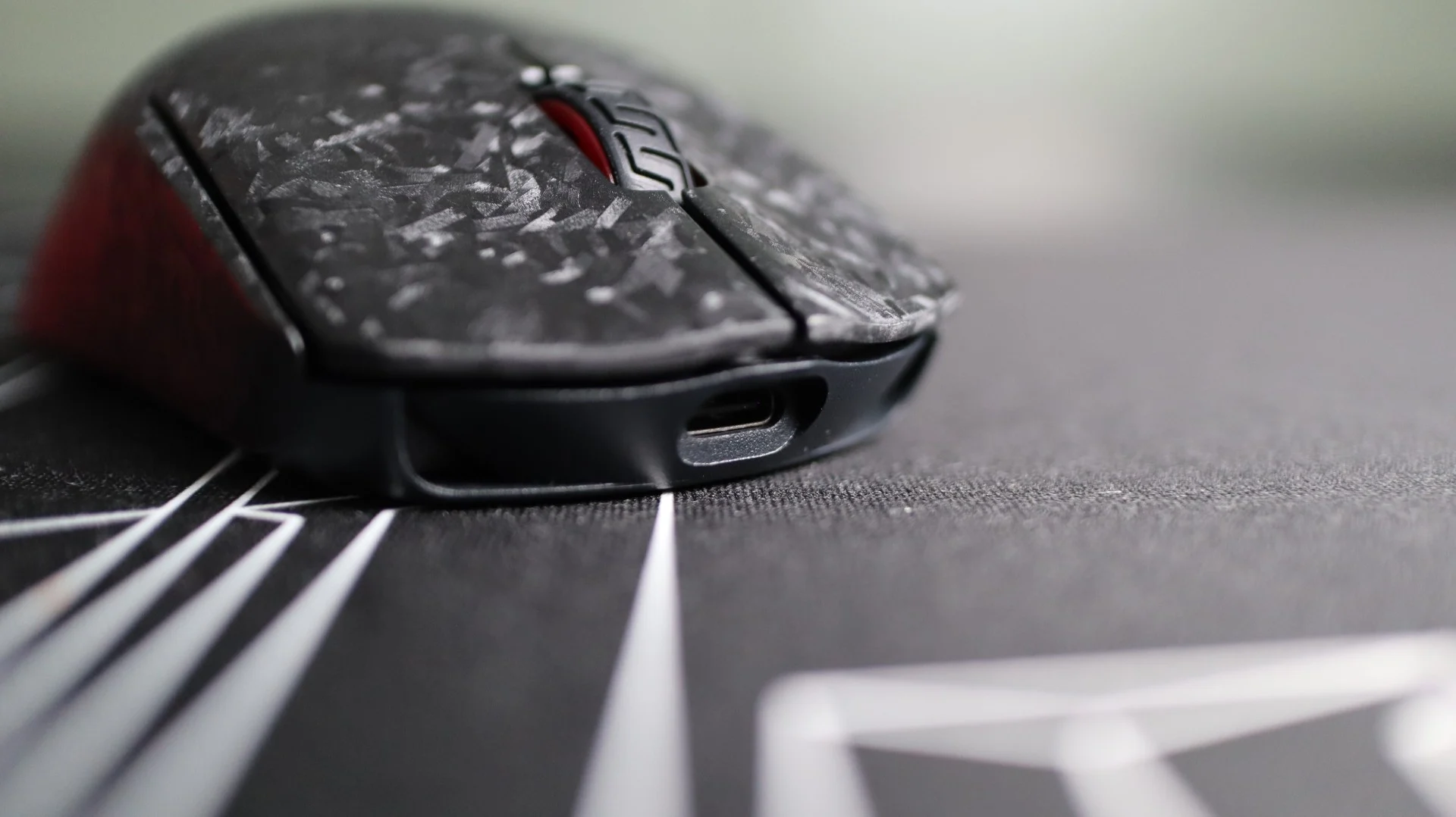
At the front of the mouse we find a USB Type-C port which allows for the included lightweight USB cable to connect to the Haste 3 Pro for charging and wired use. This included cable (presumably the same HyperFlex 2 cable used with previous Haste mice) is just like the cable found on the previous versions of the mouse, and it is so light weight and flexible that it almost feels like you are using a wireless mouse when it is plugged in. One of my biggest pet peeves is having my mouse cord snagging or bumping into an object on my desk, and having that interfere with my gaming. This cable takes away all of that trouble during those times when you are using the mouse with the cable because you forgot to charge it.