


Usage of the HyperX Pulsefire Haste 3 Pro
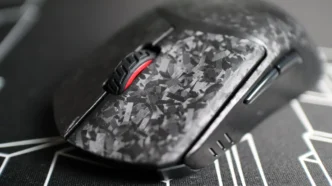
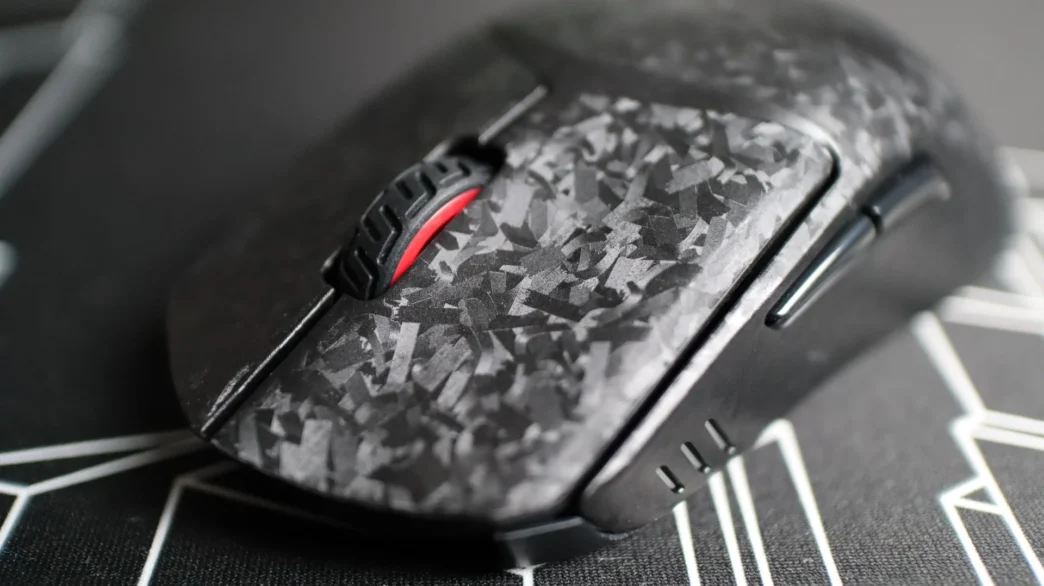
Most of my time with the HyperX Pulsefire Haste 3 Pro has been spent using it as my main mouse in both daily computing work, as well as while gaming. Since the previous Haste 2 and Haste 2 Pro had been my go-to mice, the Haste 3 Pro was very easily swapped out, and took no time to adjust to – it is essentially the exact same mouse as far as form and feel go. The Pulsefire Haste 3 Pro fits my hand perfectly, and with the new texture provided by the carbon fiber-infused material, I didn’t end up applying the side grips like I have with previous Haste mice. I once again decided not to use the button grip pads, as I found that my fingers were almost getting “stuck” in place when moving over to the scroll wheel or when adjusting my finger placement slightly. The build quality of the Pulsefire Haste 3 Pro continues to be great, and I didn’t experience any signs of the mouse body flexing, which is another benefit of the carbon fiber materials used by HyperX.
I have been using the Pulsefire Haste 3 Pro while gaming, and while I haven’t been able to game quite as much as I used to, I made sure to find some spare time to put this mouse to the test. Both wired and wireless modes have treated me well, and I tried multiple placement locations with the wireless dongle, and no matter where I placed it, the mouse performed just fine. With the included USB cable connected to the front of the mouse, I could notice just the slightest amount of cord drag, but certainly much less than with previously used mice and their cabling solutions. At just 47 grams, going back to wireless mode made me really appreciate the work that HyperX has done to reduce the weight of their Haste series of mice. And those weight savings haven’t really hurt the battery life either, offering up to 35 hours of use at the 8kHz polling rate, and up to 150 hours with the polling rate set to 1,000Hz.
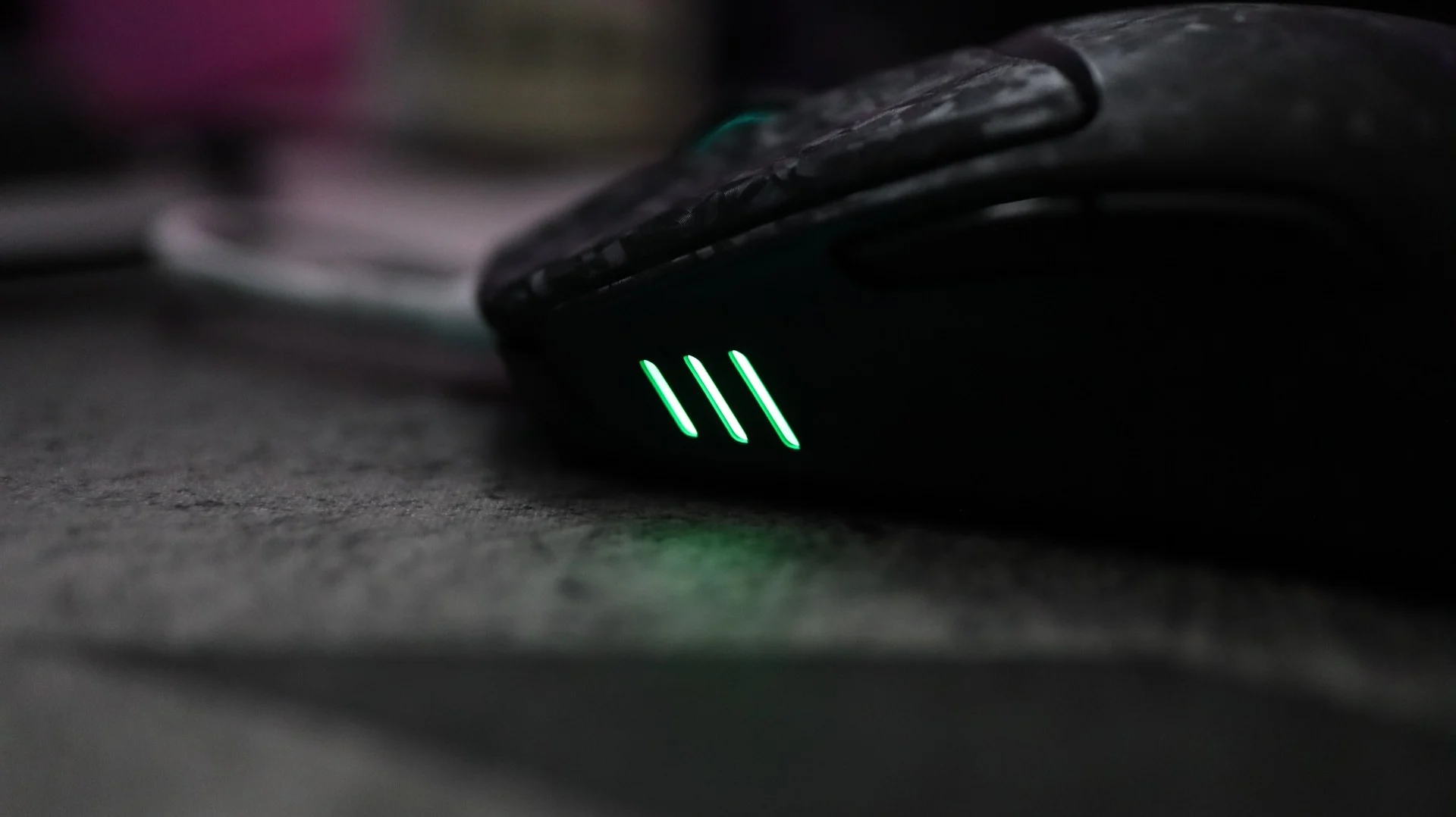
I did notice right away a difference in the sound of the mouse wheel between the the Haste 2 and Haste 2 Pro versions compared to the Haste 3 Pro – this newest model is much quieter. The left and right mouse buttons have very similar sound levels and tones, and using them right next to each other showed that the Haste 3 has a slightly higher sounding click compared to the older models. This could certainly be attributed to the carbon fiber material, and I would be curious to see how the Pro version sounds compared to the standard Haste 3.
I adjusted the two thumb buttons for different abilities in-game, which is standard for my Apex Legends gaming, and they worked as they should, without any issues. The accuracy of the 42K DPI HyperX sensor felt great (using my standard 1600 DPI setting), and at no time did I notice any sensor-related issues with the mouse, across multiple mouse surfaces. Other games like Minecraft, World of Warcraft, and 7 Days to Die felt great as well.
Final Thoughts on the HyperX Pulsefire Haste 3 Pro
When I first saw the news of a Pulsefire Haste 3 Pro model coming out, I was really excited to take a look at the latest version in this series of mice. As I have said before, The Pulsefire Haste series of mice have been my go-to mouse since they released back in 2021. Each iteration I have reviewed has had minor improvements here and there, and the Pulsefire Haste 3 Pro is no different. As the lightest wireless gaming mouse HyperX has ever released, this latest version’s 47g weight is amazing, especially since the battery life has actually improved from previous generations.
The use of a carbon fiber-infused material for the outer shell and mouse buttons has brought not only a lighter weight, but also an improved texture. And while the texture is a bit of a subjective area, I personally believe it is an improvement – that said, if you want some additional grip, the included rubber grips should help with that aspect. As far as the movement of the Haste 3 Pro, I love the factory-applied glass feet for their ultra-smooth feel. If you want something that might feel a bit faster though, the included PTFE feet should fit the bill.
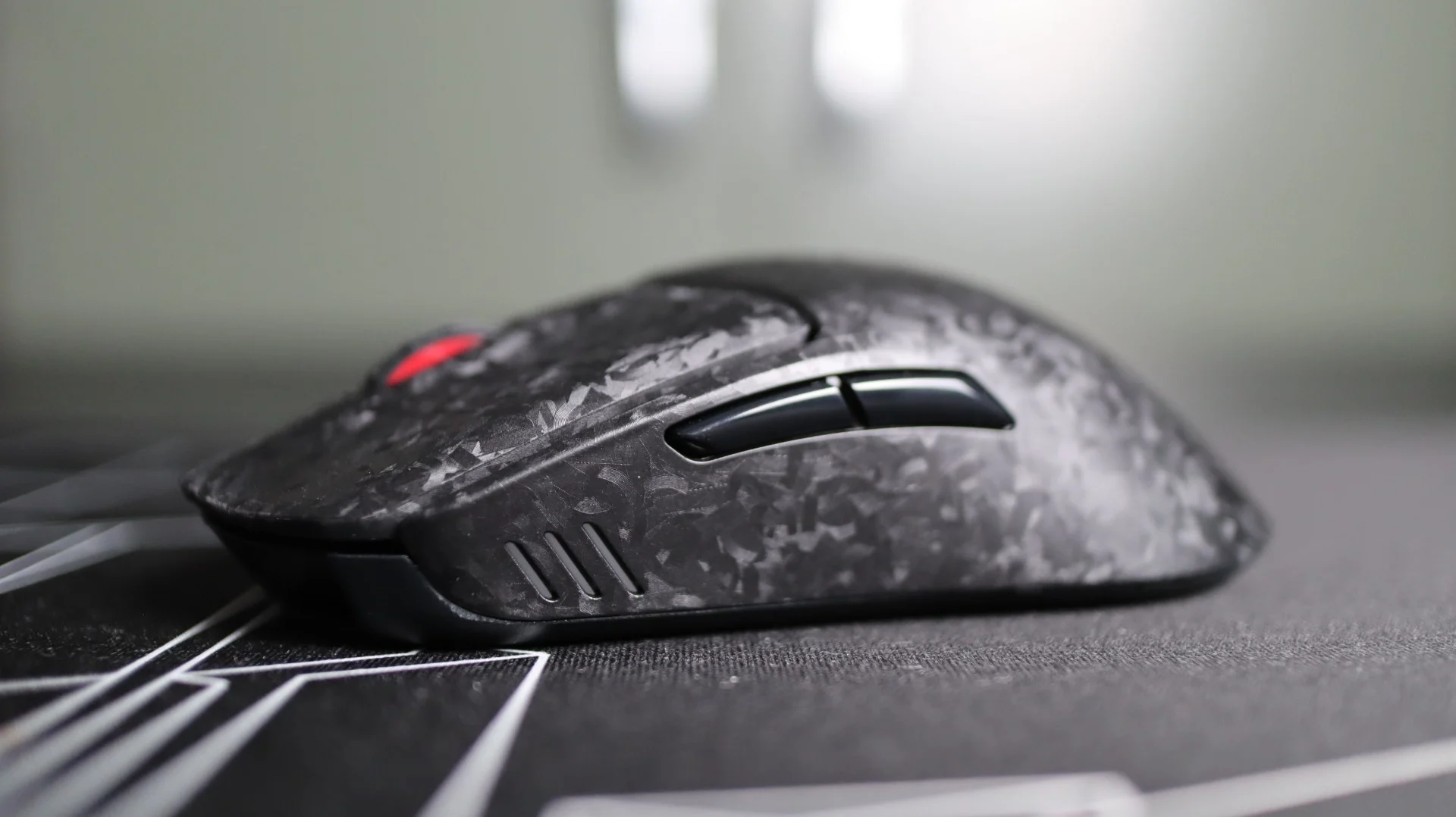
As expected, I didn’t come away overly shocked by the Pulsefire Haste 3 Pro, and I think that is a good thing. There aren’t any crazy new gimmicks, just solid improvements to an already robust mouse design. The semi-exotic carbon fiber cuts down on weight and gives the mouse body a cool new look, while the 42k DPI sensor is well positioned for ultra fast gaming. Multi-mode connectivity via wired, 2.4GHz wireless, and Bluetooth give you the connectivity versatility that most of us now demand, and the included accessories help make that happen and give you the grip and glide options to mix and match to your liking.
While not yet publicly available, HyperX lists the Pulsefire Haste 3 Pro as having an MSRP of $129.99. This is a $40 premium over the standard Haste 3, and $90 over the wired version, while still coming in lower than the Haste 2 S at an MSRP of $149.99. I think the move to carbon fiber materials has certainly had an affect on the increased price of the mouse, and so has the improved battery life. As the premier gaming mouse from HyperX, the Pulsefire Haste 3 Pro packs a ton of features into a trusted design, with continued improvements on an established platform. This earns the HyperX Pulsefire Haste 3 Pro a 10 out of 10, and the Recommended Award, a pattern that has emerged from this line of mice.


Pros:
- Improved Weight Savings – 47g
- Carbon Fiber-Infused Shell
- 8KHz Polling Option
- 42K DPI Optical Sensor
- Optical Switches
- 2.4GHz, Bluetooth, and USB Connectivity
- Grips & Extra PTFE Feet Included
- NGENUITY Compatible
- Great Wired and Wireless Performance
Cons:
- None