HyperX Pulsefire Haste 3 Pro Software
The Pulsefire Haste 3 Pro continues the use of HyperX’s NGENUITY software, which provides easy customization for DPI settings, button assignments, macro creation, and more. While still early in its release, the current version of NGENUITY has been updated to a more modern design and feature set, though the newly named NGENUITY Legacy can still be downloaded to support older devices that aren’t compatible with the new version.
Keys
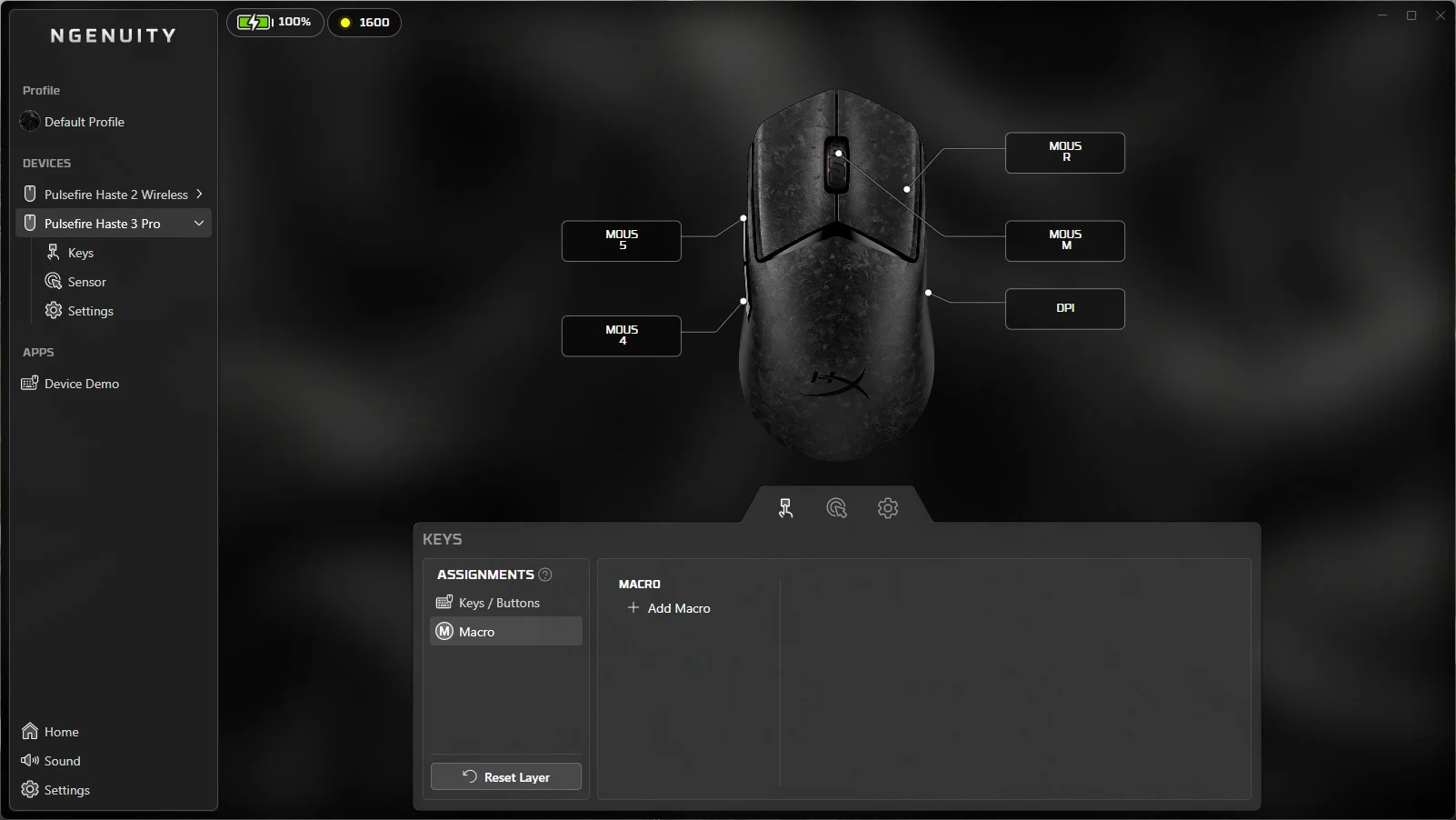
First up, the Keys menu allows you to configure each button to a function, whether that is the default use, or if you want to bind a specific alphanumeric or special key to a button, or even a media control or other mouse button. Additionally, you can create a macro and assign it to a button if you have the need.
Sensor
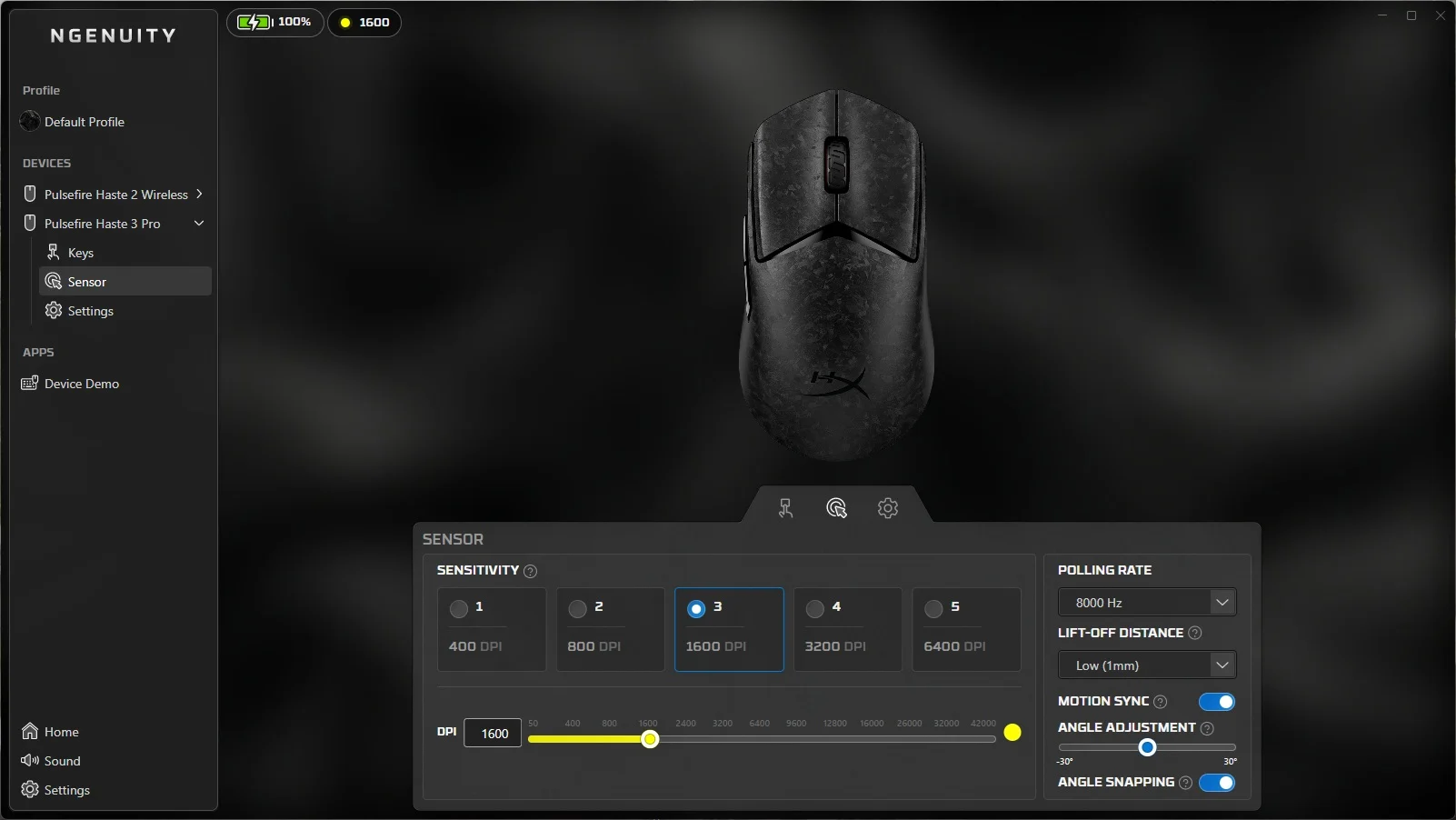
The Sensor menu allows you to set and select up to five DPI settings, ranging from 50 all the way up to 42,000. You can assign a custom color to each setting, which will then briefly illuminate on the mouse body when selected via the software or the DPI button on the mouse itself. You can also adjust the mouse’s polling rate from 125Hz all the way up to 8,000Hz, set the lift-off distance, Motion Sync for reduced latency at higher DPI settings, angle adjustment, and angle snapping.
Settings
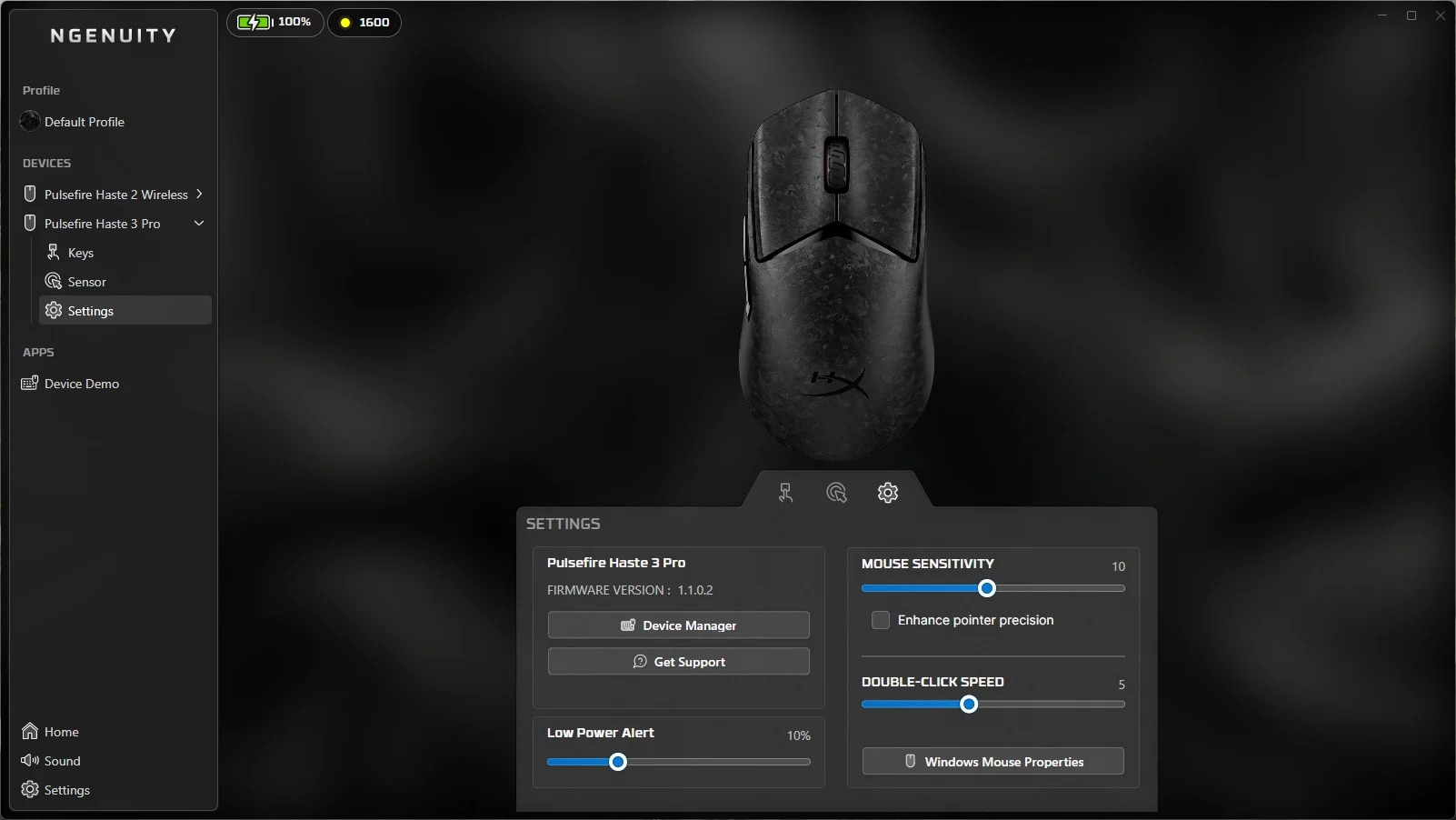
Settings allows you to view firmware information, provide quick access to the NGENUITY Device Manager, adjust the low power alert, mouse sensitivity, and double-click speed.