Usage of the HyperX Pulsefire Saga Pro
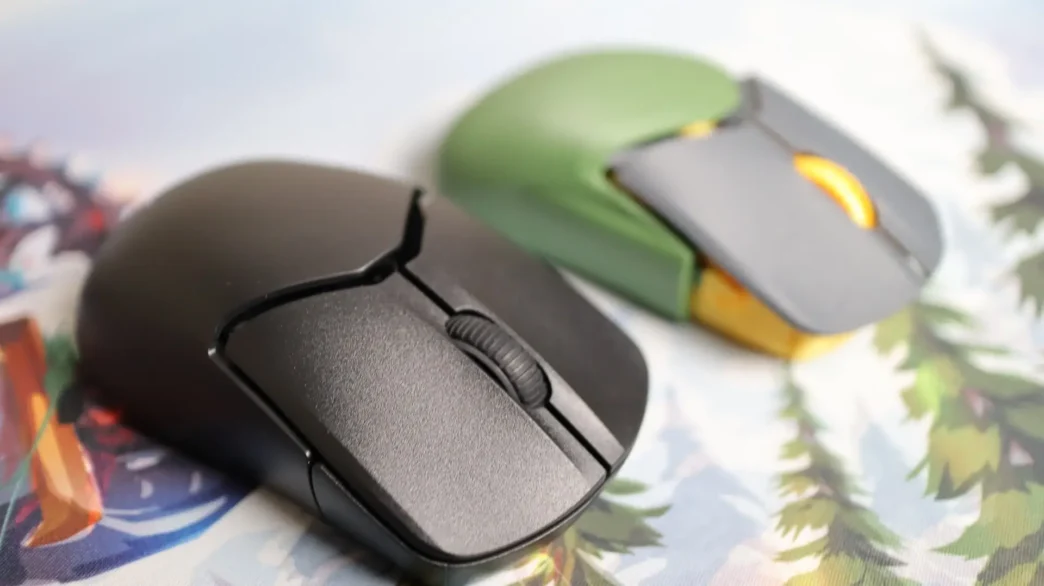
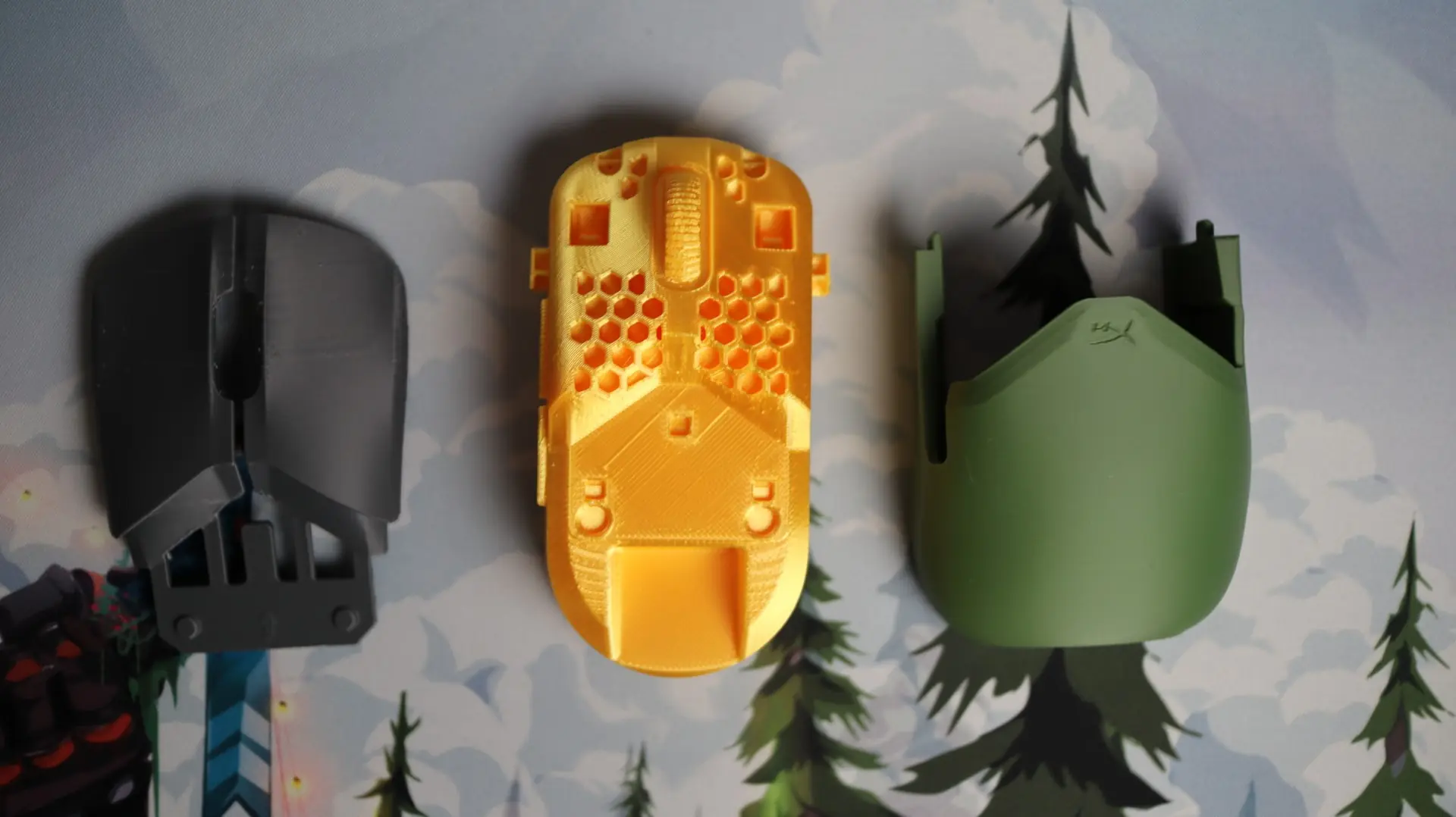
I have spent my time with the HyperX Pulsefire Saga Pro using it as my main mouse in both daily computing work, as well as while gaming. In both environments, with the included body shells, I found it to be comfortable, but a bit more “humped” or tall that I prefer. Since the Haste 2 Pro had been my go-to mouse, the Saga Pro was very easily swapped out, and took little time to adjust to. I don’t really make any adjustments to the mouse, other than setting my DPI, but the way NGENUITY just picks up the new mouse makes that customization super easy. The Pulsefire Saga Pro fits my hand pretty well, and with the left and right grip pads installed, it really stayed in place quite well. I did use the mouse for a bit without the grip pads, but I was once again not a fan of the mouse without the grips. The plastic body just didn’t have enough built-in grip for my liking. Either way, as soon as I had the left and right pads on the mouse, things were great. I also used the mouse for quite a while with the printed ambidextrous body, and while I like the overall shape the most, the lack of grips on the sides meant is wasn’t going to work out for me long-term. That said, I could definitely see myself modifying the shell to add in some grip texture to the print, but alas, I haven’t taken on that adventure yet. I once again decided not to use the button grip pads, as I found that my fingers were almost getting “stuck” in place when moving over to the scroll wheel or when adjusting my finger placement slightly. The build quality of the Pulsefire Saga Pro is great, and I didn’t experience any signs of the mouse body flexing or showing any signs of weakness, even with the easily adjustable modular parts.
I have been using the Pulsefire Saga Pro while gaming for the last few weeks, mostly playing Marvel Rivals and Apex Legends during that time. Both wired and wireless modes have treated me well, and I tried multiple placement locations with the wireless dongle, and no matter where I placed it, the mouse performed just fine. With the included HyperFlex 2 cable connected to the front of the mouse, I could notice just the slightest amount of cord drag, but certainly much less than with previously used mice and their cabling solutions. That is a success in my book. I will say that there is definitely a noticeable difference in weight between the Haste 2 Pro’s 61G weight, and the Saga Pro’s 72G weight. While it isn’t a night and day difference, I can very much tell a difference, and while certainly not slugish, the Saga 2 does feel a bit heftier, which for some may be an advantage.
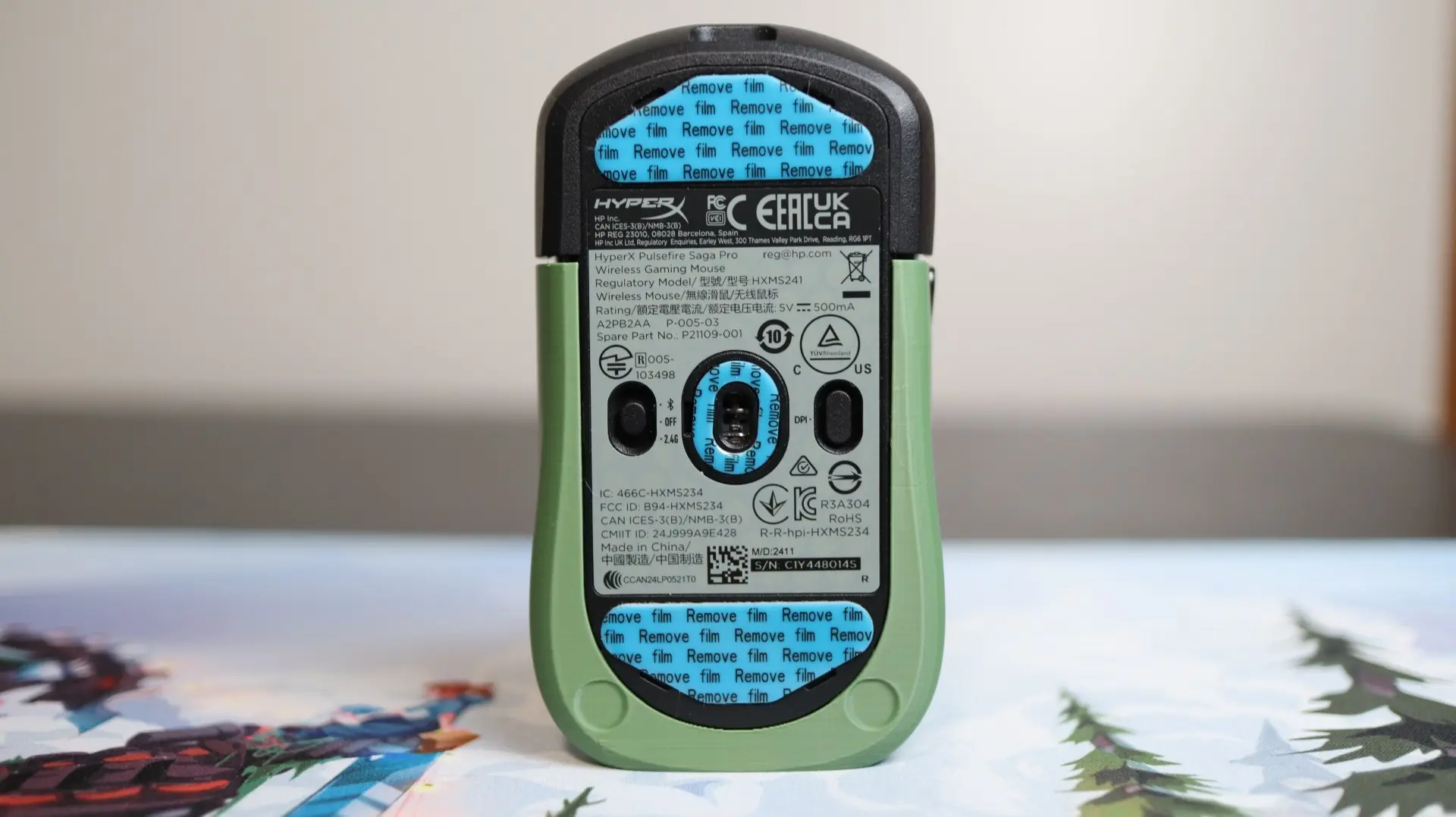
I adjusted the two thumb buttons for different abilities in-game, which is standard for my Apex Legends gaming, though for some reason I haven’t employed this in Marvel Legends, and they worked as they should, without any issues. The accuracy of the 26K DPI HyperX sensor felt great (using my standard 1600 DPI setting), and at no time did I notice any sensor-related issues with the mouse, across multiple mouse surfaces.
Final Thoughts on the HyperX PulseFire Saga Pro
With regards to performance, the Pulsefire Saga Pro is right up there with my current mouse of choice, the Pulsefire Haste 2 Pro. That is most certainly due to all of their shared hardware like the 26K DPI sensor, optical switches on the mouse buttons, and 4K polling rate. I found the same set of hardware to have great results with the Pulsefire Haste 2 Pro, and the same can be said with my findings for the Saga Pro. Where the Haste 2 Pro is aimed at being a lightweight contender, the Saga Pro is built for easy ergonomic customization.
So what I really want to focus on with this conclusion is the modularity and customizable nature of the Saga Pro. First, the Saga Pro includes a second set of left and right mouse buttons to allow you the choice between convex and concave surfaces, a second body shell to give another option for palm placement, and an additional set of thumb buttons with a slightly different profile. Add in the library of 30 in-house components that can be downloaded and printed for the Saga, as well as many community-made options as well, and you have nearly endless options for customizing the Saga Pro. And if you don’t happen to have a 3D printer of your own, find a friend or coworker that does, and if they charge you more than zero to five dollars for the printed parts you need, they are taking advantage of you. I found that filament needs were minimal, and print times on the shells and button covers were very reasonable – less than 2 hours in most cases, unless you really dial in the quality settings.
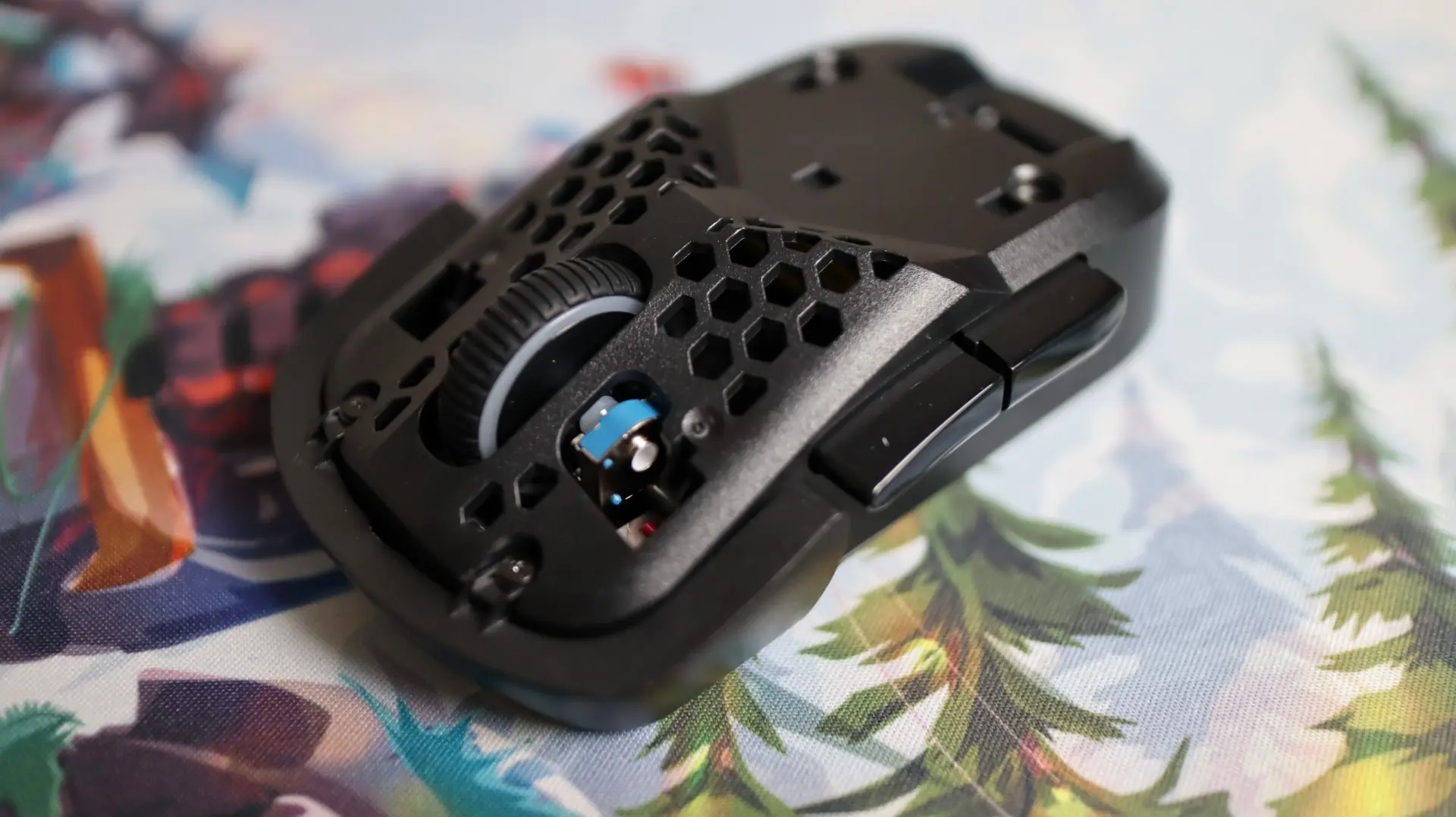
With a bit of weight-saving, the HyperX Pulsefire Saga Pro could have been my ideal mouse. A great sensor that has treated me well for an extended period of time, optical buttons that have done the same, accessories to customize the fit and feel of the mouse, and software that is simple to use – they all add up to a mouse that could easily find its way into the hands of any gamer looking to get a new mouse. Available directly from HyperX for $119.99, I think that is a great deal for a good set of hardware, and customization to boot. The HyperX Pulsefire Saga Pro earns an 8 out of 10.

Pros:
- Solid Build Quality
- Included and 3D Printable Body Components
- 4KHz Polling Option
- 26K DPI Optical Sensor
- Optical Switches
- HyperFlex 2 Cable
- Grips & Extra PTFE Feet Included
- NGENUITY Compatible
- Great Wired and Wireless Performance
Cons:
- Single RGB Zone
- Additional Components Require 3D Printer