Using The HYTE Powered USB Hub
If it wasn’t obvious yet, this is NOT a typical USB hub that has Type-A connections and connects to USB peripherals like keyboards and mice. This hub is designed to go inside your case and provide expansion of your system’s internal USB 2.0 resources.
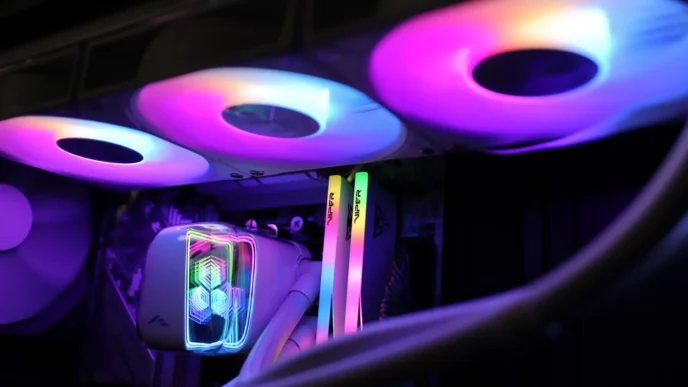
My testing, and permanent, use case for the hub is to provide adequate power and data signal to the LCD display on my son’s AIO cooler. While the motherboard in his system does have a single USB 2.0 header, it was not providing reliable power to the display on his cooler, plus, with the display connected to the header, there was no way to use the front USB 2.0 ports on his case. Thankfully, after installing the HYTE Powered USB Hub in the system, the AIO display is working as intended, and he can also use the USB ports at the front of his case at the same time.
As far as connectivity specifications go, the hub can provide up to 20 watts of 5V power and support up to 4A of current draw.
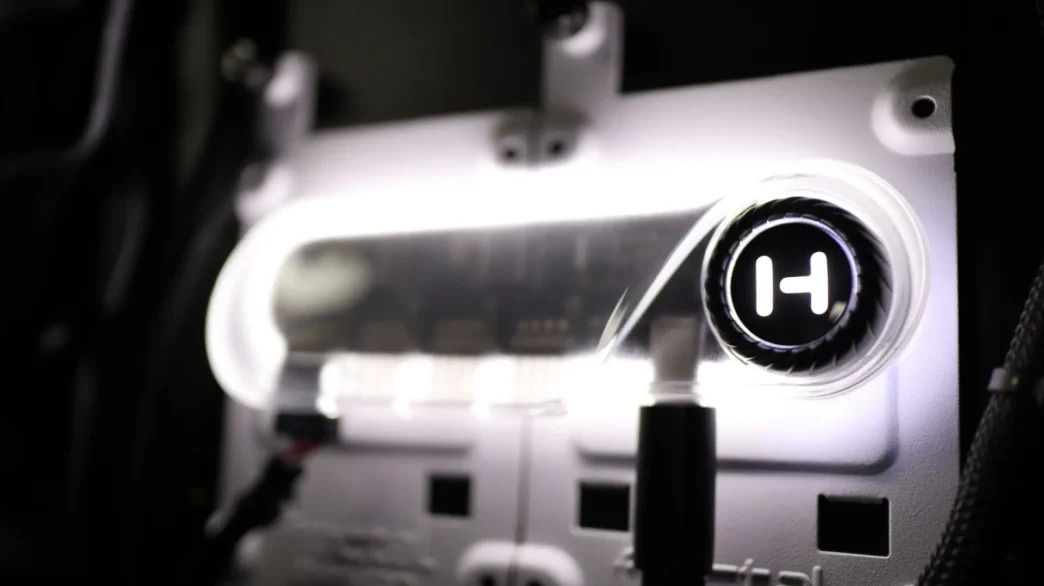
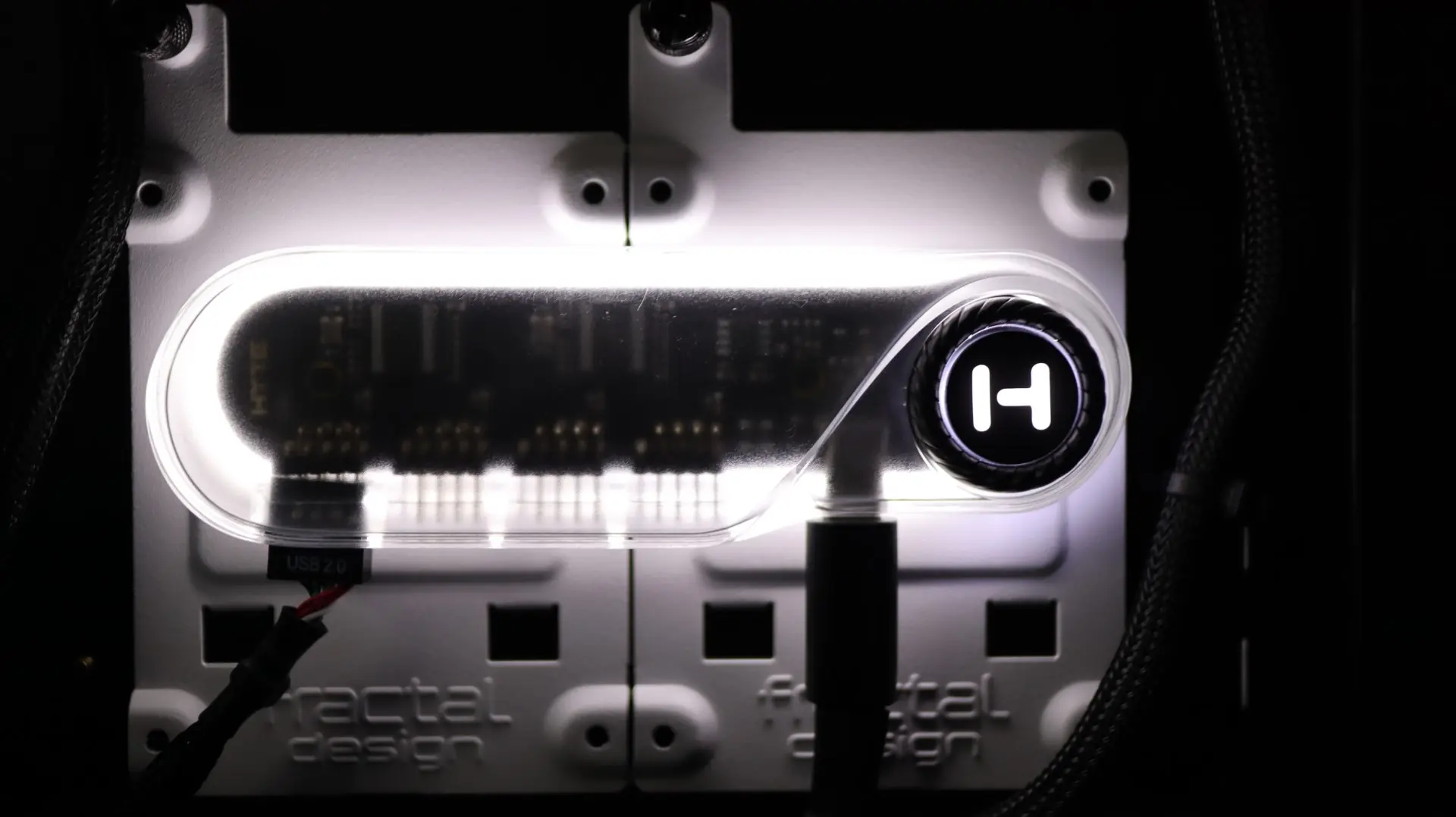
Oh, and as an added bonus, the hub is also illuminated via multiple internal white LEDs. These LEDs not only give a bit of an underglow to the hub, but also illuminate the dial. I’m thinking that this feature will go mostly unnoticed on the back side of motherboard trays or down in power supply chambers, but some folks may opt to install the hub in a visible spot, giving off a nice glow. Unfortunately, the dial controls both the hub and its lighting, and you can’t manually adjust the lighting without powering off the whole hub. This would have been a nice feature to implement via HYTE’s own Nexus software.
Final Thoughts On the HYTE Powered USB Hub
There really isn’t much to go over as far as the HYTE Powered USB Hub goes – this is about as straightforward as a product gets, and it just works! This is a pretty niche product to be honest, and while there are a few other internal USB hubs available out there, HYTE does a great job of separating theirs from the rest of the pack via the looks, lighting, and power dial – all great features. The modern look of the body and lighting pairs nicely with the single USB Type-C connection, while the SATA power provides ample electricity to the hub and any connected devices. Of course that included combo cable also provides USB 2.0 connectivity to your motherboard, and enables the ability of the hub to provide a total of four USB 2.0 ports.
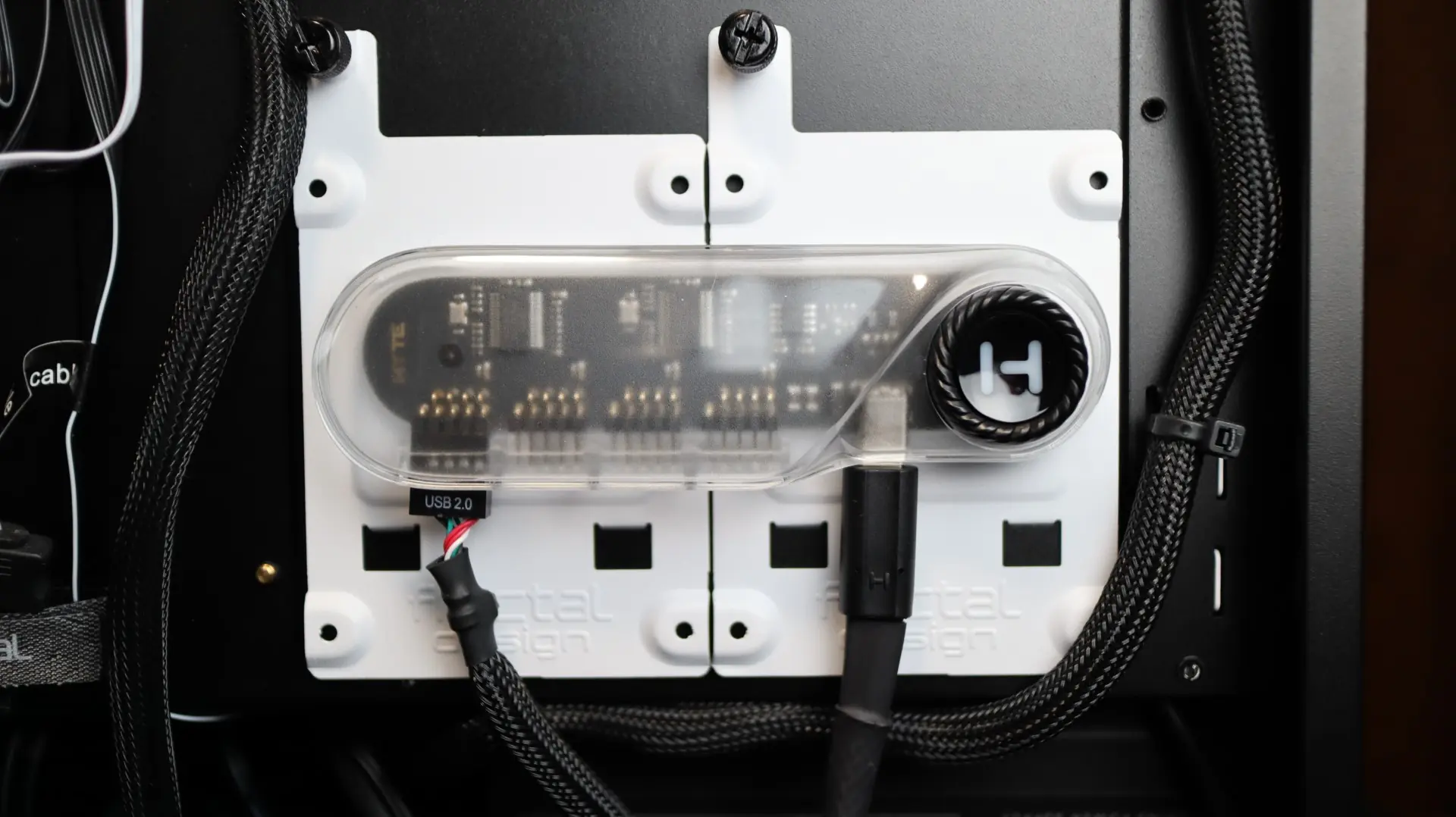
The only features I would have liked to see with this hub are independent control of the lighting that is separate from the On/Off dial, and HYTE Nexus software support. I think it would be really nice to be able to control the status of each port individually via software, making device reboots or connection resets without the need to interact with the device physically. Oh, and maybe make the lighting ARGB too.
Available from our favorite online retailer for $29.99, the HYTE Powered USB Hub can alleviate the headache of an underpowered internal USB 2.0 header, while also providing an option for future expansion. This is a product that is simple in function, but also elegant in design, earning it a 9 out of 10.

Pros:
- Easy Installation
- Easy USB 2.0 Expansion
- LED Lighting
- On/Off Dial
Cons:
- No Independent Lighting Control
- No HYTE Nexus Support