A Look Inside the HYTE X50 PC Case
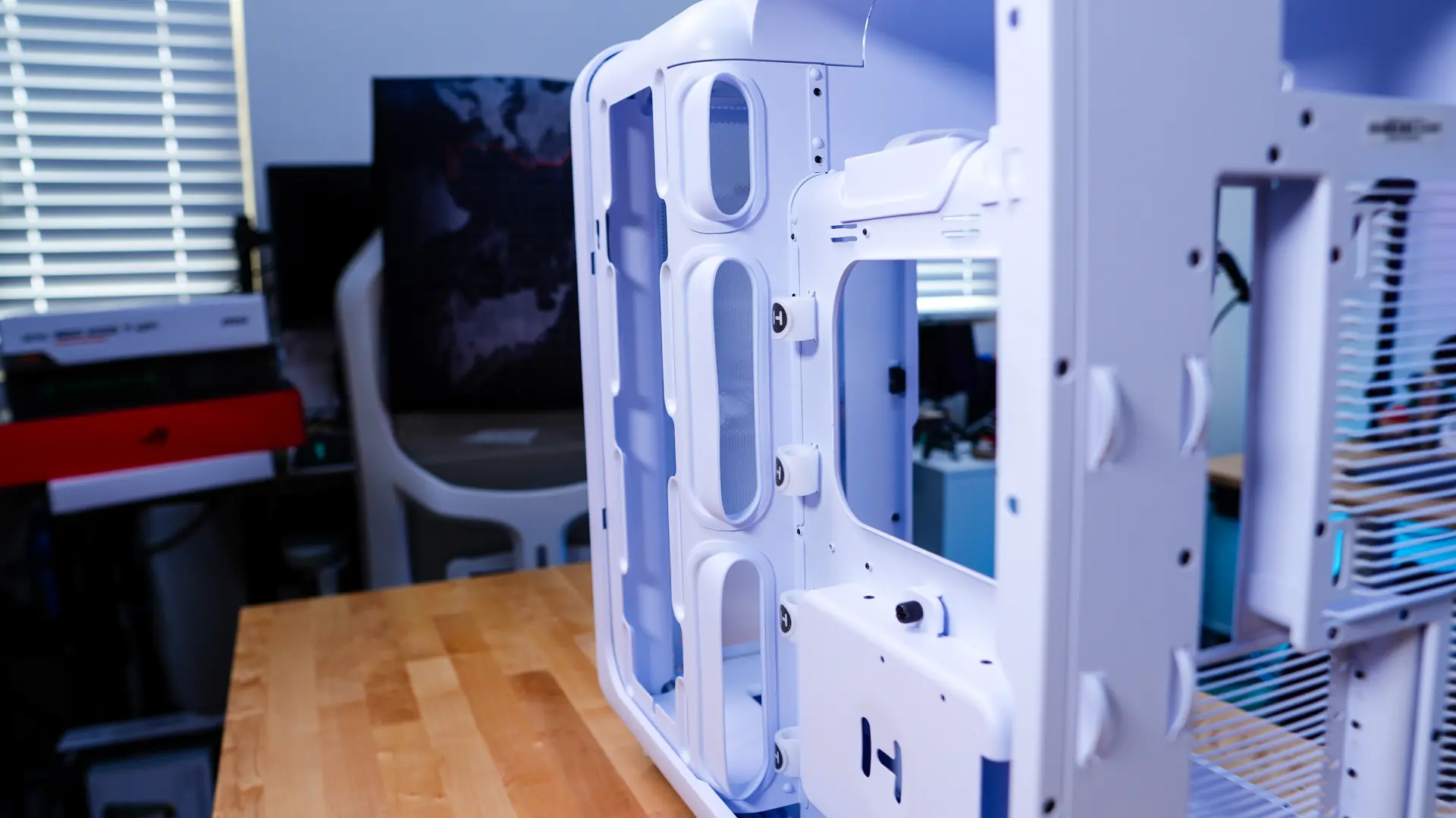
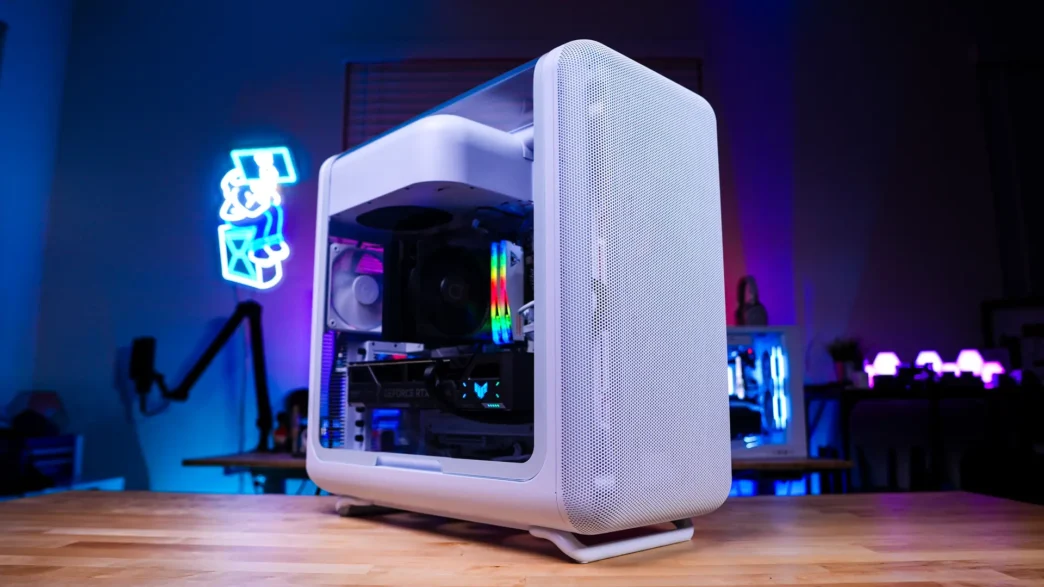
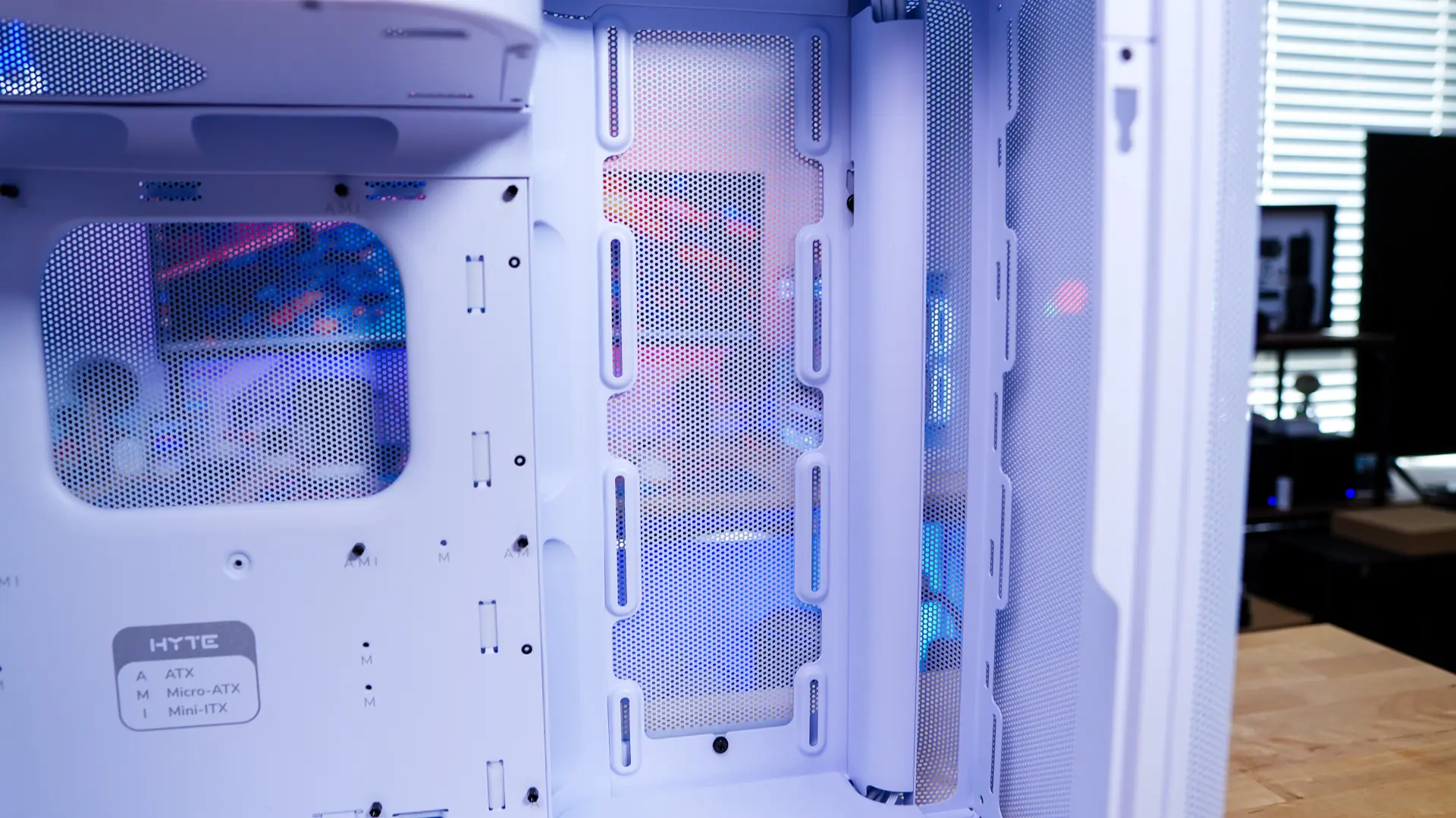
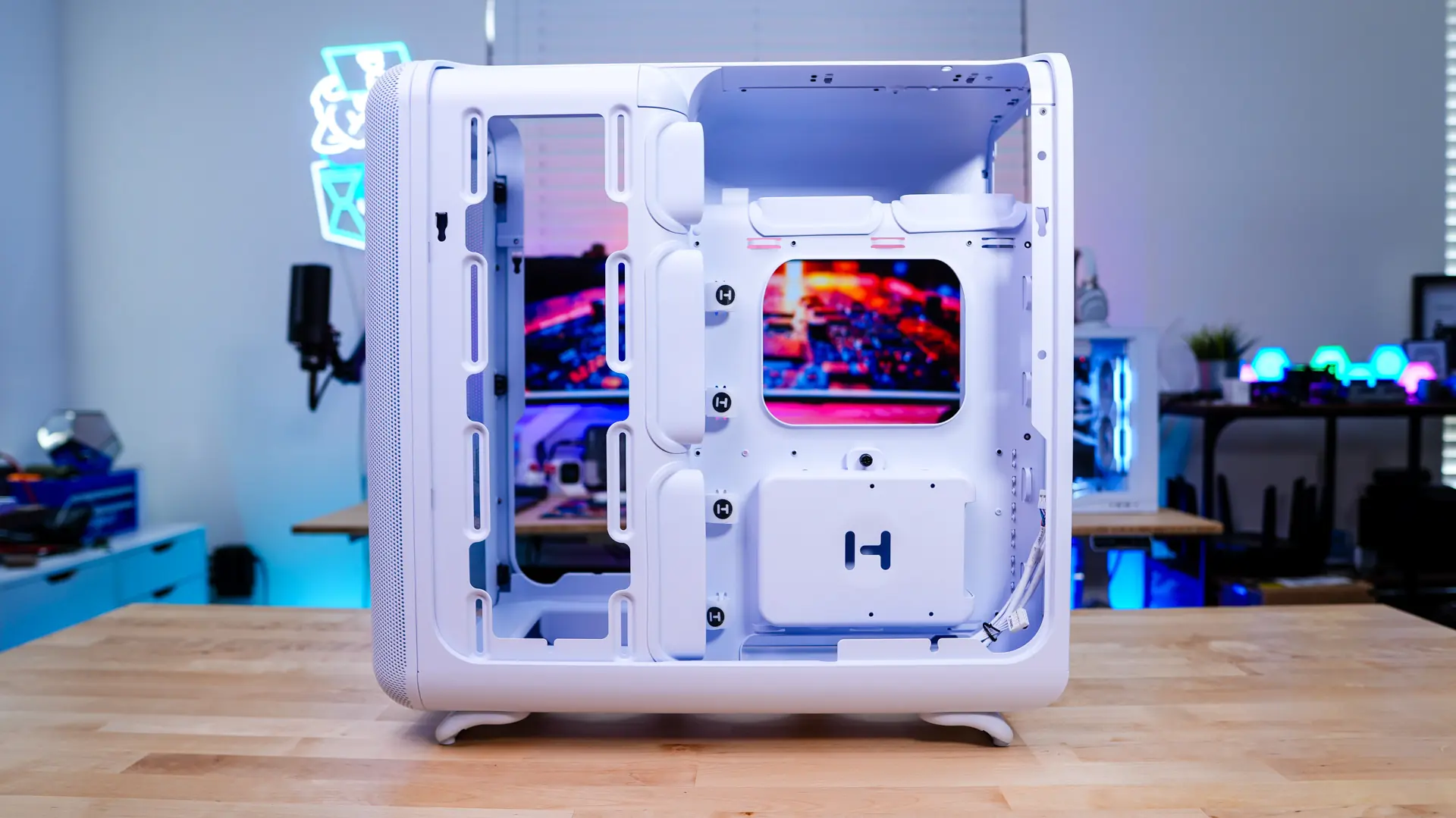
Getting inside the HYTE X50 is a bit different than other cases as it has the curved panels. On the main panel there is an opening towards the bottom. You simply pull up on that and the panel will release. I was actually surprised at how easy the panel came off. With the panel removed we can get a look into the case and see that we have a pretty open layout with exception of the power supply compartment at the top of the case.
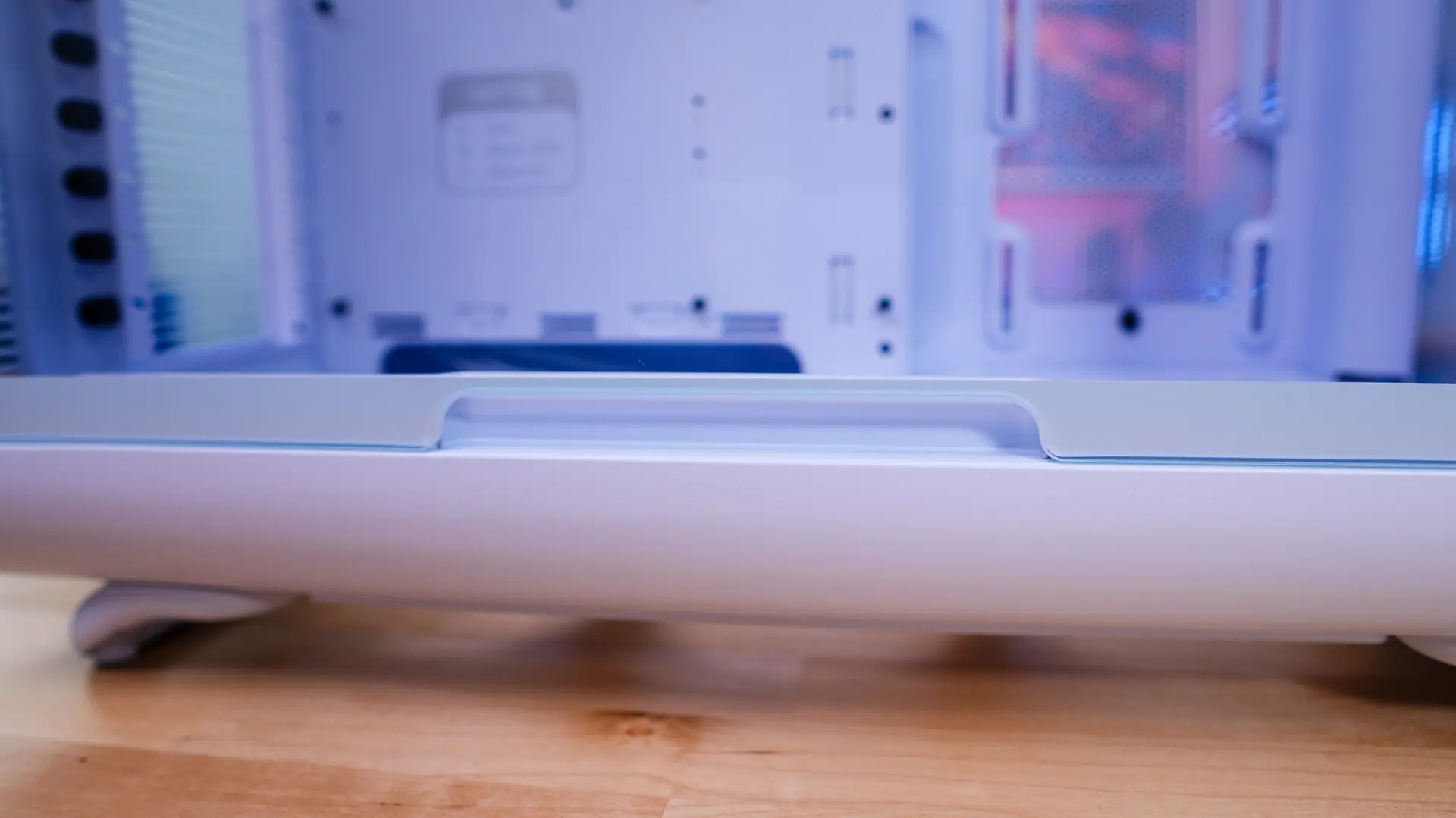
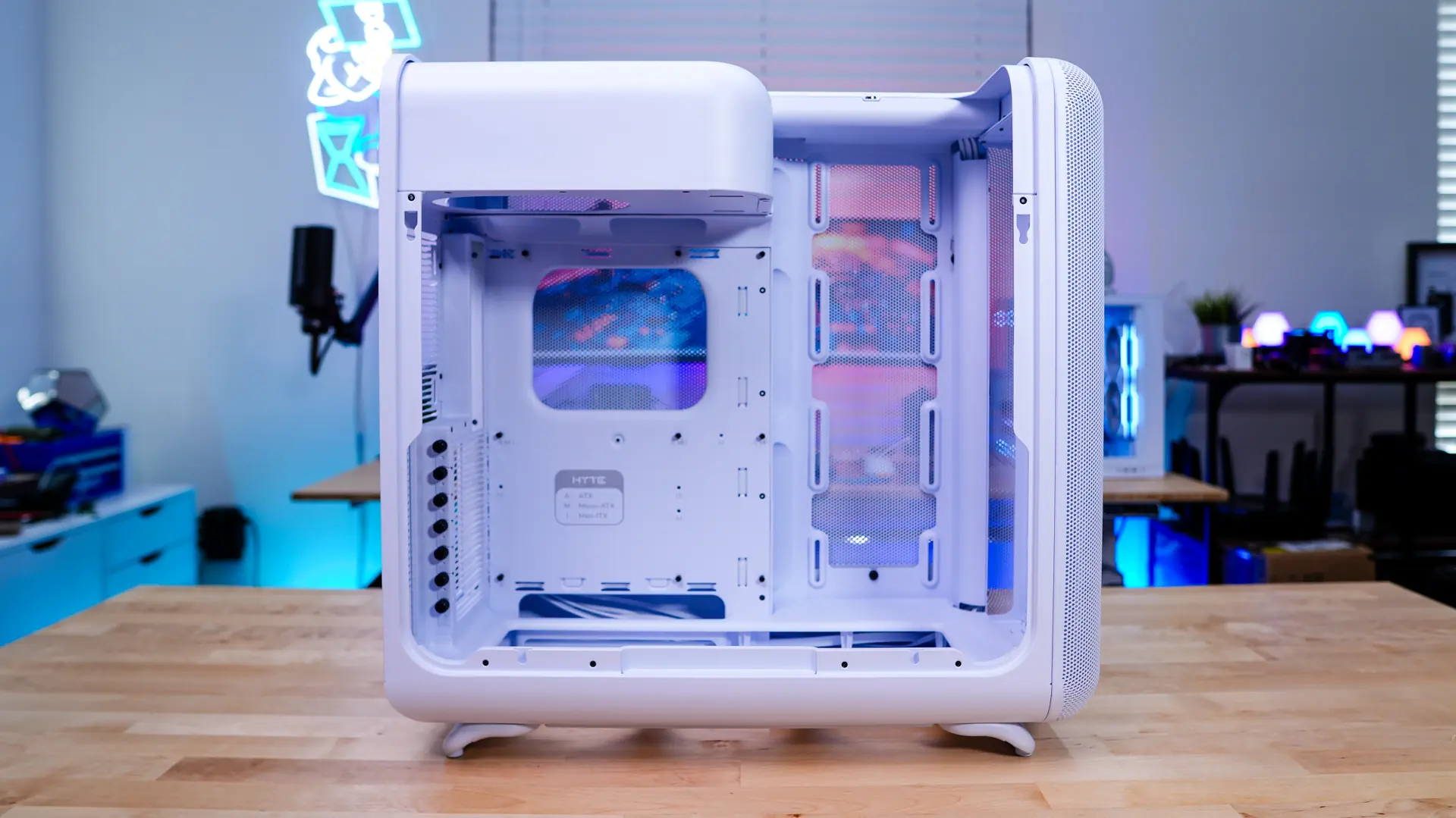
Looking at the motherboard tray we have support for E-ATX (up to 10.6”), ATX, MATX, and ITX motherboards. Sadly there is not back-connect motherboard support. There are large cable routing holes all around the motherboard which is great to see.
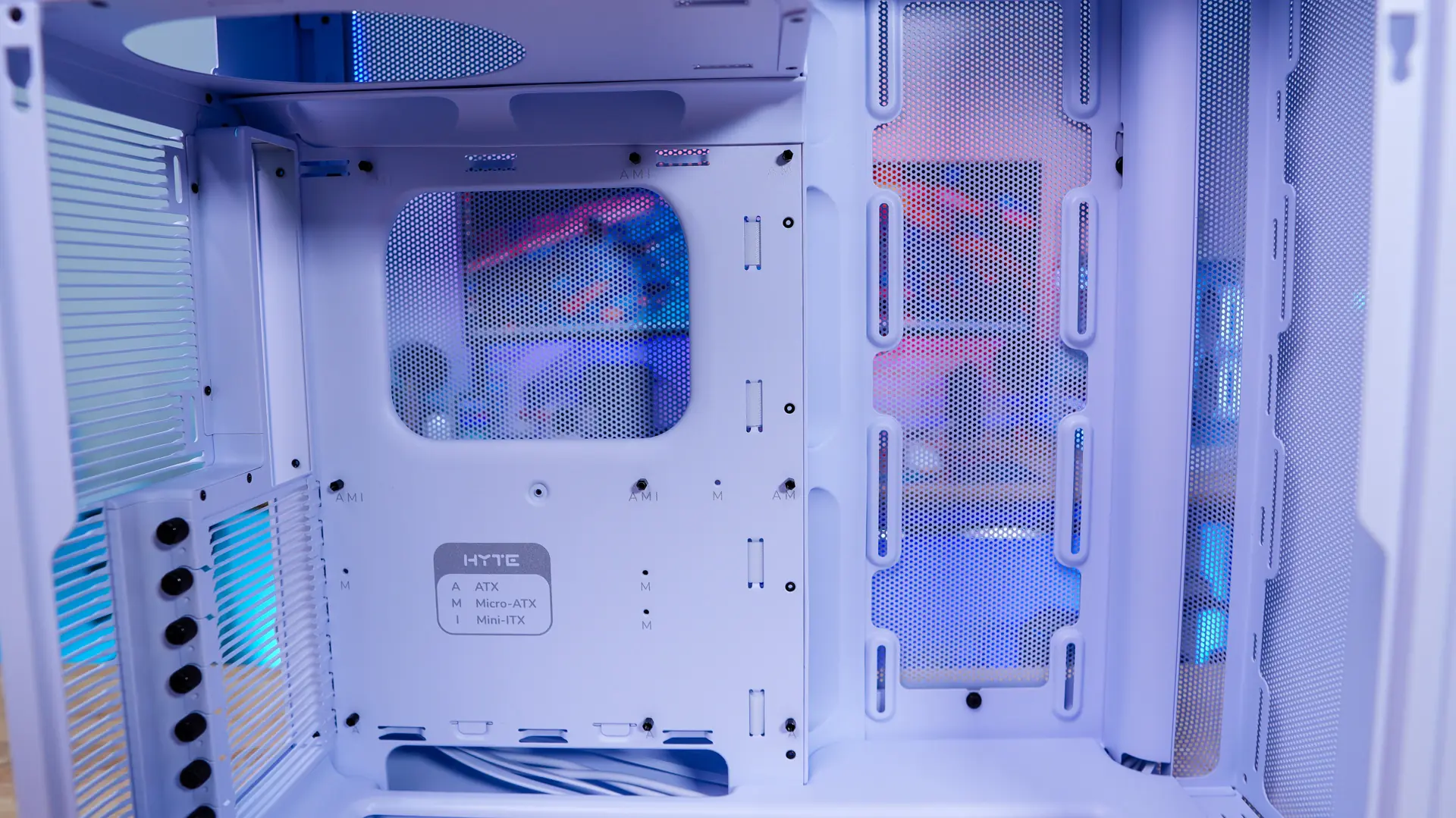
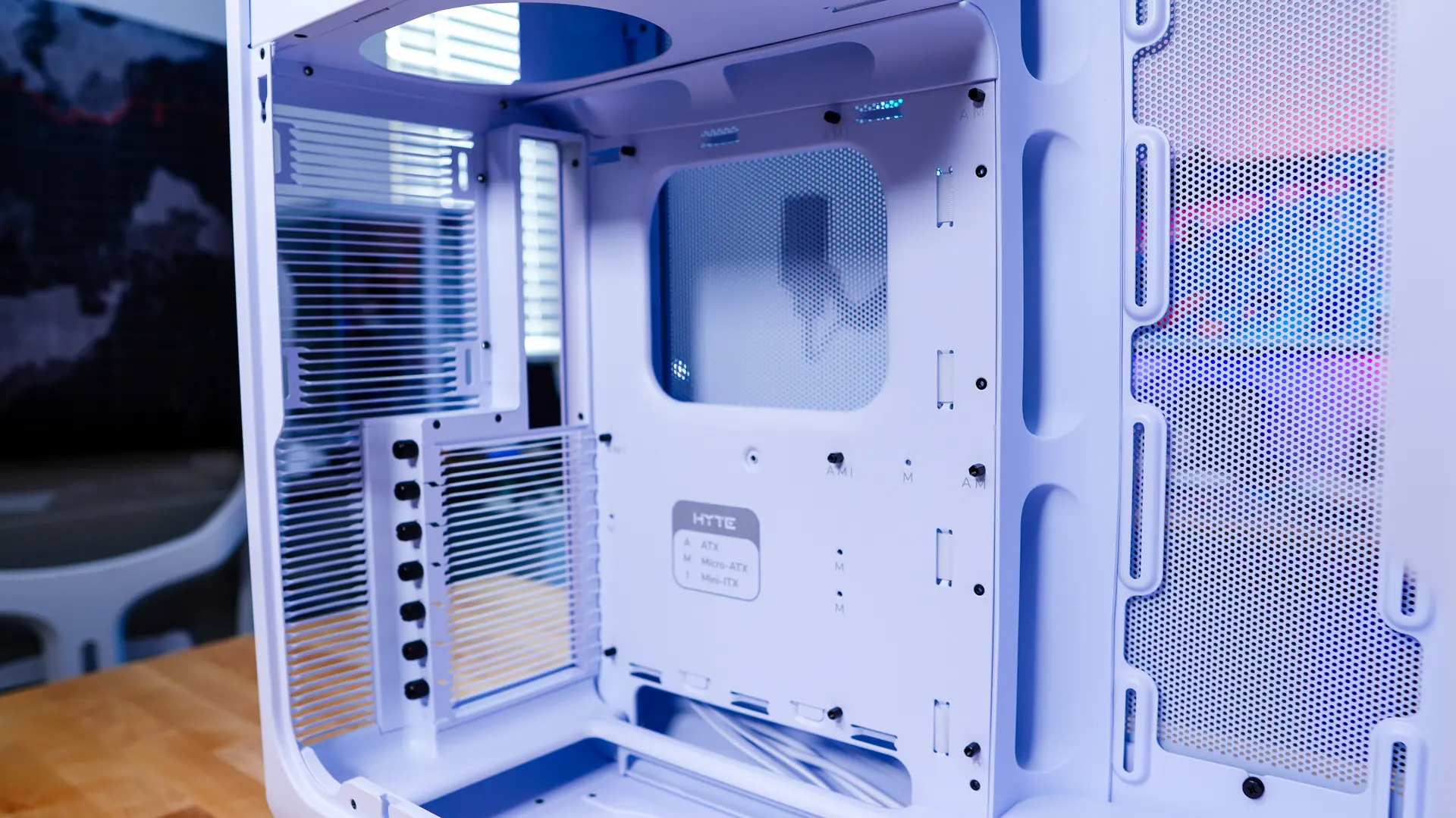
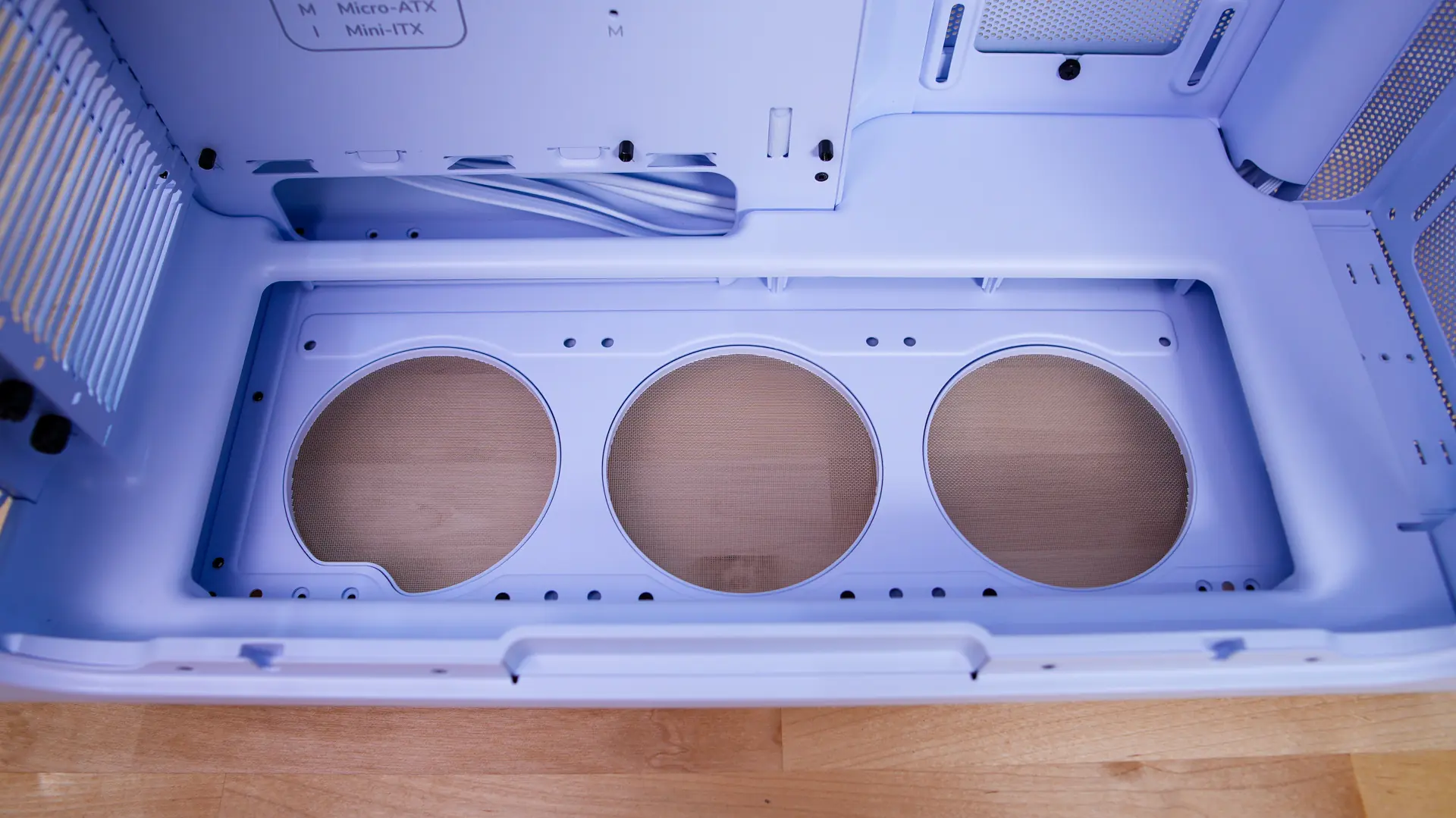
Towards the front of the case we find a side-mount cooling backet which supports three 120mm fans as well as radiators up to 360mm (70mm thick). We also have bottom-mount cooling, which is actually in the floor of the bottom of the case. I really like this compared to other cooling mounts that are essentially just the bottom of the case. This gives a more hidden look and of course gives you more room for expansion cards. This mount also supports three 120mm fans.
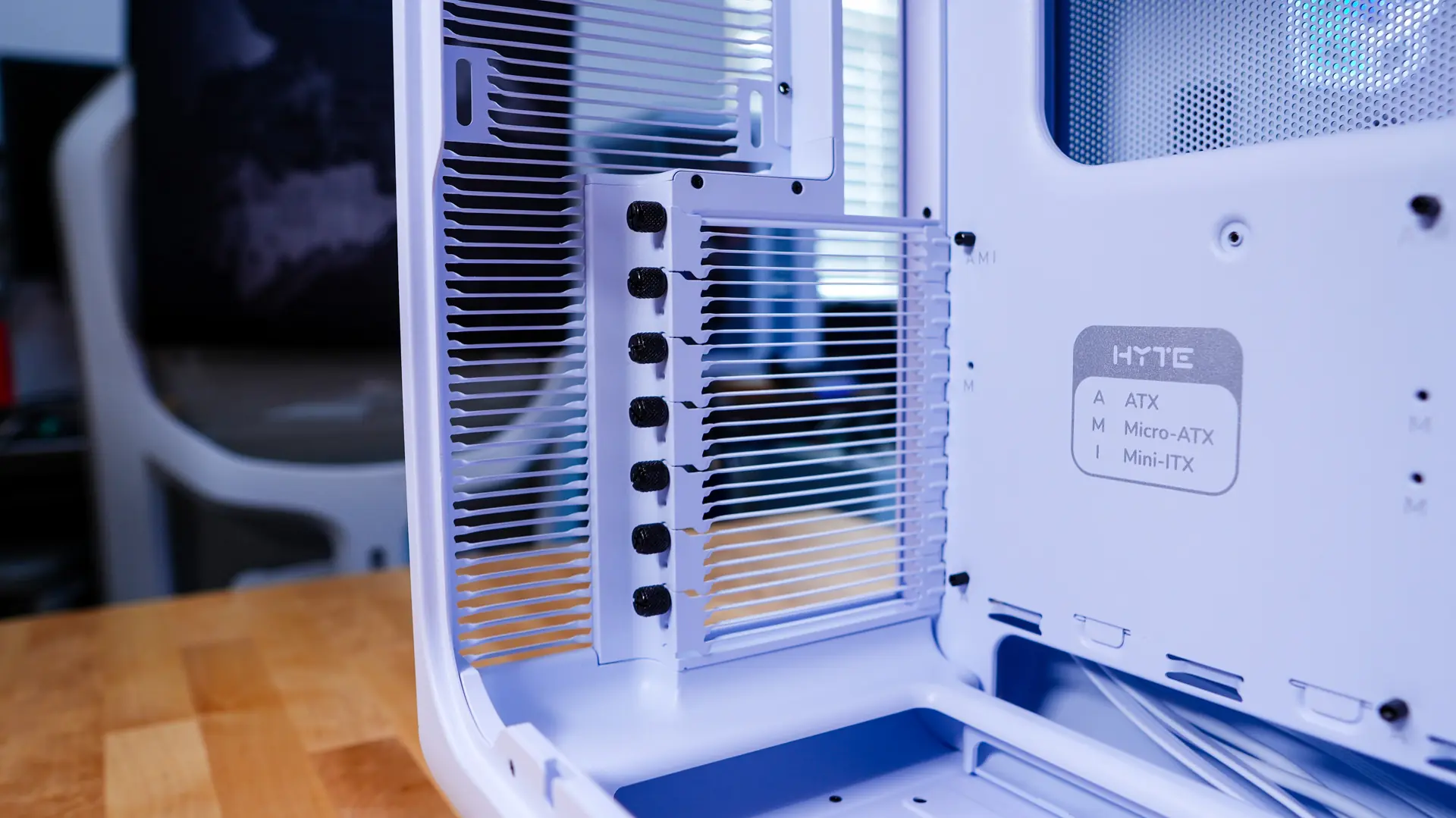
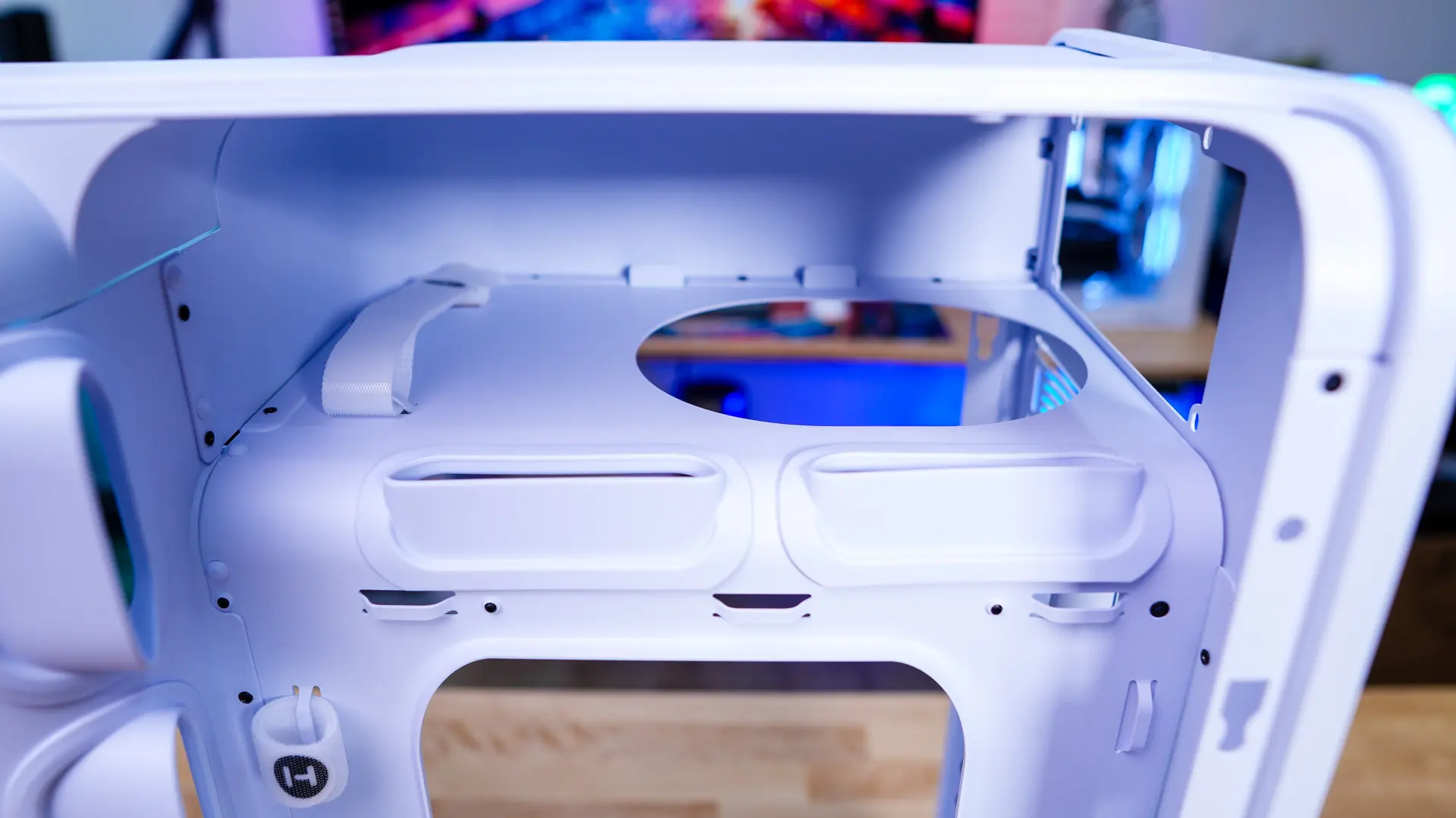
At the back of the case we have our seven expansion slot covers, which are held into place with thumbscrews. These also have the louvered blade design on them. Looking up to the power supply compartment we can see there is a big circular hole in it for your power supply fan.
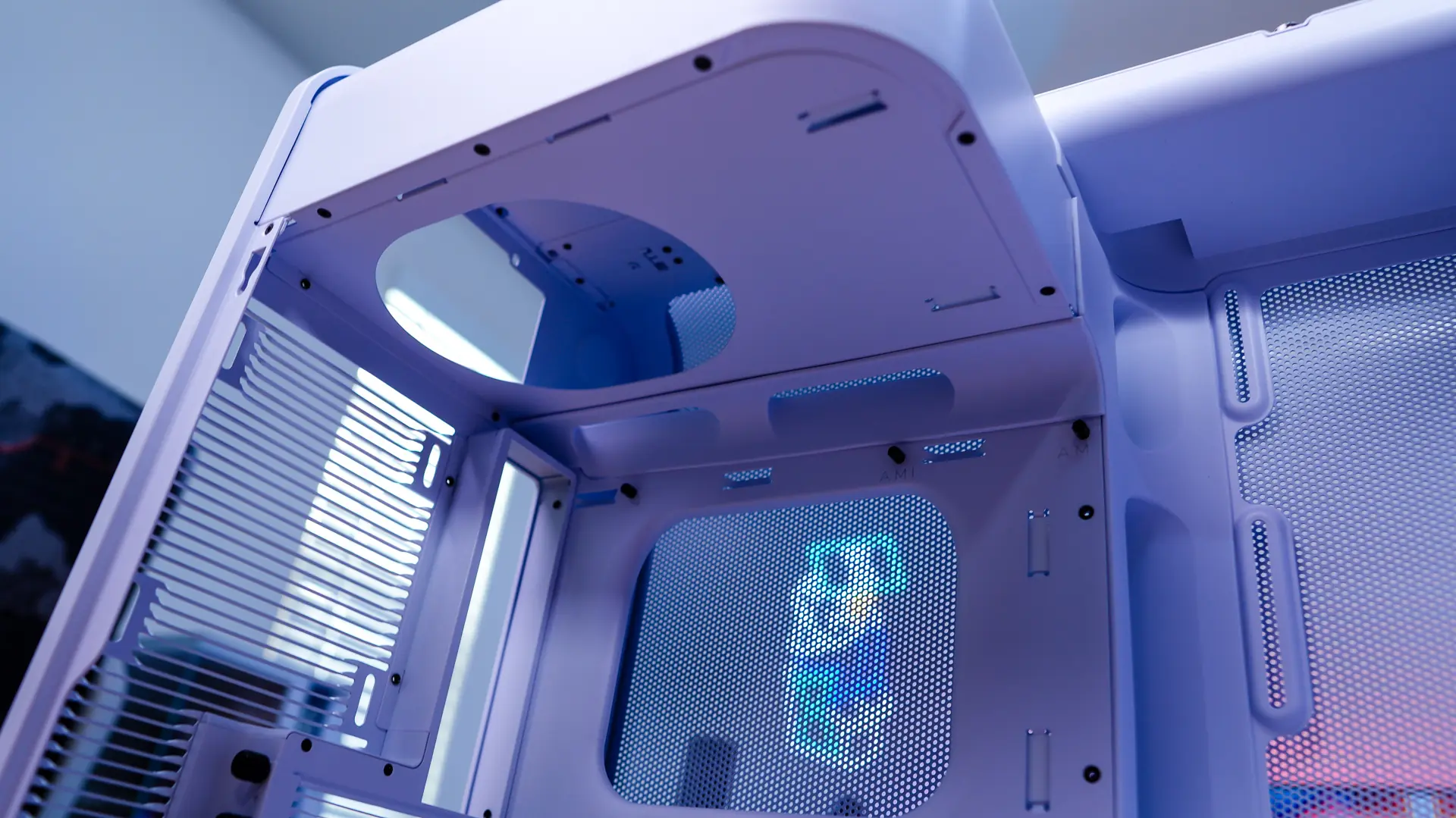
The opposite side panel can be removed just like the main panel. With it removed we can get see how the rest of the case is designed. At the top we of course have that power supply compartment. Here we can fit ATX power supplies up to 223mm and we can see a tie-down strap and two large cable routing holes.
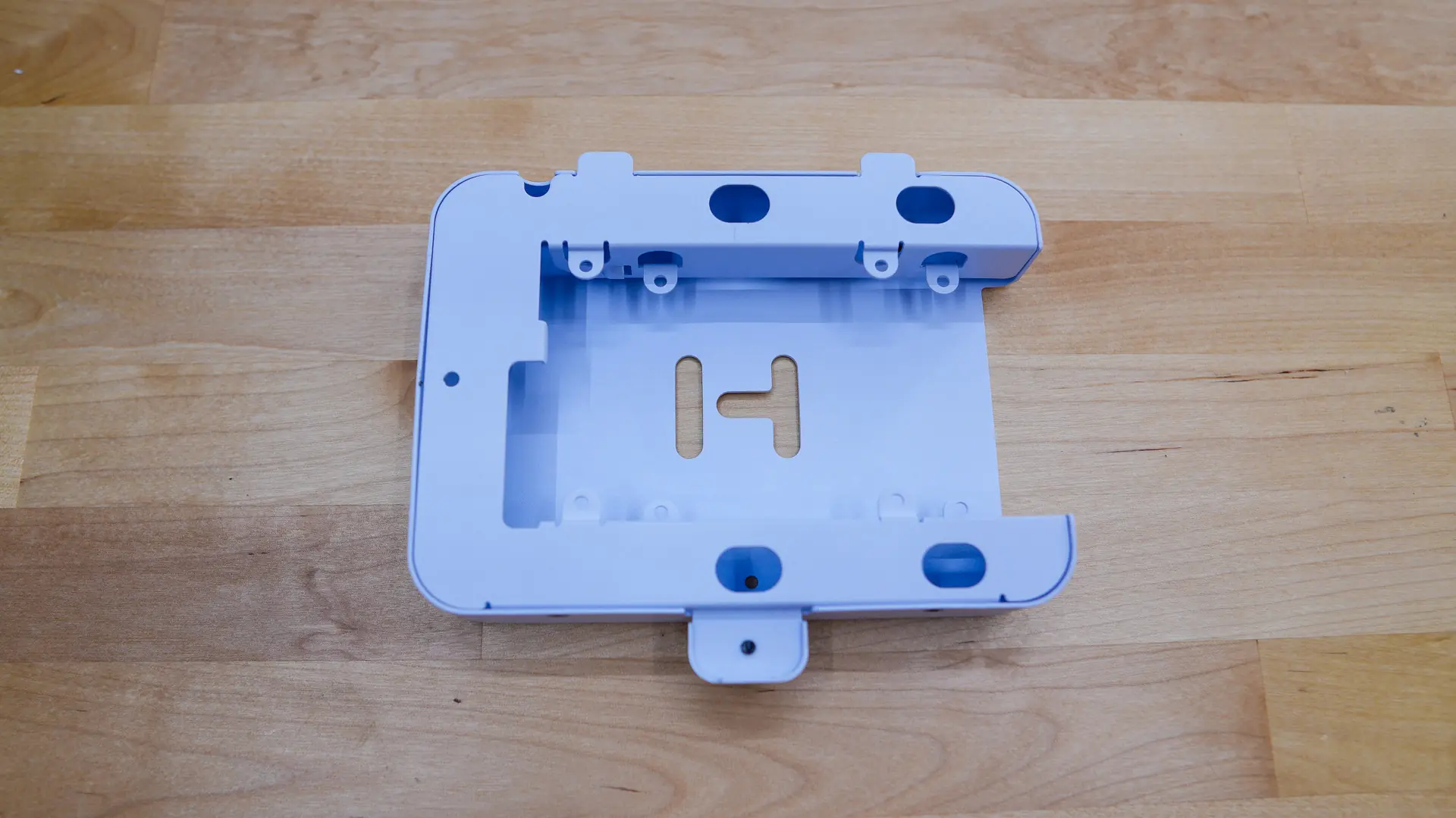
Moving down we find four velcro straps for cable organization on the back of the motherboard tray and then there is a removable storage bracket. This bracket will support a single 3.5-inch drive as well as two 2.5-inch drives.
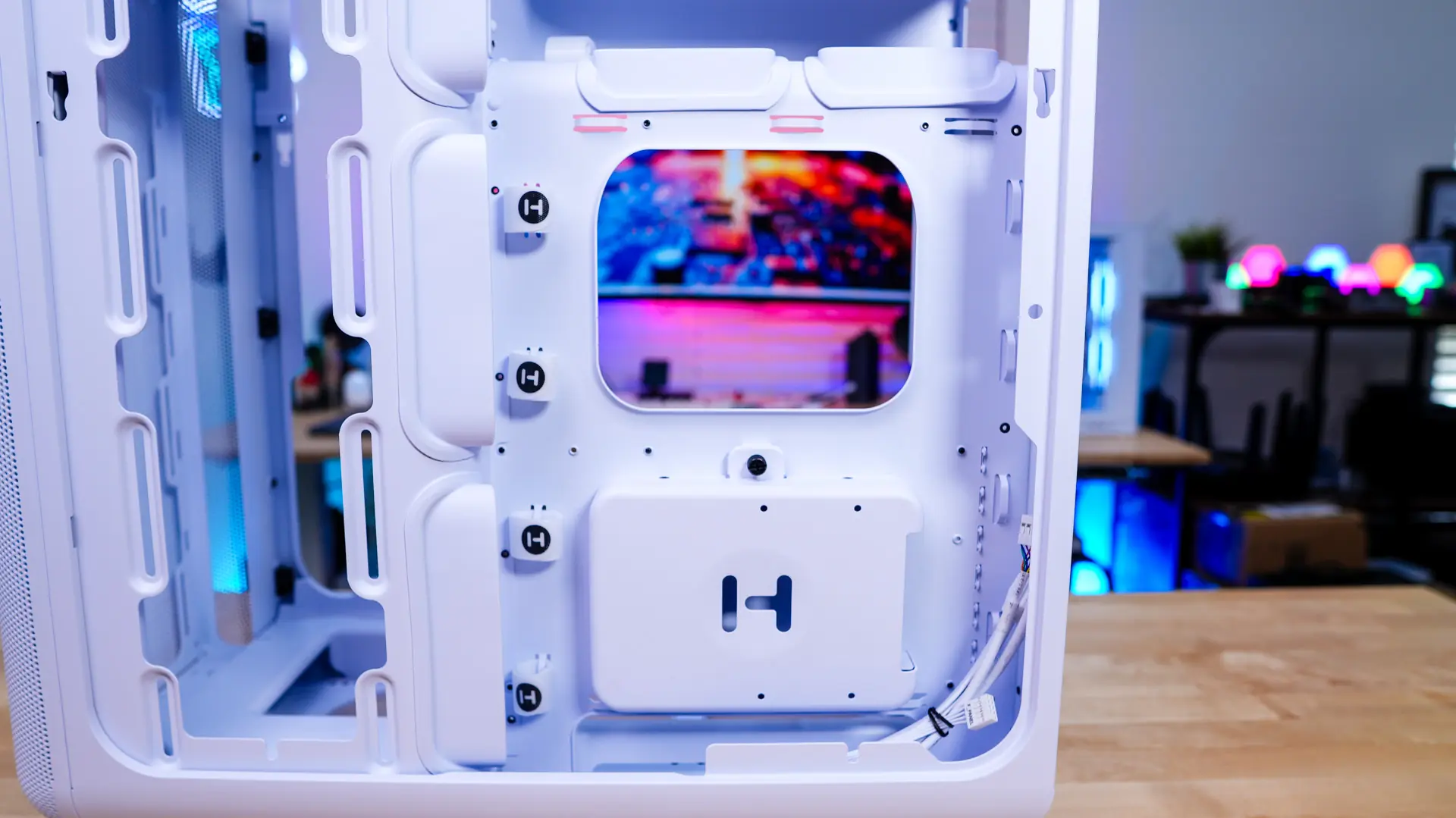
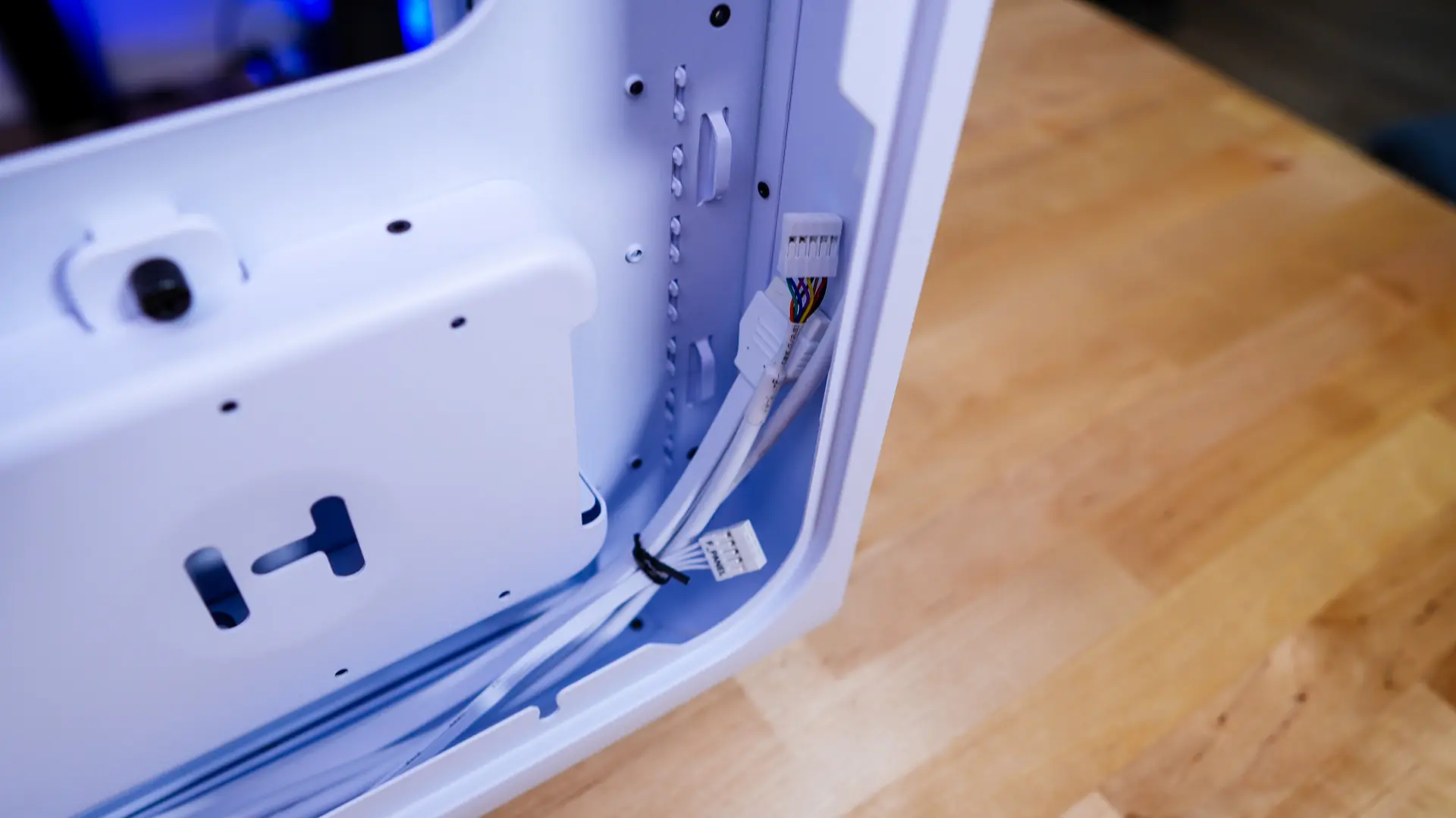
As we look towards the front of the case we find our cable routing holes, which have large rubber inserts installed in them. These actually have a sort of large lip on them, which helps direct your cables and should make the process of routing your cables much easier. The built-in cables coming from the top of the case are all white which is nice to see. These cables include a front panel connector, USB 3.0 connector, USB-C connector, and a front panel audio connector.